

Dots
Nothing here but Dotfiles & Customization 💫
- [🌿 Windows Manager](): - [🍚 HyprLand](#hypr) - [🍙 GNOME](#gnome) - [👽 Terminal](): - **☄ Emulator**: - [kitty 😽](https://sw.kovidgoyal.net/kitty/) - [Alacritty](https://alacritty.org/) - [🌌 Shell](#shell): - [Oh My Zsh](https://ohmyz.sh/#install) - **Plugin Manager**: [Zap](https://www.zapzsh.org/) - **🤖 Prompt**: [StarShip Prompt 🚀](https://starship.rs/guide/#%F0%9F%9A%80-installation) The project is written primarily in CSS, distributed under the GNU General Public License v3.0 license, first published in 2022. It has gained significant community traction with 1,711 stars and 84 forks on GitHub. Key topics include: arch, customization, dotfiles, eww, eww-config.
<a href="https://github.com/iamverysimp1e/dots/blob/main/LICENSE">
<img alt="License" src="https://img.shields.io/github/license/iamverysimp1e/dots?style=for-the-badge&logo=starship&color=A1C999&logoColor=D9E0EE&labelColor=252733" />
</a>
<a href="https://github.com/iamverysimp1e/dots/issues">
<img alt="Issues" src="https://img.shields.io/github/issues/iamverysimp1e/dots?style=for-the-badge&logo=bilibili&color=5E81AC&logoColor=D9E0EE&labelColor=252733" />
</a>



Contents 📚:
👻 Don't blindly use my setup. Use at your own risk!!!
Overview 🎑
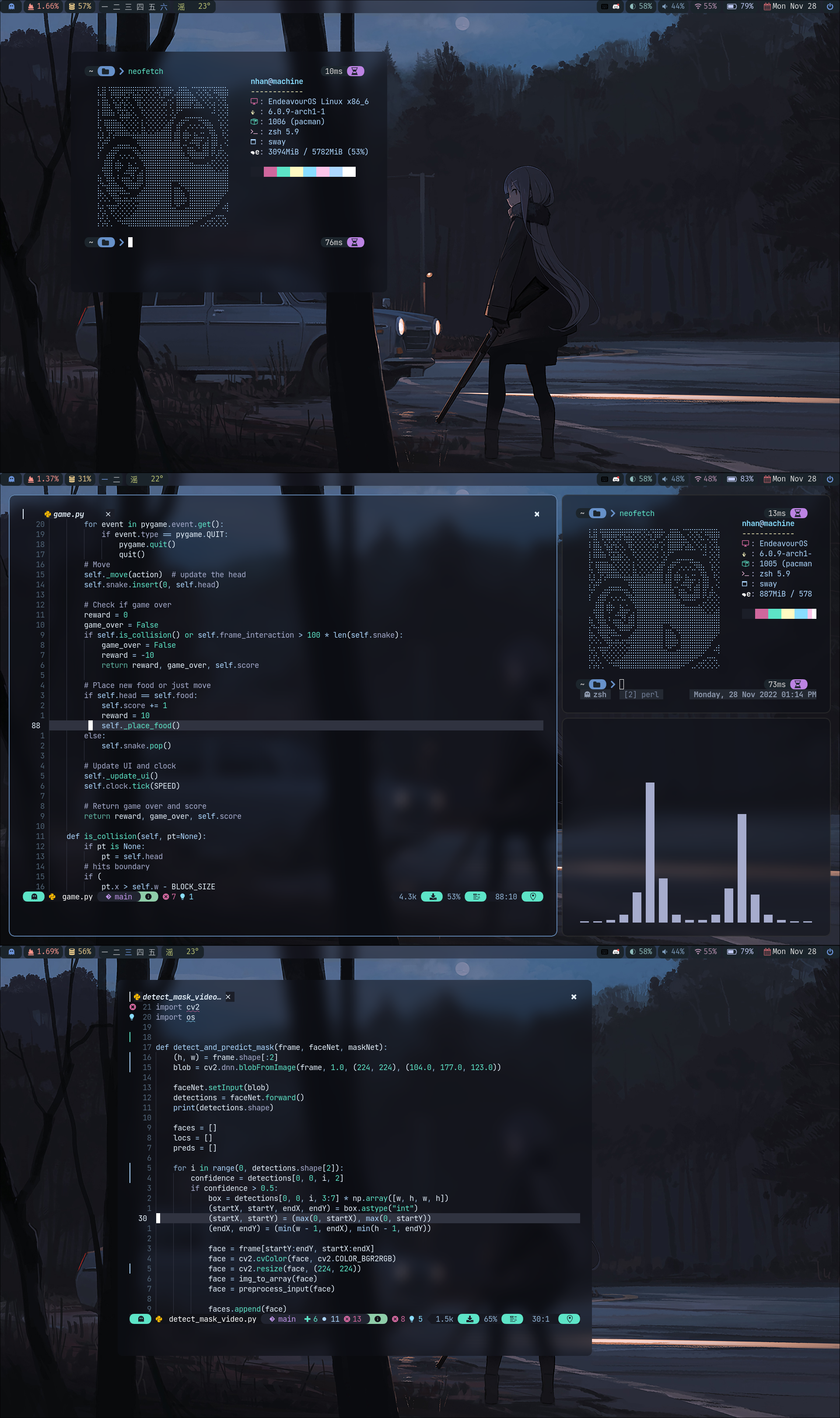
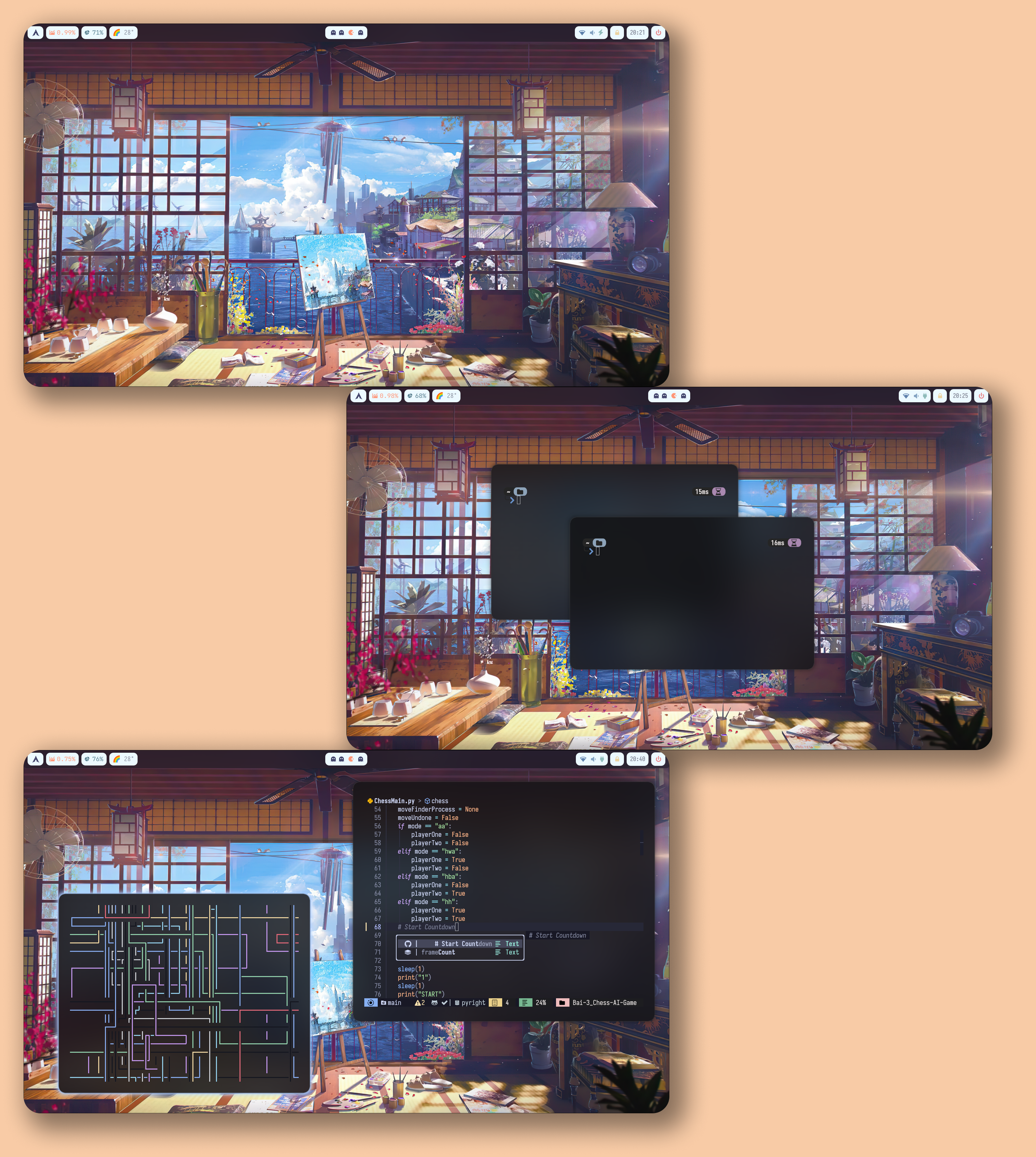
Hyprland 🍚<a name = "hypr"></a>:
Late Night🌃
Balcony🚊

Summer☀️
Credits
Thanks to:
</blockquote></details>GNOME 🍙<a name = "gnome"></a>:
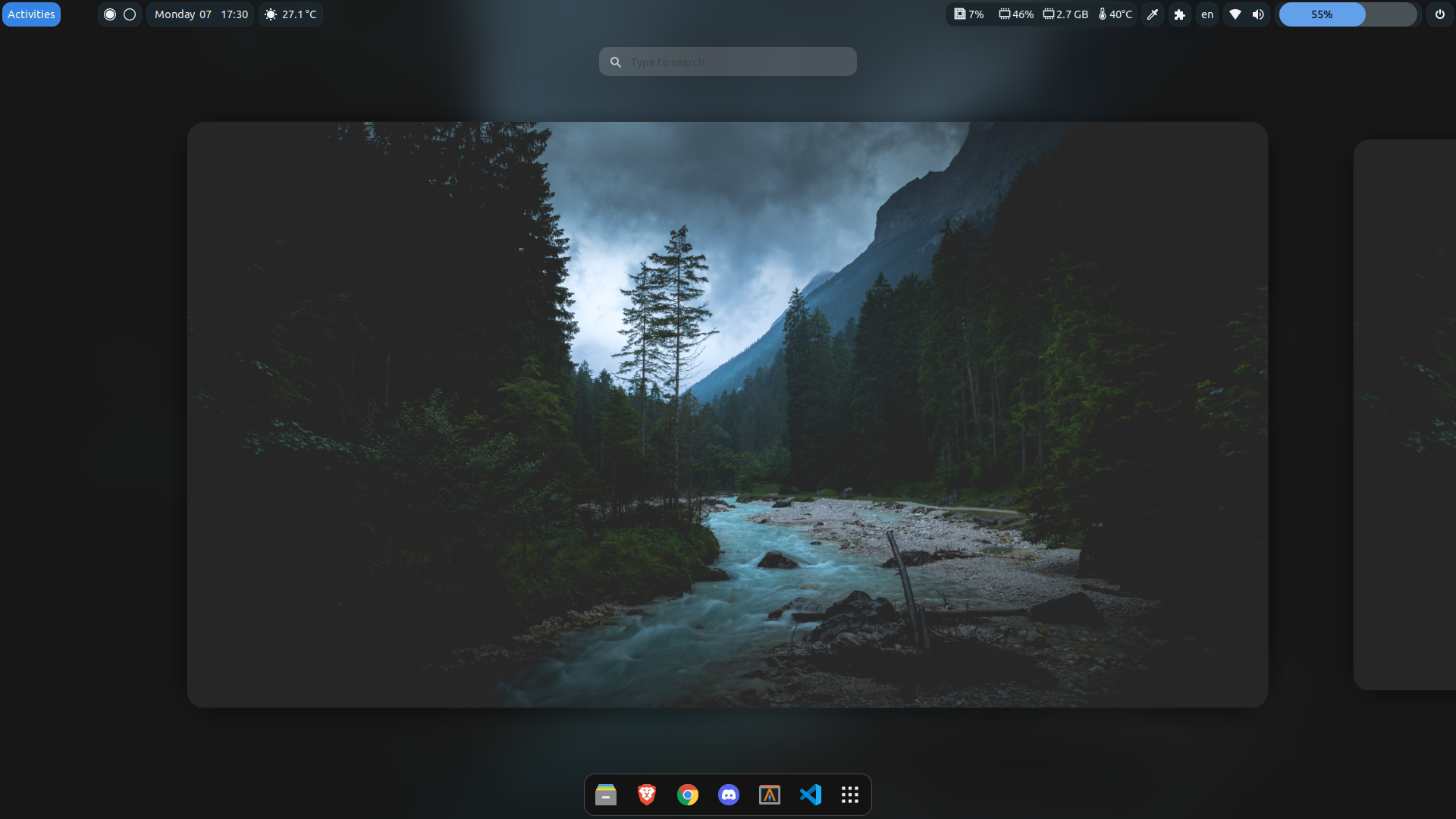
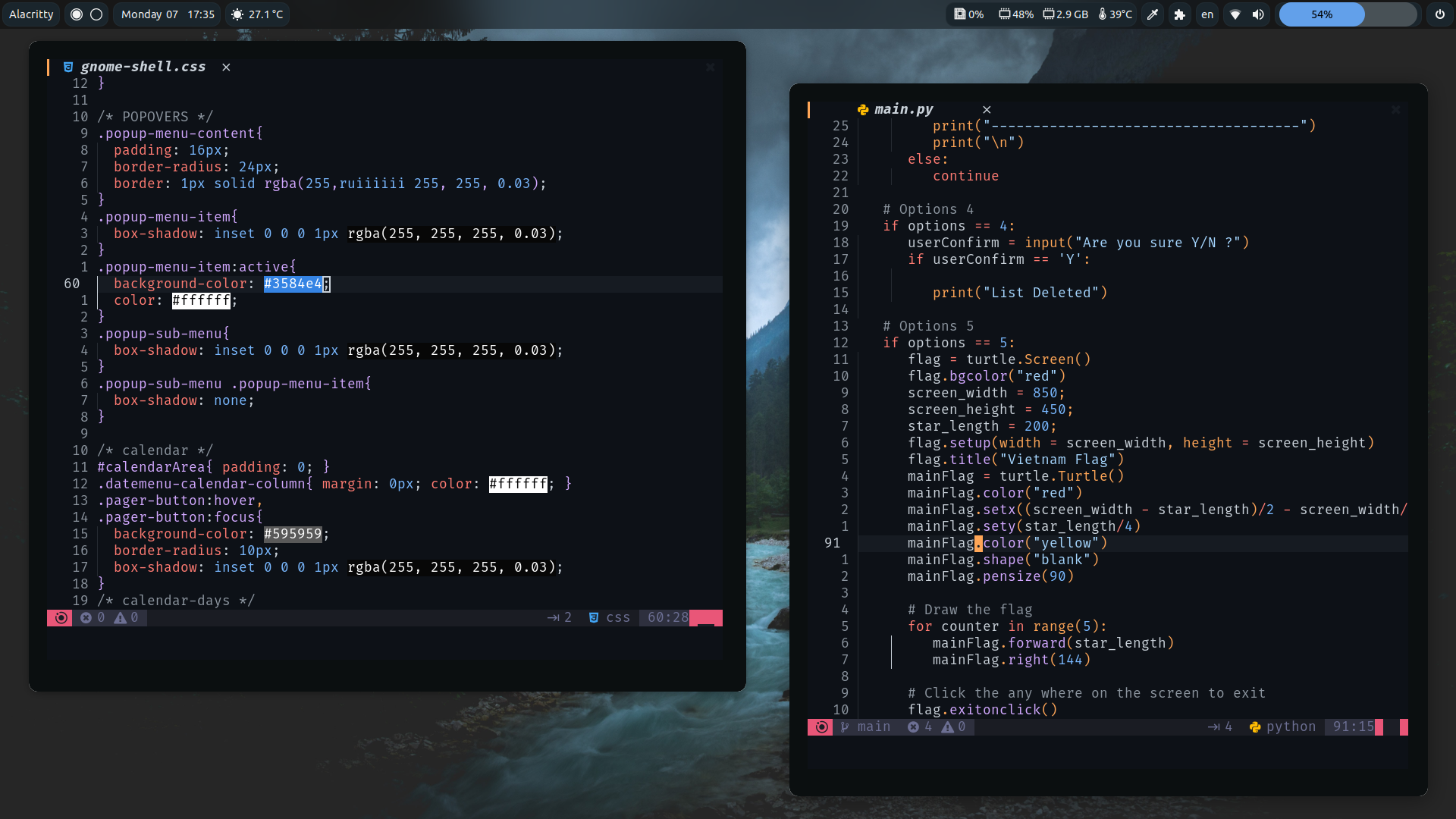
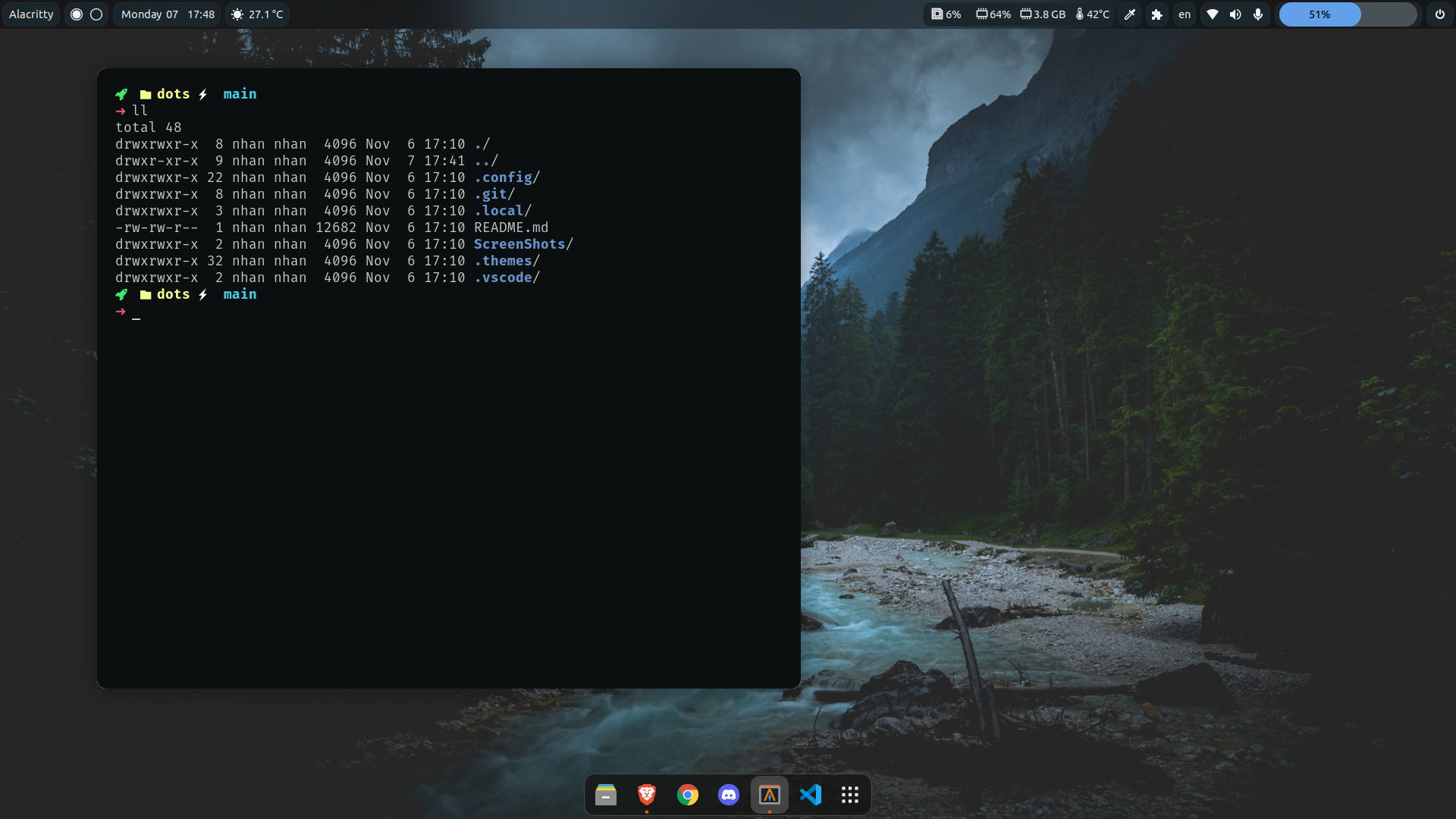
-
GTK Themes: Based on AestheticStuff by Rxyhn
-
GTK Icons:Papirus icons
-
Mutter Rounded (Optional): Windows manager for GNOME (for blur windows effect)
-
-
Aylur's Widget: Beautiful Plugins with customizable bar
-
Blur My Shell: Blur the gnome shell
-
User Themes: Load shell themes from user directories
-
Color Picker: The simple color picker for gnome shell
-
Compiz alike magic lamp effect: Magic lamp effect alike the macOS minimize effect
-
Extension List: A Simple Gnome shell extension manager in the top panel
-
Just Perfection: SImple tweak tools to customize the gnome shell and disable some UI Features
-
Open Weather: A simple weather app for gnome shell
-
Sound Input & Output Device Chooser:Shows a list of sound output and input devices (similar to gnome sound settings) in the status menu below the volume slider.
-
Unite: Remove the title bars of the windows for the minimalist in windows
-
Vitals: A simple system monitor on the top bar
-
gtk title bar:remove title bar for non-gtk apps with minimal inference
-
Rounded Window Corners: Rounded corners for all windows
-
Bar (based on smooth by Aylur Themes ):
DISCLAIMER ⚠️: This bar color mod is still in progress and some color sections may not appear correctly if you want to contribute really grateful about that !
- Install all of the Extensions above then copy .themes to ~/.themes
- Open Gnome tweaks -> Appearance -> Shell -> Choose Smooth
-
-
Gnome tweaks (for apply themes and icons ) installation:
</blockquote></details> </blockquote></details>fishsudo apt update && sudo apt upgrade sudo apt install gnome-tweaks
Contributors
Showing top 2 contributors by commit count.


Related Repositories

Morganamilo/paru
Feature packed AUR helper

adi1090x/rofi
A huge collection of Rofi based custom Applets, Launchers & Powermenus.

prasanthrangan/hyprdots
// Aesthetic, dynamic and minimal dots for Arch hyprland

archlinux/archinstall
Arch Linux installer - guided, templates etc.

spiritLHLS/ecs
VPS 融合怪服务器测评项目 更推荐使用无环境依赖的Go版本 VPS Fusion Monster Server Test Script – More recommended to use the Go version with no environment dependencies: https://github.com/oneclickvirt/ecs

MycroftAI/mycroft-core
Mycroft Core, the Mycroft Artificial Intelligence platform.