

App
App for multibooting easily 📱
Android Boot Manager is an Android app and a couple of bootloader modifications, which are all based on a library called droidboot_gui. Additionally, there are scripts that automate patching operating systems created by third parties to work in the multi-boot environment. The project is written primarily in Kotlin, distributed under the GNU General Public License v3.0 license, first published in 2020. Key topics include: android-application, android-boot, dualboot.
What is it?
Android Boot Manager is an Android app and a couple of bootloader modifications, which are all based
on a library called droidboot_gui. Additionally, there are scripts that automate patching operating
systems created by third parties to work in the multi-boot environment.
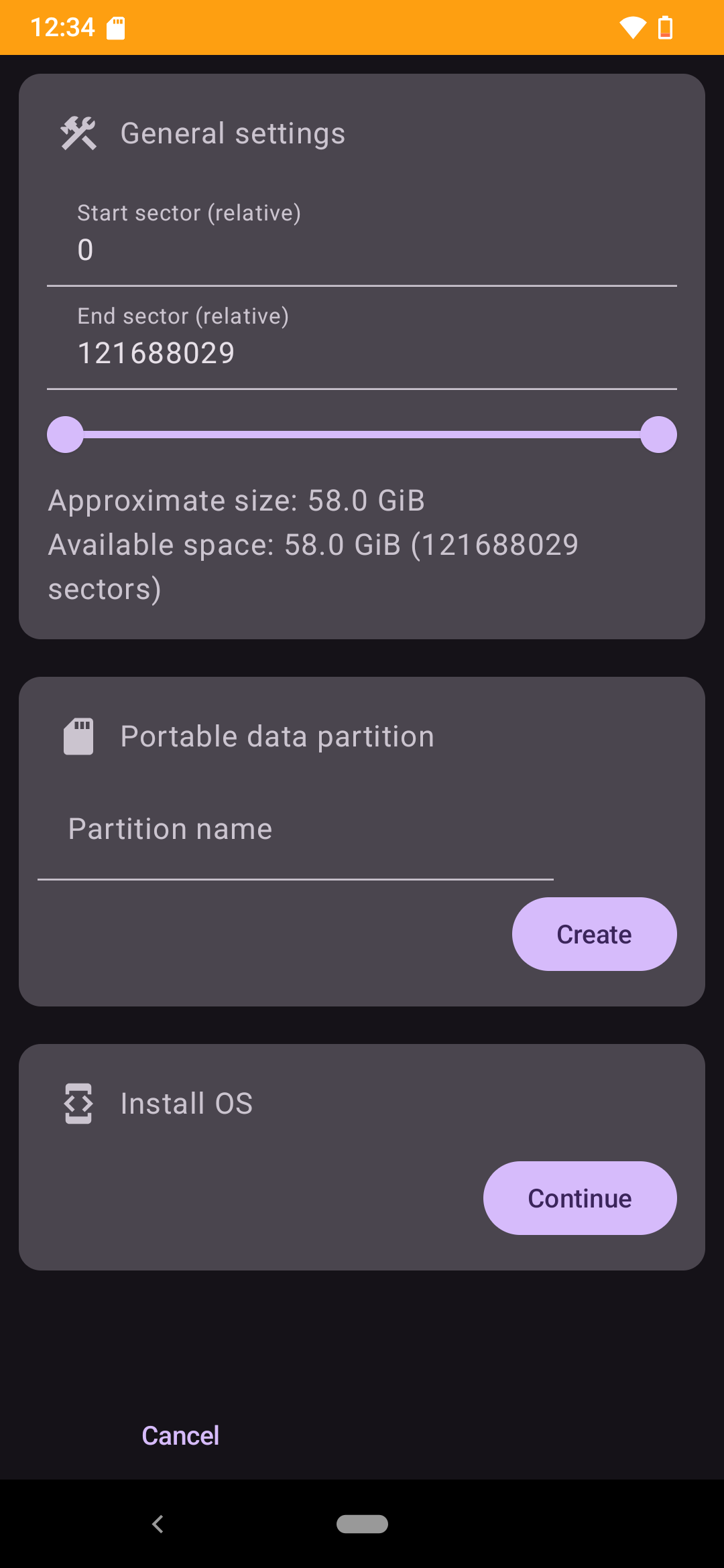
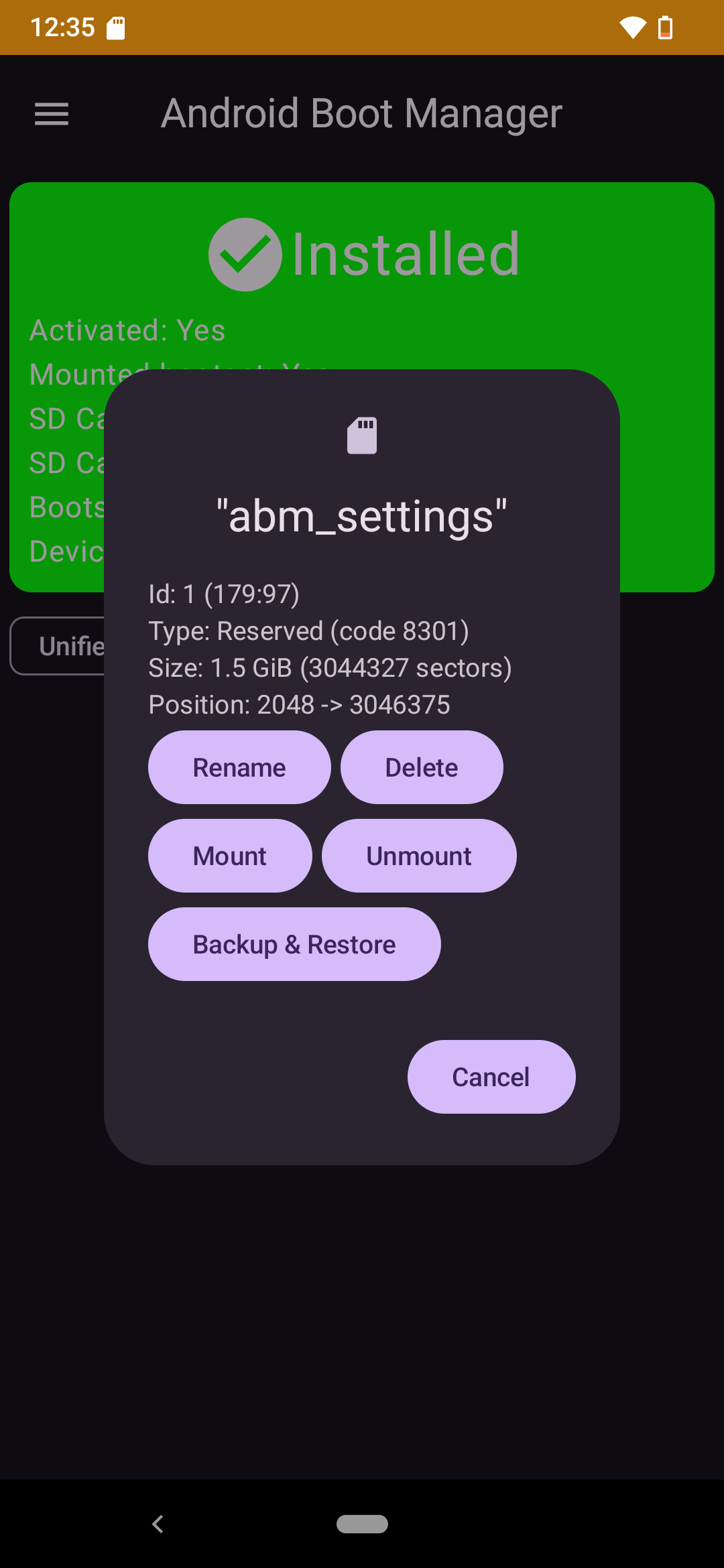
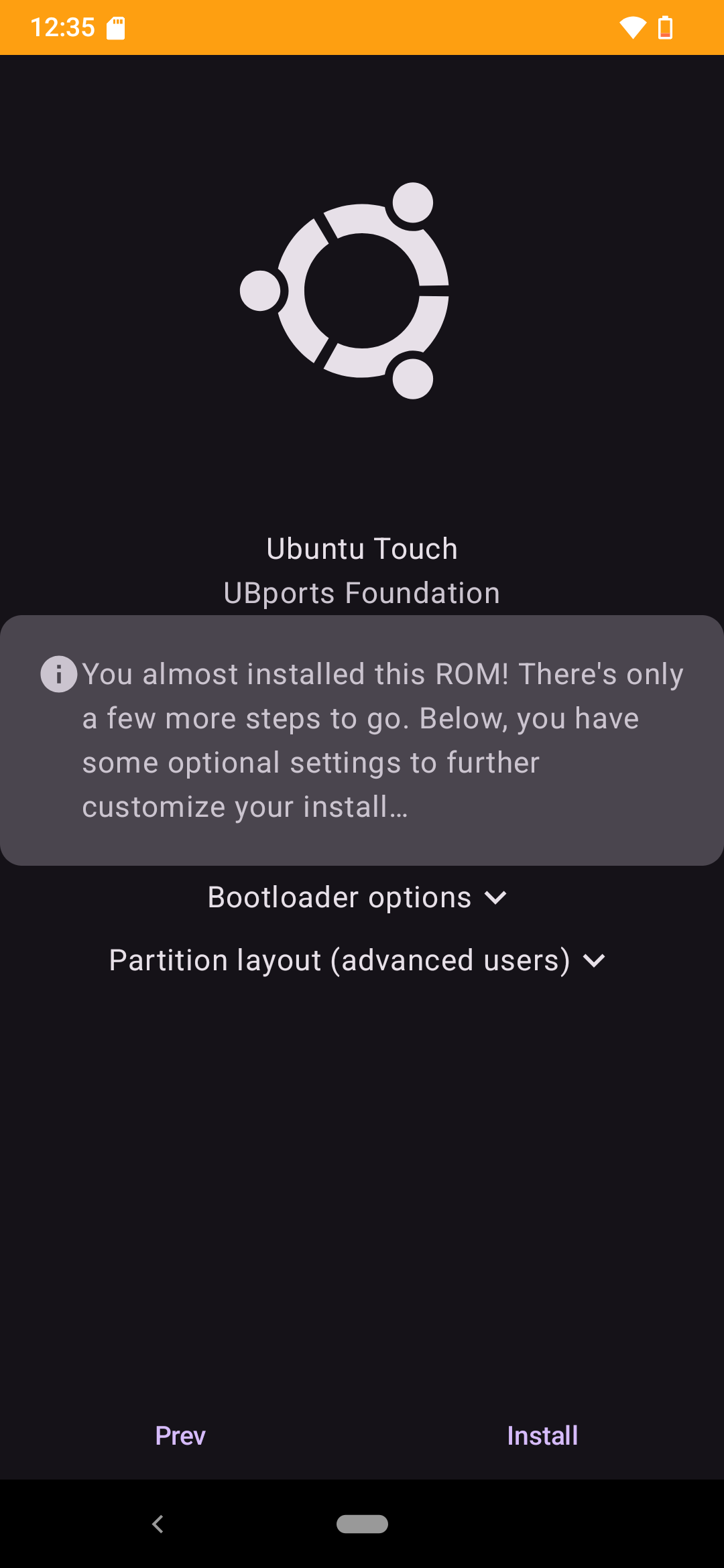
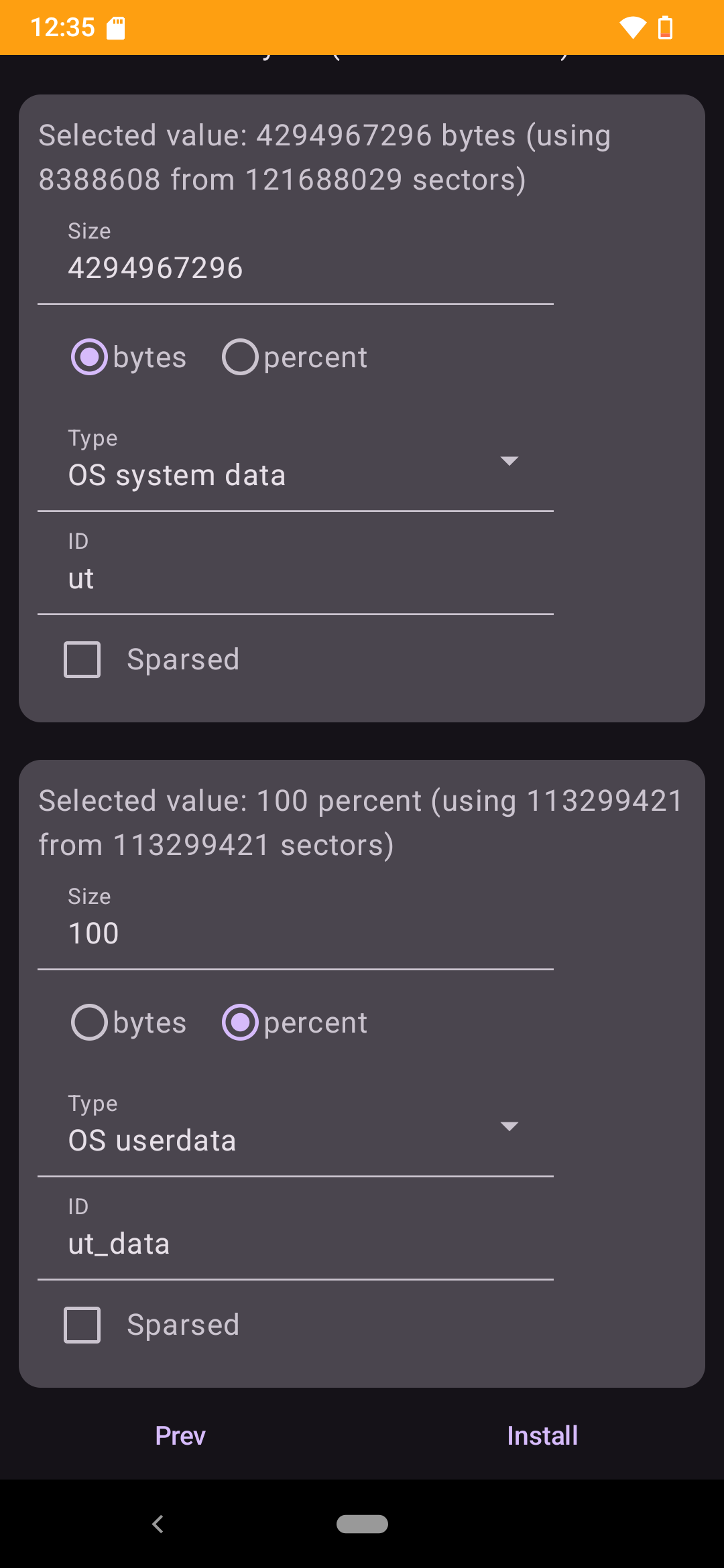
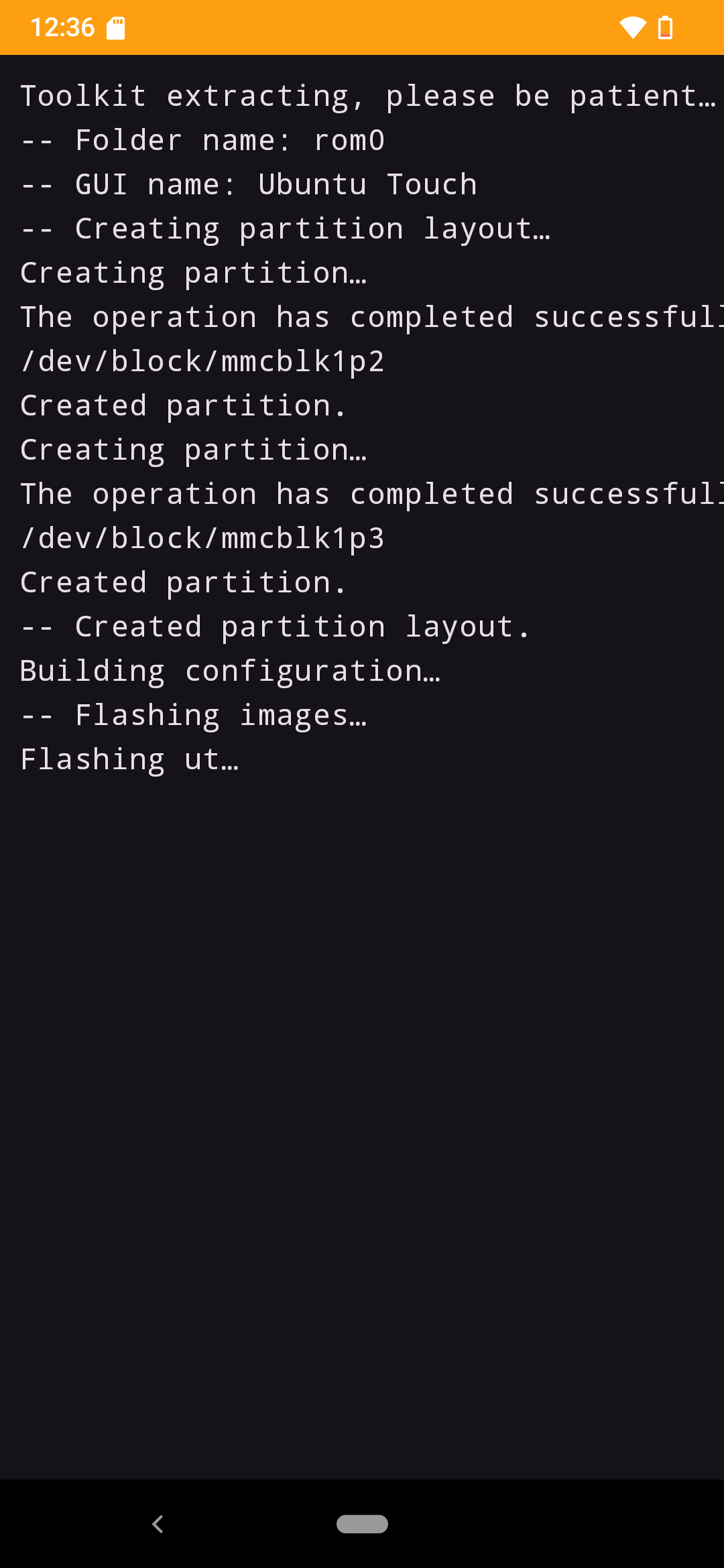
The Android app is the configuration frontend which oversees installing and updating operating
systems, partitioning the storage and installing and configuring the bootloader modifications.
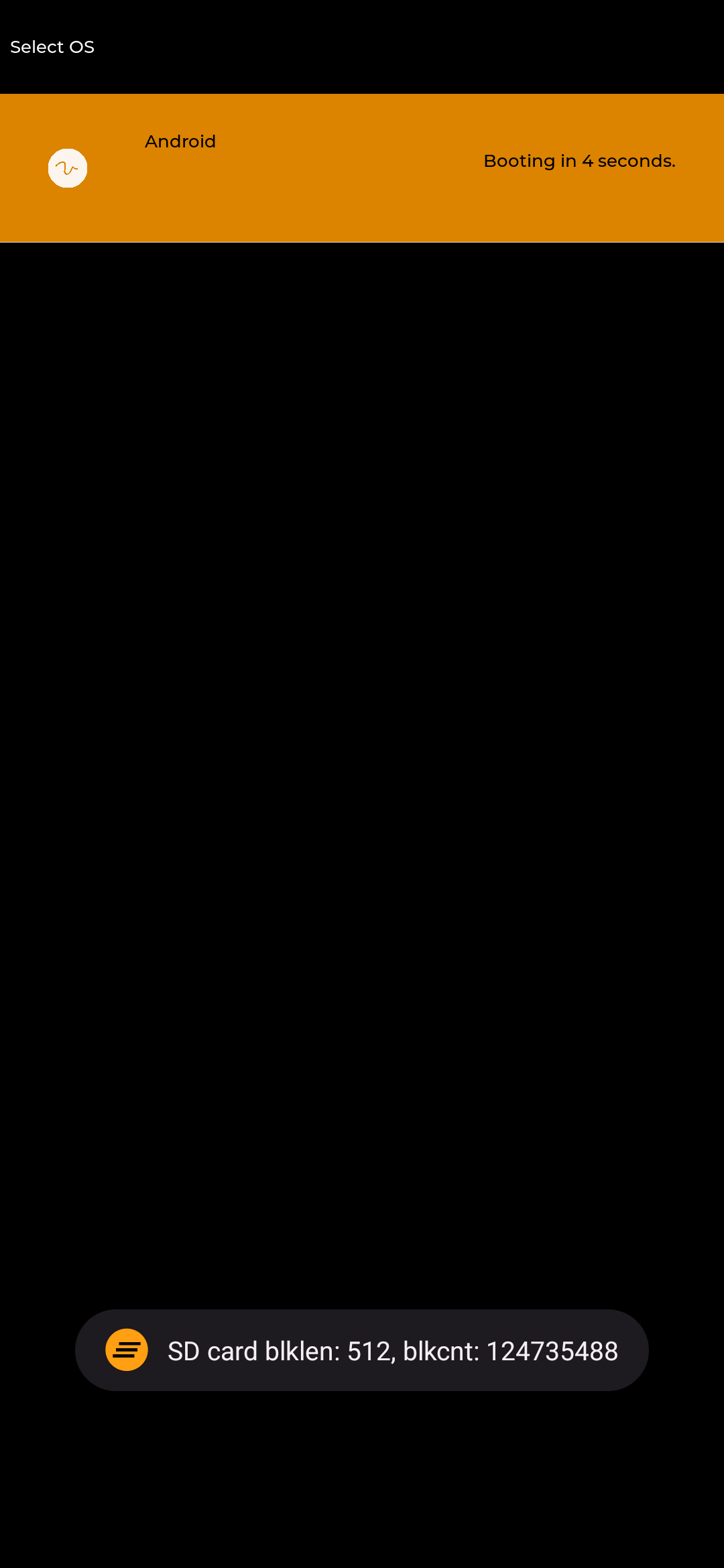
The bootloader modifications are responsible for showing a graphical selection UI at boot time that
lets you select the operating system you intend to start. There are three types of supported
bootloaders:
- First-stage bootloader modifications, which means you modify/replace the bootloader that would
usually start the Linux kernel. We prefer this. - Creating or porting a second-stage bootloader, which will be loaded instead of the kernel and
later loading the kernel from the second-stage bootloader. This is also good. - The "no-bootloader workaround ramdisk", which runs inside the kernel and flashes the boot the
user wants to boot, then reboots the device. This is really just a workaround.
(A solution akin to MultiROM's kexec-hardboot would also be possible, however, we currently aren't
pursuing this.)
The scripts and device configuration files for the App are stored in the
Scripts and
ABM-json repositories.
These are intended to be very flexible and support many devices without changing the App code,
at least not unless we release a major new feature. The operating systems are usually created by
other communities and we only modify them to work in a multi-boot setup. Right now, Halium-based
operating systems like UBports' Ubuntu Touch or
Droidian are supported best. We also support
SailfishOS, and we are working on installing multiple Android systems as
well.
What devices are supported?
- First-stage bootloaders
- MediaTek lk
- Volla Phone (yggdrasil) - MT6763
- Volla Phone X (yggdrasilx) - MT6763
- Volla Phone 22 (mimameid) - MT6768
- Volla Phone X23 (vidofnir) - MT6789
- U-Boot
- Qualcomm ABL EFI LinuxLoader
- F(x)tec Pro1 - not ported to 0.3 yet
- MediaTek lk
- Second-stage bootloaders
How do I install it?
You need a rooted and supported device to get started. The detailed instructions can be found on our
MediaWiki instance.
Why?
Why not?
Screenshots
 |  |  |
|---|---|---|
 |  |  |
Credits
- M1cha for efidroid, arguably the best approach for multi-booting
- Mis012 for re-boot2, which we borrowed some code from
- msm8916-mainline and msm8953-mainline for lk2nd
- Renegade Project for edk2-msm
- U-Boot team
- Volla
- BigfootACA for SimpleInit
- calebccff
Contributors
Showing top 6 contributors by commit count.


Related Repositories

android10/Android-CleanArchitecture
This is a sample app that is part of a series of blog posts I have written about how to architect an android application using Uncle Bob's clean architecture approach.

OWASP/mastg
The OWASP Mobile Application Security Testing Guide (MASTG) is a comprehensive manual for mobile app security testing and reverse engineering. It describes technical processes for verifying the OWASP Mobile Security Weakness Enumeration (MASWE) weaknesses, which are in alignment with the OWASP MASVS.

JessYanCoding/MVPArms
⚔️ A common architecture for Android applications developing based on MVP, integrates many open source projects, to make your developing quicker and easier (一个整合了大量主流开源项目高度可配置化的 Android MVP 快速集成框架).

maxrave-dev/SimpMusic
A cross-platform music app using YouTube Music for backend

H-M-H/Weylus
Use your tablet as graphic tablet/touch screen on your computer.

wgh136/PicaComic
A comic app built with Flutter, supporting multiple comic sources.