

Ol kit
Easy to use, open source React/Openlayers geospatial component toolkit.
It will not receive any future updates or bug fixes. If you are using it, please consider using the latest offerings from [OpenLayers](https://openlayers.org/) and other related [Libraries](https://openlayers.org/3rd-party/). The project is written primarily in JavaScript, distributed under the Other license, first published in 2020. Key topics include: bayer, components, deprecated, geospatial, maps.
DEPRECATED.
THIS PROJECT IS NO LONGER BEING MAINTAINED.
It will not receive any future updates or bug fixes.
If you are using it, please consider using the latest offerings from OpenLayers and other related Libraries.

An easy-to-use, open source React & OpenLayers map component toolkit.
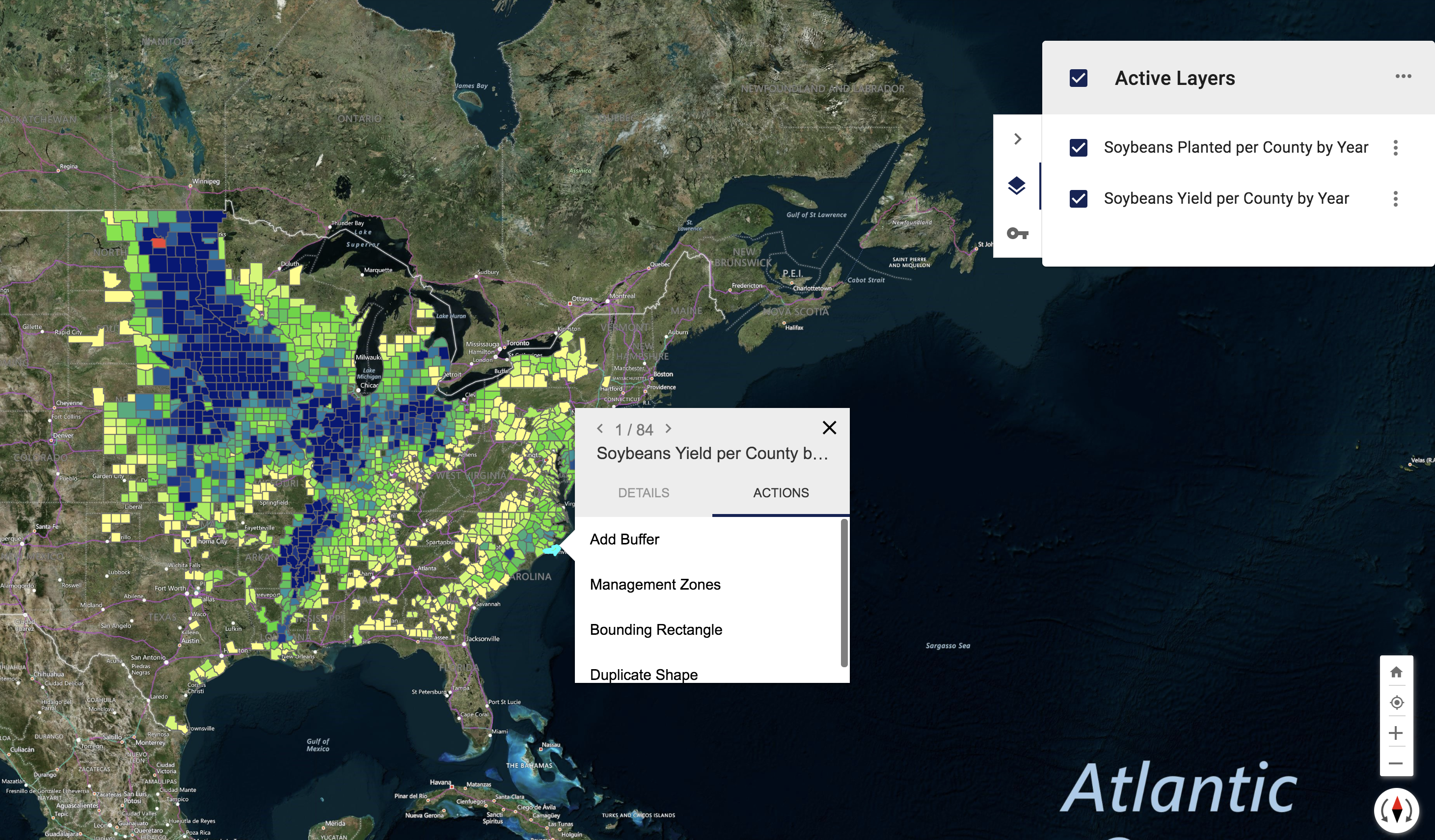
Prebuilt Map Components
Installation
Install ol-kit and its peerDependencies
bashnpm i @bayer/ol-kit ol react react-dom styled-components @material-ui/core @material-ui/icons @material-ui/styles --save
Getting Started
It's easy to start building map apps with ol-kit. For simple projects, the following will get you started:
javascriptimport React from 'react' import { Map, BasemapContainer, ContextMenu, Controls, LayerPanel, Popup, loadDataLayer } from '@bayer/ol-kit' class App extends React.Component { onMapInit = async map => { console.log('we got a map!', map) // nice to have map set on the window while debugging window.map = map // find a geojson or kml dataset (url or file) to load on the map const data = 'https://data.nasa.gov/api/geospatial/7zbq-j77a?method=export&format=KML' const dataLayer = await loadDataLayer(map, data) // set the title on the layer to show in LayerPanel dataLayer.set('title', 'NASA Data') console.log('data layer:', dataLayer) } render () { return ( <Map onMapInit={this.onMapInit} fullScreen> <BasemapContainer /> <ContextMenu /> <Controls /> <LayerPanel /> <Popup /> </Map> ) } } export default App
Running the Demo application locally
The code for the demo application lives in the app/ folder.
npm install
npm run app
# open your browser and go to localhost:2020
Bugs & Feature Requests
If you find a bug or think of a new feature, please submit a Github issue.
Maintainers & Contributions
The current maintainers are listed in MAINTAINERS.md. If you would like contribute to the project see CONTRIBUTING.md.
Sponsor
The ol-kit project was internally developed at Bayer Crop Science. Without the generous support of various stakeholders at Bayer, this project would never have become an open source reality. Thank you for the support, resources & final approval!

Contributors
Showing top 12 contributors by commit count.


![dependabot[bot]](https://avatars.githubusercontent.com/in/29110?v=4)



Related Repositories

darktable-org/rawspeed
fast raw decoding library

colour-science/colour-demosaicing
CFA (Colour Filter Array) demosaicing algorithms for Python

cheind/pytorch-debayer
Convolutional PyTorch debayering / demosaicing layers

LCAV/LenslessPiCam
Lensless imaging toolkit. Complete tutorial: https://go.epfl.ch/lenslesspicam

sahilsaini5/ditherwave
A tiny WebGL2 dithering primitive for React. Bayer, halftone, ASCII, error-diffusion. Under 8kb gz.

tomsangotw/Demosaicing
CFA (Colour Filter Array) Demosaicing Algorithms for C++