

VBlog
使用GitHub API 搭建一个可动态发布文章的博客
博客可搭建在 GitHub Pages 上, 文章数据储存于gist 中, 通过Github API 与数据进行交互, 实现无后台、可动态发布文章的博客系统 The project is written primarily in Vue, distributed under the Mozilla Public License 2.0 license, first published in 2018. It has gained significant community traction with 1,477 stars and 337 forks on GitHub. Key topics include: element, github-api, github-page, vant, vblog.
VBlog


English Documents
简介
博客可搭建在 GitHub Pages 上,
文章数据储存于gist 中, 通过Github API 与数据进行交互, 实现无后台、可动态发布文章的博客系统
使用的组件
- Element (电脑端)
- Vant (移动端)
项目截图
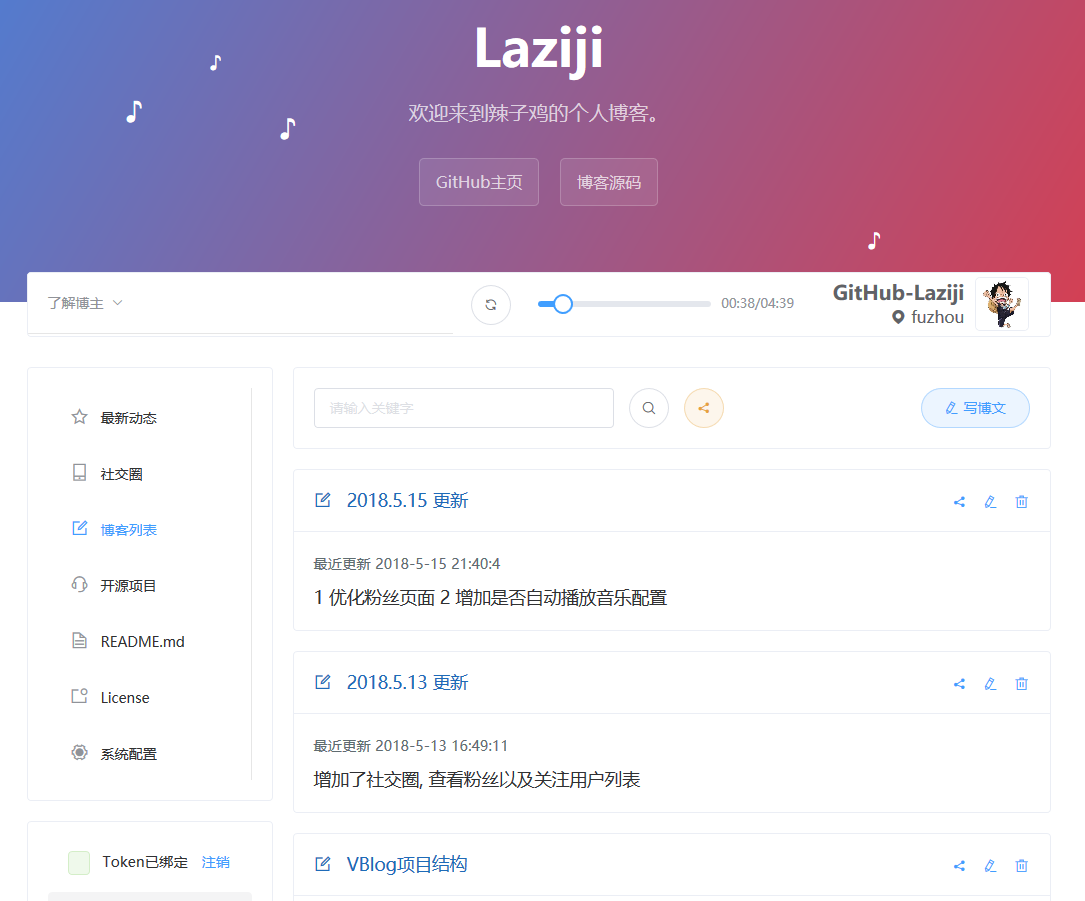
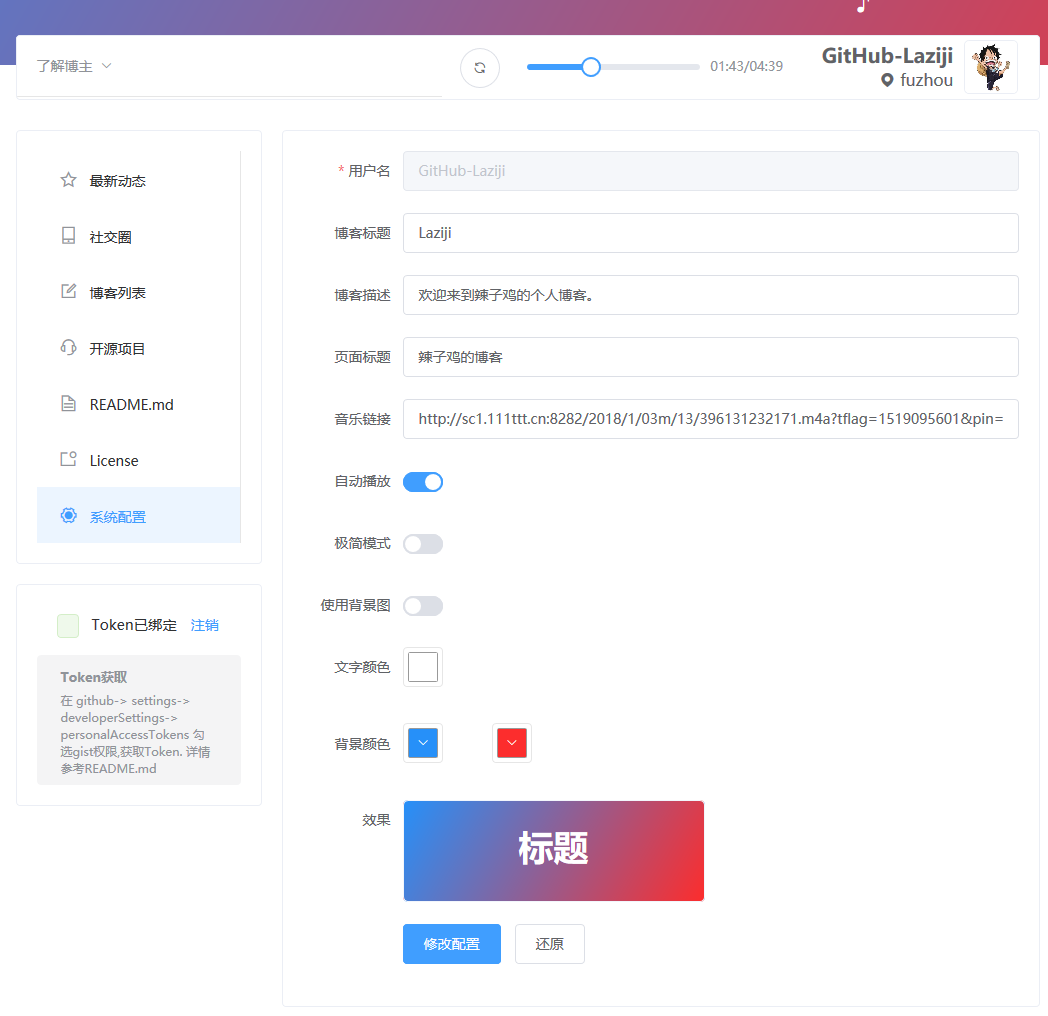
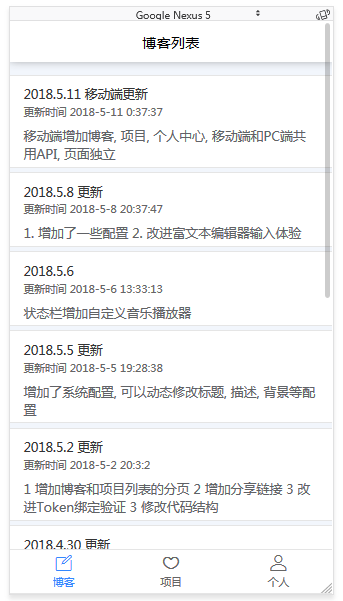
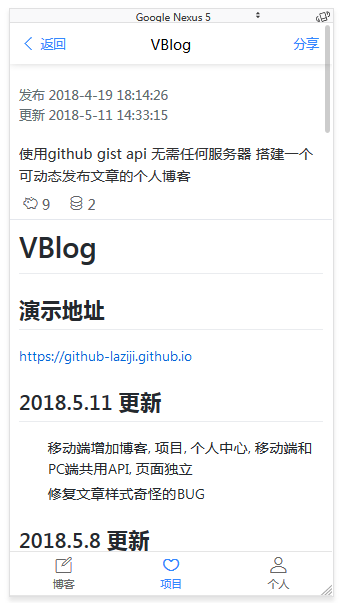
快速使用
搭建博客只需2步
- 点击github头像旁边的 "+" 号 选择
Import repository克隆地址填https://github.com/GitHub-Laziji/GitHub-Laziji.github.io项目名填你的用户名.github.io - 克隆完成后 修改文件
/static/configuration.json中的githubUsername为自己的github用户名
类似演示地址其中 GitHub-Laziji 为我的用户名
现在 https://你的用户名.github.io 就是你的个人博客
开发
安装 运行 构建
npm install

npm run dev

npm run build
获取Token
在 github > settings > Developer settings > Personal access tokens 勾选gist 和 repo权限 获取Token
开发注意事项
- 配置文件读取的总是与
index.html同级的./static/configuration.json, 所以本地npm run dev的时候会出现修改配置无效的情况, 如果需要修改的话修改本地的配置文件就行, 发布到 github 之后不影响, 因为修改配置的时候是通过github-api修改你的用户名.github.io下的/static/configuration.json
License
Code licensed under the Mozilla.
作者 Laziji
Contributors
Showing top 1 contributor by commit count.

Related Repositories

PanJiaChen/vue-element-admin
:tada: A magical vue admin https://panjiachen.github.io/vue-element-admin

zxwk1998/vue-admin-better
🎉 vue admin,vue3 admin,vue3.0 admin,vue后台管理,vue-admin,vue3.0-admin,admin,vue-admin,vue-element-admin,ant-design,vab admin pro,vab admin plus,vue admin plus,vue admin pro

newbee-ltd/vue3-admin
🔥 🎉Vue 3 + Vite 2 + Vue-Router 4 + Element-Plus + Echarts 5 + Axios 开发的后台管理系统

fantastic-admin/basic
⭐⭐⭐⭐⭐ 面向 AI 编程的管理系统框架,兼容PC、移动端。AI-oriented management system framework, compatible with PC and mobile device.

yangzongzhuan/RuoYi-Vue
:tada: (RuoYi)官方仓库 基于SpringBoot,Spring Security,JWT,Vue & Element 的前后端分离权限管理系统,同时提供了 Vue3 的版本

mrwill84/DOClever
做最好的接口管理平台