

Inure
An elegant and beautiful premium Android app manager with Root and Shizuku support, a built-in terminal, analytics, virustotal, debloat, stats and various other features with a custom theme engine, developed with purely custom UI design and reproducible build.
-839192?logo=android&logoColor=white) -566573?logo=android&logoColor=white) The project is written primarily in Kotlin, distributed under the GNU General Public License v3.0 license, first published in 2021. It has gained significant community traction with 1,806 stars and 97 forks on GitHub. Key topics include: android, android-app, android-application, animations, app.
Inure App Manager
An elegant Android app manager.
Stats


&logo=github&logoColor=white)



-839192?logo=android&logoColor=white)
-566573?logo=android&logoColor=white)


Download





Buy (Full Version)
-Purchase-23a094?logo=gumroad&logoColor=white)
-Purchase-ea4335?logo=googleplay)
-Purchase-ffffff?logo=github)
-Purchase-FF5E5B?logo=kofi&logoColor=white)
Featured
- Android Weekly Issue #465
- "Inure, a beautifully animated Android App Manager." - Android Dev Notes
- Top 5 Android Apps of the Week - NextPit
- 5 Super Useful OPENSOURCE Apps for Android - TechDoc
- Best Android Apps - February 2023 - HowToMen
- 5 Magnificent Open Source Android Apps To Download Right NOW! - Anubhav Roy
- Top Android Apps! (May 2023) - Sam Beckman
- 8 Legendary Android Apps You Must INSTALL NOW - May 2023! - Mr Android FHD
- Apps that Will LEVEL Up Your Smartphone Experience in 2023! - Sam Beckman
- The Most Functional App Ever! - Sam Beckman
- Top 10 Android Apps! (October 2023) - Matt Robb
- The Best Apps of 2023! - Sam Beckman
- Coolest Open Source projects of the week 🔥 - Ana Mogul
- 10 Reasons to Root Your Phone in 2024! - Sam Beckman
- 20 Android Apps I CAN'T Live Without in 2024! - Sam Beckman
About
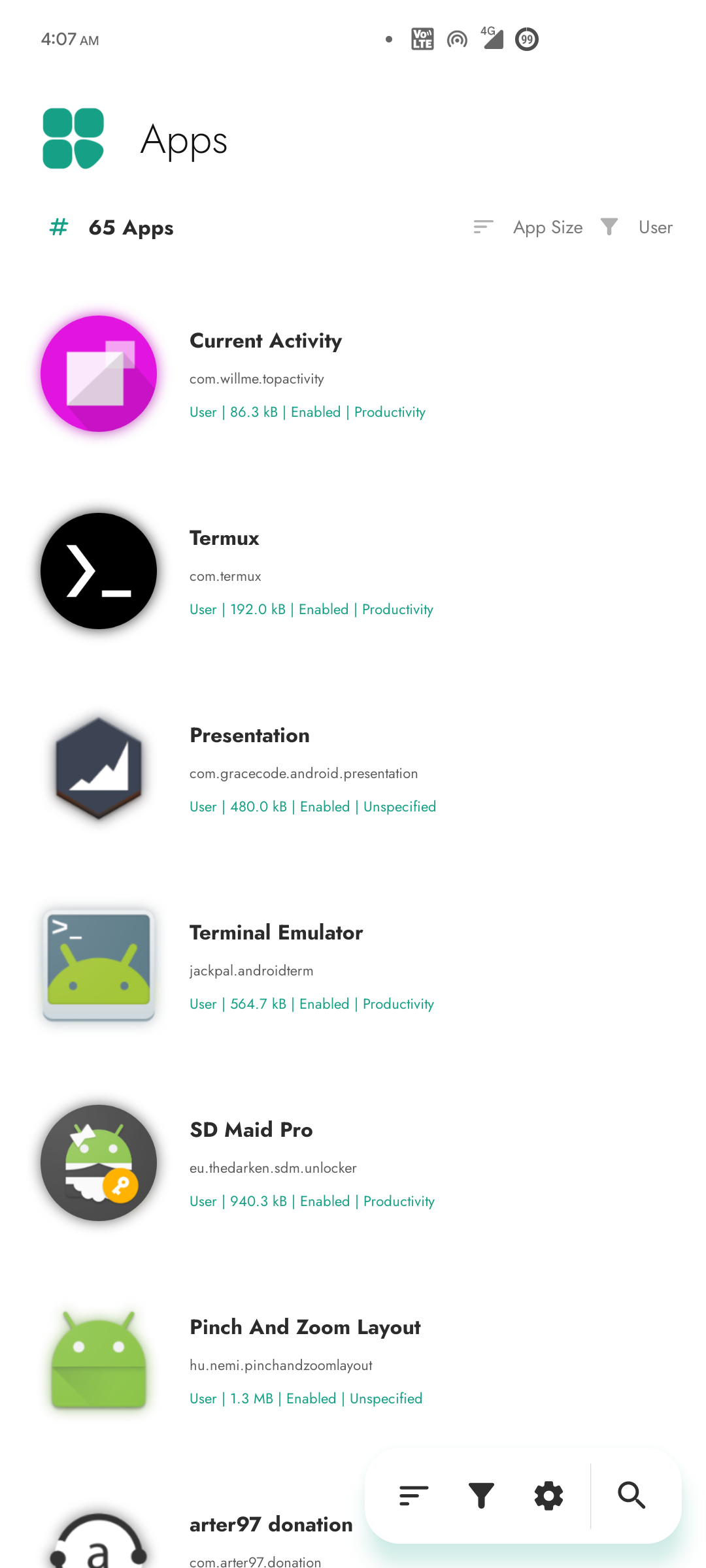
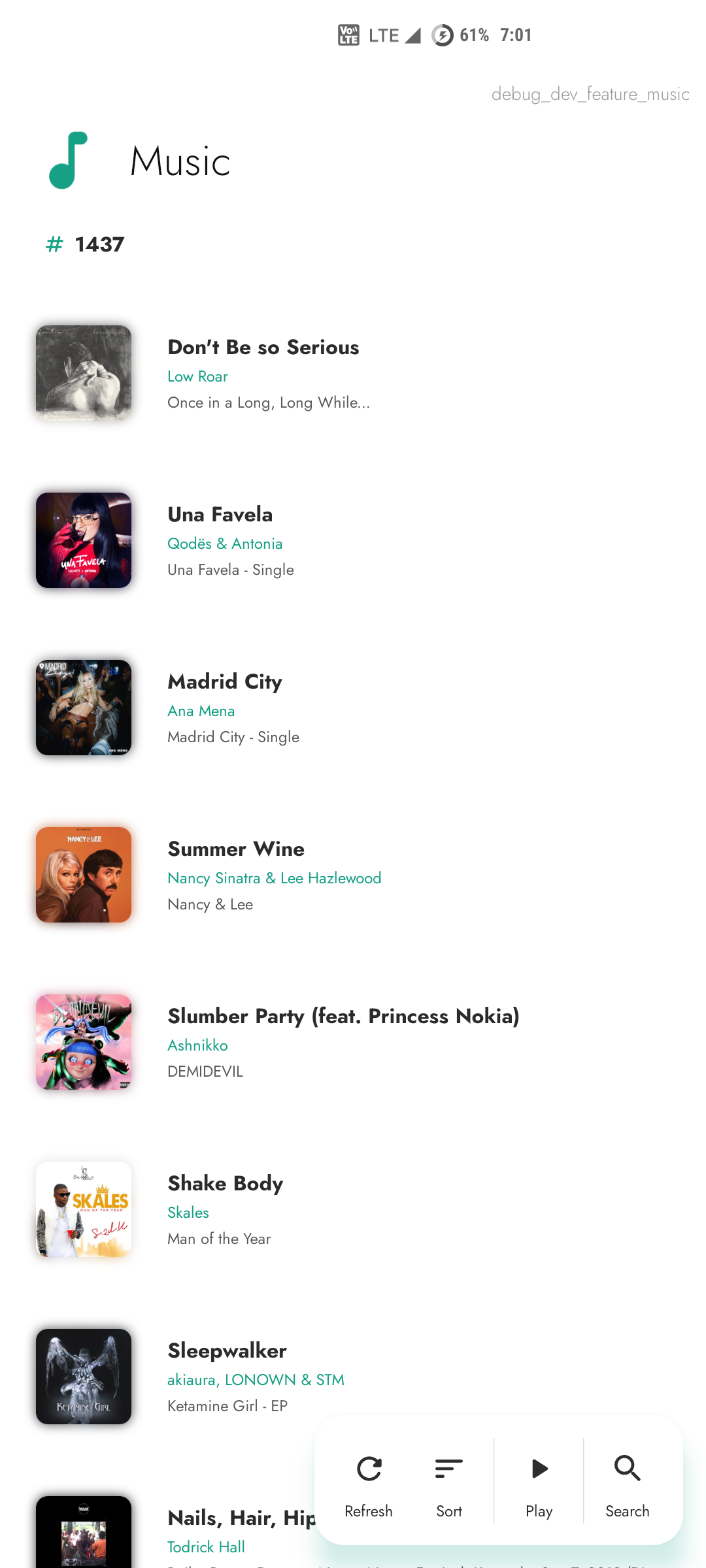
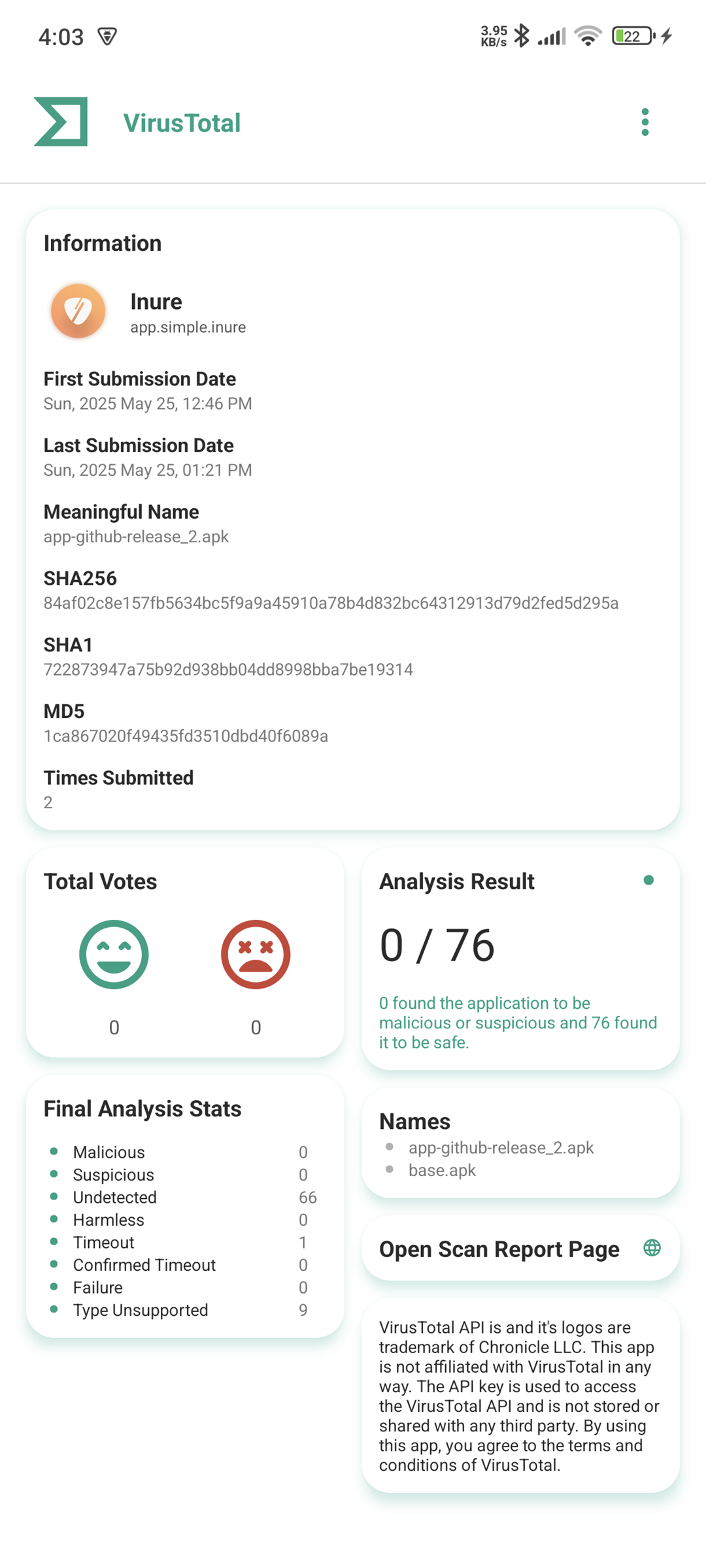
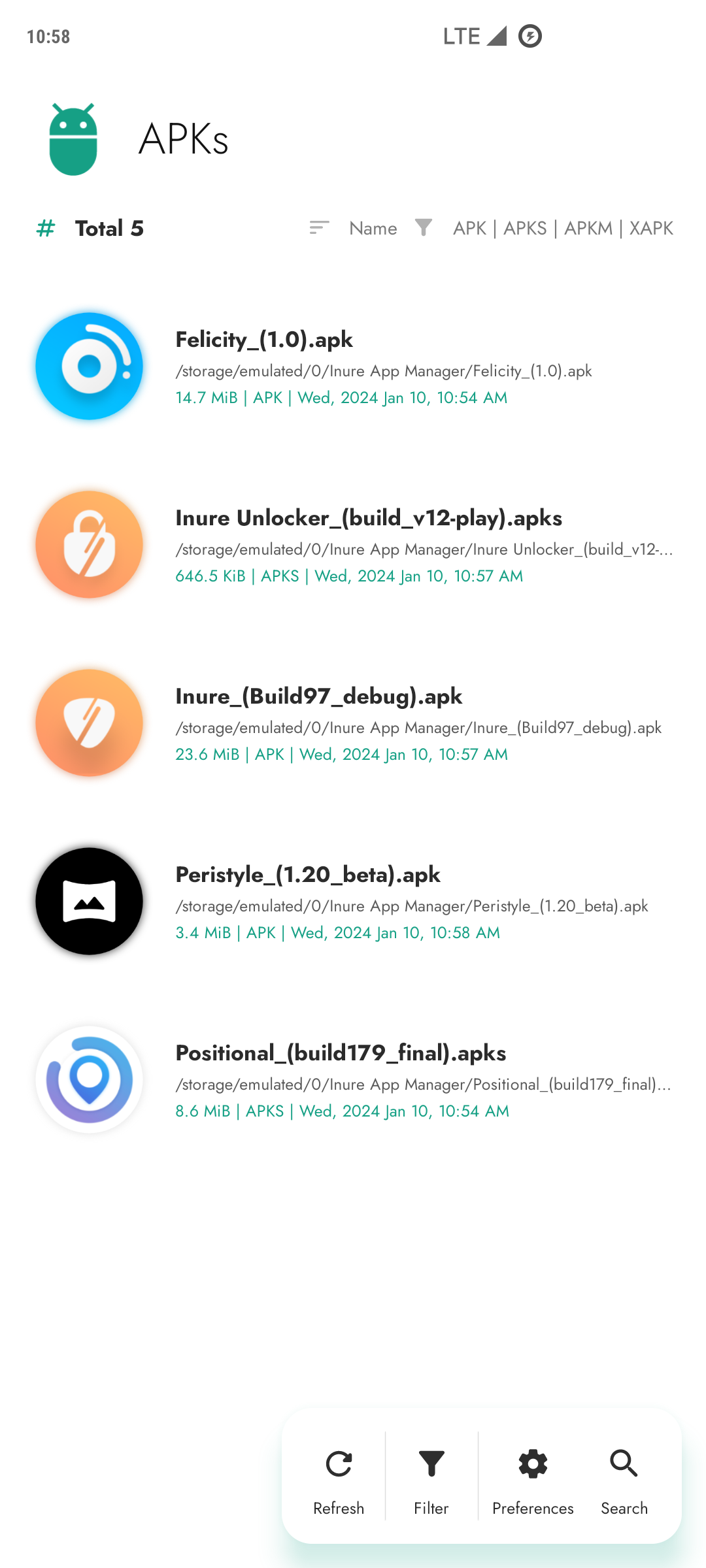
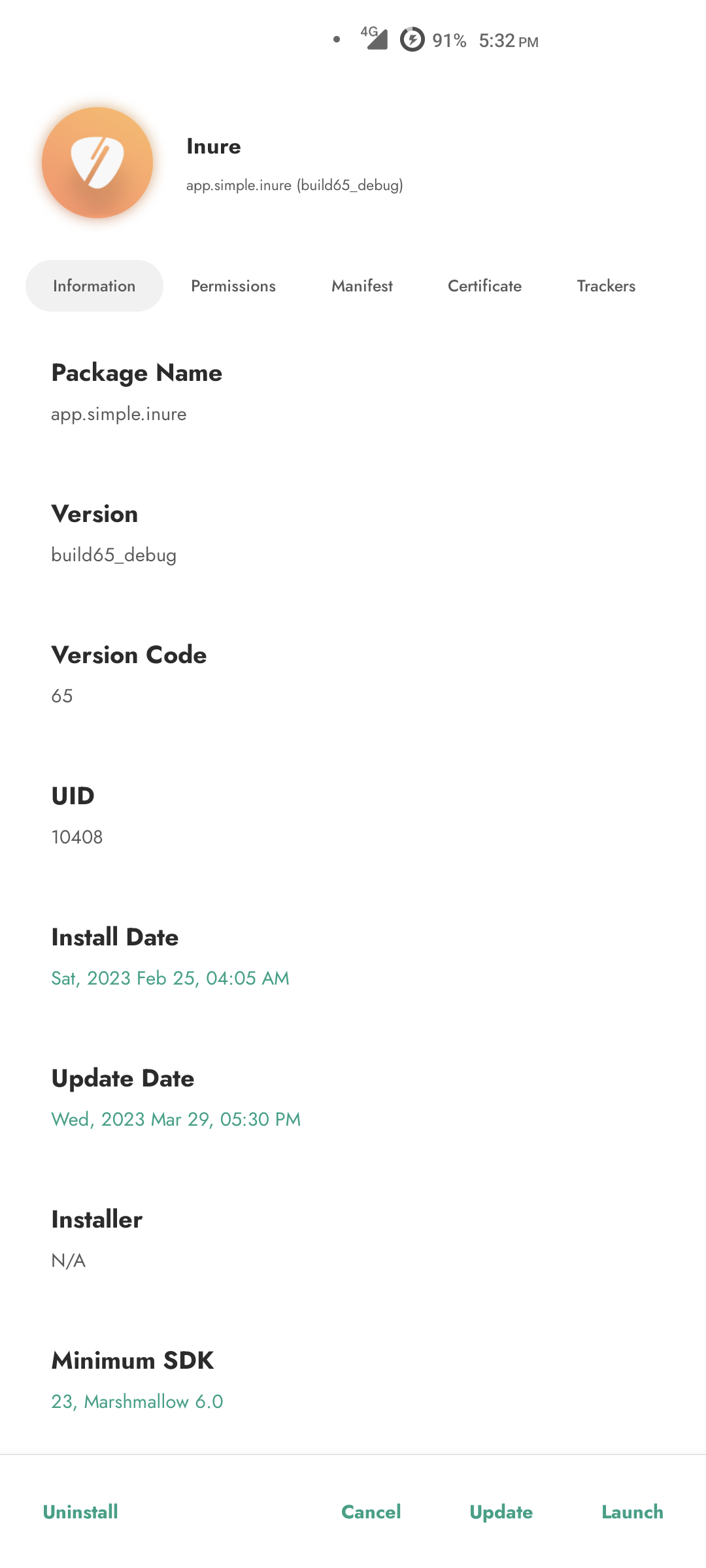
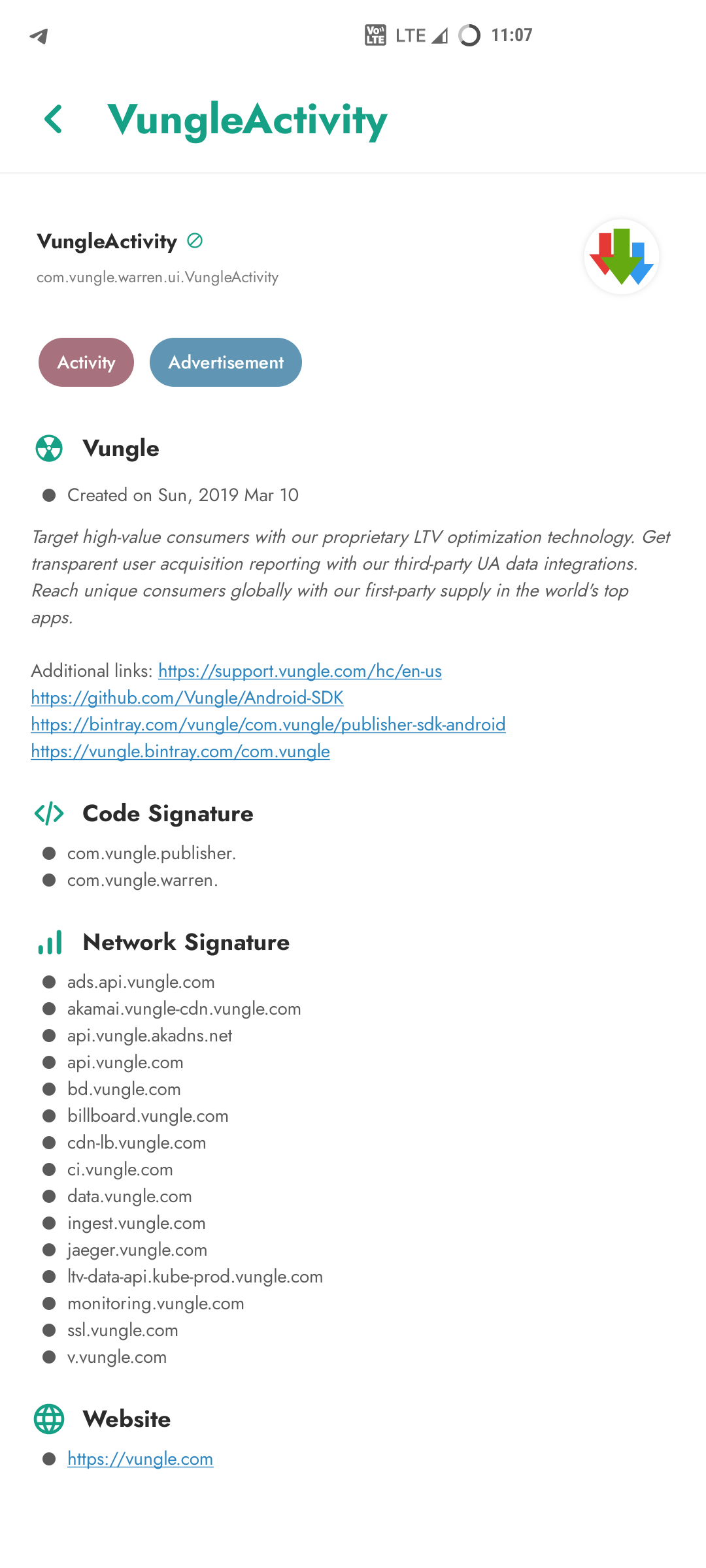
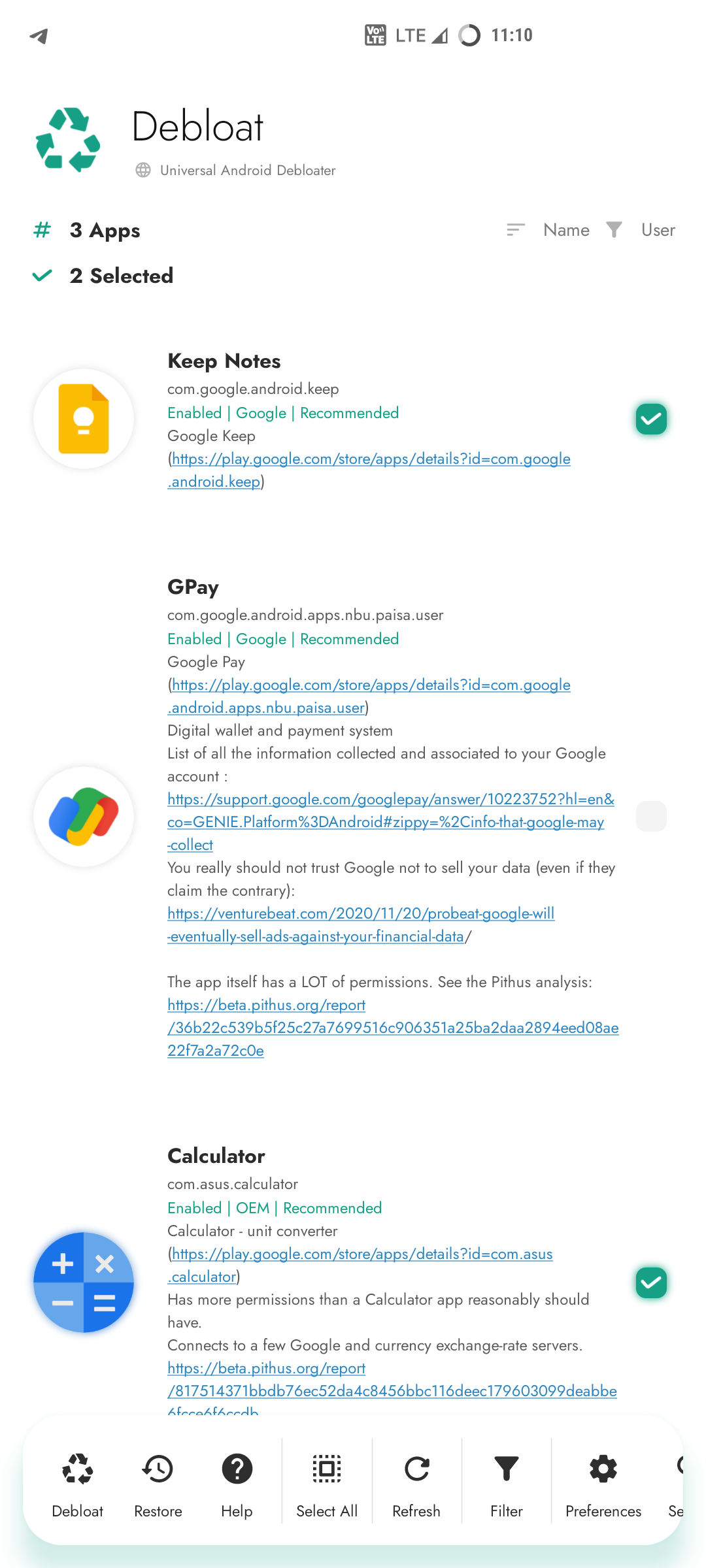
Inure is an Android application package manager irrespective of whether they're installed or not, it
can scan through any app's internal components and modify them on the go. It also packs a nice
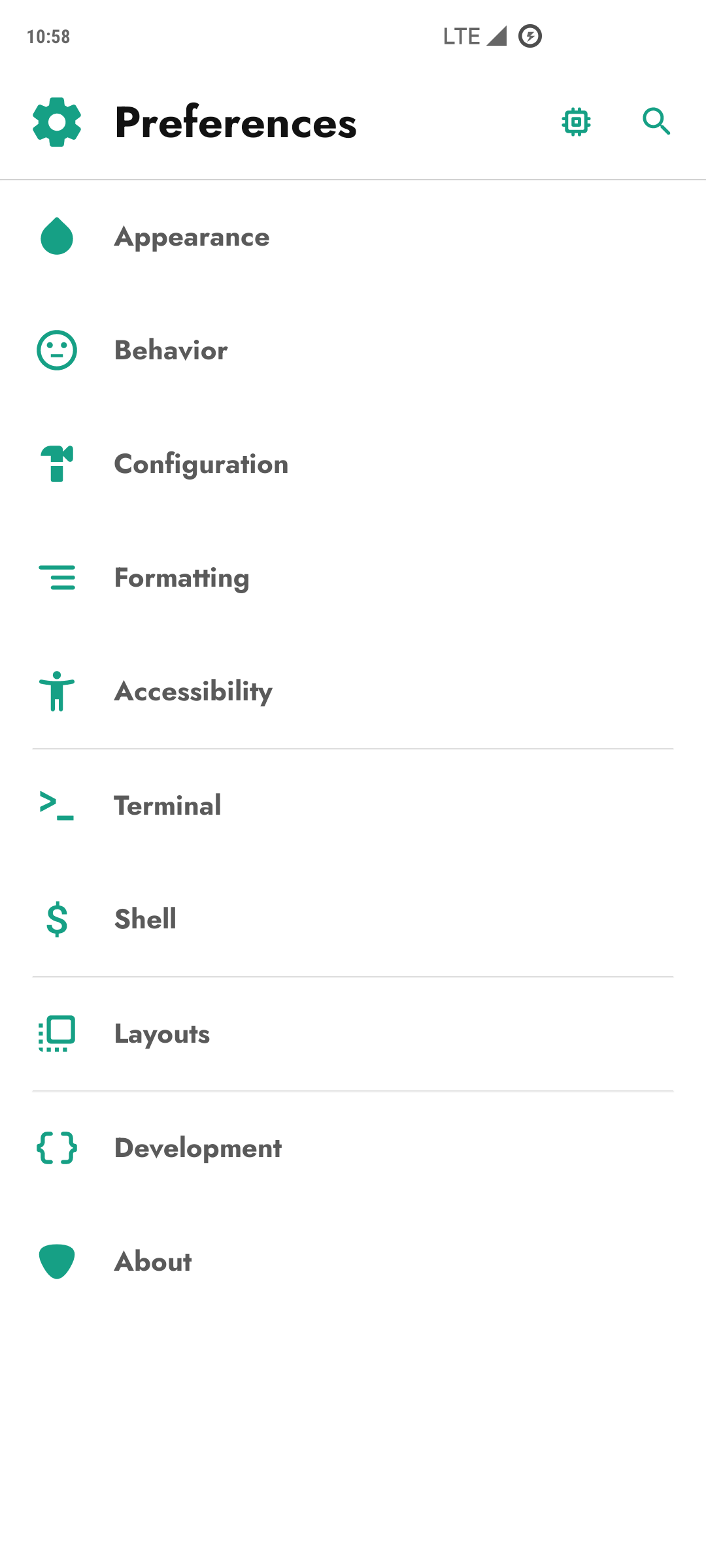
looking Terminal Emulator, Usage Stats, Split/APK Installer and various other tools and many of them
are waiting to be implemented as well. On top of that, Inure's all functionalities been made to
work with both Root and Shizuku modes.
Inure's development was started as an independent learning project which later has become one of the
most ambitious and intuitive Android apps developed by a single person and is based 100% on custom
UI APIs developed to be used only in this app with its own native theme engine, crash handler, image
renderer and a beautiful animation framework.
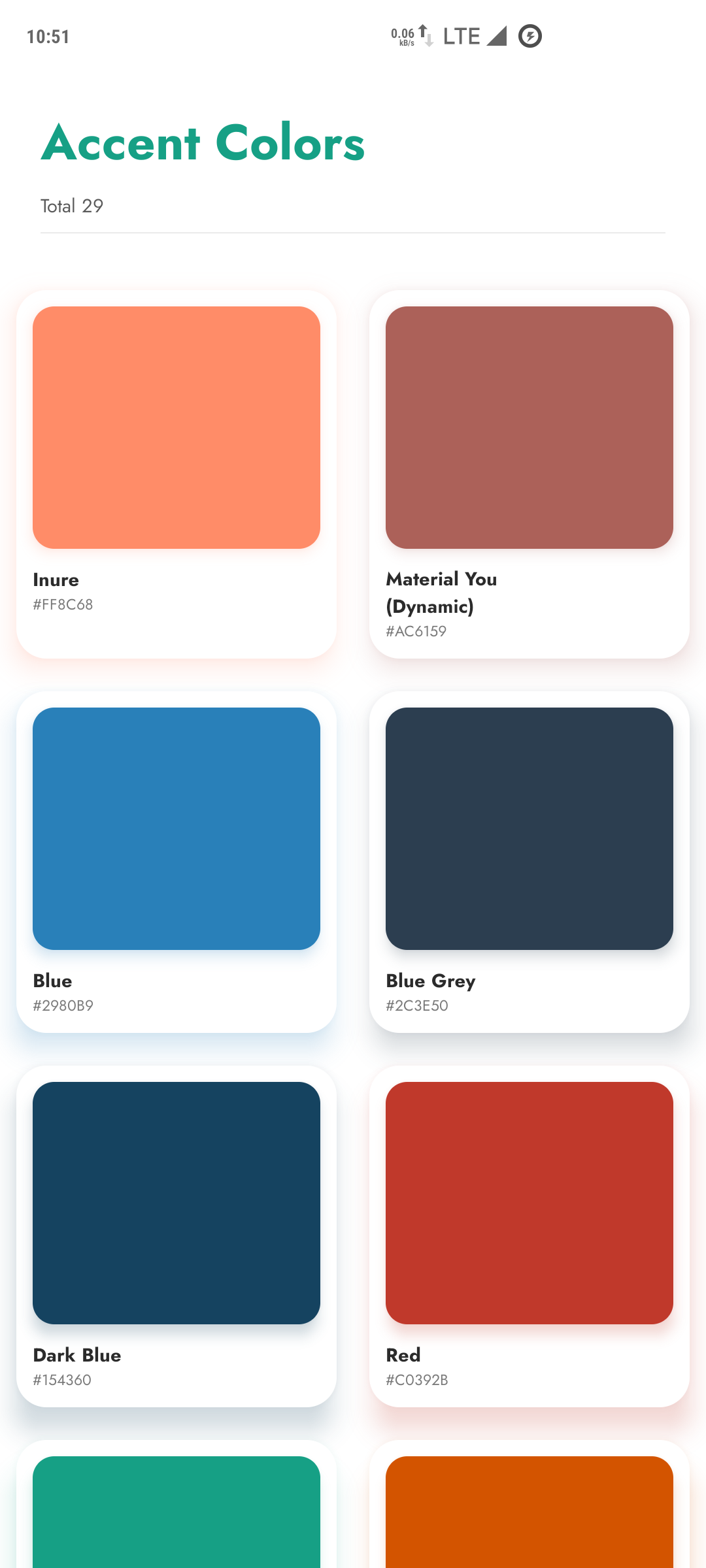
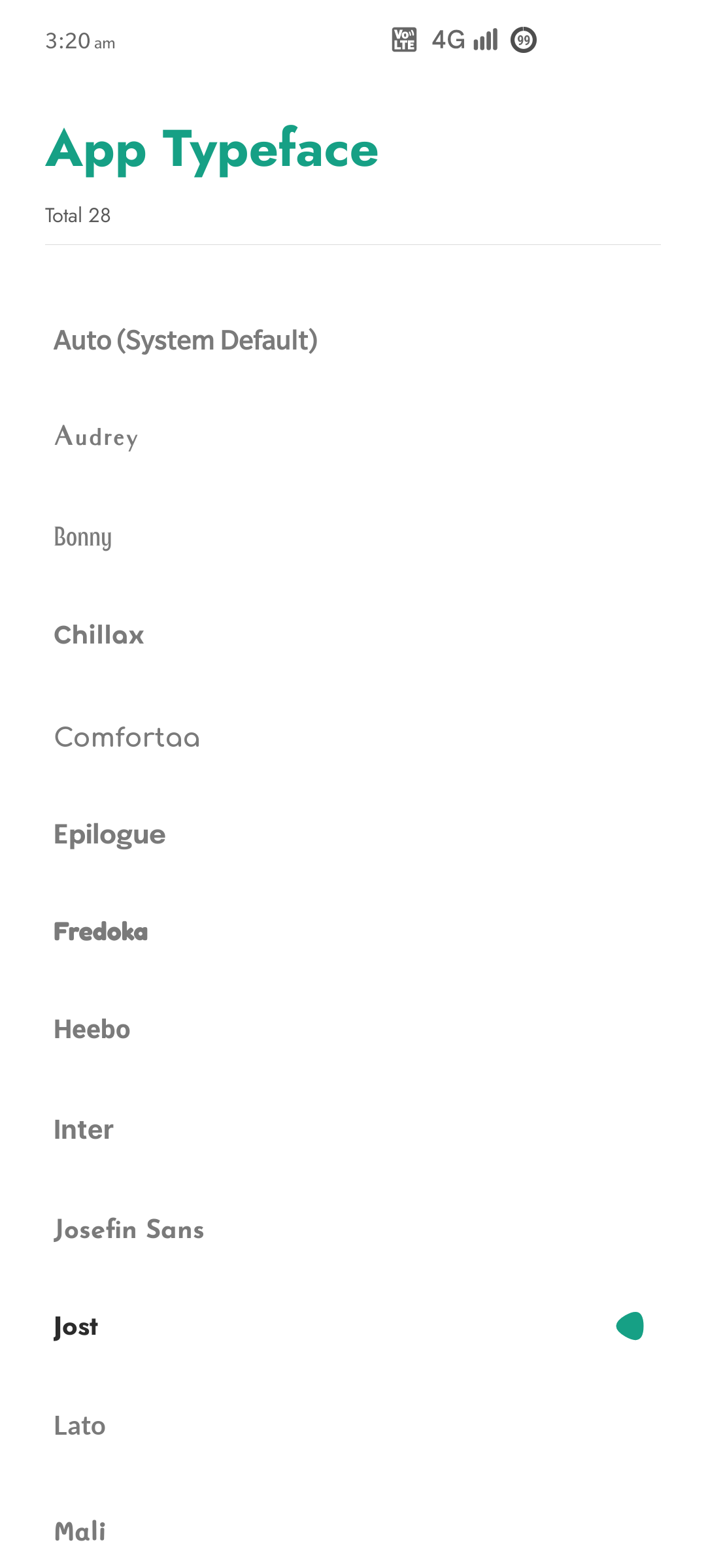
Along with it own UI perks, Inure also supports dynamic Material You colors with dedicated accent
and theme color modes.
The app is in stable testing stage. You can join
app's Telegram Group
and get development related updates.
Inure also supports fully reproducible builds
Features
See the concise list of features of the app here.
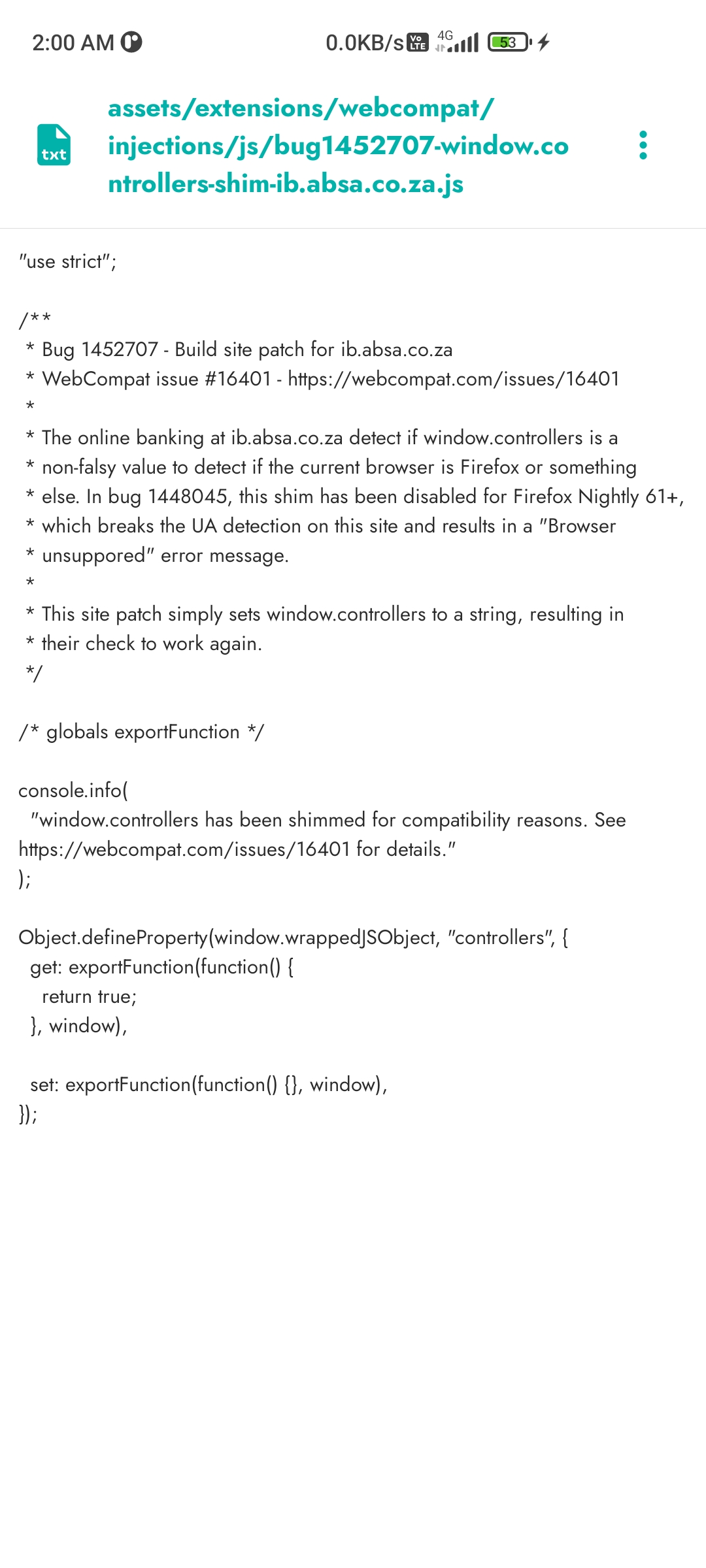
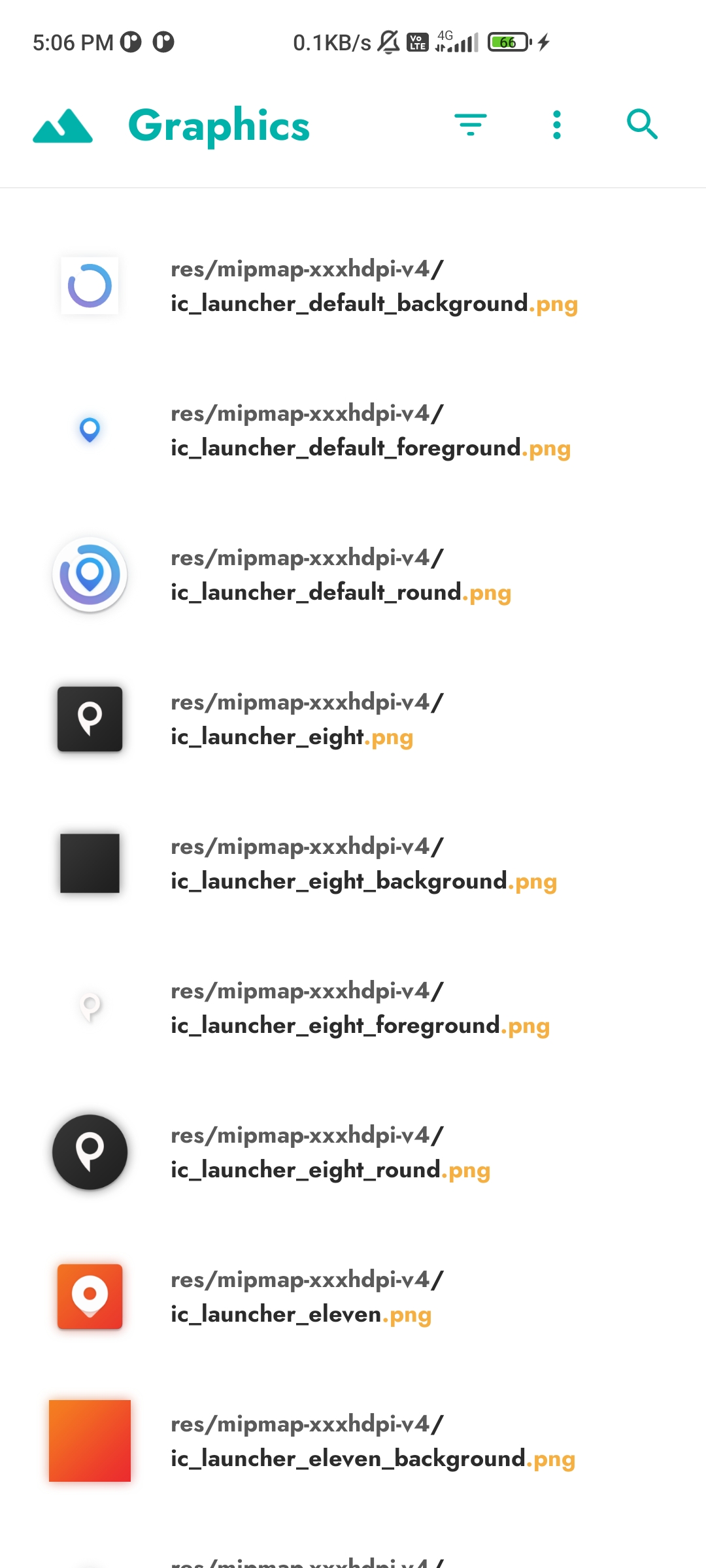
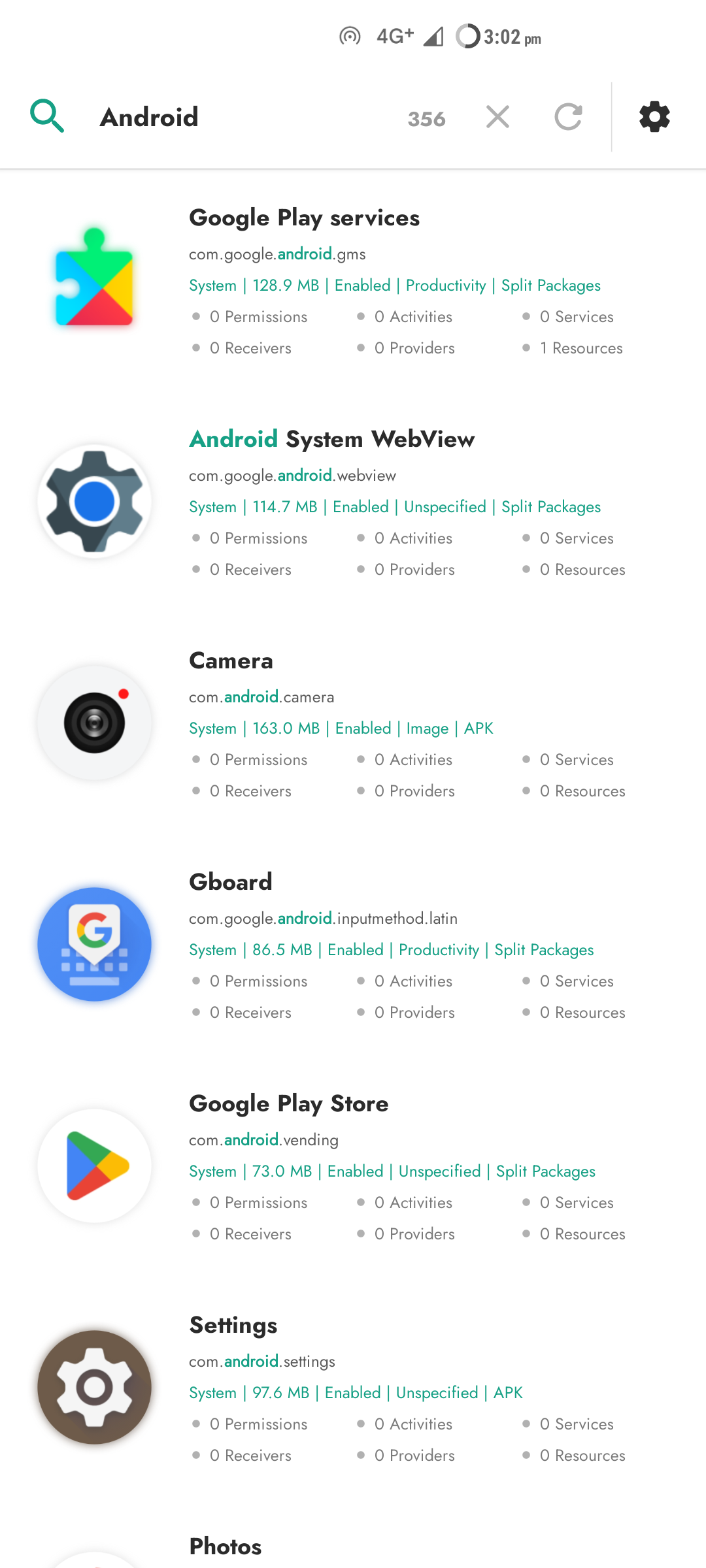
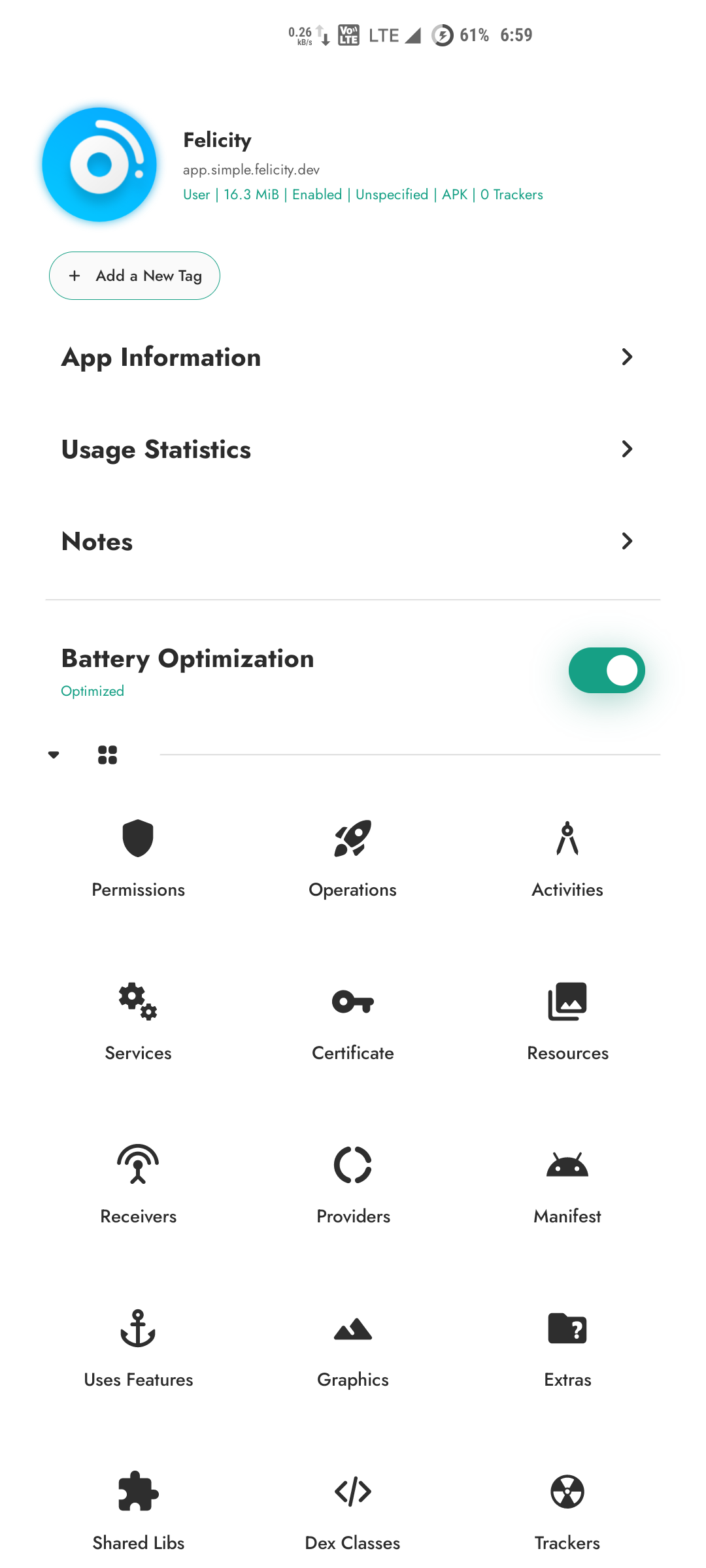
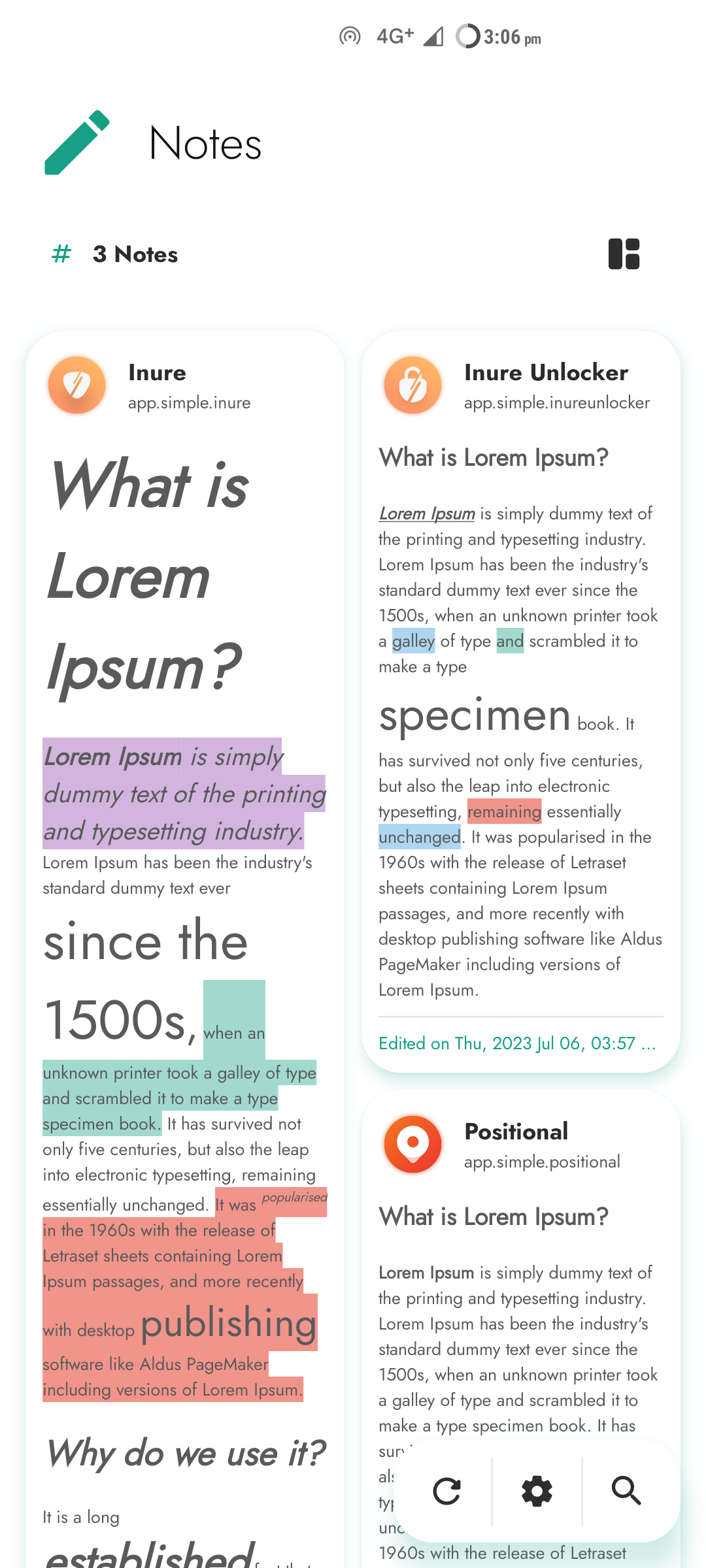
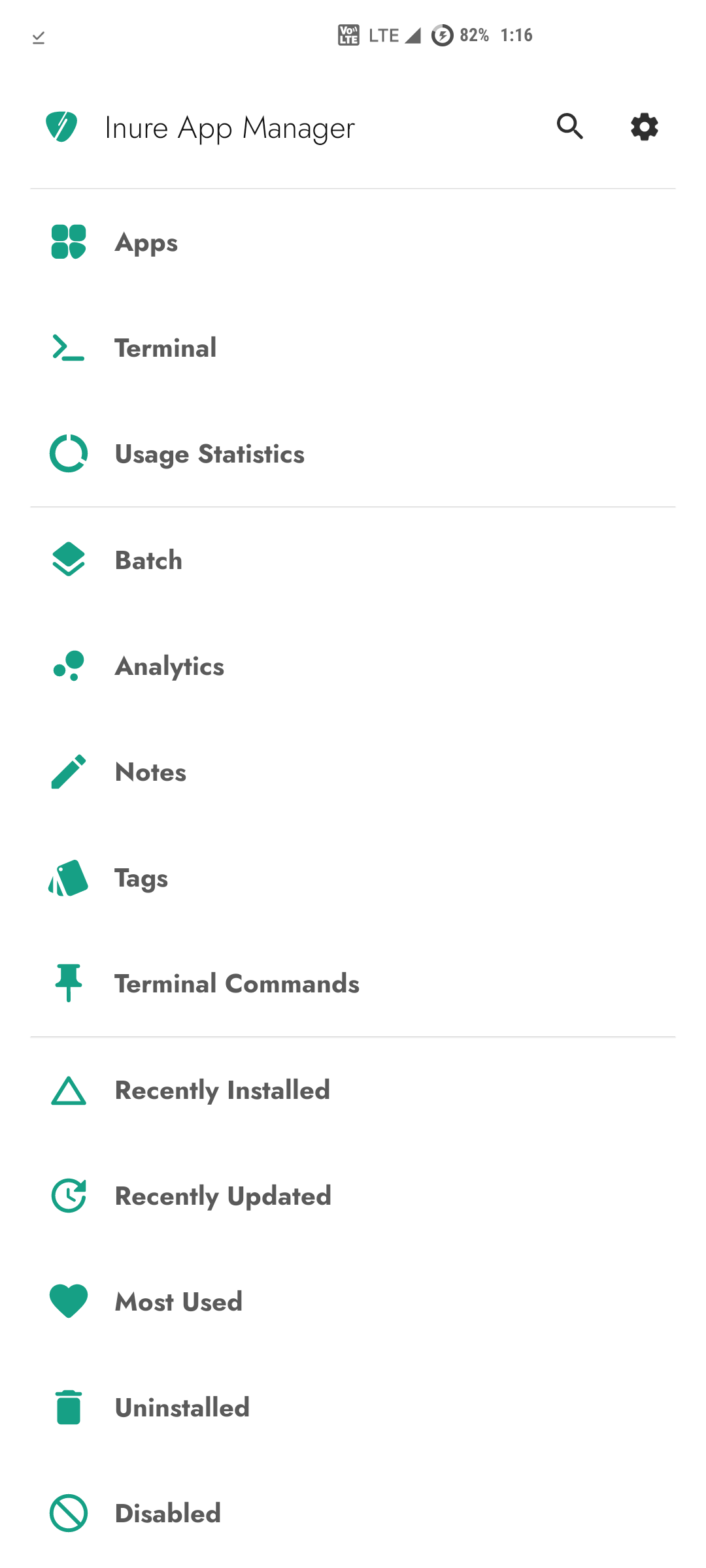
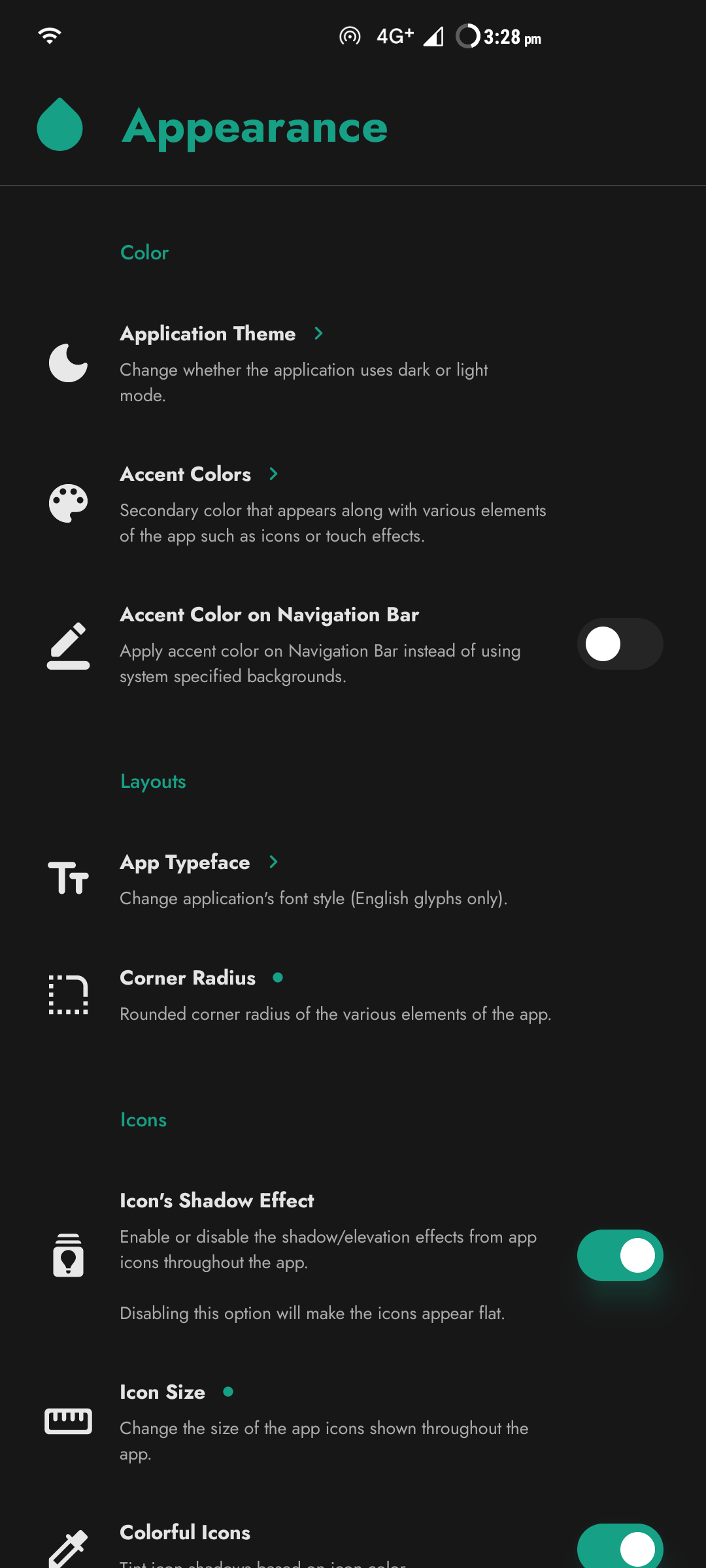
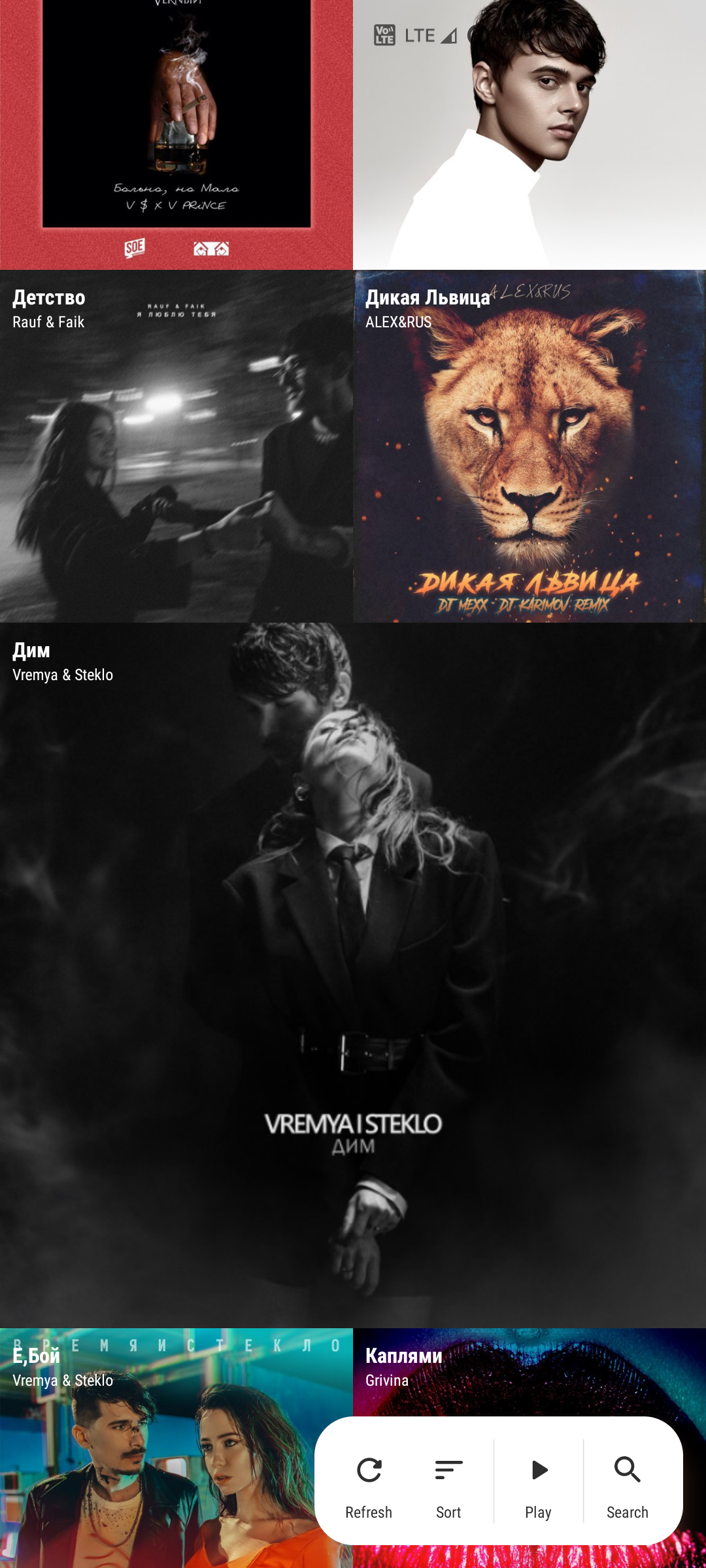
Screenshots
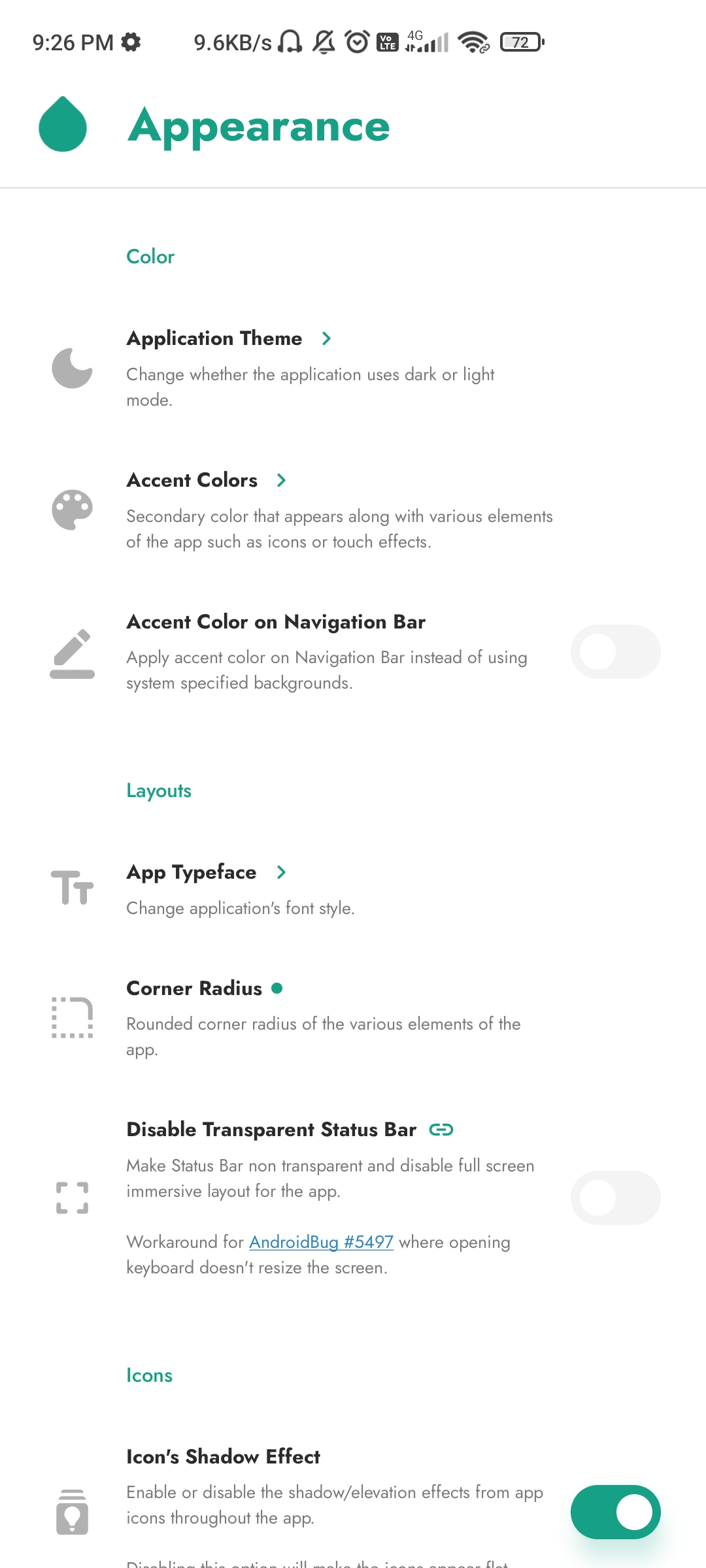
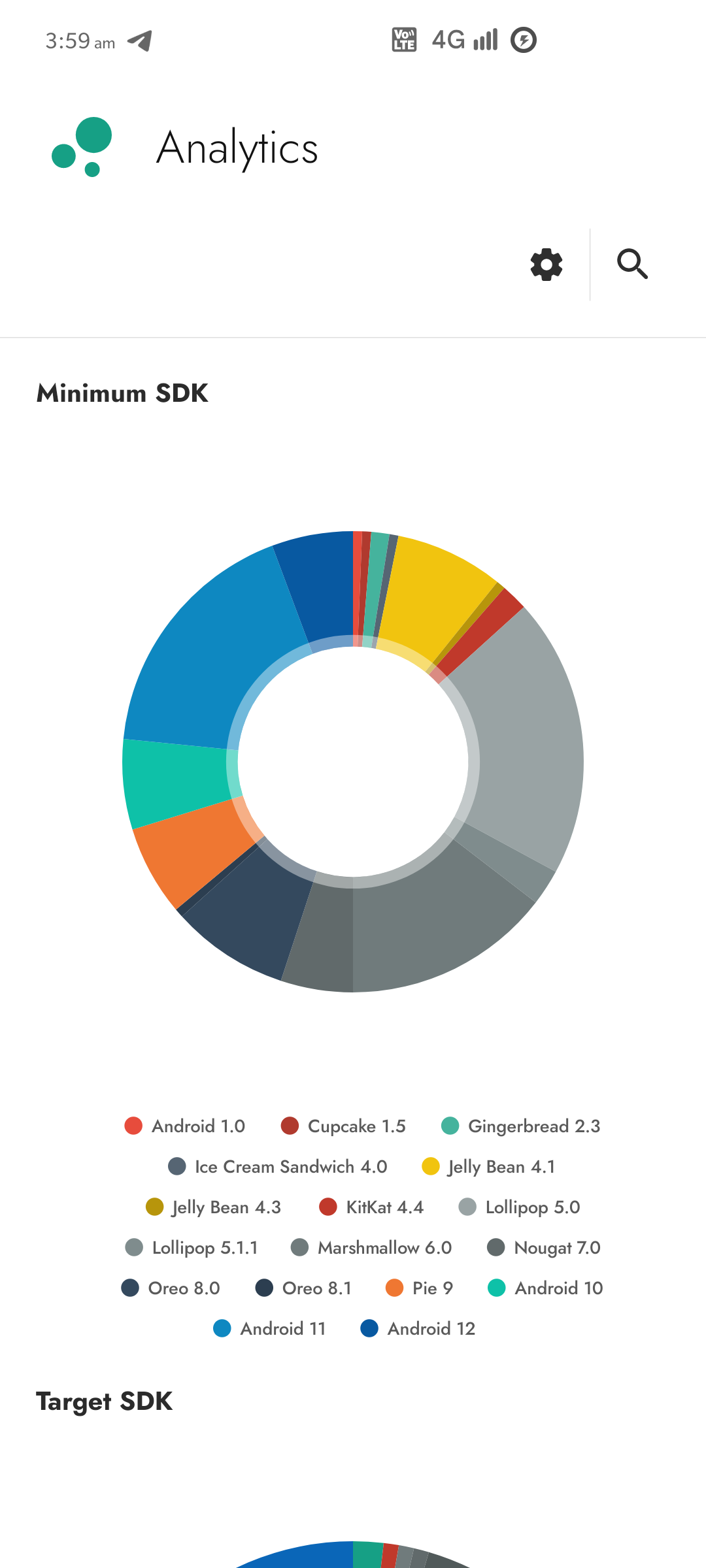
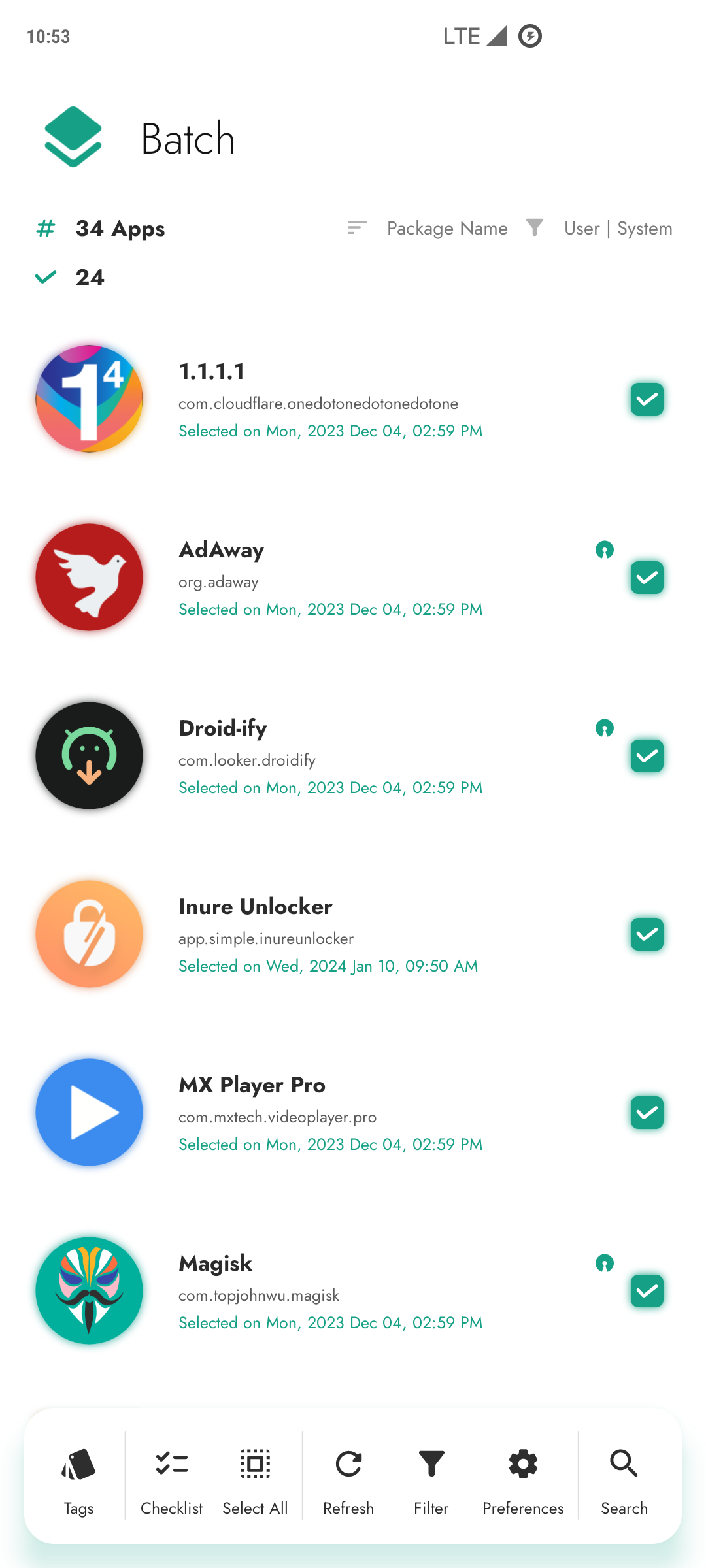
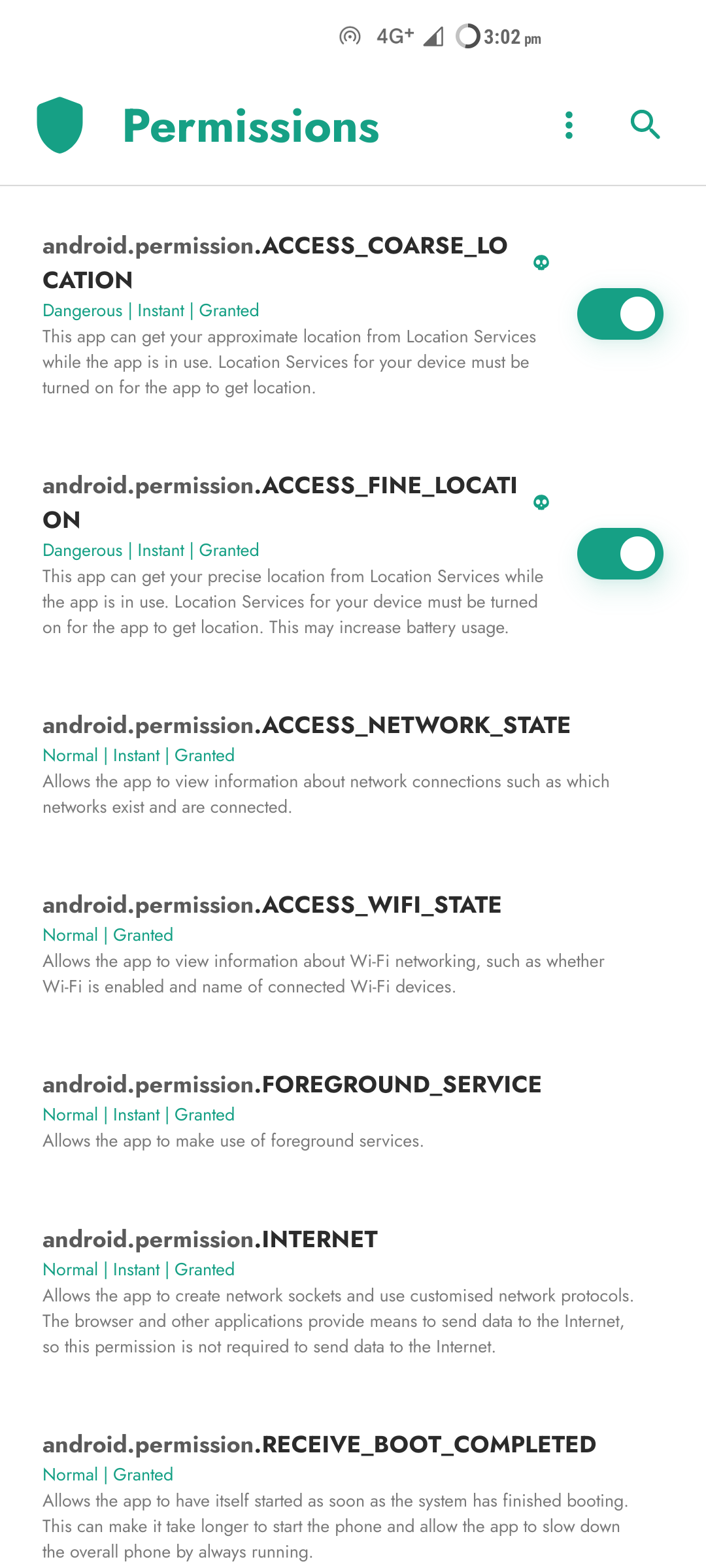
App's Interface
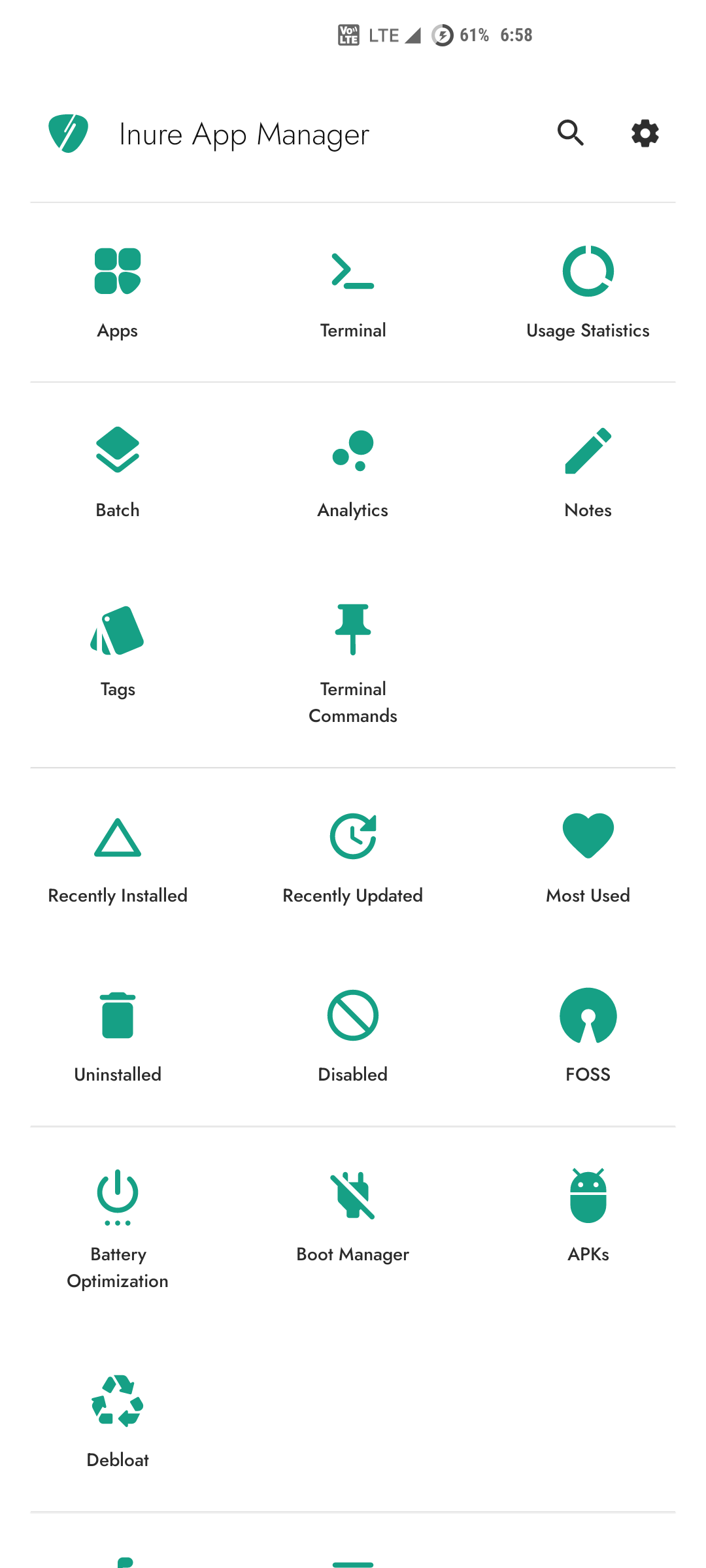 | 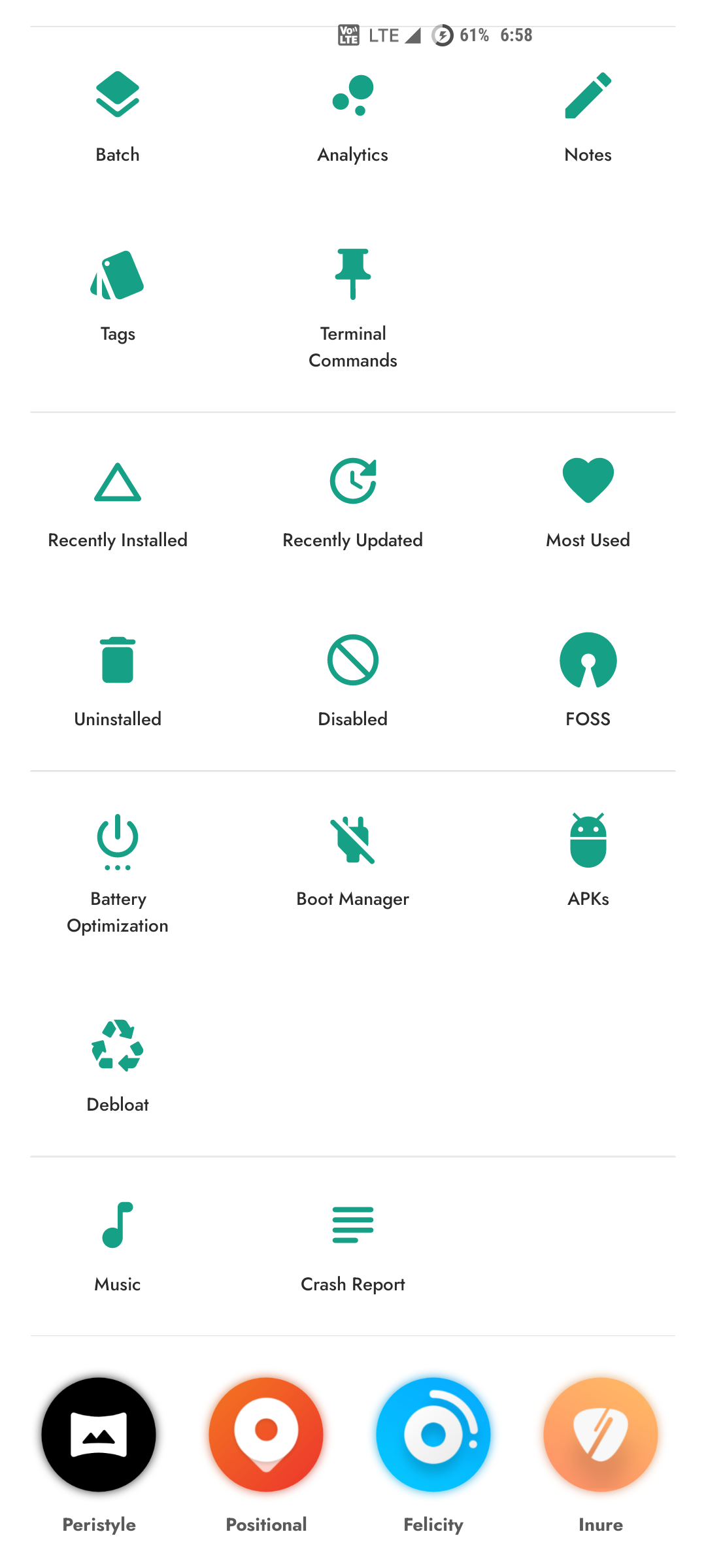 | 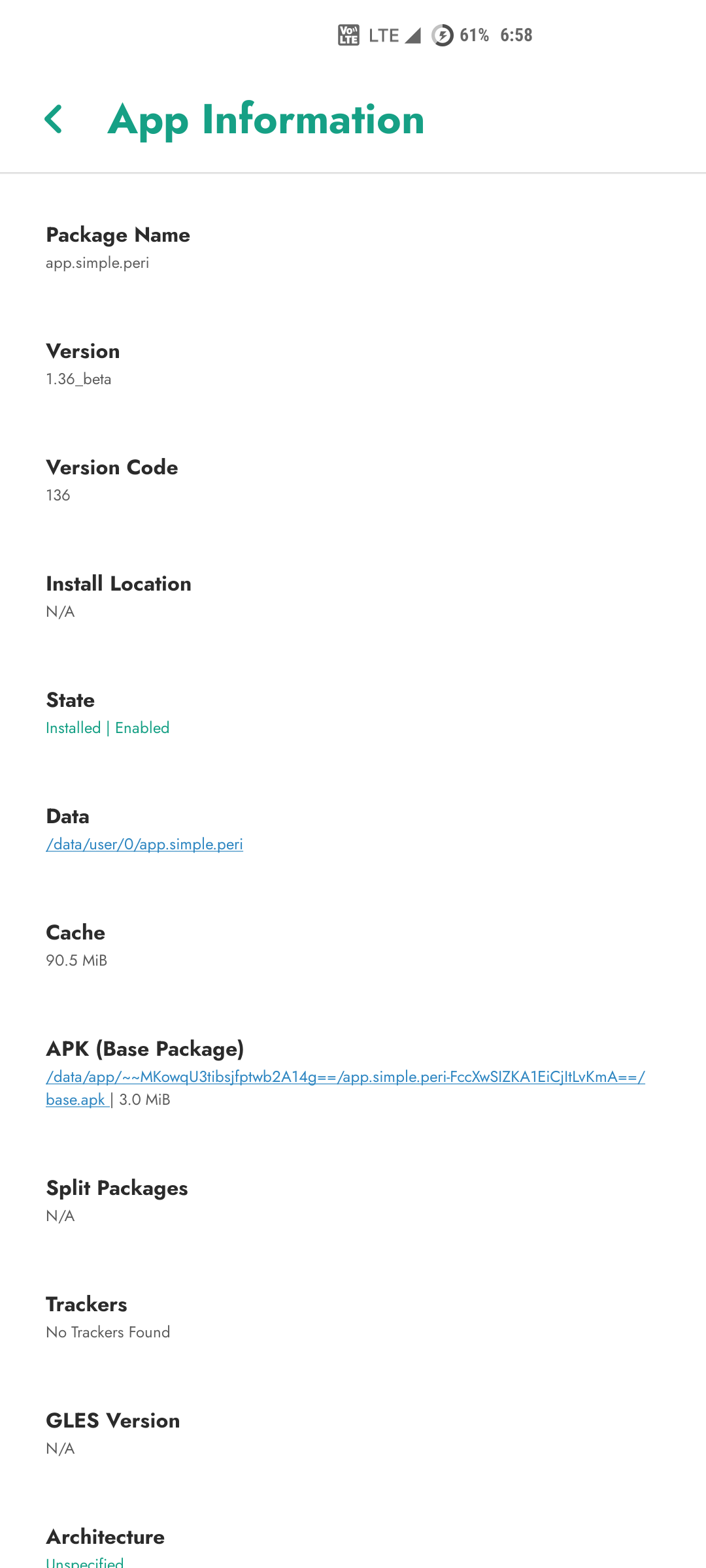 |
|---|---|---|
| 0x01 | 0x02 | 0x03 |
 |  |  |
|---|---|---|
| 0x04 | 0x05 | 0x06 |
 | 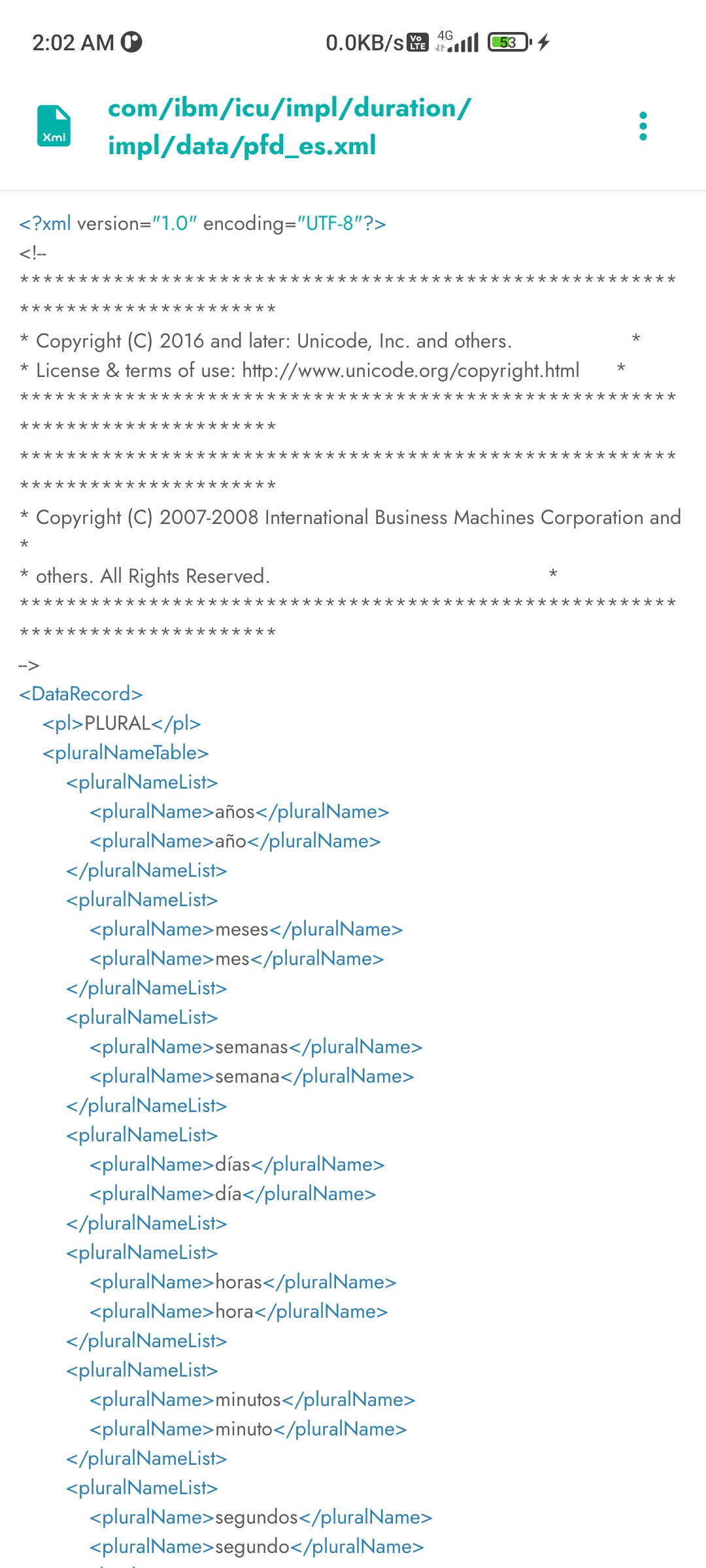 | 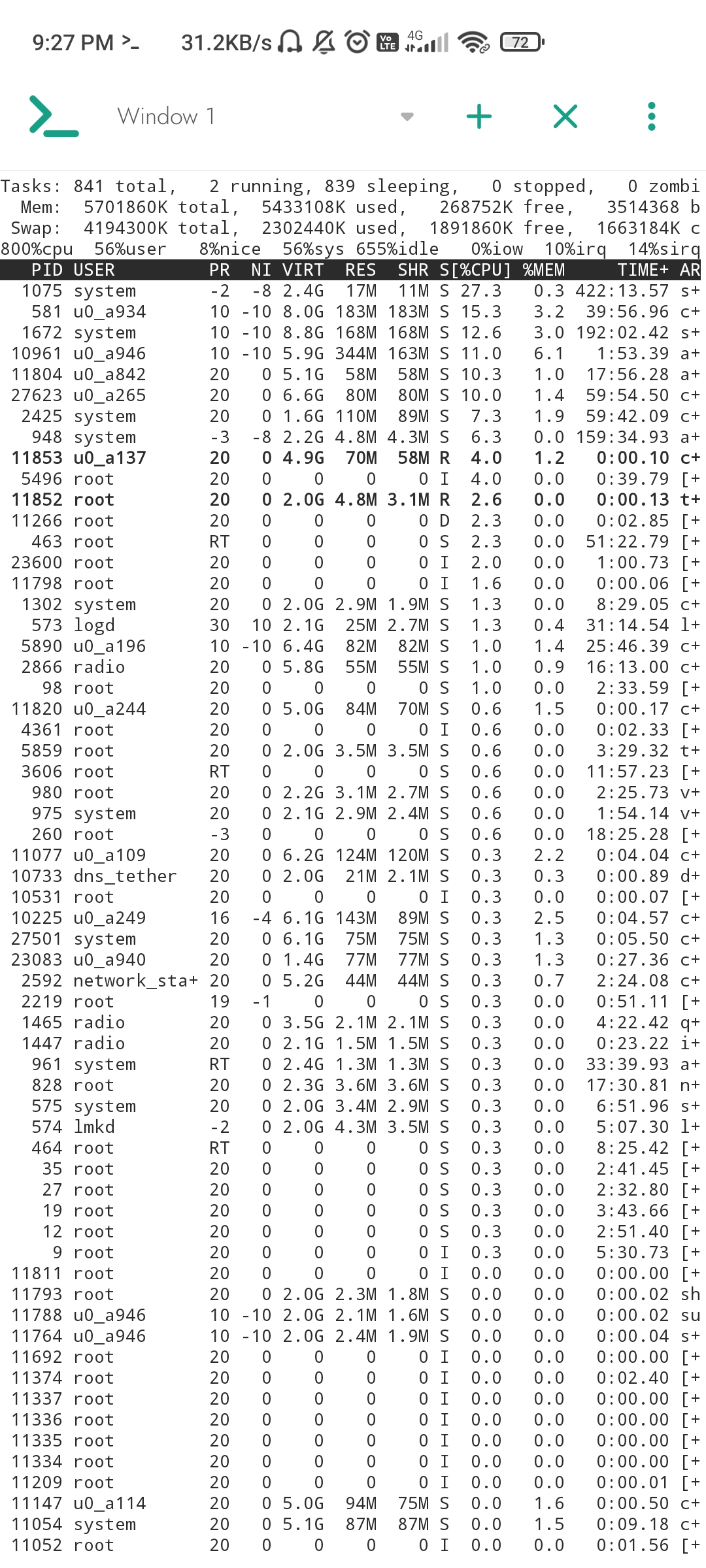 |
|---|---|---|
| 0x07 | 0x08 | 0x09 |
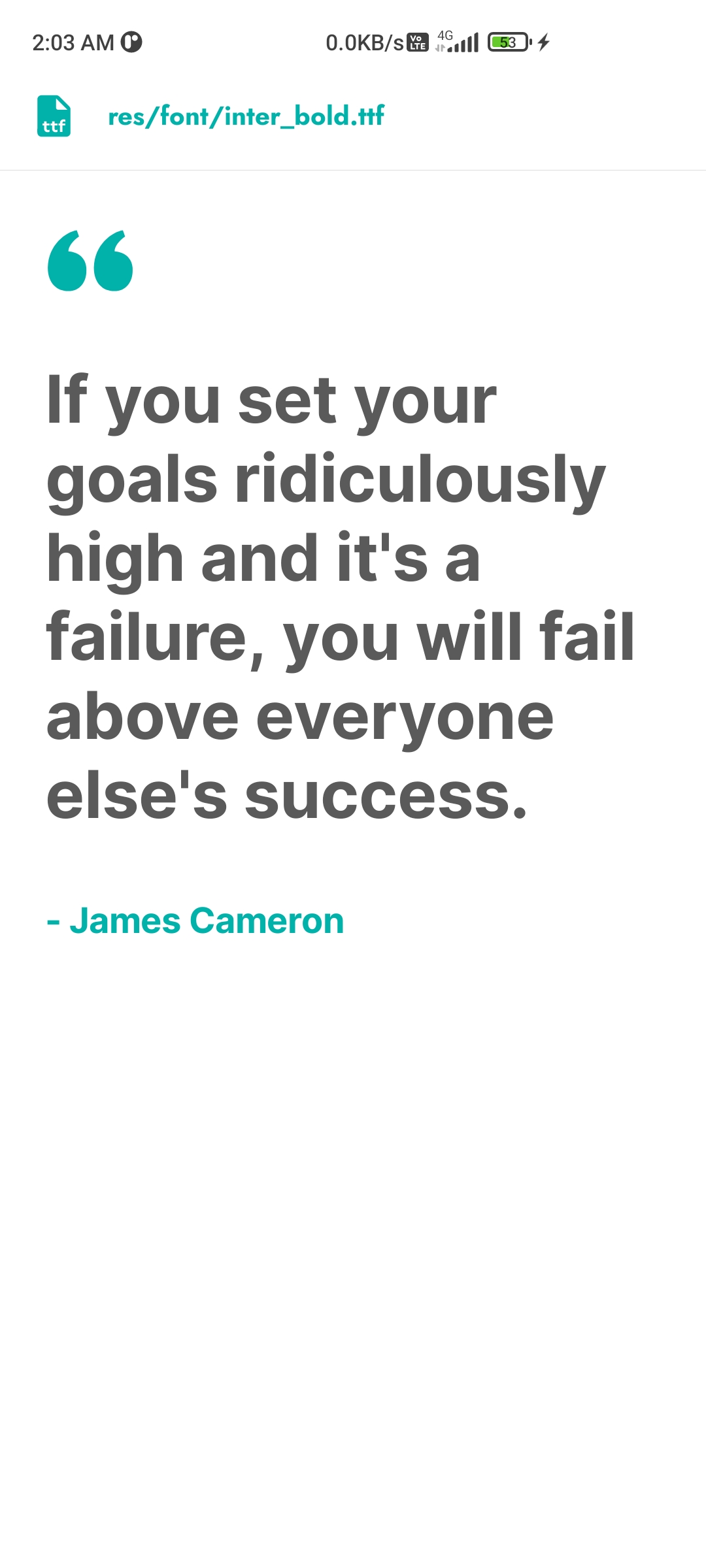 | 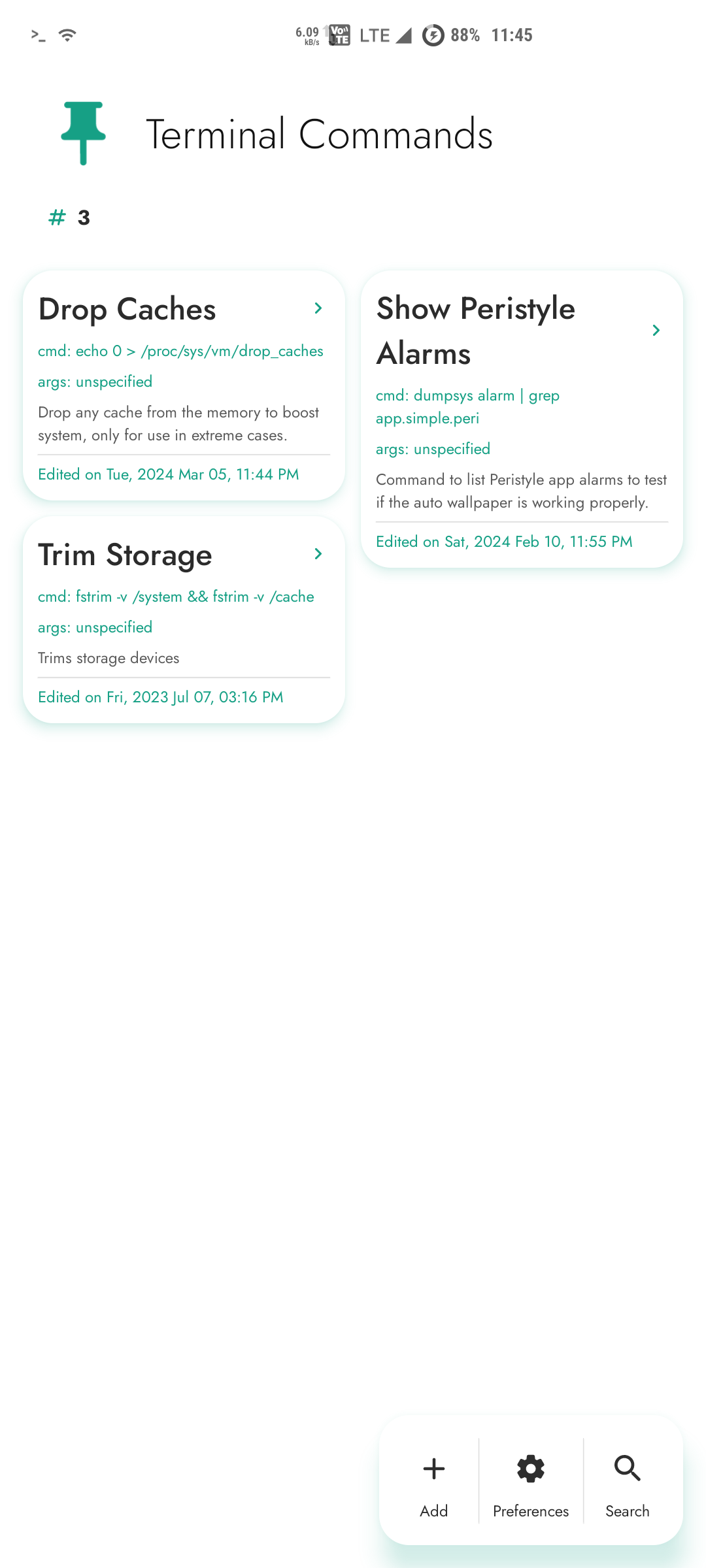 |  |
|---|---|---|
| 0x00 | 0x0A | 0x0B |
 |  |  |
|---|---|---|
| 0x0C | 0x0D | 0x0E |
 |  |  |
|---|---|---|
| 0x0F | 0x11 | 0x12 |
 |  |  |
|---|---|---|
| 0x13 | 0x14 | 0x15 |
 |  |  |
|---|---|---|
| 0x16 | 0x17 | 0x18 |
 |  |  |
|---|---|---|
| 0x19 | 0x1A | 0x1B |
 |  |  |
|---|---|---|
| 0x1C | 0x1D | 0x1E |
 |  |  |
|---|---|---|
| 0x1F | 0x20 | 0x21 |
Accessibility
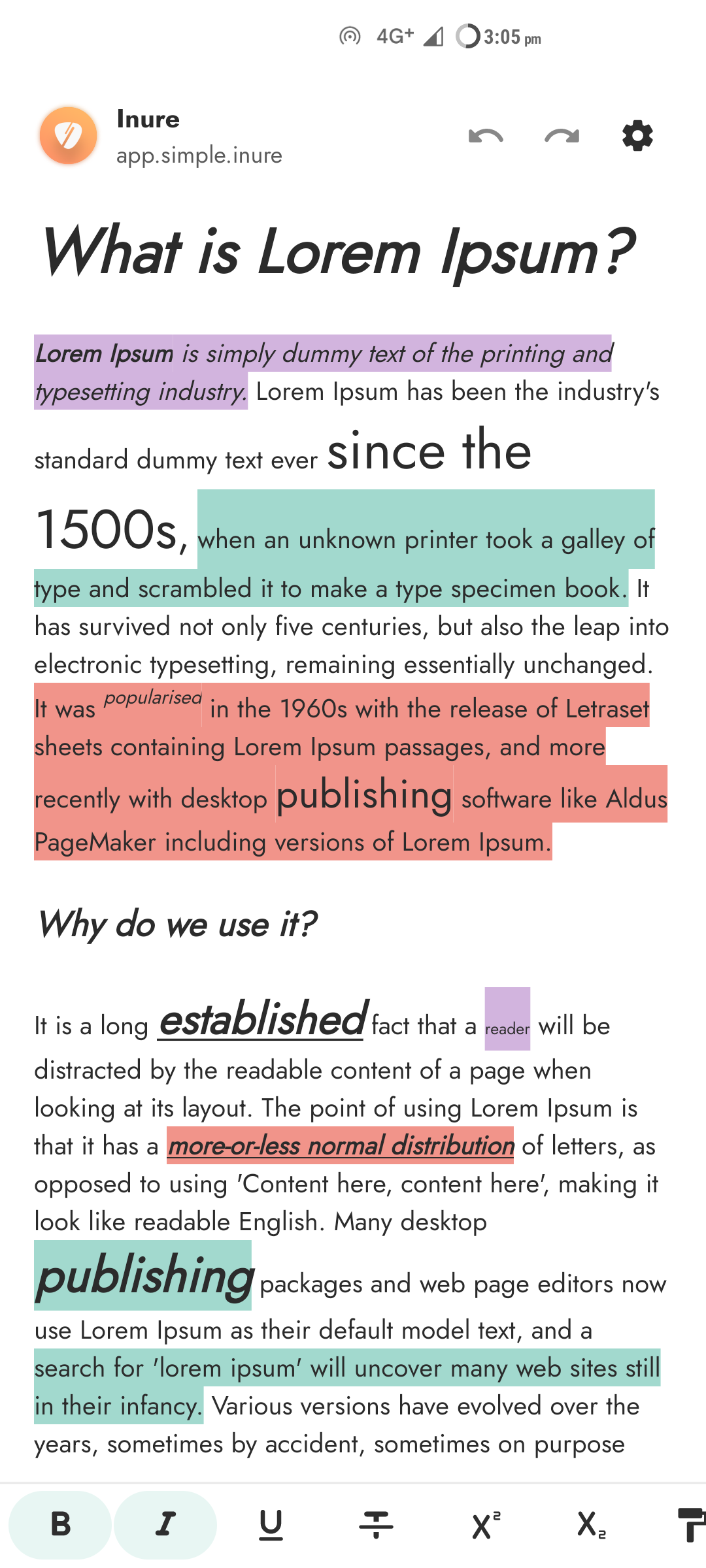
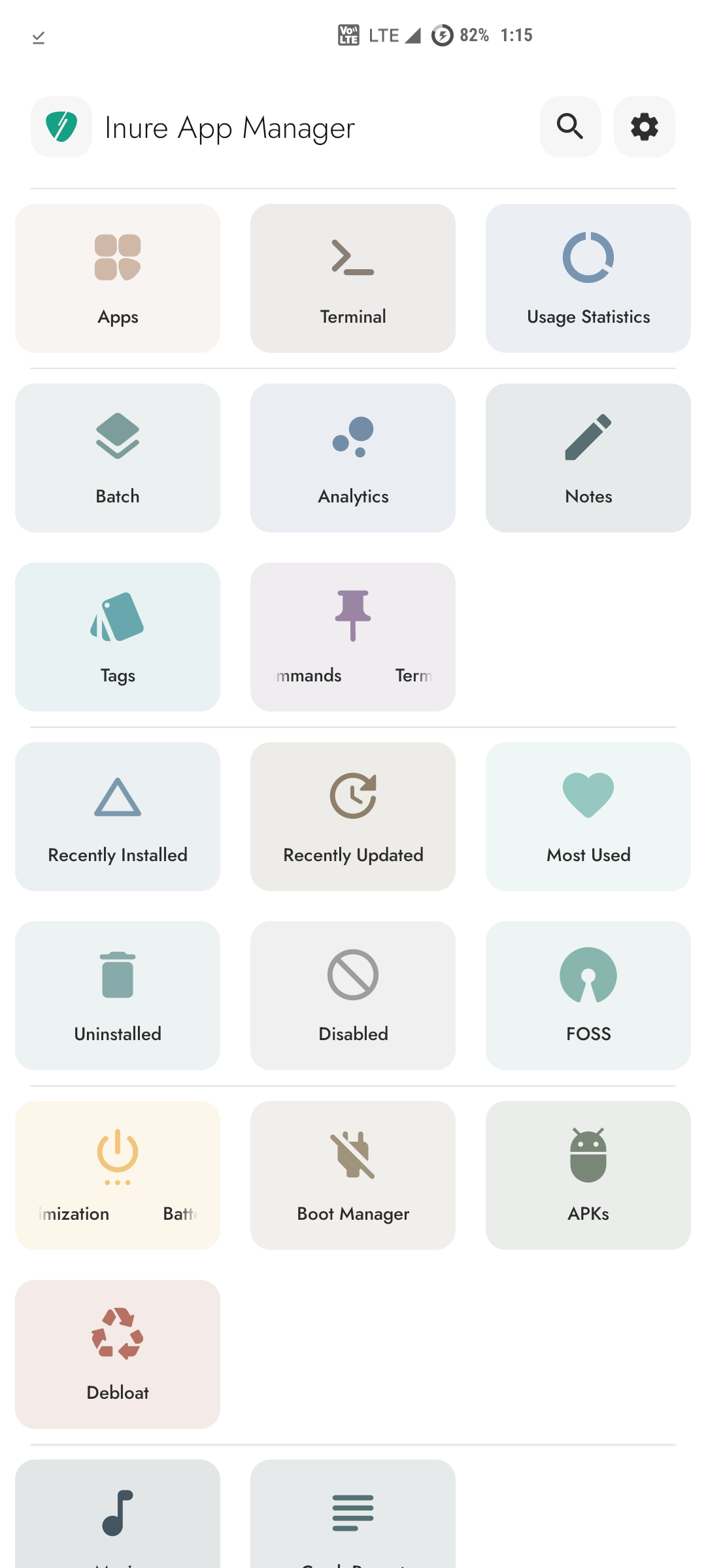
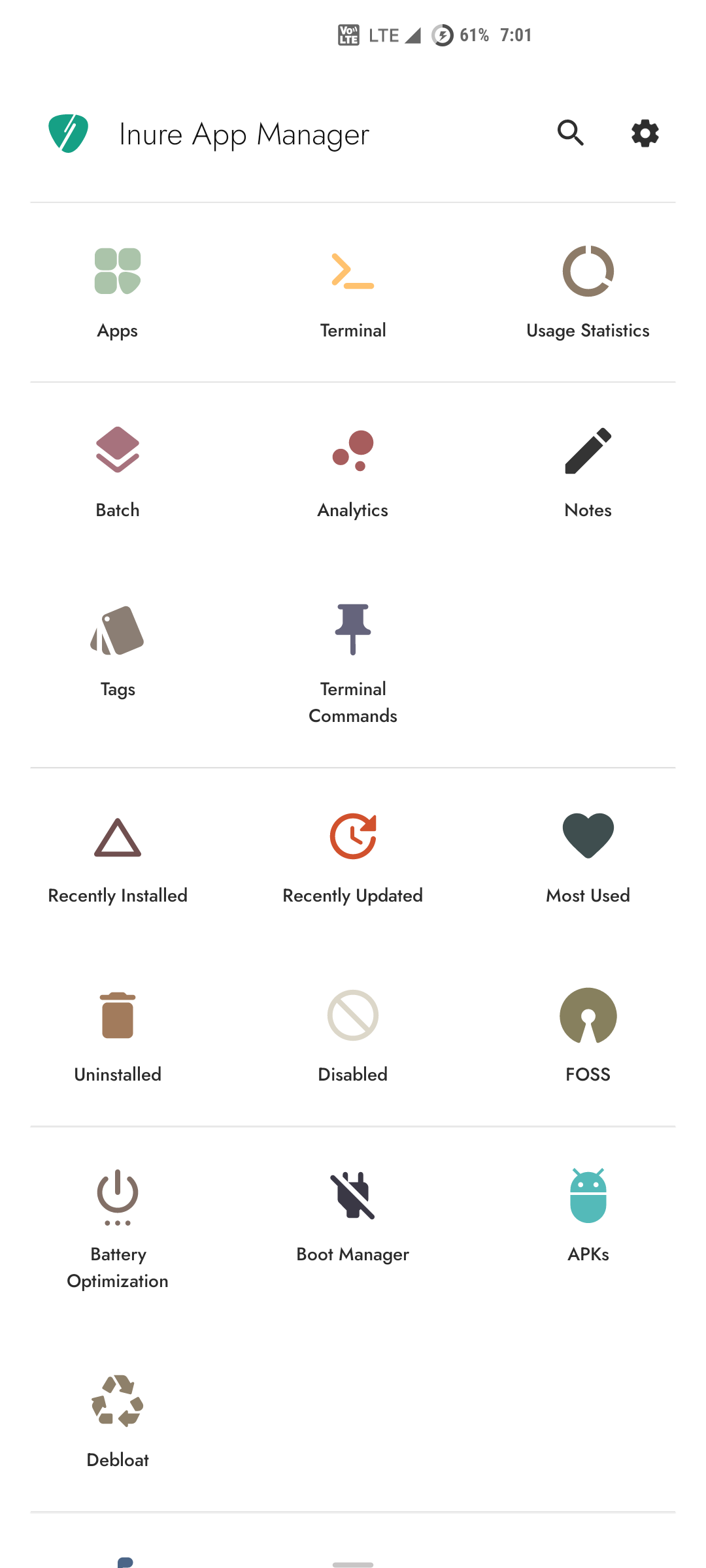
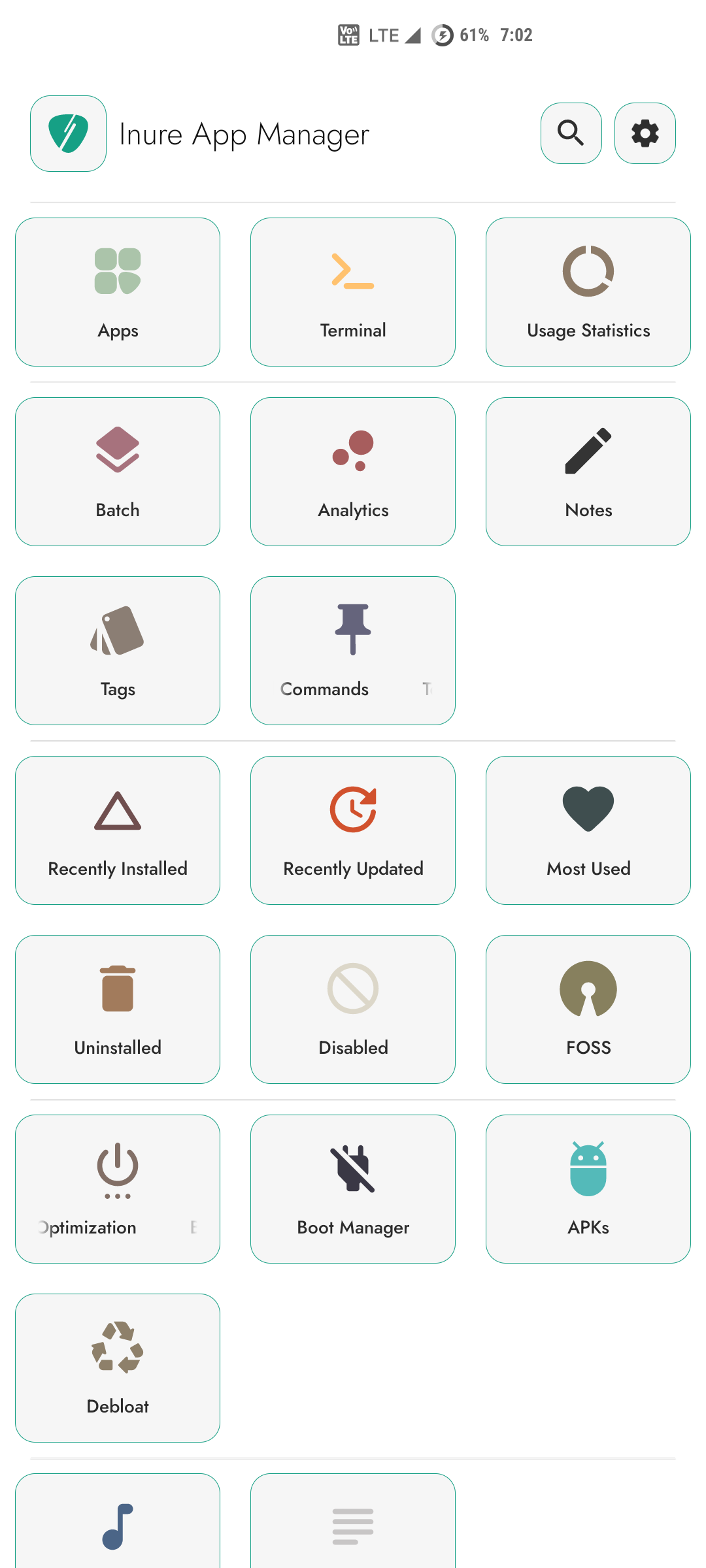
Various accessibility features to make the app more accessible to users. Inure also supports an
option to add more colors to interface of various
types including Pastel, Coffee (soothing) and Retro (color blocked) for users who don't prefer
monochromatic interface or have difficulty using it.
Including that, Inure also supports highlighting clickable elements and divider for users who
have difficulty in differentiating spaces between interface elements.
Further more, it's also possible to disable all animations to reduce excessive motion in the
app. Inure has options to adjust animation requirements over multiple levels from all animations to no
animations with fine granularity.
 |  |  |
|---|---|---|
| 0x00 | 0x01 | 0x02 |
Menus and Dialogs
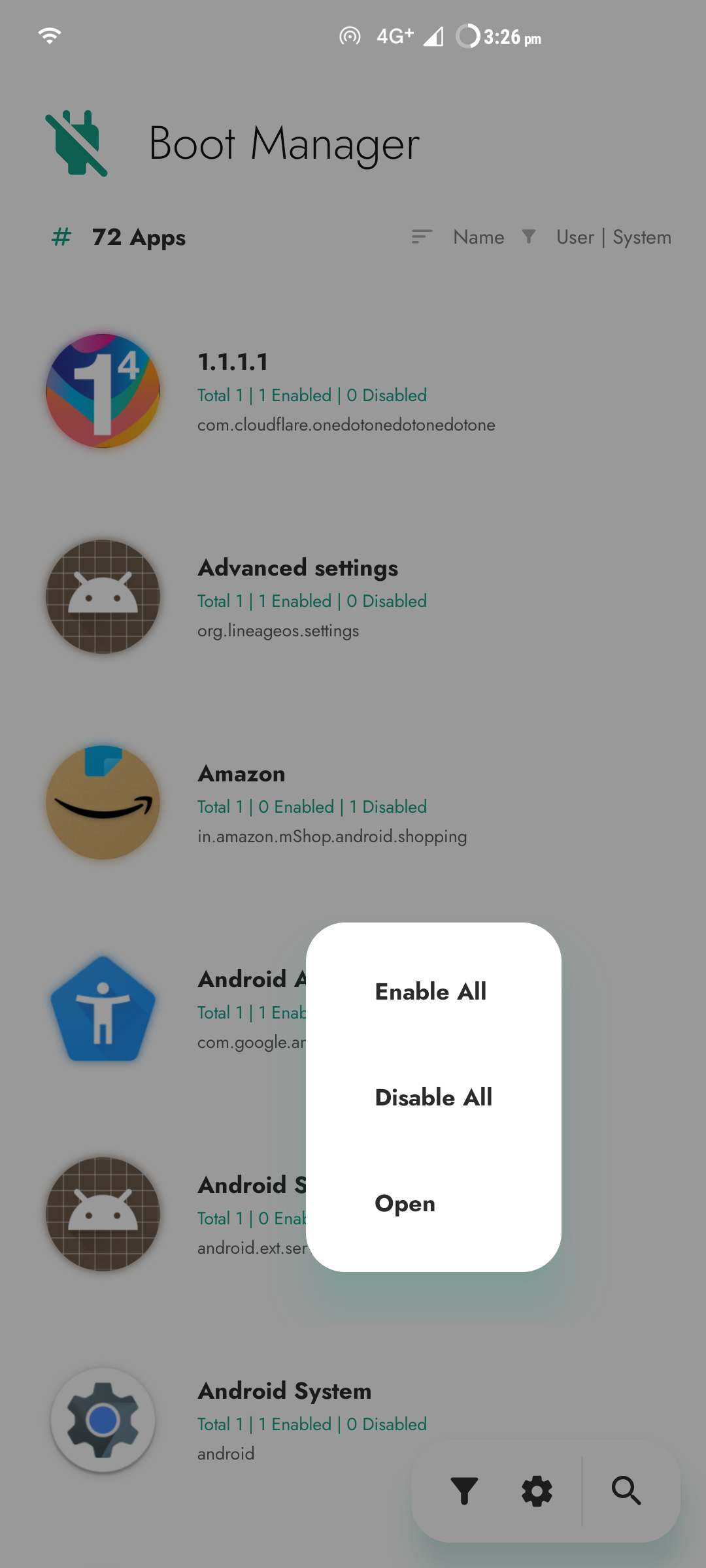
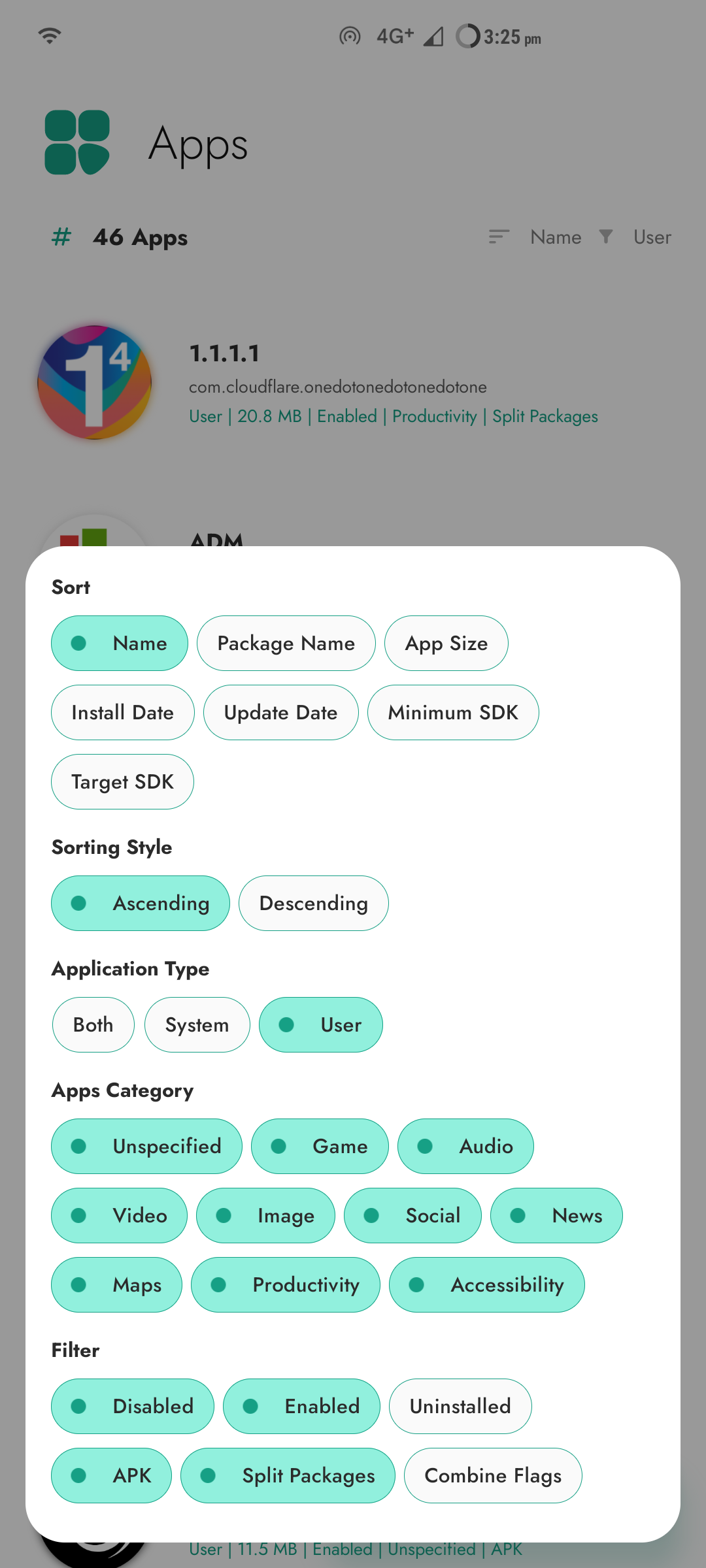
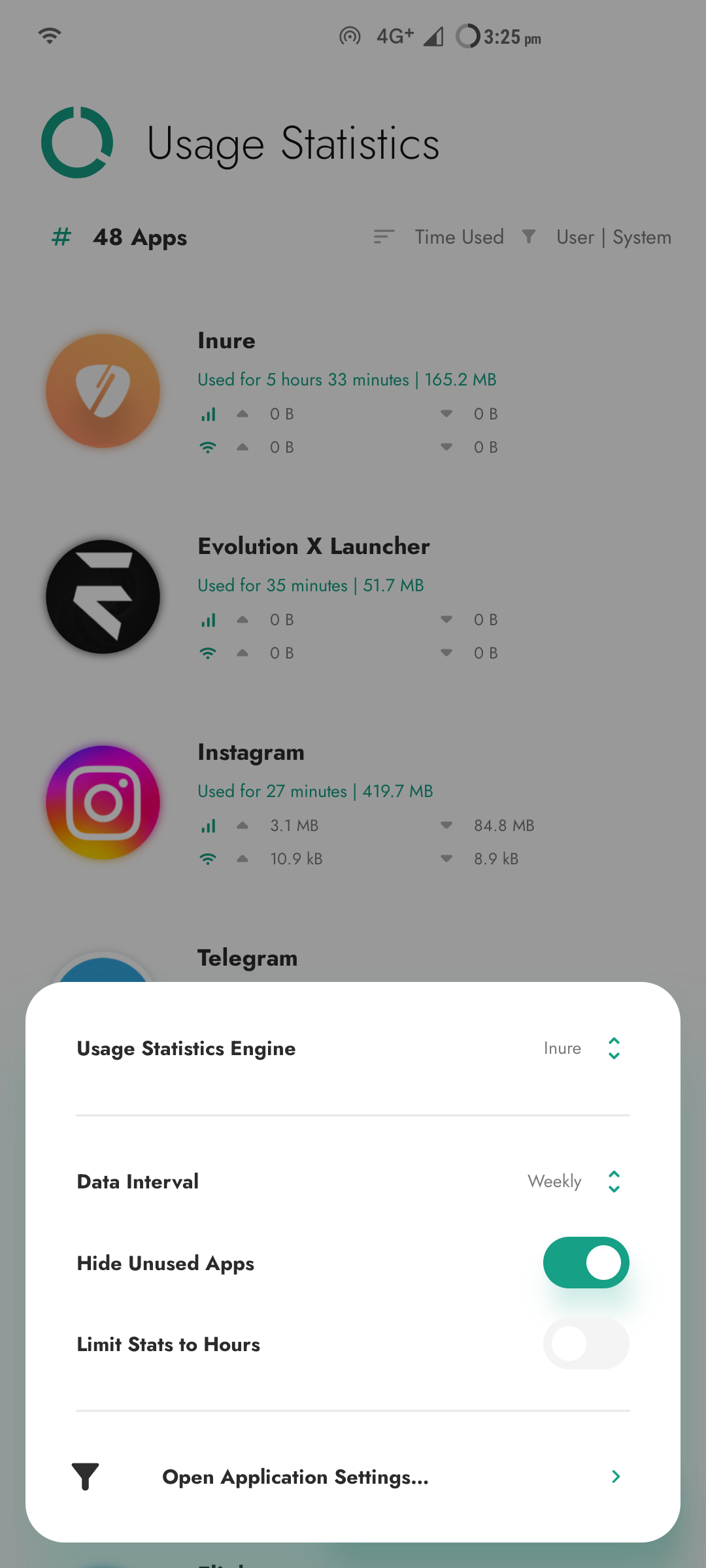
Inure has 3 different styles of Menu and Dialogs type depending on how they're required, the popup type used for quick actions follows the user thumb on the screen,
the modal dialog is used to adjust panel level preferences and chip style dialog for managing filter flags and tags. These three work together to refine a good level
of UX and UI without overloading the user with a lot of options.
 |  |  |
|---|---|---|
| 0x00 | 0x01 | 0x02 |
Visually Challenged Users
Inure is designed to be as user friendly as possible despite its complexities. For users with visual difficulties, it come across to cause really low confusion while browsing through its interface and processing the displayed
information through a screen reader. A user with such difficulty has demoonstrated the ease of use of the app here.
If you've any questions or suggestions for design, please initiate a discussion or create an issue.
Contribute
Include your app in Inure's FOSS panel
If you are a developer and want your app to be listed in the FOSS panel of Inure and show a
FOSS indicator alongside your app, there are two ways this can be done.
- You can publish your app on F-Droid. Inure automatically marks the app as FOSS if it's available
on F-Droid. - You can add
open_sourceandopen_source_licensetag in your app's manifest file and Inure
will fetch this info during the runtime and will include your app based on the flag.
xml<application ..... > <!-- Set to true to indicate the app is open source --> <meta-data android:name="open_source" android:value="true" /> <!-- License of your app --> <meta-data android:name="open_source_license" android:value="GNU GENERAL PUBLIC LICENSE Version 3" /> </application>
Participate in Community Permission Descriptions
Community permissions descriptions of some OEM or Developer defined permissions for native framework or system apps whose details Android doesn't or cannot provide.
You can read the complete guidelines here on how to contribute.
Developers
Inure's repo doesn't require any special setup, clone/fork the repo and run in
Android Studio and let the initial setup finish
automatically and you'll be good to go.
Want to show you were here?
You cannot do the above still wanna show your support? hit the star and let me know you were here
and appreciate the project.
Translation/Localization
You can take participation in app's translation on Crowdin
and watch Inure work in your language and make the app more user friendly to
everyone speaking your tongue.
Alternatively, you can also edit/upload your locale's strings
from app/src/main/res/values-locale-code directory.
License
Inure App Manager Copyright © 2023 - Hamza Rizwan
Inure App Manager is released as open source software under
the GPL v3
license, see the LICENSE file in the project root for the full license text.
Facts
- Inure comprises over 250K lines of code, written entirely by a single person.
- Despite its size, Inure has zero memory leaks and does not use
WeakReferenceanywhere in the project.- my first Android project was full of them :’)
- Inure is fully reproducible (#400).
- Inure is the first-ever Android app to implement both panel-level and app-level preferences architecture.
- All preferences provide real-time feedback with no loading screens.
- Inure is accessible to visually challenged users.
- The concept of Inure was first envisioned in 2018, however the development only began properly in the third quarter of 2021.
- During the interim, I developed three mini apps to test and validate its potential:
- Positional
- Flaner
- Beatz (private)
- During the interim, I developed three mini apps to test and validate its potential:
Behind The Scenes
 |
|---|
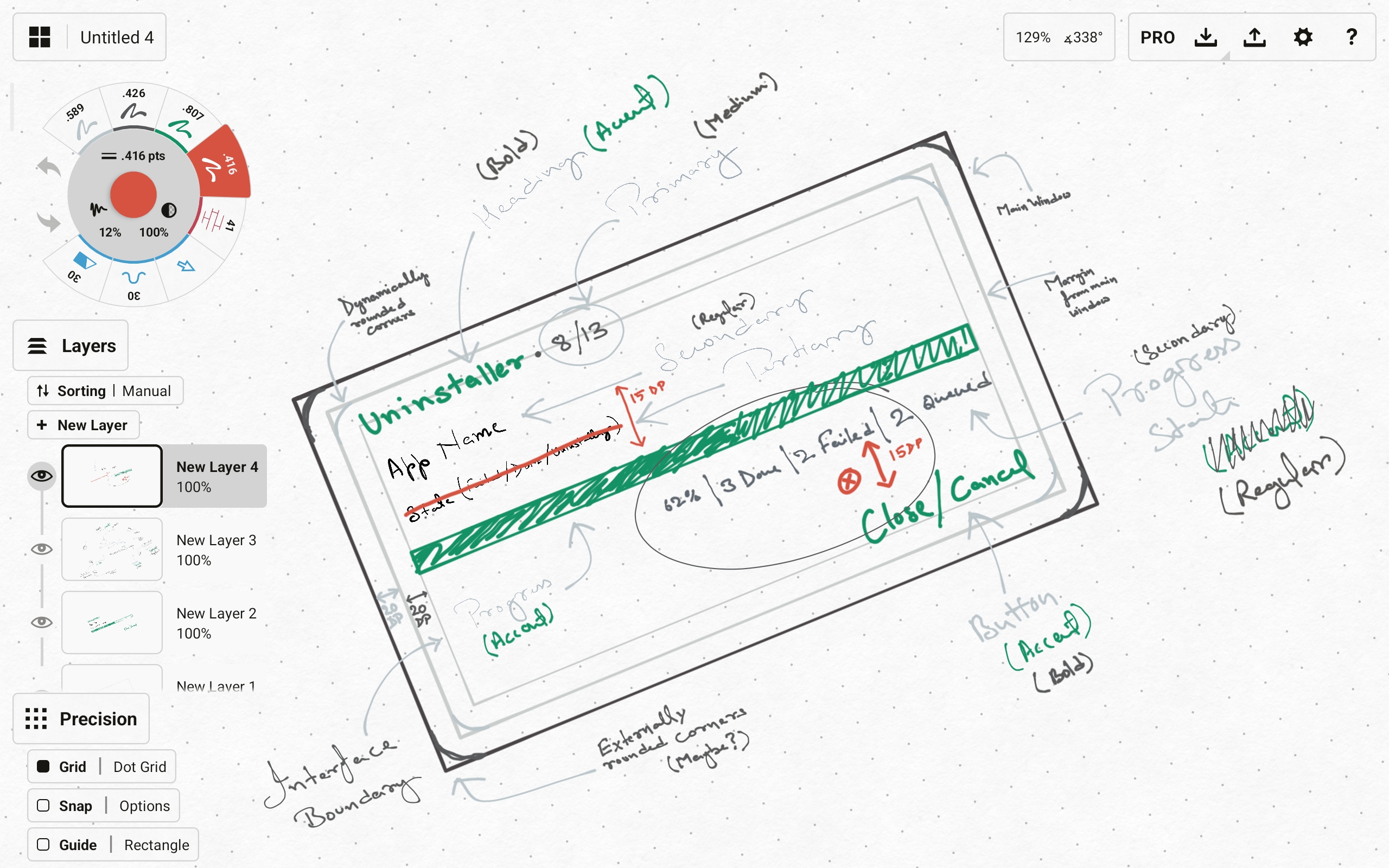
| Designing of interface skeletons for Inure |
 |
|---|
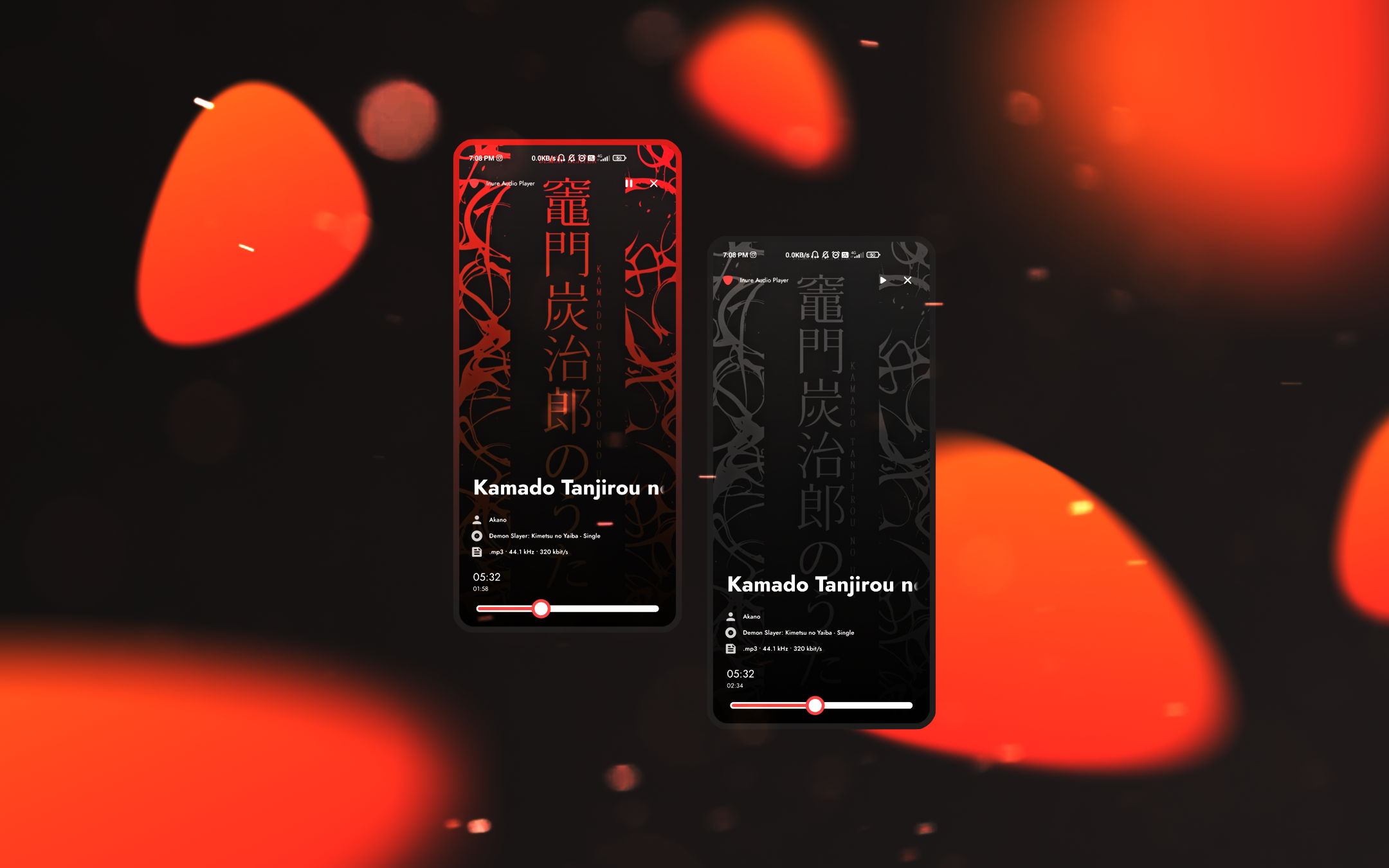
| Audio Player interface design (later removed) |
 |
|---|
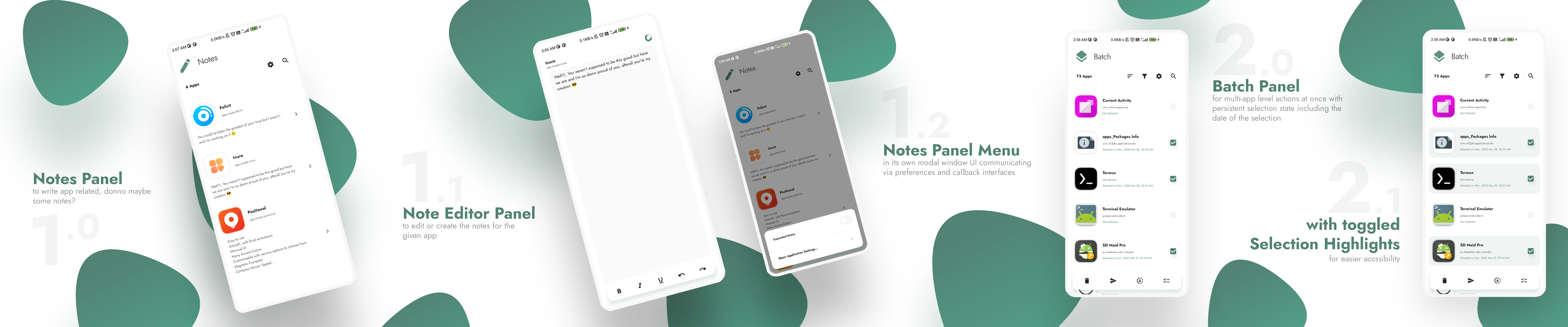
| Presentation design for Batch interface |
Contributors
Showing top 9 contributors by commit count.


![github-actions[bot]](https://avatars.githubusercontent.com/in/15368?v=4)


Related Repositories

flutter/flutter
Flutter makes it easy and fast to build beautiful apps for mobile and beyond

Genymobile/scrcpy
Display and control your Android device

react/react-native
A framework for building native applications using React

justjavac/free-programming-books-zh_CN
:books: 免费的计算机编程类中文书籍,欢迎投稿

rustdesk/rustdesk
An open-source remote desktop application designed for self-hosting, as an alternative to TeamViewer.

Hack-with-Github/Awesome-Hacking
A collection of various awesome lists for hackers, pentesters and security researchers