

HGCircularSlider
A custom reusable circular / progress slider control for iOS application.
To run the example project, clone the repo, and run `pod install` from the Example directory first. The project is written primarily in Swift, distributed under the MIT License license, first published in 2016. It has gained significant community traction with 2,634 stars and 278 forks on GitHub. Key topics include: circle, circular, clock, ios, progress.
HGCircularSlider







<br />


Example
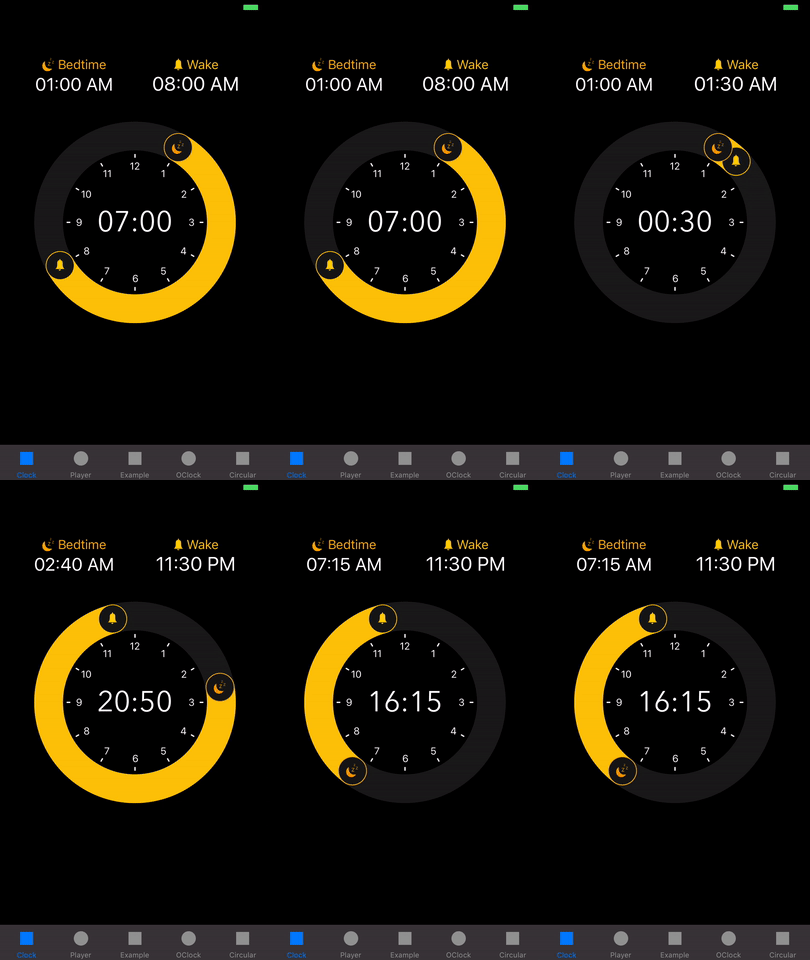
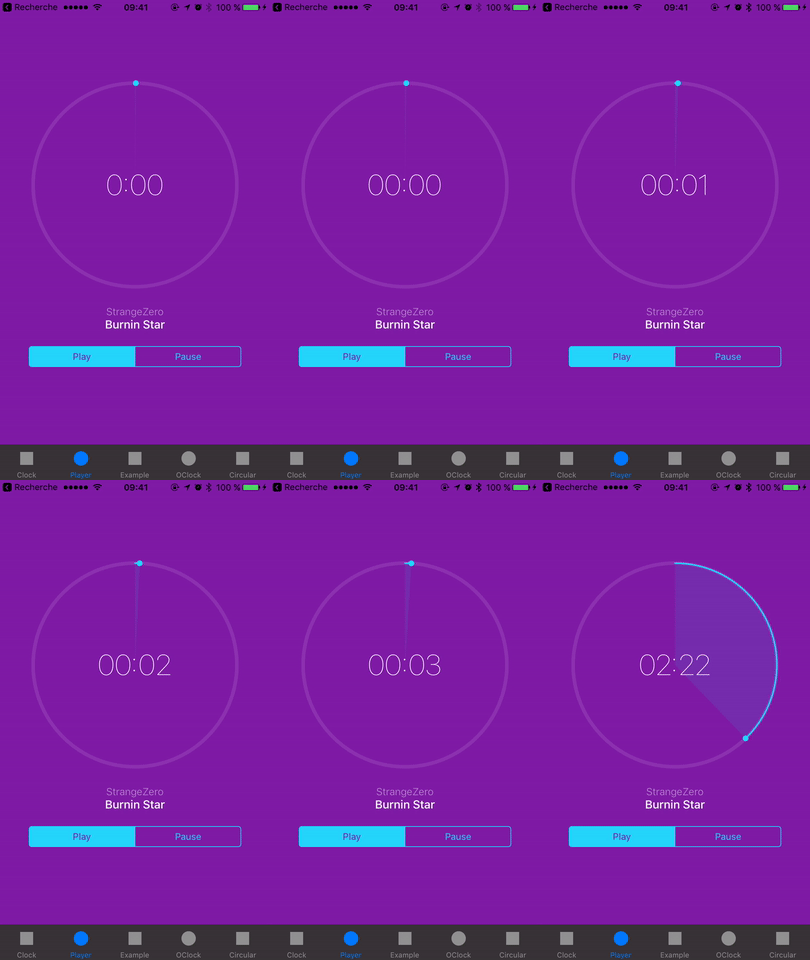
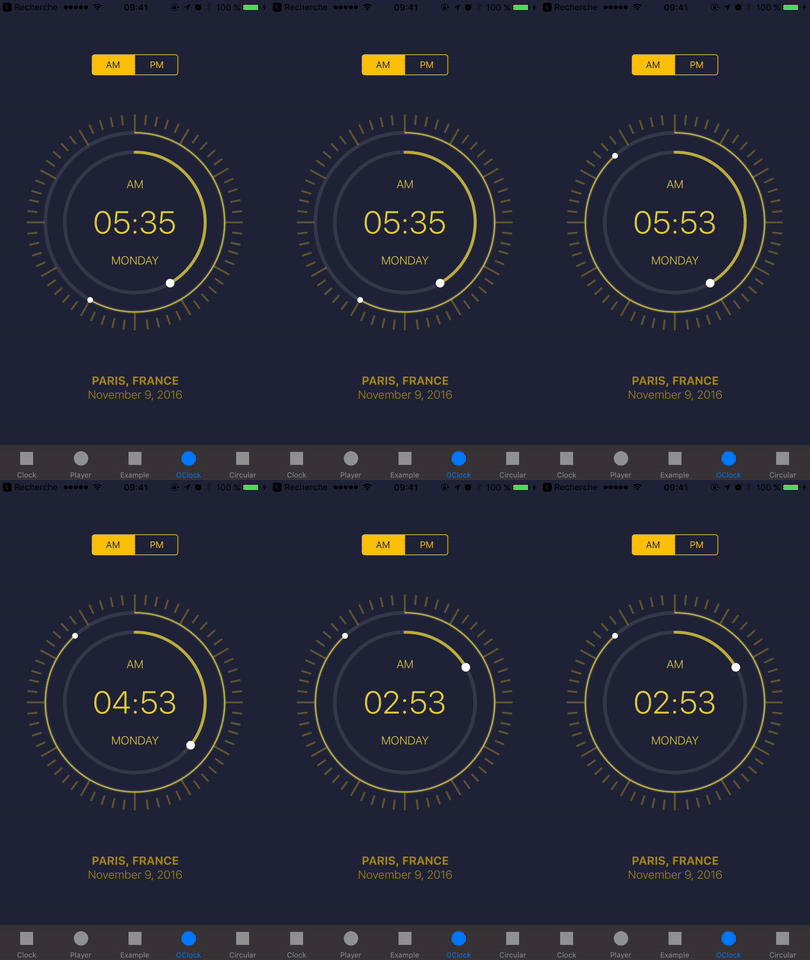
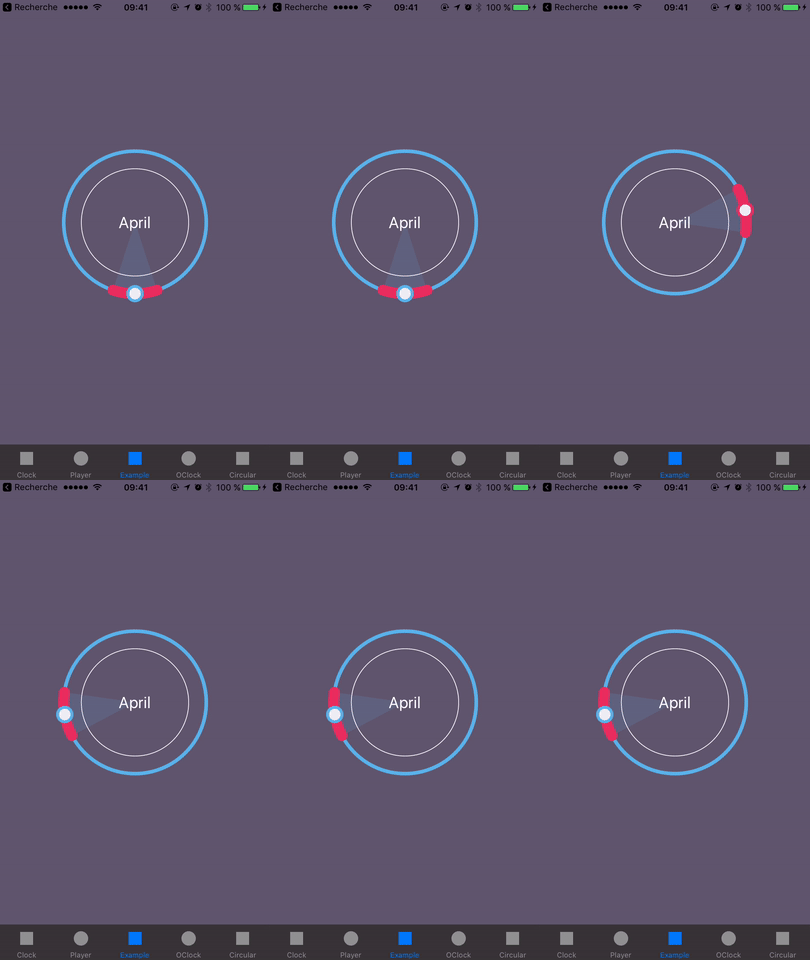
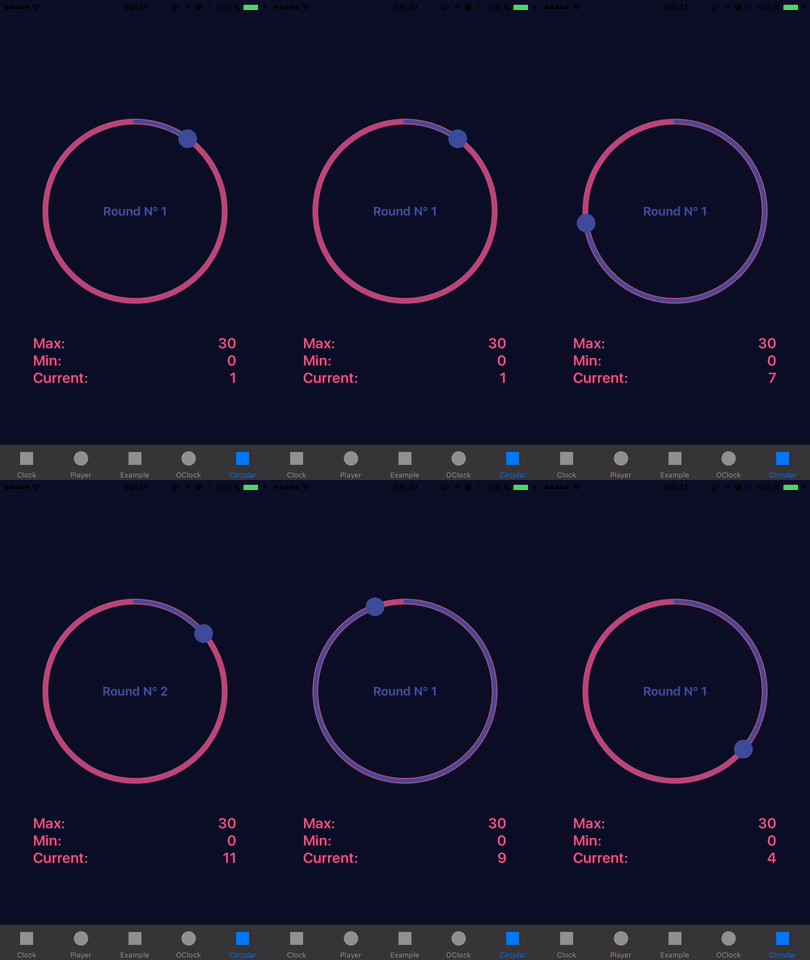
To run the example project, clone the repo, and run pod install from the Example directory first.
You also may like
- HGPlaceholders - Nice library to show placeholders for any UITableView in your project
- HGRippleRadarView - A beautiful radar view to show nearby users with ripple animation, fully customizable
Requirements
- iOS 9.0+
- Xcode 11.4
Installation
HGCircularSlider is also available through Swift Package Manager
Follow this doc.
HGCircularSlider is also available through CocoaPods. To install
it, simply add the following line to your Podfile:
rubypod 'HGCircularSlider', '~> 2.2.1'
HGCircularSlider is also available through Carthage. To install
it, simply add the following line to your Cartfile:
rubygithub "HamzaGhazouani/HGCircularSlider"
Usage
- Change the class of a view from UIView to CircularSlider, RangeCircularSlider or MidPointCircularSlider
- Programmatically:
swiftlet circularSlider = CircularSlider(frame: myFrame) circularSlider.minimumValue = 0.0 circularSlider.maximumValue = 1.0 circularSlider.endPointValue = 0.2
OR
swiftlet circularSlider = RangeCircularSlider(frame: myFrame) circularSlider.startThumbImage = UIImage(named: "Bedtime") circularSlider.endThumbImage = UIImage(named: "Wake") let dayInSeconds = 24 * 60 * 60 circularSlider.maximumValue = CGFloat(dayInSeconds) circularSlider.startPointValue = 1 * 60 * 60 circularSlider.endPointValue = 8 * 60 * 60 circularSlider.numberOfRounds = 2 // Two rotations for full 24h range
OR
swiftlet circularSlider = MidPointCircularSlider(frame: myFrame) circularSlider.minimumValue = 0.0 circularSlider.maximumValue = 10.0 circularSlider.distance = 1.0 circularSlider.midPointValue = 5.0
If you would like to use it like a progress view
let progressView = CircularSlider(frame: myFrame)
progressView.minimumValue = 0.0
progressView.maximumValue = 1.0
progressView.endPointValue = 0.2 // the progress
progressView.userInteractionEnabled = false
// to remove padding, for more details see issue #25
progressView.thumbLineWidth = 0.0
progressView.thumbRadius = 0.0
Documentation
Full documentation is available on CocoaDocs.<br/>
You can also install documentation locally using jazzy.
References
The UI examples of the demo project inspired from Dribbble.
Player <br/>
BasicExample<br/>
OClock<br/>
The project is Inspired by UICircularSlider
Author
Hamza Ghazouani, hamza.ghazouani@gmail.com
License
HGCircularSlider is available under the MIT license. See the LICENSE file for more info.
Contributors
Showing top 8 contributors by commit count.




Related Repositories

danger/danger
🚫 Stop saying "you forgot to …" in code review (in Ruby)
danger/danger-js
⚠️ Stop saying "you forgot to …" in code review

bartgryszko/react-native-circular-progress
React Native component for creating animated, circular progress with ReactART

microsoft/maker.js
📐⚙ 2D vector line drawing and shape modeling for CNC and laser cutters.

RuffianZhong/RWidgetHelper
Android UI 快速开发,专治原生控件各种不服

joshyattridge/smart-money-concepts
Discover our Python package designed for algorithmic trading. It brings ICT's smart money concepts to Python, offering a range of indicators for your algorithmic trading strategies.