

JiwuChat
JiwuChat 🍂 - A lightweight cross-platform instant messaging app with integrated AI assistants (DeepSeek/Gemini/Kimi). Features real-time messaging, audio/video calls, multi-device sync, and customizable themes. Built with Vue3 & Tauri2 🍒
官网:[JiwuChat](https://blog.jiwuchat.top/) 语言 : **简体中文** | [English](./.doc/README.en.md) | [Deutsch](./.doc/README.de.md) | [Español](./.doc/README.es.md) | [Français](./.doc/README.fr.md) | [日本語](./.doc/README.ja.md) | [한국어](./.doc/README.ko.md) | [Português](./.doc/README.pt.md) | [Русский](./.doc/README.ru.md) The project is written primarily in Vue, distributed under the GNU Affero General Public License v3.0 license, first published in 2024. Key topics include: ai, android-app, chat-application, desktop-app, instant-messaging.
官网:JiwuChat <br> 语言 : 简体中文 | English | Deutsch | Español | Français | 日本語 | 한국어 | Português | Русский
</div>介绍
JiwuChat 是一款基于 Tauri2 和 Nuxt3 构建的轻量(~10MB)多平台聊天应用,具备多种实时消息、AI群聊机器人(讯飞星火、KimiAI等已接入)、WebRTC 音视频通话、屏幕共享以及 AI 购物功能。它支持无缝跨设备通信,涵盖文本、图片、文件和语音等多种消息,还支持群聊和可定制化设置。提供浅色/深色模式,助力高效社交网络。✨
一套代码,多端适配
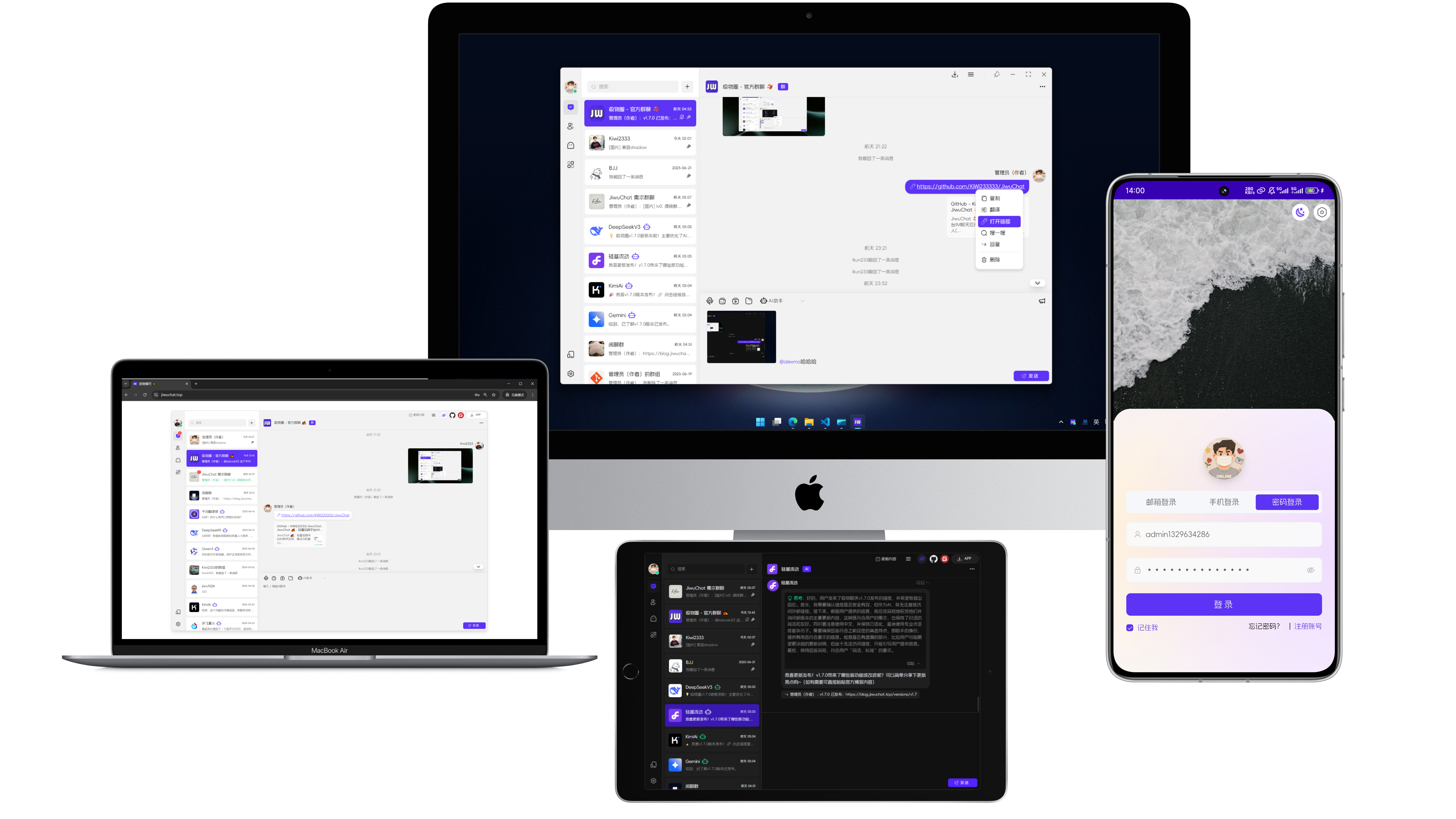
默认账号
- 账号:ikun233
- 密码:123456
- 体验:Web端地址
⚠ 注:
该账号上传文件、修改个人信息、修改密码等部分没有权限,只作为测试账号使用。
自部署
如需自建后端服务,请前往 ** jiwu-chat-core**,支持 Docker 一键部署。
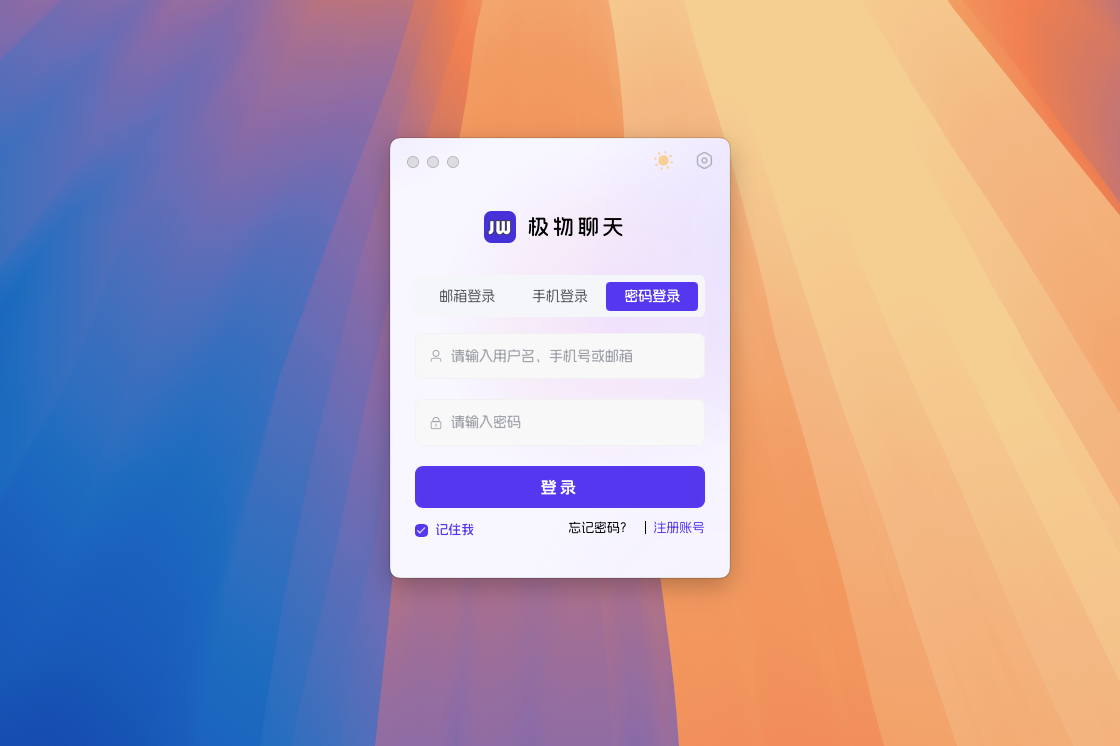
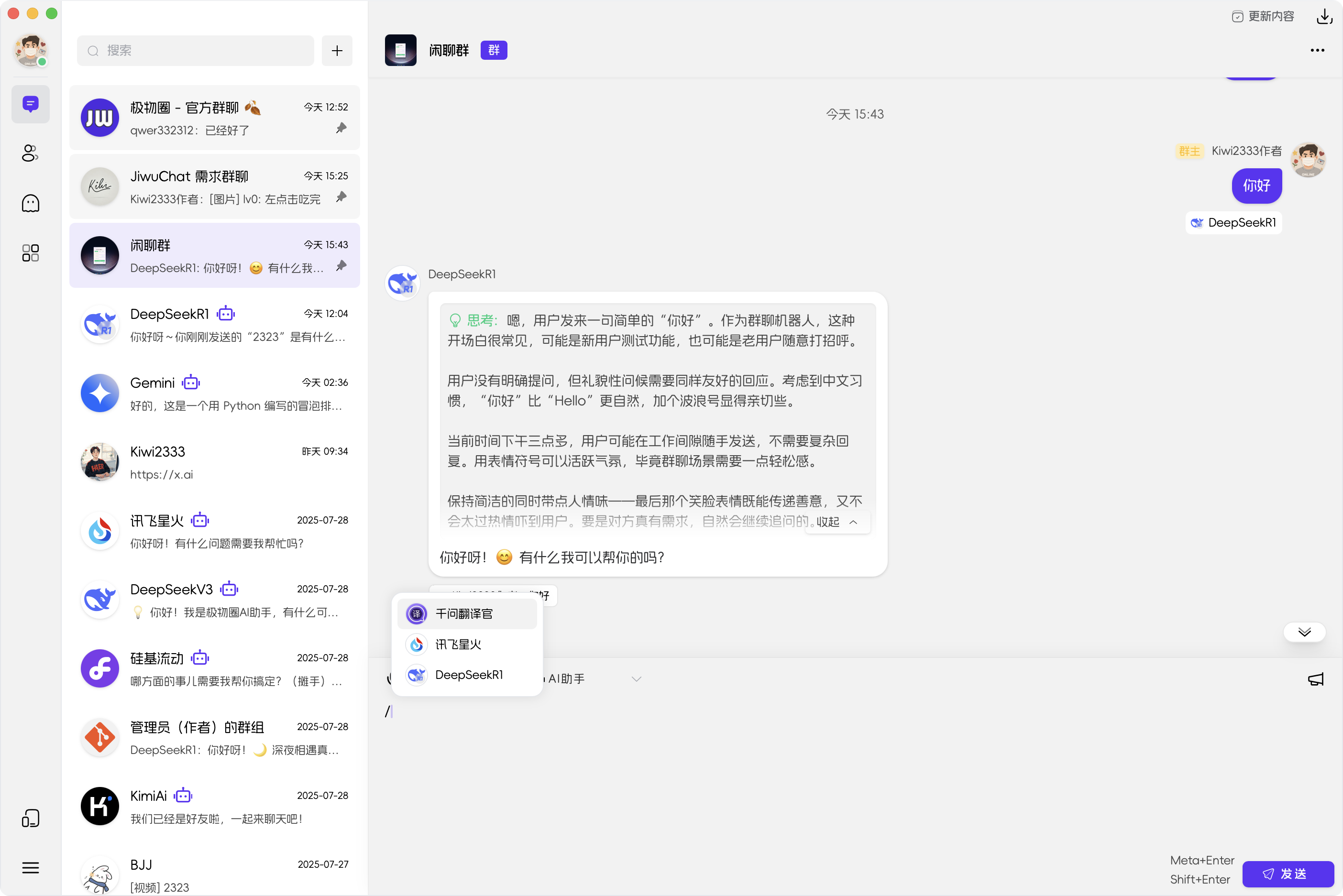
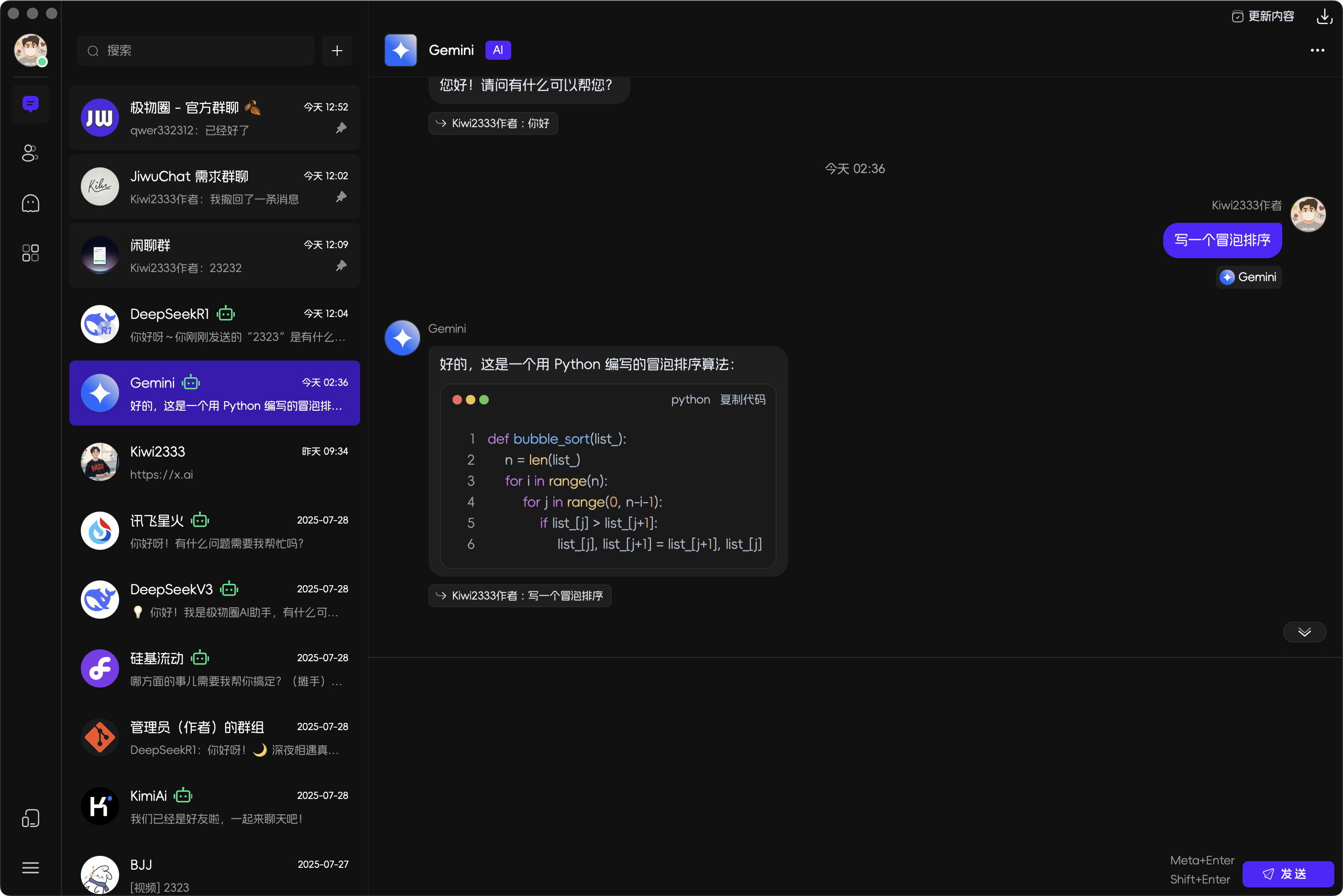
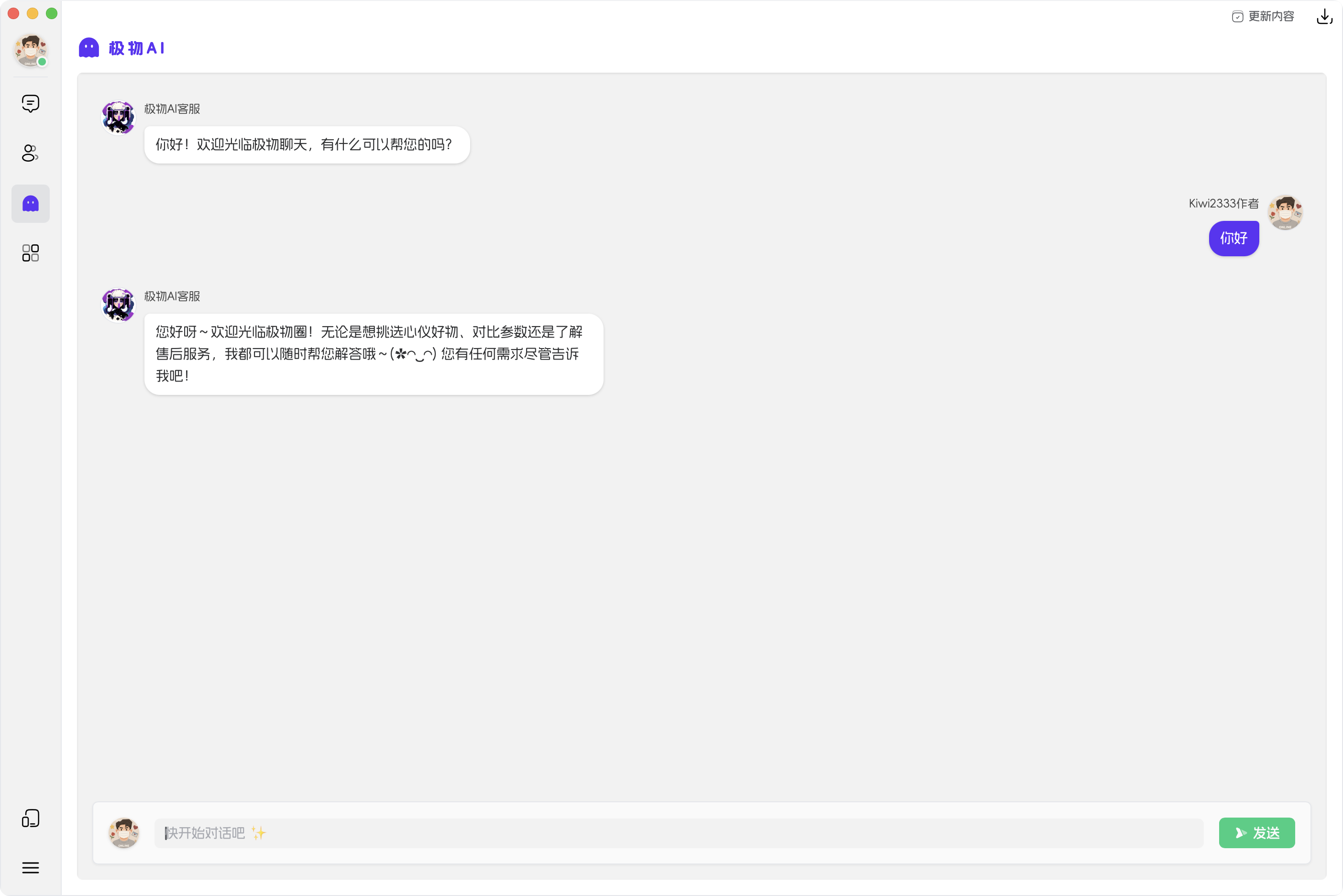
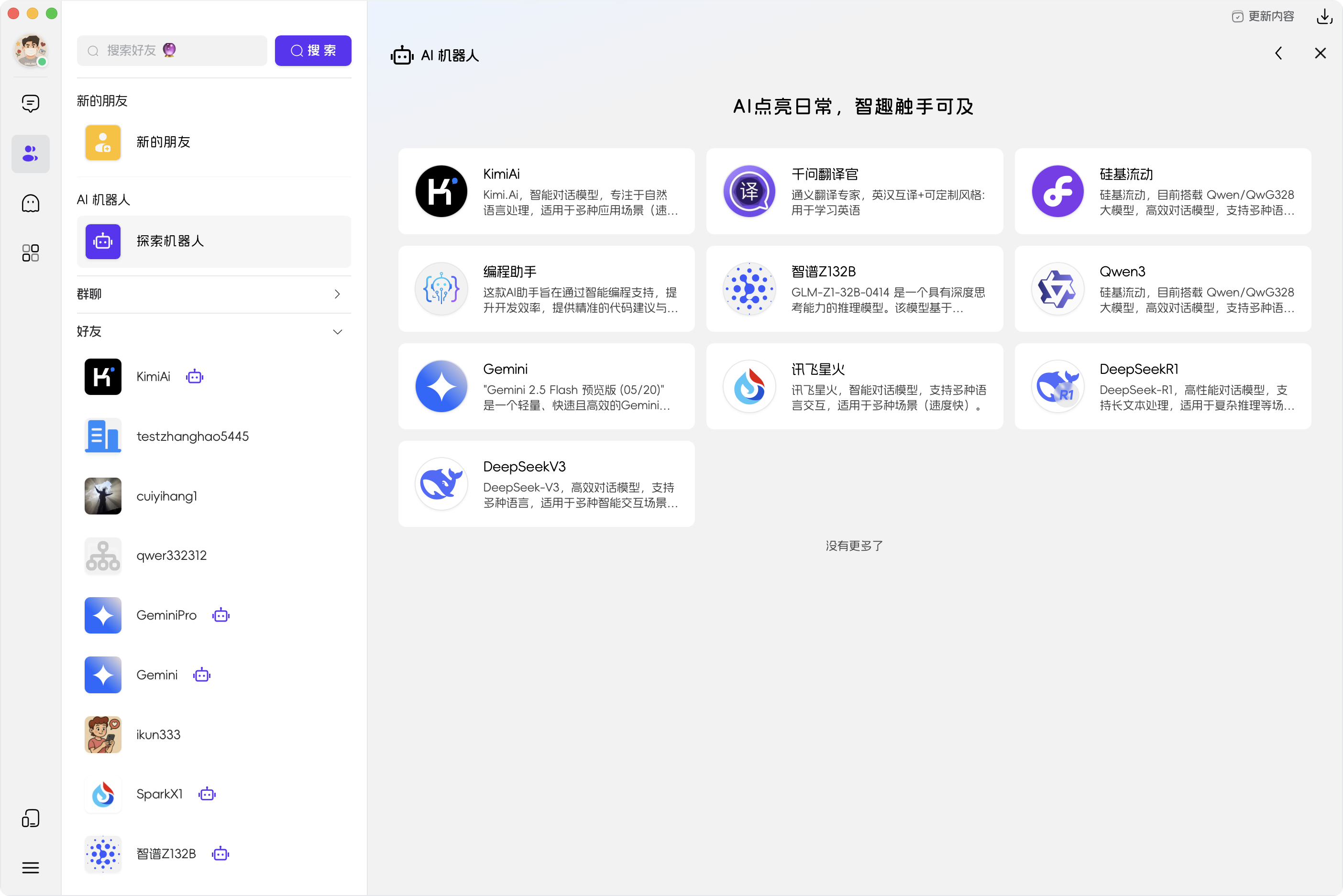
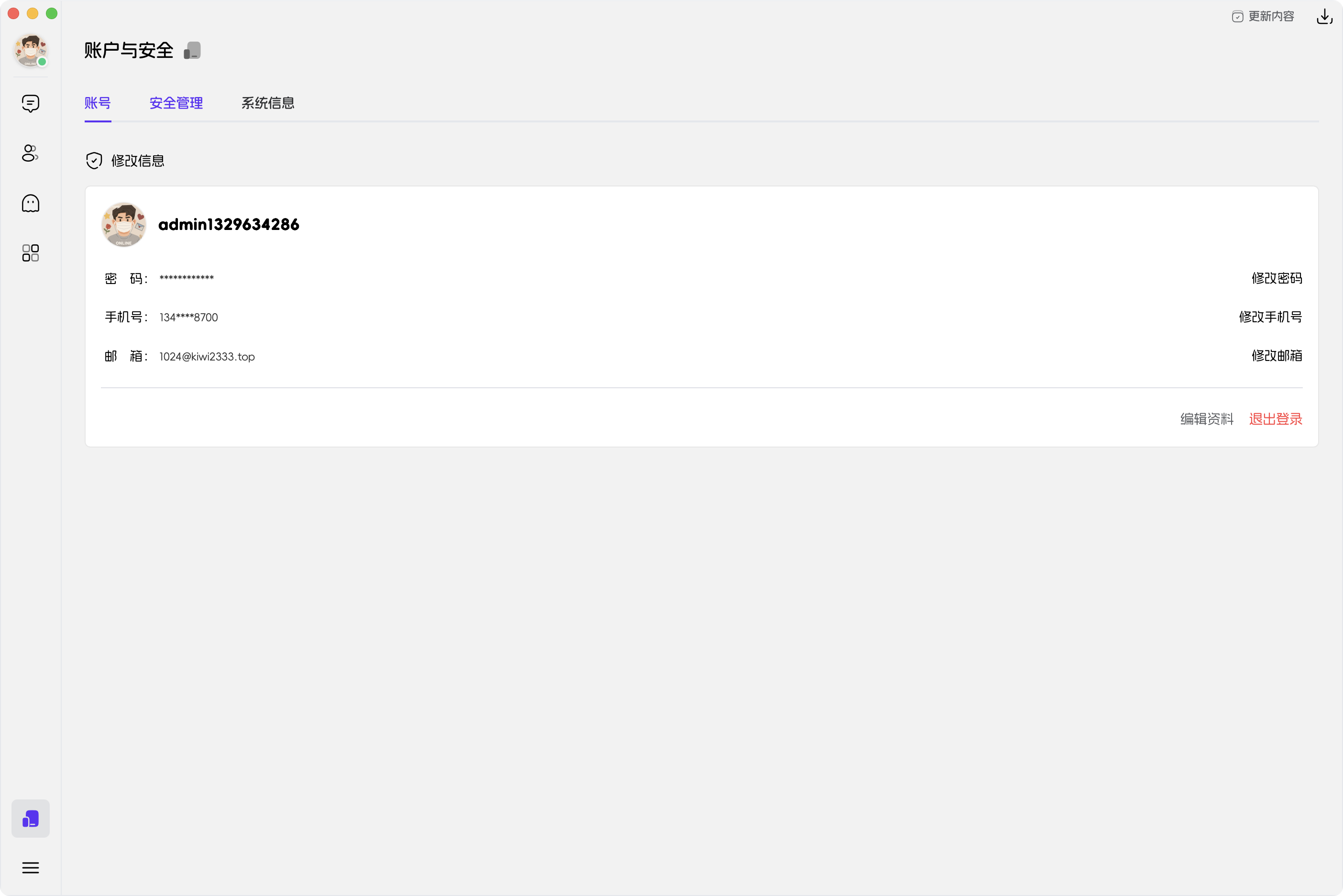
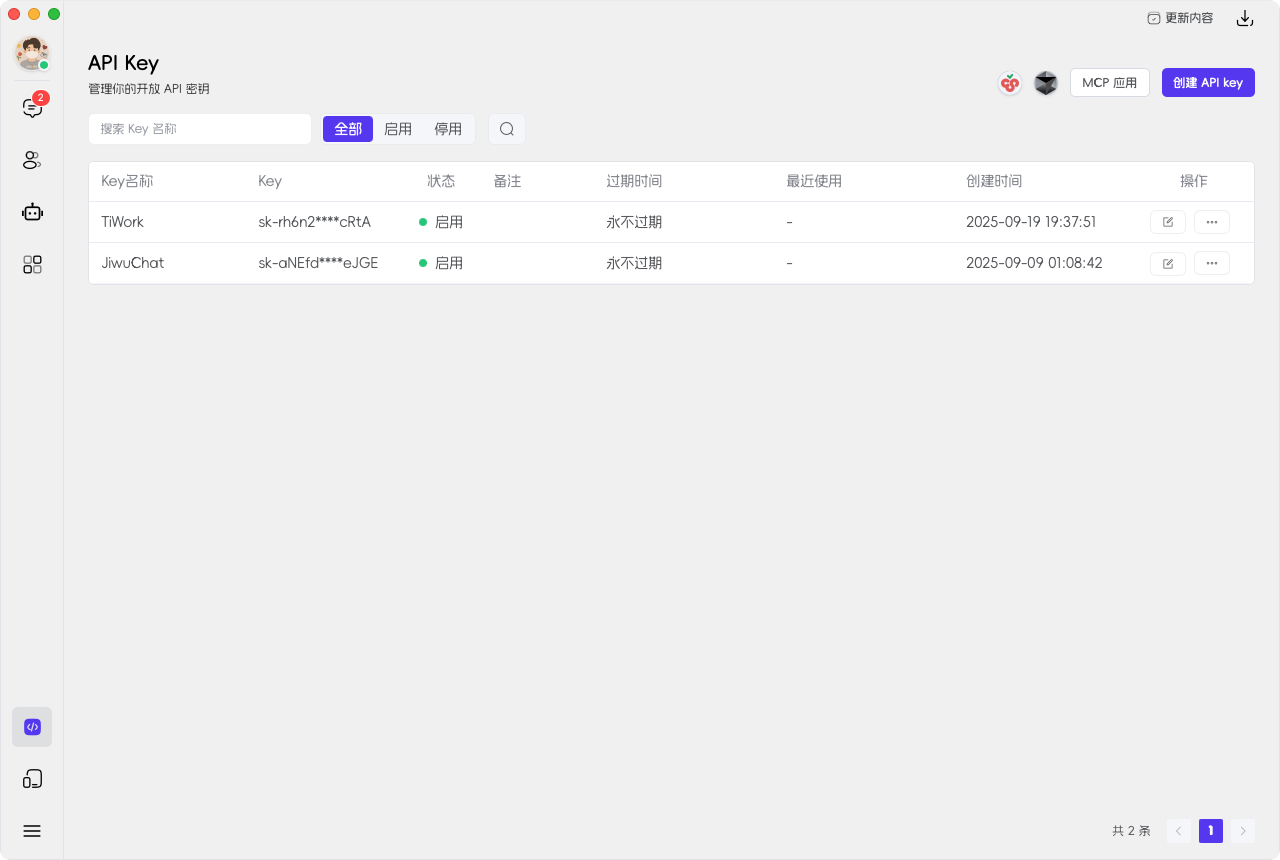
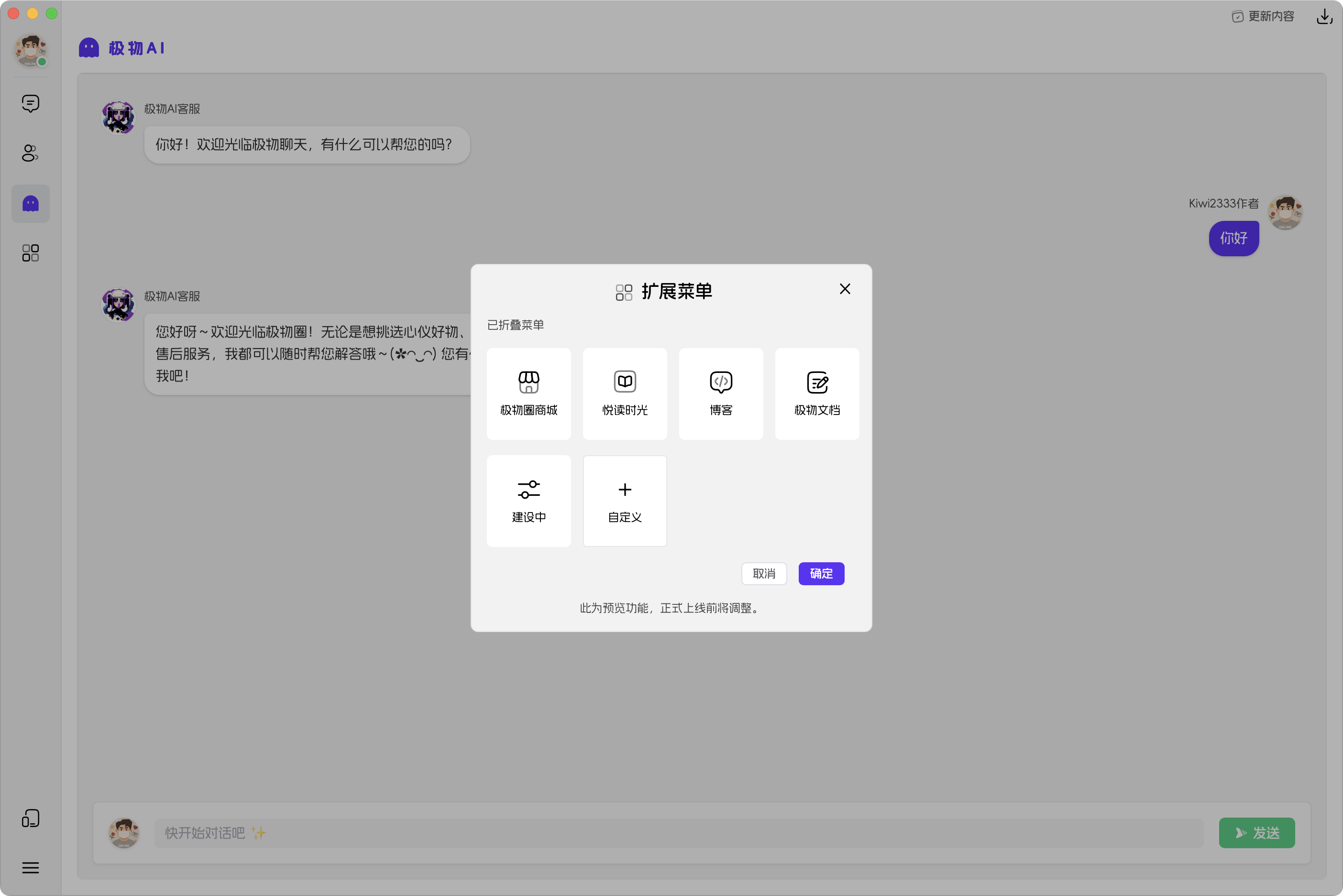
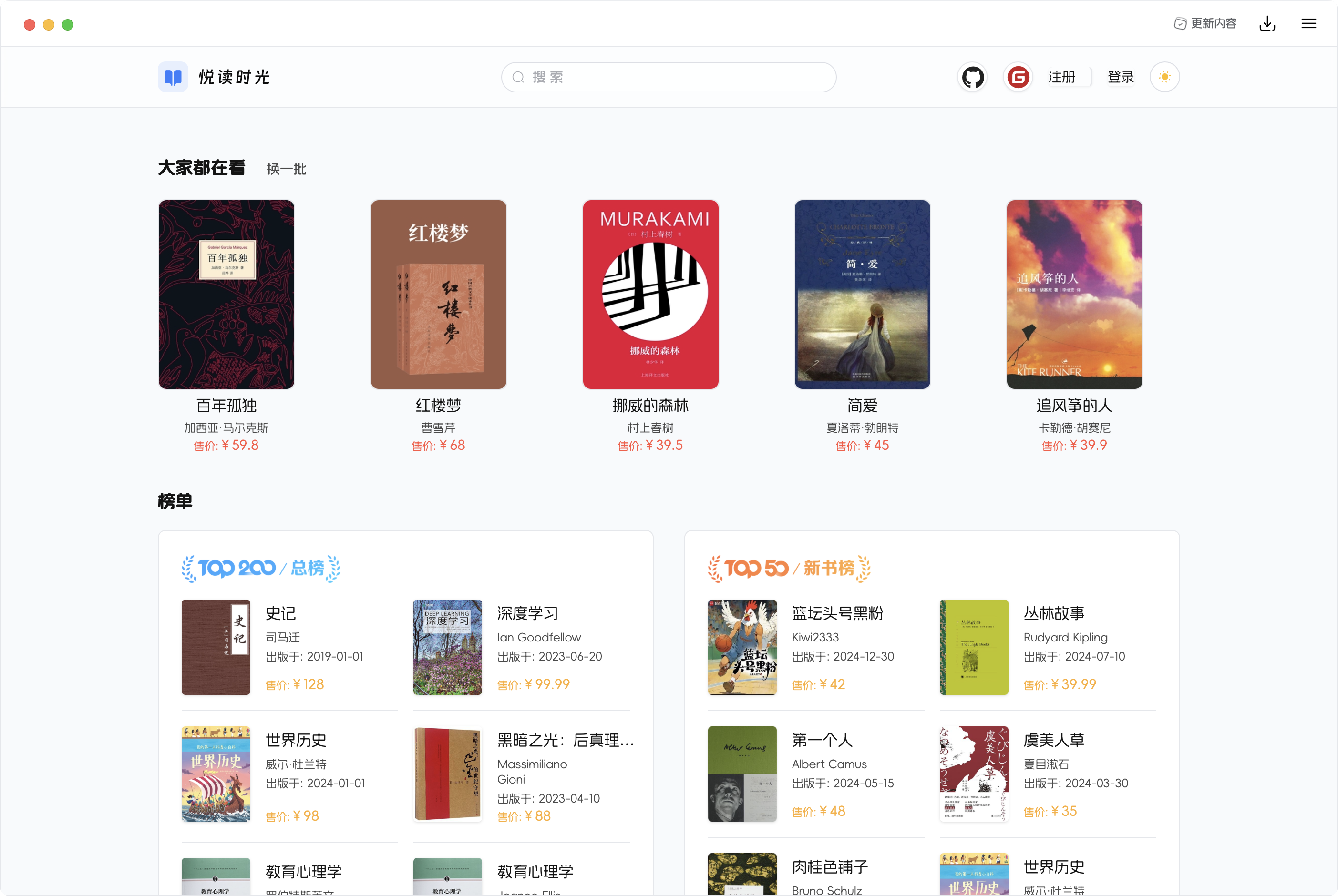
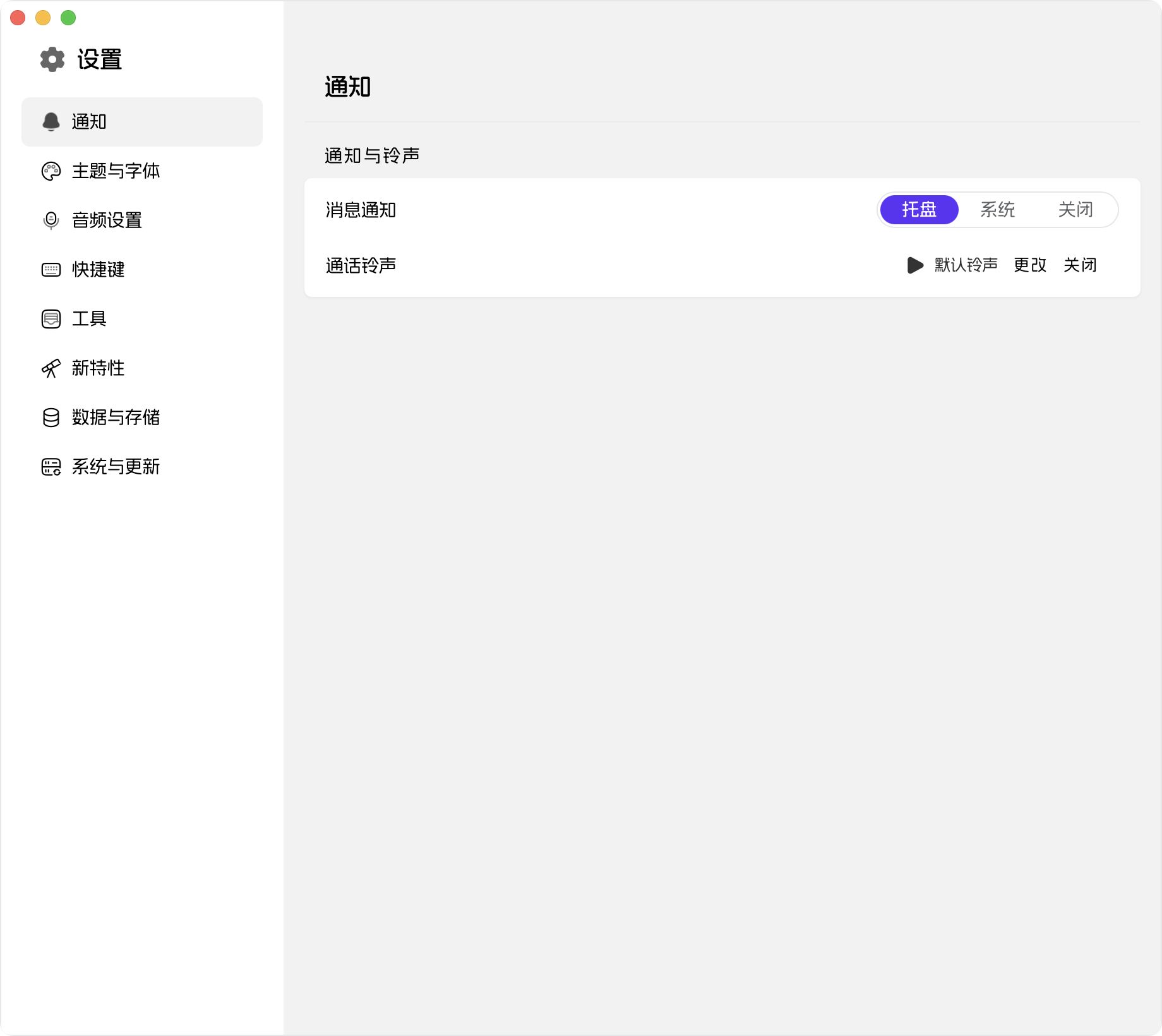
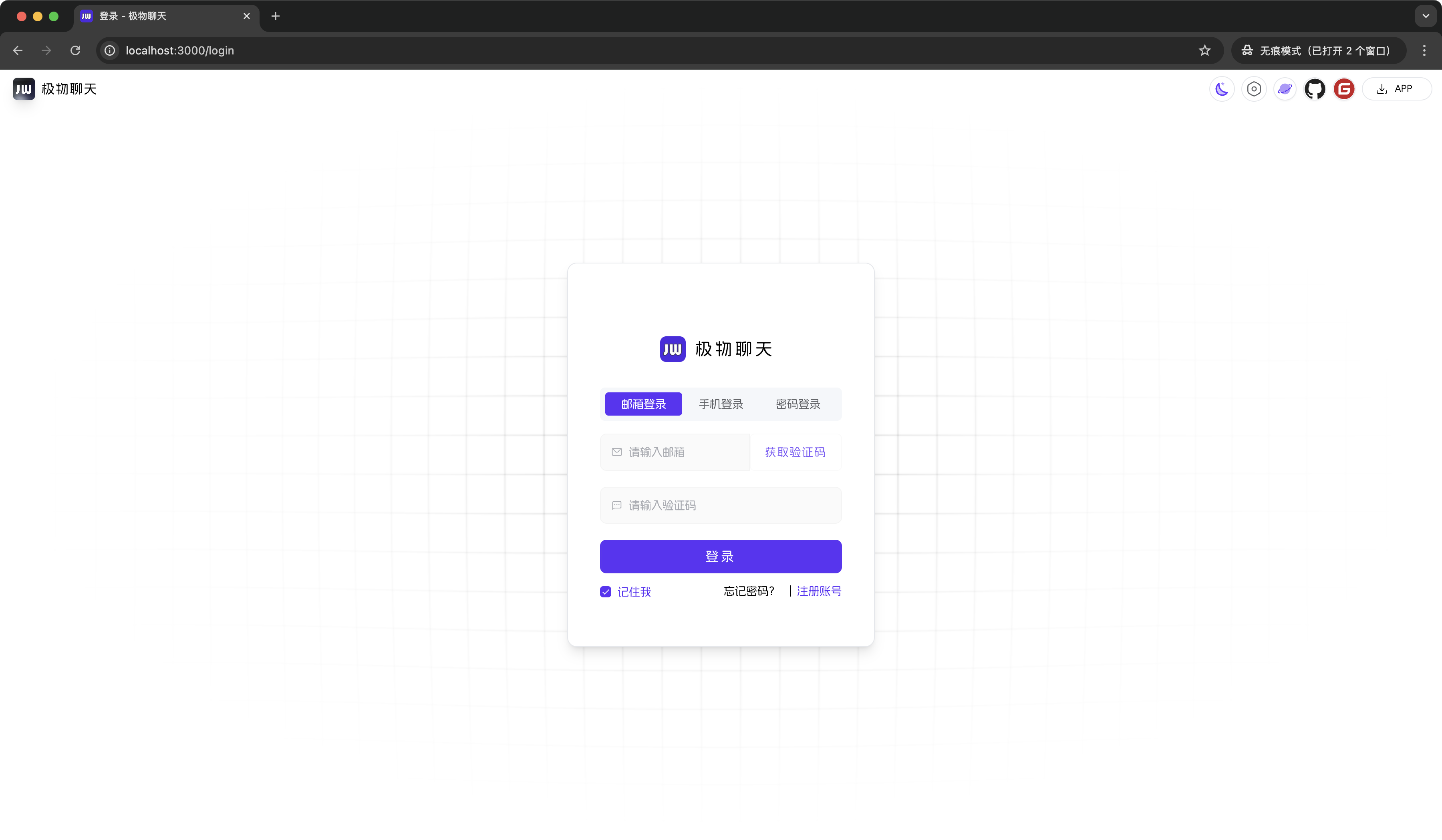
项目截图
- 🖥️ 桌面端
- 📱 移动端适配
- 🌐 Web端
🌌 系统功能
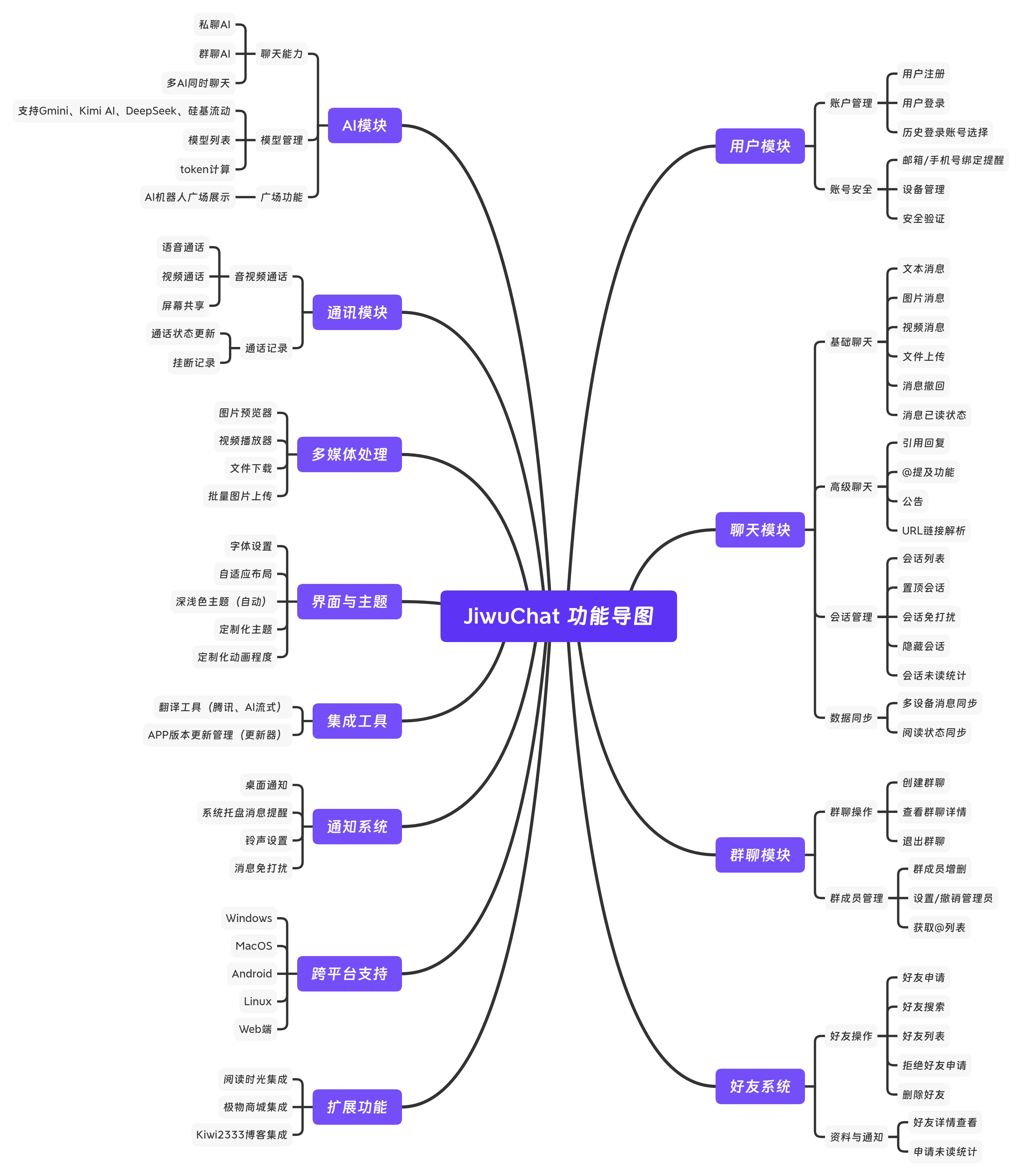
| 模块 | 子模块 | 功能描述 | 是否达成 |
|---|---|---|---|
| 用户模块 | 账户管理 | 用户注册、登录、历史登录账号选择 | ✅ |
| 账号安全 | 邮箱/手机号绑定提醒、设备管理、账号安全验证 | ✅ | |
| 消息模块 | 基础聊天 | 文本消息、图片消息、视频消息、文件上传、消息撤回、消息已读状态 | ✅ |
| 数据同步 | 多设备消息同步、阅读状态同步 | ✅ | |
| 高级聊天 | 消息引用回复、@提及功能、公告、撤回消息重新编辑 | ✅ | |
| 会话模块 | 会话管理 | 会话列表、置顶会话、隐藏会话、会话未读数统计、会话排序 | ✅ |
| 群聊模块 | 群聊操作 | 创建群聊、退出群聊、查看群聊详情 | ✅ |
| 群成员管理 | 群成员管理、设置管理员、撤销管理员、获取@列表 | ✅ | |
| 联系人模块 | 好友操作 | 好友申请、好友搜索、好友列表、拒绝好友申请、删除好友 | ✅ |
| 资料与通知 | 好友详情查看、申请未读数统计 | ✅ | |
| AI模块 | 对话功能 | 私聊AI、群聊AI、多AI同时聊天 | ✅ |
| 模型管理 | 支持Gmini、Kimi AI、DeepSeek、硅基流动等多厂商模型、模型列表、token计算 | ✅ | |
| 广场功能 | AI机器人广场展示 | ✅ | |
| 通讯模块 | 音视频通话 | 基于WebRtc的语音通话、视频通话、屏幕共享 | ✅ |
| 通话记录 | 通话状态更新、挂断记录 | ✅ | |
| 通知系统 | 消息通知 | 桌面通知、系统托盘提醒、铃声设置、消息免打扰 | ✅ |
| 扩展功能 | 综合集成 | 商城集成、博客集成、更新日志面板 | ✅ |
| 其他模块 | 其他功能 | 聊天社交功能、AI购物功能、文件下载管理、翻译工具(AI翻译/腾讯翻译)功能 | ✅ |
| 文件与播放 | 图片预览器、视频播放器、文件下载、批量图片上传 | ✅ | |
| 主题配置 | 深浅色主题切换、系统主题跟随、字体设置、自适应布局 | ✅ | |
| 平台兼容 | Windows、MacOS、Linux、Android、Web端适配 | ✅ |
⏳ 开发
📦 前置操作
- 前置环境、配置 Tauri 官方文档
✨ 文档说明
- 详细操作文档可查看 Run.md
🔧 涉及技术栈 | Tech Stack
| 类别 | 技术/组件 | 版本号 |
|---|---|---|
| 框架 | Nuxt | 4.2.2+ |
| Tauri | ^2.9.6 | |
| UI 组件库 | Element Plus | 2.13.1 |
| 状态管理 | Pinia | 3.0.4 |
| 工具库 | Vueuse | 14.1.0 |
| 构建与开发工具 | Nuxi | 4.2.2 |
| Vite | 7.2.11(rolldown-vite) | |
| 代码质量 | ESLint | 9.39.2 |
| Prettier | 3.3.2 | |
| 类型检查 | TypeScript | 5.9.3 |
| 样式处理 | Sass | 1.97.3 |
📢 推广 | Promotion
302.AI 是一个按用量付费的企业级AI资源平台,提供市场上最新、最全面的AI模型和API,以及多种开箱即用的在线AI应用。
❓ 常见问题 | FAQ
- MacOS 用户安装出现错误:
-
打开「系统设置」-「安全性与隐私」,勾选允许“任何来源”下载的 App 运行(如图所示:img_10.png)。
-
若仍有报错,请在终端执行以下命令:
安装前执行:
shellsudo xattr -rd com.apple.quarantine JiwuChat_1.8.0_aarch64.dmg如果已经安装,则执行:
shellsudo xattr -r -d com.apple.quarantine /Applications/JiwuChat.app
- 如有常见问题,欢迎在 Issues 区留言,或通过下方联系方式反馈,我们会及时补充与解答。
🦾 趋势
💬 联系方式
- 邮箱:kiwi2333@qq.com
- QQ: 1329634286
- QQ群: 939204073
Contributors
Showing top 1 contributor by commit count.

Related Repositories

openclaw/openclaw
Your own personal AI assistant. Any OS. Any Platform. The lobster way. 🦞

obra/superpowers
An agentic skills framework & software development methodology that works.

NousResearch/hermes-agent
The agent that grows with you

n8n-io/n8n
Fair-code workflow automation platform with native AI capabilities. Combine visual building with custom code, self-host or cloud, 400+ integrations.

Significant-Gravitas/AutoGPT
AutoGPT is the vision of accessible AI for everyone, to use and to build on. Our mission is to provide the tools, so that you can focus on what matters.

f/prompts.chat
f.k.a. Awesome ChatGPT Prompts. Share, discover, and collect prompts from the community. Free and open source — self-host for your organization with complete privacy.