

Denaro
Manage your personal finances
- Manage multiple accounts at a time, with a familiar tab interface - Easily filter transactions by type, group, or date - Easily repeat transactions, such as bills that occur every month - Transfer money from one account to another - Export an account as a CSV file and import a CSV, OFX or QIF file to bulk add transactions to an account The project is written primarily in C#, distributed under the MIT License license, first published in 2022. Key topics include: csharp, finance, finance-management, flathub, gnome.
 ✨Powered by Weblate✨
Features
- Manage multiple accounts at a time, with a familiar tab interface
- Easily filter transactions by type, group, or date
- Easily repeat transactions, such as bills that occur every month
- Transfer money from one account to another
- Export an account as a CSV file and import a CSV, OFX or QIF file to bulk add transactions to an account
Installation
<a href='https://flathub.org/apps/details/org.nickvision.money'><img width='140' alt='Download on Flathub' src='https://flathub.org/assets/badges/flathub-badge-en.png'/></a>
<a href="https://snapcraft.io/denaro"><img width='140' alt="Get it from the Snap Store" src="https://snapcraft.io/static/images/badges/en/snap-store-black.svg"/></a>
<a href="https://aur.archlinux.org/packages/denaro"><img width='140' alt="Download from AUR" src="https://aur.archlinux.org/static/css/archnavbar/aurlogo.png"/></a>
Chat
<a href='https://matrix.to/#/#nickvision:matrix.org'><img width='140' alt='Join our room' src='https://user-images.githubusercontent.com/17648453/196094077-c896527d-af6d-4b43-a5d8-e34a00ffd8f6.png'/></a>
Contributing
See CONTRIBUTING.md for details on how can you help the project and how to provide information so we can help you in case of troubles with the app.
Screenshots
<details> <summary>GNOME</summary>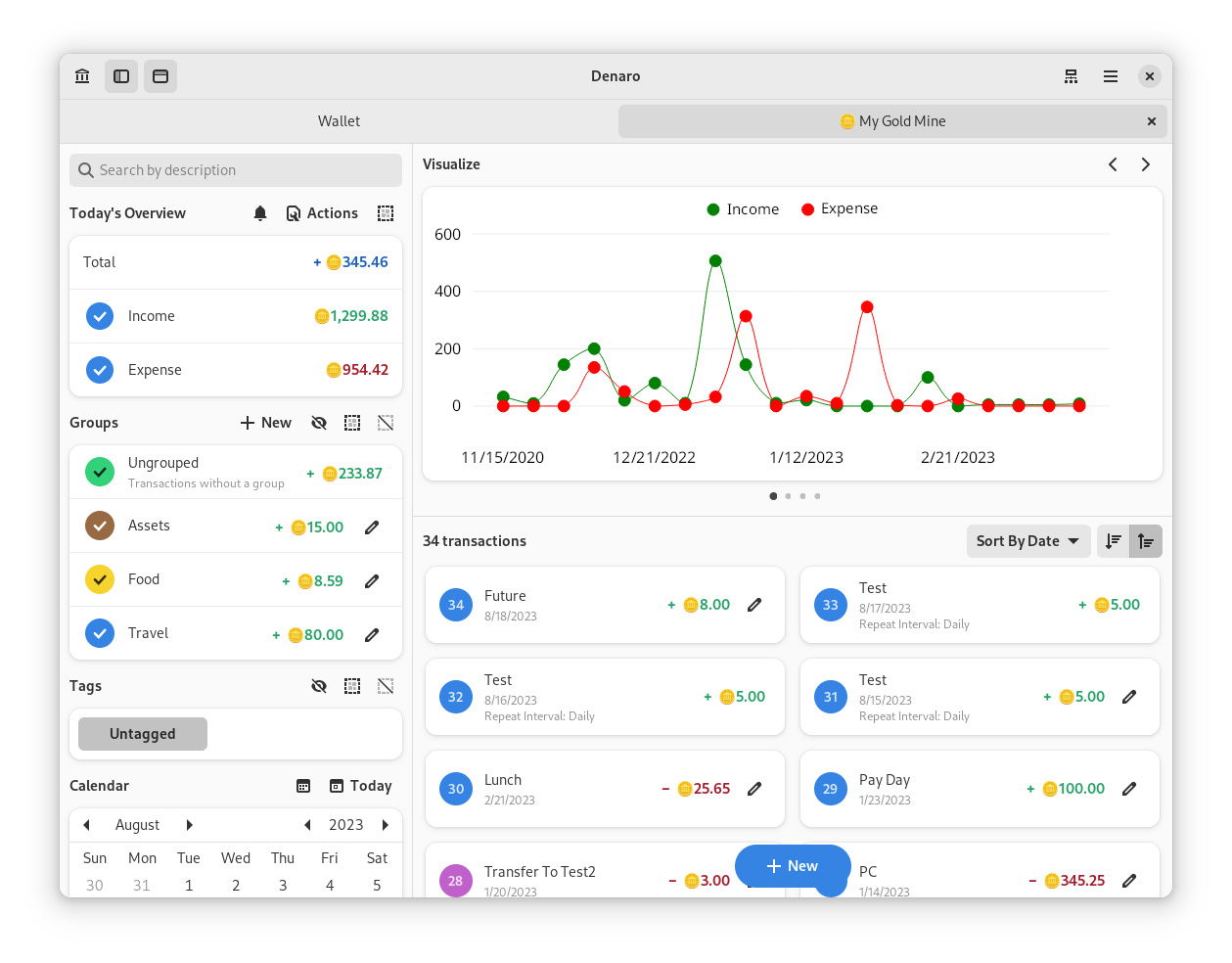
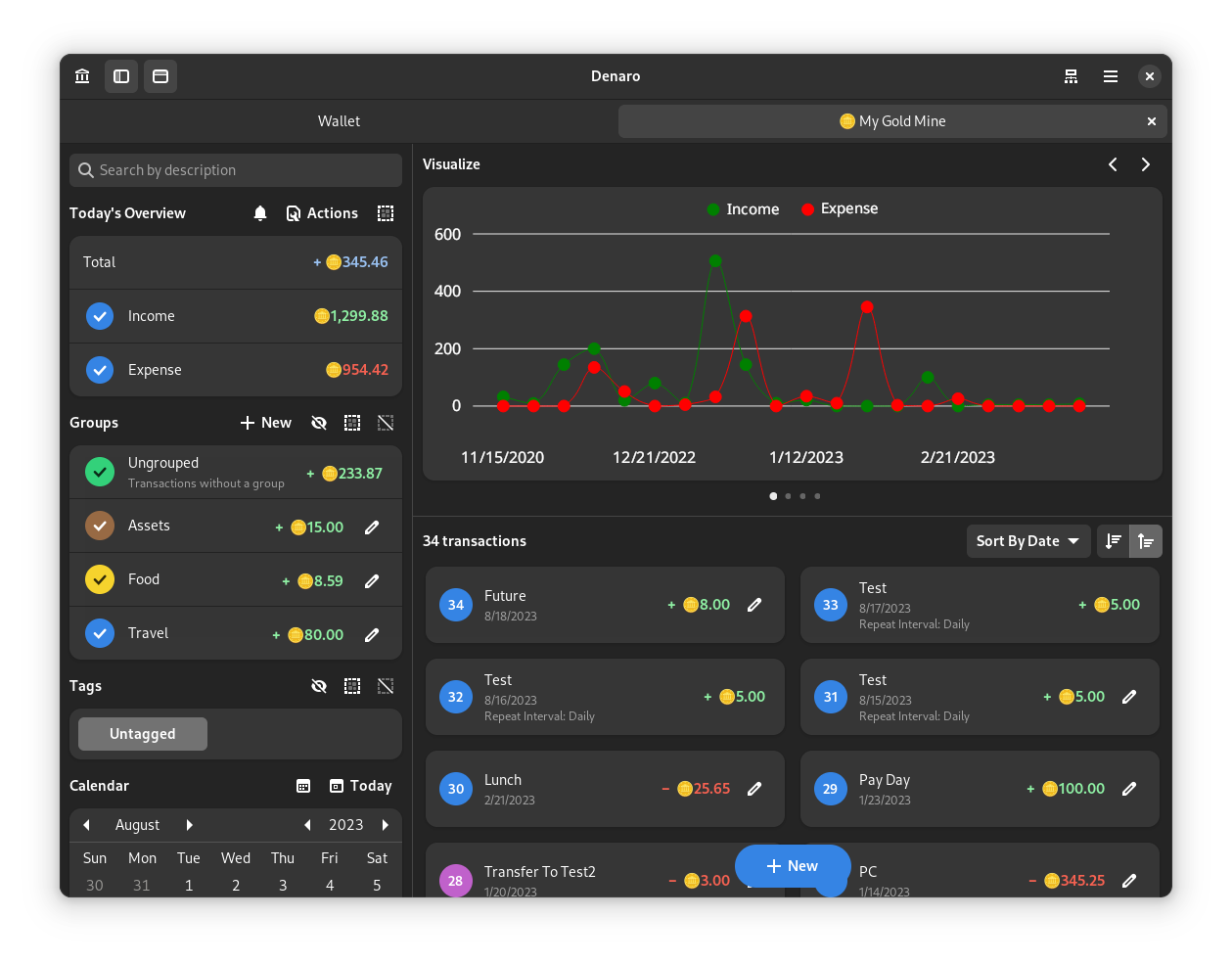
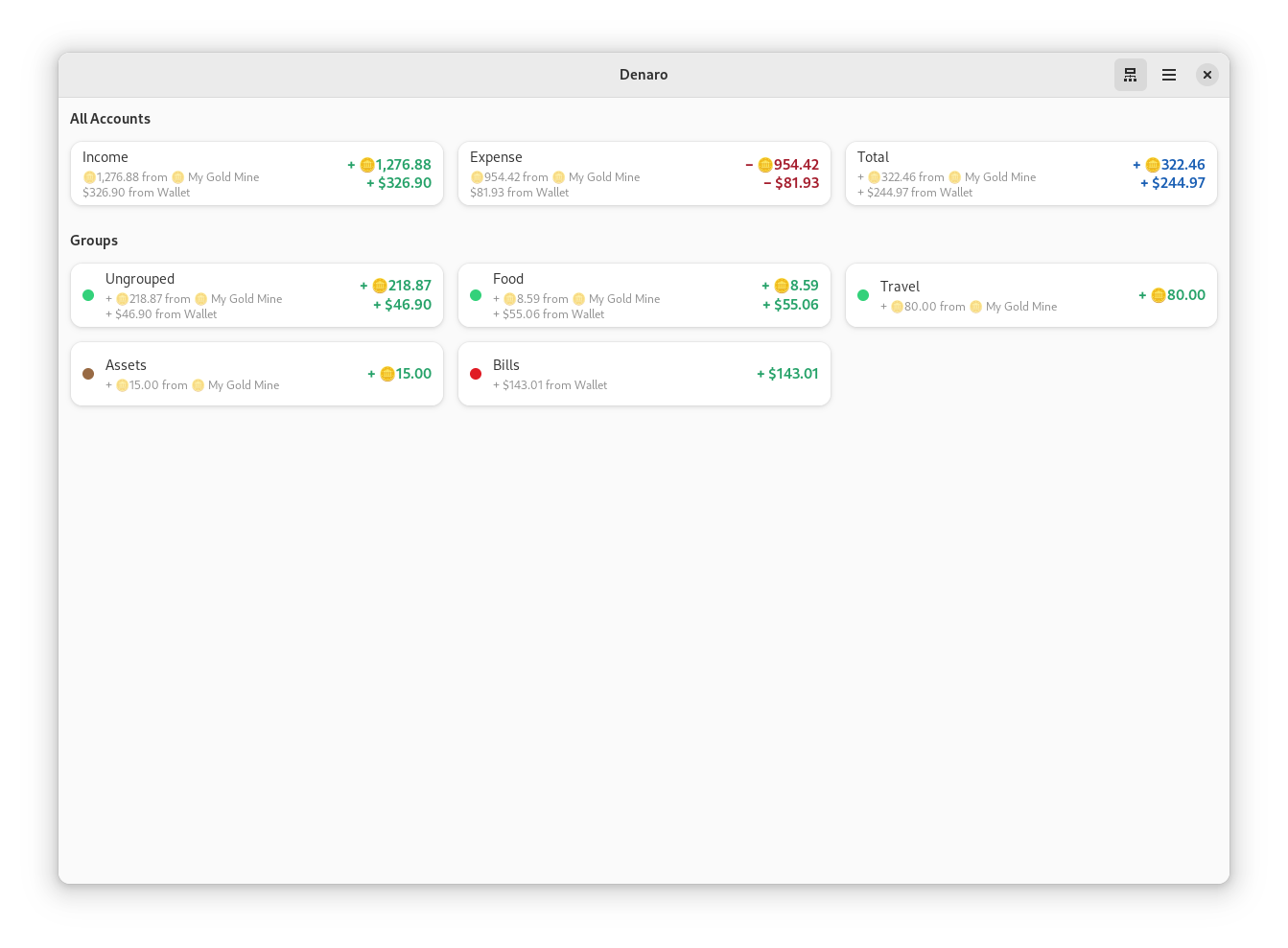


GNOME Theming

The Linux version of this app is designed for GNOME and optimized for the default Adwaita theme. If you customized your system look, it can negatively affect Denaro. However, in case of a breakage, we provide a way to customize some elements using CSS so you can make it look as you need. The CSS code should be added to ~/.config/gtk-4.0/gtk.css. An example (not really pleasant-looking, it's just to show what modifications you can apply):
.denaro-total {
    background-color: @warning_color;
    color: #fff;
}

.denaro-income {
    color: @purple_2;
}

.denaro-expense {
    background: linear-gradient(to right, #000, @blue_4);
    color: #fff;
}

@define-color denaro_calendar_today_bg_color @blue_5;
@define-color denaro_calendar_today_fg_color #ff0000;
@define-color denaro_calendar_marked_day_fg_color @success_color;
@define-color denaro_calendar_selected_day_bg_color @card_bg_color;
@define-color denaro_calendar_selected_day_fg_color #55cc10;
@define-color denaro_calendar_other_month_fg_color @dark_5;
Dependencies
Code of Conduct
This project follows the GNOME Code of Conduct.
Contributors
Showing top 12 contributors by commit count.







Related Repositories

jellyfin/jellyfin
The Free Software Media System - Server Backend & API

files-community/Files
A modern file manager that helps users organize their files and folders.

ShareX/ShareX
ShareX is a free and open-source application that enables users to capture or record any area of their screen with a single keystroke. It also supports uploading images, text, and various file types to a wide range of destinations.

doocs/leetcode
🔥LeetCode solutions in any programming language | 多种编程语言实现 LeetCode、《剑指 Offer(第 2 版)》、《程序员面试金典(第 6 版)》题解

DevToys-app/DevToys
A Swiss Army knife for developers.

AvaloniaUI/Avalonia
Develop Desktop, Embedded, Mobile and WebAssembly apps with C# and XAML. The future of .NET UI