Unigram
Telegram for Windows
For reporting **bugs** or making **feature requests**/**suggestions**, please go to https://bugs.telegram.org/. The project is written primarily in C#, distributed under the GNU General Public License v3.0 license, first published in 2016. It has gained significant community traction with 5,200 stars and 640 forks on GitHub. Key topics include: mtproto, secret-chats, telegram, tgcalls, unigram.
Contributing
For reporting bugs or making feature requests/suggestions, please go to https://bugs.telegram.org/.
For feature requests, make sure to have read our contributing guidelines and build instructions.
<a name="changelog"></a>
Changelog
Changelogs are provided both in Unigram News channel and in the Releases section of our GitHub project.
<a name="screenshots"></a>
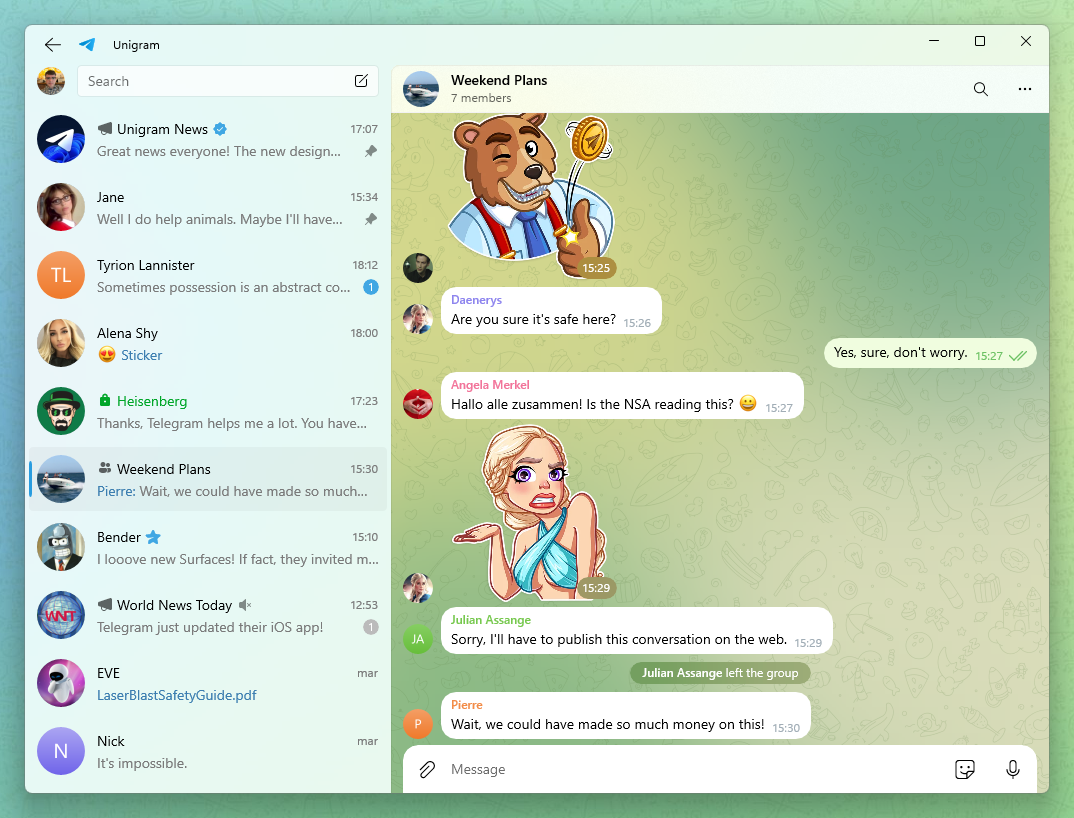
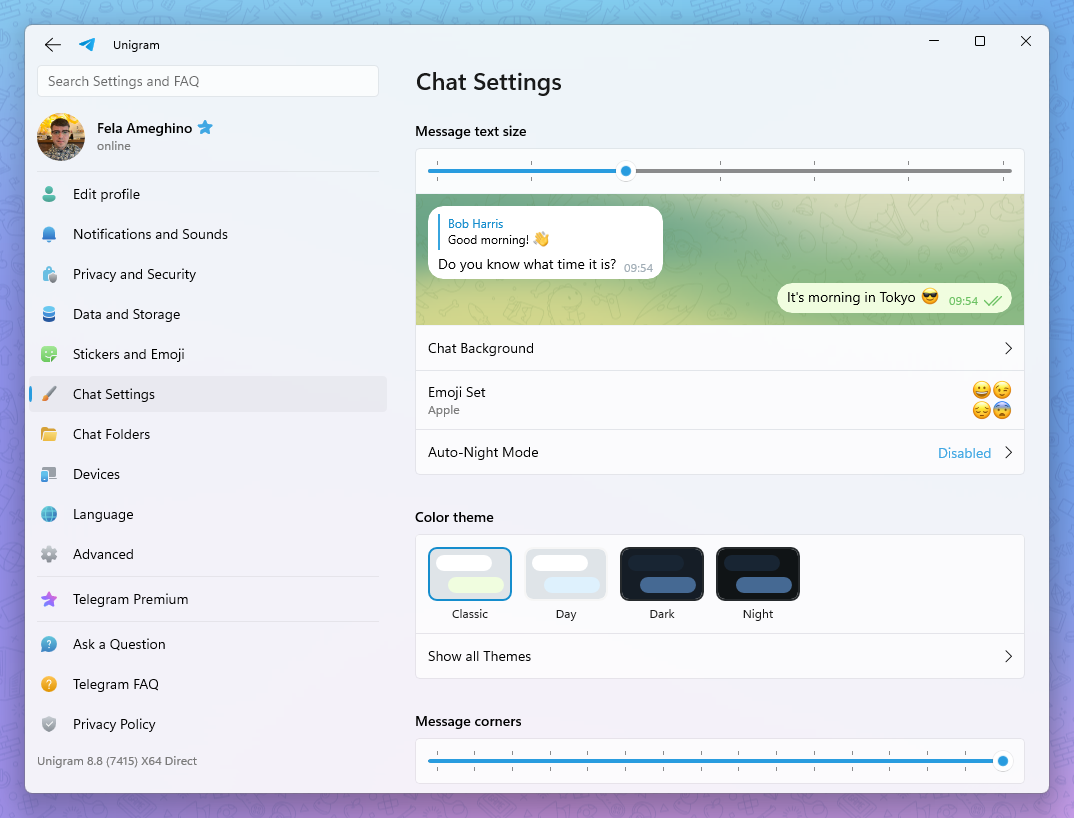
Screenshots
Beta versions
If you want to have access to new features and bug fixes sooner, you can try our beta versions. In order to install them, download the latest .msixbundle file from this channel. Remember to follow carefully the instructions in the first message.
Translations
Unigram has 28 built-in languages and has access to unlimited packs using Telegram translations platform.
If you are wishing to improve or complete the current translations you can do it here. You can also work on the translation of a missing language from there.
Shortcuts
We have a list of shortcuts to ease the use with a keyboard. An up-to-date list can be found here.
Windows 10 N
In order to be able to use Unigram in Windows 10 N, you will need Media Feature pack. To install it properly, go to Settings > Apps and Features > Add a feature. At this point, select Media Feature pack, install it and reboot.
Privacy policy
Unigram doesn't collect any data, Telegram privacy policy applies.
Contributors
Showing top 12 contributors by commit count.


