

Input Recorder
Record and play back keyboard and mouse input
**Record your keyboard and mouse inputs, store them as a macro and play them back at any time\!** The project is written primarily in Python, distributed under the GNU General Public License v3.0 license, first published in 2018. Key topics include: autohotkey, dpi-awareness, editor, free, gpl3.
Irec - Input Recorder and Macro Suite
Record your keyboard and mouse inputs, store them as a macro and play them back at any time!
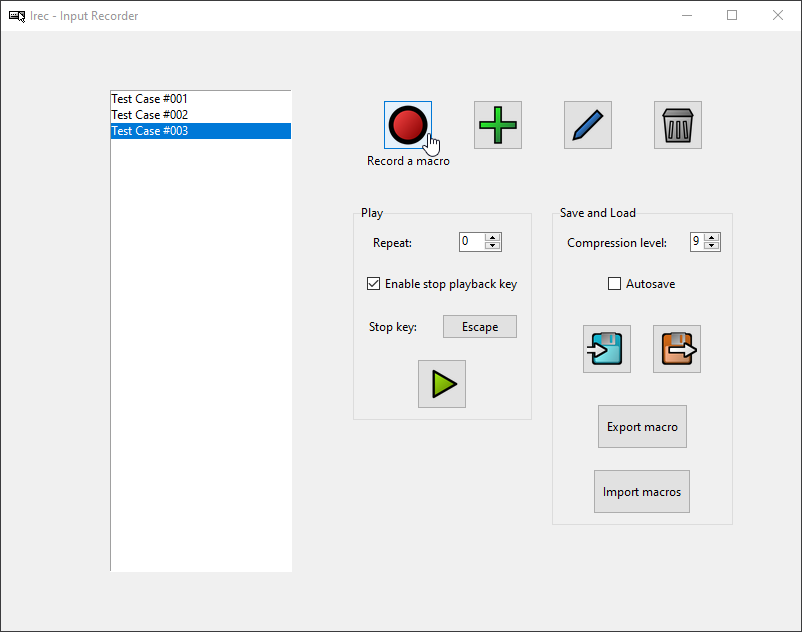
Windows only.
Python 3.8 or greater recommended.
Features
- Record inputs as macros
- Mouse inputs
- Cursor movement
- Mousewheel movement (vertical and horizontal)
- Mouse button events (Left, Middle, Right, X1, X2)
- Keyboard inputs
- Key events
- Mouse inputs
- Play back macros
- Once or repeatedly
- Stop playback by pressing a keyboard key
- Two playback options
- From the GUI applicaion
- Using a dedicated player application (
MacroPlayer.exe)
- Edit macros
- Add inputs to macros
- Remove inputs from macros
- Change inputs
- Change delays between inputs
- Create macros
- Save and load macros
- In binary format
- In JSON format
- Automatically save macros
- Irec is Free Software (GNU General Public License 3.0)
Screenshots
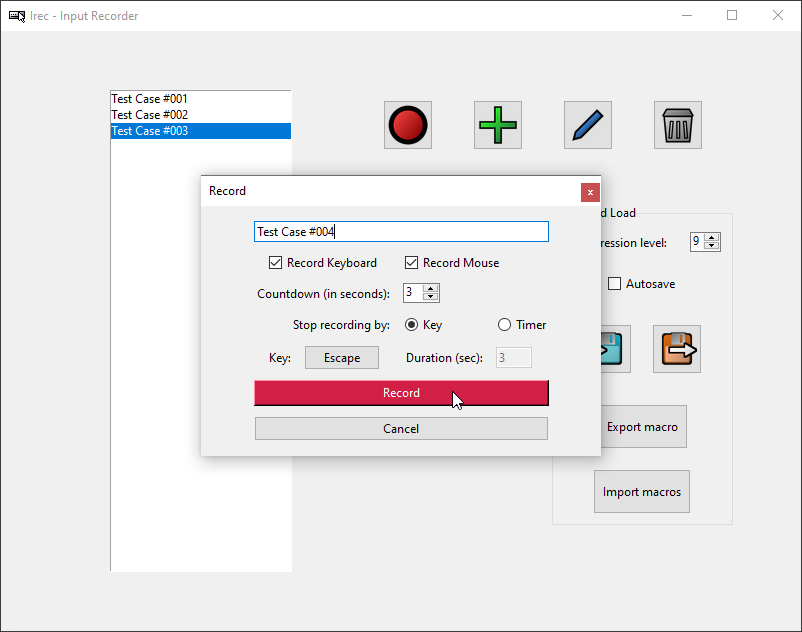
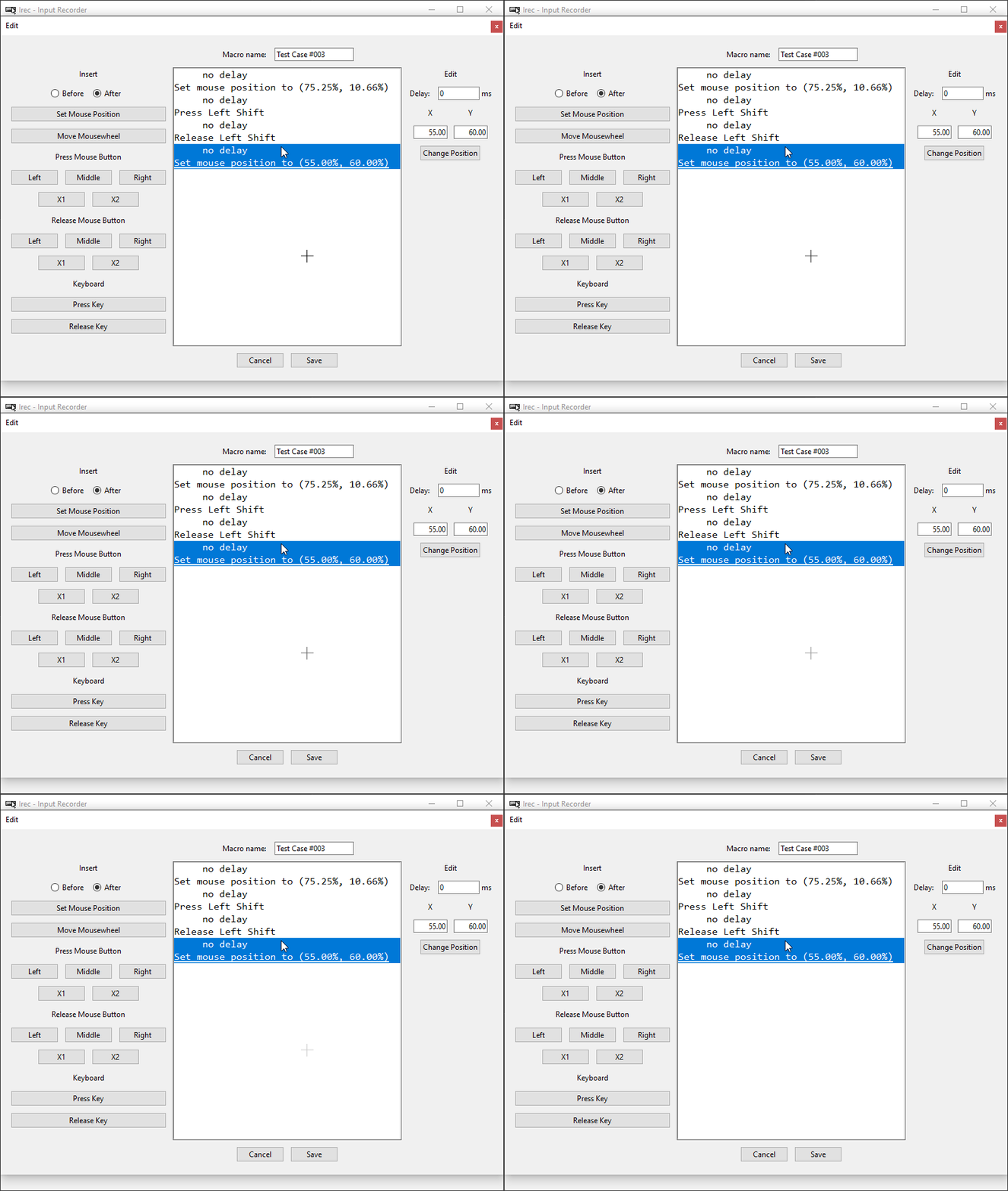
Contributors
Showing top 2 contributors by commit count.


Related Repositories

LGUG2Z/komorebi
A tiling window manager for Windows 🍉

AutoHotkey/AutoHotkey
AutoHotkey - macro-creation and automation-oriented scripting utility for Windows.

cs-lazy-tools/ChatGPT-On-CS
基于大模型的智能对话客服工具,支持微信、拼多多、千牛、哔哩哔哩、抖音企业号、抖音、抖店、微博聊天、小红书专业号运营、小红书、知乎等平台接入,可选择 GPT3.5/GPT4.0/ 懒人百宝箱 (后续会支持更多平台),能处理文本、语音和图片,通过插件访问操作系统和互联网等外部资源,支持基于自有知识库定制企业 AI 应用。

abgox/InputTip
规则驱动的输入法状态管理器 · 即时 · 强大 · 高效

Pulover/PuloversMacroCreator
Automation Utility - Recorder & Script Generator

sxzxs/Real-time-translation-typing
实时打字翻译软件、语音实时打字、语音实时翻译、LOL 语音打字