

Django ledger
Django Ledger is a double entry accounting system and financial analysis engine built on the Django Web Framework.
Django Ledger is a powerful financial management system built on the Django Web Framework. It offers a simplified API for handling complex accounting tasks in financially driven applications. The project is written primarily in Python, distributed under the GNU General Public License v3.0 license, first published in 2018. It has gained significant community traction with 1,355 stars and 324 forks on GitHub. Key topics include: accounting, bookkeeping, cashmanagement, django, django-application.
Django Ledger
A Double Entry Accounting Engine for Django
Django Ledger is a powerful financial management system built on the Django Web Framework. It offers a simplified API
for handling complex accounting tasks in financially driven applications.
Created and developed by Miguel Sanda.
FREE Get Started Guide | Join our Discord | Documentation | QuickStart Notebook
Key Features
- High-level API
- Double entry accounting
- Hierarchical Chart of Accounts
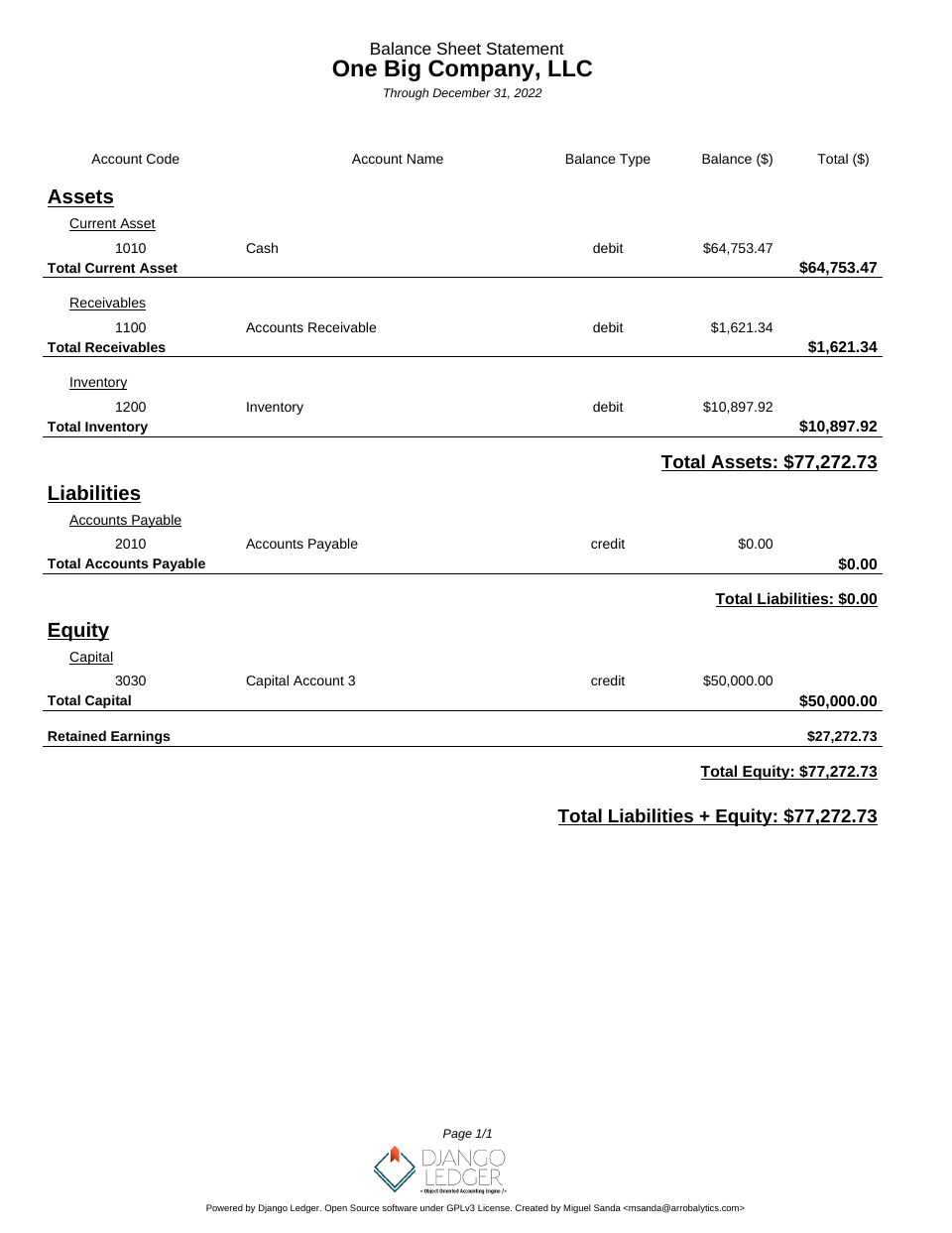
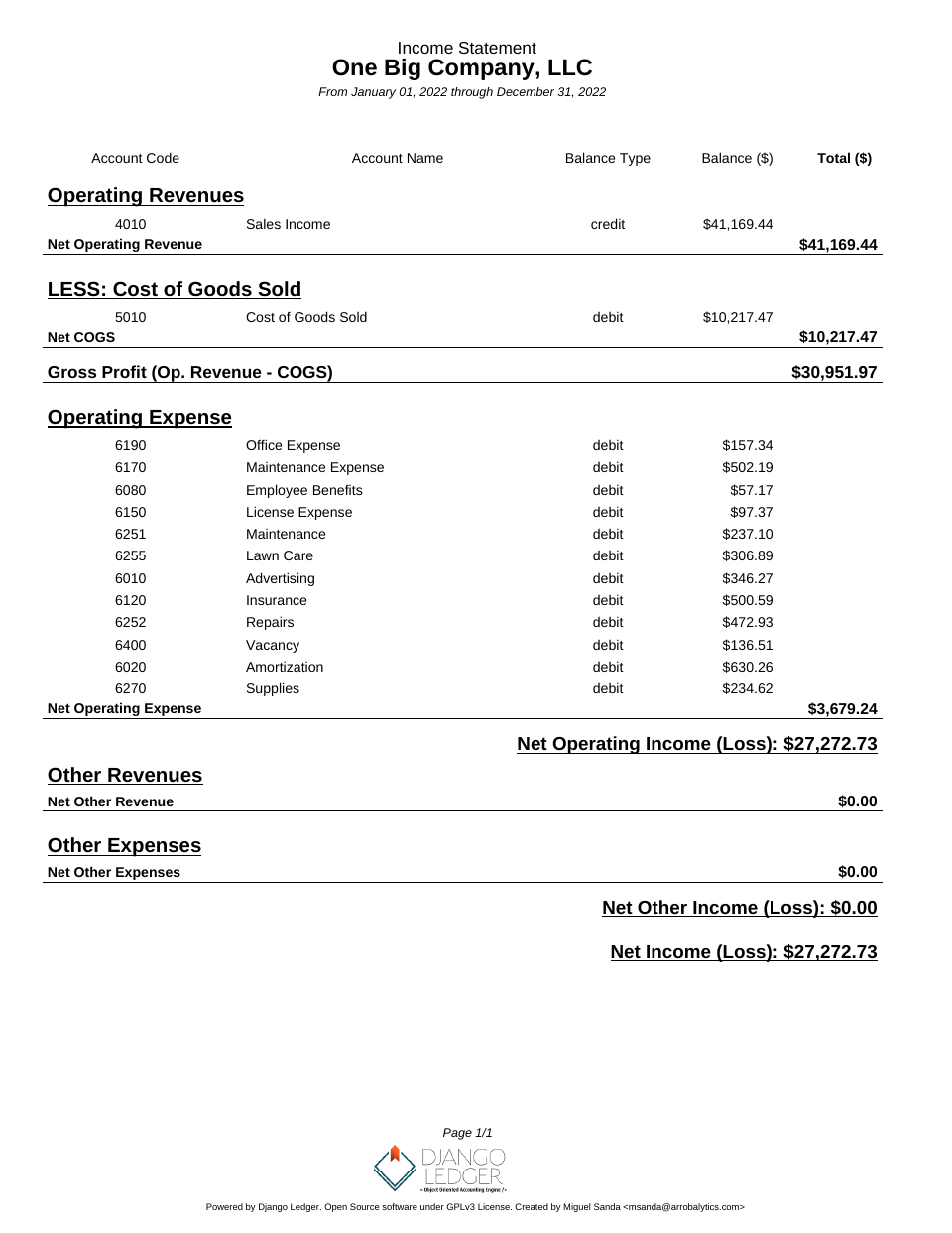
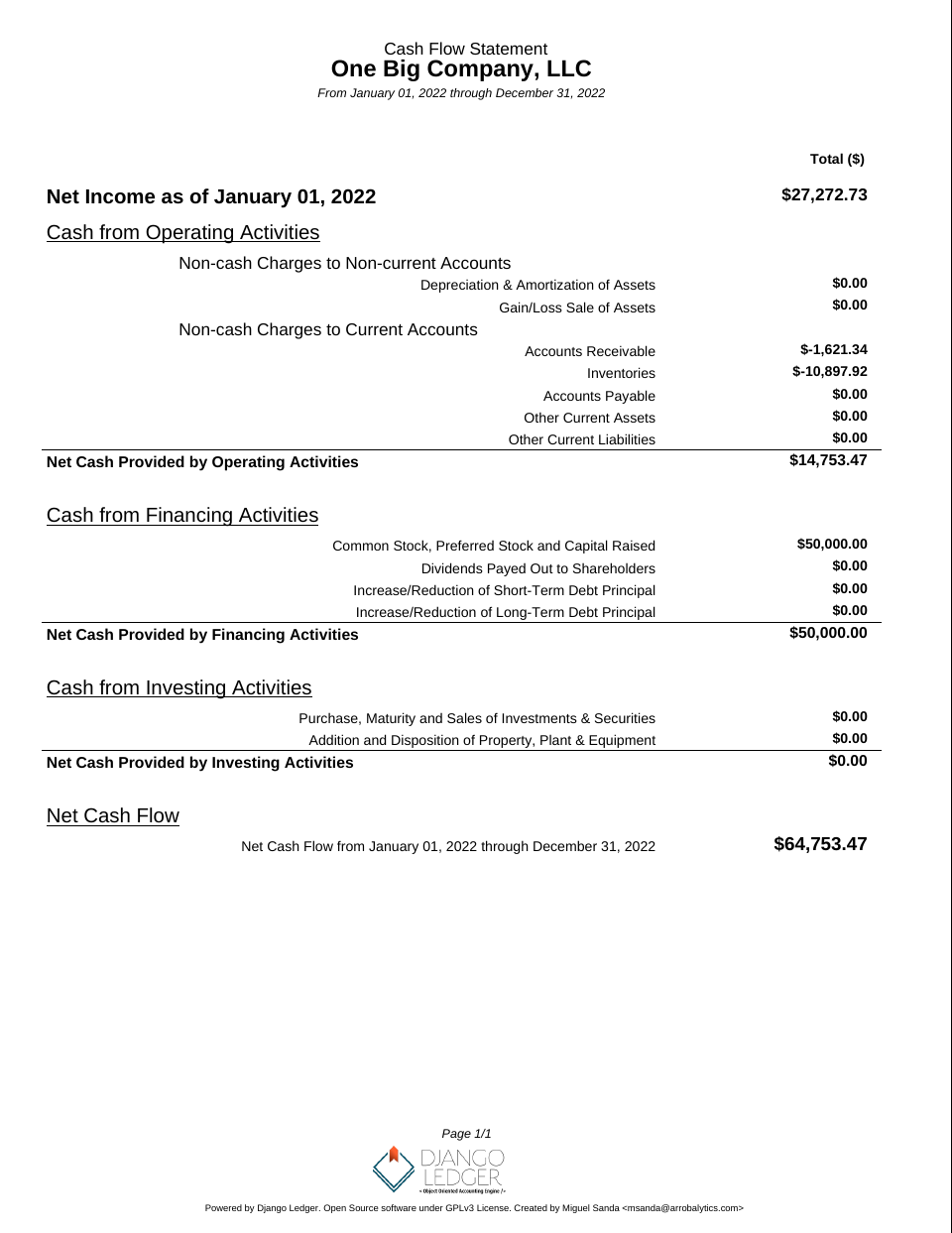
- Financial statements (Income Statement, Balance Sheet, Cash Flow)
- Purchase Orders, Sales Orders, Bills, and Invoices
- Financial ratio calculations
- Multi-tenancy support
- Ledgers, Journal Entries & Transactions
- OFX & QFX file import
- Closing Entries
- Inventory management
- Unit of Measures
- Bank account information
- Django Admin integration
- Built-in Entity Management UI
Getting Involved
All pull requests are welcome, as long as they address bugfixes, enhancements, new ideas, or add value to the project in
any shape or form.
Please refrain from submitting pull requests that focus solely on code linting, auto-generated code,
refactoring, or similar cosmetic non-value add changes.
- Feature Requests/Bug Reports: Open an issue in the repository
- For software customization, advanced features and consulting services:
Contact us or email msanda@arrobalytics.com - Contribute: See
our contribution guidelines
Who Should Contribute?
We're looking for contributors with:
- Python and Django programming skills
- Finance and accounting expertise
- Interest in developing a robust accounting engine API
If you have relevant experience, especially in accounting, we welcome your pull requests or direct contact.
Installation
Django Ledger is a Django application. If you haven't, you need working knowledge of
Django and a working Django project before you can use Django Ledger. A good place to start
is here.
Make sure you refer to the django version you are using.
The easiest way to start is to use the zero-config Django Ledger starter template. See
details here.
Otherwise, you may create your project from scratch.
Adding Django Ledger to an existing project.
Add django_ledger to INSTALLED_APPS in you new Django Project.
pythonINSTALLED_APPS = [ ..., 'django_ledger', ..., ]
Add Django Ledger Context Preprocessor
pythonTEMPLATES = [ { 'OPTIONS': { 'context_processors': [ '...', 'django_ledger.context.django_ledger_context' # Add this line to a context_processors list.. ], }, }, ]
Perform database migrations:
shellpython manage.py migrate
- Add URLs to your project's urls.py:
pythonfrom django.urls import include, path urlpatterns = [ ..., path('ledger/', include('django_ledger.urls', namespace='django_ledger')), ..., ]
Run your project:
shellpython manage.py runserver
- Navigate to Django Ledger root view assigned in your project urlpatterns setting (
typically http://127.0.0.1:8000/ledger
if you followed this installation guide). - Use your superuser credentials to login.
Deprecated behavior setting (v0.8.0+)
Starting with version v0.8.0, Django Ledger introduces the DJANGO_LEDGER_USE_DEPRECATED_BEHAVIOR setting to control
access to deprecated features and legacy behaviors.
- Default: False (deprecated features are disabled by default)
- To temporarily keep using deprecated features while you transition, set this to True in your Django settings.
Setting Up Django Ledger for Development
Django Ledger comes with a basic development environment already configured under dev_env/ folder not to be used
for production environments. If you want to contribute to the project perform the following steps:
- Navigate to your projects directory.
- Clone the repo from github and CD into project.
shellgit clone https://github.com/arrobalytics/django-ledger.git && cd django-ledger
- Install PipEnv, if not already installed:
shellpip install -U pipenv
- Create virtual environment.
shellpipenv install
If using a specific version of Python you may specify the path.
shellpipenv install --python PATH_TO_INTERPRETER
- Activate environment.
shellpipenv shell
- Apply migrations.
shellpython manage.py migrate
- Create a Development Django user.
shellpython manage.py createsuperuser
- Run development server.
shellpython manage.py runserver
How To Set Up Django Ledger for Development using Docker
-
Navigate to your projects directory.
-
Give executable permissions to entrypoint.sh
shellsudo chmod +x entrypoint.sh
-
Add host '0.0.0.0' into ALLOWED_HOSTS in settings.py.
-
Build the image and run the container.
shelldocker compose up --build
- Add Django Superuser by running command in seprate terminal
shelldocker ps
Select container id of running container and execute following command
shelldocker exec -it containerId /bin/sh
shellpython manage.py createsuperuser
- Navigate to http://0.0.0.0:8000/ on browser.
Run Test Suite
After setting up your development environment you may run tests.
shellpython manage.py test django_ledger
Screenshots

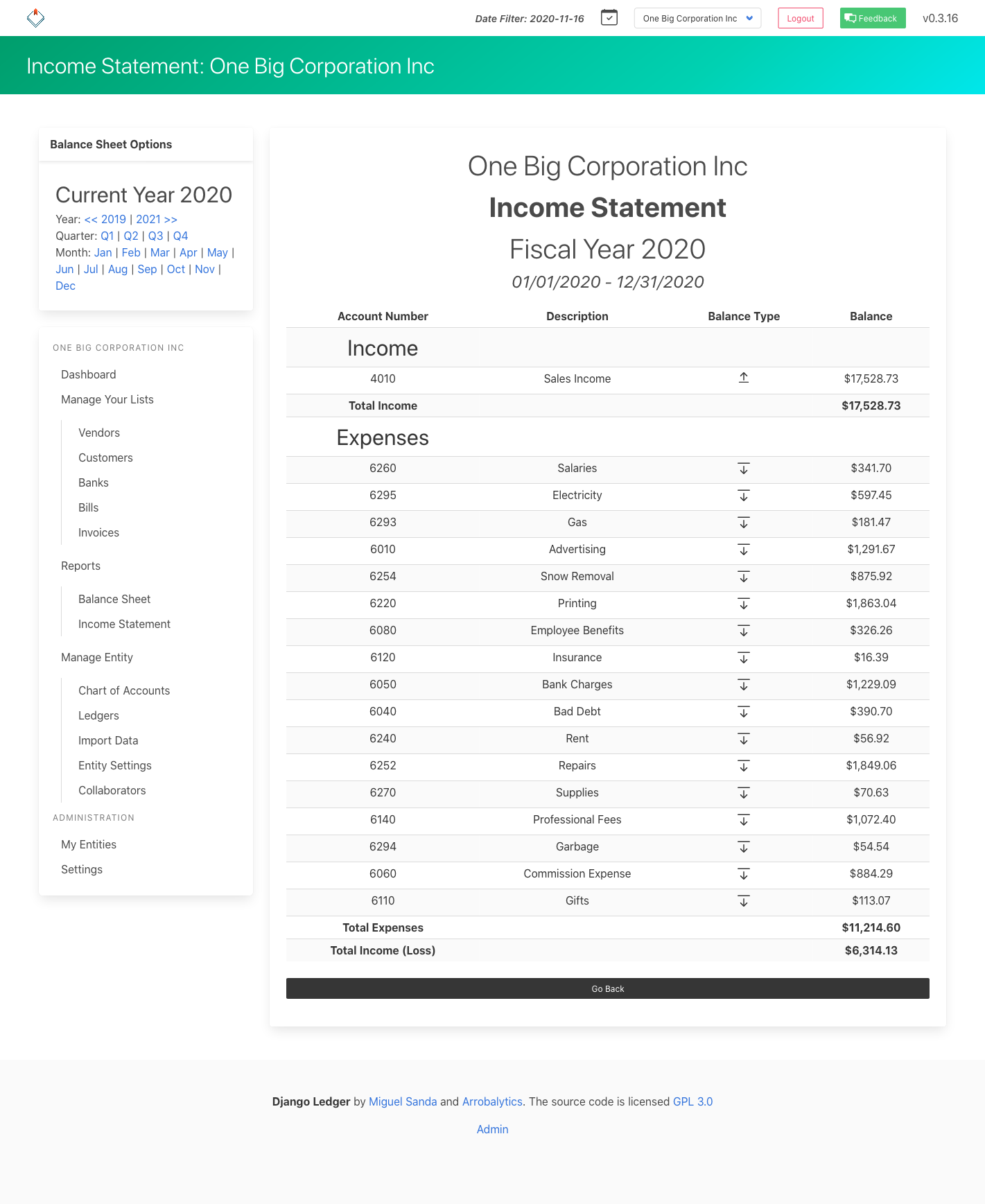
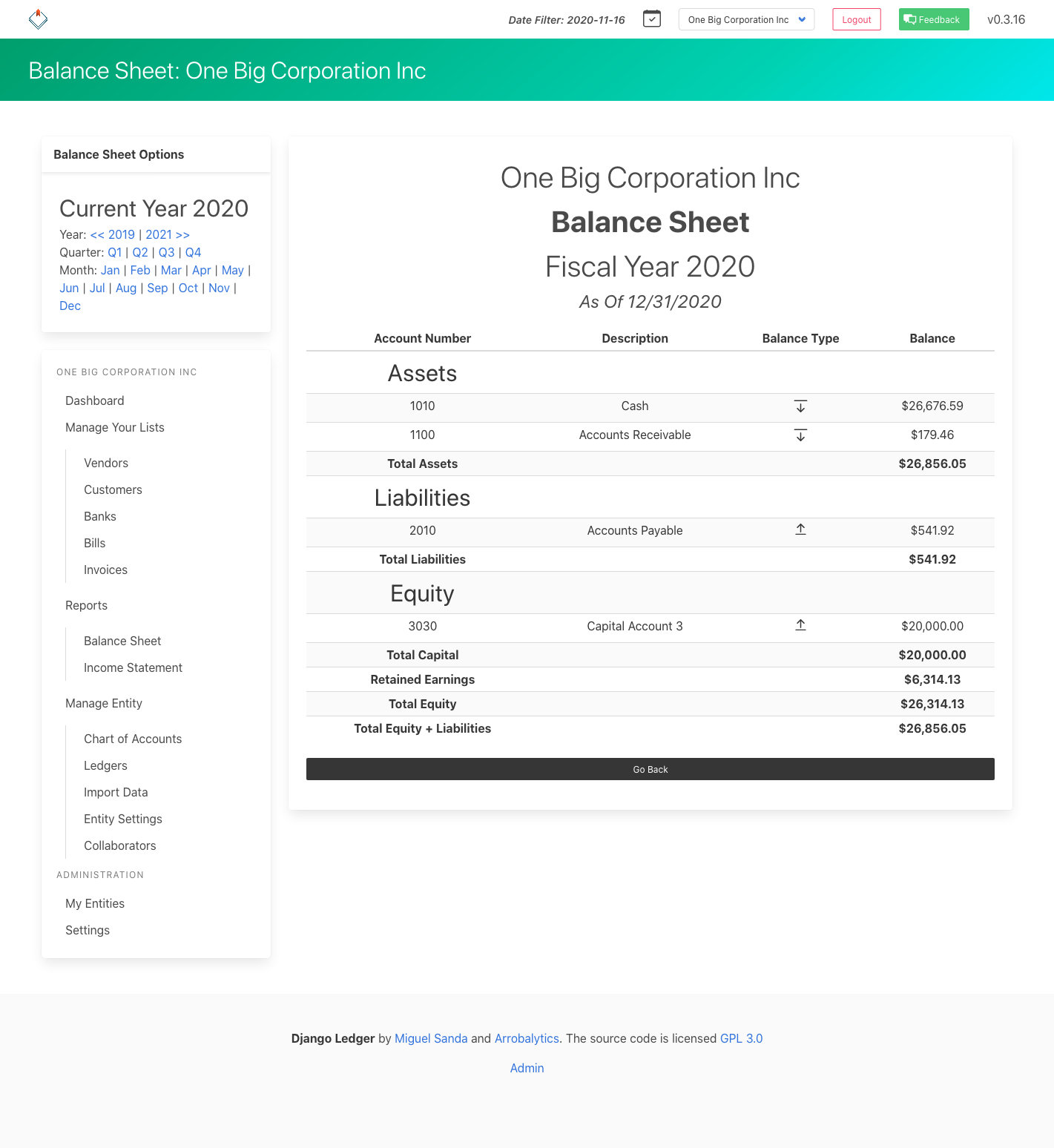
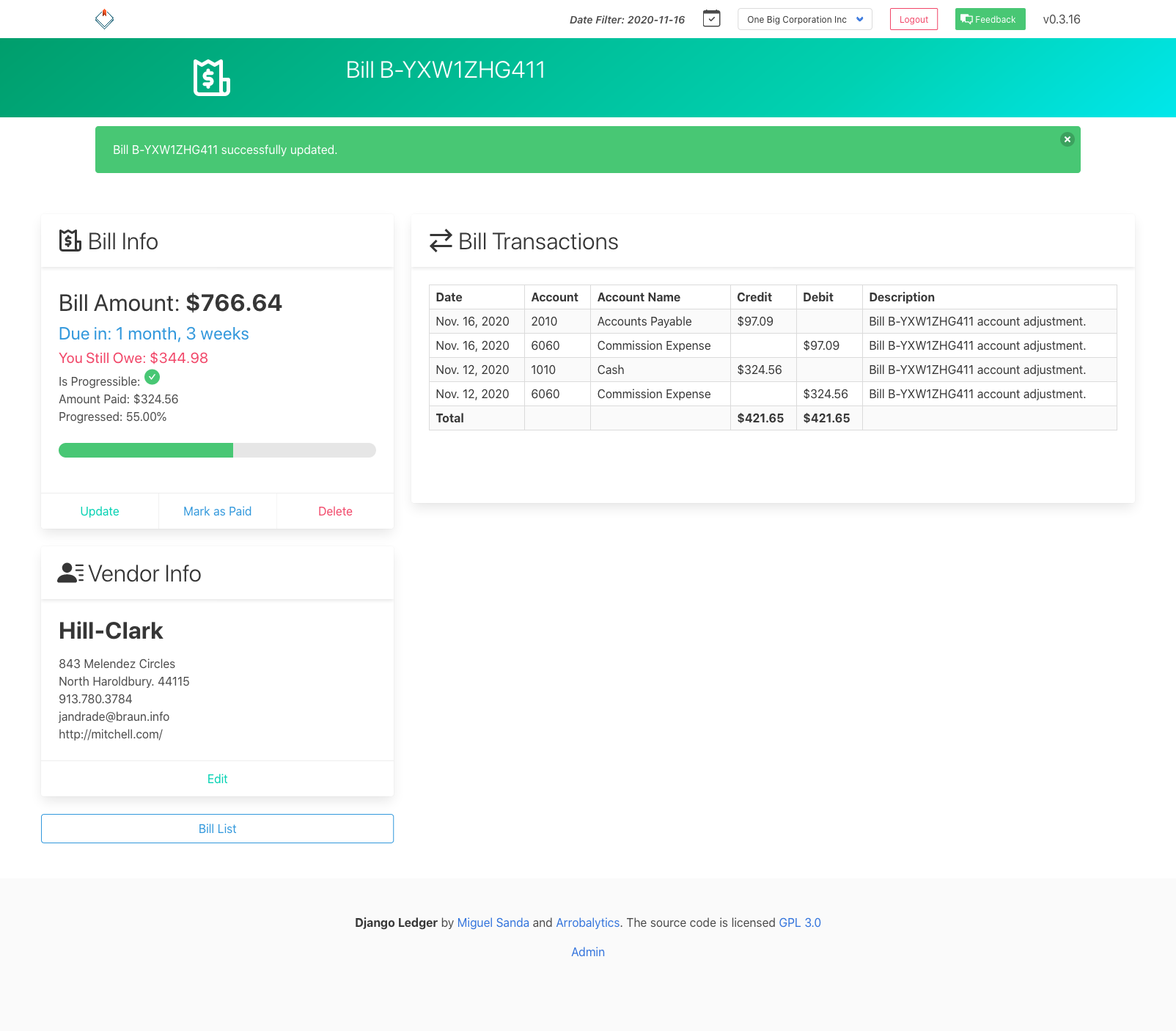
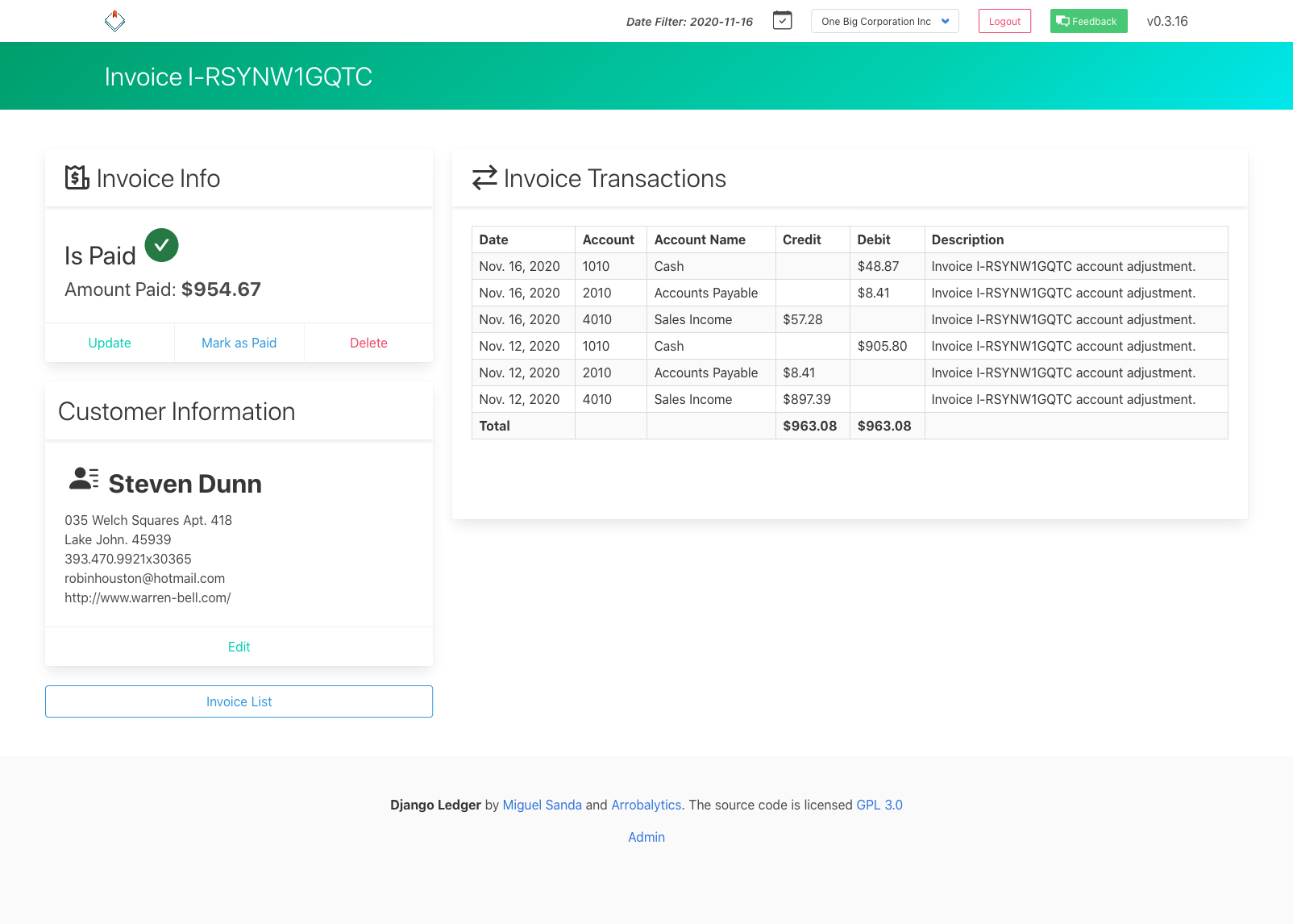
Financial Statements Screenshots
Contributors
Showing top 12 contributors by commit count.


![dependabot[bot]](https://avatars.githubusercontent.com/in/29110?v=4)


Related Repositories

frappe/erpnext
Free and Open Source Enterprise Resource Planning (ERP)

firefly-iii/firefly-iii
Firefly III: a personal finances manager

aureuserp/aureuserp
Free and Open Source ERP platform

akaunting/akaunting
Online Accounting Software

idurar/idurar-erp-crm
Free Open Source ERP CRM Software Accounting Invoicing | Node.Js React

Dolibarr/dolibarr
Dolibarr ERP CRM is a modern software package to manage your company or foundation's activity (contacts, suppliers, invoices, orders, stocks, agenda, accounting, ...). it's an open source Web application (written in PHP) designed for businesses of any sizes, foundations and freelancers.