

FaceRecognitionSecurity
Face Recognition Security
Protect your Computer against strangers ! If foreigners want to log in to your computer, ring your phone and lock the computer screen automatically. The project is written primarily in Python, first published in 2020. Key topics include: computer-vision, cv2, cyber-security, cybersecurity, face-detect.
FaceRecognitionSecurity
Protect your Computer against strangers ! If foreigners want to log in to your computer, ring your phone and lock the computer screen automatically.
Features
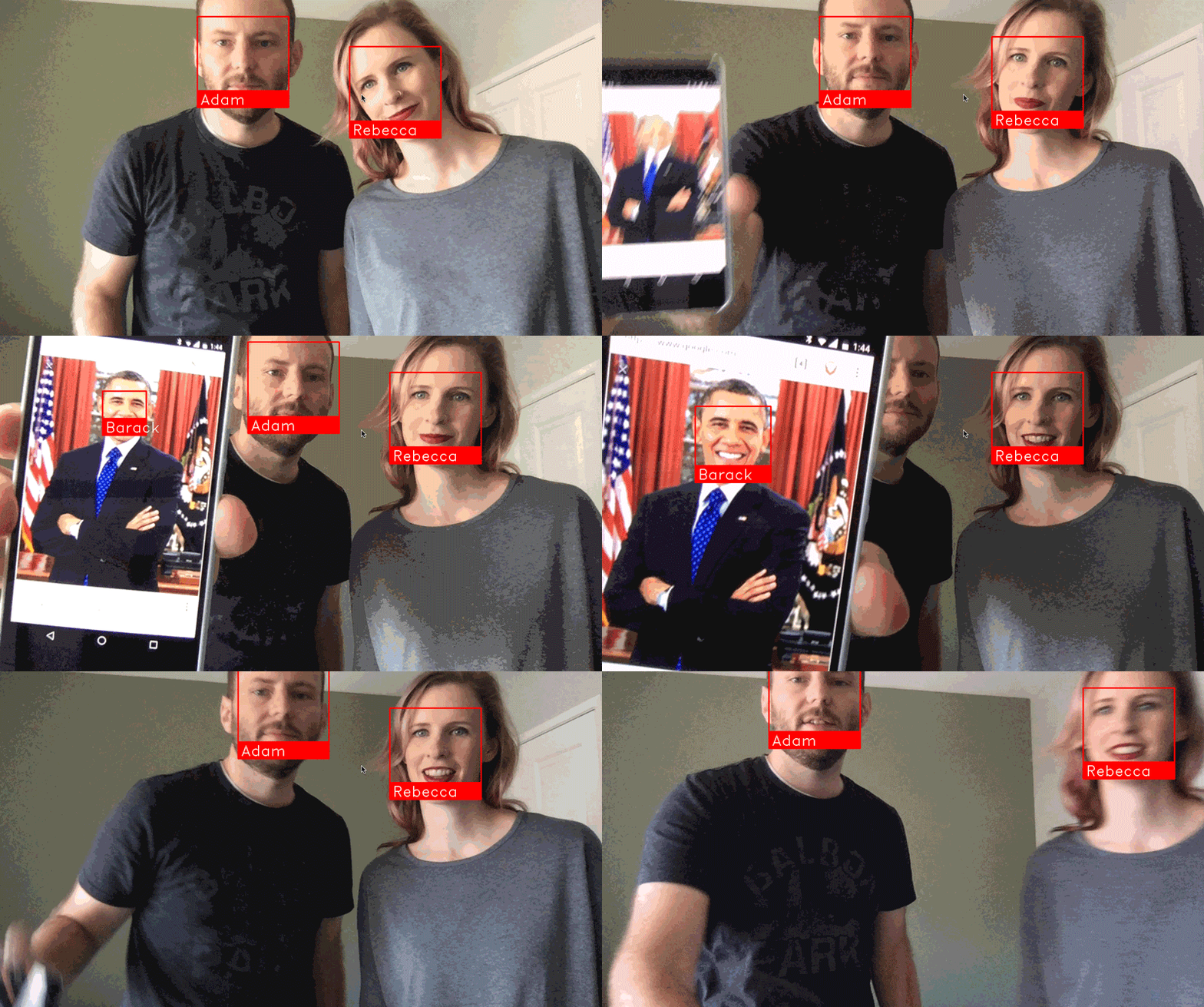
Face Recognition in Live Camera
Installation
Requirements
• Python 3.3+ or Python 2.7
• macOS or Linux (Windows not officially supported, but might work)
• For Install "face_recognition and dlib" : Click Here!
• Chrome Driver : https://chromedriver.chromium.org/downloads
Usage
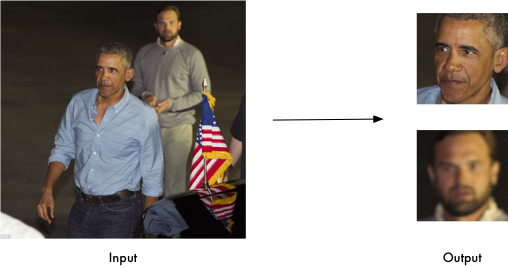
• Change GMAIL,PASSWORD,DRIVER LOCATION and PHOTO LOCATION in Protect.py
If you don't have a photo run 'python Take Photo.py' and Press SPACE for Take Photo.
Else run 'python Protect.py'
• If Camera Detect Your Face Open a new Terminal.Otherwise The Phone Will Ring Even If It is Silent.
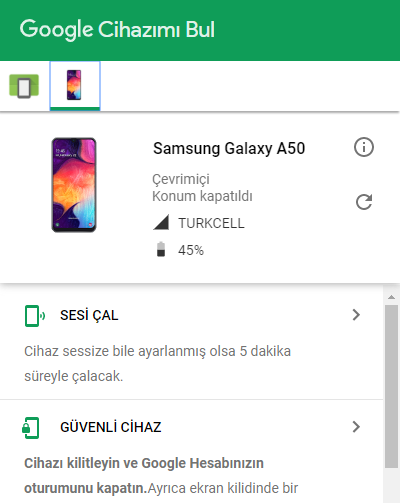
• Connect to the Google Android Find My Phone and Click the Ring the Phone Button and Lock the Screen.
Contact
<img target="_blank" src="https://img.icons8.com/bubbles/100/000000/linkedin.png" title="LinkedIn"> <img target="_blank" src="https://img.icons8.com/bubbles/100/000000/github.png" title="Github"> <img target="_blank" src="https://img.icons8.com/bubbles/100/000000/instagram-new.png" title="Instagram"> <img target="_blank" src="https://img.icons8.com/bubbles/100/000000/twitter-squared.png" title="LinkedIn">
Contributors
Showing top 1 contributor by commit count.

Related Repositories

opencv/opencv
Open Source Computer Vision Library

Developer-Y/cs-video-courses
List of Computer Science courses with video lectures.

d2l-ai/d2l-zh
《动手学深度学习》:面向中文读者、能运行、可讨论。中英文版被70多个国家的500多所大学用于教学。

ultralytics/ultralytics
Ultralytics YOLO 🚀

microsoft/AI-For-Beginners
12 Weeks, 24 Lessons, AI for All!

roboflow/supervision
We write your reusable computer vision tools. 💜