

Awesome github stats
🚀 Show everyone how amazing you are! Stay motivated and display your total contributions and level on your GitHub profile README
Get an accurate data from your contributions and transform into a card to show at your GitHub profile README The project is written primarily in C#, distributed under the MIT License license, first published in 2021. Key topics include: dotnet5, github, github-stars, github-stats, profile.
Content
🚀 Quick setup
- Copy-paste the markdown below into your GitHub profile README
- Replace the value after
brunobritodevwith your GitHub username
md[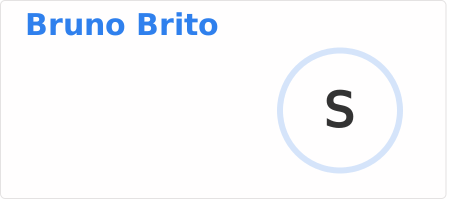](https://git.io/awesome-stats-card)
💻 Demo Site
Here you can customize your Card with a live preview: https://awesome-github-stats.azurewebsites.net/
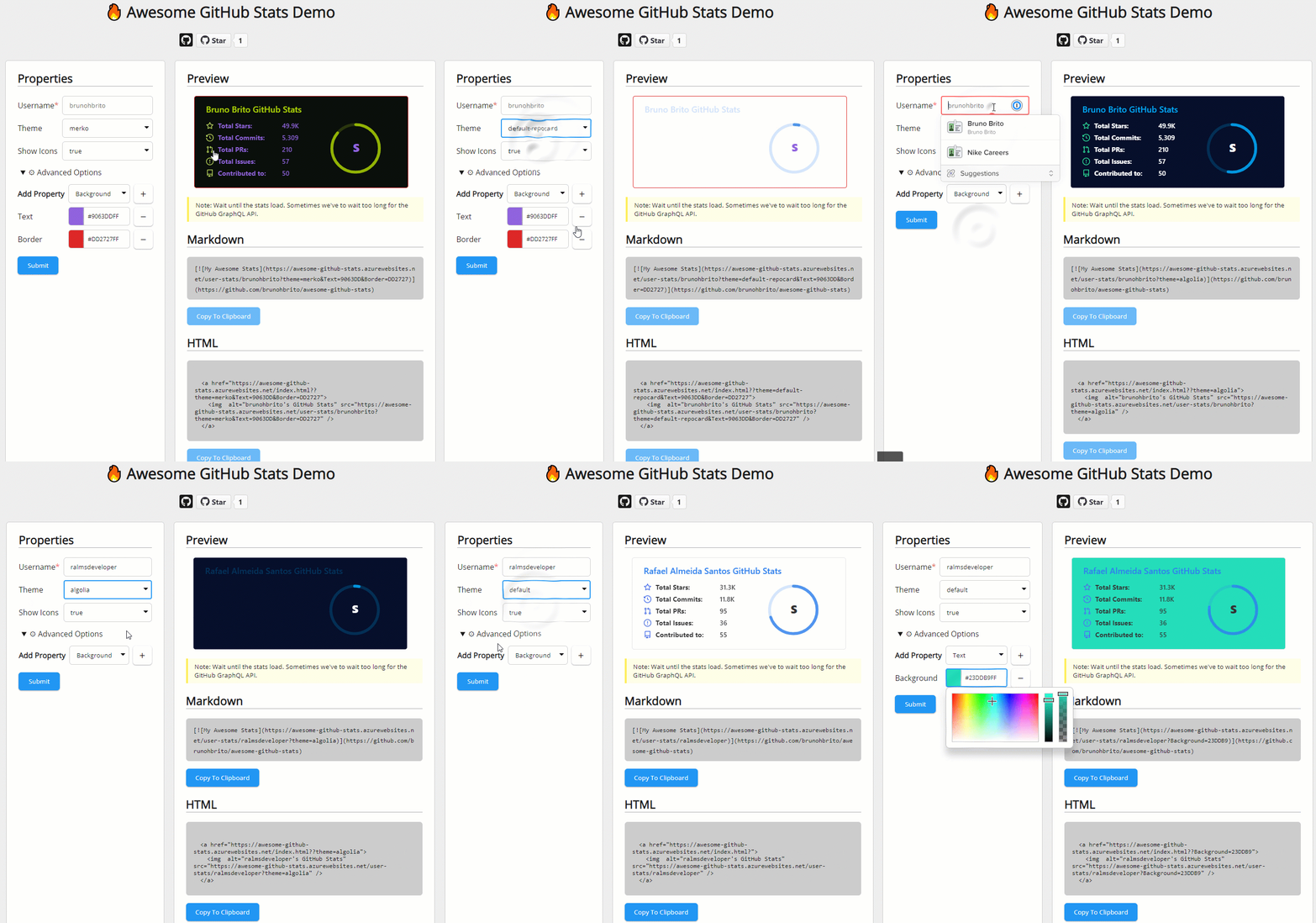
💁🏻 SVGs wanted.
If you are a Jedi Master building SVG, help-me adding new SVG's templates. Then we try to add some data on it!
🖌️ Card Types
There are few Card types to show your stats. Change cardType parameter.
| Card | Preview |
|---|---|
level (default) | |
level-alternate | |
github | |
octocat |
🎨 Themes
To enable a theme, append &theme= followed by the theme name to the end of the source url:
md[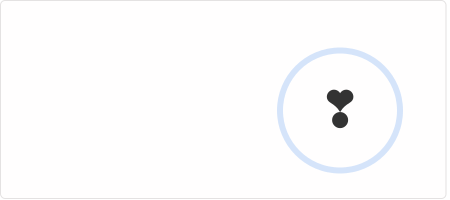](https://git.io/awesome-stats-card)
| Theme | Preview |
|---|---|
default | |
dark | |
tokyonight | |
| More themes! | 🎨 See a list of all available themes |
If you have come up with a new theme you'd like to share with others, open an issue to add it!
🔧 Options
The user field is part of url user-stats/<user>, which is required. All other fields are optional.
If the theme parameter is specified, any color customizations specified will be applied on top of the theme, overriding the theme's values.
| Parameter | Details | Example |
|---|---|---|
theme | The theme to apply (Default: default) | dark, radical, etc. 🎨➜ |
show_icons | Dont shown icons at left of labels (Default: true) | true or false |
preferLogin | Use github login instead of name (Default: false) | true or false |
background | Background color | hex code (without #) or css color |
border | Border color | hex code (without #) or css color |
text | Color of the text | hex code (without #) or css color |
title | Color of the title at top | hex code (without #) or css color |
icon | Color of the icons | hex code (without #) or css color |
ring | Color of the ring around the level | hex code (without #) or css color |
Example
md[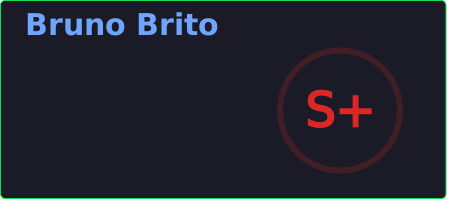](https://git.io/awesome-stats-card)
ℹ️ How these stats are calculated
This tool uses GitHub GraphQL to compute yours contributions since your first day at GitHub.
To include contributions in private repositories, turn on the setting for "Private contributions" from the dropdown menu above the contribution graph on your profile page.
Contributions include:
- Public commits
- Private commits
- Commits in your repositories
- Commits made in another repositories
- Pull requests to your repositories
- Pull requests to another repositories
- Issues
- Direct stars - Stars from your repositories
- Indirect Stars - Stars from repo's you have made some contribution
- Repositories you have created
If stats not showing look at Learn more about what is considered a contribution.
Note: You may need to wait up to 24 hours for new contributions to show up (Learn how contributions are counted)
Note: To prevent too many requests at GitHub we have an agressive cache strategy. You have to wait 24 hours to our server fetch your data again.
To check your stats go to:
- Stats: https://awesome-github-stats.azurewebsites.net/user-stats/brunhbrito/stats
- Rank: https://awesome-github-stats.azurewebsites.net/user-stats/brunobritodev/rank
The magic🌟 begins from these endpoints!
🤗 Contributing
Contributions are welcome! Feel free to open an issue or submit a pull request if you have a way to improve this project.
Make sure your request is meaningful and you have tested the app locally before submitting a pull request.
🤔 Motivations
Actually another repositories with the same goal doesn't count stats with accuracy. The main goal is to have a strong data first, then a beatiful svg.
🧰 Installing Requirements
Requirements
Authorization
To get the GitHub API to run locally you will need to provide a token.
- Go to https://github.com/settings/tokens
- Click "Generate new token"
- Add a note (ex. "GitHub Pat"), then scroll to the bottom and click "Generate token"
- Copy the token to your clipboard
- Go to file
appsettings.jsonin thesrc/AwesomeGithubStats.Apidirectory and add your PAT atPATS: [...]with your token
json"PATS": [ "your_pat_here" ]
Running the tests
Before you can run tests, you have to add your PAT in appsettings.json at tests/Tests. Just how you have done above.
bashdotnet test
💕 Special thanks
Special thanks for github-readme-streak-stats who build a Demo site. This version is almost the same code from there.
And another special thank to Sindre Sorhus to increase the difficult to find a magical number to create Levels. The levels are based in his contributions.
🙋♂️ Support
💙 If you like this project, give it a ⭐ and share it with friends!
Made .NET 10 ❤️
Contributors
Showing top 4 contributors by commit count.



Related Repositories

ivanpaulovich/clean-architecture-manga
:cyclone: Clean Architecture with .NET6, C#10 and React+Redux. Use cases as central organizing structure, completely testable, decoupled from frameworks

FastReports/FastReport
Free Open Source Reporting tool for .NET6/.NET Core/.NET Framework that helps your application generate document-like reports

blogifierdotnet/Blogifier
Blogifier is an open-source publishing platform Written in ASP.NET and Blazor WebAssembly. With Blogifier make a personal blog or a website.

luoyunchong/lin-cms-dotnetcore
😃A simple and practical CMS implemented by .NET + FreeSql;前后端分离、Docker部署、OAtuh2授权登录、自动化部署DevOps、自动同步至Gitee、代码生成器、仿掘金专栏

DevArchitecture/DevArchitecture
DevArchitecture Backend Project

edandersen/core-admin
Fully automatic admin site CRUD UI generator for ASP.NET Core and .NET 10