Spring security react ant design polls app
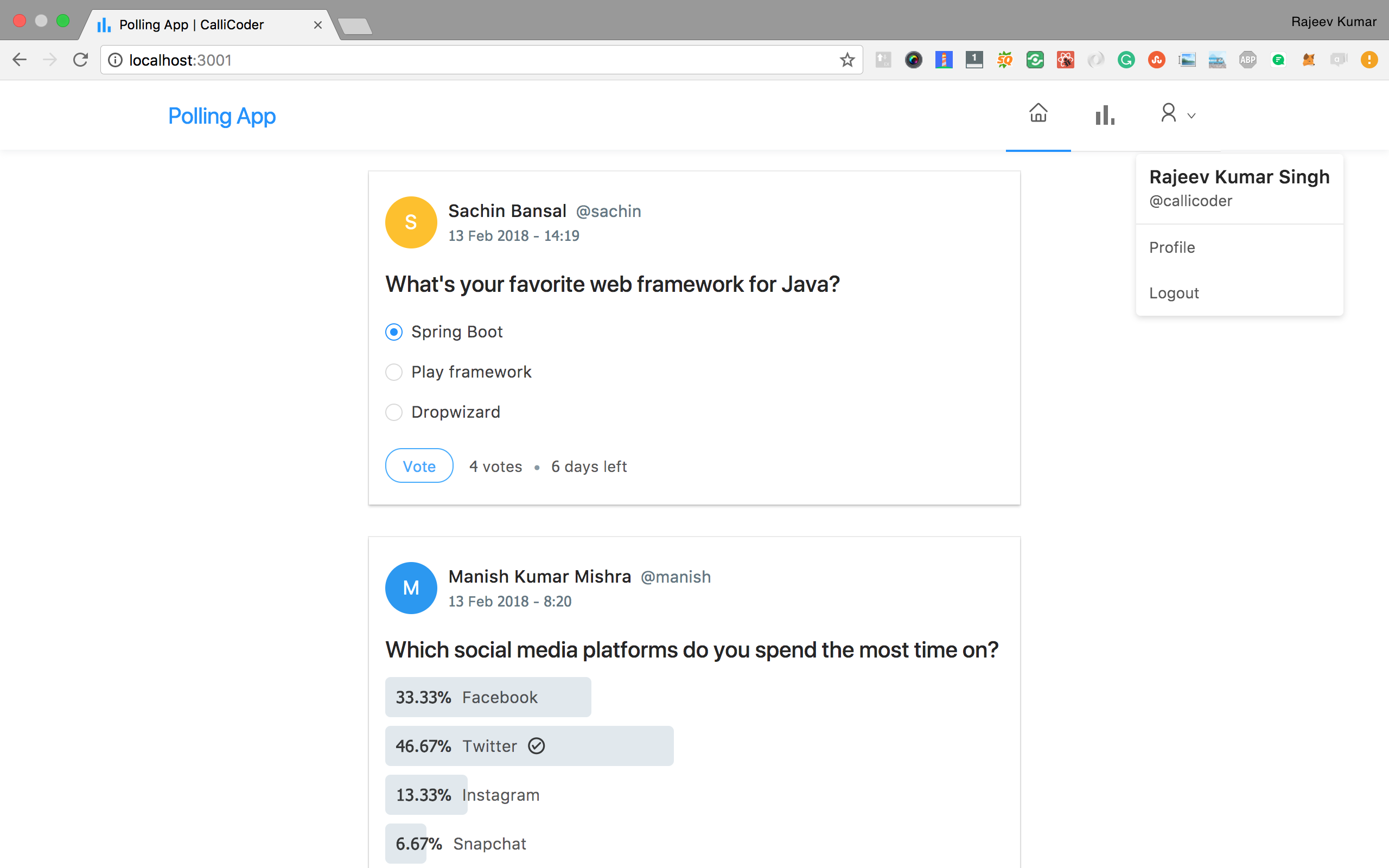
Full Stack Polls App built using Spring Boot, Spring Security, JWT, React, and Ant Design
I've written a complete tutorial series for this application on The CalliCoder Blog - The project is written primarily in Java, first published in 2018. It has gained significant community traction with 1,865 stars and 1,059 forks on GitHub. Key topics include: ant-design, antd, authentication, authorization, database.
Building a Full Stack Polls app similar to twitter polls with Spring Boot, Spring Security, JWT, React and Ant Design
Tutorials
I've written a complete tutorial series for this application on The CalliCoder Blog -
Steps to Setup the Spring Boot Back end app (polling-app-server)
-
Clone the application
bashgit clone https://github.com/callicoder/spring-security-react-ant-design-polls-app.git cd polling-app-server -
Create MySQL database
bashcreate database polling_app -
Change MySQL username and password as per your MySQL installation
-
open
src/main/resources/application.propertiesfile. -
change
spring.datasource.usernameandspring.datasource.passwordproperties as per your mysql installation
-
-
Run the app
You can run the spring boot app by typing the following command -
bashmvn spring-boot:runThe server will start on port 8080.
You can also package the application in the form of a
jarfile and then run it like so -bashmvn package java -jar target/polls-0.0.1-SNAPSHOT.jar -
Default Roles
The spring boot app uses role based authorization powered by spring security. To add the default roles in the database, I have added the following sql queries in
src/main/resources/data.sqlfile. Spring boot will automatically execute this script on startup -sqlINSERT IGNORE INTO roles(name) VALUES('ROLE_USER'); INSERT IGNORE INTO roles(name) VALUES('ROLE_ADMIN');Any new user who signs up to the app is assigned the
ROLE_USERby default.
Steps to Setup the React Front end app (polling-app-client)
First go to the polling-app-client folder -
bashcd polling-app-client
Then type the following command to install the dependencies and start the application -
bashnpm install && npm start
The front-end server will start on port 3000.
Contributors
Showing top 2 contributors by commit count.


Related Repositories

ant-design/ant-design
An enterprise-class UI design language and React UI library
ant-design/ant-design-pro
👨🏻💻👩🏻💻 Use Ant Design like a Pro!

refinedev/refine
A React Framework for building internal tools, admin panels, dashboards & B2B apps with unmatched flexibility.

vbenjs/vue-vben-admin
A modern vue admin panel built with Vue3, Shadcn UI, Vite, TypeScript, and Monorepo. It's fast!

vueComponent/ant-design-vue
🌈 An enterprise-class UI components based on Ant Design and Vue. 🐜

zxwk1998/vue-admin-better
🎉 vue admin,vue3 admin,vue3.0 admin,vue后台管理,vue-admin,vue3.0-admin,admin,vue-admin,vue-element-admin,ant-design,vab admin pro,vab admin plus,vue admin plus,vue admin pro