

Arcade manager
Arcade management tool to handle your MAME/FBA romsets
ArcadeManager is a rom management tool that will work with any arcade emulator romset. It helps you filter your arcade rom collection (MAME/FBNeo) by removing unwanted, bad, and unplayable games. The project is written primarily in C#, distributed under the MIT License license, first published in 2018. Key topics include: arcade, arcade-management, best-game, emulation, fba.
Arcade manager for Retropie & Recalbox


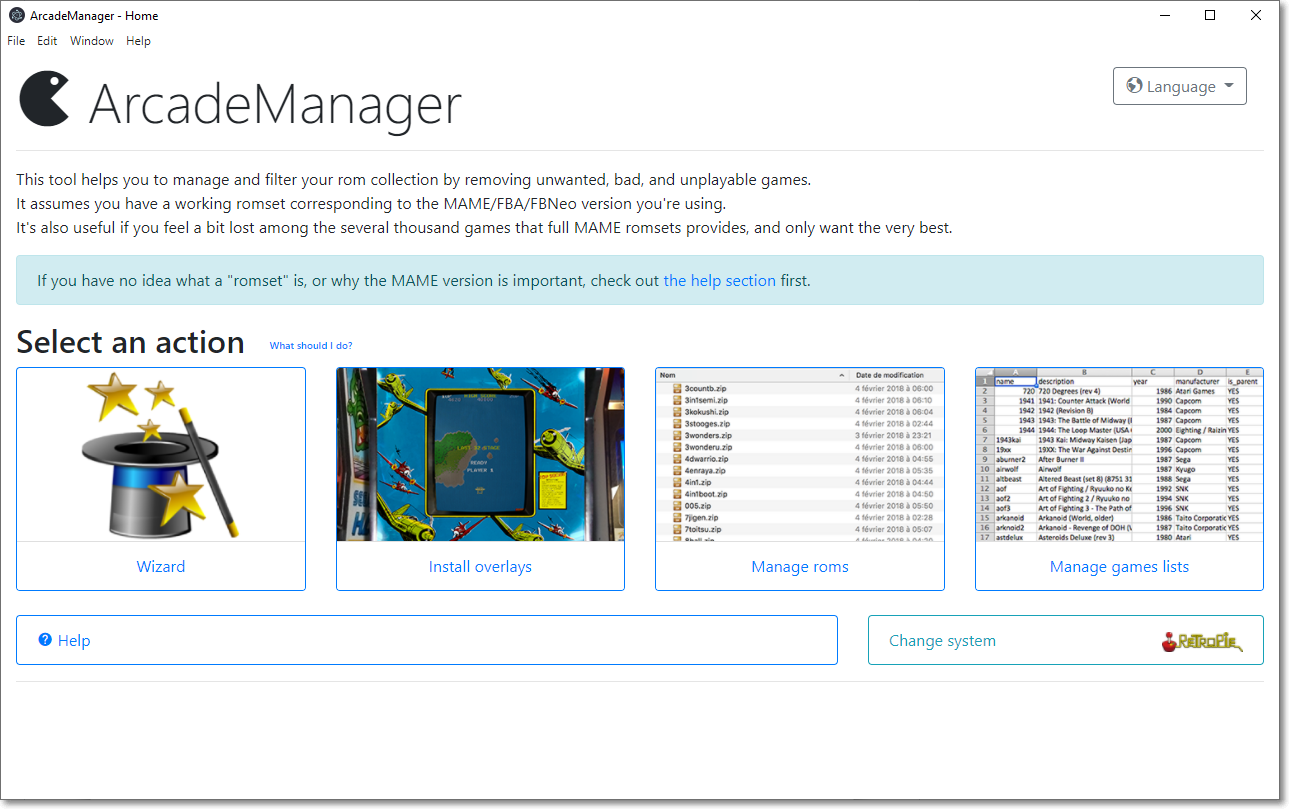
ArcadeManager is a rom management tool that will work with any arcade emulator romset. It helps you filter your arcade rom collection (MAME/FBNeo) by removing unwanted, bad, and unplayable games.
It also includes several selection of "best games", if you feel a bit lost among the several thousand games that full MAME romsets provide, and want a quick way to just keep the best ones.
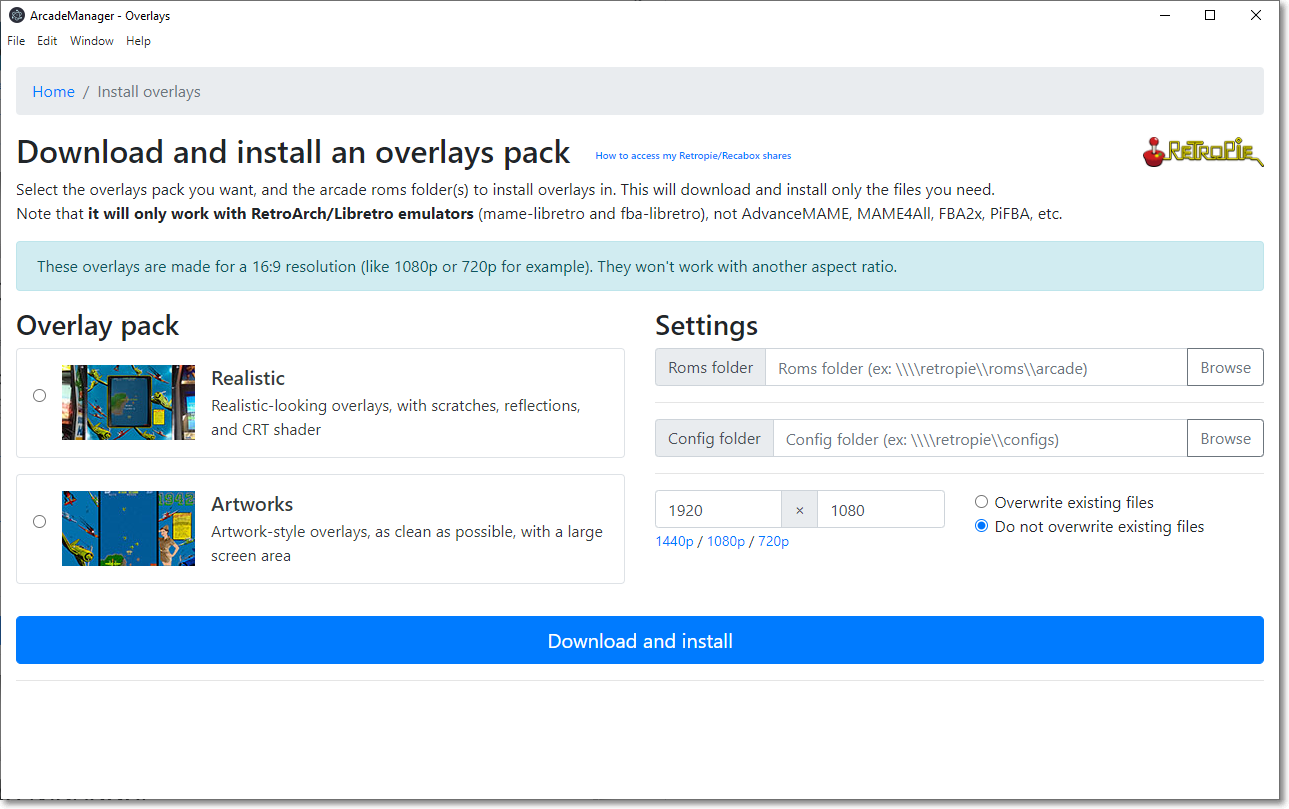
It also installs overlays/bezels, but only Retropie and Recalbox are currently supported.
Download
The latest version is available here: https://github.com/cosmo0/arcade-manager/releases/
Features
- User-friendly, easy to use interface with included extensive help
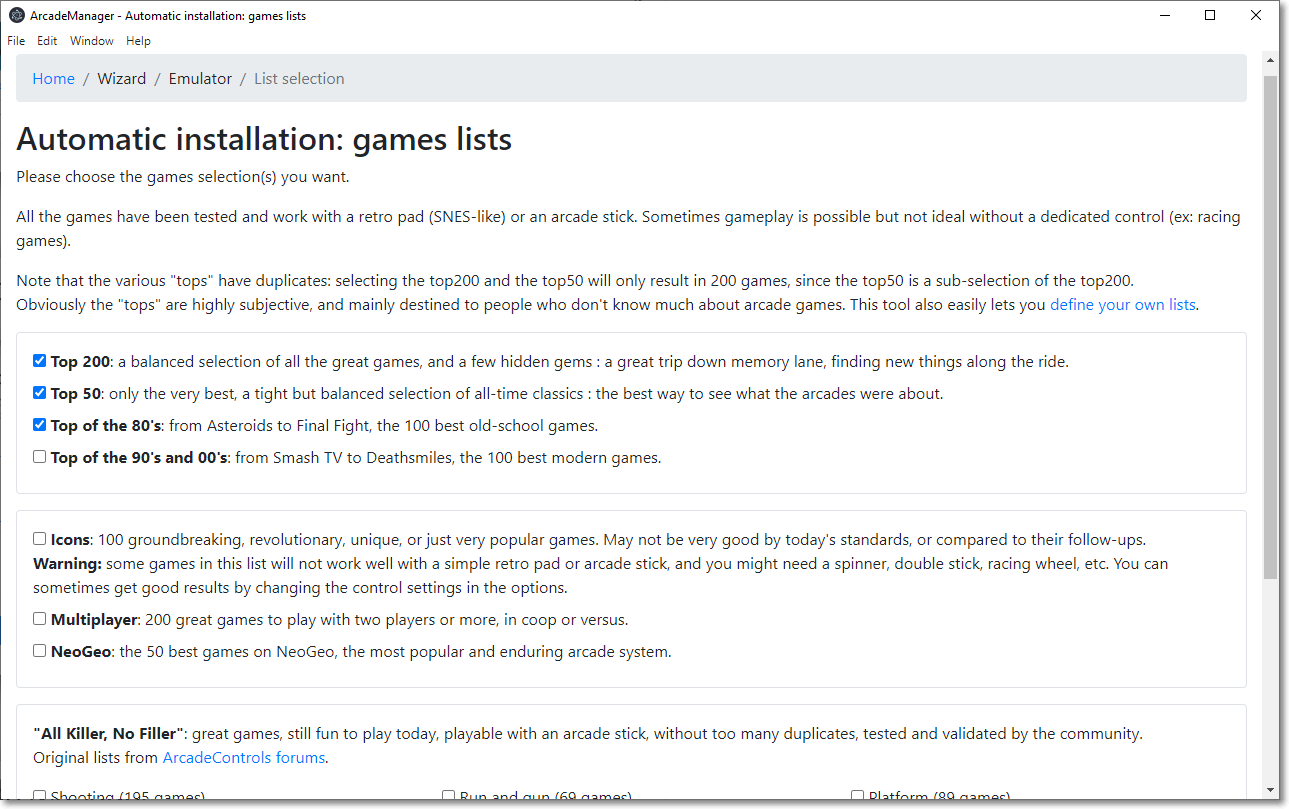
- Wizard with various pre-built lists of "best games"
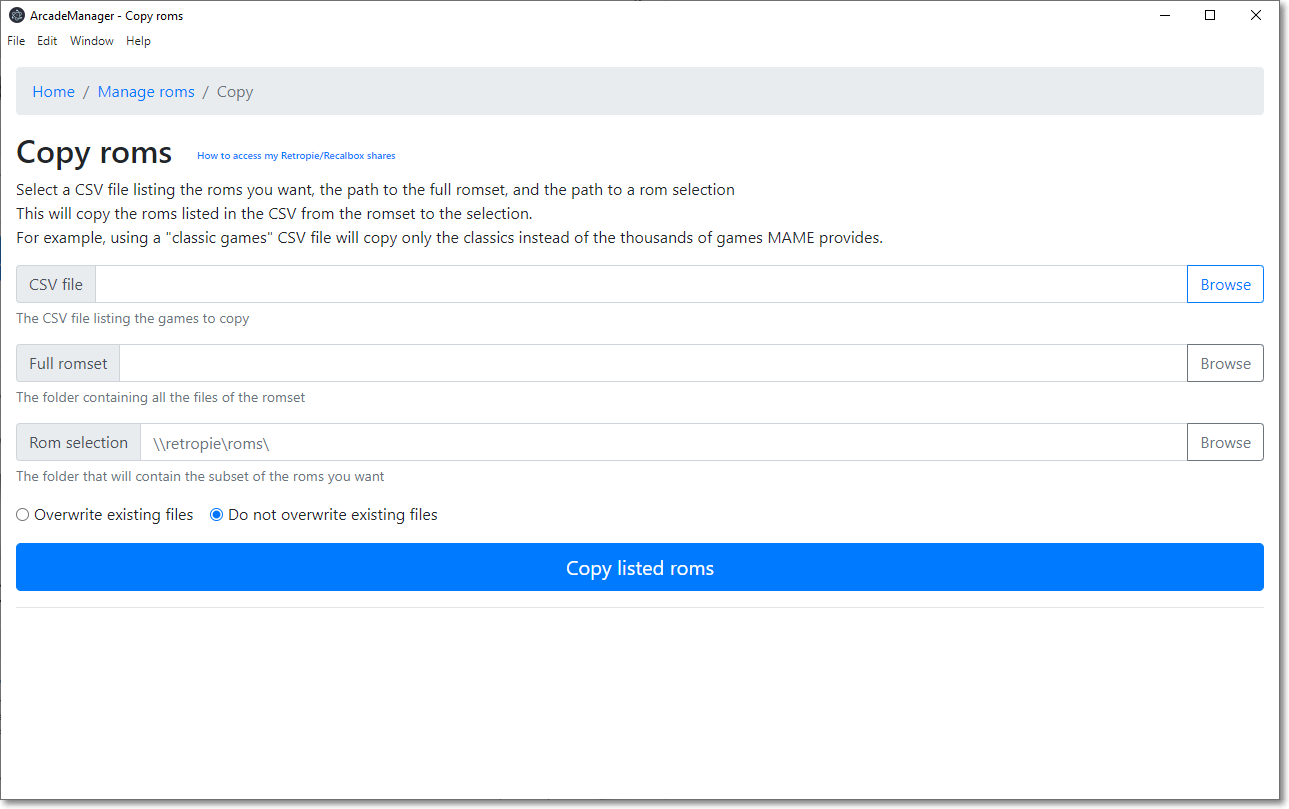
- Manage rom files: copy or cleanup a selection of roms
- Checks and fixes a romset, and converts it to non-merged (other types are not supported)
- Download and install an overlays pack (Retropie or Recalbox)
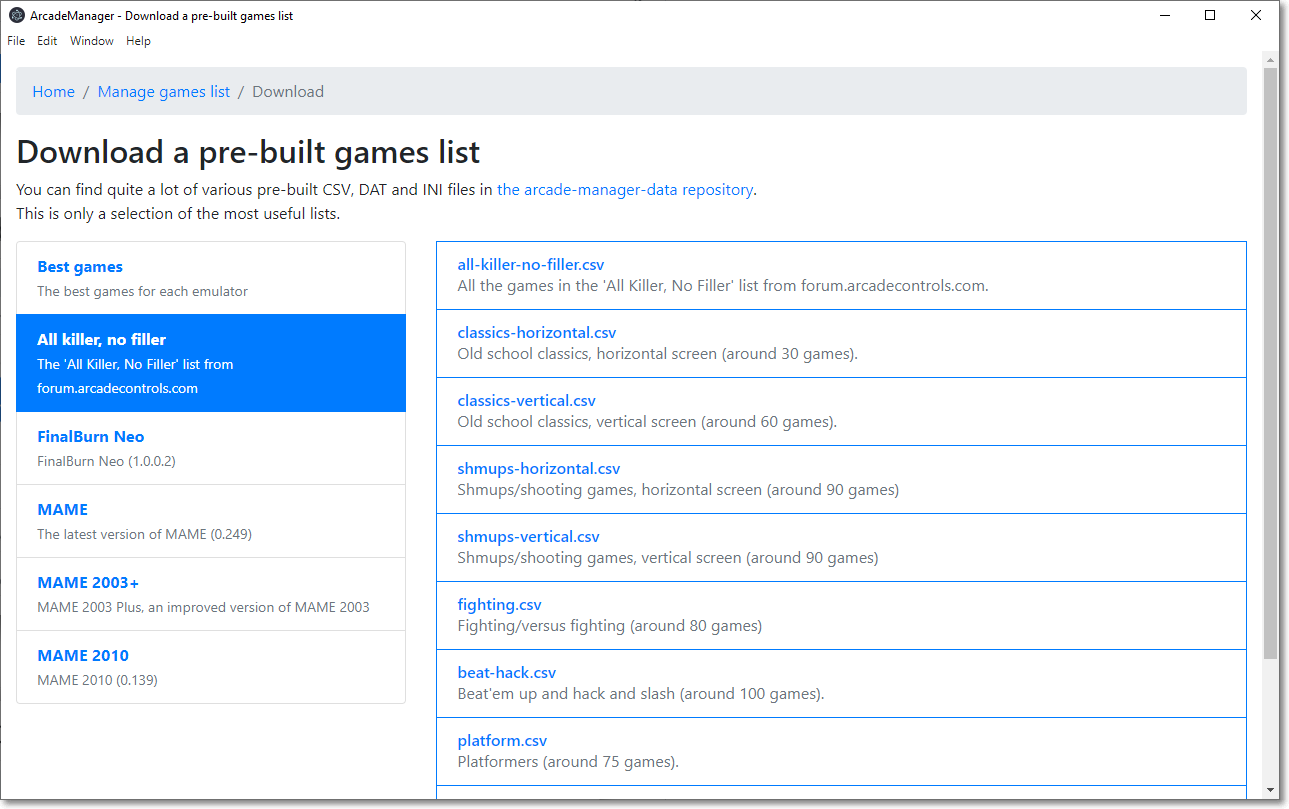
- Manage games lists to use with the roms file management: merge and split files, convert DAT or INI files, and more
And also:
- Multi-platform, works on Windows, MacOS and Linux
- Multi-language (check "translating" if you want to help)
Copying files assumes you have a working romset corresponding to the MAME/FBNeo version you're using. ArcadeManager can convert a romset to non-merged (all clones can work on their own) but not to other types; for that, use a tool like ClrMamePro.
Obviously, this tool does not download roms.
Screenshots
External help
If you are new to arcade emulation, please read these resources:
Translating
Anyone can help with translations: they're simple text files (INI style) located in Data\translations.
If you think you can help, please create a pull request! Or just send me the translated files. I'm happy either way.
If you want to test your translations, you'll have to add your language to src\ArcadeManager.Core\Services\Localizer.cs in the _locales array.
You can also contribute using Weblate.
Development
Prerequisites
- Dotnet 6 SDK - https://dotnet.microsoft.com/en-us/download/dotnet/6.0
- Dotnet 8 SDK - https://dotnet.microsoft.com/en-us/download/dotnet/8.0
- NodeJS 22.x or later - https://nodejs.org/download
- Open a command line and run
dotnet tool install --global ElectronNET.CLI
Build and run
bashcd src/ArcadeManager dotnet build electronize start
To debug, attach Visual Studio to the ArcadeManager process.
Run .\samples\generate-samples.ps1 in Powershell to generate a fake romset in tmp\roms (empty zip files with the right names).
Create an install package
Choose your OS and architecture:
bashelectronize build /target win electronize build /target osx /electron-arch arm64 electronize build /target linux
Windows ARM and Linux ARM are not currently supported.
MacOS x86 is not supported anymore.
If you want to build for another architecture, edit the file src\ArcadeManager\electron.manifest.json, scroll down to "build", locate your platform (win, osx, linux), and in "target", change the "arch" property to your architecture (x64 or arm64). Don't forget to build using the matching /electron-arch parameter.
Contributors
Showing top 7 contributors by commit count.

![dependabot[bot]](https://avatars.githubusercontent.com/in/29110?v=4)


Related Repositories

OpenStickCommunity/GP2040-CE
Multi-Platform Gamepad Firmware for Raspberry Pi Pico and other RP2040 boards

finalburnneo/FBNeo
FinalBurn Neo - We are Team FBNeo.

ArcadeAI/arcade-mcp
MCP Server Framework and Tool Development library for building custom capabilities into agents.

trzy/Supermodel
Official repository of the Sega Model 3 arcade emulator.

MewoLab/AquaDX
A magical server for certain arcade rhythm games 🪄

harbaum/galagino
A Galaga, Pac-Man and Donkey Kong arcade emulator for the ESP32