

DNS collector
Grab your DNS logs, detect anomalies, and finally understand what's happening on your network. The missing piece between DNS servers and your data stack.
**DNS-collector** is a lightweight tool that captures DNS queries and responses from your DNS servers, processes them intelligently, and sends clean data to your monitoring or analytics systems. The project is written primarily in Go, distributed under the MIT License license, first published in 2021. Key topics include: collector, coredns, dns, dns-server, dnstap.
What is DNS-collector?
DNS-collector is a lightweight tool that captures DNS queries and responses from your DNS servers, processes them intelligently, and sends clean data to your monitoring or analytics systems.
What it does:
- Captures DNS data from your DNS servers (BIND, PowerDNS, Unbound, etc.) via DNStap protocol or live network capture
- Filters out noise like health checks, internal queries, or spam before storage
- Enriches data with GeoIP, threat intelligence, or custom metadata
- Outputs clean data to files, databases, SIEM tools, or monitoring dashboards
Why DNS-collector?
The missing piece between DNS servers and your data stack.
- DNS-native processing: Understands DNS protocol, EDNS, query types natively
- Process at the edge: Clean, filter and enrich DNS data before storage - not after
- Multiple input sources: DNStap streams, live network capture, log files
- DNS-aware transformations: Filtering noise upstream, user privacy
- Flexible outputs: Files, syslog, databases, monitoring tools and more...
- Production ready: Used in real networks, tested with major DNS servers
- Enhanced DNStap: TLS encryption, compression, and more metadata capabilities
🚀 Quick Start
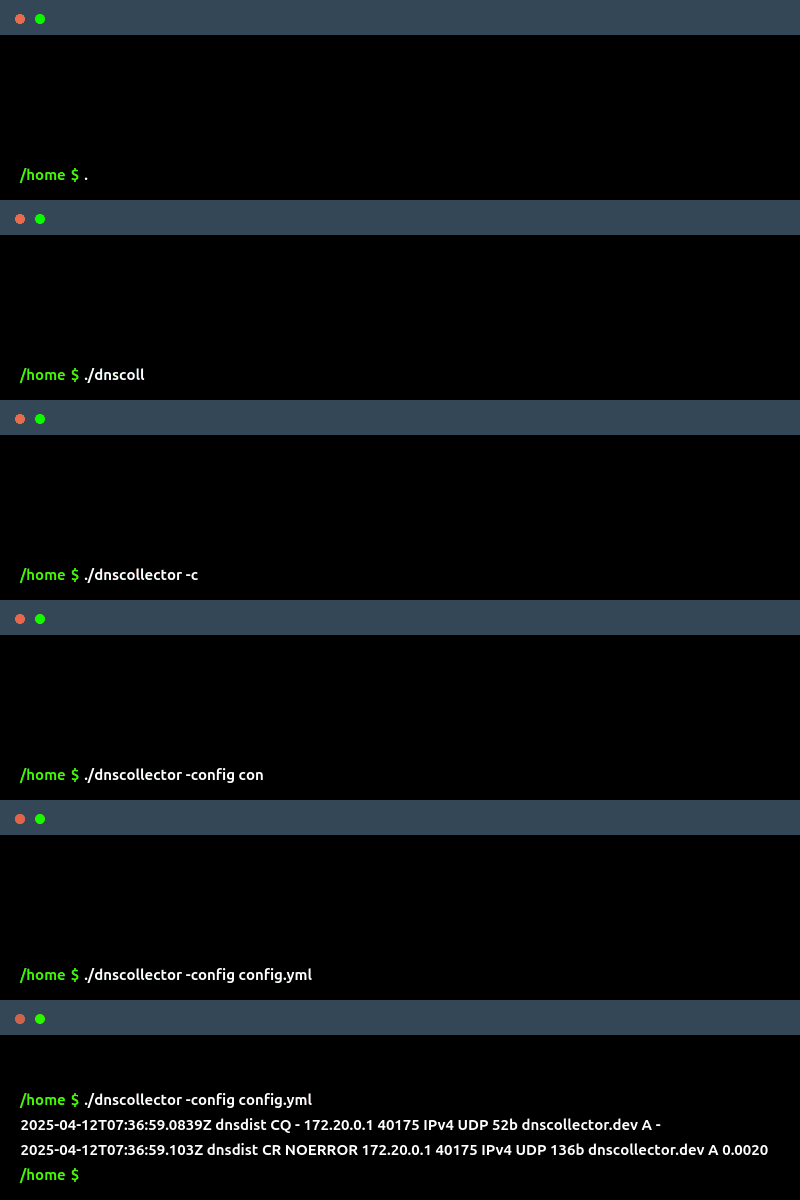
Download the latest release and run with default config:
Default setup listens on tcp/6000 for DNStap streams and outputs to stdout.
To get started quickly, you can use this default config.yml.
bash./dnscollector -config config.yml
📚 Documentation
| Topic | Description |
|---|---|
| 📝 Formats | Supported output formats (text, JSON, PCAP, Jinja2, etc.) |
| 🔧 Configuration | Complete config reference |
| 📤 Workers | Input sources and output destinations setup |
| 🔄 Transformers | Data enrichment options |
| 🐳 Docker | Container deployment |
| 🔍 Examples | Ready-to-use configs |
| 🔗 Integrations | Integration with popular tools and DNS servers |
| ⭐ Extended DNStap | Extended DNSTap |
| 📊 Telemetry | REST API and Prometheus metrics |
| ⚡ Performance | Tuning guide |
👥 Contributions
Contributions are welcome!
Check out:
🧰 Related Projects:
- DNS-tester - DNS testing toolkit
- CoreDNS-GSLB - Global Server Load Balancing functionality in CoreDNS
Contributors
Showing top 12 contributors by commit count.

![dependabot[bot]](https://avatars.githubusercontent.com/in/29110?v=4)


Related Repositories

google/mtail
extract internal monitoring data from application logs for collection in a timeseries database

grafana/alloy
OpenTelemetry Collector distribution with programmable pipelines

akvorado/akvorado
Flow collector, enricher and visualizer

tclahr/uac
UAC is a powerful and extensible incident response tool designed for forensic investigators, security analysts, and IT professionals. It automates the collection of artifacts from a wide range of Unix-like systems, including AIX, ESXi, FreeBSD, Linux, macOS, NetBSD, NetScaler, OpenBSD and Solaris.

NH-RED-TEAM/RustHound
Active Directory data ingestor for BloodHound Legacy written in Rust. 🦀

netsampler/goflow2
High performance sFlow/IPFIX/NetFlow Collector