

Zerker
Zerker is a lightweight and powerful flutter graphic animation library
Zerker is a flexible and lightweight flutter canvas graphic animation library. The project is written primarily in Dart, distributed under the MIT License license, first published in 2019. Key topics include: canvas, flutter, flutter-game, flutter-games, flutter-graphic.
What is Zerker
Zerker is a flexible and lightweight flutter canvas graphic animation library.
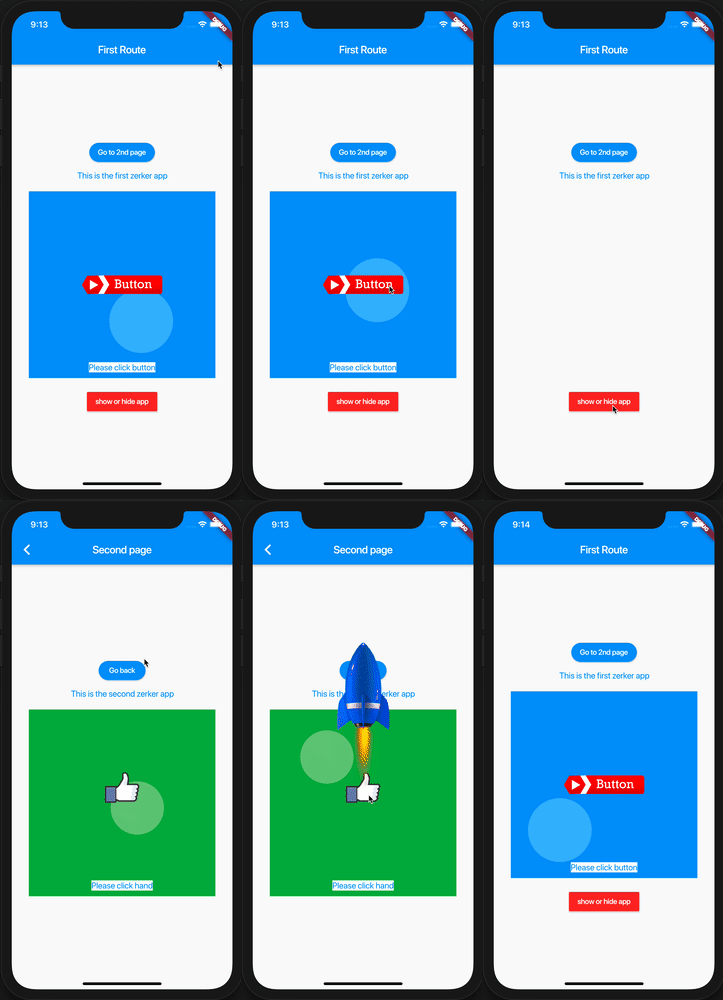
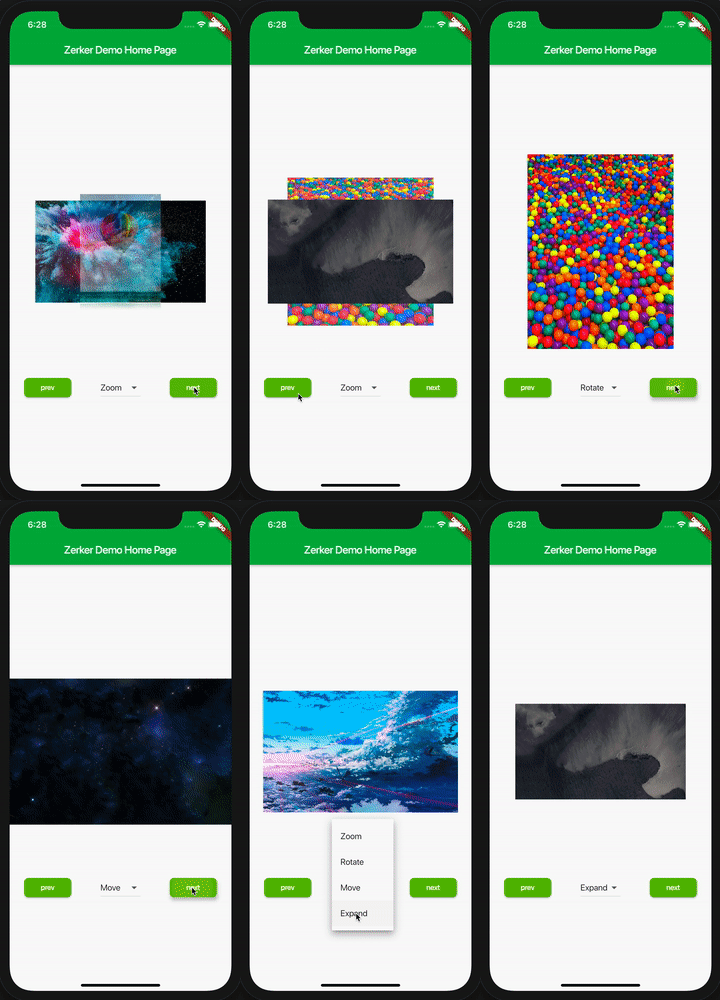
With Zerker, you can create a lot of seemingly cumbersome animation effects, such as animated animations, pop-up animations, scene transitions, icon effects, and more.
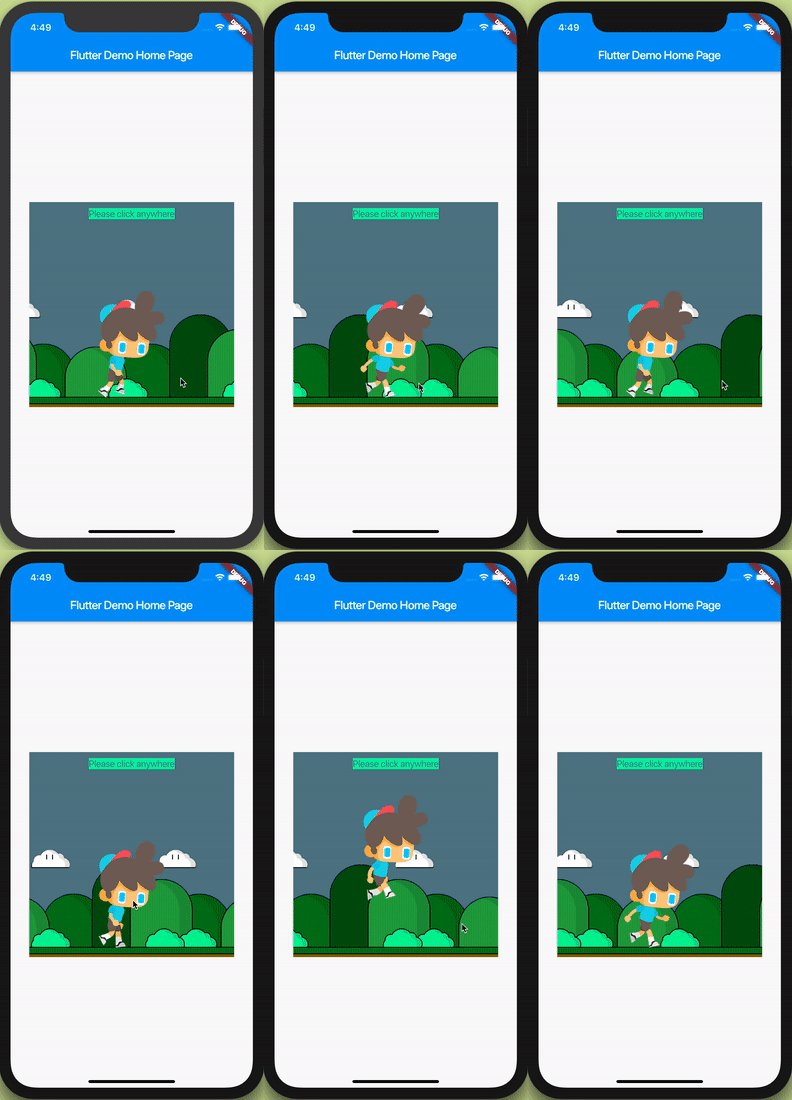
At the same time, you can create a lot of simple games with Zerker. Zerker contains elements such as sprites, scrolling backgrounds, and atlases, making it easy to create game worlds with them.
➤ More detailed documentation about Zerker is here https://flutterkit.github.io/zerkerdocs/
Installation
Add this to your package's pubspec.yaml file, And execute the commandflutter pub get:
yamldependencies: zerker: <latest_version_here>
More detailed installation steps, you can refer to here. https://pub.dev/packages/zerker/install
Getting started
Import the package
import 'package:zerker/zerker.dart';
Useage
Create a zerker widget
dartclass _MyHomePageState extends State<MyHomePage> { Widget build(BuildContext context) { return Scaffold( appBar: AppBar( title: Text(widget.title), ), body: Center( child: Zerker(app: MyZKApp(), clip: true, interactive: true, width: 350, height: 350), )); } }
Create your Zerker class inherited from ZKApp
dartclass MyZKApp extends ZKApp { init() { super.init(); /// init zerker scene } update(int time) { super.update(time); sprite.position.x++; } }
Initialize the scene and create elements in the init function
dart/// Create a zerker sprite ZKSprite bigboy = ZKSprite(key: "bigboy") ..animator.make("front", [0, 1, 2, 3, 4]) ..animator.make("left", ['5-9']) ..animator.make("after", ['10-14']) ..animator.make("right", ['15-19']) ..onTapDown = (event) { bigboy.animator.play("right", 8, true); }; stage.addChild(bigboy); /// Create a zerker text ZKText text = ZKText() ..setPosition(100, 100) ..text = "hello world" ..setStyle(color: Colors.blueGrey, backgroundColor: Colors.red[50]); stage.addChild(_text);
More cases
You can quickly start learning an example here. https://flutterkit.github.io/zerkerdocs/guide/tutorial.html
More zerker examples you can view here https://github.com/flutterkit/zerker-samples. If you have any questions about Zerker, please let me know by email, thank you very much!

License
Zerker is licensed under MIT license. View license. https://github.com/flutterkit/zerker/blob/master/LICENSE
Contributors
Showing top 2 contributors by commit count.

