PageController
Infinite paging controller, scrolling through contents and title bar scrolls with a delay
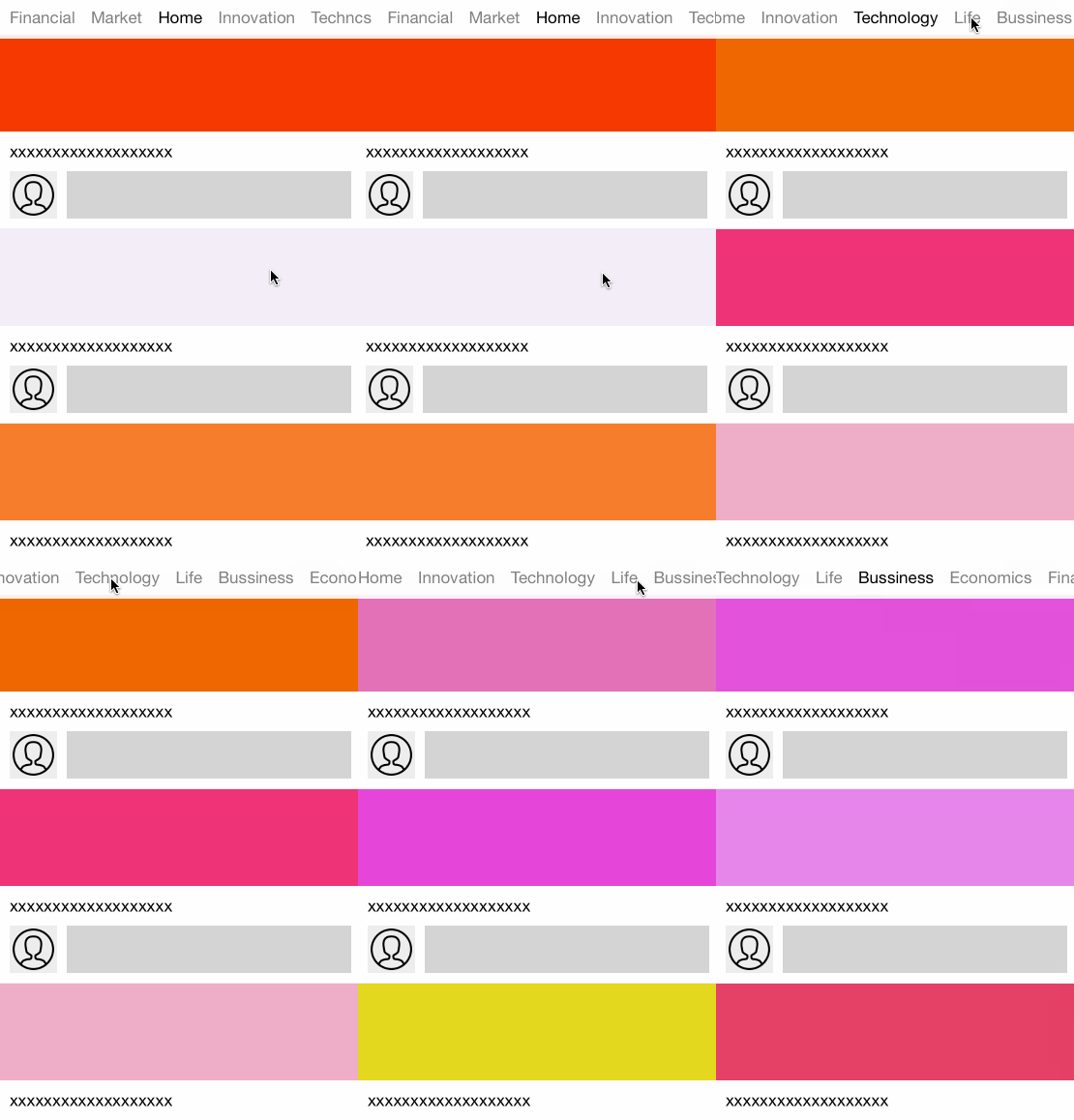
PageController is infinite paging controller, scrolling through contents and title bar scrolls with a delay. Then it provide user interaction to smoothly and effortlessly moving. It is for iOS written in Swift. The project is written primarily in Swift, distributed under the MIT License license, first published in 2015. Key topics include: carthage, cocoapods, delay, pagecontroller, scrolling.
PageController




PageController is infinite paging controller, scrolling through contents and title bar scrolls with a delay. Then it provide user interaction to smoothly and effortlessly moving. It is for iOS written in Swift.
Requirements
| PageController | Xcode | Swift |
|---|---|---|
| 0.7.x + | 9.4 | 4.1 |
| 0.6.x | 9.2 | 4.0 |
| 0.5.x | 8.2 | 3.0 |
| 0.4.x | 8.0 | 2.2 |
| 0.3.x | 7.0+ | 2.0 |
| 0.2.0 | 6.4 | 1.2 |
Features
- To inherit from DCScrollView
- Use
UIViewController, notUIViewlikeUITabBarController - Support AutoLayout about MenuCell
- Handling to change current view controller with Delegate.
- Scrolling smoothly and effortlessly
- Keep to smoothly in scrolling contents
Installation
CocoaPods
rubypod 'PageController'
Carthage
To integrate PageController into your Xcode project using Carthage, specify it in your Cartfile:
github "hirohisa/PageController" ~> 0.7.1
Usage
viewControllers
Type is [UIViewController], and element must have title.
swiftimport PageController class CustomViewController: PageController { override func viewDidLoad() { super.viewDidLoad() viewControllers = createViewControllers() } func createViewControllers() -> [UIViewController] { let names = [ "favorites", "recents", "contacts", "history", "more", ] return names.map { name -> UIViewController in let viewController = ContentViewController() viewController.title = name return viewController } } }
MenuBar
Enable to change backgroundColor, frame.
If you change MenuBarCell.height, then override frameForMenuBar and set height.
swift/// backgroudColor menuBar.backgroundColor = UIColor.whiteColor().colorWithAlphaComponent(0.9) /// skip to auto-select after scrolling menuBar.isAutoSelectDidEndUserInteractionEnabled = false /// frame, override this function override var frameForMenuBar: CGRect { let frame = super.frameForMenuBar return CGRect(x: frame.minX, y: frame.minY, width: frame.width, height: 60) }
MenuBarCell
Enable to use Custom Cell supported MenuBarCellable protocol:
swiftpublic protocol MenuBarCellable { var index: Int { get set } func setTitle(_ title: String) func setHighlighted(_ highlighted: Bool) func prepareForReuse() } public func register(_ cellClass: MenuBarCellable) { guard let cellClass = cellClass as? UIView.Type else { fatalError() } self.cellClass = cellClass } public func register(_ nib: UINib) { self.nib = nib }
MenuBarCellable
swiftpublic protocol MenuBarCellable { // it's used by PageController var index: Int { get set } // it is used to set to Label.text, caused by deprecating MenuCell over 0.7 func setTitle(_ title: String) // it's instead of `updateData` over 0.7, func setHighlighted(_ highlighted: Bool) // Called by the menu bar on creating the instance. func prepareForUse() }
License
PageController is available under the MIT license.
Contributors
Showing top 3 contributors by commit count.


