

React native dropdown picker
A single / multiple, categorizable, customizable, localizable and searchable item picker (drop-down) component for react native which supports both Android & iOS.
The above screenshots were taken from [this example](https://snack.expo.dev/8mHmLfcZf). The project is written primarily in JavaScript, distributed under the MIT License license, first published in 2020. It has gained significant community traction with 1,047 stars and 307 forks on GitHub. Key topics include: android, categorizable, category, dropdown, ios.
React Native Dropdown Picker






📱 Screenshots
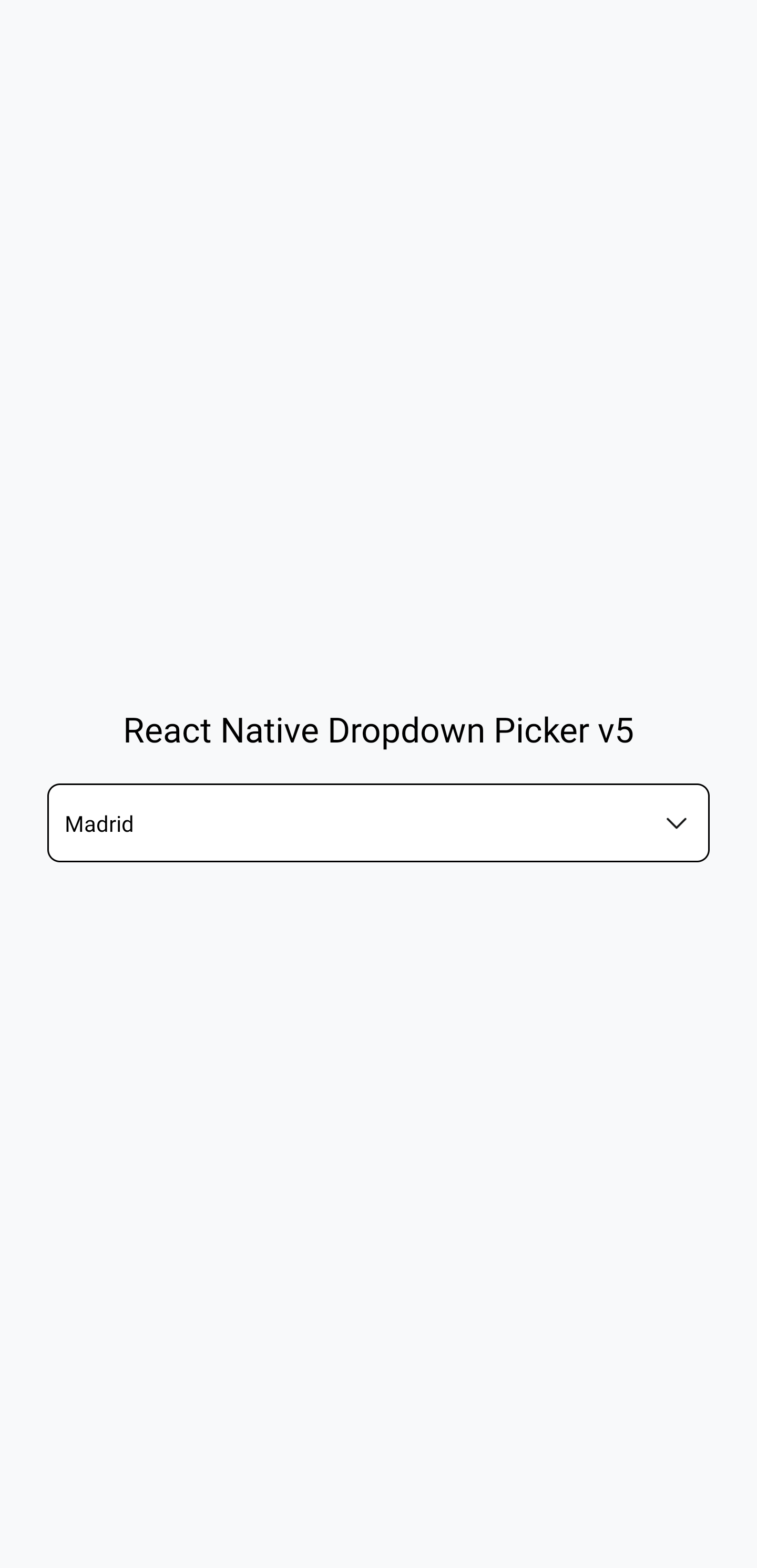
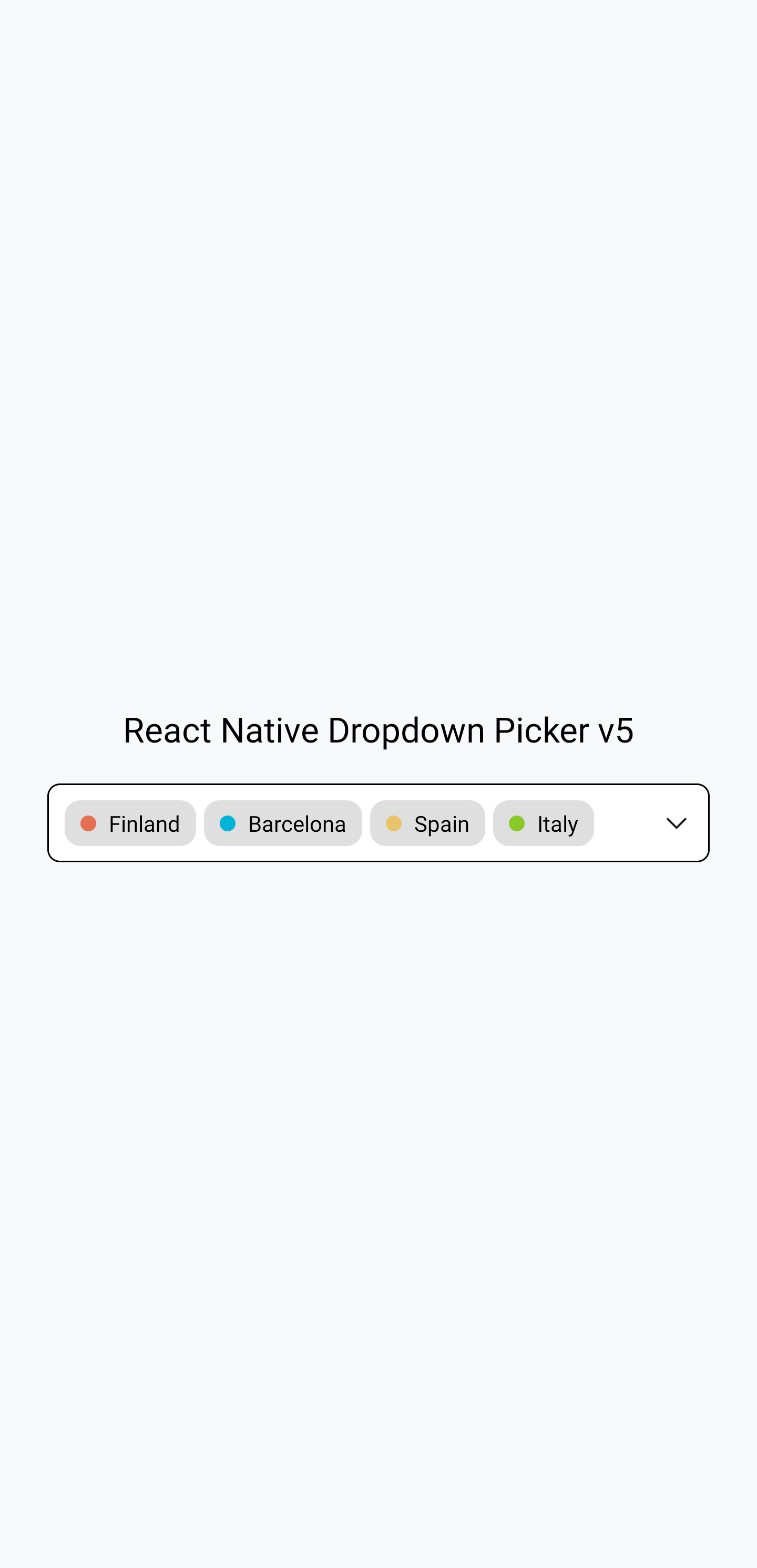
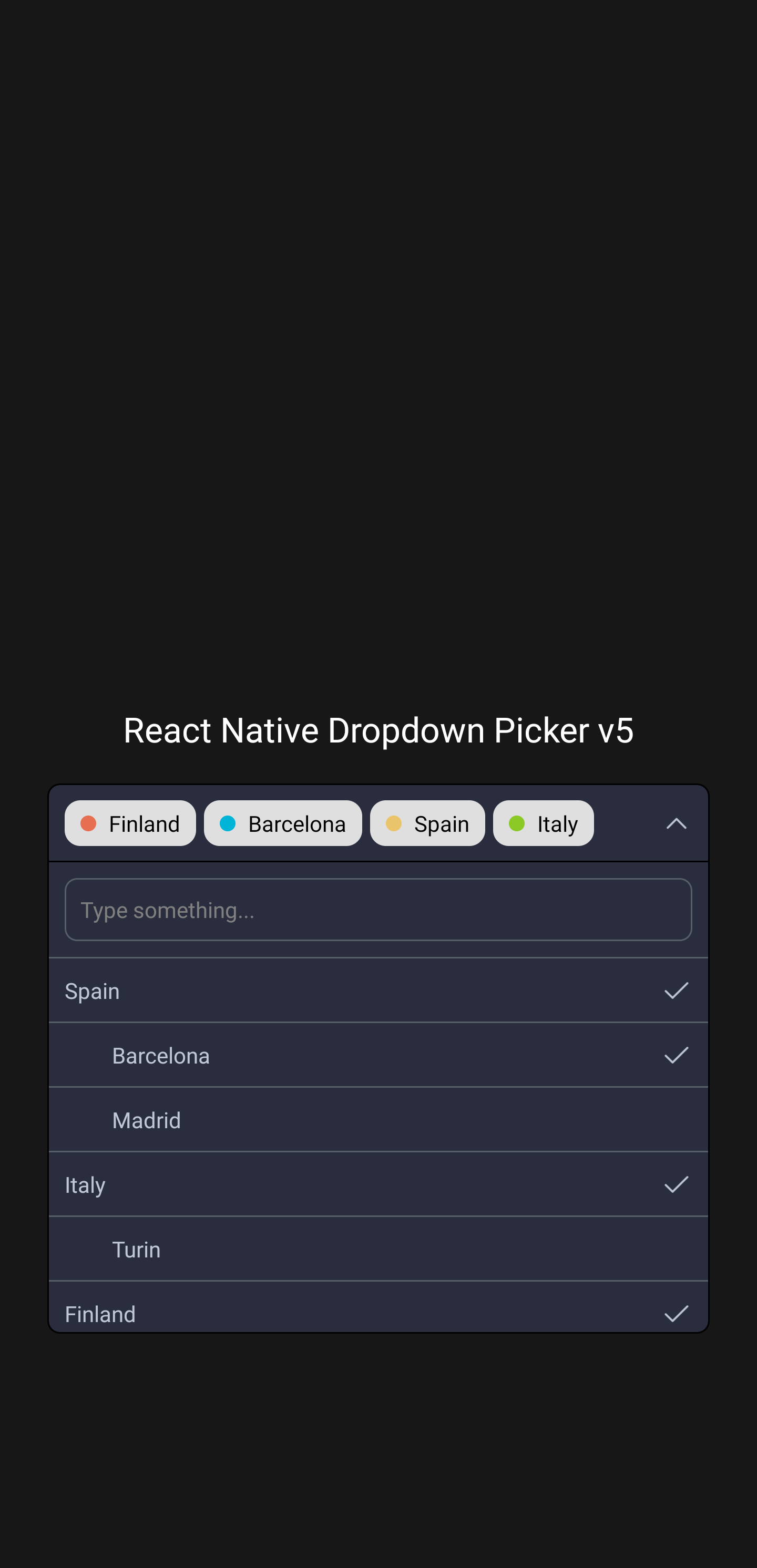
The above screenshots were taken
from this example.
👋 Usage
Basic usage
The following code shows basic usage of this library:
javascriptimport React, {useState} from 'react'; import {View, Text} from 'react-native'; import DropDownPicker from 'react-native-dropdown-picker'; export default function App() { const [open, setOpen] = useState(false); const [value, setValue] = useState(null); const [items, setItems] = useState([ {label: 'Apple', value: 'apple'}, {label: 'Banana', value: 'banana'}, {label: 'Pear', value: 'pear'}, ]); return ( <View style={{flex: 1}}> <View style={{ flex: 1, alignItems: 'center', justifyContent: 'center', paddingHorizontal: 15, }}> <DropDownPicker open={open} value={value} items={items} setOpen={setOpen} setValue={setValue} setItems={setItems} placeholder={'Choose a fruit.'} /> </View> <View style={{ flex: 1, alignItems: 'center', justifyContent: 'center' }}> <Text>Chosen fruit: {value === null ? 'none' : value}</Text> </View> </View> ); }
Further information on usage
You can find more examples in the examples subdirectory. This subdirectory is
a working Expo project demonstrating this
library. It shows how to use this library with class components as well as with
function components, and in TypeScript as well as in JavaScript. Navigate into
the examples subdirectory, run npm install, and then run npx expo start to
see the examples working.
For further information on how to use this library,
read the usage documentation.
📄 Further documentation
The docs can be read
at: https://hossein-zare.github.io/react-native-dropdown-picker-website
The docs can be edited
at: https://github.com/hossein-zare/react-native-dropdown-picker-website
😕 Support and issues
If you have questions or need help, you
can ask a question on Stack Overflow
or make a GitHub issue.
You can also make a GitHub issue to report a bug or make a feature request.
🚀️ Contributing
See CONTRIBUTING.md.
Contributors
Showing top 12 contributors by commit count.


Related Repositories

flutter/flutter
Flutter makes it easy and fast to build beautiful apps for mobile and beyond

Genymobile/scrcpy
Display and control your Android device

react/react-native
A framework for building native applications using React

justjavac/free-programming-books-zh_CN
:books: 免费的计算机编程类中文书籍,欢迎投稿

rustdesk/rustdesk
An open-source remote desktop application designed for self-hosting, as an alternative to TeamViewer.

Hack-with-Github/Awesome-Hacking
A collection of various awesome lists for hackers, pentesters and security researchers