

MobyDroid
Android Device Manager with a Graphic User Interface (GUI) – Manage Android on Linux, Windows and MacOS.
MobyDroid is a simple and cross-platform Android Devices Manager. It runs on any operating system with Java support (Mac OS X, Windows, Linux, BSD, Solaris...). The project is written primarily in Java, distributed under the Apache License 2.0 license, first published in 2018. Key topics include: adb, android, android-debug-bridge, apk-installer, device-manager.
MobyDroid
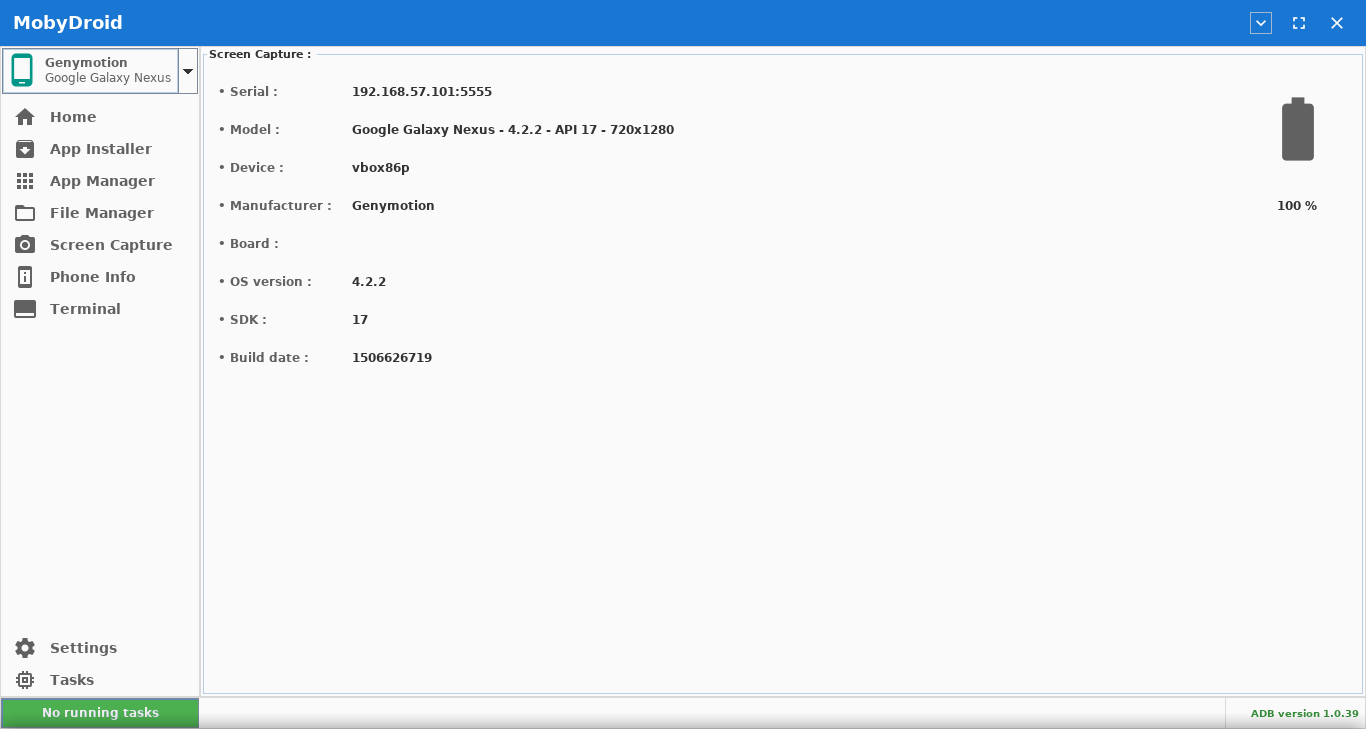
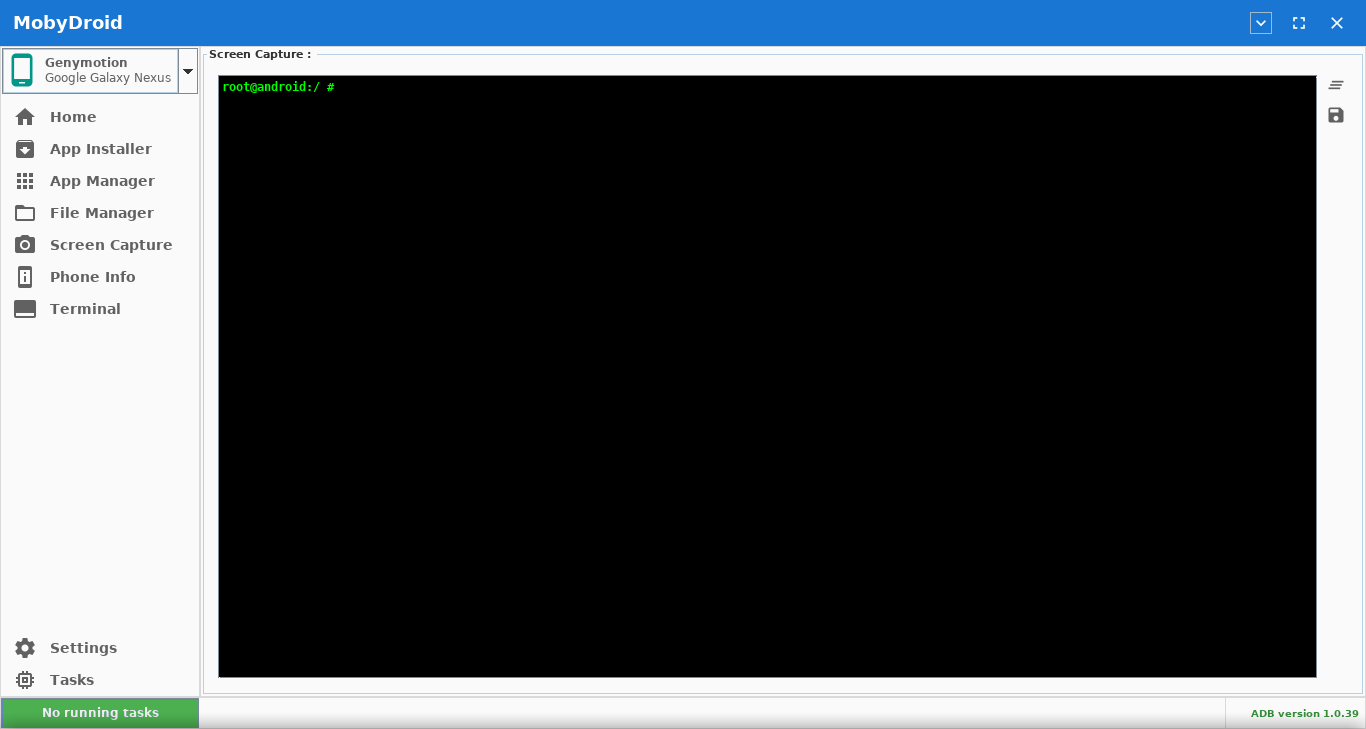
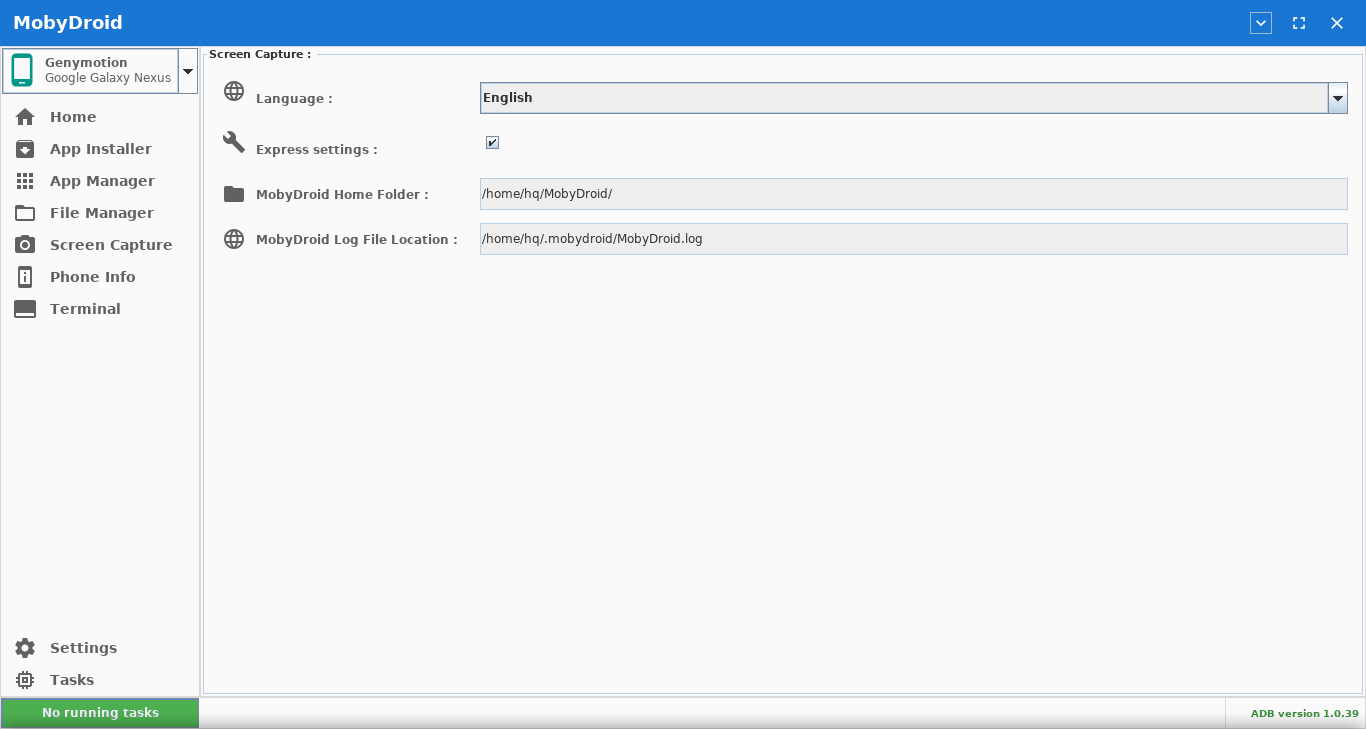
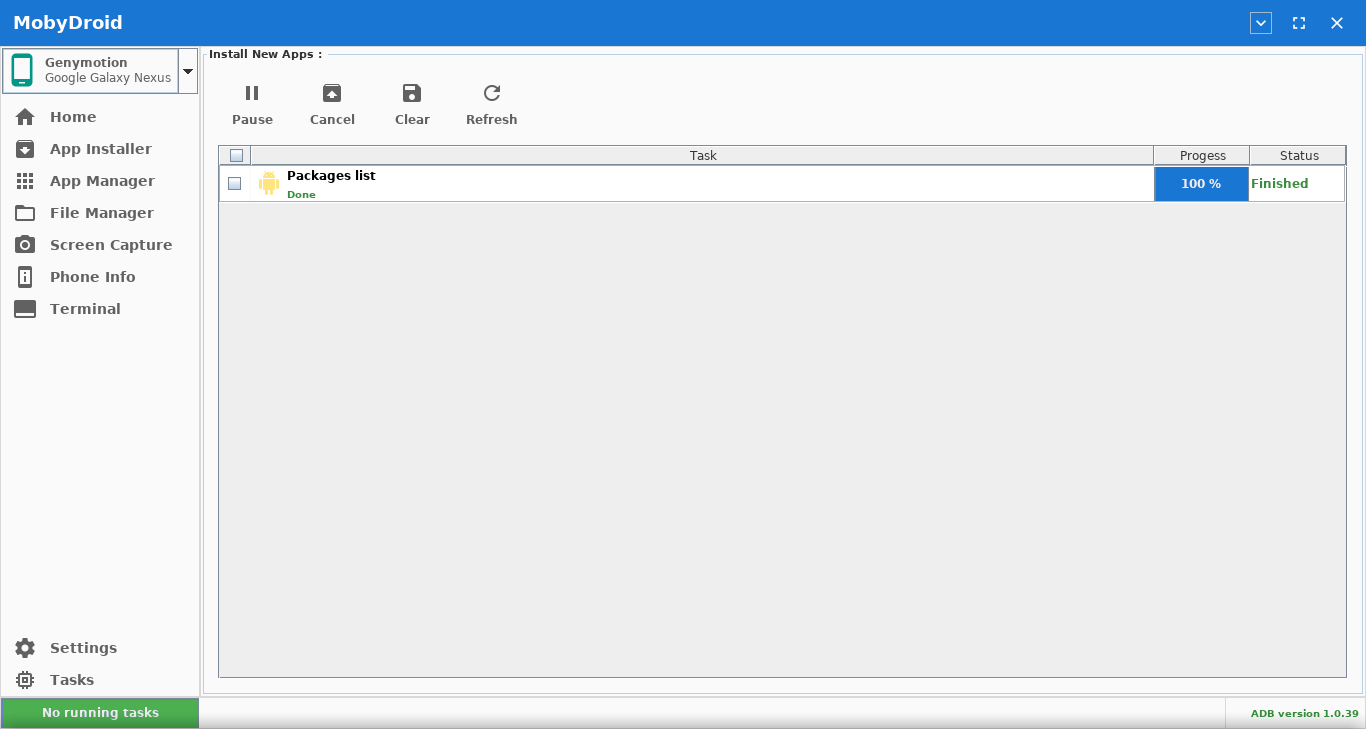
MobyDroid is a simple and cross-platform Android Devices Manager.
It runs on any operating system with Java support (Mac OS X, Windows, Linux, BSD, Solaris...).
THIS IS JUST A BETA RELEASE !
Prerequisites
- Java Runtime Environment (JRE) 1.8 or later
- ADB
Usage
Simply extract and run the jar file:
java -jar "mobydroid.jar"
Motives
I have been running linux from while now. And what I noticed is there is no GUI Android Devices Manager until now (QtADB didn't work for me).
Basicly I kept using ADB command line and kept waiting for someone to make something or some alternatives.
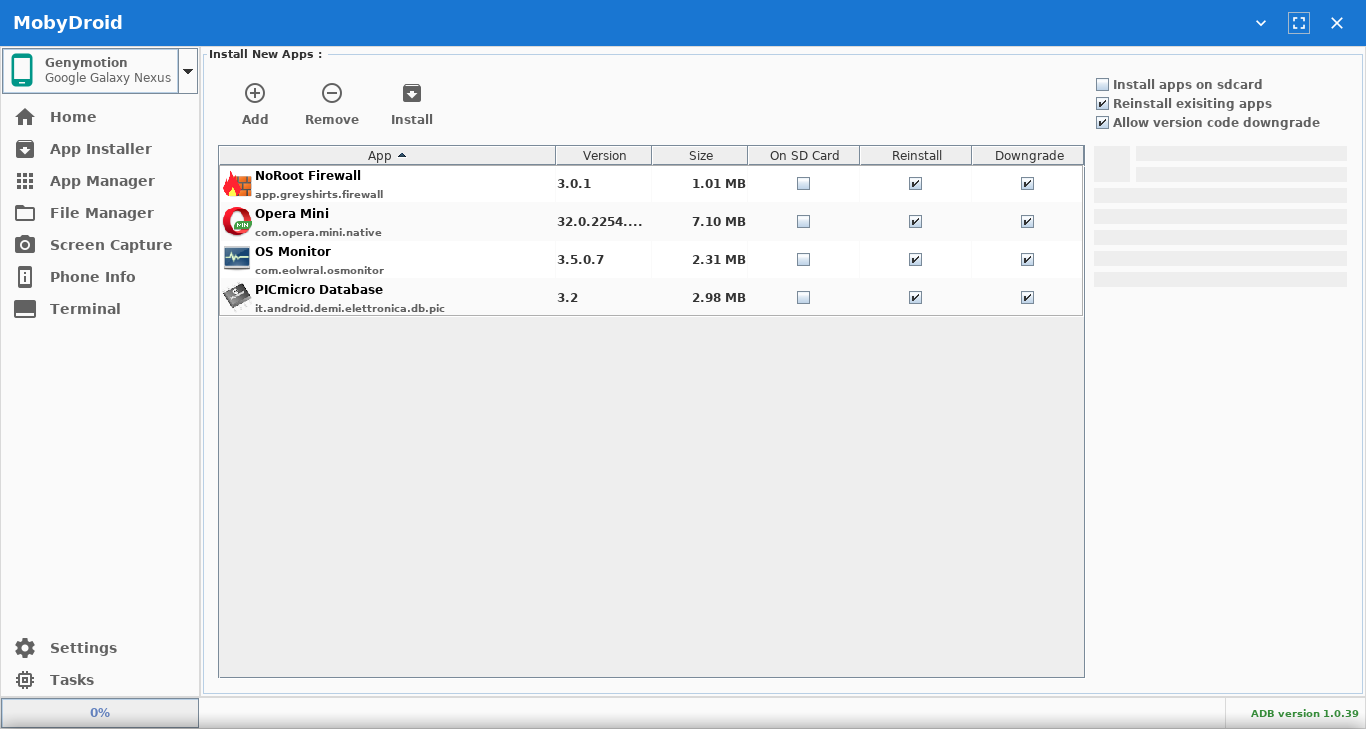
Some day a friend of mine kept complaining about the same problem. After that, I decided to make a simple Apk installer with a graphical user interface. And something lead to another.
And I wanted to share it for any one having the same problem.
So here it is !
Install
| Distro | Download Link |
|---|---|
| Arch | yaourt mobydroid mobydroid (AUR) |
| Debian | mobydroid_0.7.2-1.deb |
| Fedora RPM | mobydroid-0.7.2-1.rpm |
| Manjaro | yaourt mobydroid mobydroid (AUR) |
| Ubuntu | mobydroid_0.7.2-1.deb |
| RPM | mobydroid-0.7.2-1.rpm |
Download
| Type | Size | Download Link |
|---|---|---|
| Standalone | 2.29 MB | MobyDroid_v0.7.2.zip |
| Jar Only | 0.22 MB | MobyDroid_v0.7.2_jar.zip |
BETA
THIS IS JUST A BETA RELEASE !
So you should expect a ton of bugs or crash issues.
Please feel free to reply in this thread any comments, suggestions, questions, bug reports, ect.
if you encounter an issue or have a great ideas please file an issue on issues.
How to Install ADB on Windows, macOS, and Linux
A Great article on XDA see here
Troubleshooting
If you cannot connect to your device check the following:
- Your adb server is running by issuing
adb start-server - You can see the device using adb
adb devices
If you see the device in adb but not in MobyDroid please file an issue on issues.
ADB Protocol Description
The Android Debug Bridge (ADB) is a client-server architecture used to communicate with Android devices (install APKs, debug apps, etc).
An overview of the protocol can be found here: Overview
A list of the available commands that a ADB Server may accept can be found here:
Services
The description for the protocol for transfering files can be found here: SYNC.TXT.
Contributing
This project would not be where it is, if it where not for the helpful contributors.
Supporting MobyDroid with issue reports, and great ideas.
The original author and all users of this project are very greatful for your contribution to this Open Source Project.
Authors
Bilux i.bilux@gmail.com
See contributors for a full list.
License
This project is currently released under the Apache License Version 2.0, see LICENSE.md for more information.
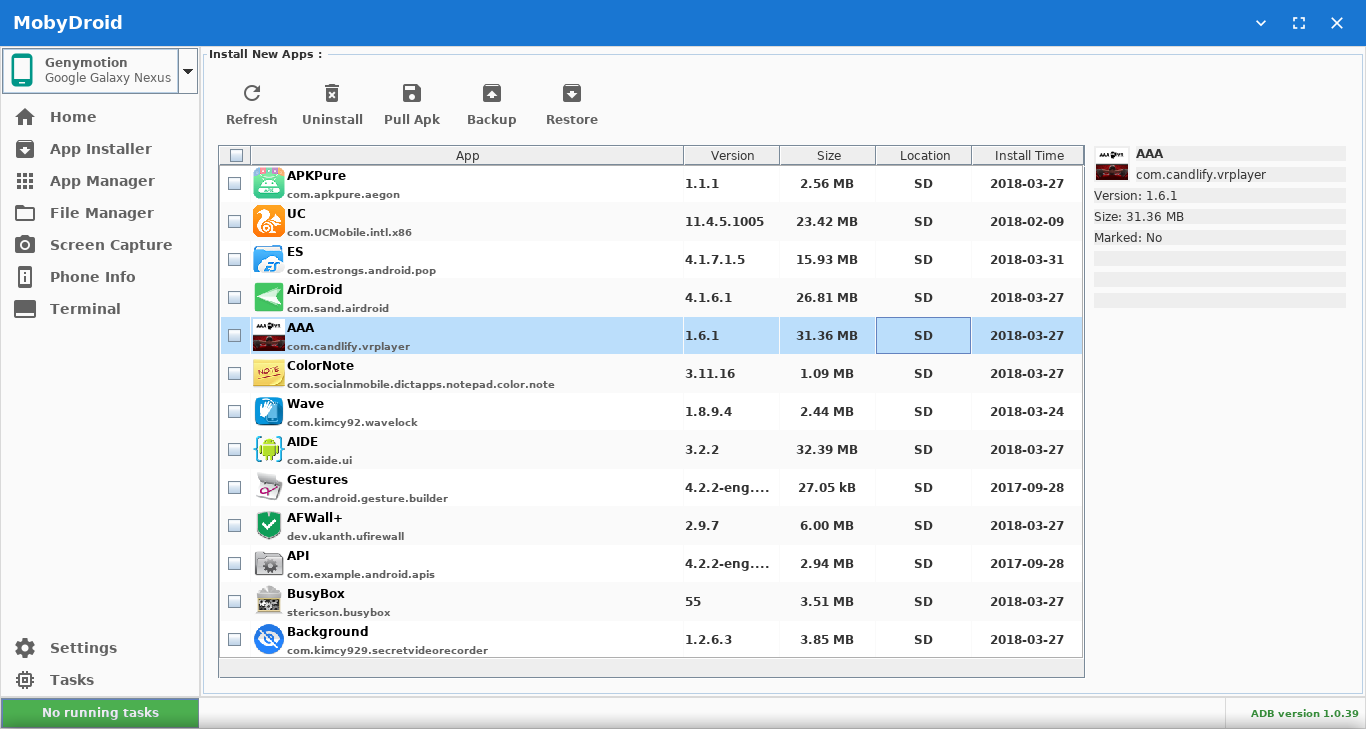
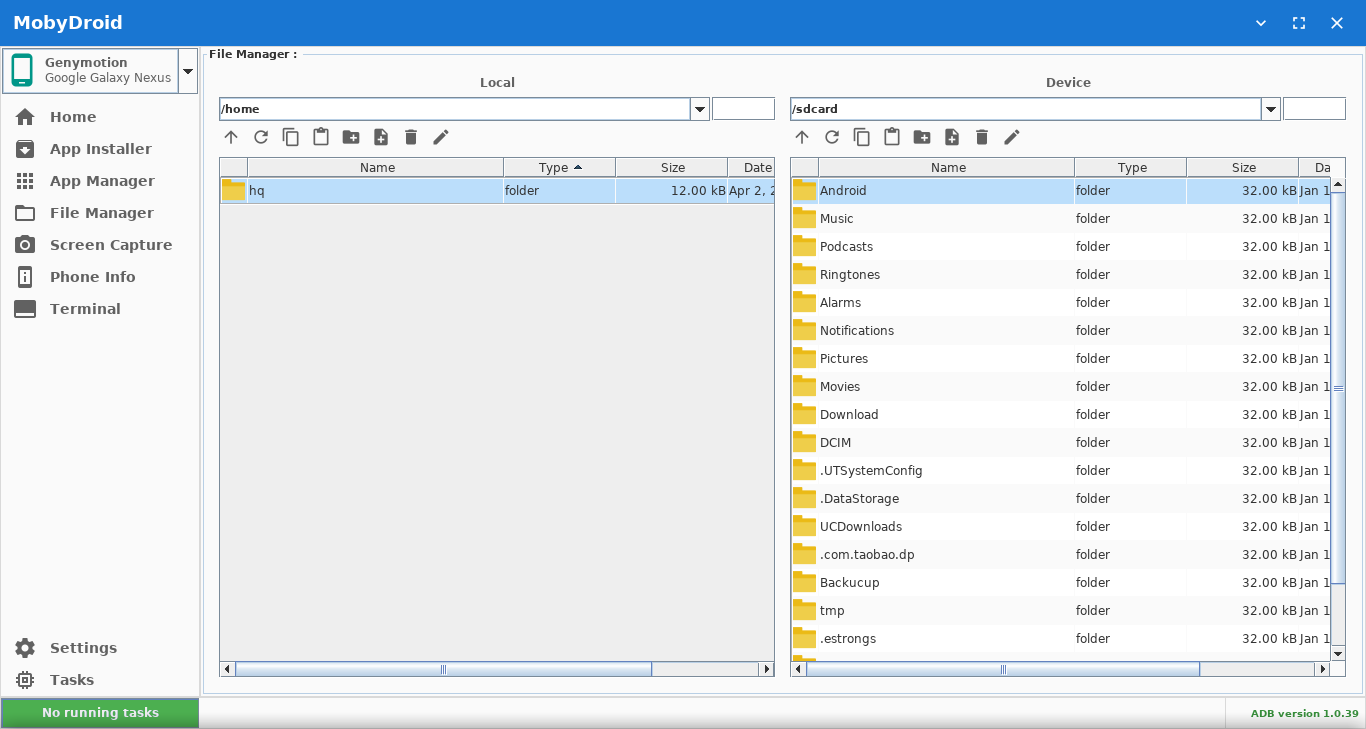
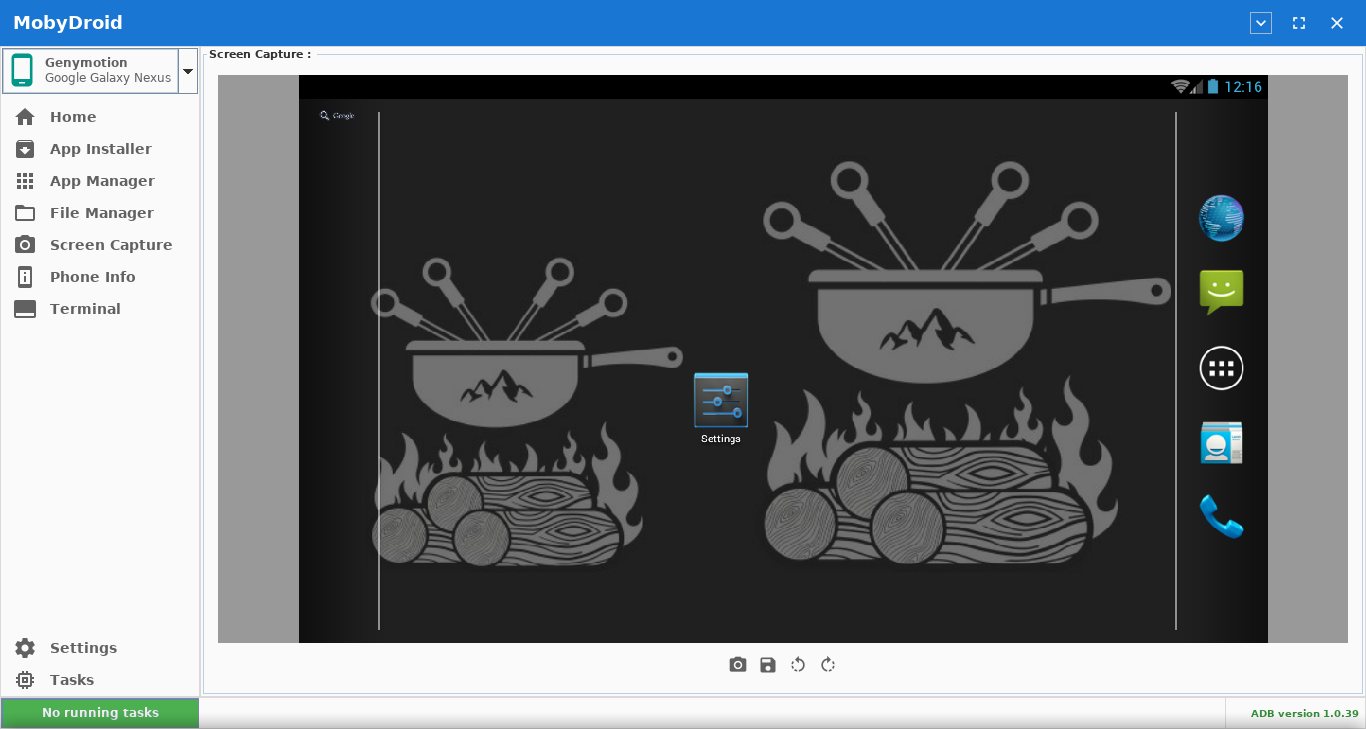
Screenshots
Contributors
Showing top 1 contributor by commit count.

Related Repositories

0x192/universal-android-debloater
Cross-platform GUI written in Rust using ADB to debloat non-rooted android devices. Improve your privacy, the security and battery life of your device.

wangshub/wechat_jump_game
微信《跳一跳》Python 辅助

skywind3000/awesome-cheatsheets
超级速查表 - 编程语言、框架和开发工具的速查表,单个文件包含一切你需要知道的东西 :zap:

timschneeb/awesome-shizuku
Curated list of awesome Android apps making use of Shizuku

MuntashirAkon/AppManager
A full-featured package manager and viewer for Android

Universal-Debloater-Alliance/universal-android-debloater-next-generation
Cross-platform GUI written in Rust using ADB to debloat non-rooted Android devices. Improve your privacy, the security and battery life of your device.