

LLM Minutes of Meeting
A tool that transforms audio or video files into text transcripts and generates concise meeting minutes. Stay organized and efficient in your meetings, and get ready for Phase 2 where we'll be open for contributions to enable real-time meeting transcription!
If you’re looking for a meeting recording API, consider checking out [Recall.ai](https://www.recall.ai), an API that records Zoom, Google Meet, Microsoft Teams, in-person meetings, and more. The project is written primarily in HTML, distributed under the MIT License license, first published in 2023. Key topics include: huggingface, huggingface-transformers, llm, llm-inference, meeting-minutes.
MoM AI — AI-Powered Minutes of Meeting
Recall.ai - API for meeting recording
If you’re looking for a meeting recording API, consider checking out Recall.ai, an API that records Zoom, Google Meet, Microsoft Teams, in-person meetings, and more.
Sponsored by Recall.ai — The unified API for meeting bots.
A clean, modern web application that transcribes meeting recordings and generates structured Minutes of Meeting using your preferred AI providers. Upload once, get professional meeting minutes automatically.
Features
- AI Transcription — Deepgram, AssemblyAI, Sarvam AI, or ElevenLabs
- Smart Summarization — Any OpenAI-compatible LLM (OpenAI, OpenRouter, Groq, Together, Azure, Ollama, etc.)
- Background Processing — Celery + Redis; upload and come back when it's done
- Auto Cleanup — Files auto-deleted after a configurable number of days
- Two Roles — Admin (full config access) + User (upload & view only)
- Modern UI — Light-themed, fully responsive, smooth animations
- Docker-ready — One command to spin up everything
Screenshot
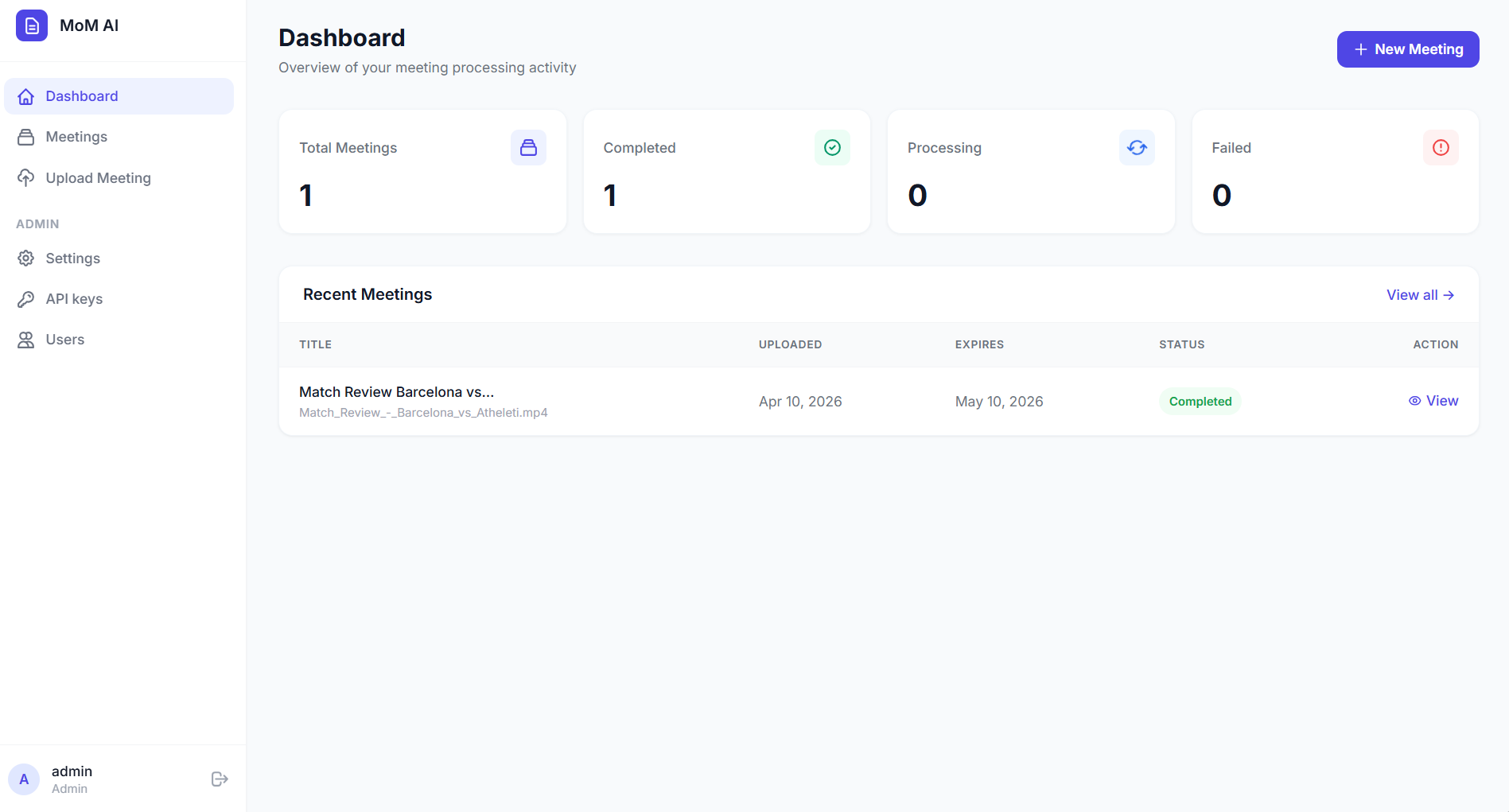
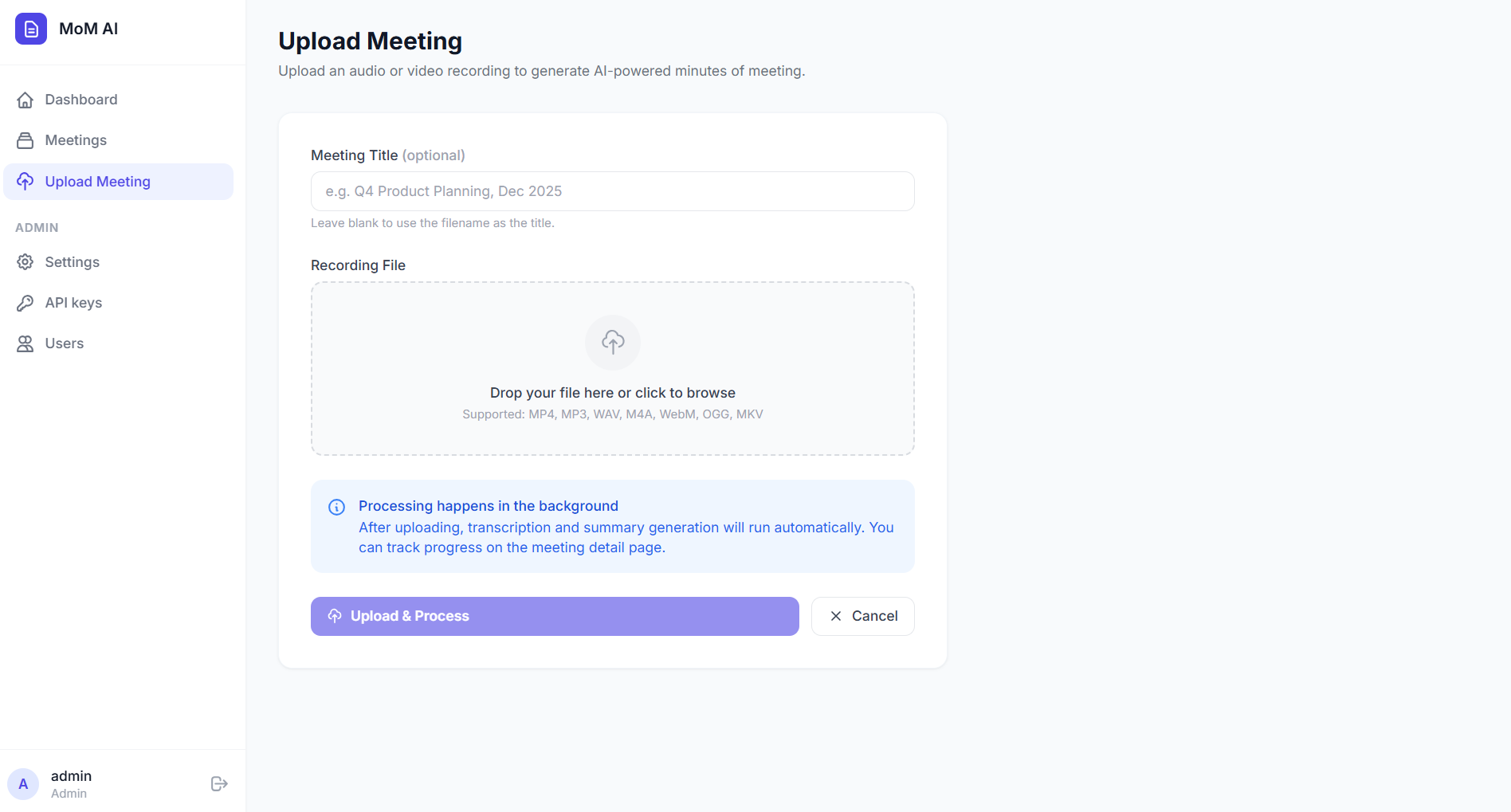
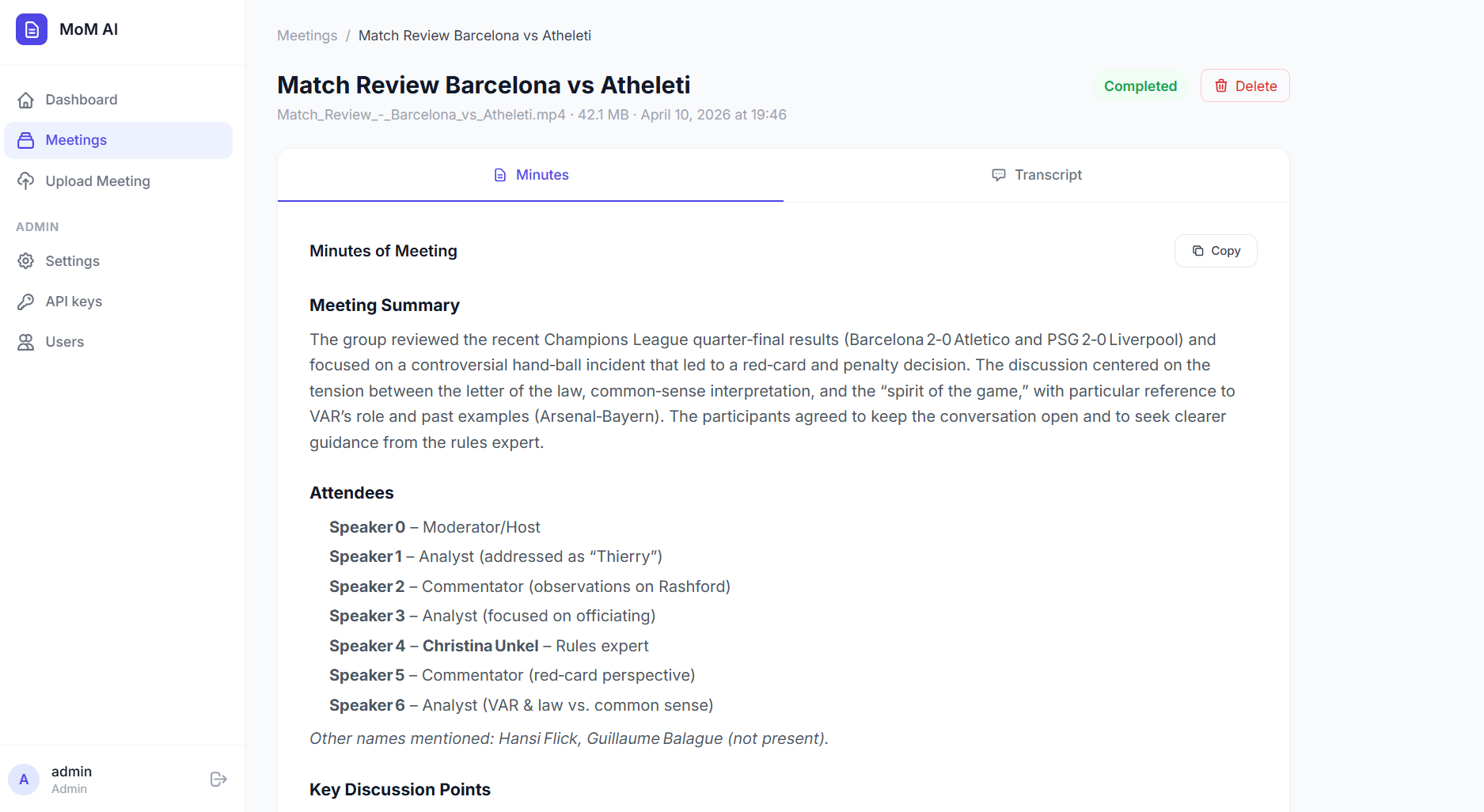
Quick Start
1. Configure environment
bashcp .env.example .env # Edit .env — set your API keys
2a. Docker (recommended)
bashdocker compose up --build
App is available at http://localhost:5000
2b. Local development
Prerequisites: Python 3.12+, Redis, ffmpeg
bash# Install dependencies pip install -r requirements.txt # Start Redis (one terminal) redis-server # Start Celery worker (another terminal) celery -A celery_worker:celery worker -l info # Start Celery beat for periodic cleanup (another terminal) celery -A celery_worker:celery beat -l info # Start Flask app python run.py
Default Login
| Field | Value |
|---|---|
| Username | admin |
| Password | admin@123 |
Change these in
.envbefore deploying.
Admin Panel
Log in as admin and navigate to Settings to configure:
| Tab | What you can set |
|---|---|
| LLM Provider | Base URL, API key, model name |
| Speech Provider | Active provider, API keys for all 4 providers |
| Storage | Retention days (how long files are kept) |
Navigate to Users to create/manage user accounts.
LLM Provider Examples
The app uses the OpenAI client format — works with any compatible endpoint:
| Provider | LLM_BASE_URL | Example model |
|---|---|---|
| OpenAI | https://api.openai.com/v1 | gpt-4o |
| OpenRouter | https://openrouter.ai/api/v1 | anthropic/claude-opus-4 |
| Groq | https://api.groq.com/openai/v1 | llama-3.3-70b-versatile |
| Together AI | https://api.together.xyz/v1 | meta-llama/Llama-3-70b-chat-hf |
| Ollama (local) | http://localhost:11434/v1 | llama3.2 |
Speech Providers
All four providers produce speaker-labelled transcripts when diarization is available (e.g. [Speaker 0]: …, [speaker_0]: …). This gives the LLM enough context to correctly attribute decisions and action items in the Minutes of Meeting.
| Provider | Model | Key capabilities |
|---|---|---|
| Deepgram | Nova-3 | Fastest; word-level diarization via utterances; paragraph-formatted output |
| AssemblyAI | Best (auto) | High accuracy; speaker diarization |
| Sarvam AI | saarika:v2.5 | Batch Job API — no duration limit; best for Indian languages + English; diarization (beta) |
| ElevenLabs | Scribe v2 | Multichannel support (stereo → per-channel speakers); single-channel diarization |
Sarvam note: The direct
/speech-to-textendpoint only accepts ≤ 30 seconds of audio. The provider now uses the full Batch Job pipeline (/speech-to-text/job/v1) which handles meeting recordings of any length.
Project Structure
├── app/
│   ├── __init__.py          # App factory + seeding
│   ├── config.py            # All configuration
│   ├── extensions.py        # db, login_manager, celery
│   ├── models.py            # User, Meeting, SystemConfig
│   ├── auth/                # Login / logout
│   ├── dashboard/           # Dashboard home
│   ├── meetings/            # Upload, list, detail, delete
│   ├── admin/               # Settings + user management
│   ├── api/                 # REST endpoints (status polling)
│   ├── tasks/               # Celery tasks (process + cleanup)
│   ├── providers/
│   │   ├── llm/             # OpenAI-compatible LLM client
│   │   └── speech/          # Deepgram, AssemblyAI, Sarvam, ElevenLabs
│   ├── utils/               # ffmpeg audio conversion
│   ├── static/              # CSS + JS
│   └── templates/           # Jinja2 HTML templates
├── celery_worker.py         # Celery entry point
├── run.py                   # Flask entry point
├── Dockerfile
├── docker-compose.yml
└── .env.example
Contributors
Showing top 1 contributor by commit count.

Related Repositories

huggingface/agents-course
This repository contains the Hugging Face Agents Course.
huggingface/datasets
🤗 The largest hub of ready-to-use datasets for AI models with fast, easy-to-use and efficient data manipulation tools

langchain4j/langchain4j
LangChain4j is an idiomatic, open-source Java library for building LLM-powered applications on the JVM. It offers a unified API over popular LLM providers and vector stores, and makes implementing tool calling (including MCP support), agents and RAG easy. It integrates seamlessly with enterprise Java frameworks like Quarkus and Spring Boot.

speechbrain/speechbrain
A PyTorch-based Speech Toolkit
huggingface/chat-ui
The open source codebase powering HuggingChat

Orchestra-Research/AI-Research-SKILLs
Comprehensive open-source library of AI research and engineering skills for any AI model. Package the skills and your claude code/codex/gemini agent will be an AI research agent with full horsepower. Maintained by Orchestra Research.