

Blog
:star2: PJ Blog is an open source blog built with Laravel and Vue.js.
🎈 PJ Blog is an open source blog built with Laravel and Vue.js. https://pigjian.com The project is written primarily in PHP, distributed under the MIT License license, first published in 2016. It has gained significant community traction with 2,859 stars and 676 forks on GitHub. Key topics include: beautiful, blog, laravel, open-source, pj-blog.
PJ Blog
This is a powerful blog, I try to build the blog more beautiful, more convenient.
Laravel 5.* and Vuejs 2.* combined with the establishment of a good response and quickly dashboard, the dashboard made through the Vuejs component development.
I believe it will be better and better. If you are interested in this, you can join and enjoy it.
Here is documents
Basic Features
- Manage users, articles, discussions and media
- Statistical tables
- Categorize articles
- Label classification
- Content moderation
- Own comments system
- Multi-language switching
- Markdown Editor
- Roles & Permissions
- and more...
PJ Blog Laravel 7.*
Server Requirements
- PHP >= 7.2.5
- Node >= 6.x
- OpenSSL PHP Extension
- PDO PHP Extension
- Mbstring PHP Extension
- Tokenizer PHP Extension
- XML PHP Extension
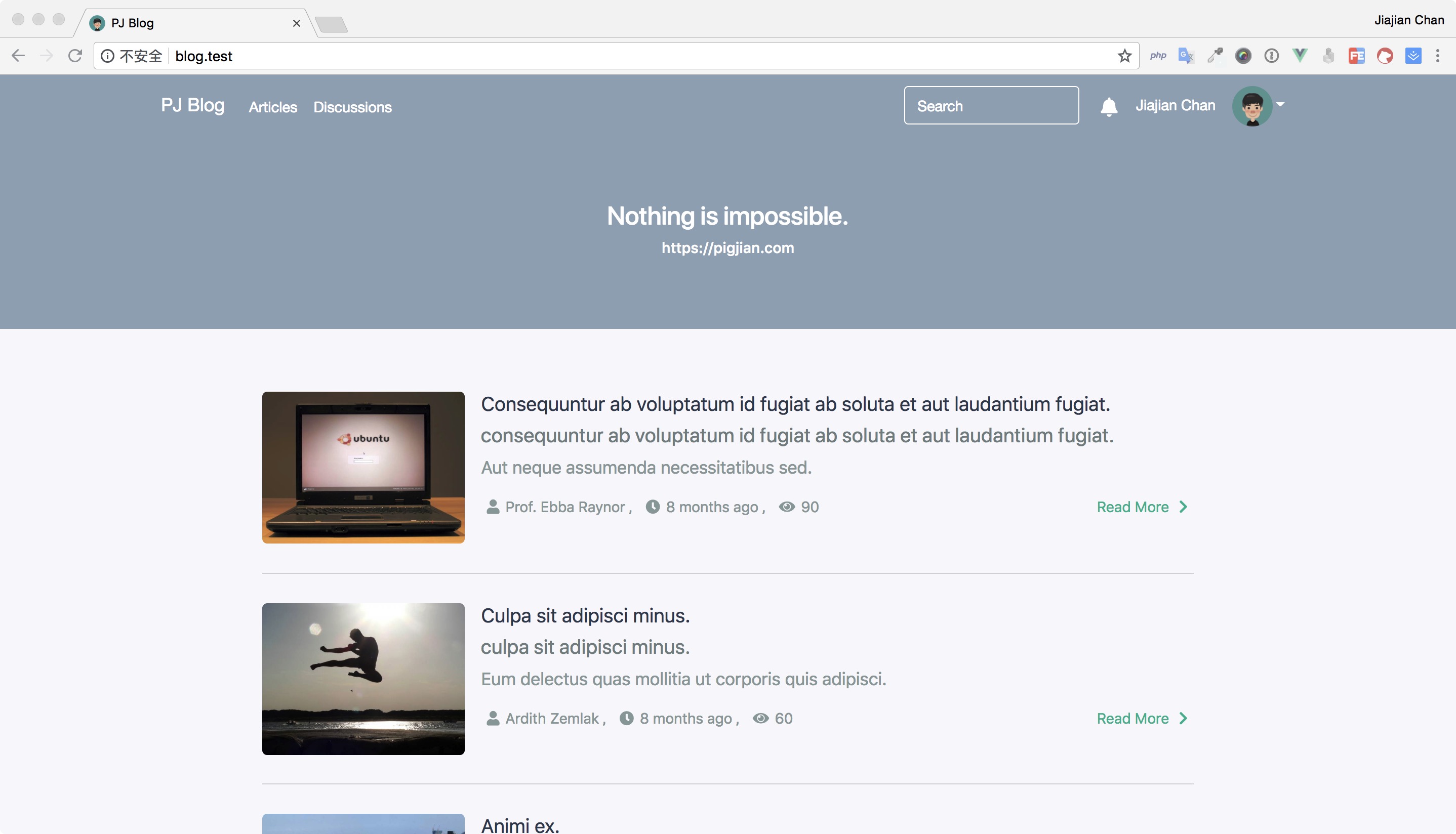
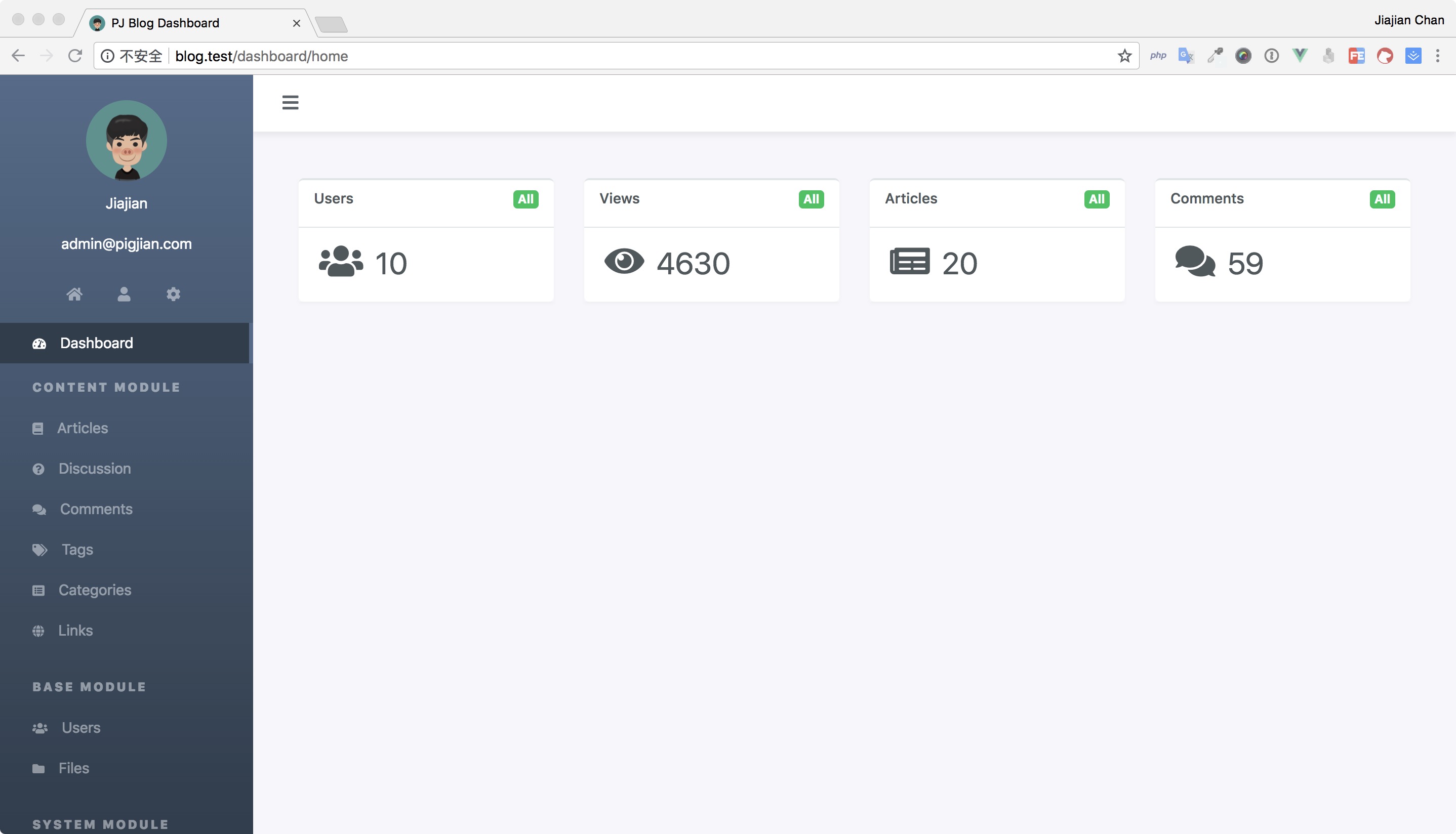
Preview
Install
1. Clone the source code or create new project.
shellgit clone https://github.com/jcc/blog.git
OR
shellcomposer create-project jcc/blog
2. Set the basic config
shellcp .env.example .env
Edit the .env file and set the database and other config for the system after you copy the .env.example file.
2. Install the extended package dependency.
Install the Laravel extended repositories:
shellcomposer install -vvv
Install the Vuejs extended repositories:
shelnpm install
Compile the js code:
shelnpm run dev // OR npm run watch // OR npm run production
3. Run the blog install command, the command will run the migrate command and generate test data.
shellphp artisan blog:install
Contributors
Thanks
Donate
Support all ERC20 tokens. My Address:
0x600dfF1311E5DA3a8697fD86d4Fd9bed257395eb
License
The project is open-sourced software licensed under the MIT license.
QQ Group: 272734386
Contributors
Showing top 12 contributors by commit count.

![dependabot[bot]](https://avatars.githubusercontent.com/in/29110?v=4)


Related Repositories

carbon-app/carbon
:black_heart: Create and share beautiful images of your source code

matheusfelipeog/beautiful-docs
Pointers to useful, well-written, and otherwise beautiful documentation.

raexera/yoru
A custom Linux environment built on AwesomeWM

margelo/react-native-graph
📈 Beautiful, high-performance Graphs and Charts for React Native built with Skia

riccardoperra/codeimage
A tool to beautify your code screenshots. Built with SolidJS and Fastify.

huextrat/TheGorgeousLogin
Login page built with @flutter 😍