

Docker mailserver
Self-hosted email server with Docker/Kubernetes support. Features IMAP, SMTP, spam filtering, webmail, and web admin.
`docker-mailserver` is inspired by the renowned [ISPMail guide](https://workaround.org/). This project lets you run your own email services, giving you independence from large providers. It is a secure, customizable, and feature-rich solution for managing your email infrastructure. The project is written primarily in Shell, distributed under the MIT License license, first published in 2016. Key topics include: alpine-linux, bats, docker, docker-compose, docker-mailserver.
docker-mailserver

docker-mailserver is inspired by the renowned ISPMail guide.
This project lets you run your own email services, giving you independence from large providers. It is a secure, customizable, and feature-rich solution for managing your email infrastructure.
Container images are built on Alpine Linux or vendor base images and are kept lightweight.


📚 Documentation
Full documentation is available at: https://jeboehm.github.io/docker-mailserver/
The documentation includes:
- Complete installation guides for Docker and Kubernetes
- Configuration reference for all environment variables
- Deployment examples and recipes
- Architecture and development guides
Features
- Secure email protocols: POP3, IMAP, and SMTP with user authentication
- Web-based management interface for account, domain, and alias administration
- Integrated webmail interface
- DKIM message signing and spam filtering with Rspamd
- Real-time spam prevention using RBLs (Real-Time Blackhole Lists)
- Fetchmail integration for external mail retrieval
- Quota management, catch-all addresses, and send-only accounts
- Restriction of sender addresses for enhanced security
- Full-text search and enforced TLS
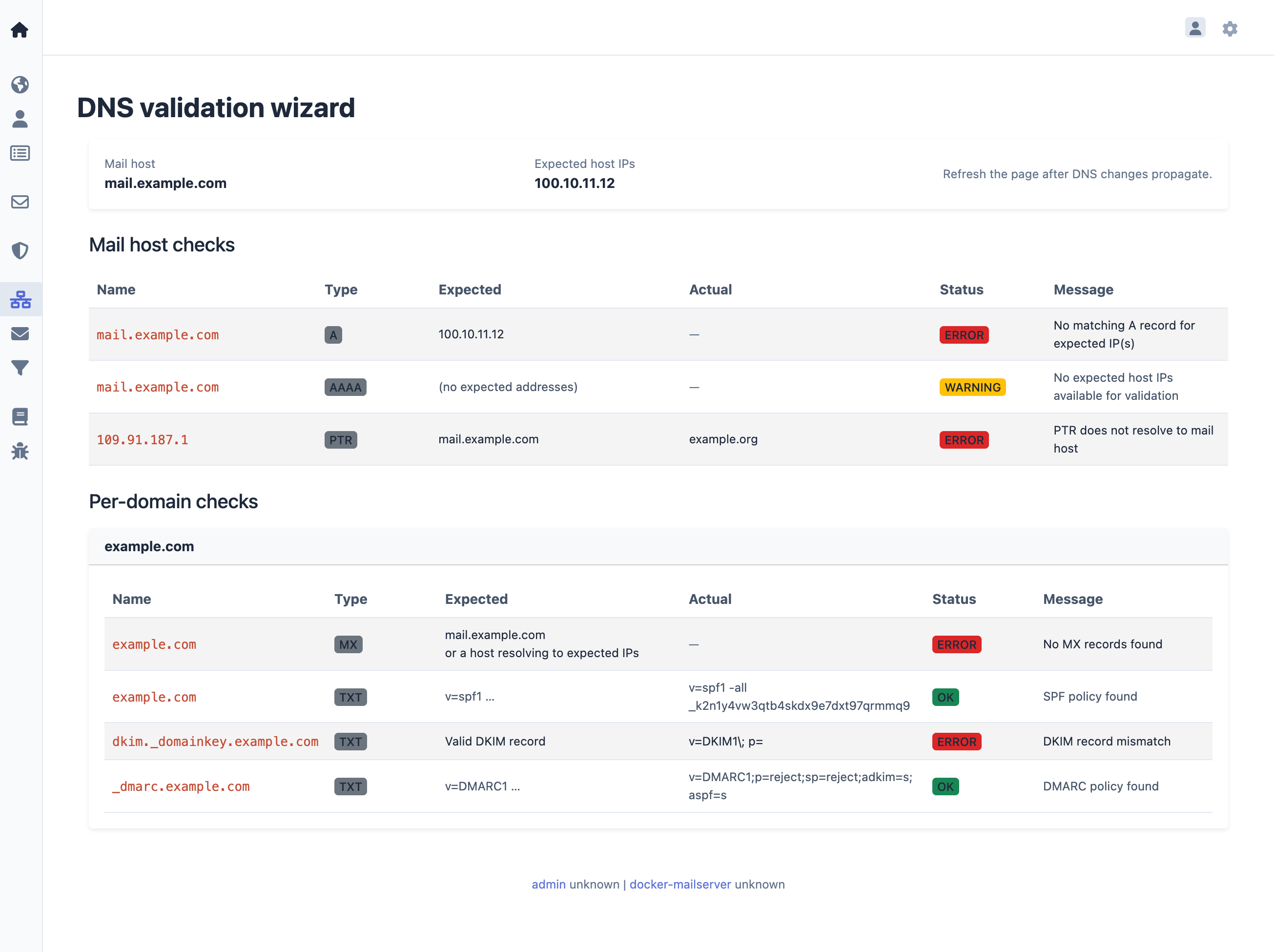
- DNS Validation Wizard for all mail related DNS records
- Generates configuration profiles for iOS and macOS devices
- Supports assisted client configuration in Outlook and Thunderbird
- Continuous health monitoring
See the documentation for a complete feature list.
Quick start
bash# 1. Clone the repository or download a release git clone https://github.com/jeboehm/docker-mailserver.git cd docker-mailserver # 2. Copy and edit the environment file (set passwords for MYSQL_PASSWORD, # REDIS_PASSWORD, CONTROLLER_PASSWORD, and DOVEADM_API_KEY) cp .env.dist .env # 3. Pull images and start services bin/production.sh pull bin/production.sh up -d --wait # 4. Create the first email account and admin user bin/production.sh run --rm web setup.sh
After setup, access the management interface at
http://127.0.0.1:81/manager/ and webmail at http://127.0.0.1:81/webmail/.
For a complete walkthrough, see the
Getting Started tutorial.
Setup
docker-mailserver can be set up using Docker or Kubernetes.
For detailed installation instructions, see the
Installation Guide.
Screenshots
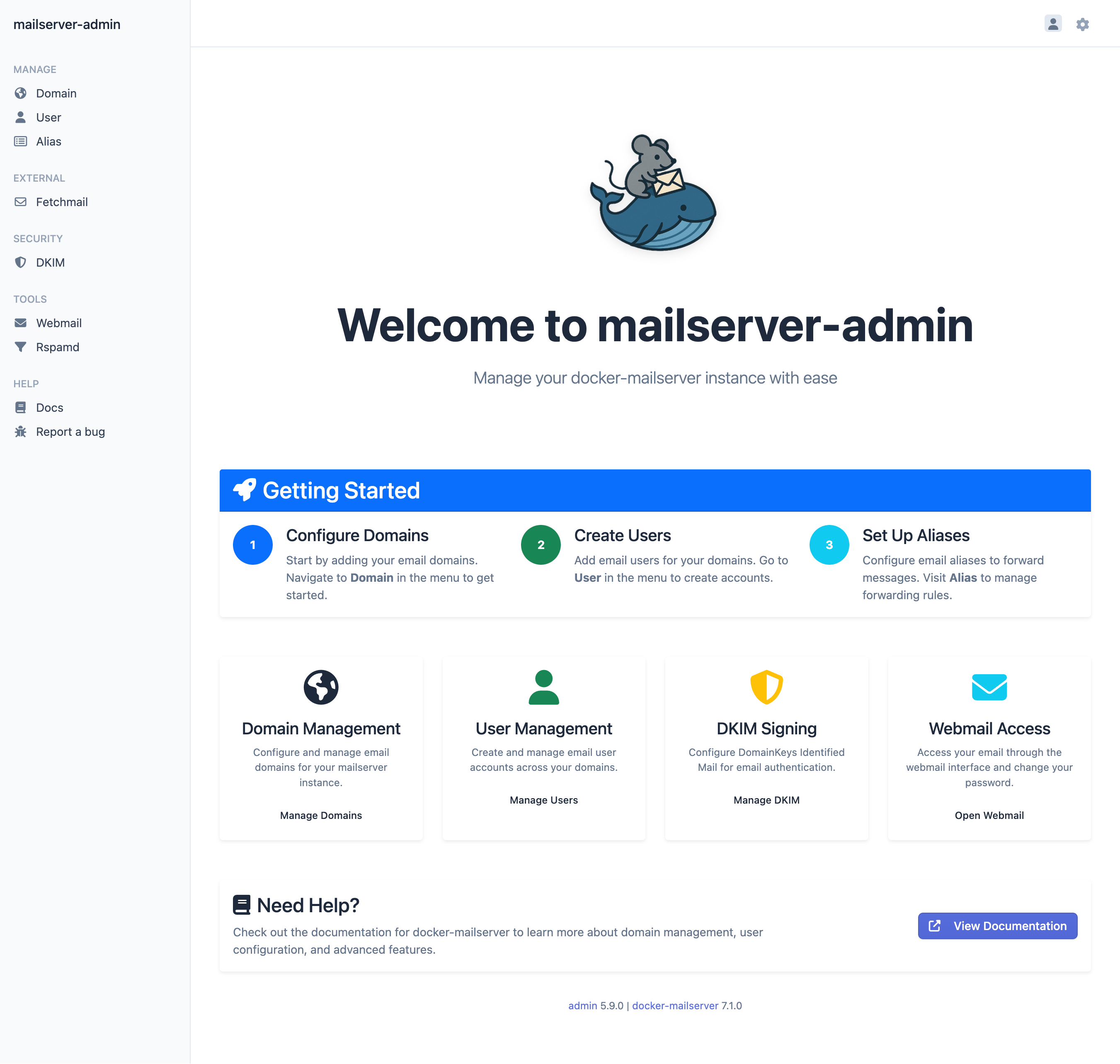
Dashboard
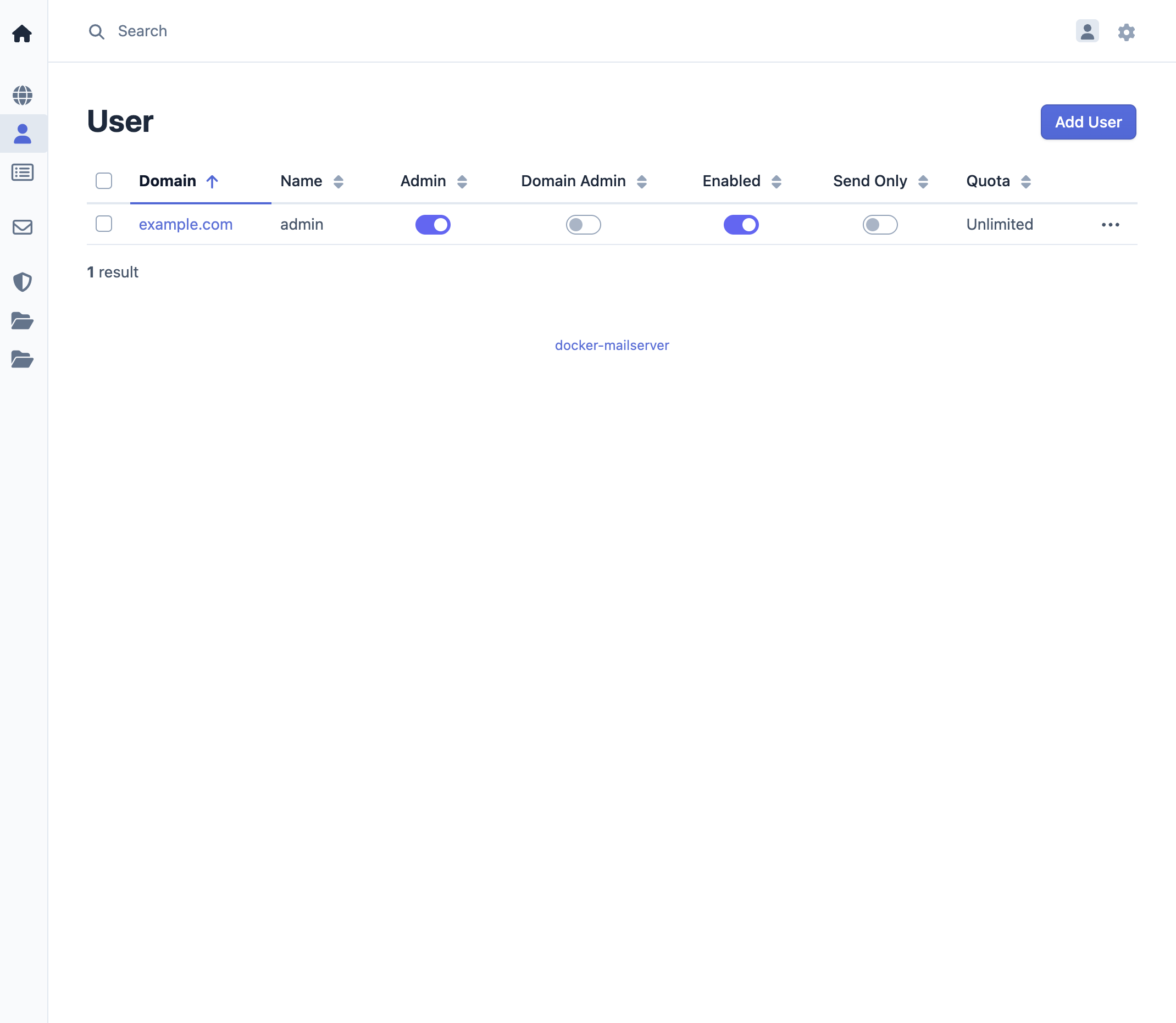
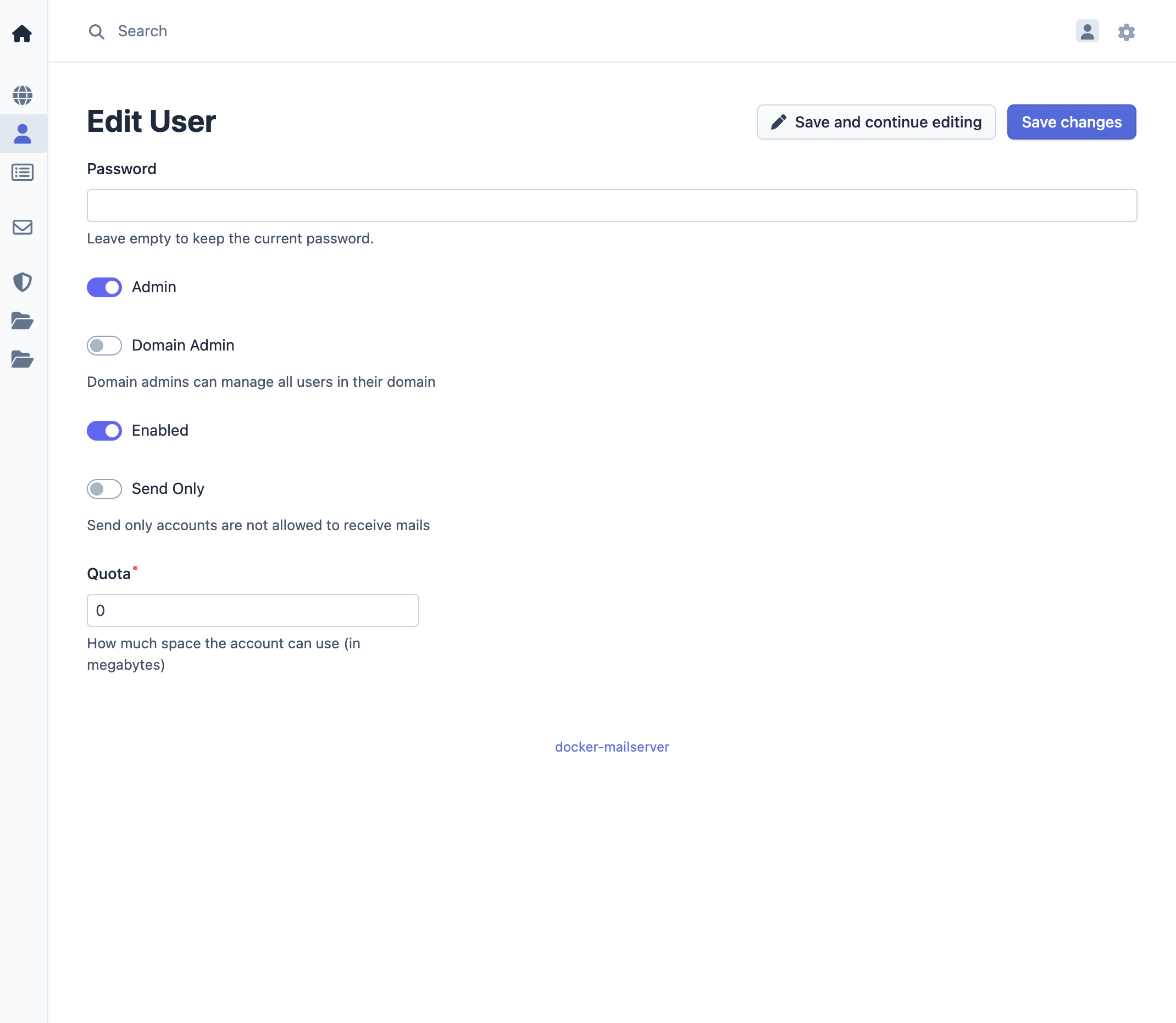
User management
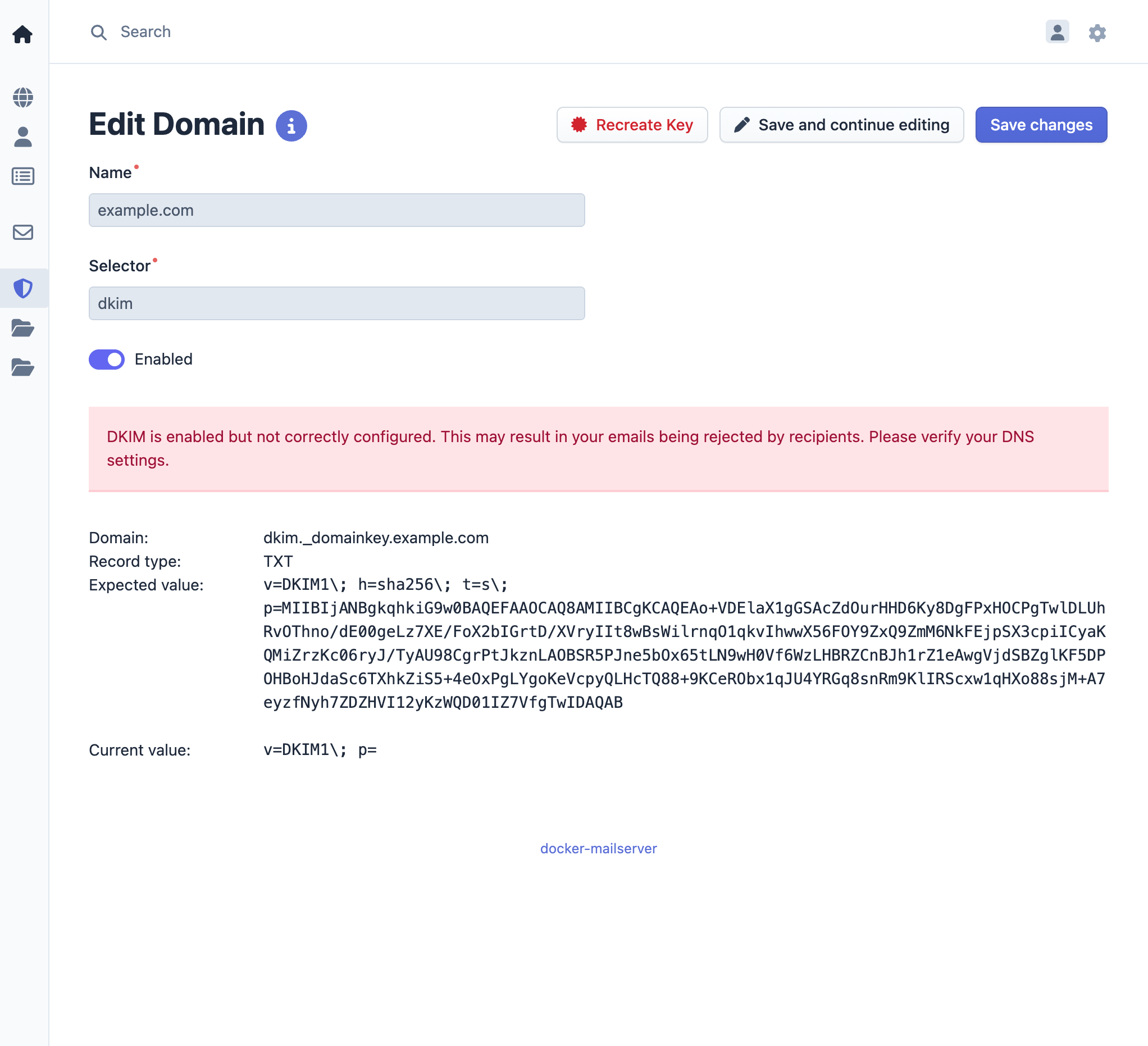
DKIM setup
DNS Validation Wizard
Links
- Documentation - Complete documentation and guides
- Issues - Report bugs and request features
- Releases - Release notes and changelog
- Container Images:
Contributors
Showing top 5 contributors by commit count.

![renovate[bot]](https://avatars.githubusercontent.com/in/2740?v=4)



Related Repositories

hwdsl2/setup-ipsec-vpn
Set up your own IPsec VPN server in just a few minutes, with IPsec/L2TP, Cisco IPsec and IKEv2. Supports Ubuntu, Debian, CentOS/RHEL, Amazon Linux, Alpine and Raspberry Pi. Includes client config and management scripts.

bin456789/reinstall
一键DD/重装脚本 (One-click reinstall OS on VPS)

wslutilities/wslu
A collection of utilities for Windows Subsystem for Linux

ab77/netflix-proxy
Smart DNS proxy to watch Netflix

homebridge/docker-homebridge
Homebridge Docker. HomeKit support for the impatient using Docker on x86_64, Raspberry Pi (ARM64). Includes ffmpeg + libfdk-aac.

static-web-server/static-web-server
A cross-platform, high-performance and asynchronous web server for static files-serving. ⚡