

Django matery blog
🍒基于Django3.0.5+Matery+SQLite的博客系统
前端:[hexo-theme-matery](https://github.com/blinkfox/hexo-theme-matery),就是我[博客](https://jwt1399.top)的hexo主题 The project is written primarily in Python, first published in 2020. Key topics include: blog, django, material-ui, matery, python3.
相关技术
前端:hexo-theme-matery,就是我博客的hexo主题
后台:SimpleUi
Django:Django 3.0.5
数据库:Django自带的SQLite,可自行更改为其他数据库
Python:Python3.7
👇 部署方法在文章最后 👇
前端页面展示
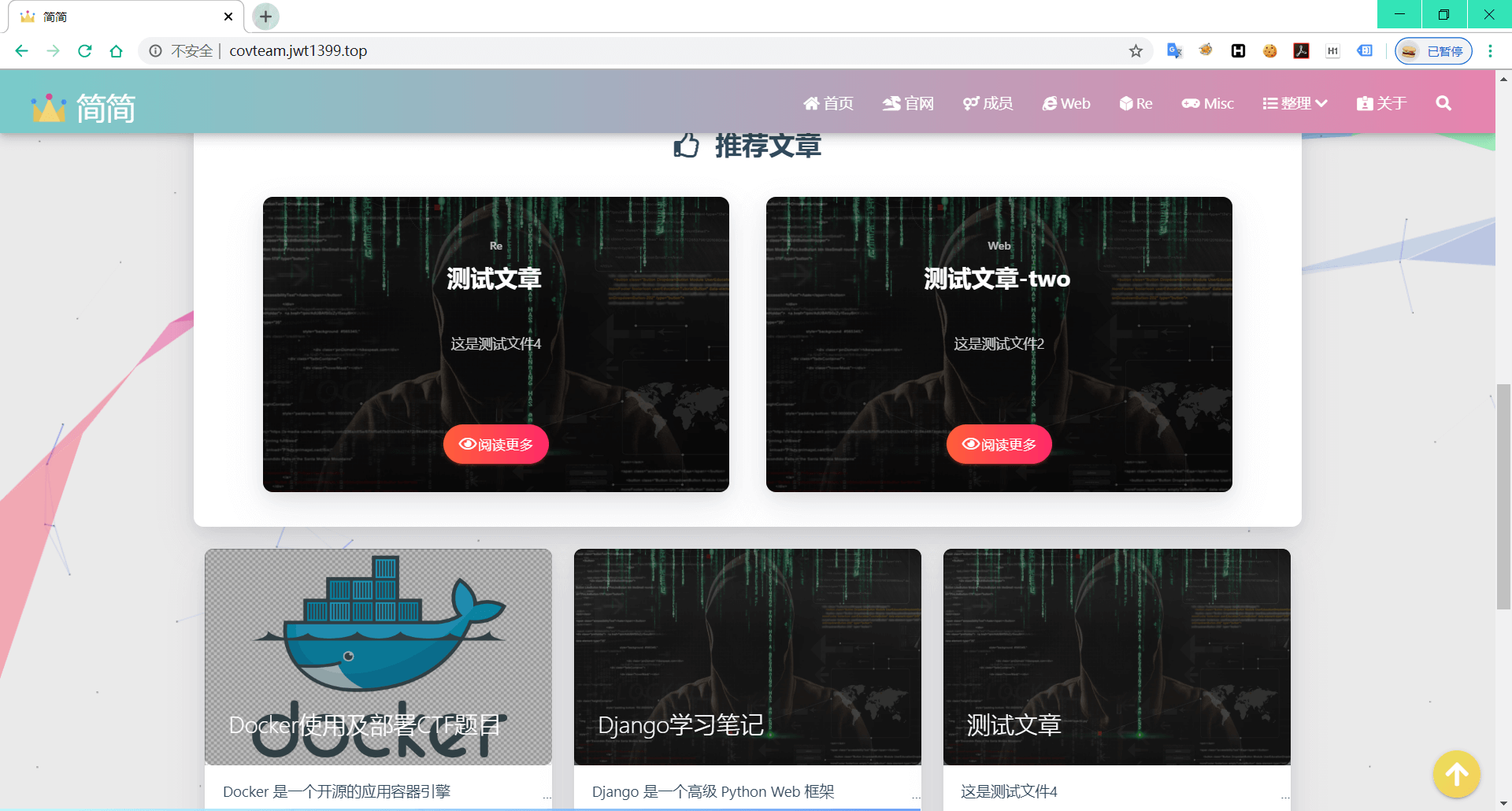
首页

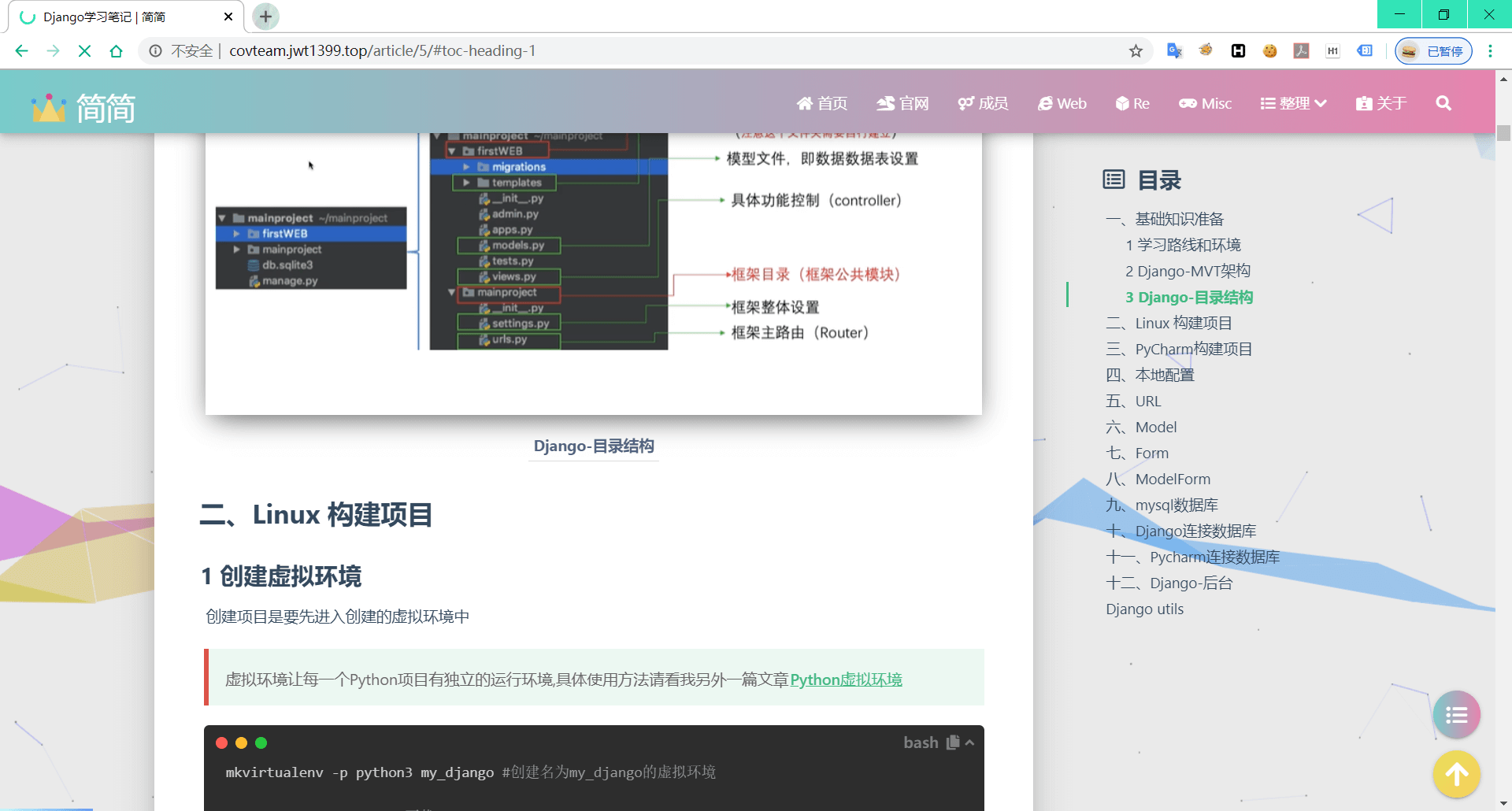
文章详情
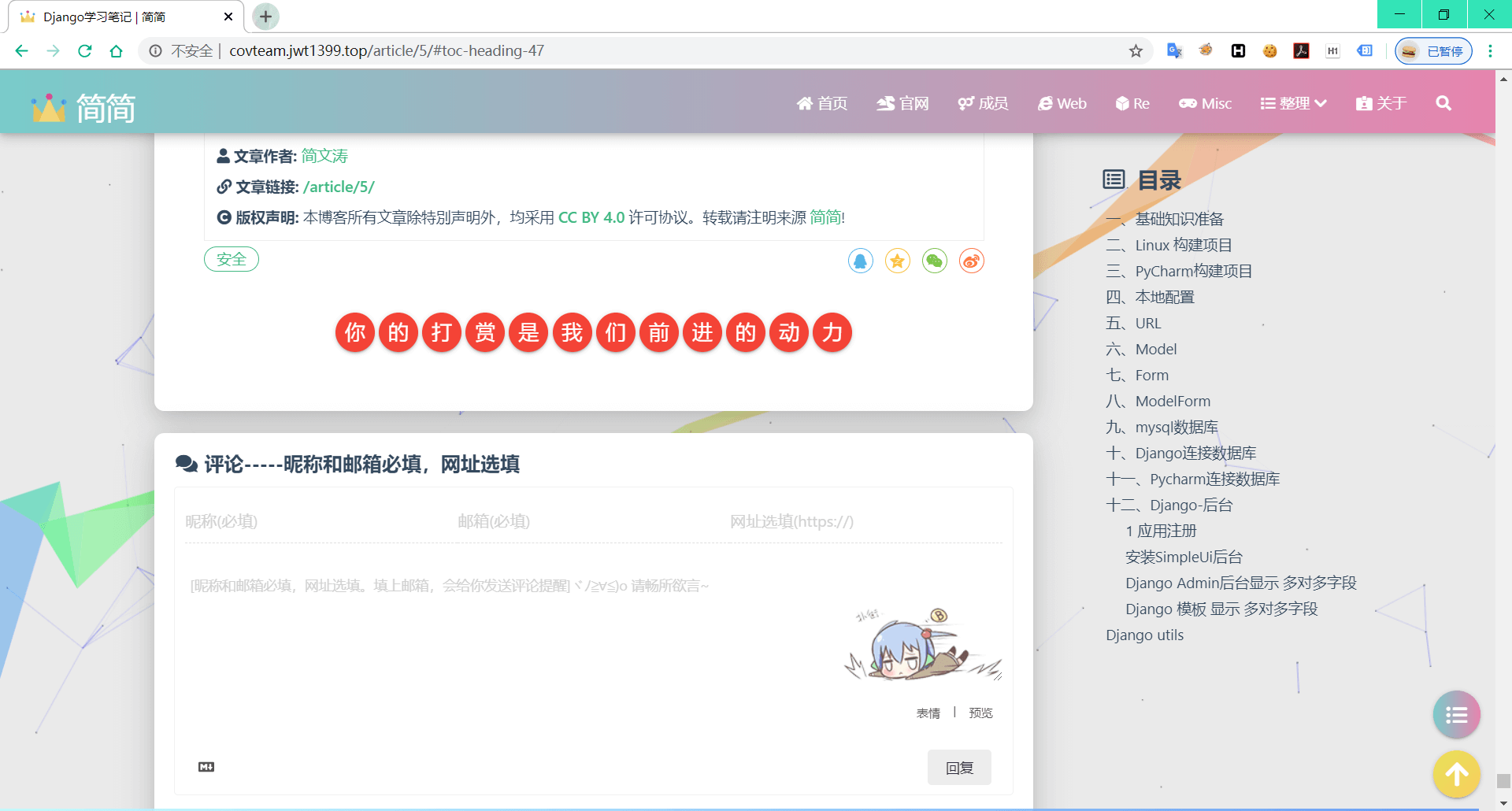
评论
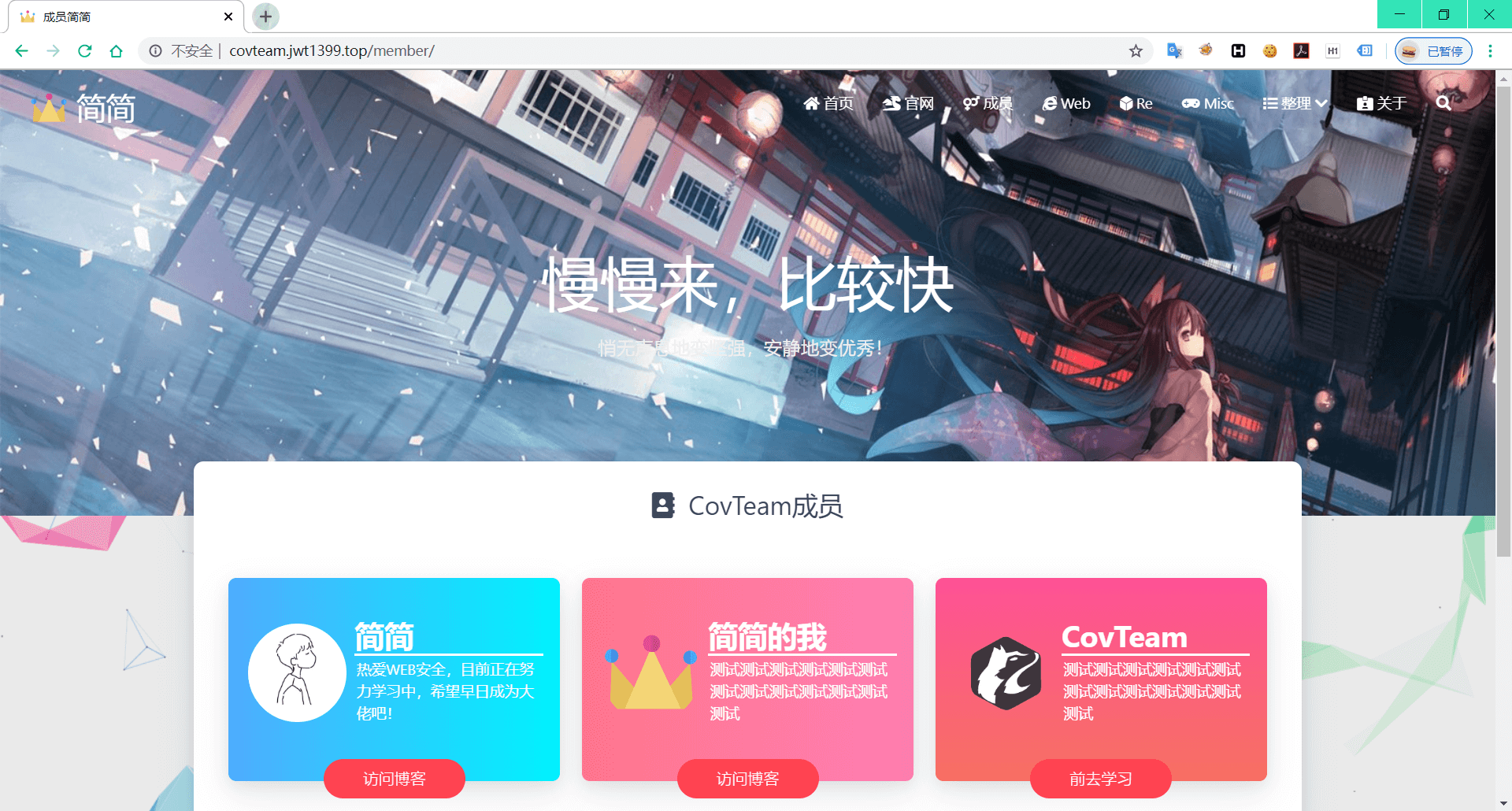
友链
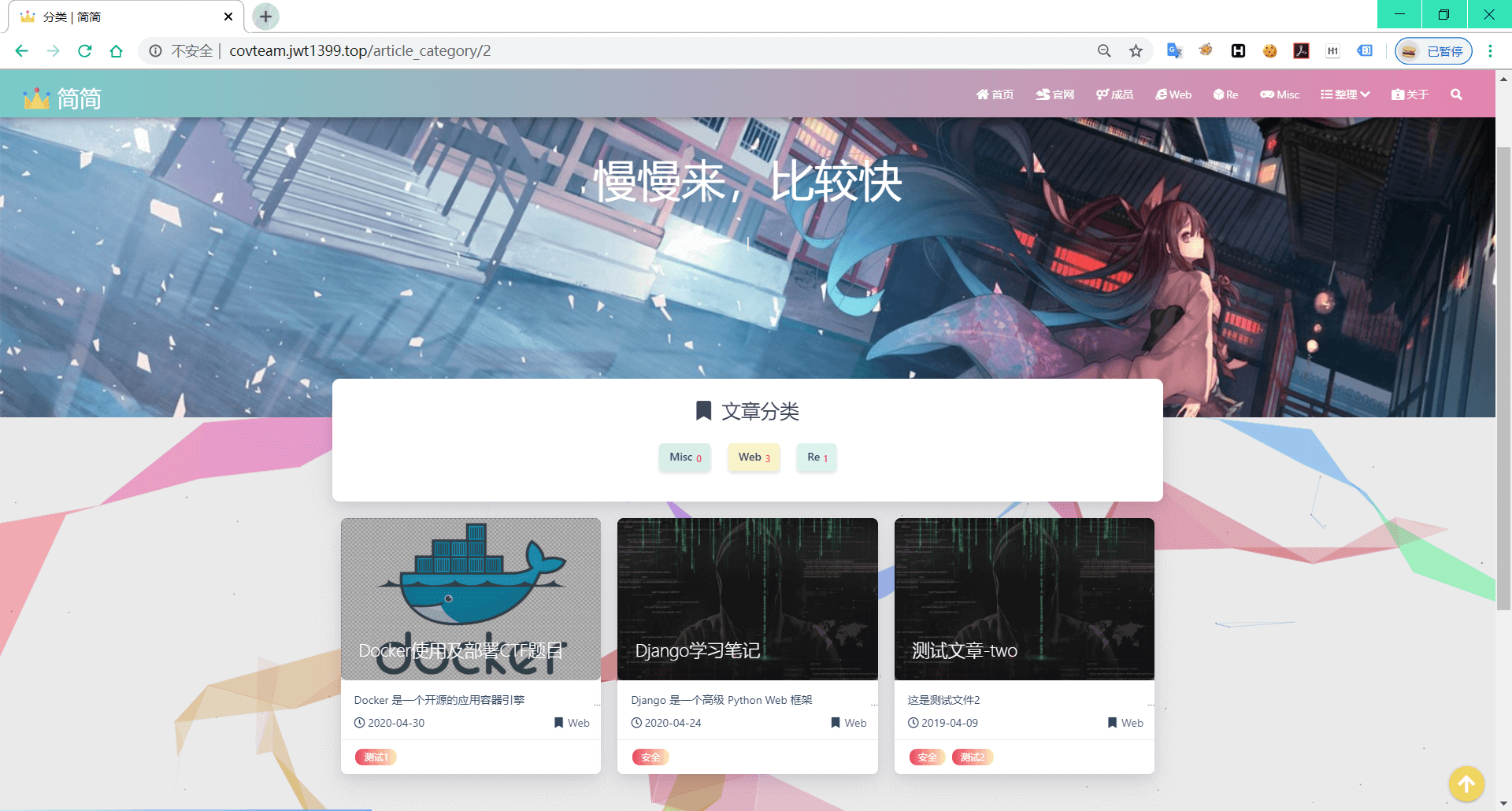
文章分类详情页
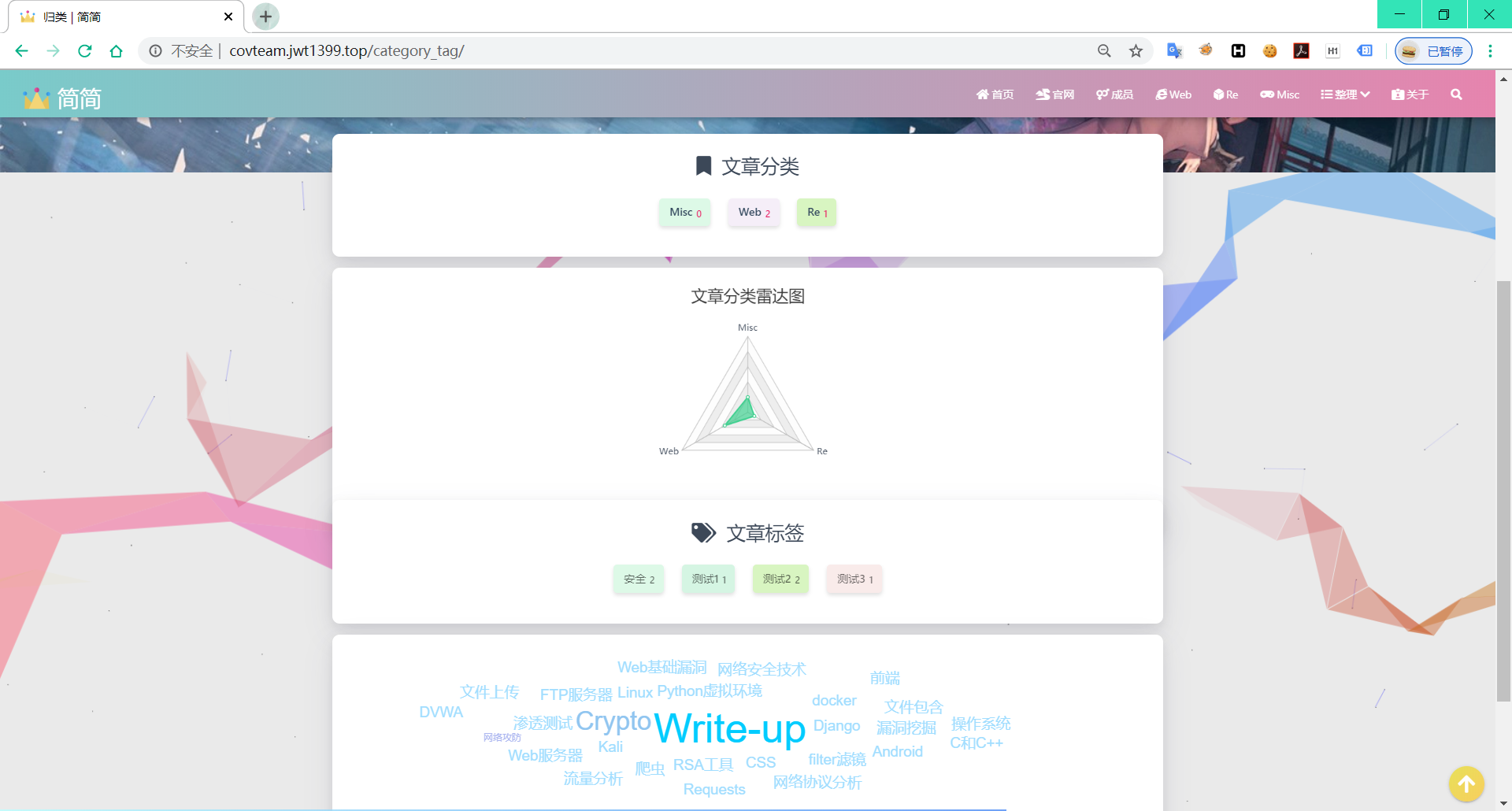
归类页
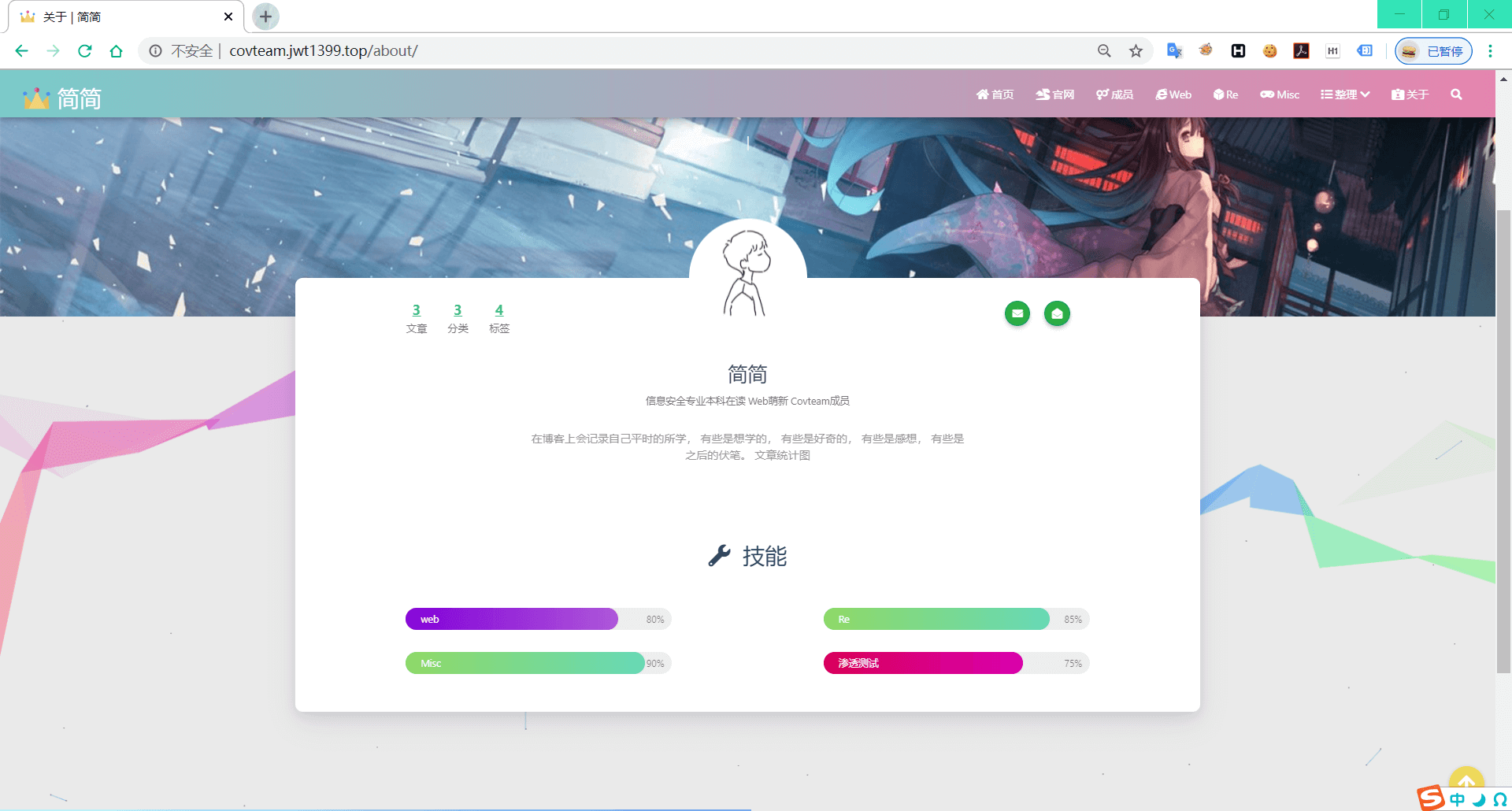
关于页
后台页面展示
后台登录页
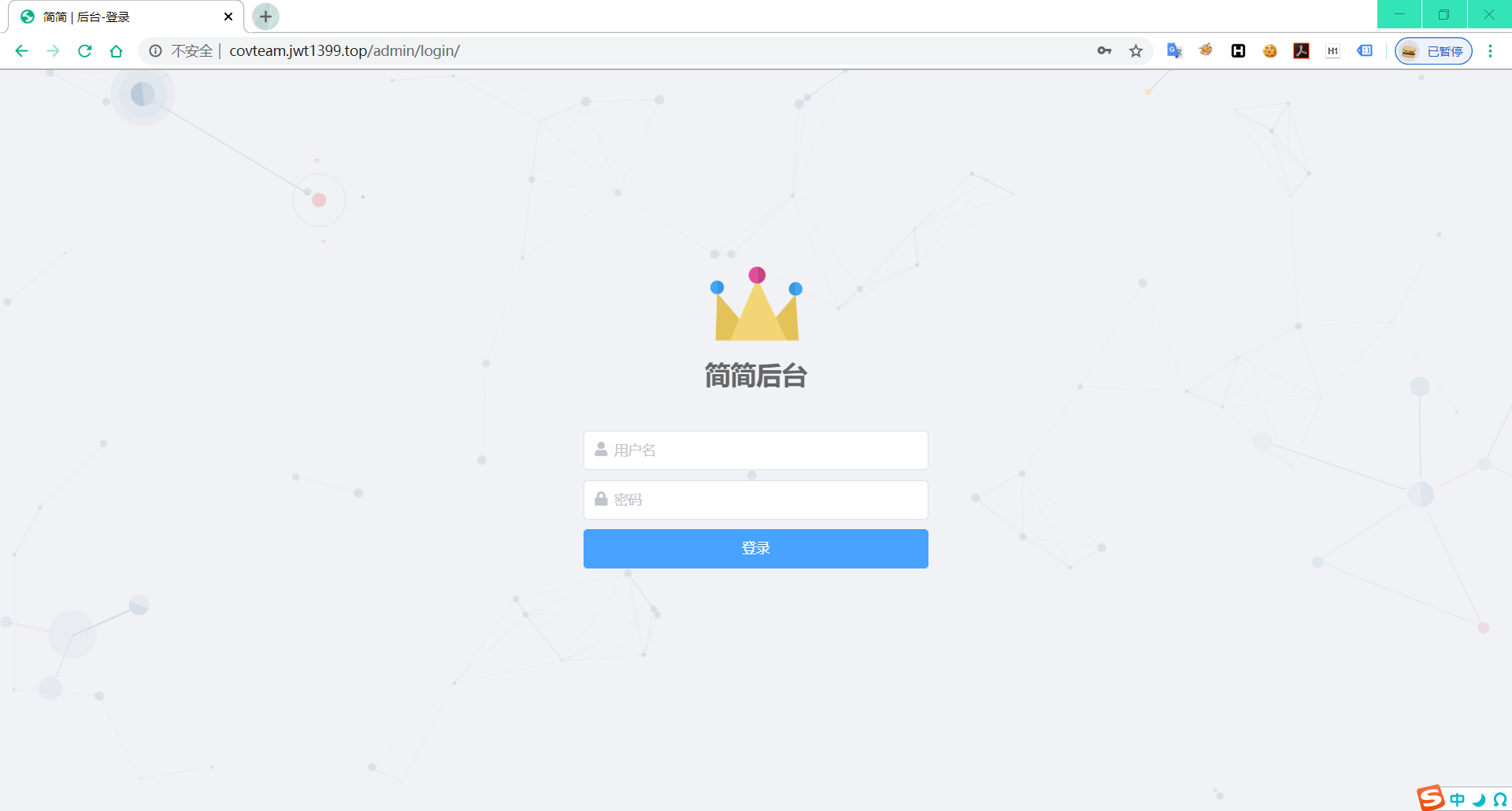
后台首页

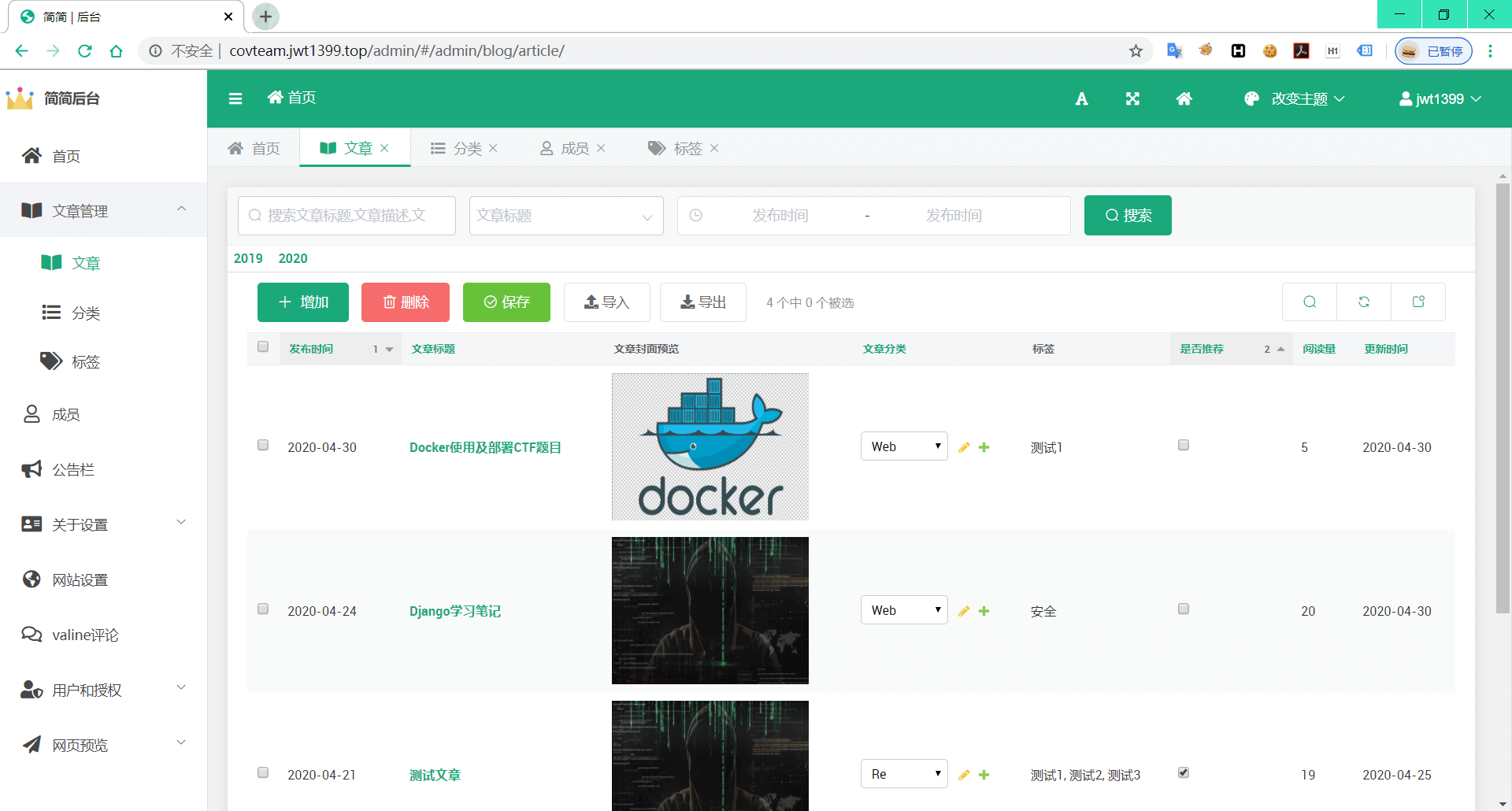
文章管理
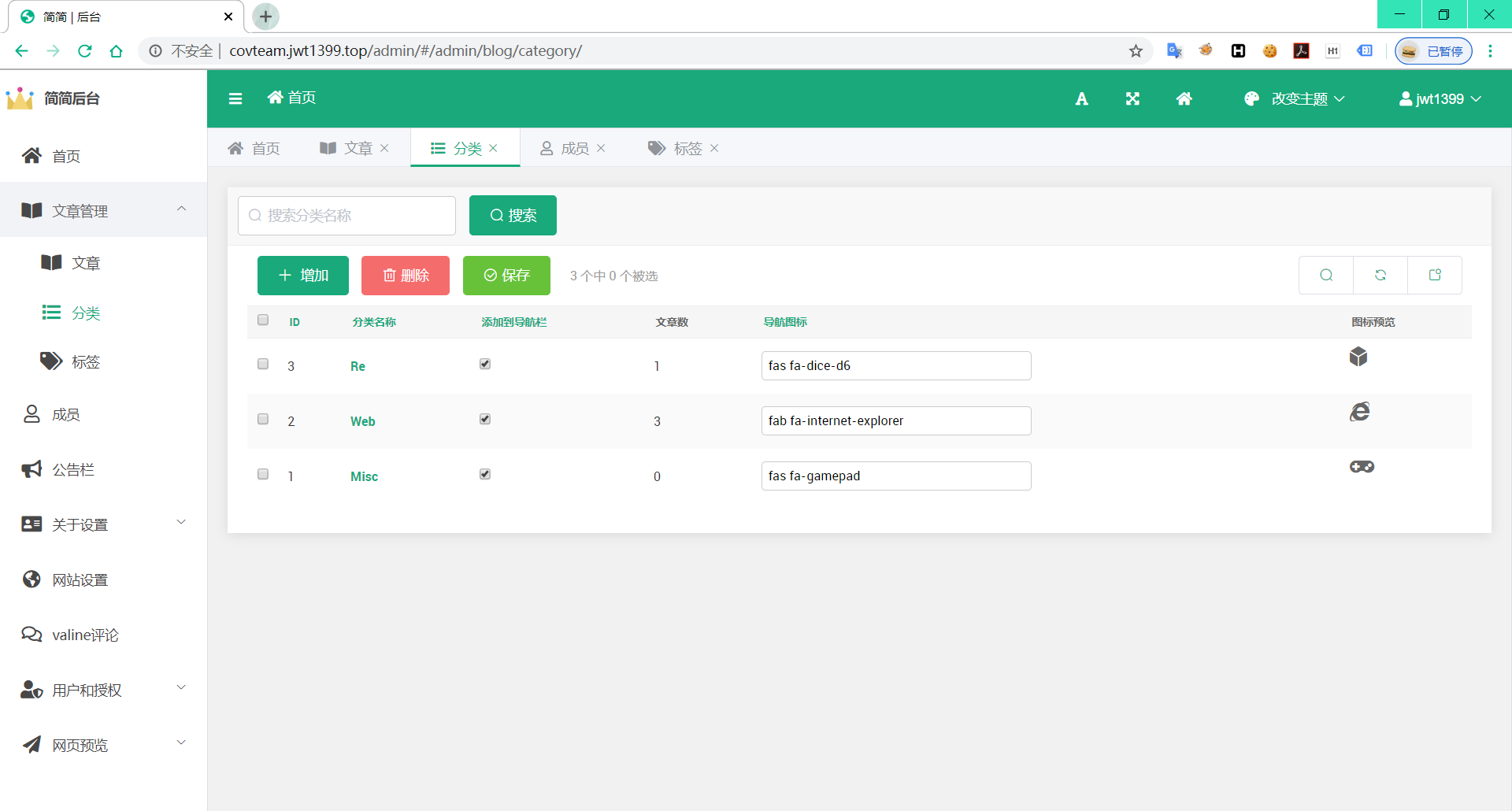
分类
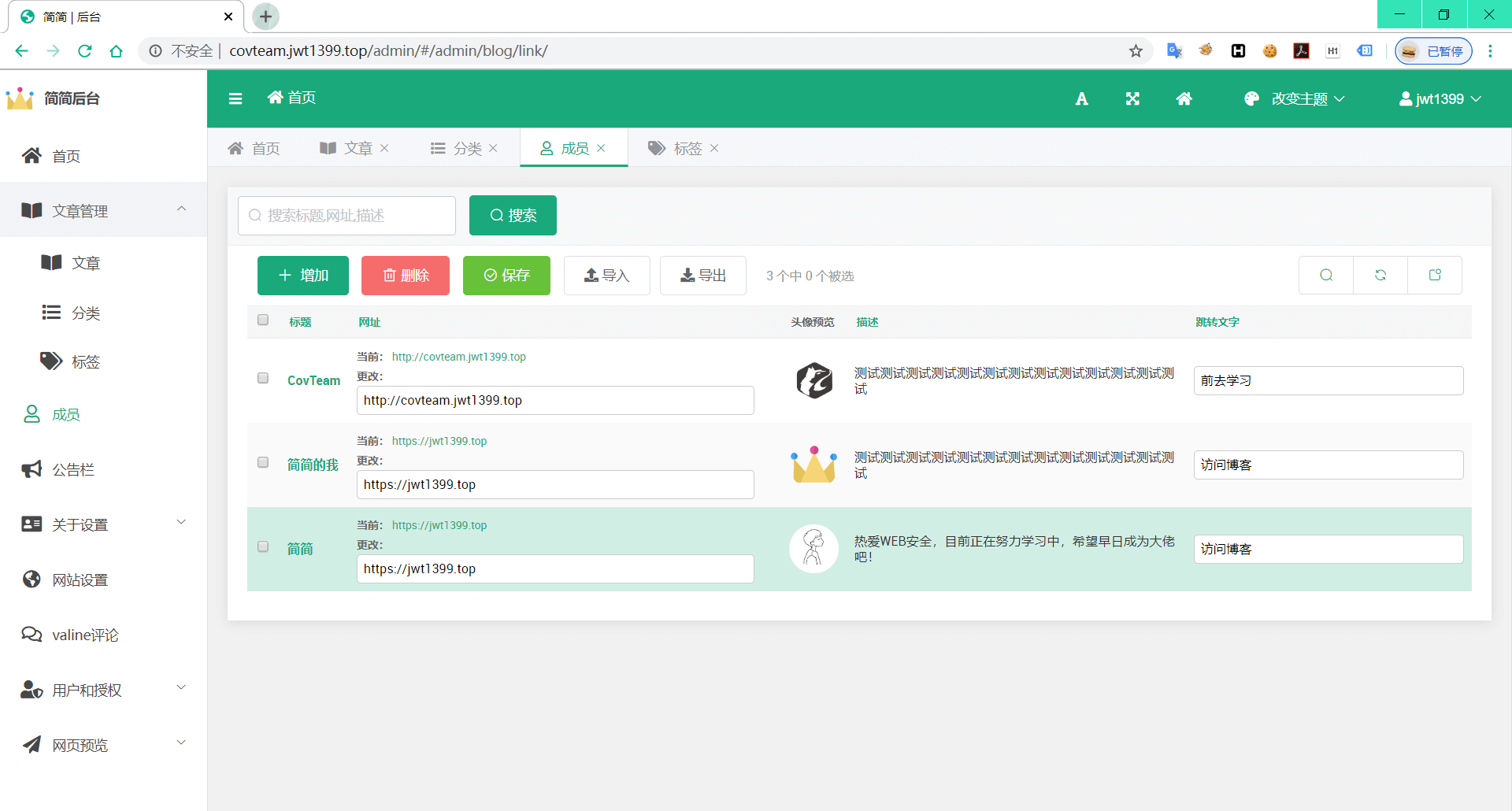
友链
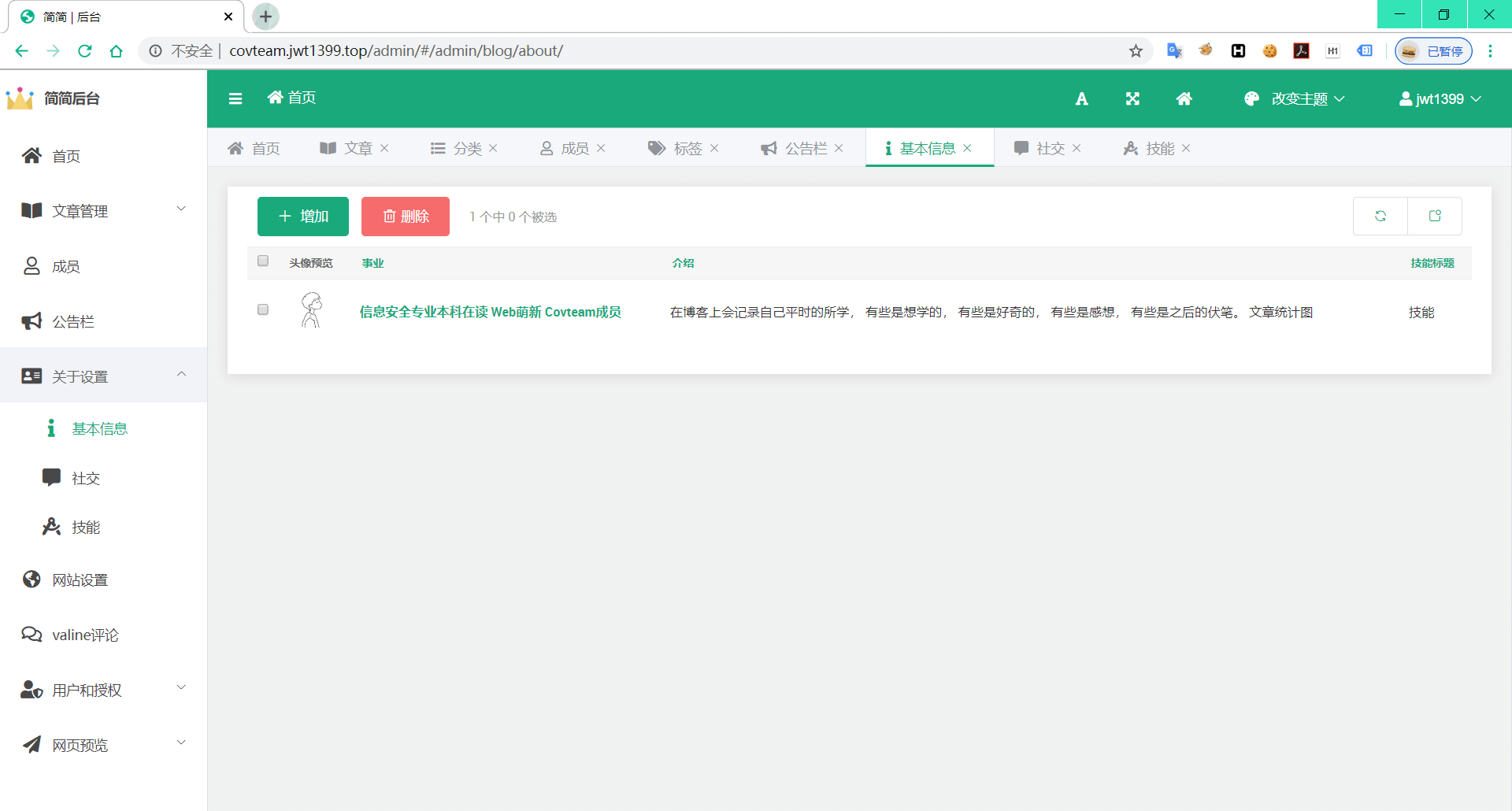
关于设置
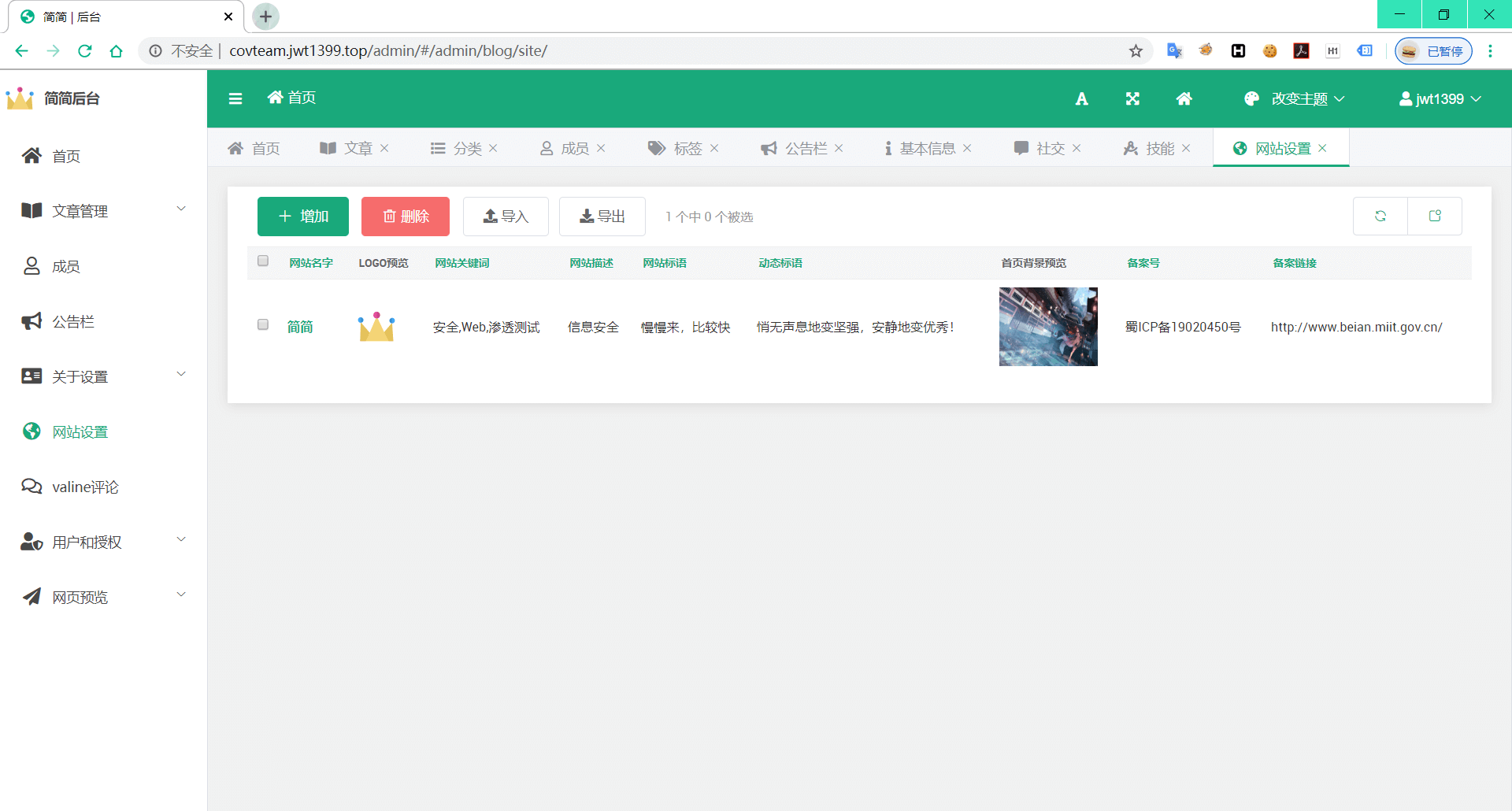
网站设置
部署方法 👇
安装Docker
bash$ curl -fsSL get.docker.com -o get-docker.sh $ sudo sh get-docker.sh --mirror Aliyun
检验Docker是否安装成功
python$ docker run hello-world Unable to find image 'hello-world:latest' locally ... latest: Pulling from library/hello-world 1b930d010525: Pull complete ... Hello from Docker! This message shows that your installation appears to be working correctly. ...
安装Docker compose
根据新版本的变化自行调整下面命令中的版本来安装:
bash# 下载docker-compose $ sudo curl -L "https://github.com/docker/compose/releases/download/1.25.5/docker-compose-$(uname -s)-$(uname -m)" -o /usr/local/bin/docker-compose # 给docker-compose执行权限 $ chmod +x /usr/local/bin/docker-compose # 查看docker compose版本,测试是否安装成功 $ docker-compose version docker-compose version 1.25.5, build 8a1c60f6 docker-py version: 4.1.0 CPython version: 3.7.5 OpenSSL version: OpenSSL 1.1.0l 10 Sep 2019
安装Python3
bash$ sudo apt install python3 $ sudo apt-get install python3-pip $ pip3 install --upgrade pip
克隆项目
bash$ git clone https://github.com/jwt1399/Django_Blog.git
一键部署
bash$ docker-compose up #构建镜像并启动容器
后台默认账户/密码
账户:jwt1399
密码:pyj199681..
赞助💰
如果你觉得对你有帮助,你可以赞助我一杯冰可乐吧!
<table> <tbody> <tr> <td style="text-align:center;">支付宝支付</td> <td style="text-align:center;">微信支付</td> </tr> <tr> <td style="text-align:center;" ><img width="200" src="https://jwt1399.top/medias/reward/alipay.png"></td> <td style="text-align:center;"><img width="200" src="https://jwt1399.top/medias/reward/wechat.png"></td> </tr> </tbody></table>Contributors
Showing top 1 contributor by commit count.

Related Repositories

vercel/next.js
The React Framework

AppFlowy-IO/AppFlowy
Bring projects, wikis, and teams together with AI. AppFlowy is the AI collaborative workspace where you achieve more without losing control of your data. The leading open source Notion alternative.

withastro/astro
The web framework for content-driven websites. ⭐️ Star to support our work!

gatsbyjs/gatsby
React-based framework with performance, scalability, and security built in.

halo-dev/halo
Halo 是一款强大易用的开源建站工具,从个人博客、知识库,到企业官网、在线商城,Halo 都能助您轻松实现,一站式满足您的多样化建站需求。

mqyqingfeng/Blog
冴羽写博客的地方,预计写四个系列:JavaScript深入系列、JavaScript专题系列、ES6系列、React系列。