

TinyPNG4Mac
Native client of TinyPNG on macOS
> The App's name is renamed to Image Image for property sake, since previous name contains TinyPNG and macOS. The project is written primarily in Swift, distributed under the MIT License license, first published in 2016. It has gained significant community traction with 3,998 stars and 290 forks on GitHub. Key topics include: image-compression, tinyimage, tinypng, tinypng4mac.
Tiny Image
The App's name is renamed to Image Image for property sake, since previous name contains TinyPNG and macOS.
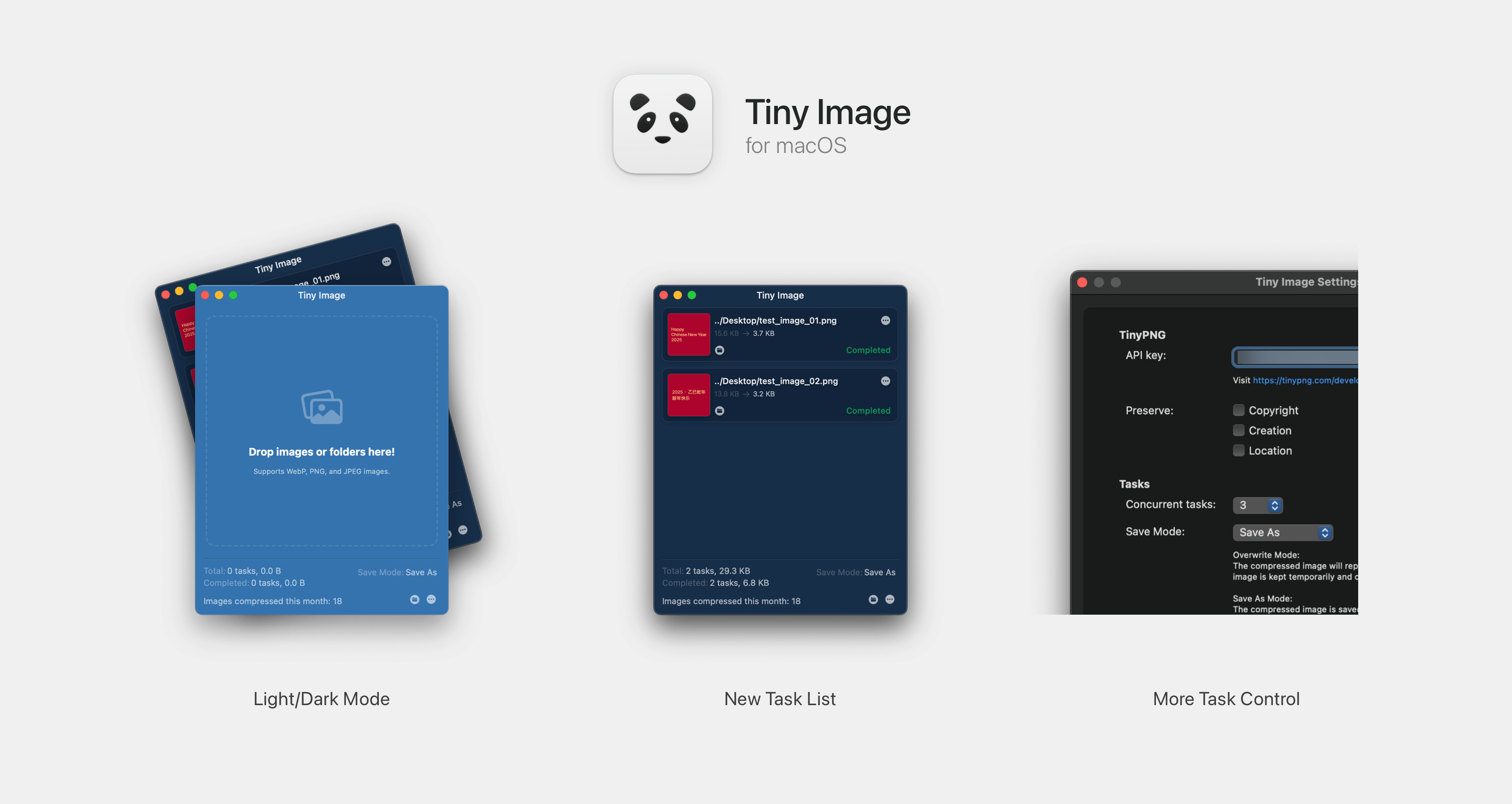
TinyPNG for macOS is a 3rd-party client of TinyPNG. With which you can compress images without opening browser.
2.2.1 Release Note
Version 2.0.0+ supports macOS 13 Ventura and later. For lower version systems, please use the previous version.
- Support format converting. Convert image to specific format or automatically pick the smallest one in supported format list (PNG, JPEG, AVIF, WEBP).
- Add cache for number of image compressed.
Usage
- Register an API key at link.
- Paste your API key to
Settingswindow. (You can edit it when you need to) - Drag images or directories containing images to the window.
- Or right-click image files / folders in Finder and choose
Services -> Compress with Tiny Image.
Download
Through Release Page
Check System Settings -> Security & privacy page if you can not open this app.
Thanks
droptogif -- A very useful client for convert video to gif. I learnt how to create window from that project.
Licenses
Contributors
Showing top 8 contributors by commit count.






Related Repositories

Curzibn/Luban
Luban 2(鲁班 2) —— 高效简洁的 Android 图片压缩工具库,像素级还原微信朋友圈压缩策略。(An efficient and concise Android image compression library that closely replicates the compression strategy of WeChat Moments.)

LuckSiege/PictureSelector
Picture Selector Library for Android or 图片选择器

zetbaitsu/Compressor
An android image compression library.

Lymphatus/caesium-image-compressor
Caesium is an image compression software that helps you store, send and share digital pictures, supporting JPG, PNG, WebP and TIFF formats. You can quickly reduce the file size (and resolution, if you want) by preserving the overall quality of the image.

fengyuanchen/compressorjs
JavaScript image compressor.

imazen/imageflow
High-performance image manipulation for web servers. Includes imageflow_server, imageflow_tool, and libimageflow