

Zuki themes
Themes for GTK, gnome-shell and more.
[Wallpapers](https://imgur.com/a/zrijHvk) | [Icons](https://github.com/vinceliuice/Tela-icon-theme) | Fonts: Roboto / SF Mono | GNOME shell extension: Dash to Panel The project is written primarily in CSS, distributed under the GNU General Public License v3.0 license, first published in 2014. Key topics include: gnome-shell-theme, gnome-theme, gtk-theme, gtk3-theme, gtk4-theme.
THIS THEME IS NO LONGER MAINTAINED
zuki-themes
Themes for GNOME and XFCE4.
Zukitre
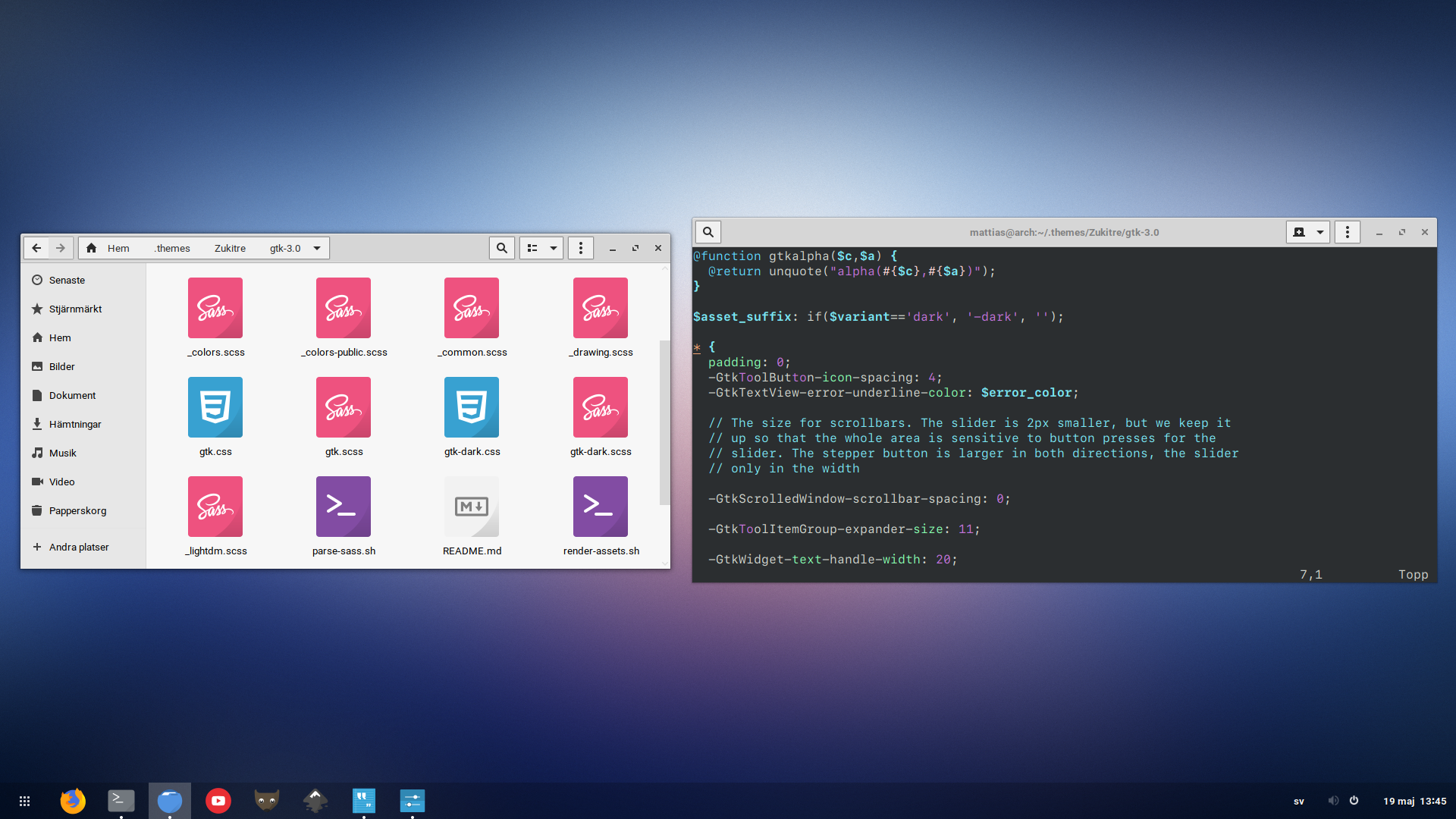
<sub>Wallpapers | Icons | Fonts: Roboto / SF Mono | GNOME shell extension: Dash to Panel</sub>
Zukitwo
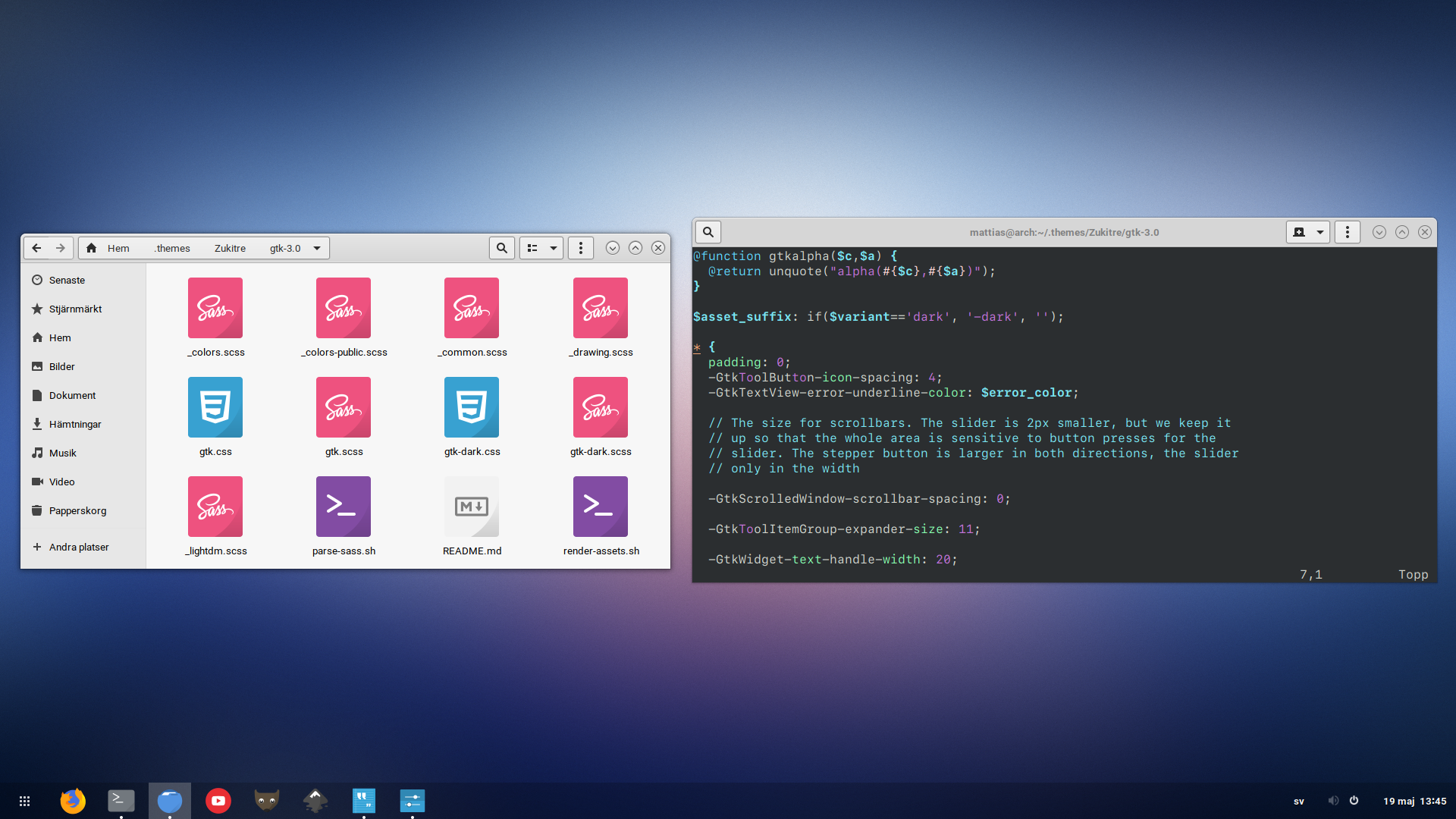
<sub>Wallpapers | Icons | Fonts: Roboto / SF Mono | GNOME shell extension: Dash to Panel</sub>
Requirements
- GTK 3.24.13+ and/or GTK 4.2+
- Debian/Ubuntu/Mint/PopOS -
apt install gtk2-engines-murrine gtk2-engines-pixbuf ninja-build git meson sassc - Arch/Manjaro -
pacman -S gtk-engines gtk-engine-murrine ninja git meson sassc - Opensuse -
zypper in gtk2-engine-murrine gtk2-engines ninja git meson sassc - Fedora -
dnf install gtk-murrine-engine gtk2-engines ninja-build git meson sassc
If you don't use any GTK-2 applications you can skip the gtk engines.
Other distros may have named the above packages differently.
Installation
When the above requirements are installed, simply run these commands:
bashgit clone https://github.com/lassekongo83/zuki-themes.git cd zuki-themes meson build sudo ninja -C build install
The themes will be installed in: /usr/share/themes/
Local installation
Install the theme(s) locally if you for some reason can't run as a sudo user.
bashgit clone https://github.com/lassekongo83/adw-gtk3.git cd zuki-themes meson -Dprefix="${HOME}/.local" build ninja -C build install
Updating the theme
Navigate to the zuki-themes folder that was originally cloned. (If you removed it, do the steps above instead).
Then run:
For a global install:
bashgit pull sudo ninja -C build install
For a local install:
bashgit pull ninja -C build install
Flatpak
Use stylepak.
How to change themes
Use gnome-tweaks to change themes.
You can also change your GTK themes using a terminal.
bash# Change the theme to Zukitre-dark gsettings set org.gnome.desktop.interface gtk-theme Zukitre-dark # Reverting the change to the default GNOME theme gsettings set org.gnome.desktop.interface gtk-theme Adwaita
Xfce users can change themes in Settings > Appearance and Settings > Window manager
How to remove the theme(s)
To be safe from any crashes or weirdness, change the theme to another one before running the command below.
For a global install: sudo rm -r /usr/share/themes/Zuki*
For a local install: rm -r ~/.local/share/themes/Zuki*
Copying or Reusing
The GTK theme(s) and included scripts are free software licensed under the terms of the GNU General Public License, version 3.
Contributors
Showing top 3 contributors by commit count.


Related Repositories

themix-project/themix-gui
Graphical application for generating different color variations of Oomox (Numix-based) theme (GTK2, GTK3, Cinnamon, GNOME, Openbox, Xfwm), Archdroid, Gnome-Color, Numix, Papirus and Suru++ icon themes. Have a hack for HiDPI in gtk2. Its Base16 plugin also allowing a lot of app themes support like Alacritty, Emacs, GTK4, KDE, VIM and many more.

vinceliuice/Vimix-gtk-themes
Vimix is a flat Material Design theme for GTK 3, GTK 2 and Gnome-Shell etc.

GradienceTeam/Gradience
Change the look of Adwaita, with ease

B00merang-Project/Windows-10
Windows 10 Light theme for Linux (GTK)
B00merang-Project/macOS
macOS theme for Gnome and GTK-based desktops

neuromorph/openbar
A GNOME Shell extension for theming Gnome Top Bar / Top Panel, Menus, Dash/Dock, Gnome Shell and Gtk/Flatpak Apps.