

MascOS
16-bit Real Mode operating system made entirely in Assembly
**MascOS** is a 16-bit Real Mode operating system made entirely in Assembly The project is written primarily in Assembly, distributed under the GNU General Public License v3.0 license, first published in 2022. Key topics include: 16-bit, assembly, computer-science, dos, hobby-os.
MascOS
16-bit Real Mode operating system made entirely in Assembly.
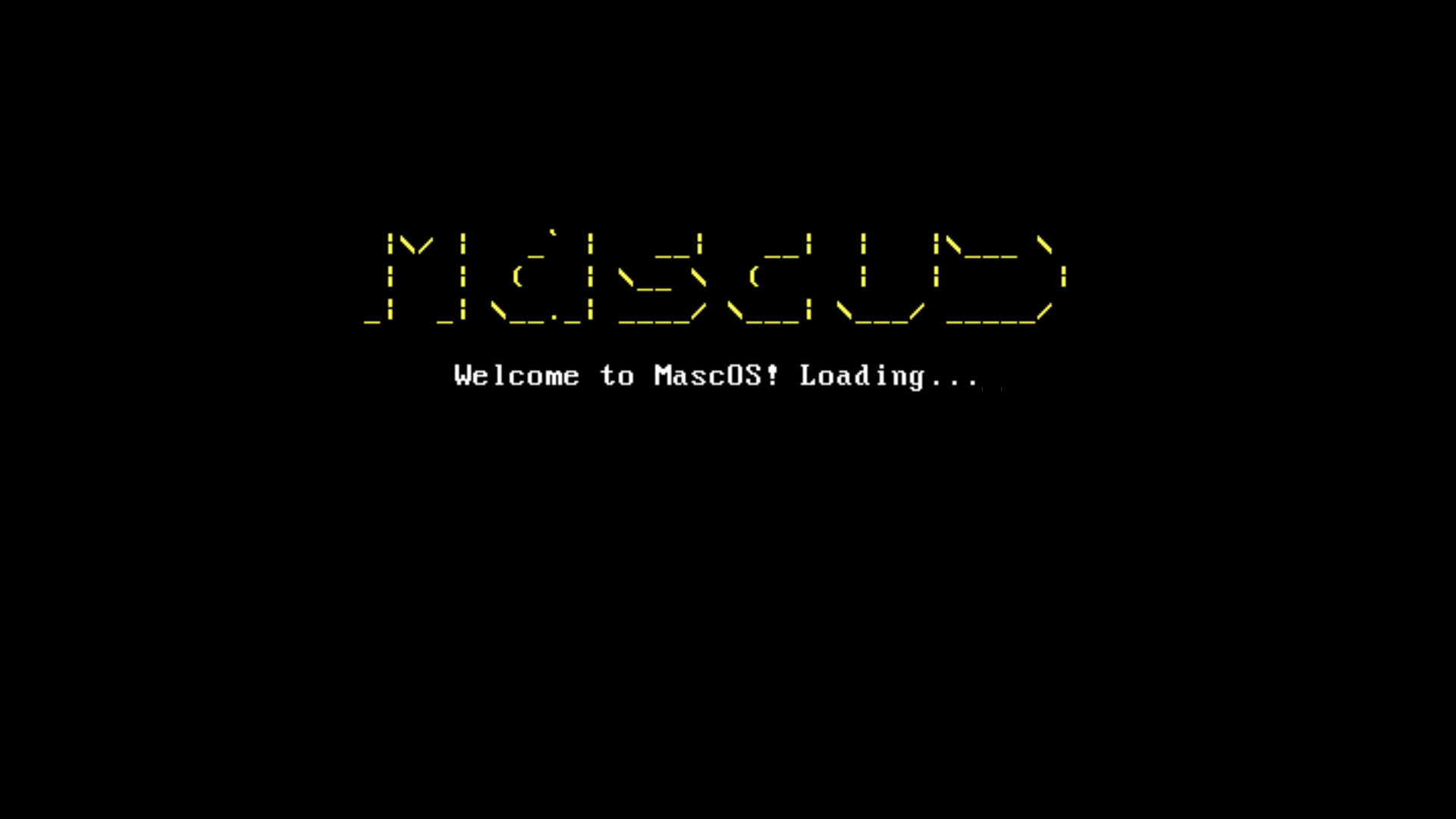
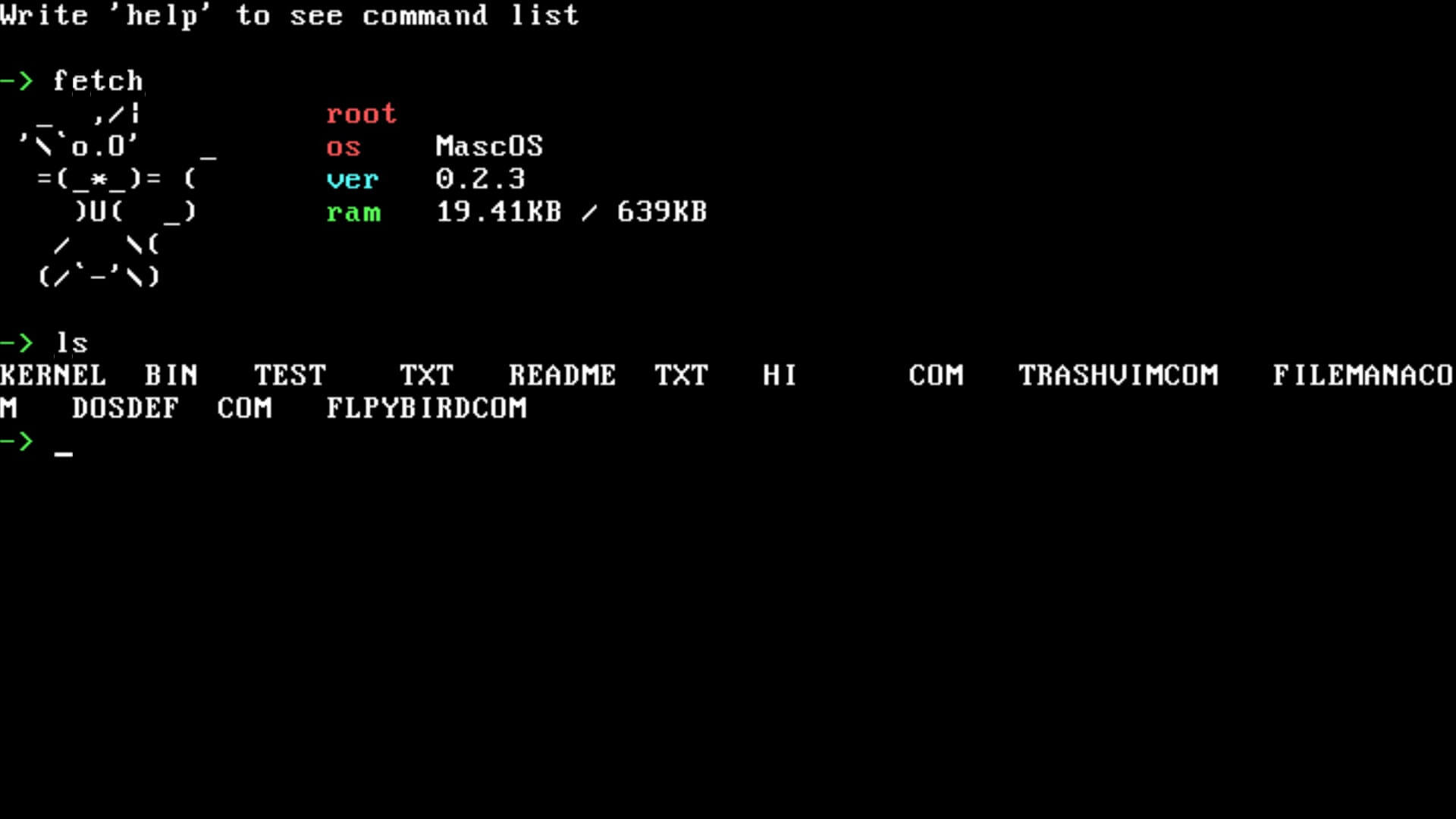
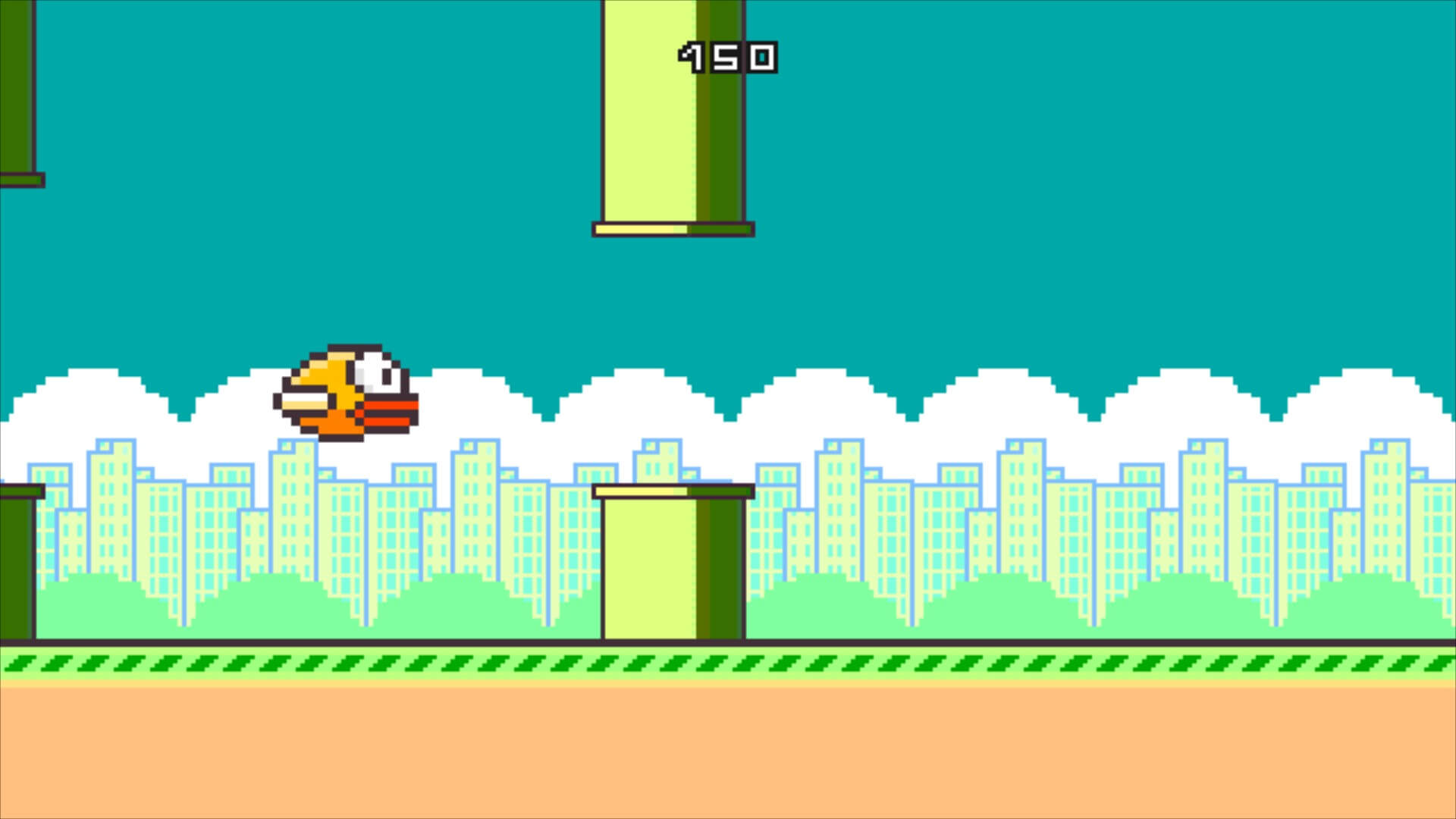
Current situation of the project
MascOS was built by me when I was 16 years old so expect bad code/bugs/bad practices. I no longer actively work on this project so don't expect anything new coming.
Other MS DOS programs can theoretically run on this not so good operating system, but keep in mind not everything needed has been implemented for those programs to behave without issues or run at all.
I have tried to boot MascOS from a floppy disk(3.5 inch, 1.44MB) and it worked almost flawlessly. It was tested on a Toshiba NB250 laptop.
If you want to learn how to create program for MascOS check the documentation.
Why MascOS
It's a learning project. I thought creating an operating system that targets old hardware would be a fun experiment to do.
Running the operating system
The operating system .flp image is called MascOS.flp and it's present in the files of this repository.
To run the os GNUmakefile assumes you have Qemu installed on your system.
To launch the os in a VM(Qemu) use:
shmake run
It uses PulseAudio to emulate the pc speaker, so if you're having troubles to run the operating system use this command instead:
shqemu-system-i386 -fda MascOS.flp -M smm=off -no-shutdown -no-reboot \ -cpu 486 -rtc base=localtime,clock=host
If you want to run this on real hardware you need a computer with legacy BIOS and not a modern UEFI system, since MascOS aims to run on old hardware.
Compiling
You must have NASM installed(assembler).
To compile the os just run:
shsudo make
You need administrator permission because GNUmakefile mounts the os image to /mnt/floppy so it can copy necessary files to the .flp image.
If you want to remove all compiled files:
shmake clean
Troubleshooting
1. Why does the text in the edit program blink?
The VGA driver disables bliking to allow to use all 16 colors for background on real VGA hardware. Unfortunately on simulated VGA this doesn't work, and the text blinks.
Contributors
Showing top 1 contributor by commit count.

Related Repositories

francisrstokes/16bitjs
💻 A 16-bit virtual machine, including assembly language with 37 instructions, binary assembler, and a step through debugger

jes/scamp-cpu
A homebrew 16-bit CPU with a homebrew Unix-like-ish operating system.

rochars/wavefile
Create, read and write wav files according to the specs. :star: :notes: :heart:

io12/BootMine
Bootable minesweeper game in a 512-byte boot sector

adil192/ricochlime
Satisfying monster shooter

zfigura/semblance
Disassembler for Windows executables. Supports 16-bit NE (New Executable), MZ (DOS), and PE (Portable Executable, i.e. Win32) files.