

Dinorip
Free & Open Source Texture Ripper
Desktop texture ripper for building PNG textures and texture atlases from reference images. The project is written primarily in TypeScript, distributed under the MIT License license, first published in 2026. Key topics include: game-development, ps1, psx, ripper, texture-rip.
DinoRip
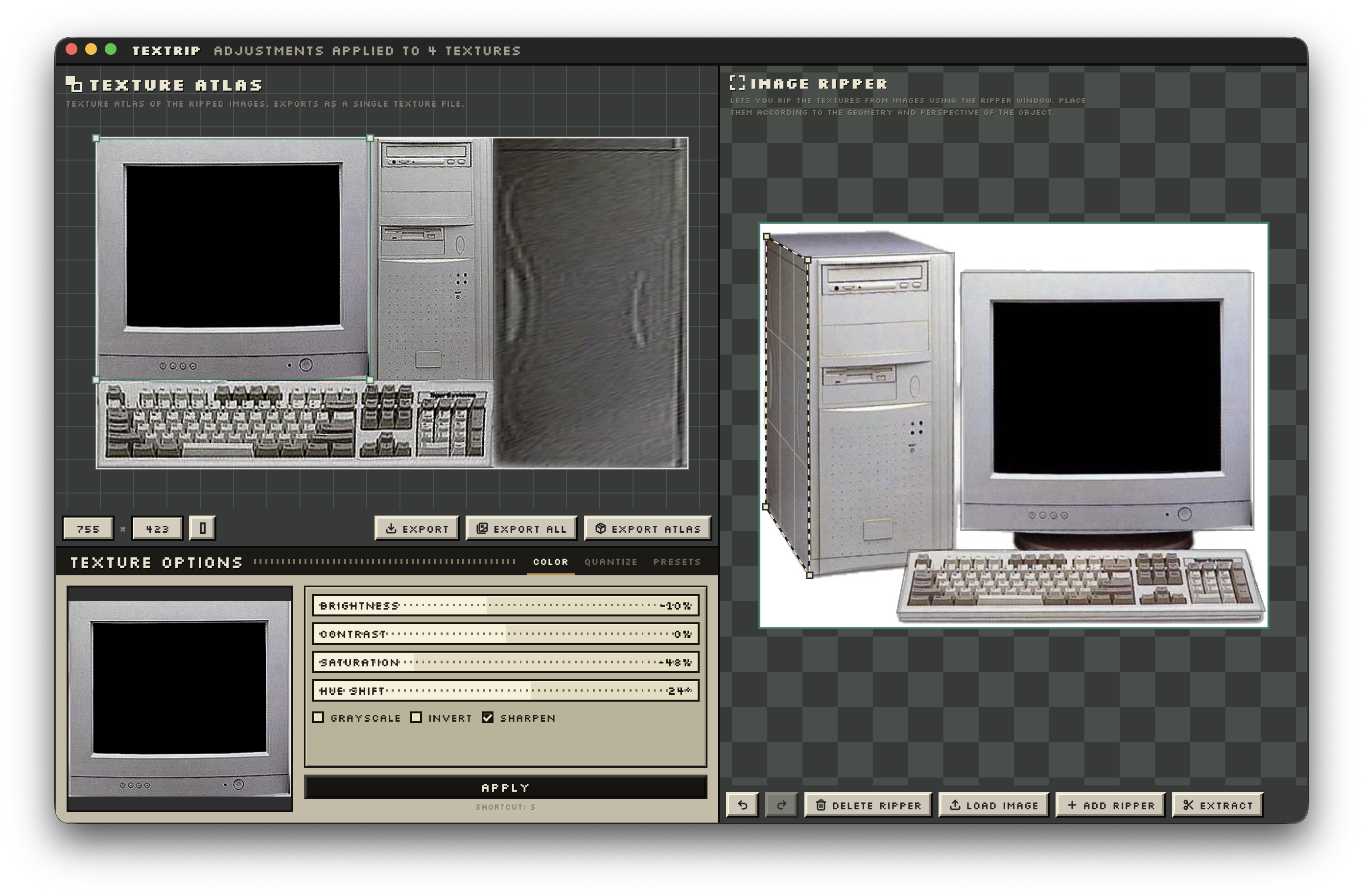
Desktop texture ripper for building PNG textures and texture atlases from
reference images.
Attribution: DinoRip is a remake of puck_psx's original texture ripper.
Please support the original project:
Buy the original version.
Features
- Load PNG, JPG, and JPEG source images, or paste image files from the clipboard.
- Add perspective rippers, move corners, bend edges, and extract textures.
- Auto-extract edited rippers into the atlas workspace.
- Move, resize, rotate, pack, and size atlas textures.
- Edit texture color with brightness, contrast, saturation, hue shift,
grayscale, invert, sharpen, posterize, dithering, and saved presets. - Apply texture adjustments to one texture or all atlas textures.
- Export the selected texture, every texture, or the full atlas as PNG.
- Use undo/redo, pan/zoom, fullscreen, and the in-app shortcuts overlay.
Shortcuts
On macOS the modifier is ⌘ (Command); on Windows/Linux it is Ctrl.
General
| Action | Shortcut | Demo |
|---|---|---|
| Undo | ⌘/Ctrl + Z | |
| Redo | ⇧ + ⌘/Ctrl + Z, or ⌘/Ctrl + Y | |
| Toggle fullscreen | ⌘/Ctrl + F | |
| Paste from clipboard | ⌘/Ctrl + V | |
| Zoom | Mouse wheel | 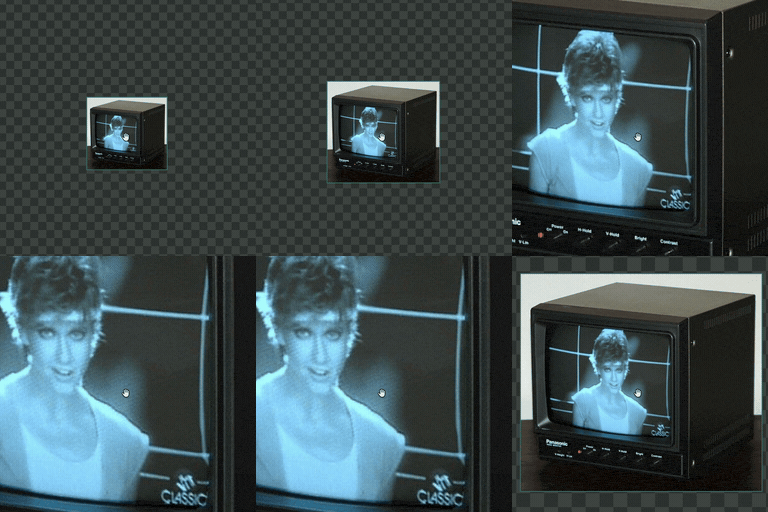 |
| Pan the view | Middle-drag, or drag empty canvas | 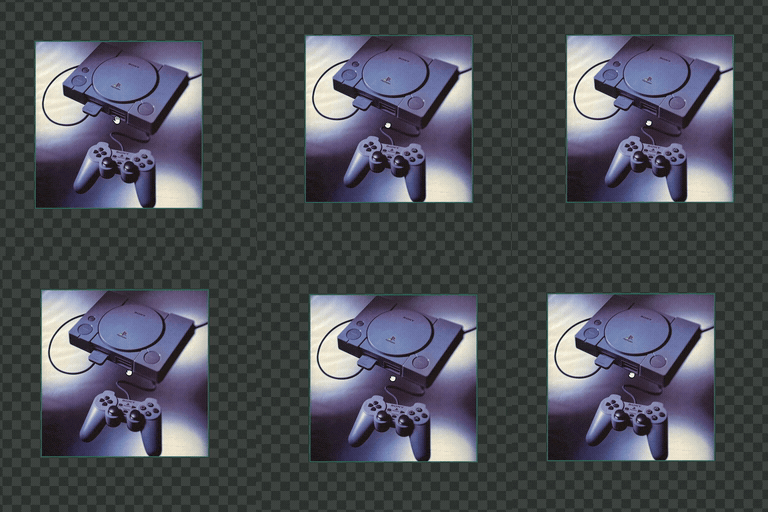 |
| Delete selection | Delete / Backspace |
Ripper
| Action | Shortcut | Demo |
|---|---|---|
| Add a ripper | A | |
| Extract the ripper | Enter | |
| Select a ripper | Click it | 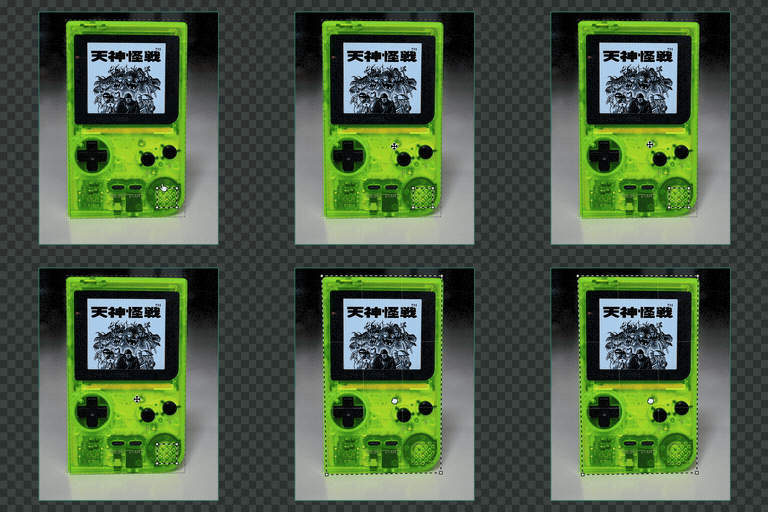 |
| Move the ripper | Drag inside the ripper | 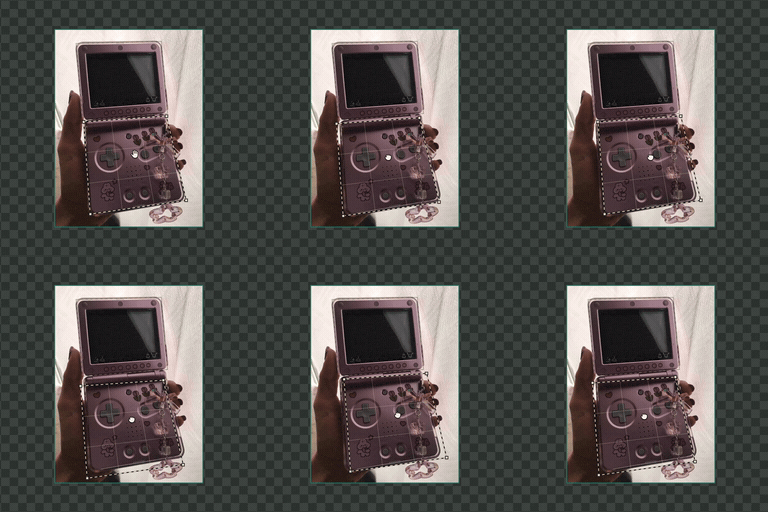 |
| Move a corner | Drag a corner | 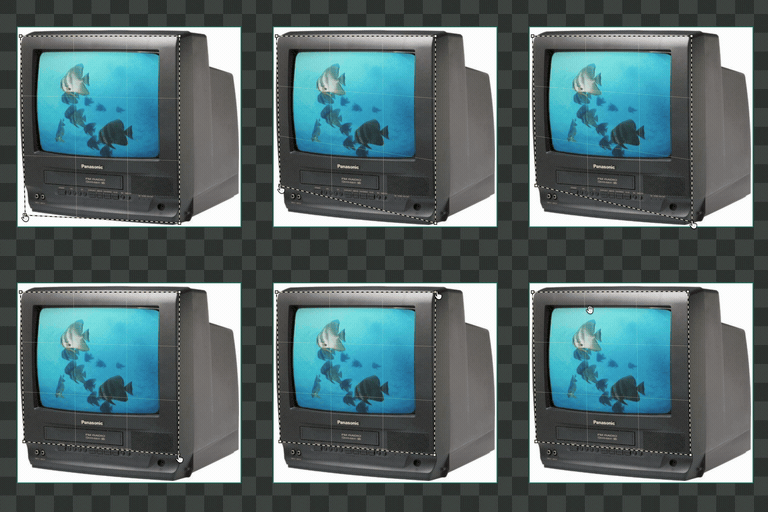 |
| Scale the ripper | ⌘/Ctrl + drag a corner | 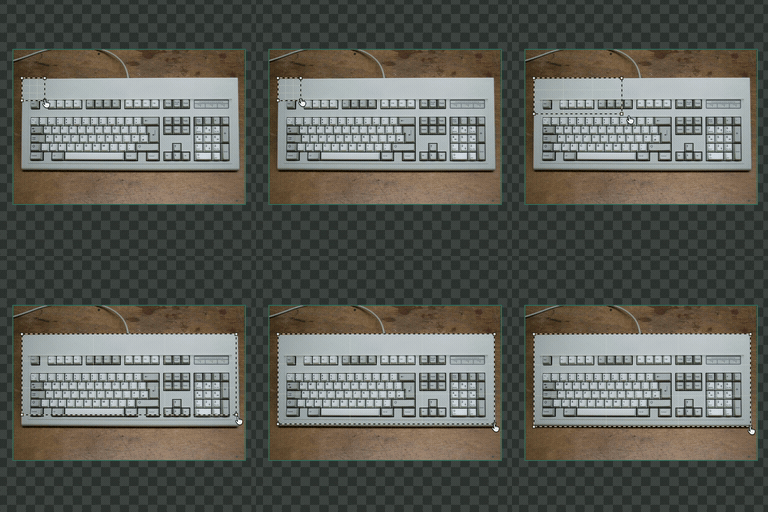 |
| Add a corner | Middle-click an edge | |
| Delete a corner | Middle-click a corner, or Alt/Option + click a corner | |
| Bend an edge | ⌘/Ctrl + drag an edge | 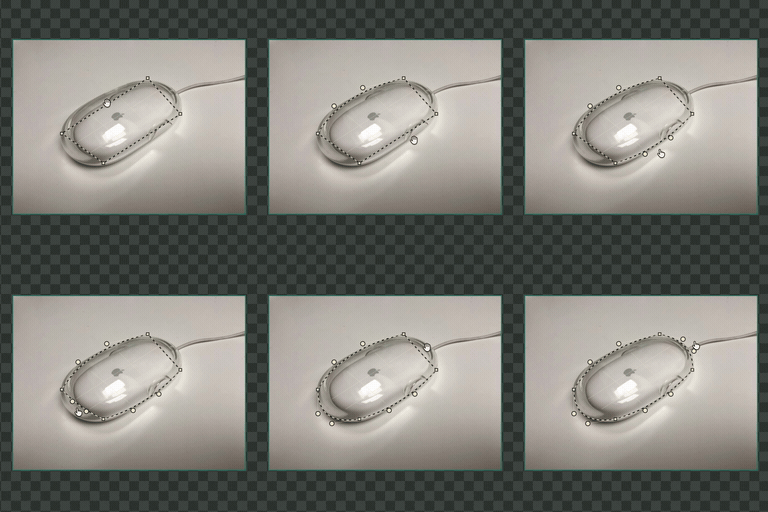 |
| Reshape a curve | Drag a curve handle | |
| Remove a curve | Double-click a curve handle | |
| Select/deselect a corner | ⇧ + click a corner | |
| Move selected corners | Drag a selected corner | |
| Marquee-select corners | ⇧ + drag empty canvas | |
| Move a source image | ⇧ + drag the image |
Cmd/Ctrl-scaling or moving the ripper transforms any curve control points along with the corners, so curved edges keep their shape.
Atlas
| Action | Shortcut | Demo |
|---|---|---|
| Apply adjustments | S | |
| Select a texture | Click it | |
| Move a texture | Drag the texture | |
| Resize a texture | Drag a corner | |
| Resize one side | Drag an edge | |
| Resize proportionally | ⇧ + drag a corner | |
| Rotate a texture | Drag the rotation handle | |
| Snap rotation to 45° | ⇧ + drag the rotation handle | |
| Delete the texture | Delete, or Backspace | |
| Toggle conserve / rectify | Right-click the texture |
Development
shpnpm install pnpm dev
Useful checks:
shpnpm typecheck pnpm test pnpm lint pnpm build
Requirements
- Node.js 18+
- pnpm 11+
License
MIT
Contributors
Showing top 1 contributor by commit count.

Related Repositories

godotengine/godot
Godot Engine – Multi-platform 2D and 3D game engine

ocornut/imgui
Dear ImGui: Bloat-free Graphical User interface for C++ with minimal dependencies

bevyengine/bevy
A refreshingly simple data-driven game engine built in Rust

phaserjs/phaser
Phaser is a fun, free and fast 2D game framework for making HTML5 games for desktop and mobile web browsers, supporting Canvas and WebGL rendering.

raysan5/raylib
A simple and easy-to-use library to enjoy videogames programming

emilk/egui
egui: an easy-to-use immediate mode GUI in Rust that runs on both web and native