

Meshery.io
Website for Meshery
**meshery.io** is a Website for Meshery The project is written primarily in JavaScript, distributed under the Apache License 2.0 license, first published in 2019. Key topics include: best-practices, catalog, cloud-native, cloud-native-architectures, cloud-native-management.
<br/><br/></p>
</picture>
Meshery.io
<div align="center">






Visit Meshery.io to learn more!
What is Meshery?
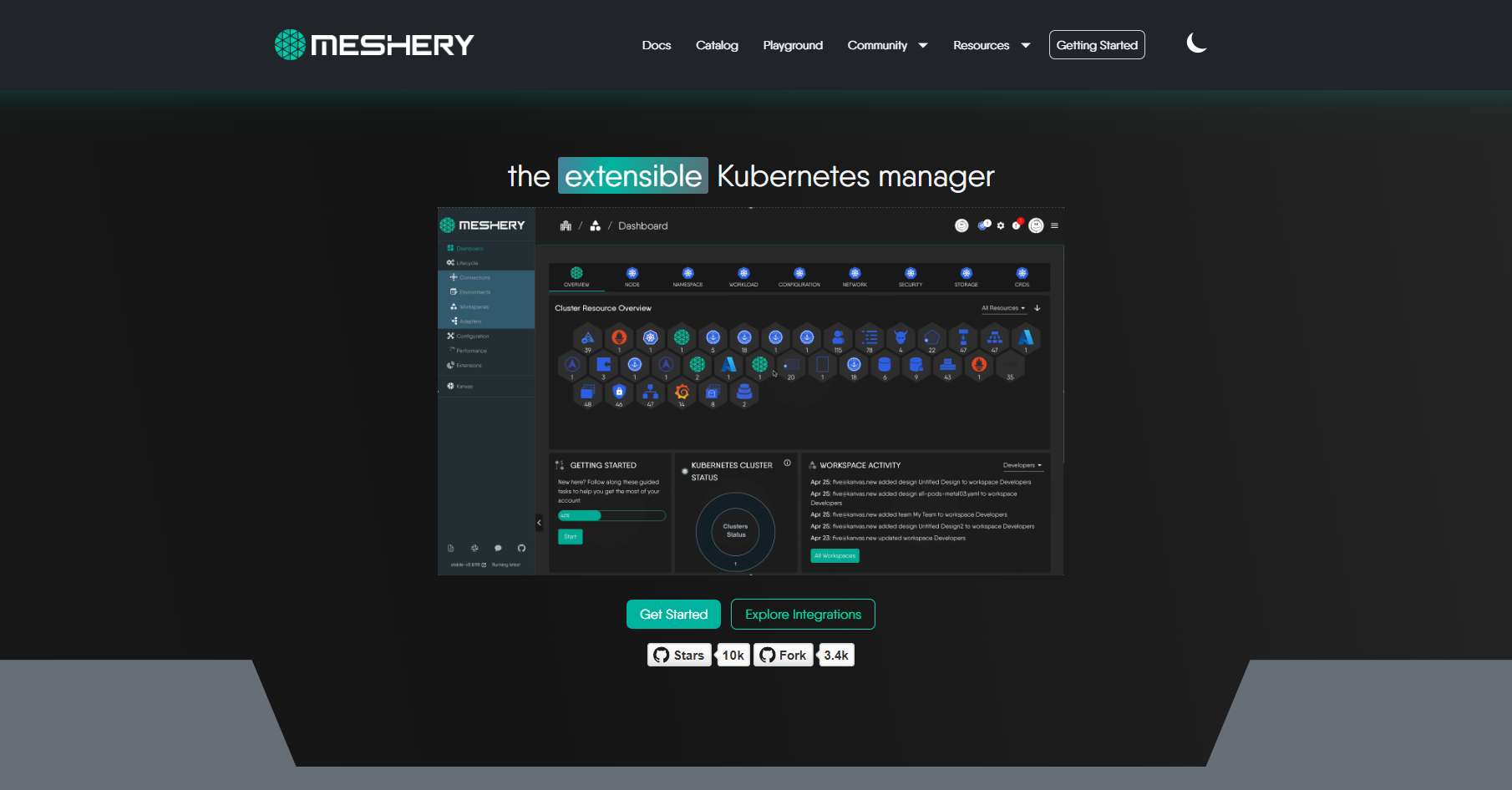
Meshery is a self-service engineering platform - the open source, cloud native manager that enables the design and management of all Kubernetes-based infrastructure and applications. Among other features, Meshery manages multi-cluster Kubernetes deployments. As an extensible platform, Meshery offers visual and collaborative GitOps, freeing you from the chains of YAML.
For further information, refer to the Meshery Docs.
<div> </div>💻Tech Stack



Join the Meshery community!
<a name="contributing"></a><a name="community"></a>
Our projects are community-built and welcome collaboration. 👍 Be sure to see the <a href="https://meshery.io/community/newcomers">Newcomers' Guide</a> for a tour of resources available to you and jump into our <a href="https://slack.meshery.io">Slack</a> to engage!
<a href="https://meshery.io/community"><img alt="Meshery Community" src="https://raw.githubusercontent.com/meshery/meshery/master/.github/assets/images/meshery/meshery-logo.svg" style="margin-right:8px;padding-top:5px;" width="140px" align="left" /></a>
<p> <p> ✔️ <em><strong>Join</strong></em> any or all of the weekly meetings on the <a href="https://meshery.io/calendar">community calendar</a>.<br /> ✔️ <em><strong>Watch</strong></em> community <a href="https://www.youtube.com/@mesheryio?sub_confirmation=1">meeting recordings</a>.<br /> ✔️ <em><strong>Access</strong></em> the <b>Community Drive</b>-by completing a community <a href="https://meshery.io/newcomer">Member Form</a>.<br /> ✔️ <em><strong>Discuss</strong></em> in the <a href="https://meshery.io/community#discussion-forums">Community Forum</a>.<br /> ✔️ <em><strong>RSVP</strong></em> to the <a href="https://community.cncf.io/meshery-community/">CNCF Meshery Community</a> meetings.<br /> </p> <p align="center"> <i>Not sure where to start?</i> Grab an open issue with the <a href="https://github.com/issues?q=is%3Aopen%20is%3Aissue%20archived%3Afalse%20(org%3Ameshery%20OR%20org%3Aservice-mesh-performance%20OR%20org%3Aservice-mesh-patterns%20OR%20org%3Ameshery-extensions)%20label%3A%22help%20wanted%22">help-wanted label</a>. </p> <div> </div> <a name="contributing"></a>Contributing to the Meshery.io Website
Before contributing, please review the Contribution Flow. In the following steps, you will setup your development environment, fork and clone the repository, run the site locally, and finally commit, sign off, and push any changes made for review.
1. Set up your development environment
-
The Meshery site is built using Jekyll - a simple static site generator! You can learn more about Jekyll and setting up your development environment in the Jekyll Docs.
-
First install Ruby, then install Jekyll and Bundler. ( Note : Install Ruby 3.2.2 or newer, as specified in the Gemfile )
-
If your installed Ruby version is older than the minimum specified in the Gemfile, you can use RVM to install a compatible version for your operating system.
2. Get the code
- Fork and then clone the Meshery.io repository
bash
$ git clone https://github.com/YOUR-USERNAME/meshery.io - cd into project using
bash
$ cd meshery.io
3. Serve the site
- Serve the code locally
Note: From the Makefile, this command is actually runningbash$ make site$ bundle install; bundle exec jekyll serve --drafts --livereload
4. Create a Pull Request
- After making changes, don't forget to commit with the sign-off flag (-s)
bash
$ git commit -s -m “my commit message w/signoff” - Once all changes have been committed, push the changes.
bash
$ git push origin <branch-name> - Then on Github, navigate to the Meshery.io repository and create a pull request from your recently pushed changes.
Stargazers
<p align="center"> <i>If you like Meshery, please <a href="../../stargazers">★</a> star this repository to show your support! 🤩</i> <br /> <a href="../../stargazers"> <img align="center" src="https://api.star-history.com/svg?repos=meshery/meshery.io&type=Date" /> </a></p>License
This repository and site are available as open source under the terms of the Apache 2.0 License.
Contributors
Showing top 12 contributors by commit count.


Related Repositories

goldbergyoni/nodebestpractices
:white_check_mark: The Node.js best practices list (July 2024)

ryanmcdermott/clean-code-javascript
Clean Code concepts adapted for JavaScript

shanraisshan/claude-code-best-practice
from vibe coding to agentic engineering - practice makes claude perfect

h5bp/html5-boilerplate
A professional front-end template for building fast, robust, and adaptable web apps or sites.

OWASP/CheatSheetSeries
The OWASP Cheat Sheet Series was created to provide a concise collection of high value information on specific application security topics.

GoogleChrome/lighthouse
Automated auditing, performance metrics, and best practices for the web.