

I3 polybar config
My i3 configuration with polybar for HiDPI screen (4k)
**i3 polybar config** is a My i3 configuration with polybar for HiDPI screen (4k) The project is written primarily in Vim script, first published in 2018. Key topics include: 4k, arch, demo-image, hidpi-screen, i3.
i3-polybar-misc-config
My i3 configuration with polybar for HiDPI screen (4k).
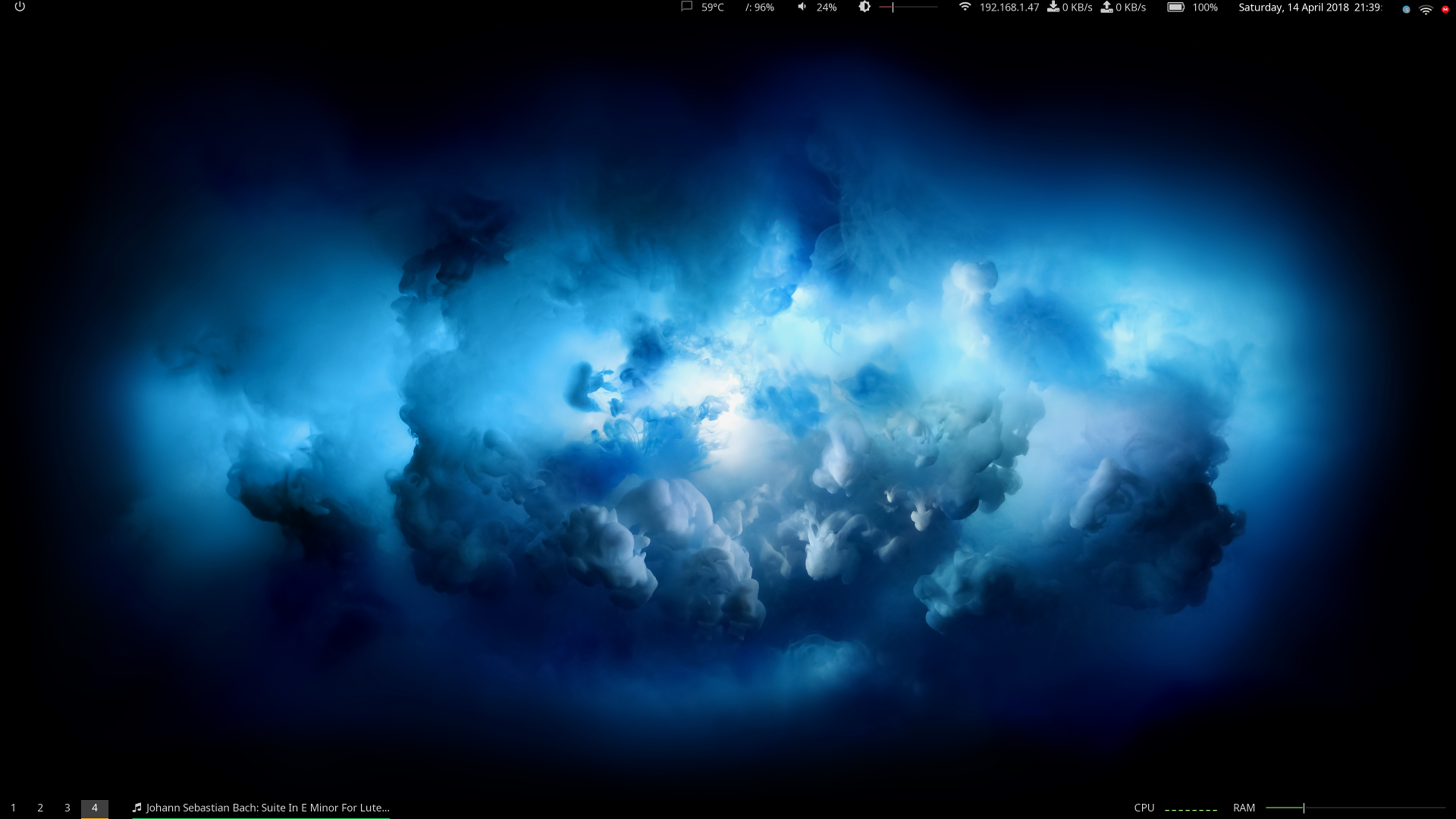
Since I use many computers, the main intent of this repository is to keep my configuration files somewhere.
Even if there is more than only the i3 and polybar configuration, I've decided to keep this title, because is exactly what I was searching for a lot of time ago.
Here I'll also write about the problems (and the solutions) I've found, putting the code directly in the readme.
Features:
Polybar
- Temperature
- Memory usage
- IP address with dw/up speed
- Volume and luminosity (use mouse wheel to increase or decrease)
- Battery
- Currently played Spotify song
i3
The configuration is pretty similar to the one of Manjaro i3, with some personalization.
Rofi
I use rofi to start applications and move around opened windows with this options: rofi -combi-modi window#drun -show combi -modi combi -show-icons
Daily desktop background update and usage in i3lock
ng_wallpaper.py updates desktop image daily, based on the National geographic image of the day (maybe some additional dependencies are needed)
bashcrontab -e #insert this line to execute the script every 10 min */10 * * * * DISPLAY=:0 path/to/ng_wallpaper.py > /tmp/ng_wpp
Then I use this image for i3lock. This is the script I use to launch i3lock:
bash#!/bin/bash #get last image i3lock -i $(ls -d -t ~/Pictures/NationalGeographics/* | head -1) sleep 1 exit 0
vim
I'm absolutely not an expert. The vimrc inside the vim folder helps me to be a little bit more productive. There you can also find some notes about commands I usually use, and often forget about.
Important
You probably have to replace some path (try find . -type f -exec grep -l "path/to" {} \;)
Update: I've recently added the configuration of my other laptop.
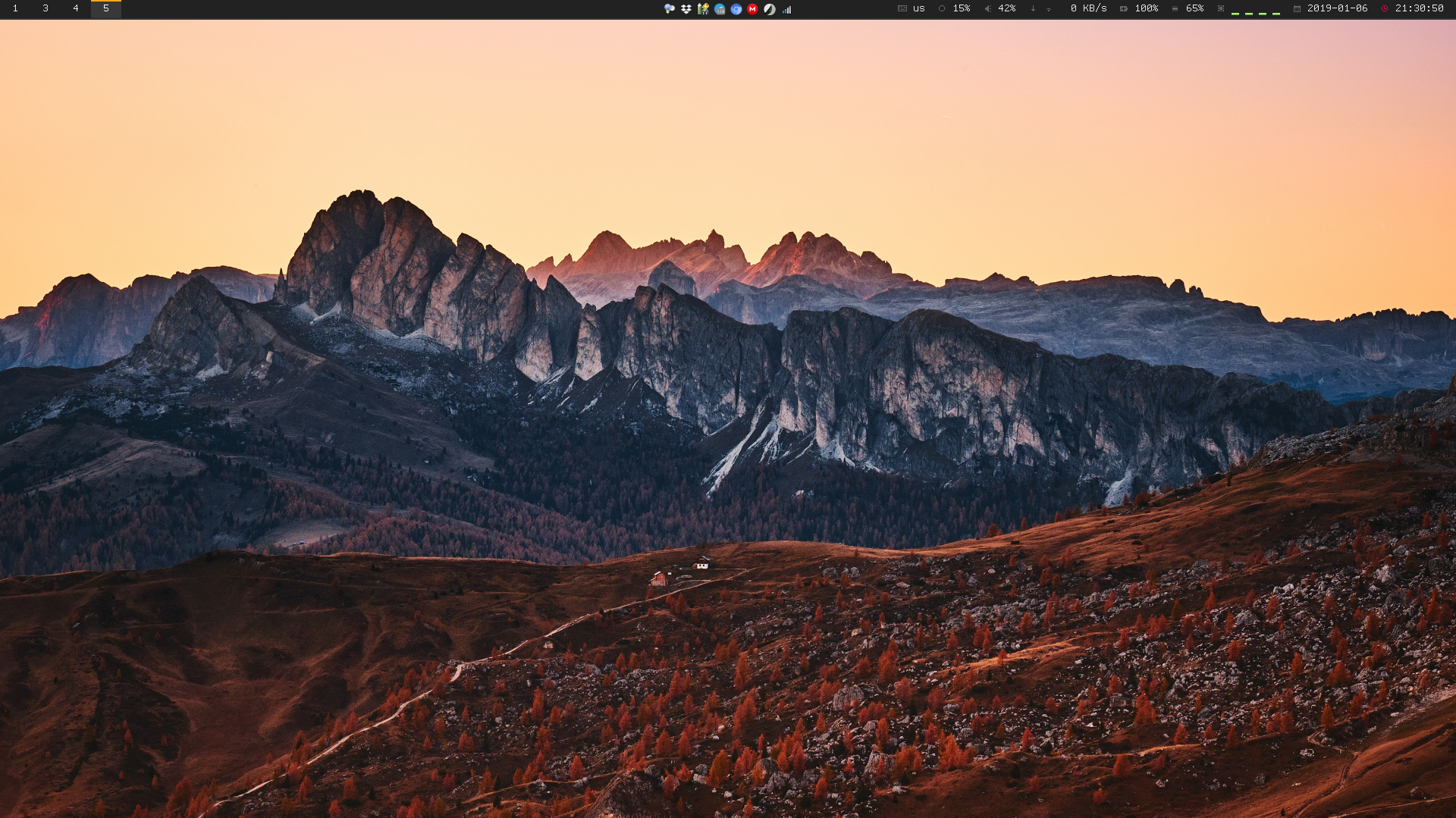
Inspiration from:
Contributors
Showing top 1 contributor by commit count.

Related Repositories

TeamNewPipe/NewPipe
A libre lightweight streaming front-end for Android.

waydabber/BetterDisplay
Unlock your displays on your Mac! Flexible HiDPI scaling, XDR/HDR extra brightness, virtual screens, DDC control, extra dimming, PIP/streaming, EDID override and lots more!

glomatico/gamdl
A command-line app for downloading Apple Music songs, music videos and post videos.

iuroc/bilidown
哔哩哔哩视频解析下载工具,支持 8K 视频、Hi-Res 音频、杜比视界下载、批量解析,可扫码登录,常驻托盘。

keredson/gnomecast
Chromecast local files from Linux - supports MKV, subtitles, 5.1 sound and 4K!

lkmvip/netflix-4K-DDplus
MicrosoftEdge(Chromium core) extension to play Netflix in 4K(Restricted)and DDplus audio