

Voxel builder
Voxel-based 3D modeling application
[https://nimadez.github.io/voxel-builder/](https://nimadez.github.io/voxel-builder/) The project is written primarily in JavaScript, distributed under the GNU General Public License v3.0 license, first published in 2022. Key topics include: babylon-js, electron, glb, gltf, magicavoxel.
Voxel Builder
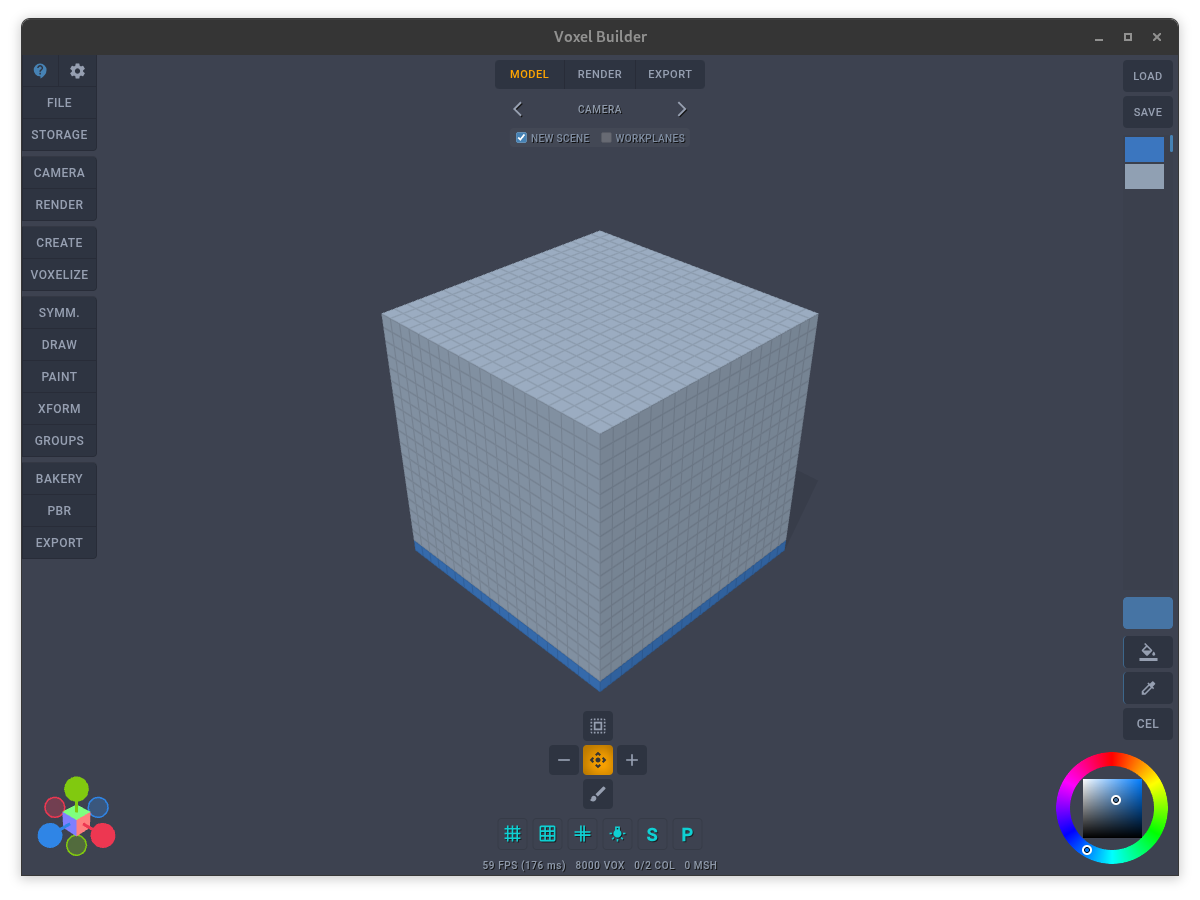
Voxel-based 3D Modeling Application
Model . Render . Export<br>
https://nimadez.github.io/voxel-builder/
Changelog<br>
Installation<br>
Wiki<br>
Known Issues<br>
FAQ<br>
Bug Report
Features
File I/O
- Save and load JSON
- Save and load MagicaVoxel VOX
- Export to GLB, GLTF, OBJ, STL, PLY
- Localstorage, snapshots, quicksave, undo/redo
- Backup and share snapshots in a ZIP archive
Model and Paint
- High performance voxel engine
- Generators (terrain, cube, sphere, isometric...)
- Interactive modeling toolsets
- Symmetric drawing and painting
- Voxel transforms and manipulation
- Color groups and layering options
Rendering
- Three.js Sandbox
- Three.js GPU path tracer
- Basic PBR rendering
- Post-process effects
Voxelization
- Fast BVH method
- Model voxelizer (GLB, OBJ, STL, PLY)
- Image voxelizer
- Text voxelizer (unicode & emoji)
Export Meshes
- Bake voxels to editable meshes
- Unbake exported GLB back to voxels
- glTF compatible editor
Extensibility
- ES modules
- User startup project
- Blender importer script
More
- Average startup time 300 ms (after the first launch)
- Unique handcrafted user-interface
- Minimum dependency, portable, online and offline
- Ad-free, no trackers, no logging
Supported Browsers
- Electron (recommended)
- Mozilla Firefox (desktop/mobile)
- Google Chrome (desktop/mobile)
- PWA A2HS-ready (add to home screen)
- For the best experience, a tablet with pen or Wacom is recommended.
Installation
Clone or Download the repository
git clone https://github.com/nimadez/voxel-builder
cd voxel-builder
Download Electron
Linux:   electron-v*-linux-x64.zip
Windows: electron-v*-win32-x64.zip
For ease of use, extract the zip file into the "voxel-builder/electron" directory.
Run
Start with Electron
cd voxel-builder
electron .

$ sh run-electron.sh
> run-electron.bat
Start with Node.js
cd voxel-builder
node server.js
Update
Makes a backup archive, and ignoring the "/electron" directory.
cd voxel-builder
python3 update.py
Known Issues
Low FPS at higher voxel volumes
Electron is recommended for working with a large number of voxels.<br>
Also, the FPS depends on many factors, such as the material (CEL is faster) and the distance between the camera and the model. Rendering a dense Thin volume at close range greatly increases GPU load.
- Use "Minimal UIX" to save battery on mobile devices. (PBR-free)
- Do not enable the "Frosted Glass UI" option.
- Use XFORM > Optimize to reduce the volume of voxels.
- Note that this application runs on a web browser and you shouldn't expect much.
Delay in drawing strokes
If you draw and it doesn't, it means the builder is working, you are drawing faster than your hardware and browser will allow. (latency >150 ms)
Error: Exceeded the quota
Browser storage is limited, use Electron for much higher capacity.
Import GLB:
Attributes error (voxelization)
Multiple meshes need to have the same properties or they won't merge, the only solution is to merge meshes before exporting to GLB.
Morphtarget error (voxelization)
We do not support geometry animations.
Import PLY: Throw RangeError (voxelization)
They are often a piece of a larger model data.
Wacom tablet crashes randomly and throws warning on Chrome (Linux)
Warning: BJS - Max number of touches exceeded. Ignoring touches in excess of 2.<br>This problem is related to Babylon.js and nothing can be done.
FAQ
Why isn't there a layering feature and a layer list?
You can have 16,777,216 layers (color groups), the layering system in this app is determined by colors, even a change in the brightness of a color creates a new group that can contain hundreds of voxels.<br>
So groups are automatically created, merged, or deleted based on color. You can even hide, delete, select, paint, transform, or duplicate color groups.
Why can't I freely transform 3D objects like in other 3D software?
There are no objects, you work with a grid of voxels, the XFORM feature only mimics the transformation of 3D objects, you just grab a piece of connected voxels and move them.
Can two voxels be in the same position?
Never, even if they have different colors, the system will automatically delete one.
Why isn't there an option to export raw voxels as GLB?
GLB has a special use in this application, you can save and retrieve voxel data using baked meshes, exporting raw voxels to GLB leads to interference and errors when loading it using the "Load Bakes" option.
What are the methods for saving and loading voxel data?
-- Save to JSON (includes scene configs, human-readable, fastest)<br>
-- Export baked meshes to GLB (uses 'Load Bakes', supports Blender and other 3D software, slower)<br>
-- Save snapshots to ZIP archive (easy to share, browser storage limits, speed is variable)<br>
-- Save to VOX format (supports MagicaVoxel, very fast)
Will WebGPU be supported?
It was supported to some extent before, but was removed due to unnecessary complexity. But once it matures enough to be enabled by default in browsers, this upgrade will be possible with a few simple changes.
How to merge vertices after export to GLB?
1- Open exported GLB file in Blender<br>
2- Go to "Modeling" tab and choose vertex selection mode<br>
3- Select all vertices (Ctrl + A)<br>
4- Mesh > Clean Up > Merge by Distance
How to run Blender importer script?
1- Save project to JSON<br>
2- Open Blender and go to "Scripting" tab<br>
3- Click "Open" and select "blender-importer.py"<br>
4- Run the script and select a JSON file
How to go back to the previous version?
git clone https://github.com/nimadez/voxel-builder
cd voxel-builder
git log -2 (copy the hash of the previous commit)
git reset --hard $HASH
History
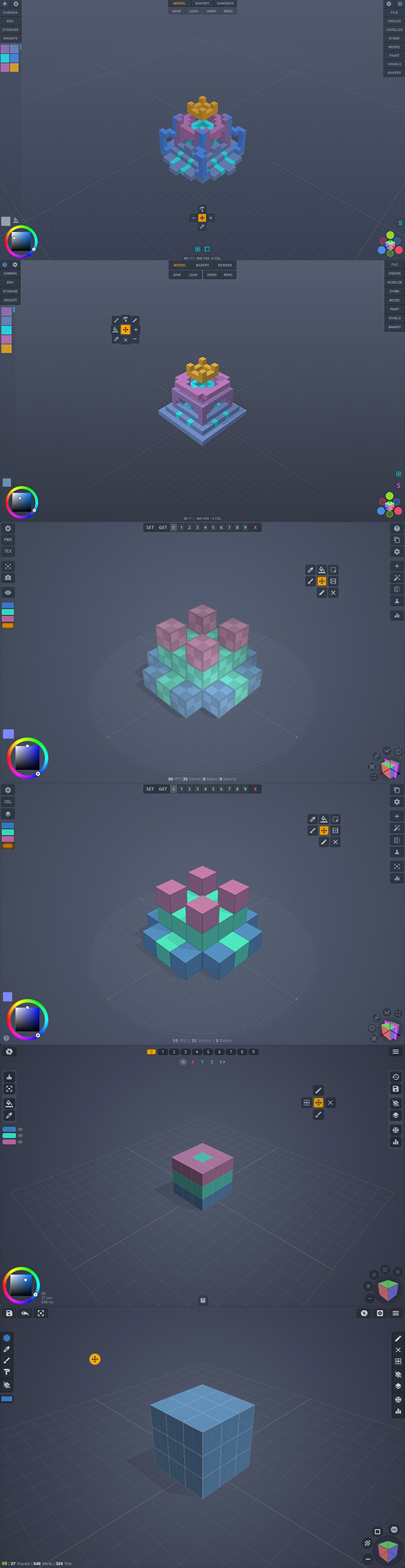
↑ A fundamental overhaul of the core
↑ Core initialization!
↑ Rendering was left to Three and three-gpu-pathtracer
↑ ES6 (the original index.html playground was moved)
↑ x1.5 faster startup (2s to 300ms)
↑ Migrating to Linux: Firefox ready
↑ High performance GPU picking system
↑ Voxel engine updated to thin-instances (64k to 512k)
↑ The world moved (from 0.0 to 0.5 center to avoid 0.5)
↑ Real-time GPU path tracing
↑ Introducing ES modules
↑ Advancing to the next level (bakery)
↑ Changed default handiness to right-handed coordinate
↑ New SPS particles to build the world
↑ 2019 - I wrote a playground for learning Babylon.js
Version 3.0.0 (BJS 4) to 4.2.2 (BJS 6)<br>
License
Code released under the GPL-3.0 license.
Credits
- Babylon.js
- Three.js
- Three-mesh-bvh
- Three-gpu-pathtracer
- Electron
- MagicaVoxel
- Google Material Icons
- Reinvented Color Wheel
- JSZip
- Blender
- Inkscape
- GIMP
- Sketchfab
- KhronosGroup
- Shadertoy
- vengi
- Allen Hastings
- David Catuhe
- Erich Loftis
- Eric Heitz
- Evan Wallace
- Garrett Johnson
- Inigo Quilez
- knightcrawler25
- Mr.doob
Available in Babylon.js community demos
<a href="https://www.babylonjs.com/"><img width="200" src="https://raw.githubusercontent.com/BabylonJS/Brand-Toolkit/master/babylonjs_identity/fullColor/babylonjs_identity_color.svg"></img></a>
<a href="https://threejs.org/"><img width="80" src="https://upload.wikimedia.org/wikipedia/commons/3/3f/Three.js_Icon.svg"></img></a>
<a href="https://github.com/KhronosGroup/"><img width="120" src="https://raw.githubusercontent.com/KhronosGroup/glTF-Sample-Models/master/2.0/glTF_RGB_June16.svg"></img></a>
Contributors
Showing top 1 contributor by commit count.
