

Pdf craft
PDF craft can convert PDF files into various other formats. This project will focus on processing PDF files of scanned books.
pdf-craft converts PDF files into various other formats, with a focus on handling scanned book PDFs. The project is written primarily in Python, distributed under the MIT License license, first published in 2025. It has gained significant community traction with 5,763 stars and 397 forks on GitHub. Key topics include: deepseek-ocr, document, ocr, pdf.
Introduction
pdf-craft converts PDF files into various other formats, with a focus on handling scanned book PDFs.
This project is based on DeepSeek OCR for document recognition. It supports the recognition of complex content such as tables and formulas. With GPU acceleration, pdf-craft can complete the entire conversion process from PDF to Markdown or EPUB locally. During the conversion, pdf-craft automatically identifies document structure, accurately extracts body text, and filters out interfering elements like headers and footers. For academic or technical documents containing footnotes, formulas, and tables, pdf-craft handles them properly, preserving these important elements (including images and other assets within footnotes). When converting to EPUB, the table of contents is automatically generated. The final Markdown or EPUB files maintain the content integrity and readability of the original book.
Lightweight and Fast
Starting from the official v1.0.0 release, pdf-craft fully embraces DeepSeek OCR and no longer relies on LLM for text correction. This change brings significant performance improvements: the entire conversion process is completed locally without network requests, eliminating the long waits and occasional network failures of the old version.
However, the new version has also removed the LLM text correction feature. If your use case still requires this functionality, you can continue using the old version v0.2.8.
Online Version
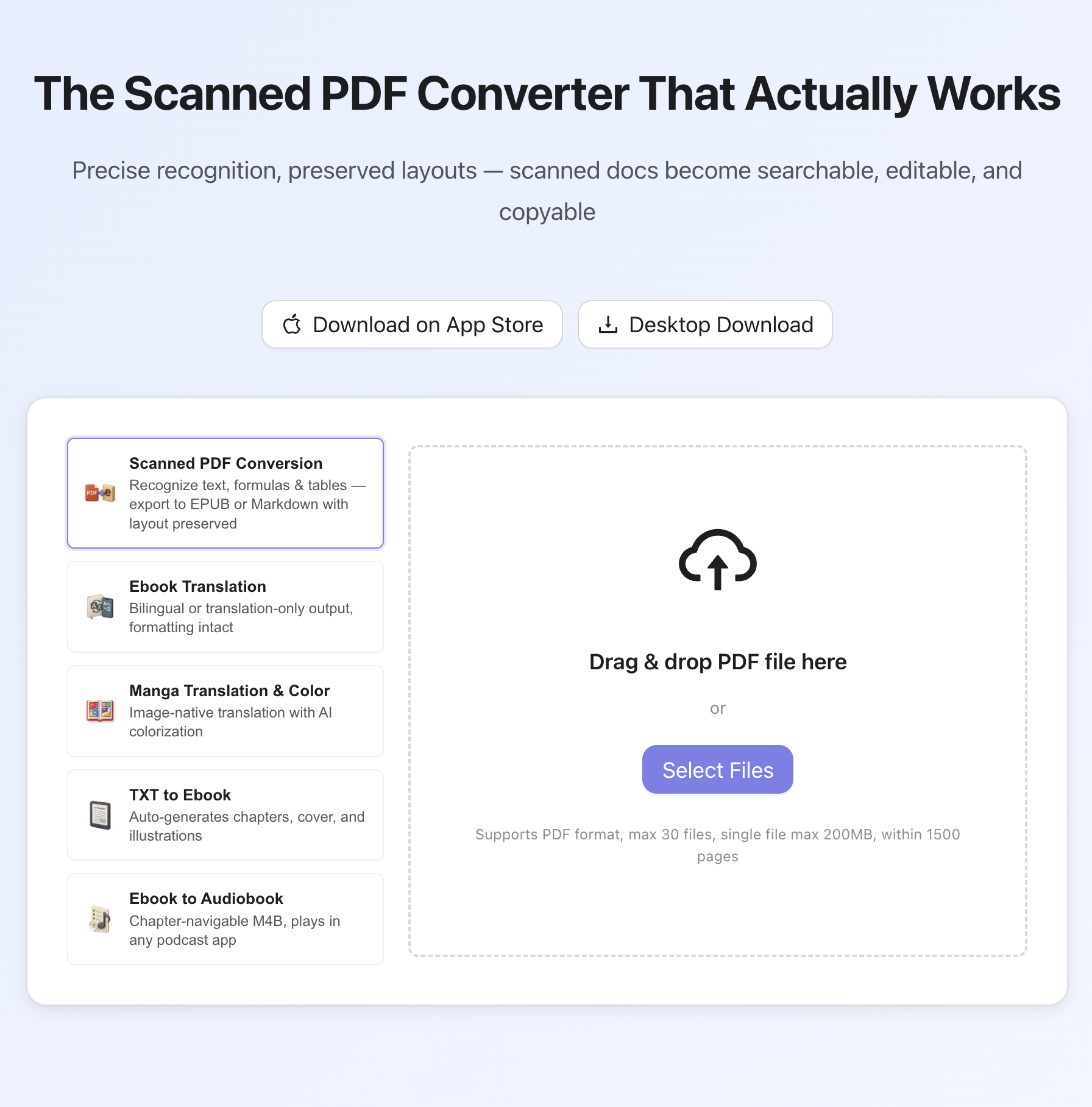
If you'd like to explore pdf-craft without setting it up locally, you can try Inkora - PDF Craft, an online app built around the same PDF conversion workflow. It lets you upload PDF files and try the main experience directly in your browser.
Quick Start
Installation
bashpip install torch torchvision --index-url https://download.pytorch.org/whl/cpu pip install pdf-craft
The above commands are for quick setup only. To actually use pdf-craft, you need to install Poppler for PDF parsing (required for all use cases) and configure a CUDA environment for OCR recognition (required for actual conversion). Please refer to the Installation Guide for detailed instructions.
Quick Start
Convert to Markdown
pythonfrom pdf_craft import transform_markdown transform_markdown( pdf_path="input.pdf", markdown_path="output.md", markdown_assets_path="images", )
Convert to EPUB
pythonfrom pdf_craft import transform_epub, BookMeta transform_epub( pdf_path="input.pdf", epub_path="output.epub", book_meta=BookMeta( title="Book Title", authors=["Author"], ), )
Detailed Usage
Convert to Markdown
pythonfrom pdf_craft import transform_markdown transform_markdown( pdf_path="input.pdf", markdown_path="output.md", markdown_assets_path="images", analysing_path="temp", # Optional: specify temporary folder ocr_size="gundam", # Optional: tiny, small, base, large, gundam models_cache_path="models", # Optional: model cache path dpi=300, # Optional: DPI for rendering PDF pages (default: 300) max_page_image_file_size=None, # Optional: max image file size in bytes, auto-adjust DPI if exceeded includes_cover=False, # Optional: include cover includes_footnotes=True, # Optional: include footnotes ignore_pdf_errors=False, # Optional: continue on PDF rendering errors ignore_ocr_errors=False, # Optional: continue on OCR recognition errors generate_plot=False, # Optional: generate visualization charts toc_llm=None, # Optional: LLM instance for enhanced TOC extraction toc_assumed=False, # Optional: whether to assume TOC pages exist (default: False) )
Convert to EPUB
pythonfrom pdf_craft import transform_epub, BookMeta, TableRender, LaTeXRender transform_epub( pdf_path="input.pdf", epub_path="output.epub", analysing_path="temp", # Optional: specify temporary folder ocr_size="gundam", # Optional: tiny, small, base, large, gundam models_cache_path="models", # Optional: model cache path dpi=300, # Optional: DPI for rendering PDF pages (default: 300) max_page_image_file_size=None, # Optional: max image file size in bytes, auto-adjust DPI if exceeded includes_cover=True, # Optional: include cover includes_footnotes=True, # Optional: include footnotes ignore_pdf_errors=False, # Optional: continue on PDF rendering errors ignore_ocr_errors=False, # Optional: continue on OCR recognition errors generate_plot=False, # Optional: generate visualization charts toc_llm=None, # Optional: LLM instance for enhanced TOC extraction toc_assumed=True, # Optional: whether to assume TOC pages exist (default: True for EPUB) book_meta=BookMeta( title="Book Title", authors=["Author 1", "Author 2"], publisher="Publisher", language="en", ), lan="en", # Optional: language (zh/en) table_render=TableRender.HTML, # Optional: table rendering method latex_render=LaTeXRender.MATHML, # Optional: formula rendering method inline_latex=True, # Optional: preserve inline LaTeX expressions )
Model Management
pdf-craft depends on DeepSeek OCR models, which are automatically downloaded from Hugging Face on first run. You can control model storage and loading behavior through the models_cache_path and local_only parameters.
Pre-download Models
In production environments, it is recommended to download models in advance to avoid downloading on first run:
pythonfrom pdf_craft import predownload_models predownload_models( models_cache_path="models", # Specify model cache directory revision=None, # Optional: specify model version )
Specify Model Cache Path
By default, models are downloaded to the system's Hugging Face cache directory. You can customize the cache location through the models_cache_path parameter:
pythonfrom pdf_craft import transform_markdown transform_markdown( pdf_path="input.pdf", markdown_path="output.md", models_cache_path="./my_models", # Custom model cache directory )
Offline Mode
If you have pre-downloaded the models, you can use local_only=True to disable network downloads and ensure only local models are used:
pythonfrom pdf_craft import transform_markdown transform_markdown( pdf_path="input.pdf", markdown_path="output.md", models_cache_path="./my_models", local_only=True, # Use local models only, do not download from network )
API Reference
OCR Models
The ocr_size parameter accepts a DeepSeekOCRSize type:
tiny- Smallest model, fastest speedsmall- Small modelbase- Base modellarge- Large modelgundam- Largest model, highest quality (default)
Table Rendering Methods
TableRender.HTML- HTML format (default)TableRender.CLIPPING- Clipping format (directly clips table images from the original PDF scan)
Formula Rendering Methods
LaTeXRender.MATHML- MathML format (default)LaTeXRender.SVG- SVG formatLaTeXRender.CLIPPING- Clipping format (directly clips formula images from the original PDF scan)
Inline LaTeX
The inline_latex parameter (EPUB only, default: True) controls whether to preserve inline LaTeX expressions in the output. When enabled, inline mathematical formulas are preserved as LaTeX code, which can be rendered by compatible EPUB readers.
Table of Contents Detection
The toc_assumed parameter controls how pdf-craft handles table of contents extraction:
False(default for Markdown): Assumes no TOC pages exist. The conversion generates TOC based on document headings only, without detecting or processing TOC pages.True(default for EPUB): Assumes TOC pages exist. The conversion uses statistical analysis to detect TOC pages and extract chapter structure.
For books with complex chapter hierarchies, you can configure the optional toc_llm parameter to enable LLM-powered chapter title analysis, which provides more accurate TOC hierarchy detection.
LLM-Enhanced TOC Extraction
To use LLM-enhanced TOC extraction, you need to configure an LLM instance:
pythonfrom pdf_craft import transform_epub, BookMeta, LLM # Configure LLM for TOC extraction toc_llm = LLM( key="your-api-key", url="https://api.openai.com/v1", # Or your LLM provider URL model="gpt-4", token_encoding="cl100k_base", timeout=60.0, retry_times=3, retry_interval_seconds=5.0, ) transform_epub( pdf_path="input.pdf", epub_path="output.epub", toc_assumed=True, # Enable TOC detection toc_llm=toc_llm, # Enable LLM-powered chapter title analysis book_meta=BookMeta( title="Book Title", authors=["Author"], ), )
Custom PDF Handler
By default, pdf-craft uses Poppler (via pdf2image) for PDF parsing and rendering. If Poppler is not in your system PATH, you can specify a custom path:
pythonfrom pdf_craft import transform_markdown, DefaultPDFHandler # Specify custom Poppler path transform_markdown( pdf_path="input.pdf", markdown_path="output.md", pdf_handler=DefaultPDFHandler(poppler_path="/path/to/poppler/bin"), )
If not specified, pdf-craft will use Poppler from your system PATH. For advanced use cases, you can also implement the PDFHandler protocol to use alternative PDF libraries.
Error Handling
The ignore_pdf_errors and ignore_ocr_errors parameters provide flexible error handling options. You can use them in two ways:
1. Boolean Mode - Simple on/off control:
pythonfrom pdf_craft import transform_markdown transform_markdown( pdf_path="input.pdf", markdown_path="output.md", ignore_pdf_errors=True, # Ignore all PDF rendering errors ignore_ocr_errors=True, # Ignore all OCR recognition errors )
When set to True, processing continues when errors occur on individual pages, inserting a placeholder message instead of stopping the entire conversion.
2. Custom Function Mode - Fine-grained control:
pythonfrom pdf_craft import transform_markdown, OCRError, PDFError def should_ignore_ocr_error(error: OCRError) -> bool: # Only ignore specific types of OCR errors return error.kind == "recognition_failed" def should_ignore_pdf_error(error: PDFError) -> bool: # Custom logic to decide which PDF errors to ignore return "timeout" in str(error) transform_markdown( pdf_path="input.pdf", markdown_path="output.md", ignore_ocr_errors=should_ignore_ocr_error, # Pass custom function ignore_pdf_errors=should_ignore_pdf_error, # Pass custom function )
This allows you to implement custom logic for deciding which specific errors should be ignored during conversion.
Related Projects
- EPUB Translator: If you want to translate the EPUB generated by PDF Craft into a bilingual edition, EPUB Translator preserves the original layout, images, and table of contents. See this demo video for the full scanned PDF to bilingual EPUB workflow.
- SpineDigest: If you want to distill the converted book into a structured digest, SpineDigest can turn EPUB or Markdown into summaries, chapter topology, and a knowledge graph.
License
This project is licensed under the MIT License. See the LICENSE file for details.
Starting from v1.0.0, pdf-craft has fully migrated to DeepSeek OCR (MIT license), removing the previous AGPL-3.0 dependency, allowing the entire project to be released under the more permissive MIT license. Note that pdf-craft has a transitive dependency on easydict (LGPLv3) via DeepSeek OCR. Thanks to the community for their support and contributions!
Acknowledgments
Contributors
Showing top 4 contributors by commit count.


Related Repositories

th1nhhdk/local_ai_ocr
An local, offline (after initial setup), portable OCR software that can process images and PDF files, using DeepSeek-OCR AI (running directly on your machine).

magicyuan876/mineru-tianshu
天枢 - 企业级 AI 一站式数据预处理平台 | PDF/Office转Markdown | 支持MCP协议AI助手集成 | Vue3+FastAPI全栈方案 | 文档解析 | 多模态信息提取

Cross2pro/DeepSeek-OCR-Dashboard
An out-of-the-box local Web UI for DeepSeek-OCR. Built with FastAPI + Vue.js, it supports PDF/Image uploads, progress tracking, and result visualization with bounding boxes. Easily experience the power of a top-tier OCR model.

athrael-soju/Snappy
🐊 Snappy's unique approach unifies vision-language late interaction with structured OCR for region-level knowledge retrieval. Like the project? Drop a star! ⭐

MaxDevv/Un-LOCC
Un-LOCC: Universal Lossy Optical Context Compression for Vision-Based Language Models Achieve nearly 3x token compression at over 93% retrieval accuracy using existing Vision-Language Models.

BukeLy/rag-api
Multi-tenant RAG API powered by LightRAG/RAG-Anything. Auto-selects best parser (DeepSeek-OCR/MinerU/Docling) via complexity scoring