

Homeassistant on openwrt
Install Home Assistant on your OpenWrt device with a single command
This repo provides tools to install the latest version of Home Assistant. (2024.3.x) on a system with OpenWrt 23.05+ installed. It provides the reduced version of HA with only minimal list of components included. Additionally, it keeps MQTT, ESPHome, and ZHA components as they are widely used with smart home solutions. The project is written primarily in Shell, distributed under the MIT License license, first published in 2021. Key topics include: homeassistant, openwrt, xiaomi-gateway, zha.
Homeassistant on OpenWrt
This repo provides tools to install the latest version of Home Assistant. (2024.3.x)
on a system with OpenWrt 23.05+ installed. It provides the reduced version of HA with only minimal list of components
included. Additionally, it keeps MQTT, ESPHome, and ZHA components as they are
widely used with smart home solutions.
It is distributed with a shell script that downloads and installs everything that required for a clean start.
Requirements:
- 256 MB storage space
- 256 MB RAM
- OpenWrt 23.05.0 or newer installed
Generic installation
Then, download the installer and run it.
shwget https://raw.githubusercontent.com/openlumi/homeassistant_on_openwrt/23.05/ha_install.sh -O - | sh
After script prints Done. you have Home Assistant installed.
Start the service or reboot the device to get it start automatically.
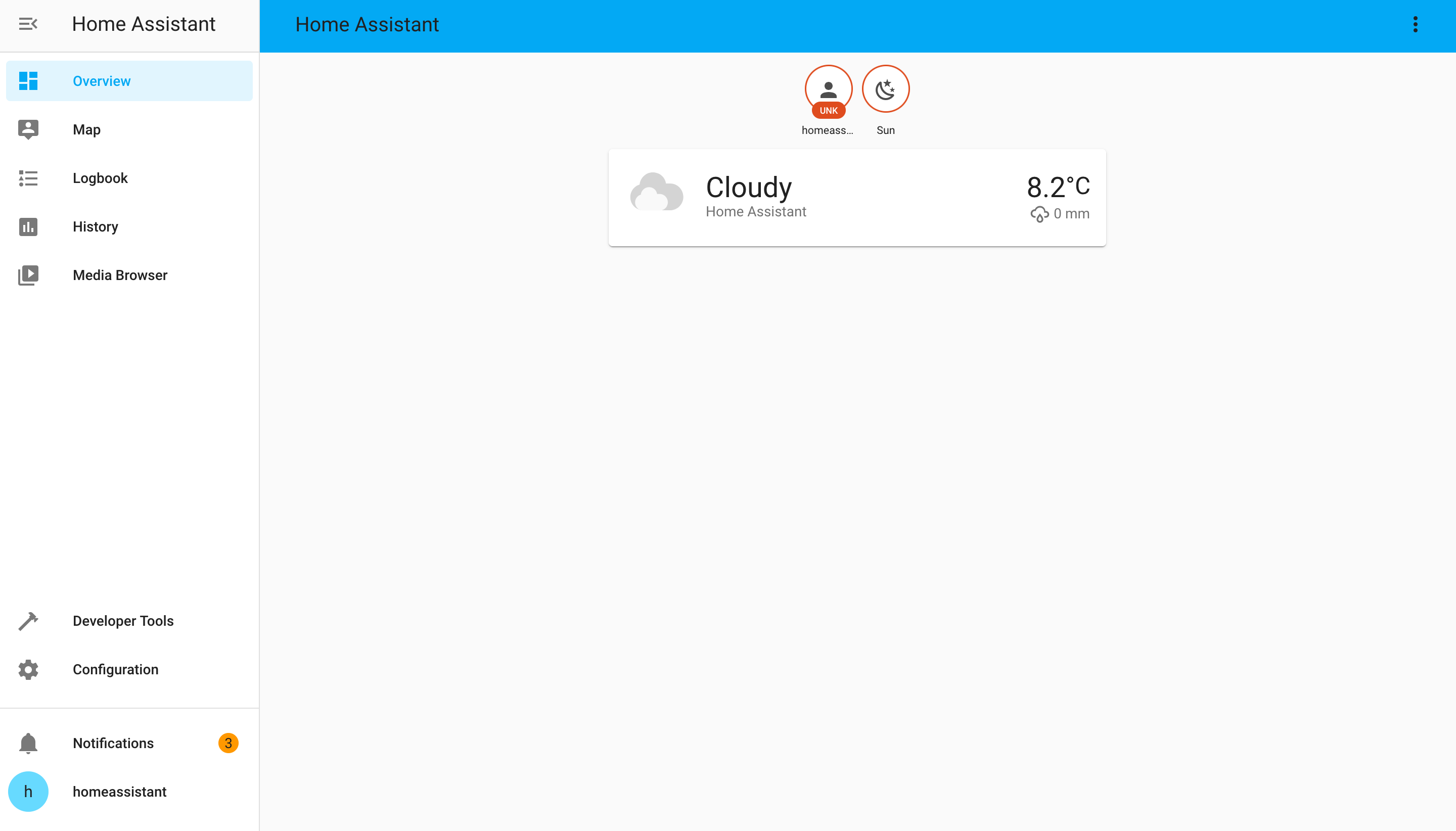
The web interface will be on 8123 port after all components load.
The only components with flows included are MQTT and ZHA.
After adding a component in the interface or via the config
HA could install dependencies and fails on finding them after installation.
In this case restarting HA could work.
Other components are not tested and may require additional changed in
requirement versions or python libraries.
ZHA usage on Xiaomi Gateway
The component uses internal UART to communicate with ZigBee chip.
The chip has to be flashed with a proper firmware to be able to
communicate with the HA. The recommended firmware is v3.23:
You could try another Zigate firmwares for JN5169 chip. The baud rate
must be 115200 as it is hardcoded in zigpy-zigate.
Use /dev/ttymxc1 port for ZHA configuration, it is connected to the zigbee chip.
It is REQUIRED to erase Persistent Data Manager (PDM) before adding new devices.
Otherwise, device adding fails.
Use luci zigbee tools submenu to send erase PDM command with the button or
erase PDM in console:
shjntool erase_pdm
Zigbee port must not be locked with any program, like ZHA or zigbee2mqtt.
NOTE: It may require restarting Home Assistant after adding a new
component via the UI to let it see newly installed requirements.
E.g. ZHA installs paho-mqtt and will not allow configuring it unless HA is
restarted.
Enabling other components and installing custom
You may want to add more components to your HA installation.
In this case you have to download tar.gz from PyPI:
https://pypi.org/project/homeassistant/2024.3.3/#files
Then extract the content and copy the required components to
/usr/lib/python3.11/site-packages/homeassistant/components
If the component uses the frontend wizard, you may want to uncomment the
corresponding line in
/usr/lib/python3.11/site-packages/homeassistant/generated/config_flows.py
also.
Or you can create custom_components directory in /etc/homeassistant and
copy it there.
Try to install requirements from manifest.json with pip3 manually
to check it installs and doesn't require pre-compiled C libraries.
Otherwise, you have to cross-compile python3 dependencies and install
them as ipk packages.
If the dependency is already installed via opkg or via pip3 you may want
to fix the strict dependency in manifest.json to a weaker one or remove
versions at all.
Contributors
Showing top 6 contributors by commit count.


Related Repositories

frenck/awesome-home-assistant
A curated list of amazingly awesome Home Assistant resources.

wzpan/wukong-robot
🤖 wukong-robot 是一个简单、灵活、优雅的中文语音对话机器人/智能音箱项目,支持ChatGPT多轮对话能力,还可能是首个支持脑机交互的开源智能音箱项目。

al-one/hass-xiaomi-miot
Automatic integrate all Xiaomi devices to HomeAssistant via miot-spec, support Wi-Fi, BLE, ZigBee devices. 小米米家智能家居设备接入Hass集成

CCOSTAN/Home-AssistantConfig
:house: Home Assistant configuration & Documentation for my Smart House. Write-ups, videos, part lists, and links throughout. Be sure to :star: it. Updated FREQUENTLY!

Clooos/Bubble-Card
Bubble Card is a minimalist card collection for Home Assistant with a nice pop-up touch.

mrlt8/docker-wyze-bridge
WebRTC/RTSP/RTMP/LL-HLS bridge for Wyze cams in a docker container