Yabs.nvim
Yet Another Build System/Code Runner for Neovim, written in lua
**yabs.nvim** is a Yet Another Build System/Code Runner for Neovim, written in lua The project is written primarily in Lua, distributed under the GNU Affero General Public License v3.0 license, first published in 2021. Key topics include: asyncrun, build-system, build-tool, code-runner, lua.
yabs.nvim
Yet Another Build System for Neovim, written in lua.
:warning: Deprecation Notice
As you can probably tell from the fact that the most recent commit was 2 years
ago (and the fact that unless you are somehow reading this within 30 seconds of
me pushing this commit, the repository is archived) I am no longer maintaining
this plugin. If you want to continue using this, go ahead, and if someone else
wants to fork this and take over maintinance, that would be awesome too.
Otherwise I can recommend
overseer.nvim as an alternative.
I'm currently using overseer.nvim along with my own
officer.nvim.
About
yabs.nvim adds vscode-like tasks feature to neovim. It allows you to define specific commands that are associated with certain filetypes (or whole projects), as well as where the output for those commands should go, and execute them with a keybinding. For example, for a python file you could have a run task that runs python3 % in the terminal; for rust you could have a build task and a run task that executes cargo build, sending the output to the quickfix list, and cargo run, sending the output to the terminal, respectively; and for javascript, you could have a task to start the frontend server, one to start the backend server, and another one to run tests.
Installation
luause { 'pianocomposer321/yabs.nvim', requires = { 'nvim-lua/plenary.nvim' } }
luaPlug 'nvim-lua/plenary.nvim'` Plug 'pianocomposer321/yabs.nvim'`
Setup
luarequire('yabs'):setup({ languages = { -- List of languages in vim's `filetype` format lua = { tasks = { run = { command = 'luafile %', -- The command to run (% and other -- wildcards will be automatically -- expanded) type = 'vim', -- The type of command (can be `vim`, `lua`, or -- `shell`, default `shell`) }, }, }, c = { default_task = 'build_and_run', tasks = { build = { command = 'gcc main.c -o main', output = 'quickfix', -- Where to show output of the -- command. Can be `buffer`, -- `consolation`, `echo`, -- `quickfix`, `terminal`, or `none` opts = { -- Options for output (currently, there's only -- `open_on_run`, which defines the behavior -- for the quickfix list opening) (can be -- `never`, `always`, or `auto`, the default) open_on_run = 'always', }, }, run = { -- You can specify as many tasks as you want per -- filetype command = './main', output = 'consolation', }, build_and_run = { -- Setting the type to lua means the command -- is a lua function command = function() -- The following api can be used to run a task when a -- previous one finishes -- WARNING: this api is experimental and subject to -- changes require('yabs'):run_task('build', { -- Job here is a plenary.job object that represents -- the finished task, read more about it here: -- https://github.com/nvim-lua/plenary.nvim#plenaryjob on_exit = function(Job, exit_code) -- The parameters `Job` and `exit_code` are optional, -- you can omit extra arguments or -- skip some of them using _ for the name if exit_code == 0 then require('yabs').languages.c:run_task('run') end end, }) end, type = 'lua', }, }, }, }, tasks = { -- Same values as `language.tasks`, but global build = { command = 'echo building project...', output = 'consolation', }, run = { command = 'echo running project...', output = 'echo', }, optional = { command = 'echo runs on condition', -- You can specify a condition which determines whether to enable a -- specific task -- It should be a function that returns boolean, -- not a boolean directly -- Here we use a helper from yabs that returns such function -- to check if the files exists condition = require('yabs.conditions').file_exists('filename.txt'), }, }, opts = { -- Same values as `language.opts` output_types = { quickfix = { open_on_run = 'always', }, }, }, })
Usage
lualocal yabs = require('yabs') -- runs the task `build` for the current language, falling back to a global -- task with that name if it is not found for the current language yabs:run_task('build') -- runs the task that is specified as the default (see configuration section -- above), or the first one if not specified yabs:run_default_task() -- Run command `echo hello, world` directly. Output is specified by the second -- argument (same possible values as `output` option for tasks above), and -- additional arguments are defined with the third argument (same as -- `task.opts` above) yabs.run_command('echo hello, world', 'quickfix', { open_on_run = 'always' })
.yabs files
You can create project-local configurations by creating .yabs file
in the project working directory. It will be sourced as a lua file the
first time you execute yabs:run_task(). The file should return a
table with additional task that will extend your main configuration,
overriding any values already defined there.
The syntax is the same as for setup():
luareturn { languages = { python = { tasks = { run = { command = 'python %', output = 'quickfix', }, }, }, }, tasks = { build = { command = 'cargo build', output = 'consolation', }, } }
Telescope integration
You can execute tasks from Telescope by running :Telescope yabs tasks / :Telescope yabs current_language_tasks or :Telescope yabs global_tasks.
If you use the telescope integration, it is recommended to add require('telescope').load_extension('yabs') to your configuraiton in order to have command completion.
Advanced configuration
The language.command option in yabs:setup() can be either a string or a function that returns a string. Defining a function can be useful for more advanced commands.
Likewise, the language.output option can be one of the included types (buffer, consolation, echo, quickfix, terminal, or none), or a function accepting one argument - the command to run. For example, if you are using tmux, you could write a function to send the command to a tmux pane.
Chaining tasks
You can set a task to run when a previous one is finished by setting the on_exit
value of the opts table in yabs:run_task(). This API is experimental and
subject to change, and is not recommended to be used in normal configurations.
Screenshots
<details> <summary>Buffer</summary>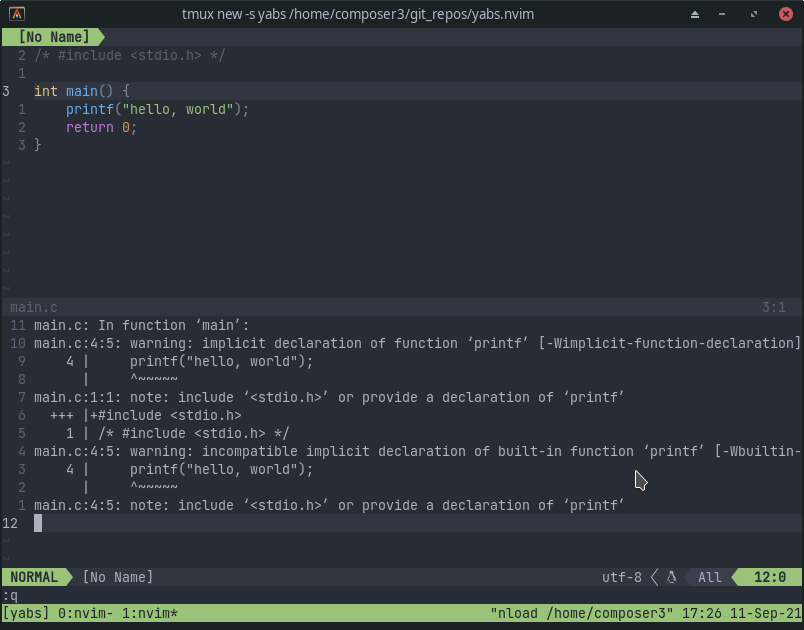
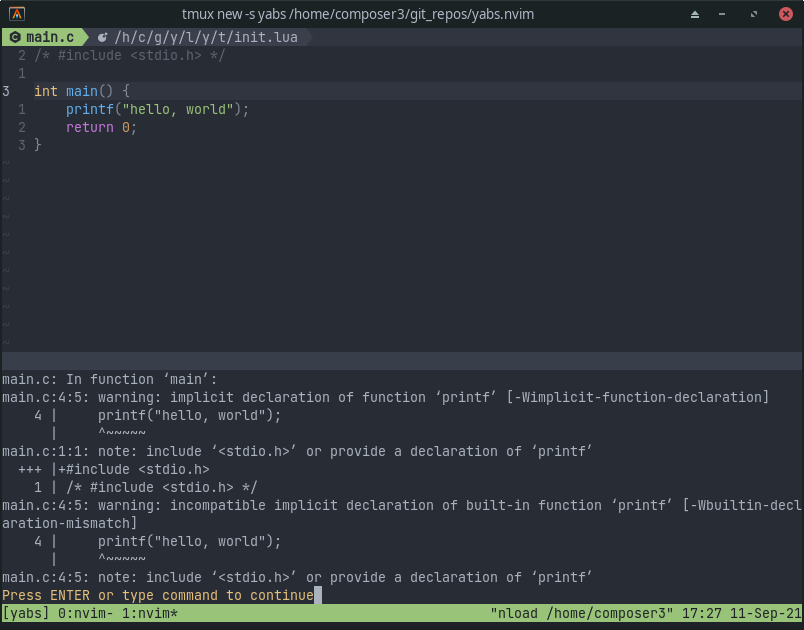
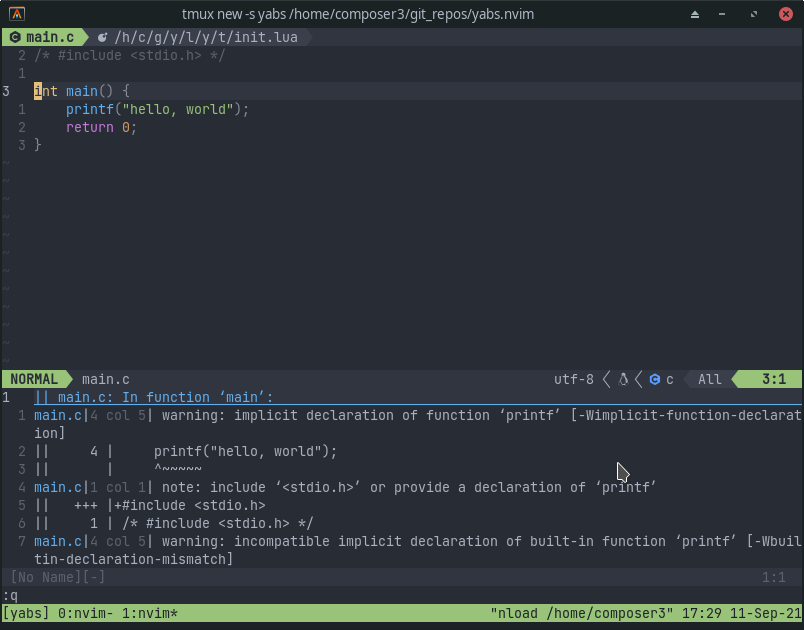
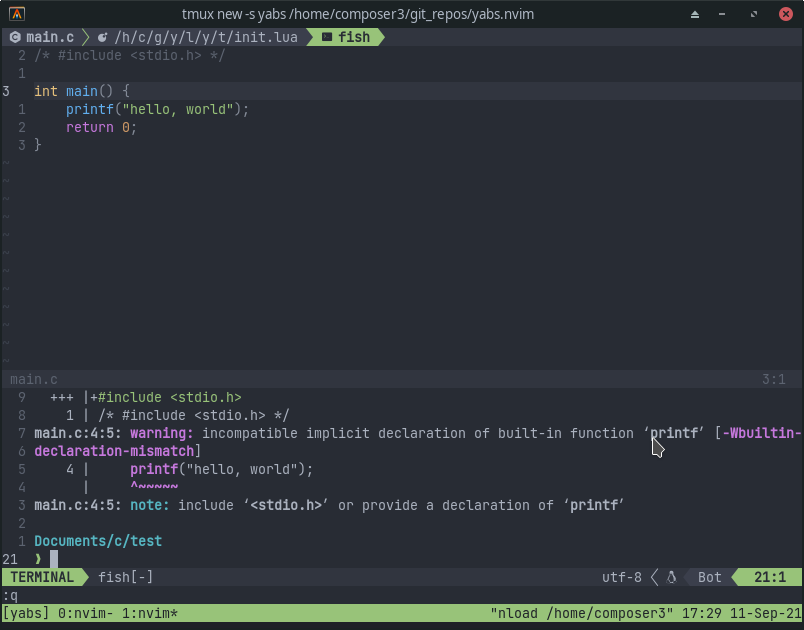
Contributors
Showing top 4 contributors by commit count.