

Voyager frontend
The Missing Front-end for The Missing Laravel Admin 🔥
**voyager frontend** is a The Missing Front-end for The Missing Laravel Admin 🔥 The project is written primarily in PHP, distributed under the MIT License license, first published in 2018. Key topics include: laravel, laravel-5-package, laravel-package, php, voyager.
This repository is no longer actively maintained
Voyager Frontend
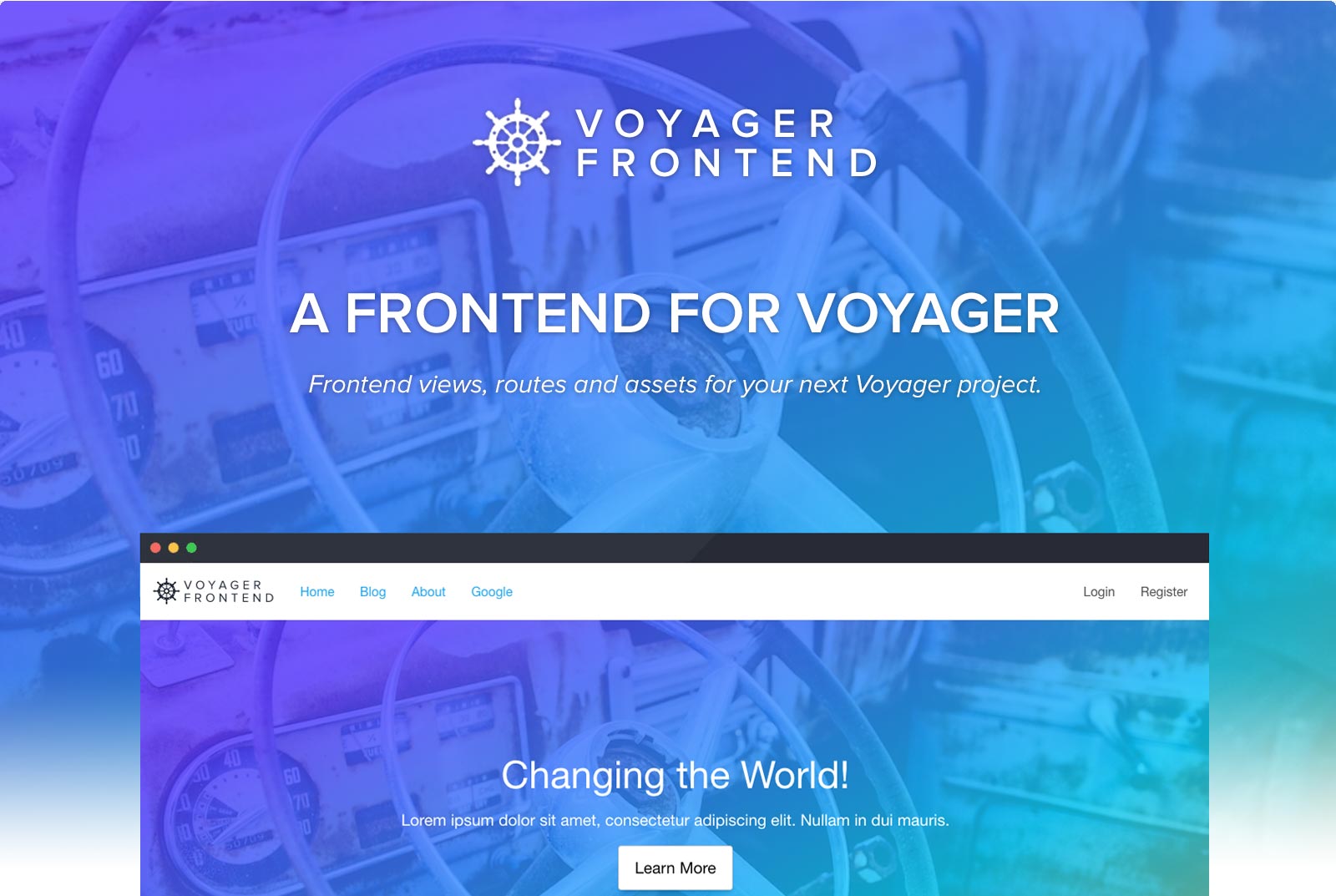
The Missing Frontend for The Missing Laravel Admin.
This Laravel package adds frontend views, routes and assets to a Voyager project.
It comes with a basic structure for frontend layouts (eg. header, footer, etc) and theme assets using the Foundation framework.
Built by Pivotal Agency.
Prerequisites
- PHP >= 7.1.3
- PHP extension
sqlite3(required forteamtnt/tntsearch)
- PHP extension
- Node & NPM
- Composer
- Laravel Requirements
Installation
1. Install Laravel + Voyager
(Replace the $VARs with your own values)
bash# 1.0 Install Laravel composer create-project --prefer-dist laravel/laravel $DIR_NAME # 1.1 Require Voyager cd $DIR_NAME && composer require tcg/voyager # 1.2 Copy .env.example to .env and update the DB & App URL config cp .env.example .env # 1.3 Generate a Laravel key php artisan key:generate # 1.4 Install Laravel frontend - Only on Laravel 7+ php artisan ui bootstrap --auth # 1.5 Run the Voyager Installer php artisan voyager:install # 1.6 Create a Voyager Admin User php artisan voyager:admin $YOUR_EMAIL --create
2. Install Voyager Frontend
bash# 2.0 Require this Package in your fresh Laravel/Voyager project composer require pvtl/voyager-frontend # 2.1 Run the Installer composer dump-autoload && php artisan voyager-frontend:install # 2.3 Build the front-end theme assets npm install npm run dev # 2.4 Set the Laravel search driver in your .env echo "SCOUT_DRIVER=tntsearch" >> .env
Any issues? See the troubleshooting section below.
'Got Cron'?
This is a just a reminder to setup the standard Laravel cron on your server. The Voyager Frontend package has a few scheduled tasks, so relies on the cron running.
* * * * * php /path-to-your-project/artisan schedule:run >> /dev/null 2>&1
Theme Development
SCSS & JS
When you're ready to start styling your frontend, you can use the following commands after making updates to SCSS and/or JS files:
| Command | Description |
|---|---|
npm run watch | Watches your /resources/assets for any changes and builds immediately |
npm run dev | Builds SCSS/JS on demand |
npm run prod | Builds SCSS/JS on demand, but this time, outputs minified results |
Overriding Views
Let's say you want to update the layout of the frontend header:
- Create the directory
resources/views/vendor/voyager-frontend- Any files you place in here will replace the default views that comes with this package
- Copy the respective file from
vendor/pvtl/voyager-frontend/resources/views/(in this case, thepartials/header.blade.php) into the matching file structure and update
So now you'll have:
    /resources
        /views
            /vendor
                /voyager-frontend
                    /partials
                        /header.blade.php
And any changes made to header.blade.php reflect automatically on the site.
Thumbnails / Image Resizing
This package comes with an automatic image resize function. When you reference an image in your front-end blade templates, simply call something like:
html{{ imageUrl($pathToImage, $width, $height, $config = ['crop' => false, 'quality' => 100] ) ?: '/default.png' }} <!-- For example for a 300px wide thumbnail scaled down (i.e. no cropping) --> <img src="{{ imageUrl($blockData->image, 300, null, ['crop' => false]) ?: '/default.png' }}" /> <!-- Or a 200px by 100px cropped thumbnail --> <img src="{{ imageUrl($blockData->image, 200, 100) ?: '/default.png' }}" />
"CDN" your images
The function will output an absolute URL, where the hostname will be APP_URL - however you can add a ASSET_URL variable to your .env file to use a different hostname.
Search
Generating Indices
This module contains a scheduled job to regenerate indices which will run automatically once you setup jobs for Laravel. If you need to test and re-generate search indices you can manually run the command php artisan voyager-frontend:generate-search-indices.
Configuring Search (Using Laravel Scout)
By default this module includes "searching" the "Pages" and "Posts" Models out-of-the-box once you have defined the following variable in your .env file - check out the Laravel Scout documentation:
SCOUT_DRIVER=tntsearch
You can however extend and define your own "Searchable" Models to include in your search results by attaching the "Searchable" trait to them.
phpclass Page extends Model { use Searchable; public $asYouType = false; /** * Get the indexed data array for the model. * @return array */ public function toSearchableArray() { $array = $this->toArray(); // customise the searchable array return $array } }
Then you'll be able to hook into the search config and merge your "Searchable" Models in with the config key (preferably using a Servie Provider): scout.tntsearch.searchableModels.
php$this->mergeConfigFrom(self::PACKAGE_DIR . 'path/to/config/scout.php', 'scout.tntsearch.searchableModels');
Your configuration file should contain values similar to this modules scout.php configuration:
php<?php return [ '\My\Searchable\Models\Namespace', ];
Testing
You can test the Pvtl/Test package switching to the packages directory and running tests via composer scripts:
  cd packages/pivotal/test;
  composer run test
Toubleshooting
Error: Class VoyagerFrontendDatabaseSeeder does not exist
Simply run php artisan voyager-frontend:install again
Error: The command "npm i ..." failed.
Run npm install and then try php artisan voyager-frontend:install again
Contributors
Showing top 11 contributors by commit count.







Related Repositories

shadcn-ui/ui
A set of beautifully-designed, accessible components and a code distribution platform. Works with your favorite frameworks. Open Source. Open Code.

laravel/laravel
Laravel is a web application framework with expressive, elegant syntax. We’ve already laid the foundation for your next big idea — freeing you to create without sweating the small things.

coollabsio/coolify
An open-source, self-hostable PaaS alternative to Vercel, Heroku & Netlify that lets you easily deploy static sites, databases, full-stack applications and 280+ one-click services on your own servers.
laravel/framework
Laravel is a web application framework with expressive, elegant syntax.

filamentphp/filament
A powerful open-source UI framework for Laravel • Build and ship apps & admin panels fast with Livewire

bagisto/bagisto
Free and open source laravel eCommerce platform