Semaphore
Modern UI and powerful API for Ansible, Terraform/OpenTofu/Terragrunt, PowerShell and other DevOps tools.
Modern UI for Ansible, Terraform/OpenTofu/Terragrunt, PowerShell and other DevOps tools. The project is written primarily in Go, distributed under the MIT License license, first published in 2014. It has gained significant community traction with 13,679 stars and 1,257 forks on GitHub. Key topics include: ansible, awx, ci, cicd, devops.
Semaphore UI
Modern UI for Ansible, Terraform/OpenTofu/Terragrunt, PowerShell and other DevOps tools.



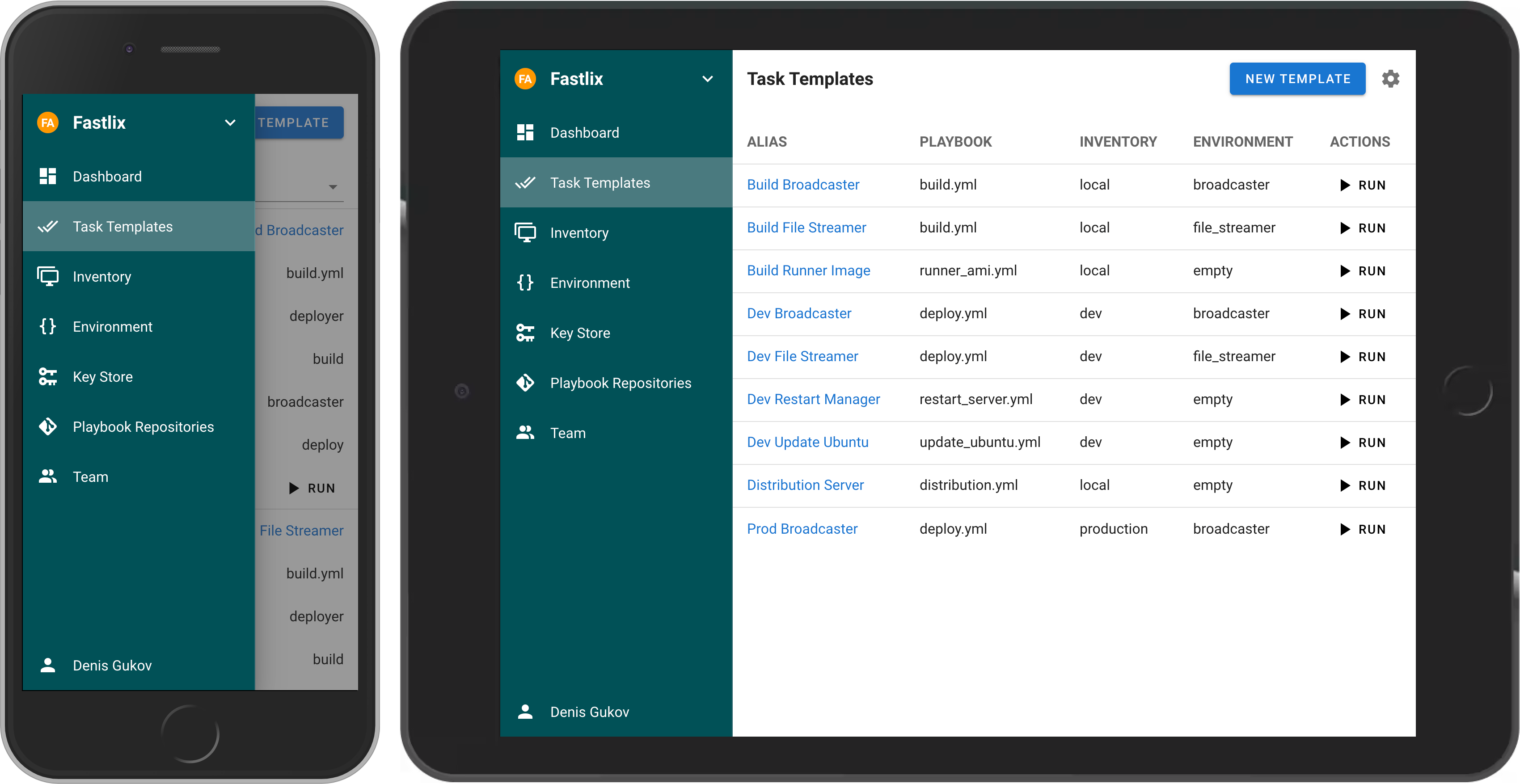
If your project has grown and deploying from the terminal is no longer feasible, then Semaphore UI is the tool you need.
Demo
<!-- ## Live Demo Try the latest version of Semaphore at [https://portal.semaphoreui.com](https://portal.semaphoreui.com). -->What is Semaphore UI?
Semaphore UI is a modern web interface for managing popular DevOps tools.
Semaphore UI allows you to:
- Easily run Ansible playbooks, Terraform and OpenTofu code, as well as Bash and PowerShell scripts.
- Receive notifications about failed tasks.
- Control access to your deployment system.
Key Concepts
- Projects is a collection of related resources, configurations, and tasks.
- Task Templates are reusable definitions of tasks that can be executed on demand or scheduled.
- Task is a specific instance of a job or operation executed by Semaphore.
- Schedules allow you to automate task execution at specified times or intervals.
- Inventory is a collection of target hosts (servers, virtual machines, containers, etc.) on which tasks will be executed.
- Variable Group refers to a configuration context that holds sensitive information such as environment variables and secrets used by tasks during execution.
Getting Started
You can install Semaphore using the following methods:
- Docker
- Deploy a VM from a marketplace:
- Snap
- Binary file
- Debian or RPM package
Docker
The most popular way to install Semaphore is via Docker.
docker run -p 3000:3000 --name semaphore \
	-e SEMAPHORE_DB_DIALECT=sqlite \
	-e SEMAPHORE_ADMIN=admin \
	-e SEMAPHORE_ADMIN_PASSWORD=changeme \
	-e SEMAPHORE_ADMIN_NAME=Admin \
	-e SEMAPHORE_ADMIN_EMAIL=admin@localhost \
	-d semaphoreui/semaphore:latest
We recommend using the Container Configurator to get the ideal Docker configuration for Semaphore.
<!-- ### SaaS We offer a SaaS solution for using Semaphore UI without installation. Check it out at [Semaphore Cloud](https://portal.semaphoreui.com). -->Other Installation Methods
For more installation options, visit our Installation page.
Documentation
Awesome Semaphore
A curated list of awesome things related to Semaphore UI.
- Ebdruplab — Ansible Collections — Ansible modules and a role for managing Semaphore.
- SemaphoreUI MCP Server — A Model Context Protocol (MCP) server that provides AI assistants with powerful automation capabilities for SemaphoreUI.
- Terraform SemaphoreUI Provider — Manage Semaphore UI resources using Terraform.
- PSSemaphore — A PowerShell module designed to work against the Ansible Semaphore REST API.
Contribution
- Contribution Guide
- Dev Container (default user
admin/changeme)
License
MIT © Denis Gukov
Contributors
Showing top 12 contributors by commit count.


![renovate[bot]](https://avatars.githubusercontent.com/in/2740?v=4)



![dependabot[bot]](https://avatars.githubusercontent.com/in/29110?v=4)


Related Repositories

bregman-arie/devops-exercises
Linux, Jenkins, AWS, SRE, Prometheus, Docker, Python, Ansible, Git, Kubernetes, Terraform, OpenStack, SQL, NoSQL, Azure, GCP, DNS, Elastic, Network, Virtualization. DevOps Interview Questions

ansible/ansible
Ansible is a radically simple IT automation platform that makes your applications and systems easier to deploy and maintain. Automate everything from code deployment to network configuration to cloud management, in a language that approaches plain English, using SSH, with no agents to install on remote systems. https://docs.ansible.com.

trailofbits/algo
Set up a personal VPN in the cloud

MichaelCade/90DaysOfDevOps
This repository started out as a learning in public project for myself and has now become a structured learning map for many in the community. We have 3 years under our belt covering all things DevOps, including Principles, Processes, Tooling and Use Cases surrounding this vast topic.

StreisandEffect/streisand
Streisand sets up a new server running your choice of WireGuard, OpenConnect, OpenSSH, OpenVPN, Shadowsocks, sslh, Stunnel, or a Tor bridge. It also generates custom instructions for all of these services. At the end of the run you are given an HTML file with instructions that can be shared with friends, family members, and fellow activists.

kubernetes-sigs/kubespray
Deploy a Production Ready Kubernetes Cluster