

Flutter carousel slider
A flutter carousel widget, support infinite scroll, and custom child widget.
**flutter carousel slider** is A flutter carousel widget, support infinite scroll, and custom child widget. The project is written primarily in Dart, distributed under the MIT License license, first published in 2018. It has gained significant community traction with 1,689 stars and 604 forks on GitHub. Key topics include: autoplay, carousel-slider, flutter, infinite-scroll, widget.
carousel_slider
A carousel slider widget.
Features
- Infinite scroll
- Custom child widgets
- Auto play
Supported platforms
- Flutter Android
- Flutter iOS
- Flutter web
- Flutter desktop
Live preview
https://serenader2014.github.io/flutter_carousel_slider/#/
Note: this page is built with flutter-web. For a better user experience, please use a mobile device to open this link.
Installation
Add carousel_slider: ^5.1.2 to your pubspec.yaml dependencies. And import it:
dartimport 'package:carousel_slider/carousel_slider.dart';
How to use
Simply create a CarouselSlider widget, and pass the required params:
dartCarouselSlider( options: CarouselOptions(height: 400.0), items: [1,2,3,4,5].map((i) { return Builder( builder: (BuildContext context) { return Container( width: MediaQuery.of(context).size.width, margin: EdgeInsets.symmetric(horizontal: 5.0), decoration: BoxDecoration( color: Colors.amber ), child: Text('text $i', style: TextStyle(fontSize: 16.0),) ); }, ); }).toList(), )
Params
dartCarouselSlider( items: items, options: CarouselOptions( height: 400, aspectRatio: 16/9, viewportFraction: 0.8, initialPage: 0, enableInfiniteScroll: true, reverse: false, autoPlay: true, autoPlayInterval: Duration(seconds: 3), autoPlayAnimationDuration: Duration(milliseconds: 800), autoPlayCurve: Curves.fastOutSlowIn, enlargeCenterPage: true, enlargeFactor: 0.3, onPageChanged: callbackFunction, scrollDirection: Axis.horizontal, ) )
Since v2.0.0, you'll need to pass the options to CarouselOptions. For each option's usage you can refer to carousel_options.dart.
If you pass the height parameter, the aspectRatio parameter will be ignored.
Build item widgets on demand
This method will save memory by building items once it becomes necessary. This way they won't be built if they're not currently meant to be visible on screen.
It can be used to build different child item widgets related to content or by item index.
dartCarouselSlider.builder( itemCount: 15, itemBuilder: (BuildContext context, int itemIndex, int pageViewIndex) => Container( child: Text(itemIndex.toString()), ), )
Carousel controller
In order to manually control the pageview's position, you can create your own CarouselSliderController, and pass it to CarouselSlider. Then you can use the CarouselSliderController instance to manipulate the position.
dartclass CarouselDemo extends StatelessWidget { CarouselSliderController buttonCarouselController = CarouselSliderController(); Widget build(BuildContext context) => Column( children: <Widget>[ CarouselSlider( items: child, carouselController: buttonCarouselController, options: CarouselOptions( autoPlay: false, enlargeCenterPage: true, viewportFraction: 0.9, aspectRatio: 2.0, initialPage: 2, ), ), RaisedButton( onPressed: () => buttonCarouselController.nextPage( duration: Duration(milliseconds: 300), curve: Curves.linear), child: Text('→'), ) ] ); }
CarouselSliderController methods
.nextPage({Duration duration, Curve curve})
Animate to the next page
.previousPage({Duration duration, Curve curve})
Animate to the previous page
.jumpToPage(int page)
Jump to the given page.
.animateToPage(int page, {Duration duration, Curve curve})
Animate to the given page.
Screenshot
Basic text carousel demo:
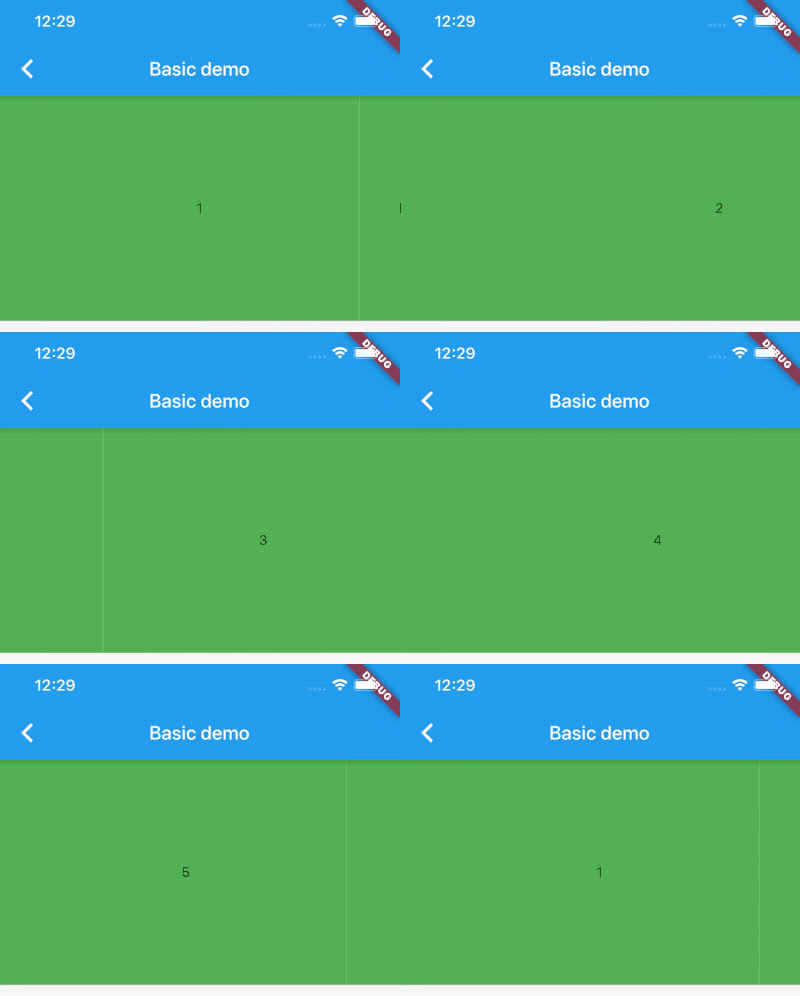
Basic image carousel demo:

A more complicated image carousel slider demo:

Fullscreen image carousel slider demo:

Image carousel slider with custom indicator demo:
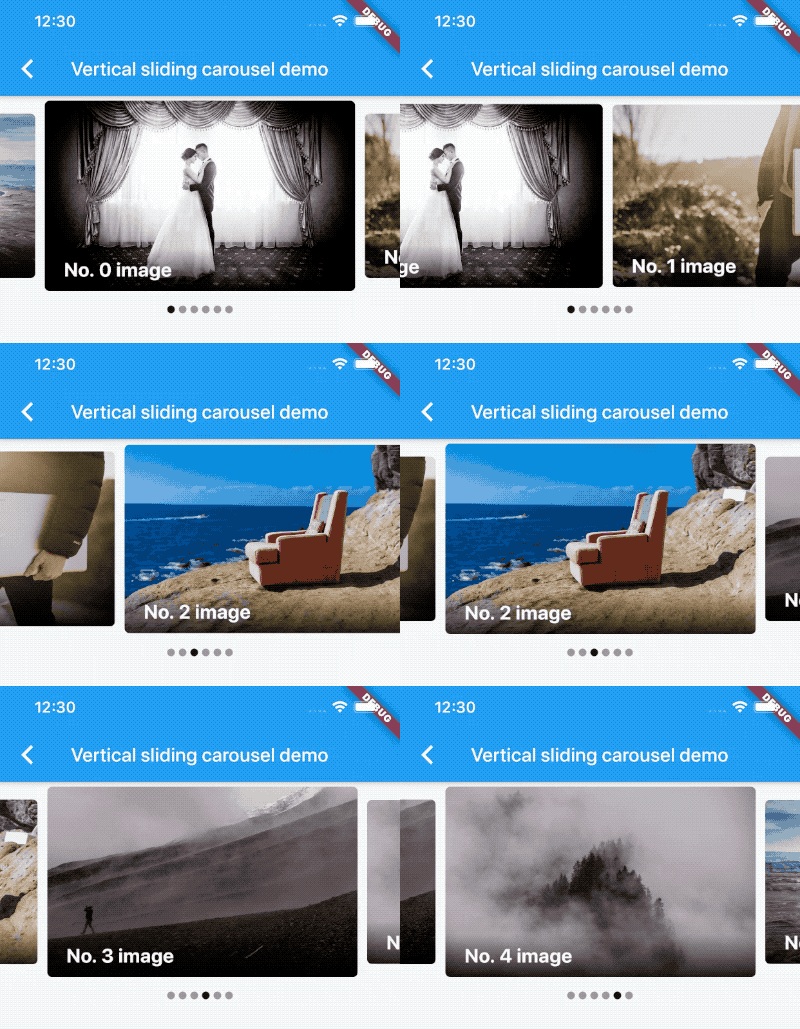
Custom CarouselSliderController and manually control the pageview position demo:
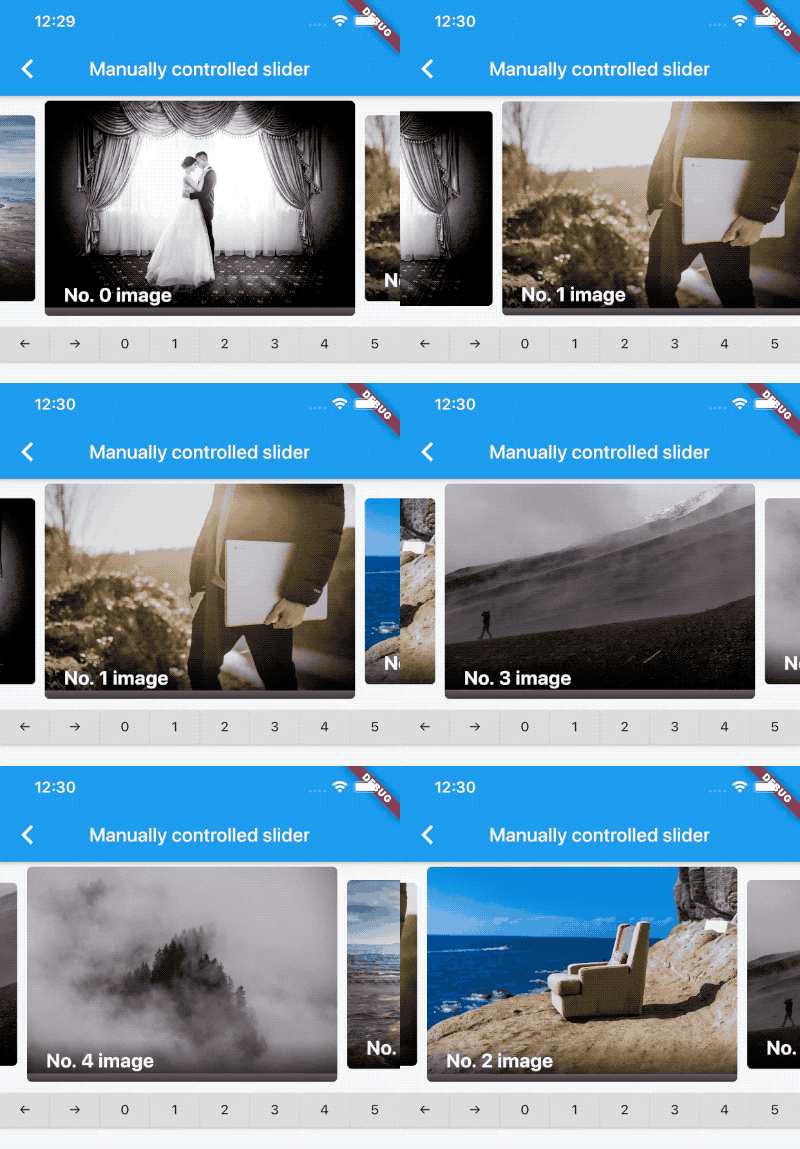
Vertical carousel slider demo:

Simple on-demand image carousel slider, with image auto prefetch demo:
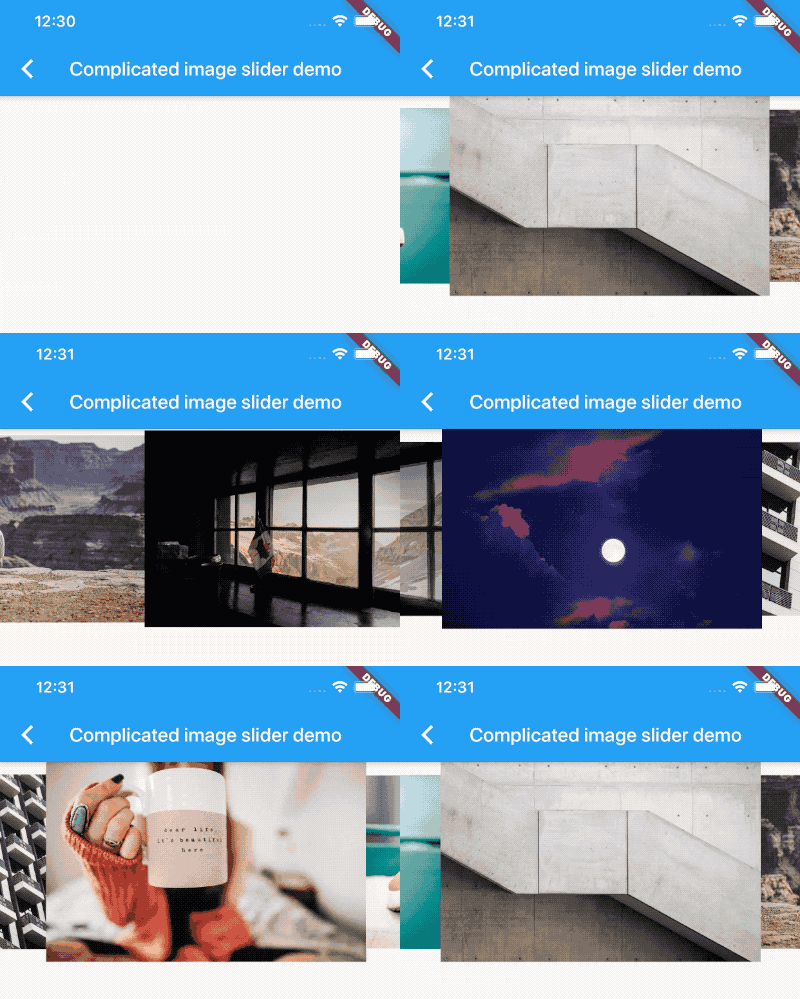
No infinite scroll demo:

All screenshots above can be found at the example project.
License
MIT
Contributors
Showing top 12 contributors by commit count.


Related Repositories

Splidejs/splide
Splide is a lightweight, flexible and accessible slider/carousel written in TypeScript. No dependencies, no Lighthouse errors.

leandrowd/react-responsive-carousel
React.js Responsive Carousel (with Swipe)

janheinrichmerker/material-intro
A simple material design app intro with cool animations and a fluent API.

malchata/yall.js
A fast, flexible, and small SEO-friendly lazy loader.

Krupen/AutoplayVideos
Android library to auto-play/pause videos from url in recyclerview.

rvamsikrishna/inview_notifier_list
A Flutter package that builds a list view and notifies when the widgets are on screen.