

Yeetgif
gif effects CLI. single binary, no dependencies. linux, osx, windows. #1 workplace productivity booster. #yeetgif #eggplant #golang
Composable GIF effects CLI, with reasonable defaults. Made for custom Slack/Discord emoji :) The project is written primarily in Go, distributed under the MIT License license, first published in 2018. Key topics include: cli, discord, effects, eggplant, emoji.
yeetgif
Composable GIF effects CLI, with reasonable defaults. Made for custom Slack/Discord emoji :)
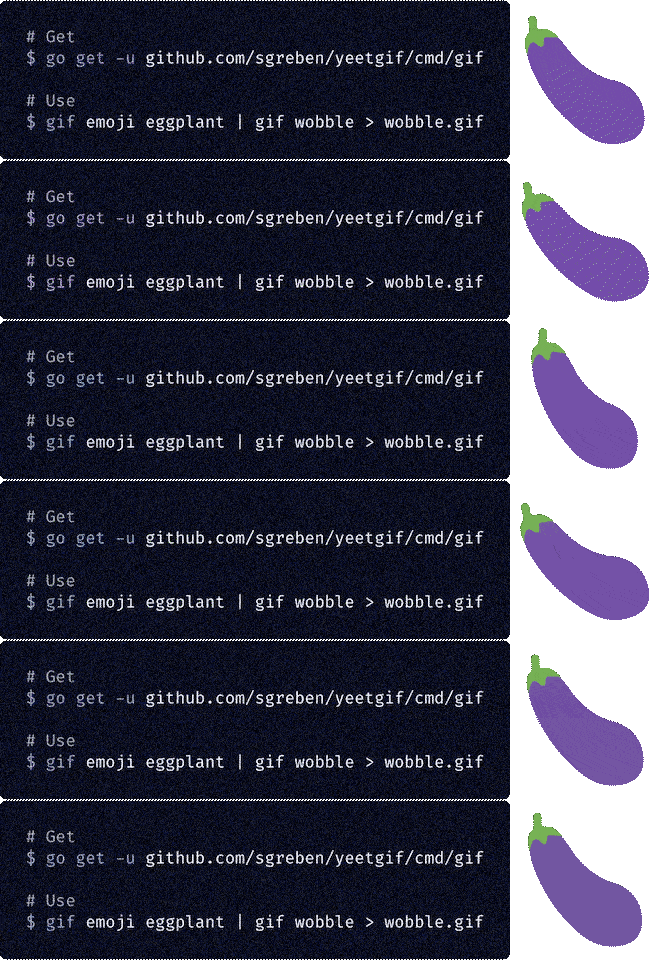
Get it
Alternative 1: go get
shgo get -u github.com/sgreben/yeetgif/cmd/gif
Alternative 2: just download the binary
Either from the releases page, or from the shell:
sh# Linux curl -L https://github.com/sgreben/yeetgif/releases/download/1.23.6/gif_1.23.6_linux_x86_64.tar.gz | tar xz # OS X curl -L https://github.com/sgreben/yeetgif/releases/download/1.23.6/gif_1.23.6_osx_x86_64.tar.gz | tar xz # Windows curl -LO https://github.com/sgreben/yeetgif/releases/download/1.23.6/gif_1.23.6_windows_x86_64.zip unzip gif_1.23.6_windows_x86_64.zip
NOTE: To use the optimize command, you'll also need the giflossy fork of gifsicle installed:
shbrew install giflossy
You'll likely also want to have the binary in your $PATH. You can achieve this by adding this to your .bashrc (or .zshrc, ...):
shexport PATH=<directory-containing-the-gif-binary>:$PATH
Alternative 3: docker
shdocker pull quay.io/sergey_grebenshchikov/yeetgif docker tag quay.io/sergey_grebenshchikov/yeetgif gif # (optional)
Use it
sh<doc/yeet.png gif fried | gif wobble >doc/yeet.gif


shgif emoji aubergine | gif wobble >doc/eggplant_wobble.gif

Hall of Fame
Post a GIF made using yeetgif with either the
#yeetgifTwitter hashtag- and/or the
#yeetgifGiphy hashtag - and/or the
#yeetgifImgur hashtag
Best Most utterly demented ones end up below!
No entries yet. Be the first :)
Usage
textUsage: gif [OPTIONS] COMMAND [arg...] Options: -n Duplicate a single input image this many times (default 30) -q, --quiet Disable all log output (stderr) -p, --pad Pad images (default true) --write-meta Write command line options into output GIF metadata (default true) -r, --raw Raw (lossless, *not* GIF) image output, for re-piping to yeetgif -d, --delay-ms Frame delay in milliseconds (default [25]) Commands: roll (☭ ͜ʖ ☭) wobble 🍆( ͡° ͜ʖ ͡°)🍆 pulse ( ͡◉ ͜ʖ ͡◉) zoom (⌐▀͡ ̯ʖ▀) shake ˵(˵ ͡⚆ ͜ʖ ͡⚆˵)˵ woke 💯 W O K E F L A R E S ( ͡ 🅱️ ͜ʖ ͡ 🅱️ ) 💯 fried fr͍͈i̗̟̲̻e͕̗d̬ m̷͔͊e̶̪̿m̷̙̈́é̵̤s̷̺͒ hue ( ͡☆ ͜ʖ ͡☆) tint 🎨༼ຈل͜ຈ༽ resize (° ͜ʖ°)¯\_( ͡☉ ͜ʖ ͡☉)_/¯ crop ┬┴┬┴┤ ͜ʖ ͡°) optimize 👌( ͡ᵔ ͜ʖ ͡ᵔ )👌 compose (ノ ͡° ͜ʖ ͡°)ノ*:・゚✧ crowd (⟃ ͜ʖ ⟄) ͜ʖ ͡°)( ° ͜ʖ( ° ͜ʖ °) erase ( ͡° ͜ʖ ͡°)=ε/̵͇̿̿/'̿̿ ̿ ̿ ̿ ̿ ̿ chop ✂️( ͡°Ĺ̯ ͡° )🔪 text 🅰️乁(˵ ͡☉ ͜ʖ ͡☉˵)┌🅱️ emoji ╰( ͡° ͜ʖ ͡° )つ──☆*🤔 rain 。°。°( ͡° ͜ʖ ͡ °)°。°。° scan ( ͡ ⿳ ͜ʖ ͡ ⿳ ) noise ·͙*̩̩͙˚̩̥̩̥( ͡▓▒ ͜ʖ ͡█░ )*̩̩͙:͙ cat /ᐠ。ꞈ。ᐟ\ meta (🧠 ͡ಠ ʖ̯ ͡ಠ)┌ Run 'gif COMMAND --help' for more information on a command.
Conventions & tips
- To find out how a given example was made, try running
gif meta showon it (e.g.<yeet.gif gif meta show -pwill print the shell pipe of gif effects used to createyeet.gif). - Use the
--raw(-r) option for intermediate pipe steps -- this is faster than re-encoding as GIF every time. Also it's lossless. - Options with bracketed default values (e.g.
--noiseoffried) can take comma-separated values - the points will be spread over the animation length, with intermediate values linearly interpolated. - To figure out what a parameter does, try out some values around its default value, as well as much larger/smaller ones.
- To reduce GIF size, try specifying a smaller number of duplicates for static images (e.g.
gif -n 20),gif optimize, and dropping framesgif chop drop every <N>.
roll

textUsage: gif roll [OPTIONS] (☭ ͜ʖ ☭) Options: -r, --revolutions (default 1) -s, --scale (default 1) -p, --phase (default 0) -c, --crop-scale (default 1)
wobble

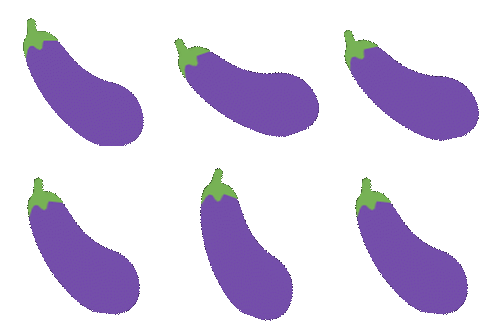
textUsage: gif wobble [OPTIONS] [CUSTOM] 🍆( ͡° ͜ʖ ͡°)🍆 Arguments: CUSTOM comma-separated angles (°), e.g. 0,10,0,60,0 (default []) Options: -f, --frequency (default 1) -a, --amplitude (default 20) -p, --phase (default 0) -t, --type one of [sine snap saw sticky] (default sine) --custom (deprecated) (default [])
pulse

textUsage: gif pulse [OPTIONS] [ZOOM_LEVELS_CSV] ( ͡◉ ͜ʖ ͡◉) Arguments: ZOOM_LEVELS_CSV (default []) Options: -0, --from (default 0.9) -1, --to (default 1) -f, --frequency (default 1) -p, --phase (default 0)
zoom

textUsage: gif zoom [OPTIONS] [ZOOM_LEVELS_CSV] (⌐▀͡ ̯ʖ▀) Arguments: ZOOM_LEVELS_CSV e.g. 1.0,1.5 to zoom from 100% to 150% (default [])
shake

textUsage: gif shake [OPTIONS] ˵(˵ ͡⚆ ͜ʖ ͡⚆˵)˵ Options: -f, --frequency (default [1]) -a, --amplitude (default [7]) -r, --random 🌀 (default [0.75])
woke

textUsage: gif woke [OPTIONS] POINTS 💯 W O K E F L A R E S ( ͡ 🅱️ ͜ʖ ͡ 🅱️ ) 💯 Arguments: POINTS flare locations, JSON, e.g. "[[123,456],[-100,23]]" (default &[]) Options: -c, --clip clip flares to image alpha (default true) -t, --type (default full) -s, --scale (default 0.9) -u, --hue (default 0.8) -l, --lightness (default 1) -a, --alpha (default 0.8) -p, --alpha-pow (default 2) --alpha-threshold (default 0.15) -r, --random 🌀 (default 0.5)
fried

textUsage: gif fried [OPTIONS] fr͍͈i̗̟̲̻e͕̗d̬ m̷͔͊e̶̪̿m̷̙̈́é̵̤s̷̺͒ Options: --clip (default true) -w, --walk 🌀 (default 10) -i, --iterations (default 1) -a 🅰️ (default [0.33]) -b 🅱️ (default [0.2]) -c 🆑 (default [0.9]) -n, --noise 🌀️ (default [1]) --noise1 🌀️ (default [0.02]) --noise2 🌀️ (default [0.5]) --noise3 🌀 (default [0.1]) -j, --jpeg [0,100] (default [84]) -u, --saturation (default [3]) -o, --contrast (default [6]) -t, --tint tint (default [0.4])
hue

textUsage: gif hue [OPTIONS] [HUE_OFFSETS_CSV] ( ͡☆ ͜ʖ ͡☆) Arguments: HUE_OFFSETS_CSV (default []) Options: -f, --frequency (default 1) -a, --amplitude (default 0.1) -x (default [1]) -y (default [1]) -m, --mode one of [mul add sub pow sin] (default add)
tint

textUsage: gif tint [OPTIONS] [TINT_HUE_CSV] 🎨༼ຈل͜ຈ༽ Arguments: TINT_HUE_CSV (default []) Options: -f, --frequency (default 1) -a, --amplitude (default 0.95) -x (default [1]) -y (default [1]) -m, --mode one of [mul add sub pow sin] (default add) -c, --center (default 0.8608454902138696)
resize
textUsage: gif resize [OPTIONS] (° ͜ʖ°)¯\_( ͡☉ ͜ʖ ͡☉)_/¯ Options: -s, --scale (default 1) -x, --width width (pixels) (default 0) -y, --height height (pixels) (default 0)
crop
textUsage: gif crop [OPTIONS] ┬┴┬┴┤ ͜ʖ ͡°) Options: -t, --threshold (default 0)
optimize
textUsage: gif optimize [OPTIONS] 👌( ͡ᵔ ͜ʖ ͡ᵔ )👌 Options: --kb target file size (KB) (default 128) -n, --no-resize don't resize the image -x, --width target width (pixels) (default 0) -y, --height target height (pixels) (default 0)
compose

textUsage: gif compose [OPTIONS] INPUT (ノ ͡° ͜ʖ ͡°)ノ*:・゚✧ Arguments: INPUT Options: -x (default [0]) -y (default [0]) -z, --z-order one of [under over] (default over) -p, --position one of [center left right top bottom abs] (default center) -s, --scale (default [1])
crowd
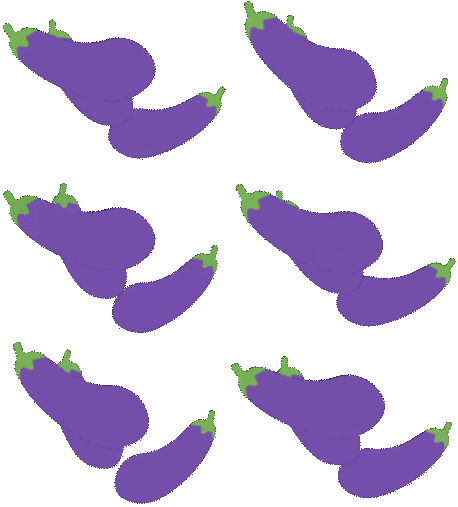
textUsage: gif crowd [OPTIONS] (⟃ ͜ʖ ⟄) ͜ʖ ͡°)( ° ͜ʖ( ° ͜ʖ °) Options: -n crowd size (default 3) --flip 🌀 flip (default true) -x 🌀 x (default 0.5) -y 🌀 y (default 0.25) -s, --scale 🌀 [0.0,1.0] (default 0.25) -r, --rotate 🌀 [0.0,1.0] (default 0.1) -a, --alpha 🌀 [0.0,1.0] (default 0) -o, --offset 🌀 [0.0,1.0] (default 1)
erase
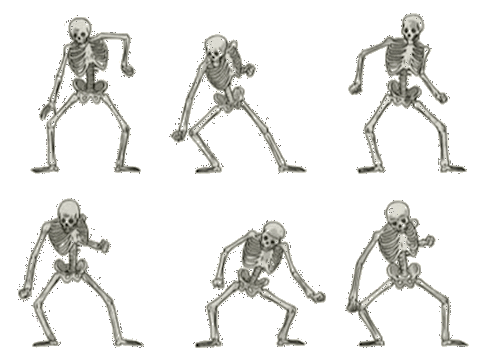
textUsage: gif erase [OPTIONS] ( ͡° ͜ʖ ͡°)=ε/̵͇̿̿/'̿̿ ̿ ̿ ̿ ̿ ̿ Options: -x, --sample-x (default 3) -y, --sample-y (default 3) -t, --tolerance (default 0.2) -u (default 1) -s (default 0.5) -l (default 1)
chop
textUsage: gif chop COMMAND [arg...] ✂️( ͡°Ĺ̯ ͡° )🔪 Commands: shuffle dup, duplicate drop rev, reverse Run 'gif chop COMMAND --help' for more information on a command.
text
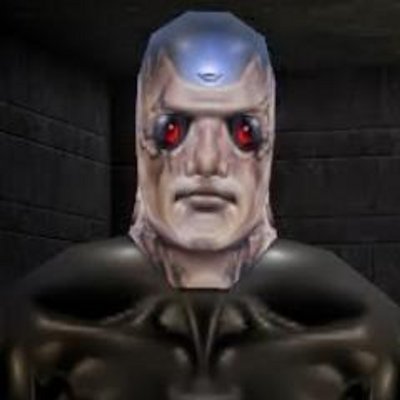
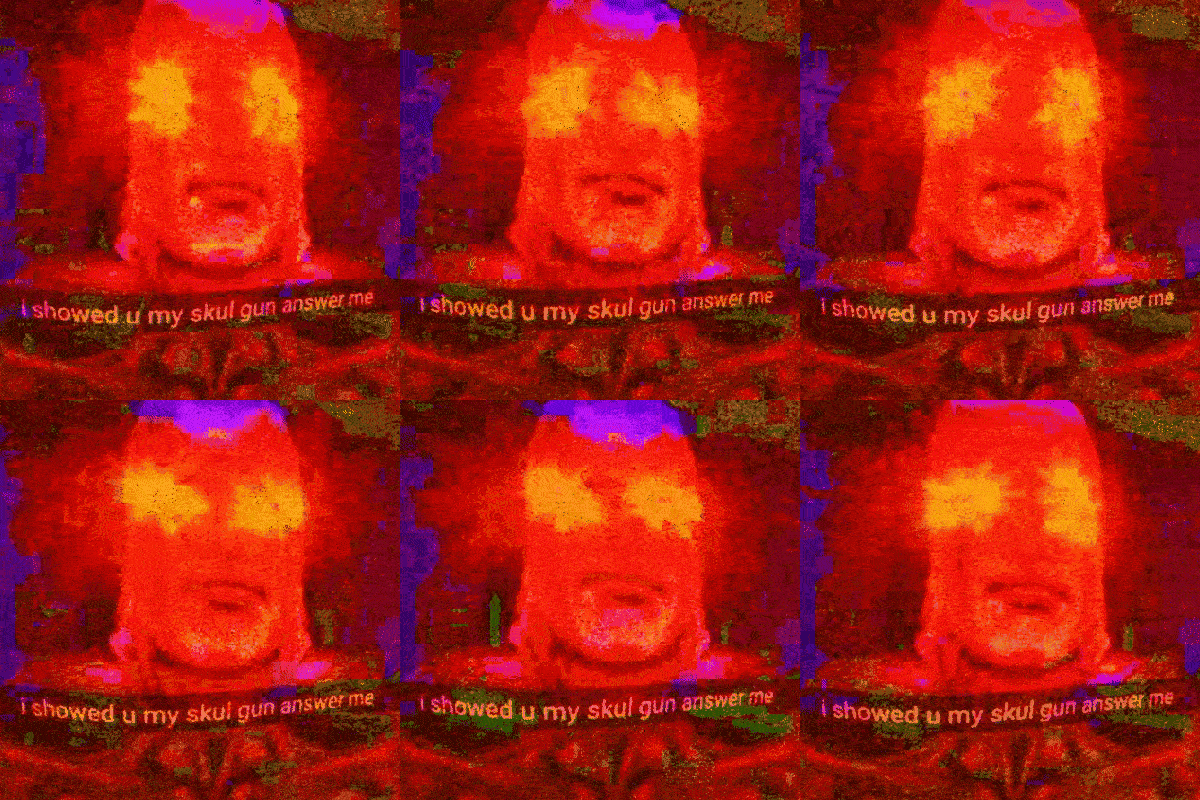
woke | text | fried
textUsage: gif text [OPTIONS] [TEXT] 🅰️乁(˵ ͡☉ ͜ʖ ͡☉˵)┌🅱️ Arguments: TEXT (default "#yeetgif") Options: -a, --background-alpha (default 0.7) -s, --font-size (default 18.5) -y, --text-y (default 0.3) -p, --background-padding (default 3)
emoji

emoji | compose <(emoji) | compose <(emoji) | wobble | fried
textUsage: gif emoji [OPTIONS] EMOJI... ╰( ͡° ͜ʖ ͡° )つ──☆*🤔 Arguments: EMOJI one or more glob expressions Options: -e, --exact match the query exactly -p, --pipe overlay the emoji over input images (instead of just creating one) -l, --list-only just list matches -s, --size (default [128]) -a, --pipe-alpha (default [1])
rain
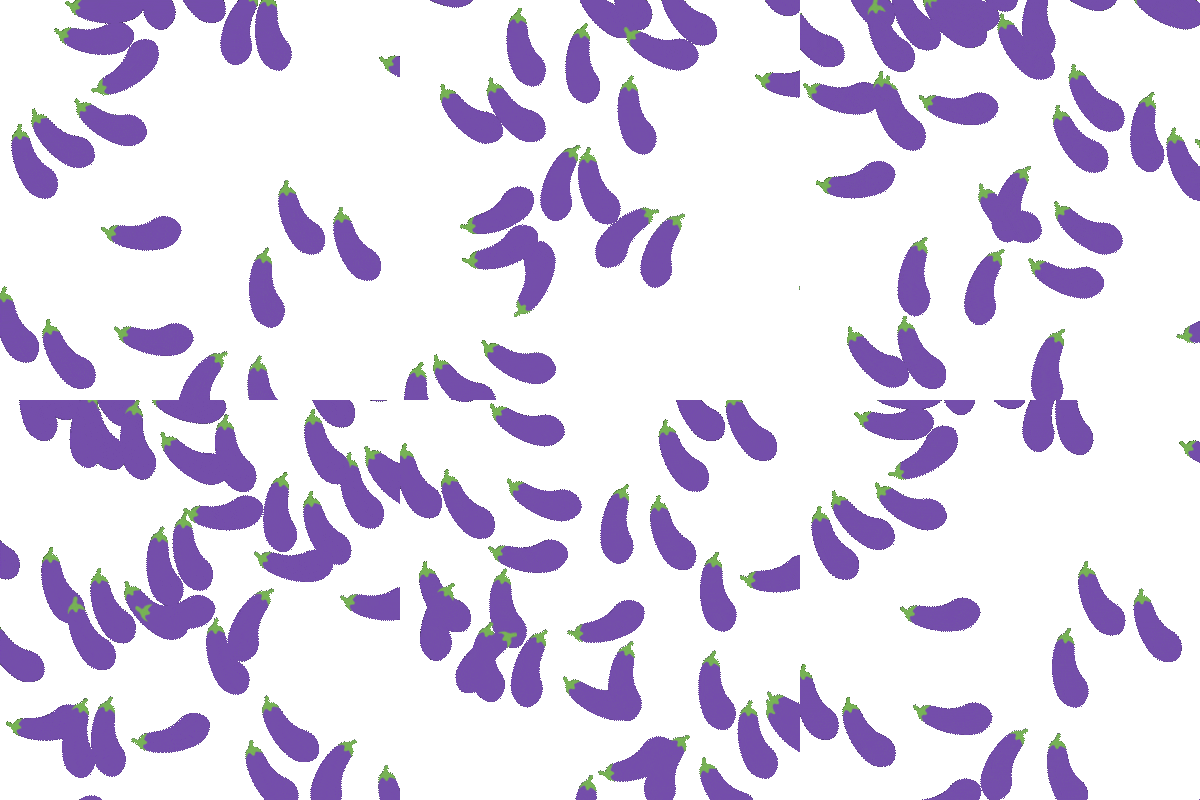
emoji | rain

emoji | roll | rain <(emoji) <(emoji)
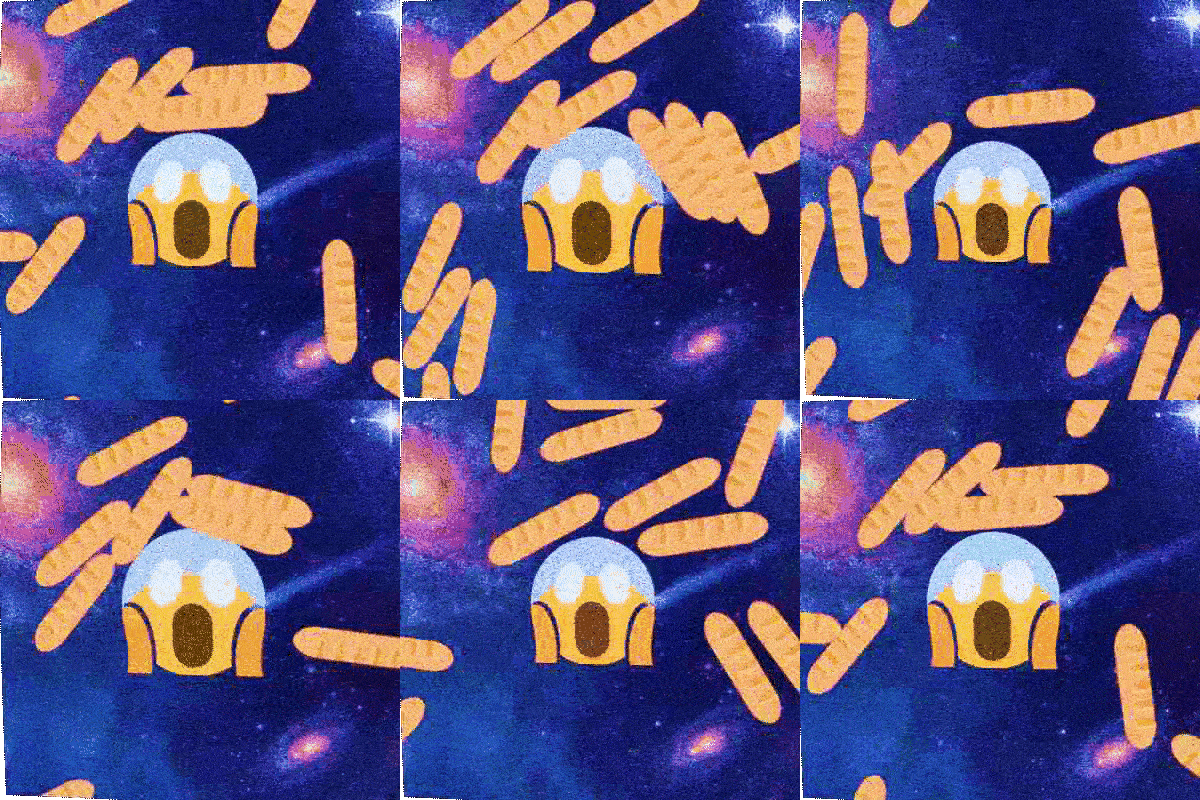
emoji | pulse | rain <(emoji) | compose | fried
textUsage: gif rain [OPTIONS] [INPUT...] [OPTIONS] 。°。°( ͡° ͜ʖ ͡ °)°。°。° Arguments: INPUT Options: -d, --density (default 0.75) -b, --bounciness (default [0.3]) -g, --gravity (default 900) -s, --size (default 400) -a, --bounds-alpha-threshold (default 0.0625) -v, --initial-linear-velocity (default 300) -l, --animation-length-factor (default 1) -x, --static-x (default 0.5) -y, --static-y (default 0.5) --wrap-max-overlap (default 48) --wrap-max-overlap-frames (default 24) --initial-angular-velocity (default 2) --bounds-points (default 16)
cat
textUsage: gif cat [INPUT...] /ᐠ。ꞈ。ᐟ\ Arguments: INPUT <filename>
meta
sh$ <doc/yeet.gif gif meta show [2018-10-05T13:08:57+02:00] gif fried [2018-10-05T13:08:58+02:00] gif wobble [2018-10-05T13:08:58+02:00] gif crop [2018-10-05T13:08:58+02:00] gif optimize -x 0 $ <doc/yeet.gif gif meta show -p gif fried | gif wobble | gif crop | gif optimize -x 0 $ <doc/yeet.gif gif meta show --raw {"appName":"gif","timestamp":"2018-10-05T13:08:57+02:00","args":["fried"],"version":"1.0.0-244bcd73467a0979cb872f0e90ba8a69d4764410"} {"appName":"gif","timestamp":"2018-10-05T13:08:58+02:00","args":["wobble"],"version":"1.0.0-244bcd73467a0979cb872f0e90ba8a69d4764410"} {"appName":"gif","timestamp":"2018-10-05T13:08:58+02:00","args":["crop"],"version":"1.0.0-244bcd73467a0979cb872f0e90ba8a69d4764410"} {"appName":"gif","timestamp":"2018-10-05T13:08:58+02:00","args":["optimize","-x","0"],"version":"1.0.0-244bcd73467a0979cb872f0e90ba8a69d4764410"}
textUsage: gif meta COMMAND [arg...] (🧠 ͡ಠ ʖ̯ ͡ಠ)┌ Commands: show show 🧠 add add 🧠 clear remove 🧠 Run 'gif meta COMMAND --help' for more information on a command.
Licensing
yeetgifitself & any original code: MIT License- Modified copy of
github.com/disintegration/imaging: MIT License - Modified copy of
github.com/fogleman/gg: MIT License - Roboto Regular TrueType Font: Apache License 2.0
- Twemoji by Twitter: CC BY 4.0
- Modified portion of
github.com/ByteArena/box2dby ByteArena (Go port)/Erin Catto (C++ original): MIT License
Contributors
Showing top 1 contributor by commit count.

Related Repositories

n8n-io/n8n
Fair-code workflow automation platform with native AI capabilities. Combine visual building with custom code, self-host or cloud, 400+ integrations.

ohmyzsh/ohmyzsh
🙃 A delightful community-driven (with 2,500+ contributors) framework for managing your zsh configuration. Includes 300+ optional plugins (rails, git, macOS, hub, docker, homebrew, node, php, python, etc), 140+ themes to spice up your morning, and an auto-update tool that makes it easy to keep up with the latest updates from the community.

yt-dlp/yt-dlp
A feature-rich command-line audio/video downloader

google-gemini/gemini-cli
An open-source AI agent that brings the power of Gemini directly into your terminal.

sherlock-project/sherlock
Hunt down social media accounts by username across social networks

junegunn/fzf
:cherry_blossom: A command-line fuzzy finder