

Whatomate
Whatomate is an open-source WhatsApp integration
Modern, open-source WhatsApp Business Platform. Single binary app. The project is written primarily in Go, distributed under the GNU Affero General Public License v3.0 license, first published in 2025. It has gained significant community traction with 1,287 stars and 296 forks on GitHub. Key topics include: whatsapp, whatsapp-api, whatsapp-automation, whatsapp-bot, whatsapp-calling.
<a href="https://zerodha.tech"><img src="https://zerodha.tech/static/images/github-badge.svg" align="right" alt="Zerodha Tech Badge" /></a>
Whatomate
Modern, open-source WhatsApp Business Platform. Single binary app.
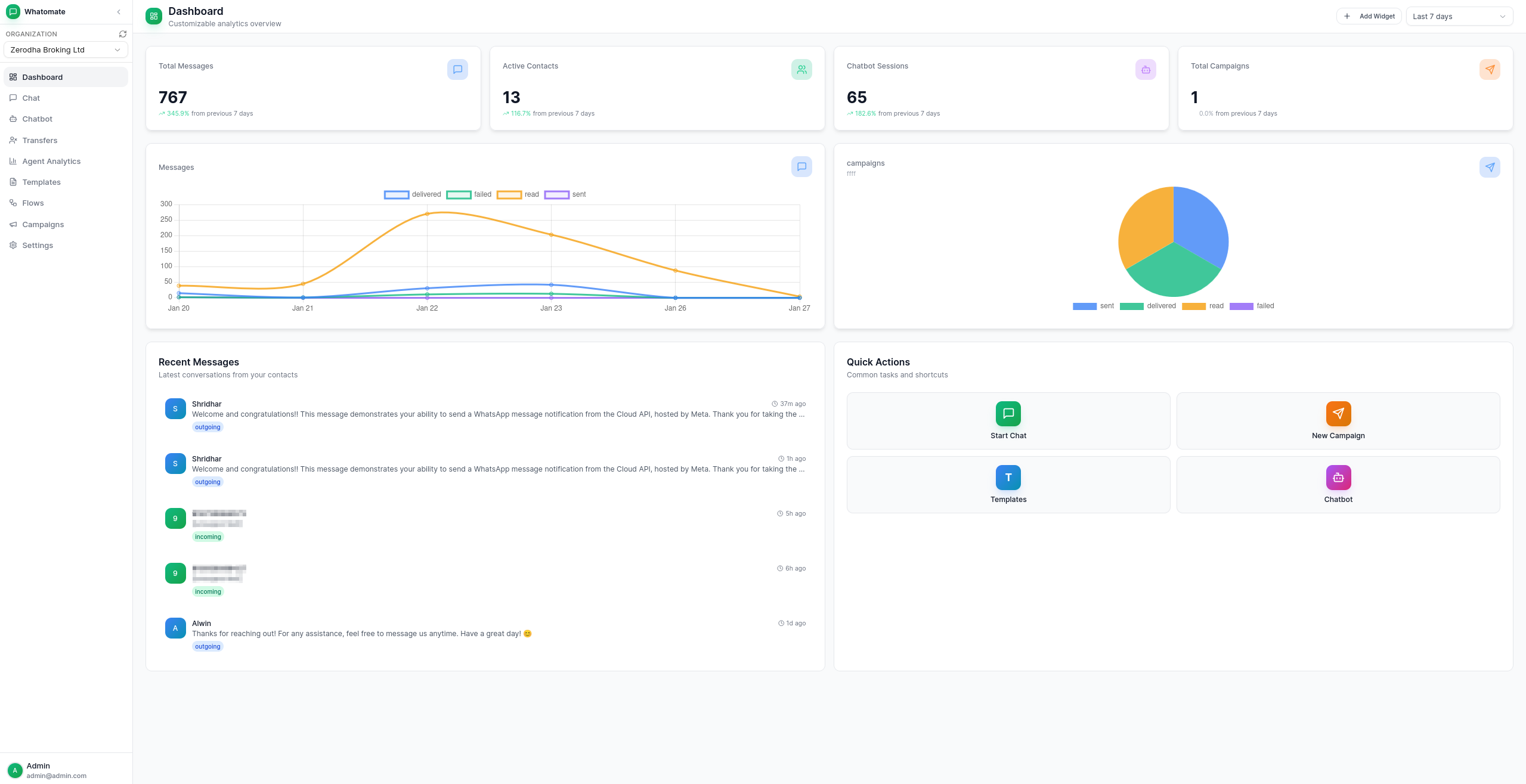
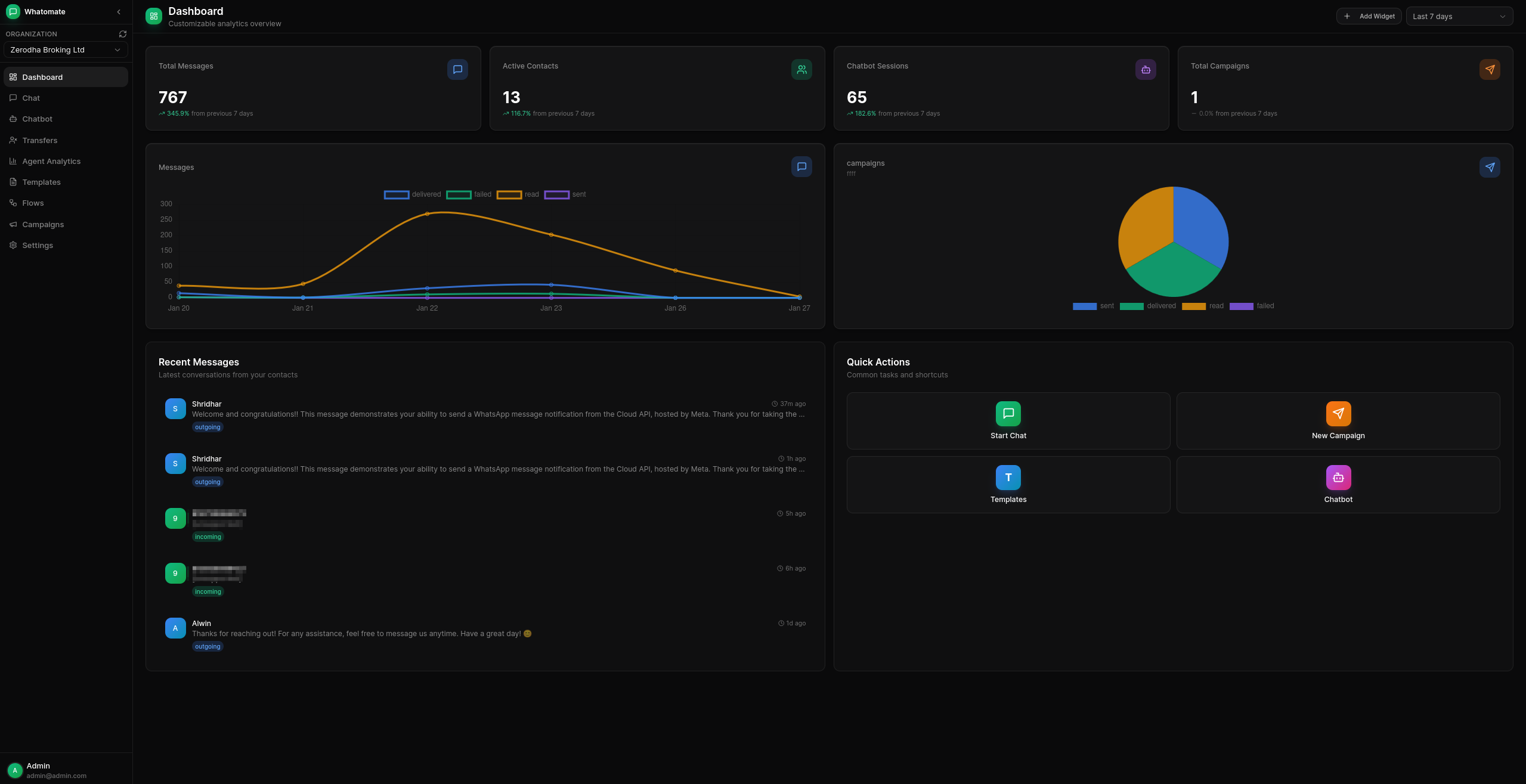
Features
-
Multi-tenant Architecture
Support multiple organizations with isolated data and configurations. -
Granular Roles & Permissions
Customizable roles with fine-grained permissions. Create custom roles, assign specific permissions per resource (users, contacts, templates, etc.), and control access at the action level (read, create, update, delete). Super admins can manage multiple organizations. -
WhatsApp Cloud API Integration
Connect with Meta's WhatsApp Business API for messaging. -
Real-time Chat
Live messaging with WebSocket support for instant communication. -
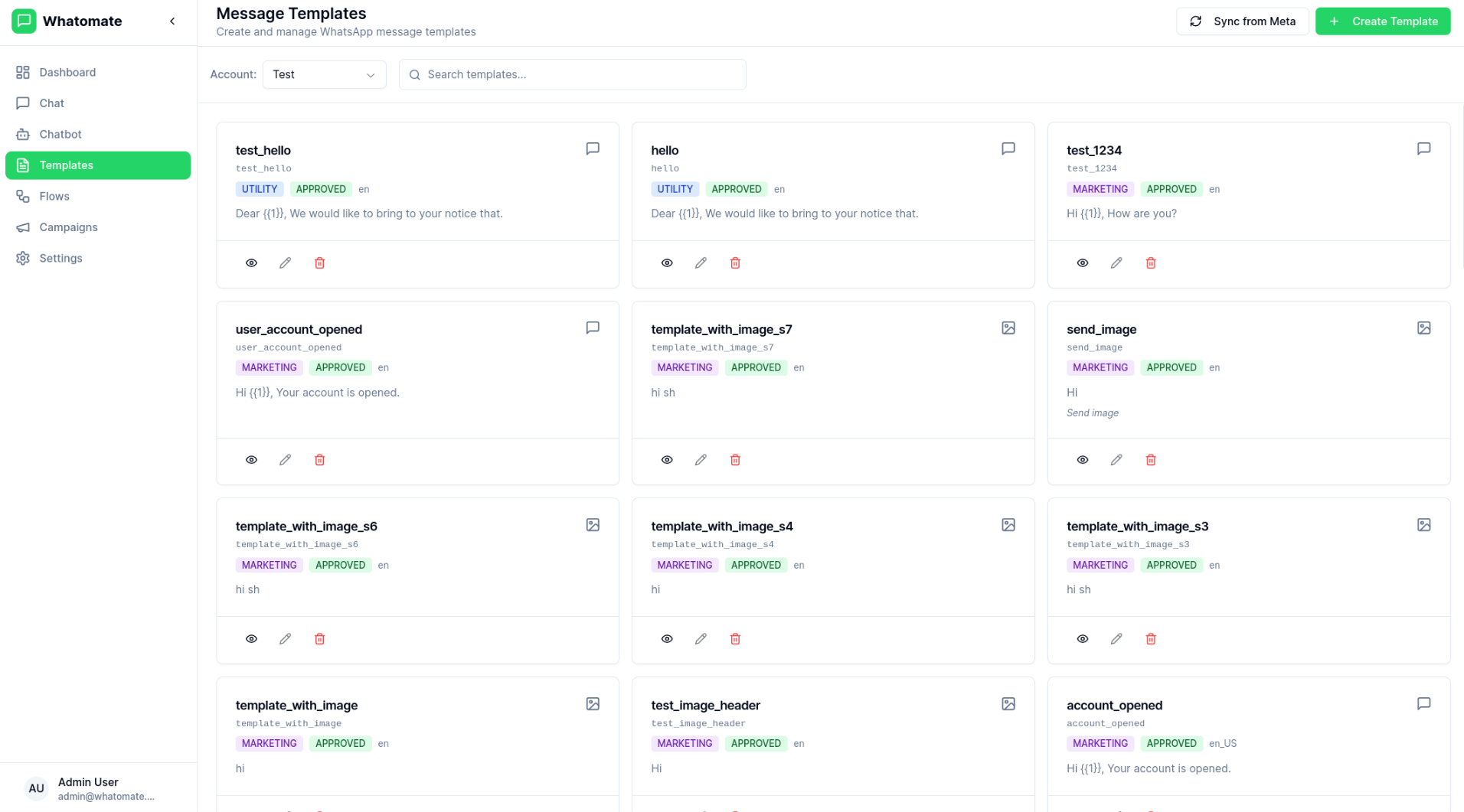
Template Management
Create and manage message templates approved by Meta. -
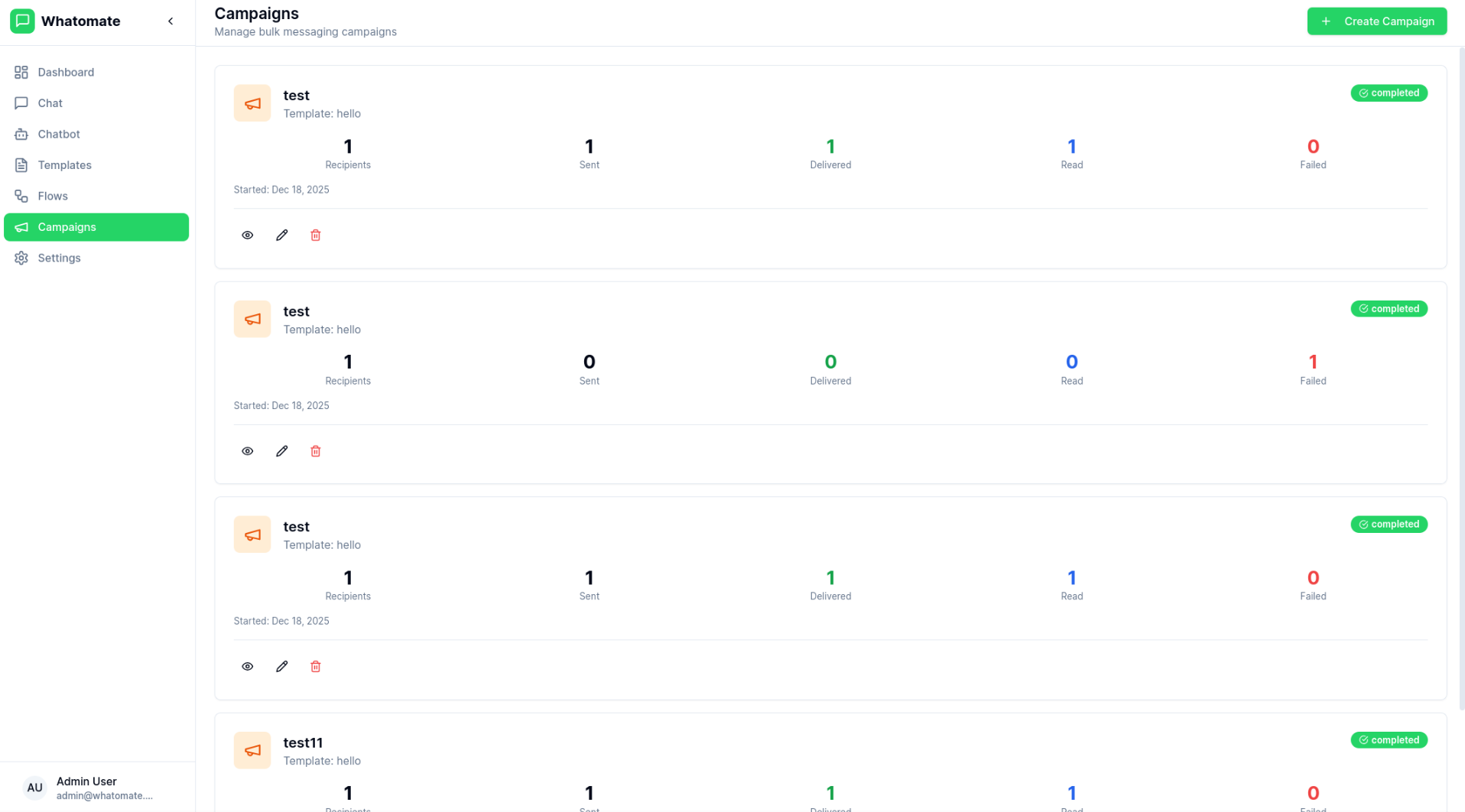
Bulk Campaigns
Send campaigns to multiple contacts with retry support for failed messages. -
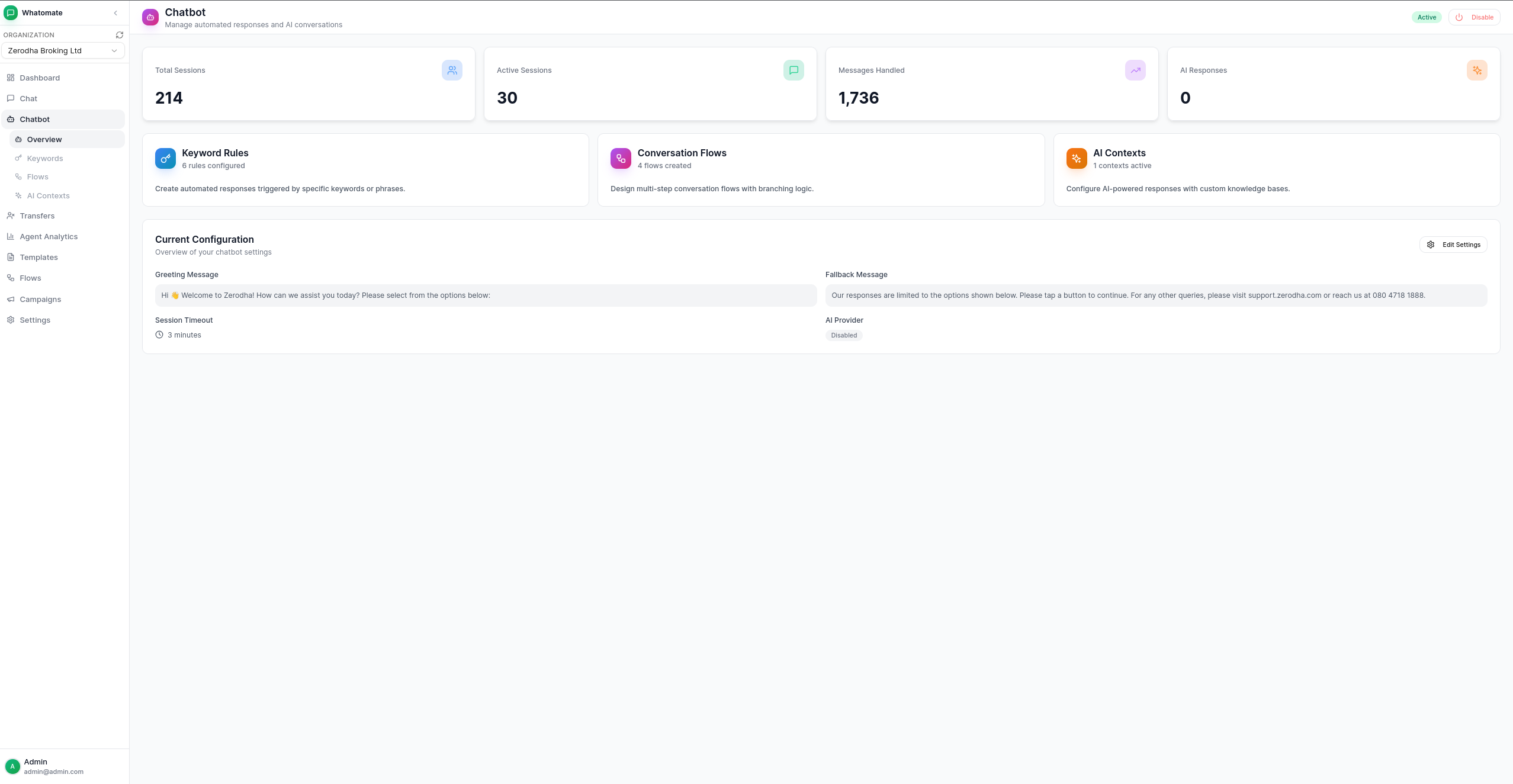
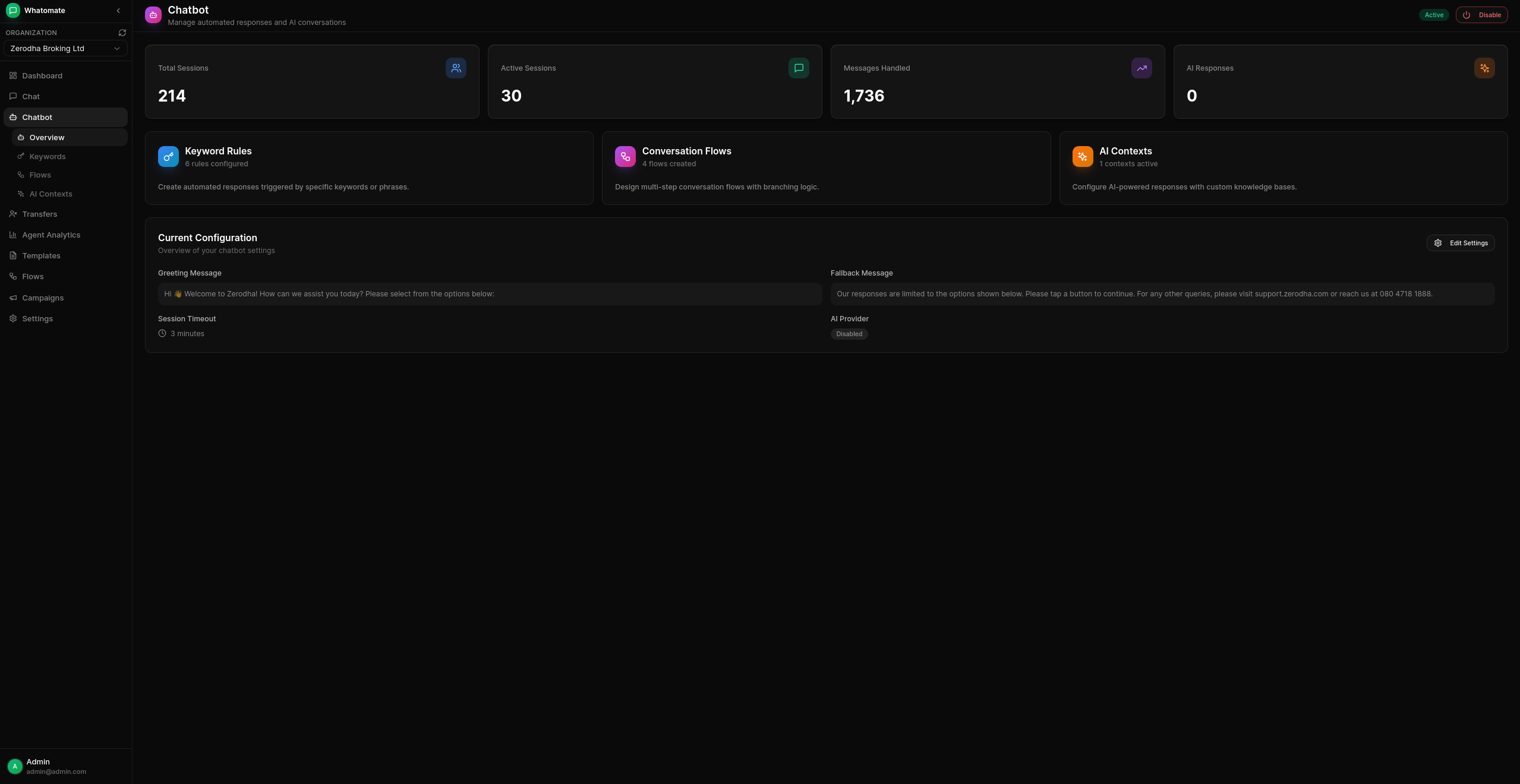
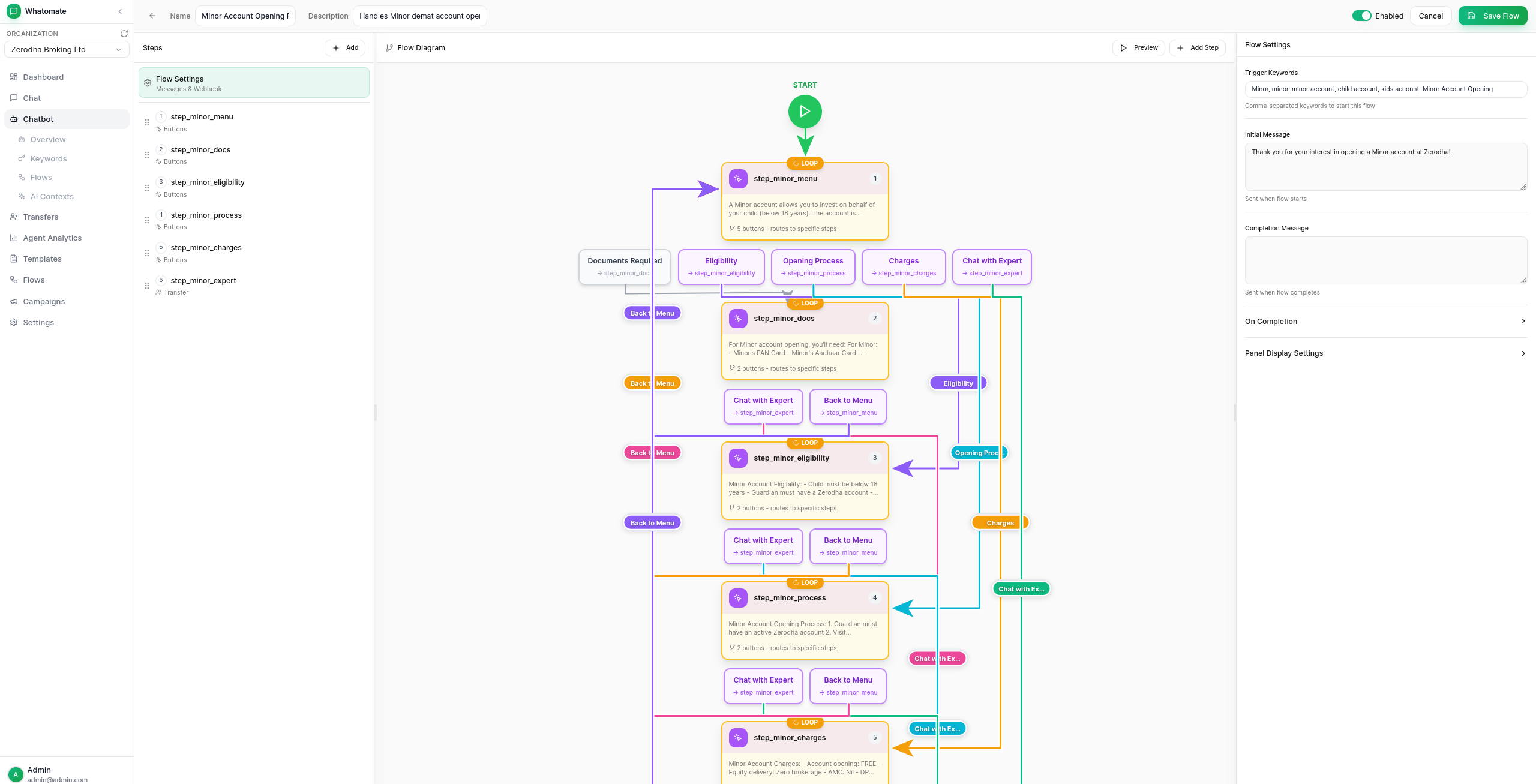
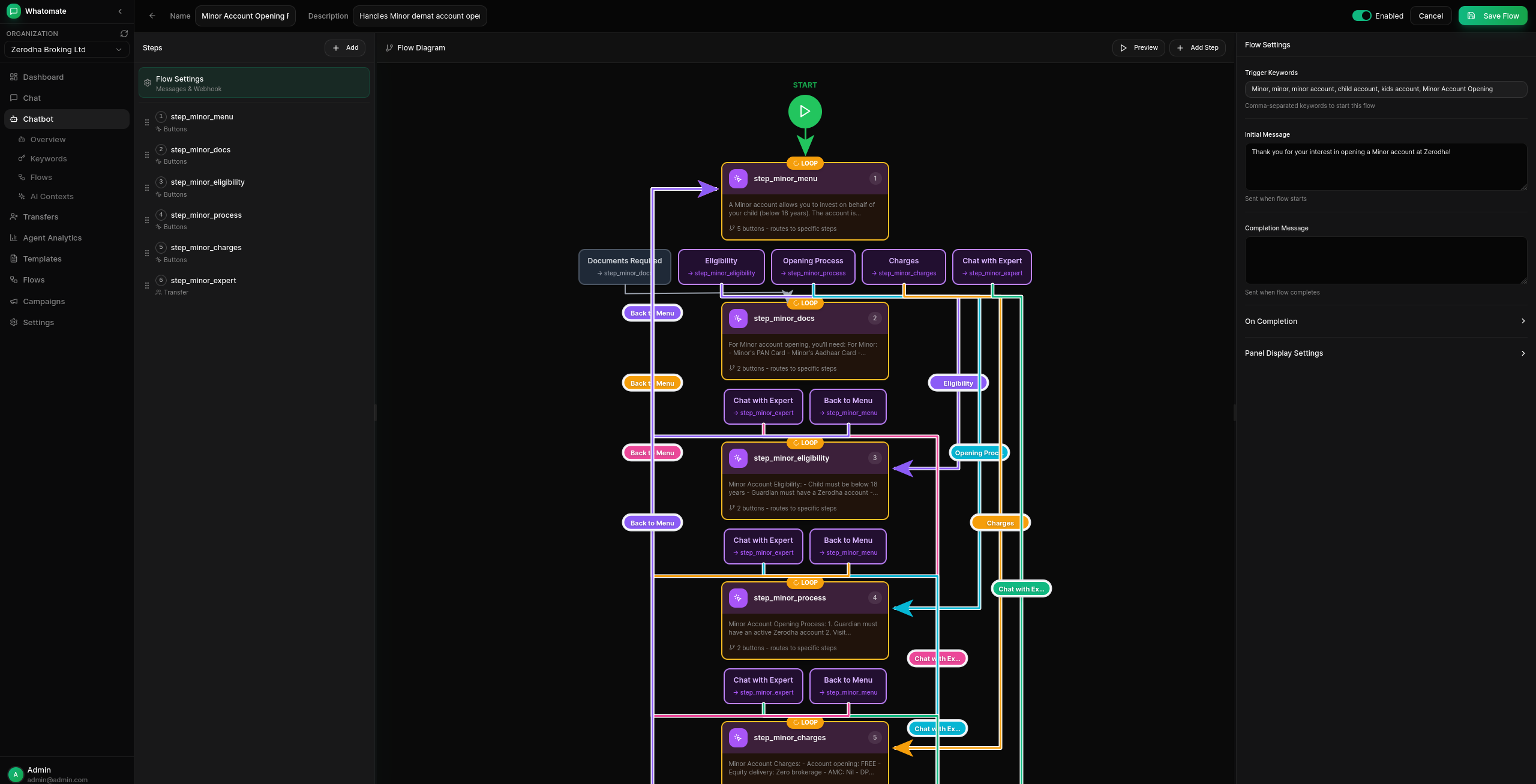
Chatbot Automation
Keyword-based auto-replies, conversation flows with branching logic, and AI-powered responses (OpenAI, Anthropic, Google). -
Canned Responses
Pre-defined quick replies with slash commands (/shortcut) and dynamic placeholders. -
Voice Calling & IVR
Incoming and outgoing WhatsApp calls with IVR menus, DTMF routing, call transfers to agent teams, hold music, and call recording. See calling docs. -
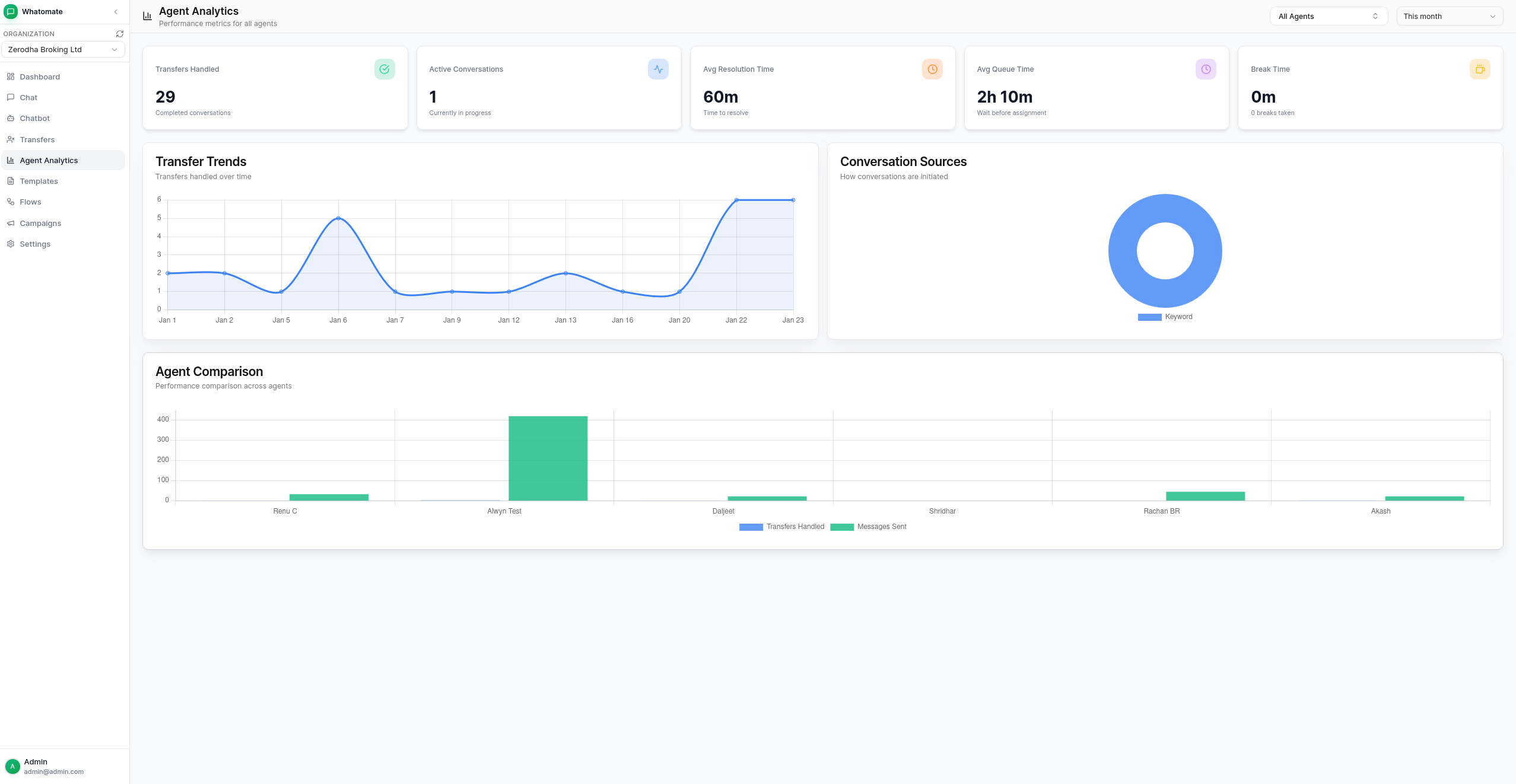
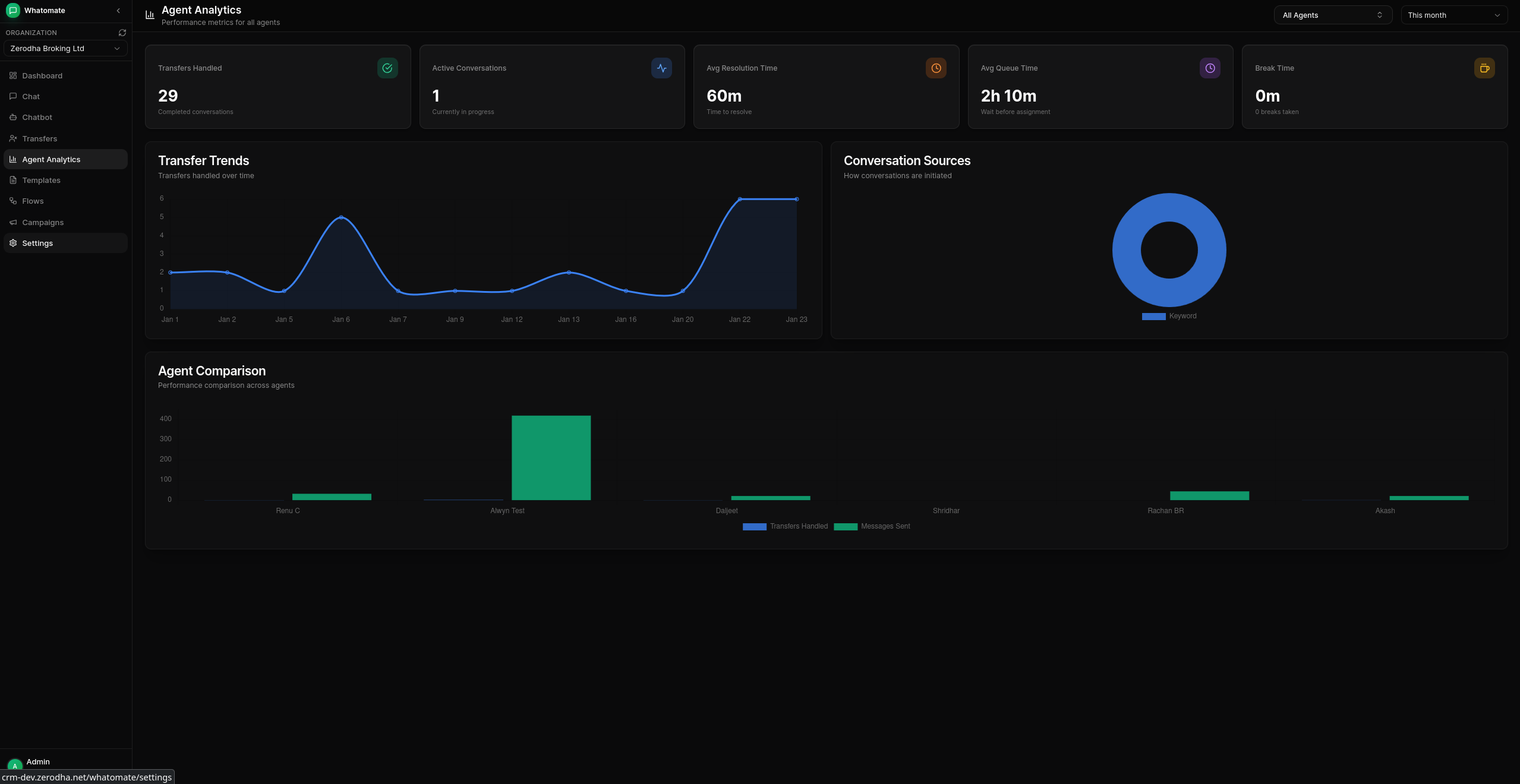
Analytics Dashboard
Track messages, engagement, and campaign performance.
Installation
Docker
The latest image is available on Docker Hub at shridh0r/whatomate:latest
bash# Download compose file, sample config, and env file curl -LO https://raw.githubusercontent.com/shridarpatil/whatomate/main/docker/docker-compose.yml curl -LO https://raw.githubusercontent.com/shridarpatil/whatomate/main/config.example.toml curl -L https://raw.githubusercontent.com/shridarpatil/whatomate/main/docker/.env.example -o .env # Copy and edit config cp config.example.toml config.toml # Edit .env to set PostgreSQL credentials and timezone # Run services docker compose up -d
Go to http://localhost:8080 and login with admin@admin.com / admin
Binary
Download the latest release and extract the binary.
bash# Copy and edit config cp config.example.toml config.toml # Run with migrations ./whatomate server -migrate
Go to http://localhost:8080 and login with admin@admin.com / admin
Build from Source
bashgit clone https://github.com/shridarpatil/whatomate.git cd whatomate # Production build (single binary with embedded frontend) make build-prod ./whatomate server -migrate
See configuration docs for detailed setup options.
CLI Usage
bash./whatomate server # API + 1 worker (default) ./whatomate server -workers=0 # API only ./whatomate worker -workers=4 # Workers only (for scaling) ./whatomate version # Show version
Developers
The backend is written in Go (Fastglue) and the frontend is Vue.js 3 with shadcn-vue.
- If you are interested in contributing, please read CONTRIBUTING.md first.
bash# Development setup make run-migrate # Backend (port 8080) cd frontend && npm run dev # Frontend (port 3000)
License
See LICENSE for details.
Contributors
Showing top 12 contributors by commit count.

![dependabot[bot]](https://avatars.githubusercontent.com/in/29110?v=4)


Related Repositories

GorvGoyl/Clone-Wars
100+ open-source clones of popular sites like Airbnb, Amazon, Instagram, Netflix, Tiktok, Spotify, Whatsapp, Youtube etc. See source code, demo links, tech stack, github stars.

chatwoot/chatwoot
Open-source live-chat, email support, omni-channel desk. An alternative to Intercom, Zendesk, Salesforce Service Cloud etc. 🔥💬

wechaty/wechaty
Conversational RPA SDK for Chatbot Makers. Join our Discord: https://discord.gg/7q8NBZbQzt

wwebjs/whatsapp-web.js
A WhatsApp client library for NodeJS that connects through the WhatsApp Web browser app

tinode/chat
Instant messaging platform. Backend in Go. Clients: Swift iOS, Java Android, JS webapp, scriptable command line; chatbots

rmyndharis/OpenWA
Free, Open Source, Self-Hosted WhatsApp API Gateway