

Django tailwind
Django + Tailwind CSS = 💚
This project provides a convenient way to integrate the *Tailwind CSS* framework into a Django project. It creates a new Django app (named theme by default) that includes all the necessary files and configurations to get started with *Tailwind CSS* quickly and **without even needing to install `Node.js`** if you choose the standalone binary mode. The project is written primarily in Python, distributed under the MIT License license, first published in 2019. It has gained significant community traction with 1,747 stars and 111 forks on GitHub. Key topics include: css, django, django-tailwind, tailwind, tailwind-css.
Tailwind CSS integration for Django a.k.a. Django + Tailwind = 💚




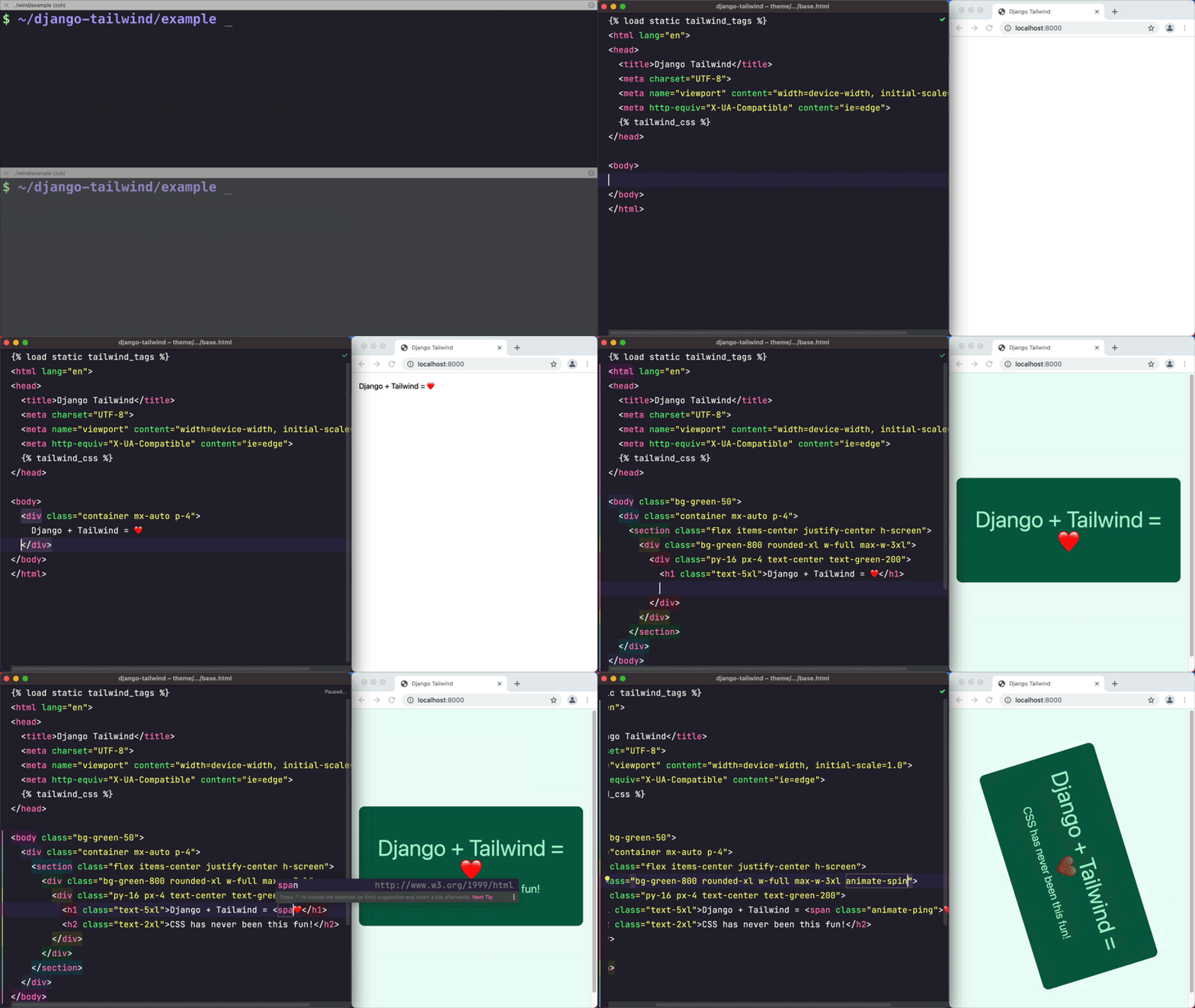
Goal
This project provides a convenient way to integrate the Tailwind CSS framework into a Django project.
It creates a new Django app (named theme by default) that includes all the necessary files and configurations to get
started with Tailwind CSS quickly and without even needing to install Node.js if you choose the standalone binary mode.
Features
- An opinionated Tailwind CSS setup that makes your life easier;
- Two installation modes: standalone binary (works without
Node.js) or npm-based (Node.jsrequired); - Hot reloading of CSS, configuration files, and Django templates. No more manual page refreshes!
- Out of the box support for CSS imports and nesting;
- Supports the latest Tailwind CSS
v4.x; - Start both Tailwind CSS and Django development servers with a single command;
- An optional DaisyUI integration to spice up your Tailwind templates with pre-built components.
- A convenient management command for installing Tailwind CSS plugins;
Requirements
Python 3.11 or newer and Django 4.2.20 or newer.
Note: Node.js is only required if you choose the npm-based installation. The standalone binary mode does not require Node.js.
Documentation
The full documentation is at https://django-tailwind.readthedocs.io/ or in the docs directory of this
repository.
Getting Started
-
Install django-tailwind:
a) With all dependencies that make development easier (recommended):
bashpip install 'django-tailwind[cookiecutter,honcho,reload]'b) or just the core package (enough for production use):
bashpip install django-tailwind -
Add to INSTALLED_APPS in settings.py:
pythonINSTALLED_APPS = [ # ... "tailwind", ] -
Create Tailwind app:
bashpython manage.py tailwind init -
Add the generated app to INSTALLED_APPS and configure:
pythonINSTALLED_APPS = [ # ... "tailwind", "theme", # your generated app name ] TAILWIND_APP_NAME = "theme" -
Install Tailwind CSS dependencies:
bashpython manage.py tailwind install -
Start development (runs Django + Tailwind):
bashpython manage.py tailwind dev -
Use Tailwind classes in your templates:
html{% load tailwind_tags %} {% tailwind_css %} <h1 class="text-4xl font-bold text-blue-600">Hello Tailwind!</h1>
That's it! 🎉 Your Django project now has Tailwind CSS installed and ready to use.
For configuring automatic page reloads during development, see the Installation instructions.
Bugs and suggestions
Please see CONTRIBUTING.
2019 - 2025 (c) Tim Kamanin — A Full-Stack Django and Wagtail Developer
Star History
Contributors
Showing top 12 contributors by commit count.


![dependabot[bot]](https://avatars.githubusercontent.com/in/29110?v=4)


Related Repositories

twbs/bootstrap
The most popular HTML, CSS, and JavaScript framework for developing responsive, mobile first projects on the web.

Chalarangelo/30-seconds-of-code
Coding articles to level up your development skills

electron/electron
:electron: Build cross-platform desktop apps with JavaScript, HTML, and CSS

microsoft/Web-Dev-For-Beginners
24 Lessons, 12 Weeks, Get Started as a Web Developer

tailwindlabs/tailwindcss
A utility-first CSS framework for rapid UI development.

florinpop17/app-ideas
A Collection of application ideas which can be used to improve your coding skills.