

Musicpod
Music, radio, television and podcast player for Ubuntu, MacOs and maybe soon Android
MusicPod is a local music, radio, television and podcast player for Linux Desktop, MacOS and Windows (currently the metadata loading for local audio takes ages, so the Windows version is not considered stable if you are looking for the local audio feature. See [#264](https://github.com/ubuntu-flutter-community/musicpod/issues/264) ). (Android is planed but no ETA yet when it will happen.) The project is written primarily in Dart, distributed under the GNU General Public License v3.0 license, first published in 2023. Key topics include: android, flutter, internet-radio, linux, macos.
MusicPod
<a href="https://hosted.weblate.org/engage/musicpod/"> <img src="https://hosted.weblate.org/widget/musicpod/app/svg-badge.svg" alt="Translation status" /> </a>


MusicPod is a local music, radio, television and podcast player for Linux Desktop, MacOS and Windows (currently the metadata loading for local audio takes ages, so the Windows version is not considered stable if you are looking for the local audio feature. See #264 ). (Android is planed but no ETA yet when it will happen.)
| OS | How to install |
|---|---|
| Linux |  <br/> or <br/> <br/> or <br/> sudo pacman -S musicpod |
| Windows | Release Page |
| MacOS | Release Page |
| Android | WIP |
Features
| Features | Dark Linux | Light Linux | Dark MacOS | Light MacOS |
|---|---|---|---|---|
| Play local audio | 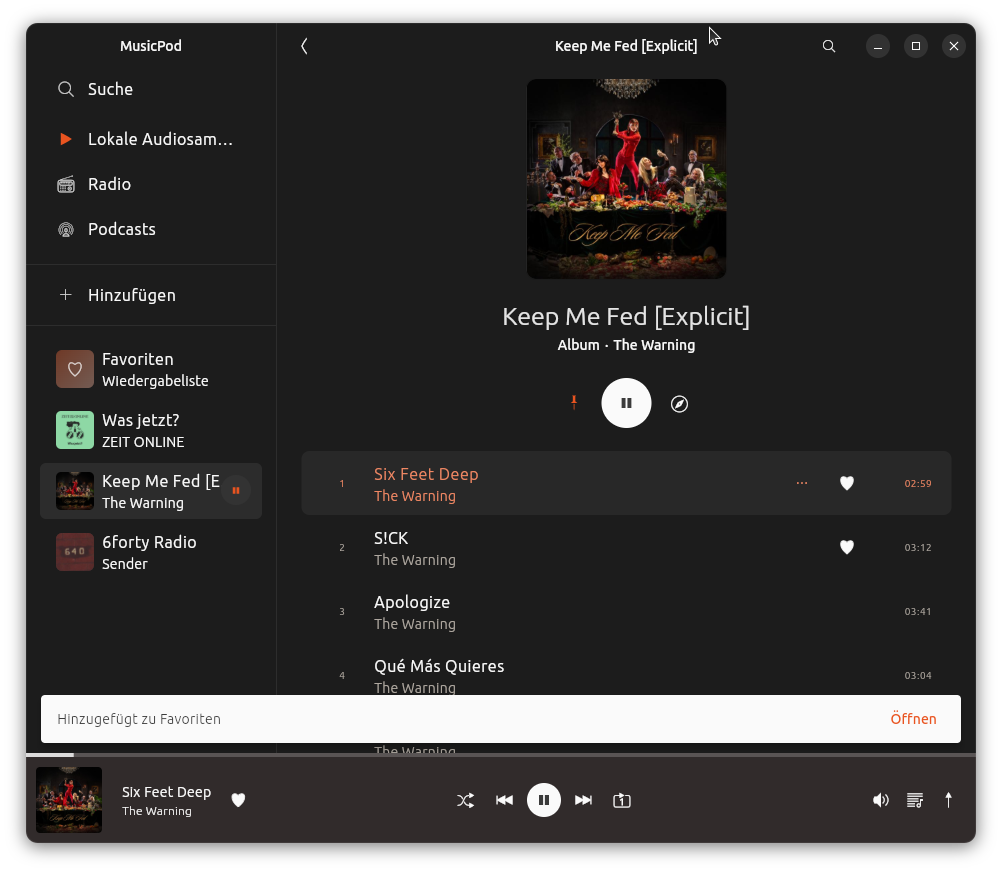 | 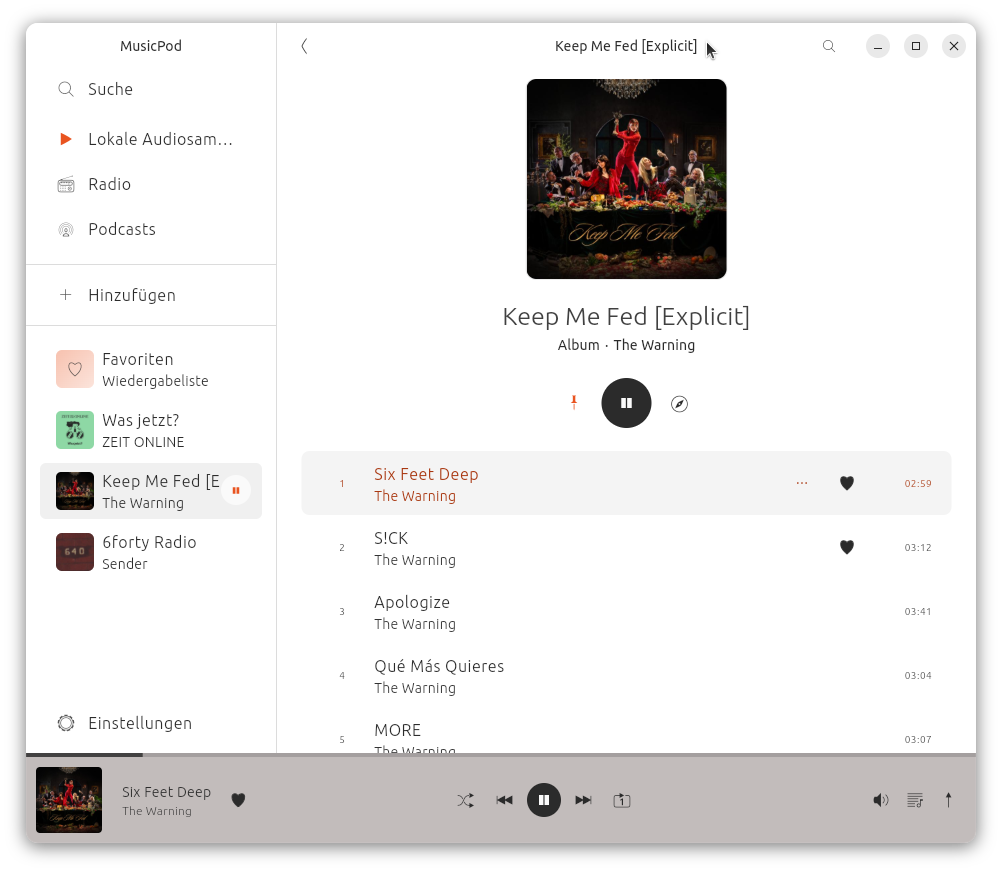 | 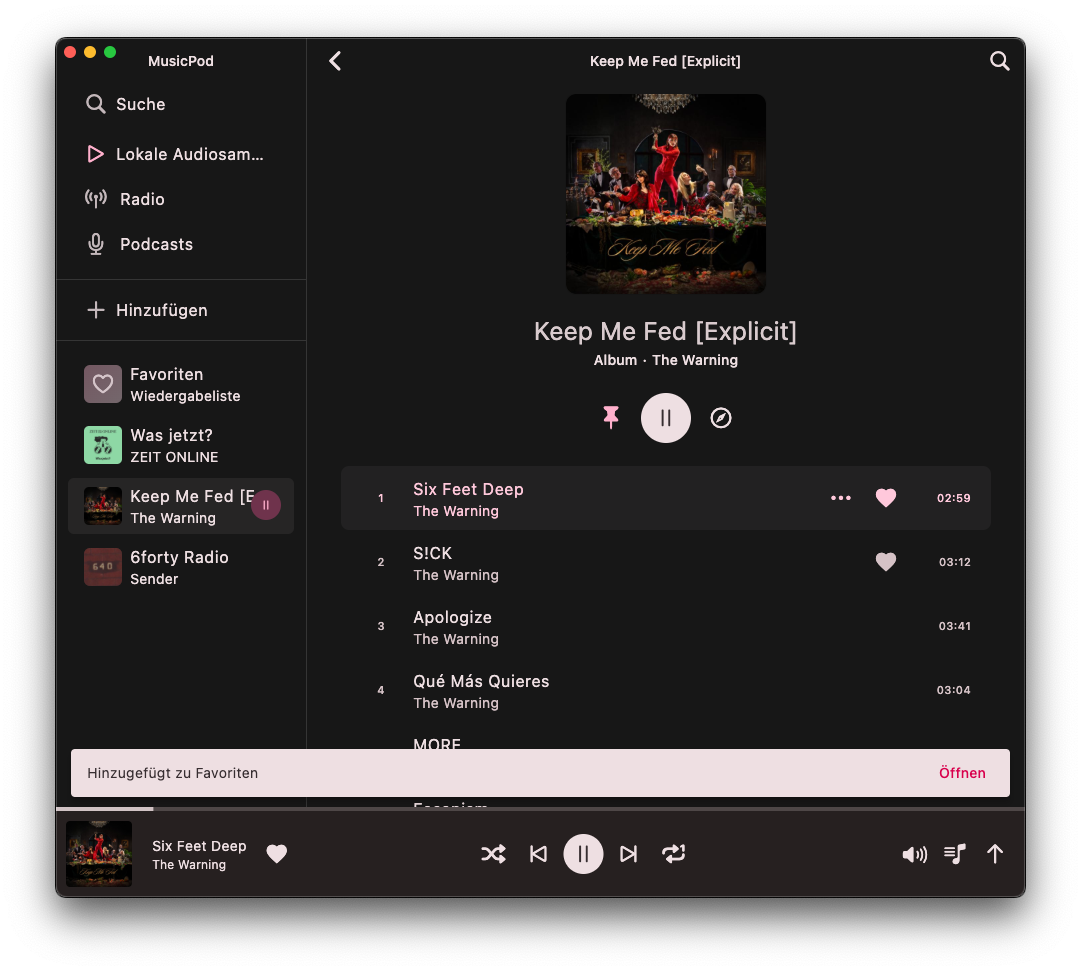 | 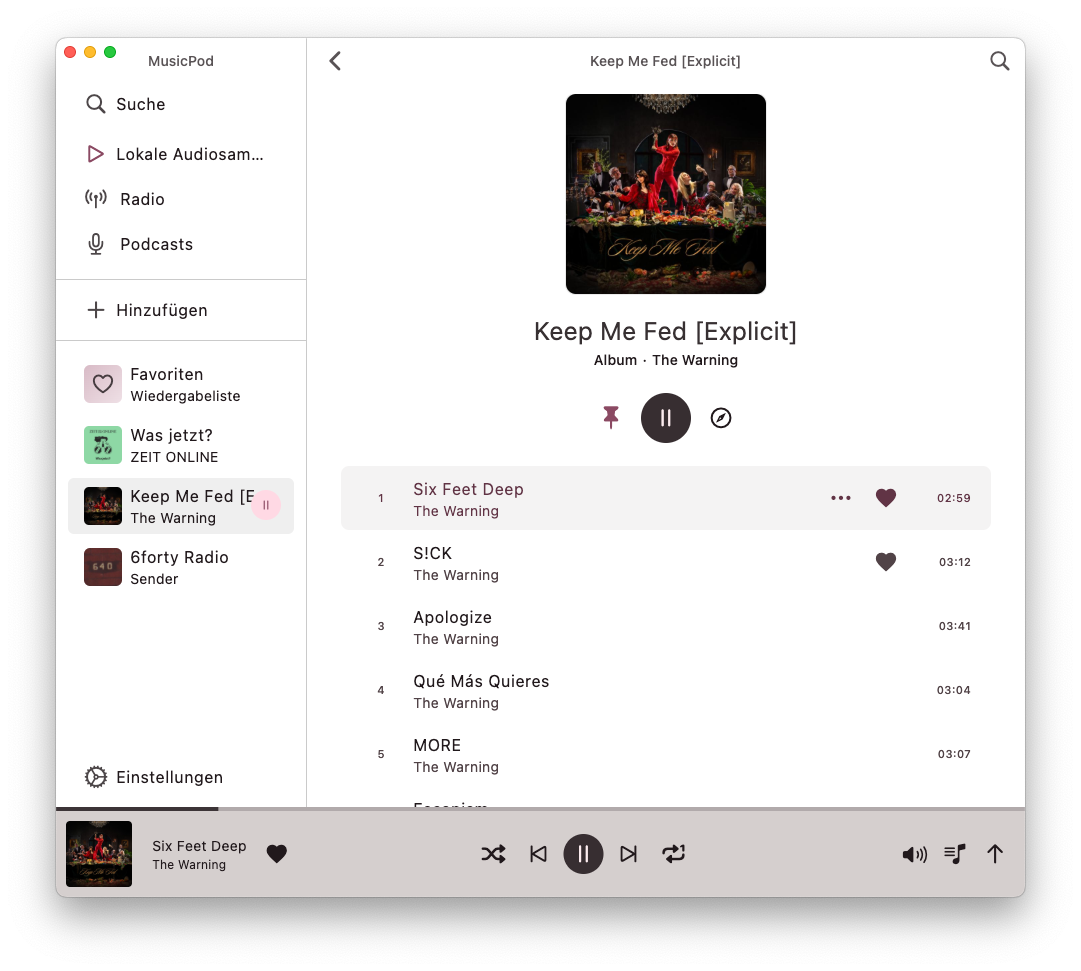 |
| Find local audios sorted by Metadata | 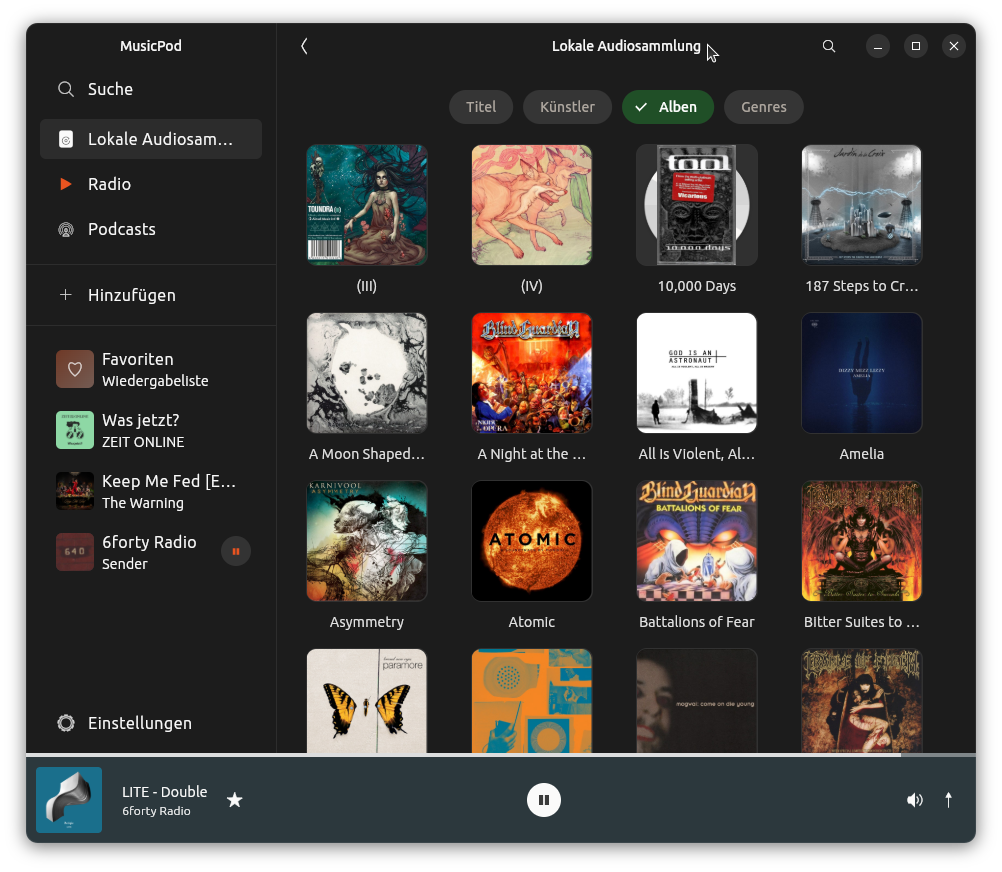 | 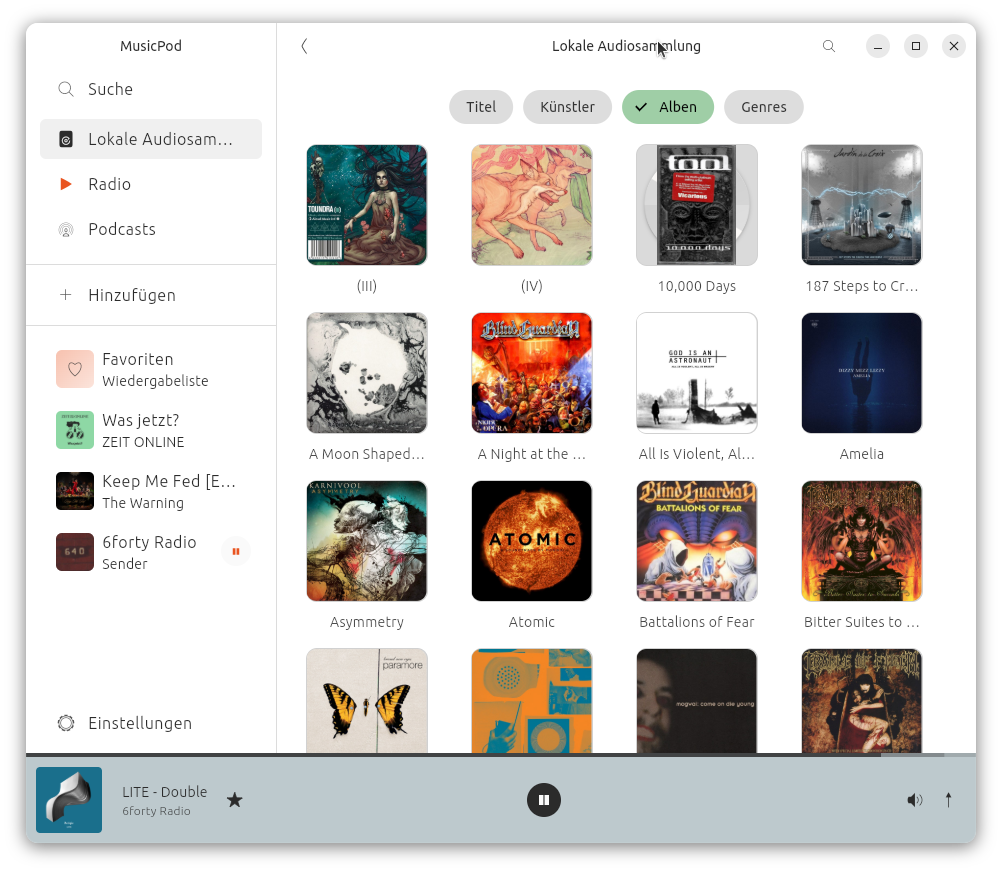 | 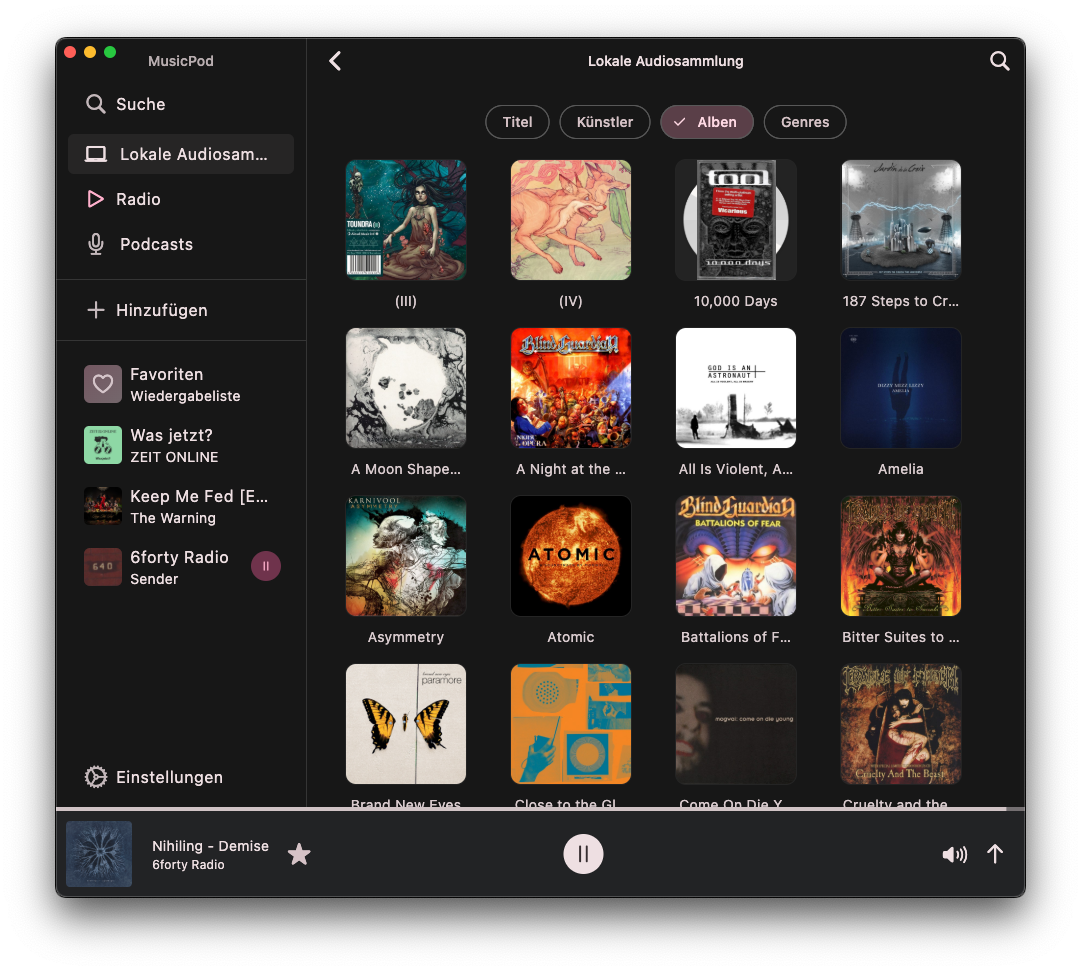 | 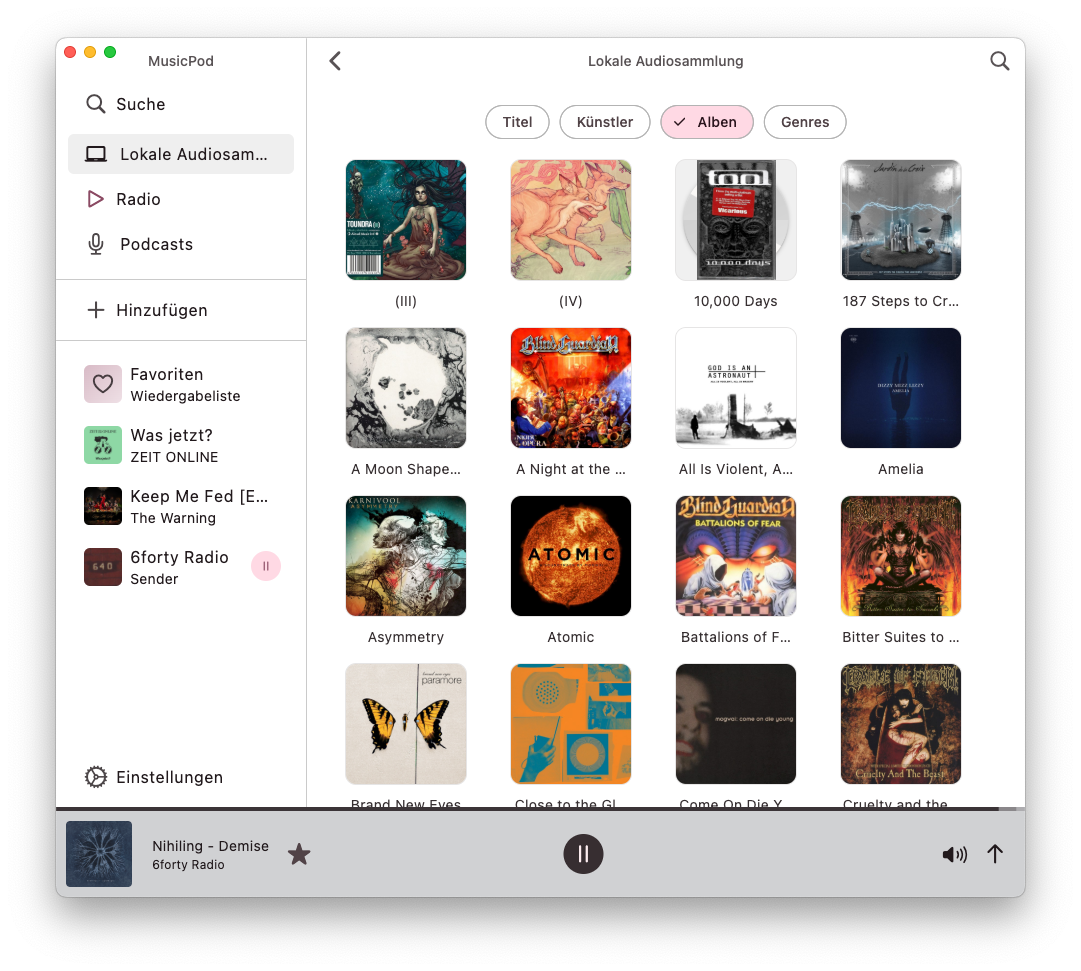 |
| Play radio stations, with icytags and artwork looked up! | 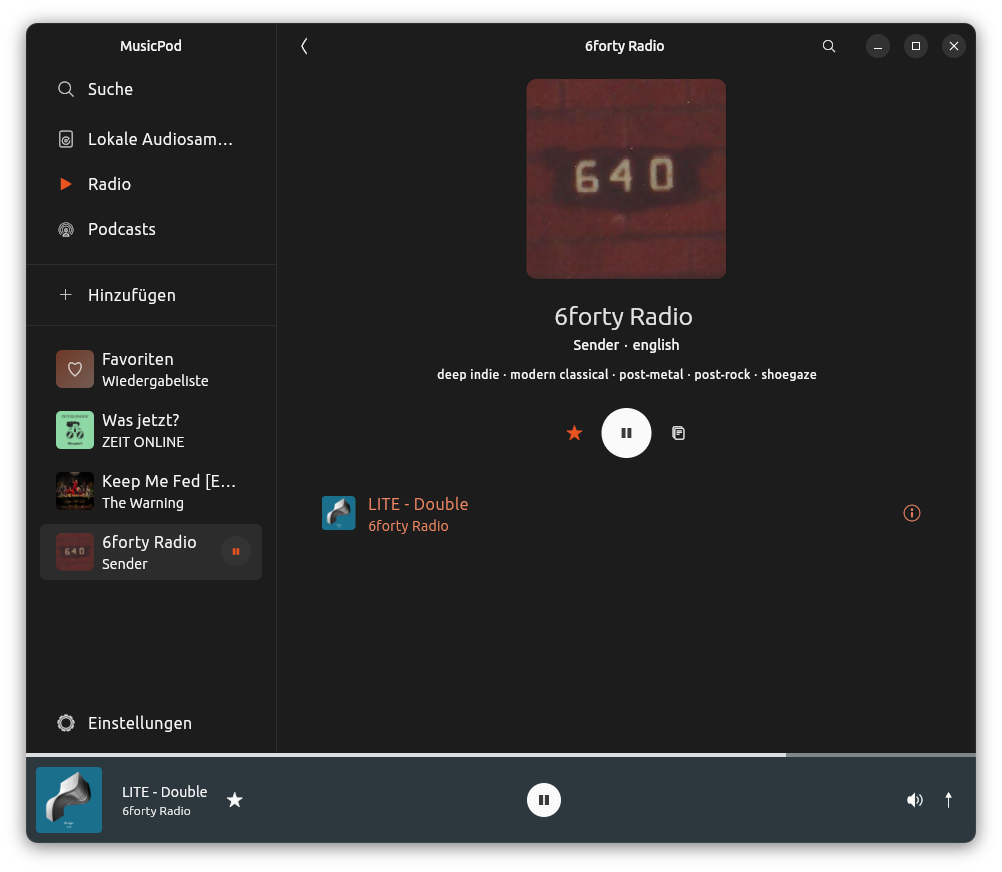 | 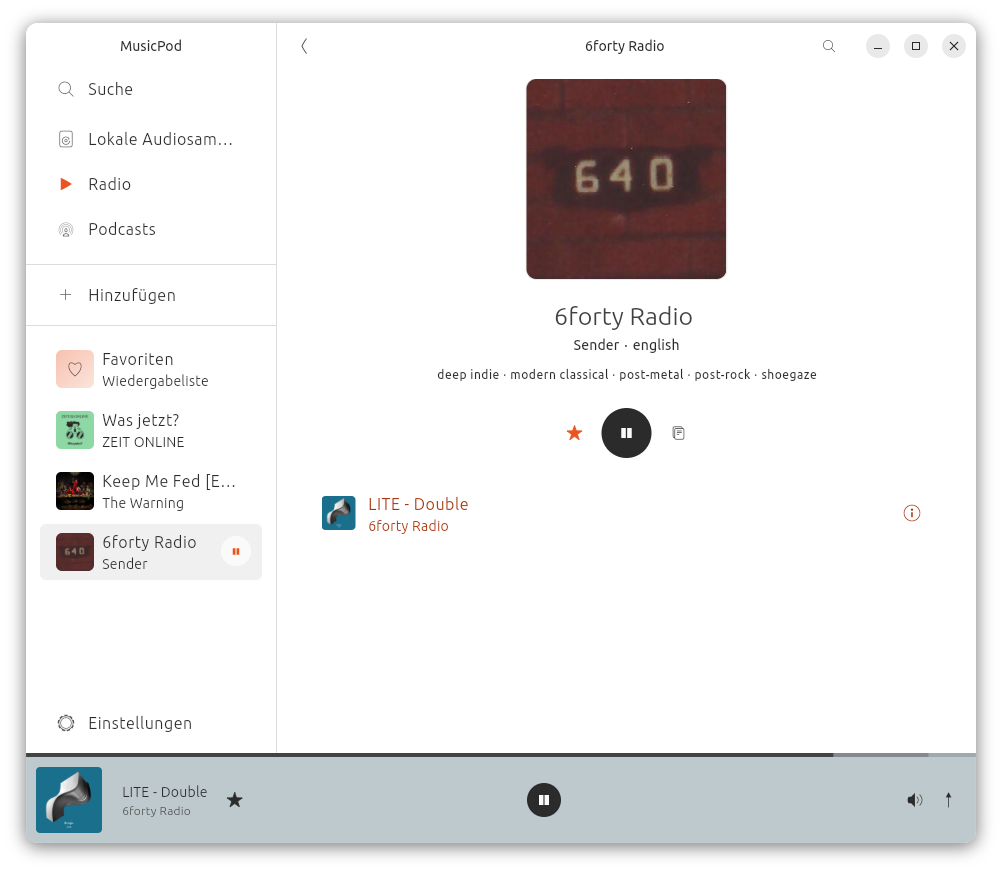 | 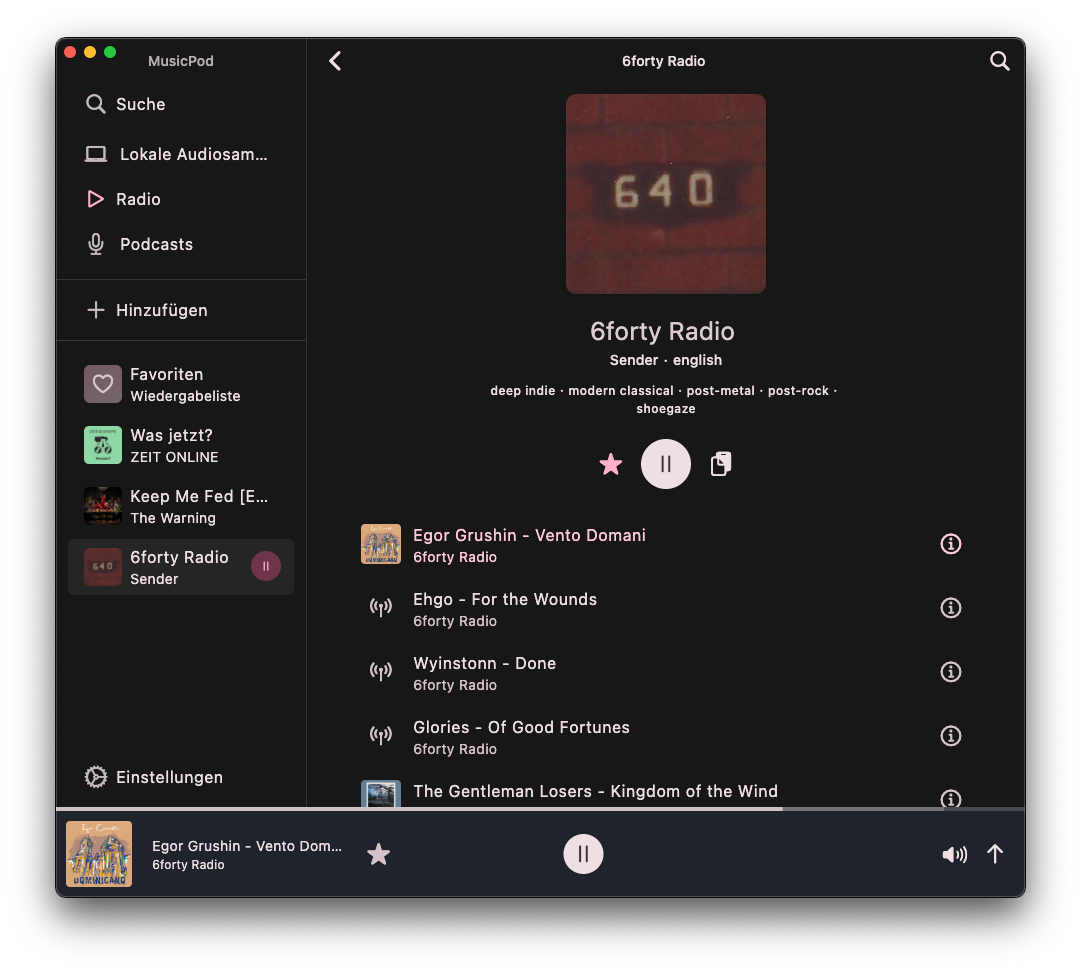 | 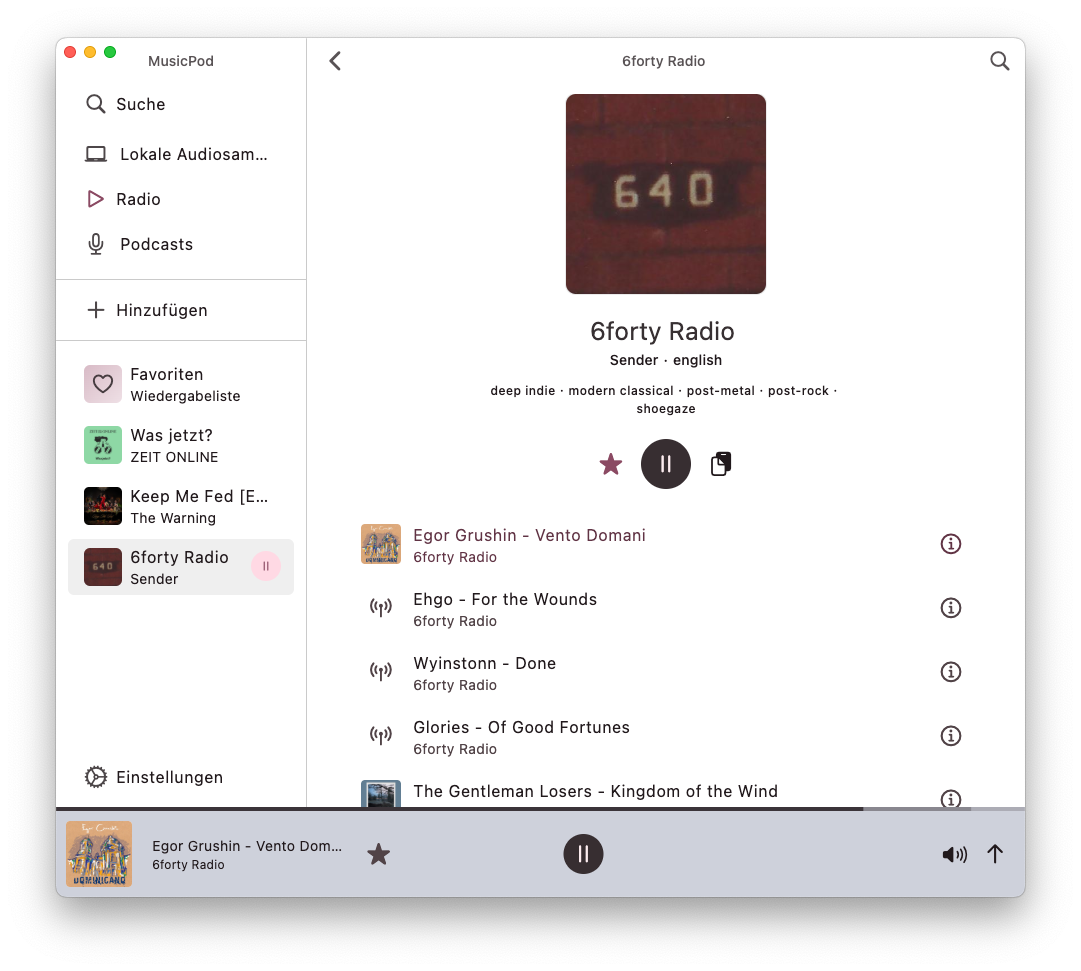 |
| Play and download podcasts, safe progress, sort episodes and more! | 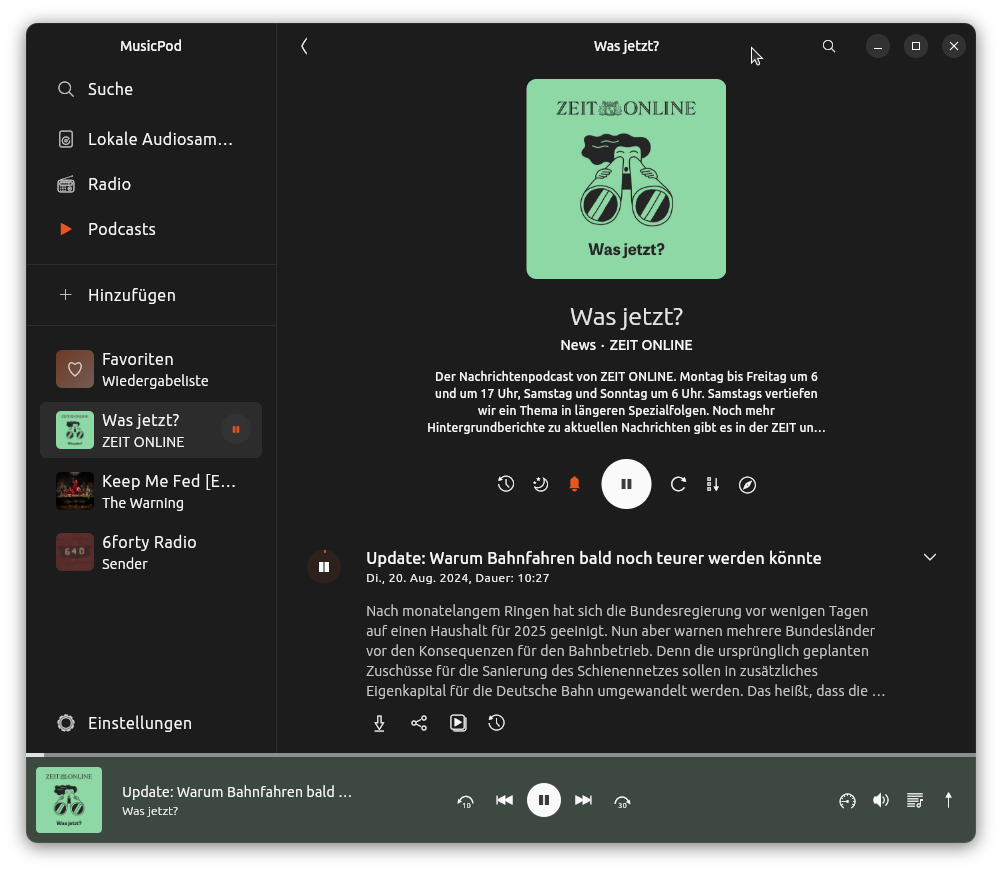 | 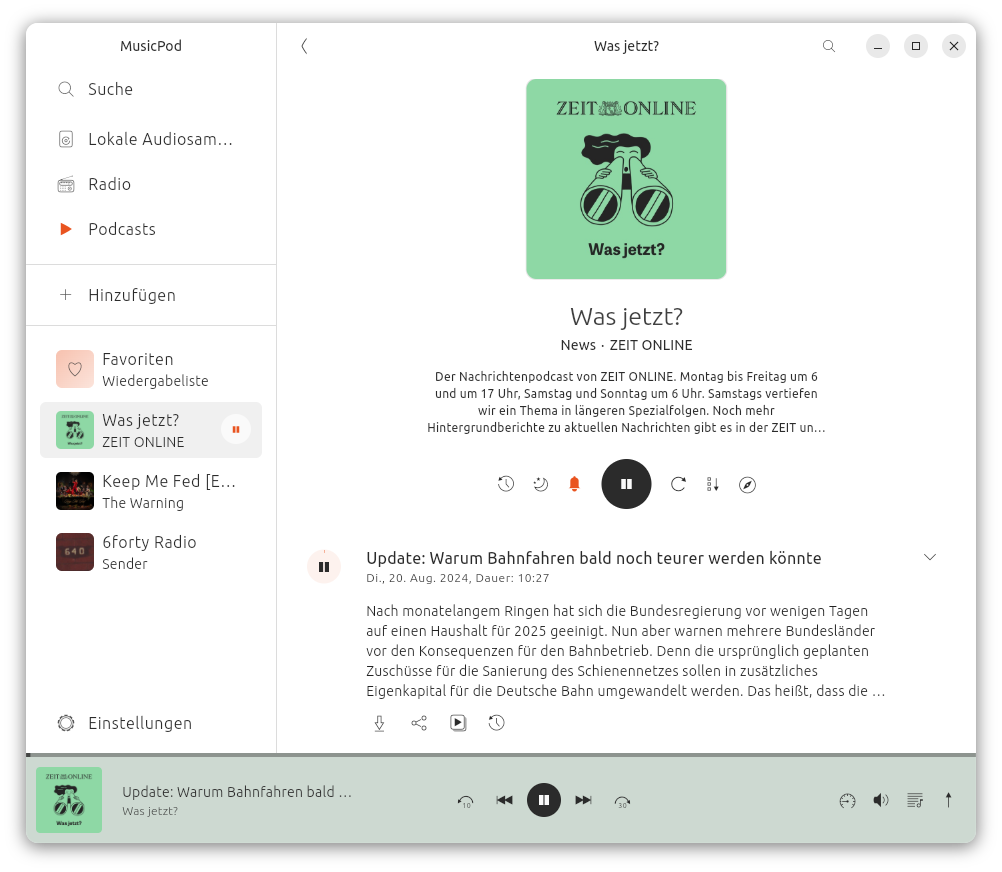 | 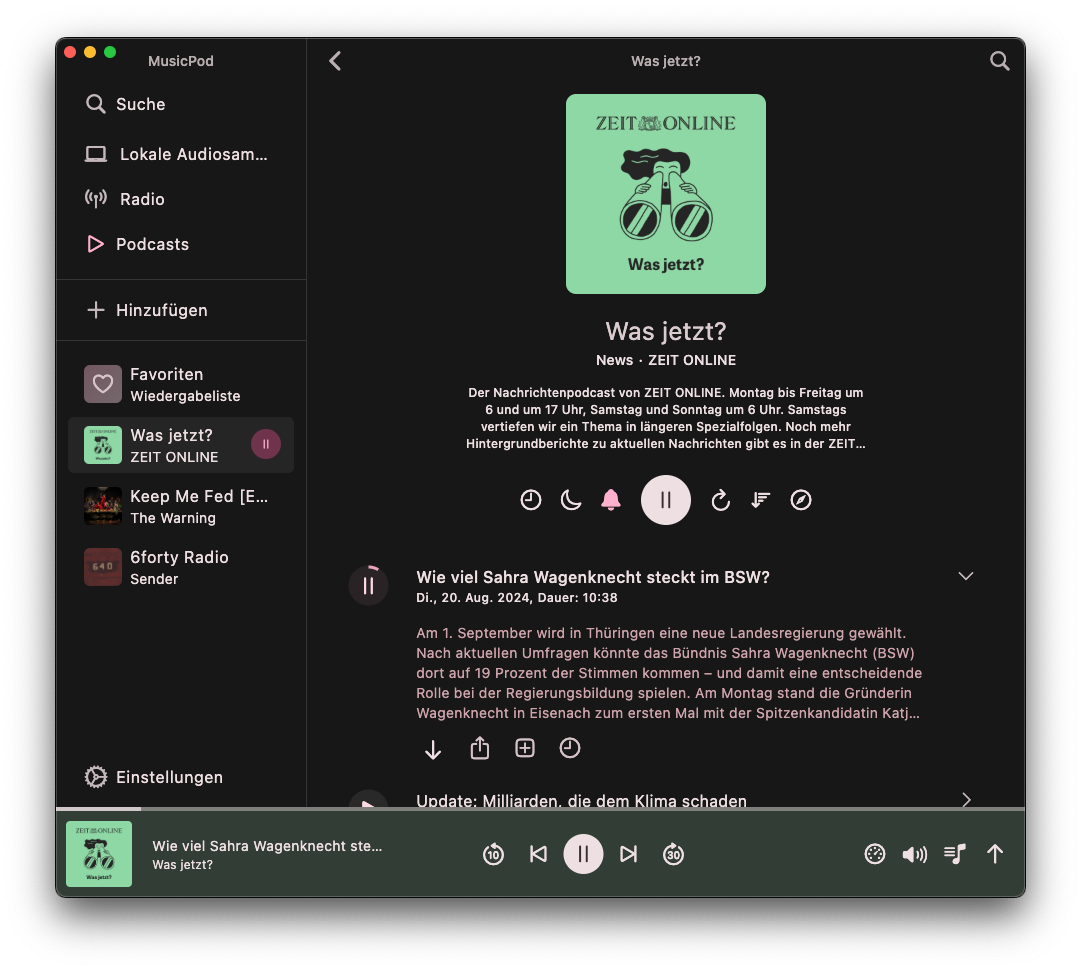 | 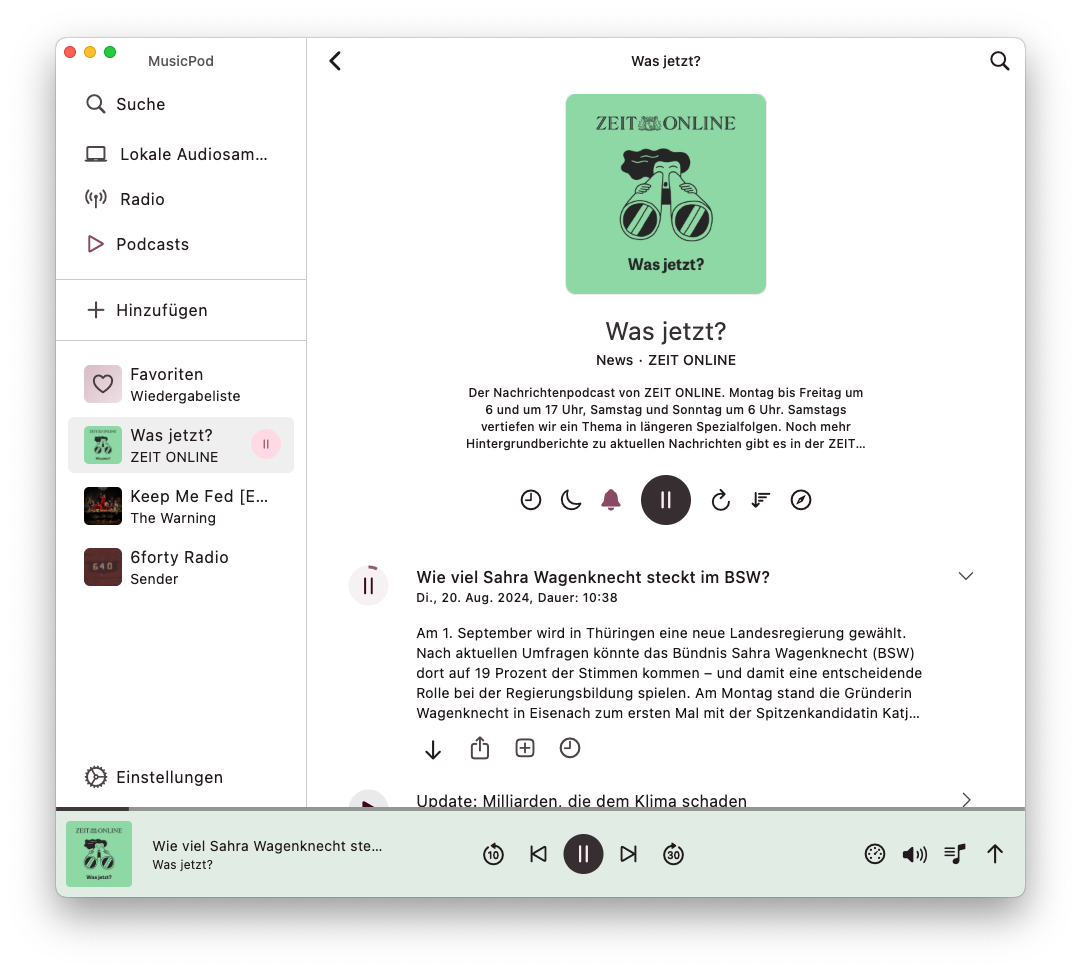 |
| Video podcast support! |  |  | 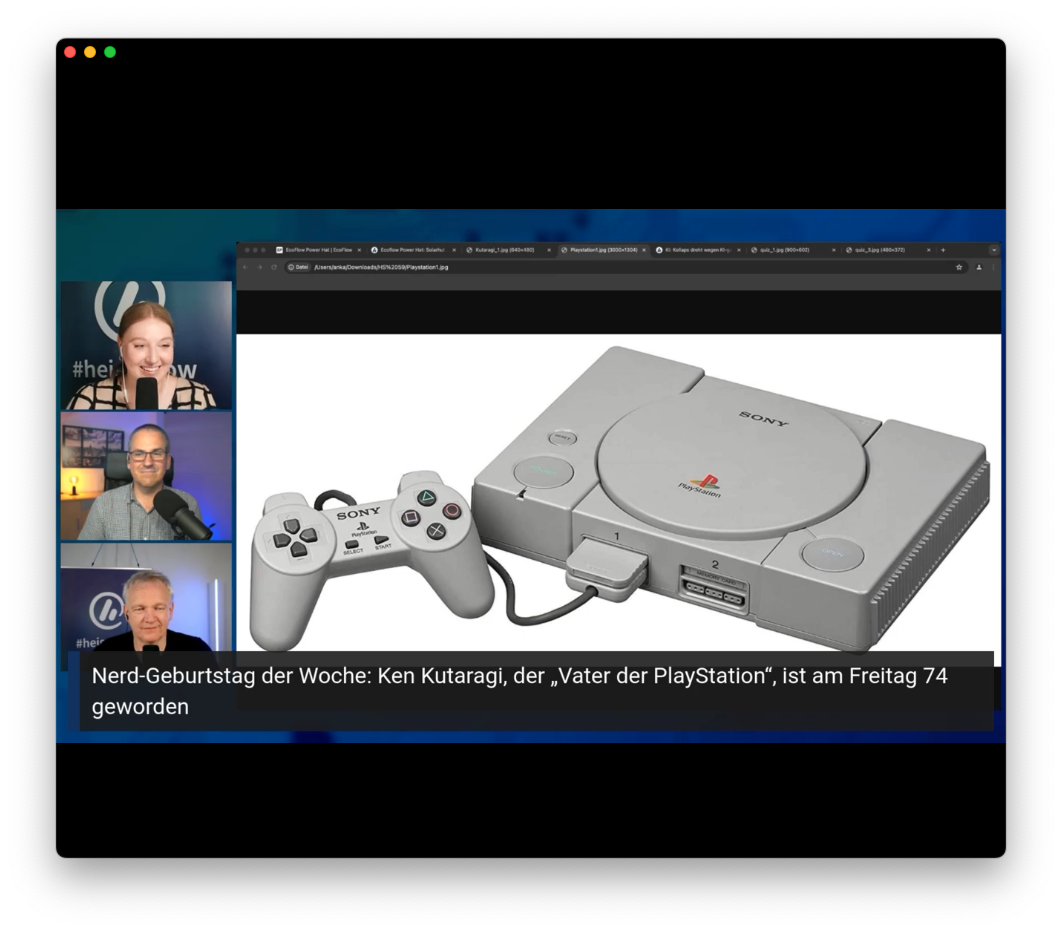 | 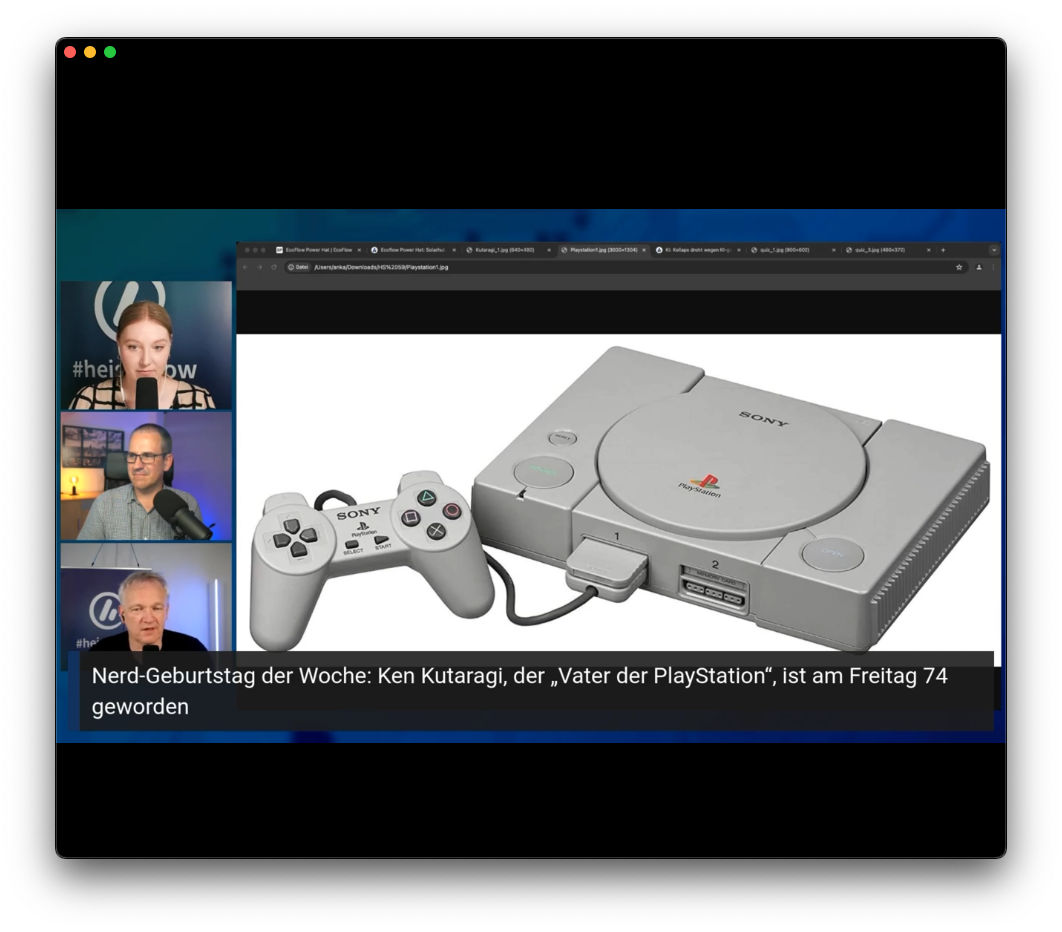 |
| Discover podcasts, filtered as you like | 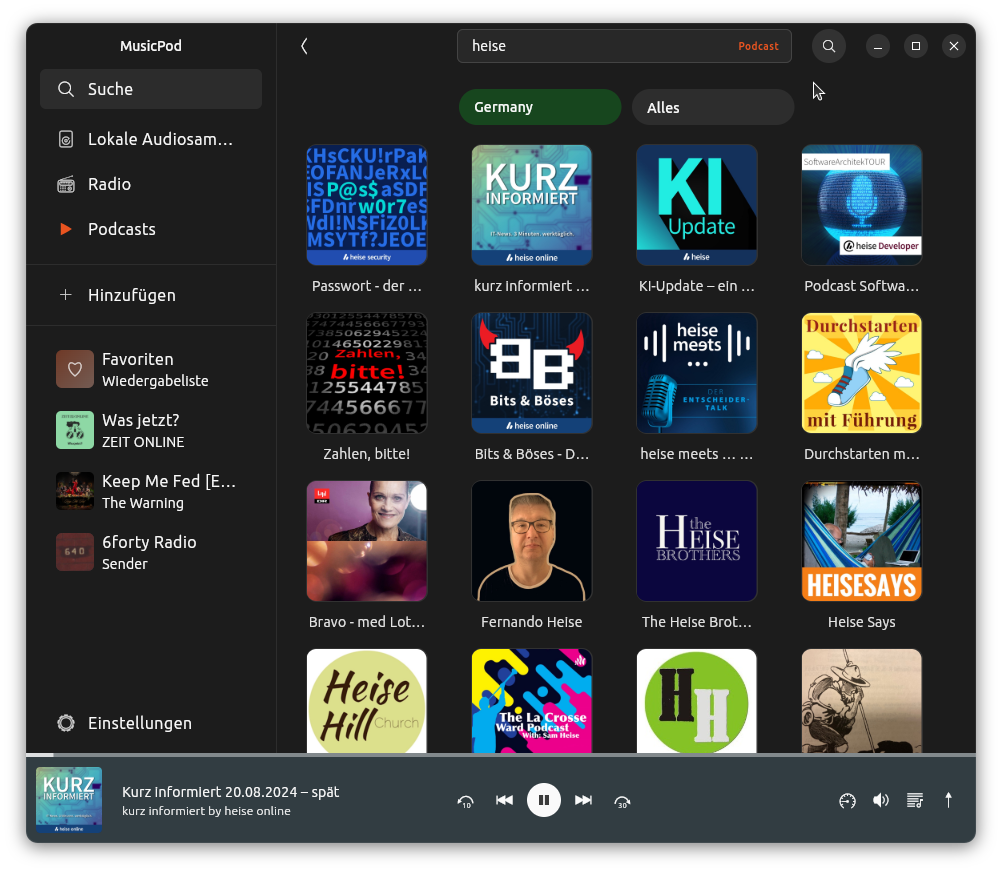 | 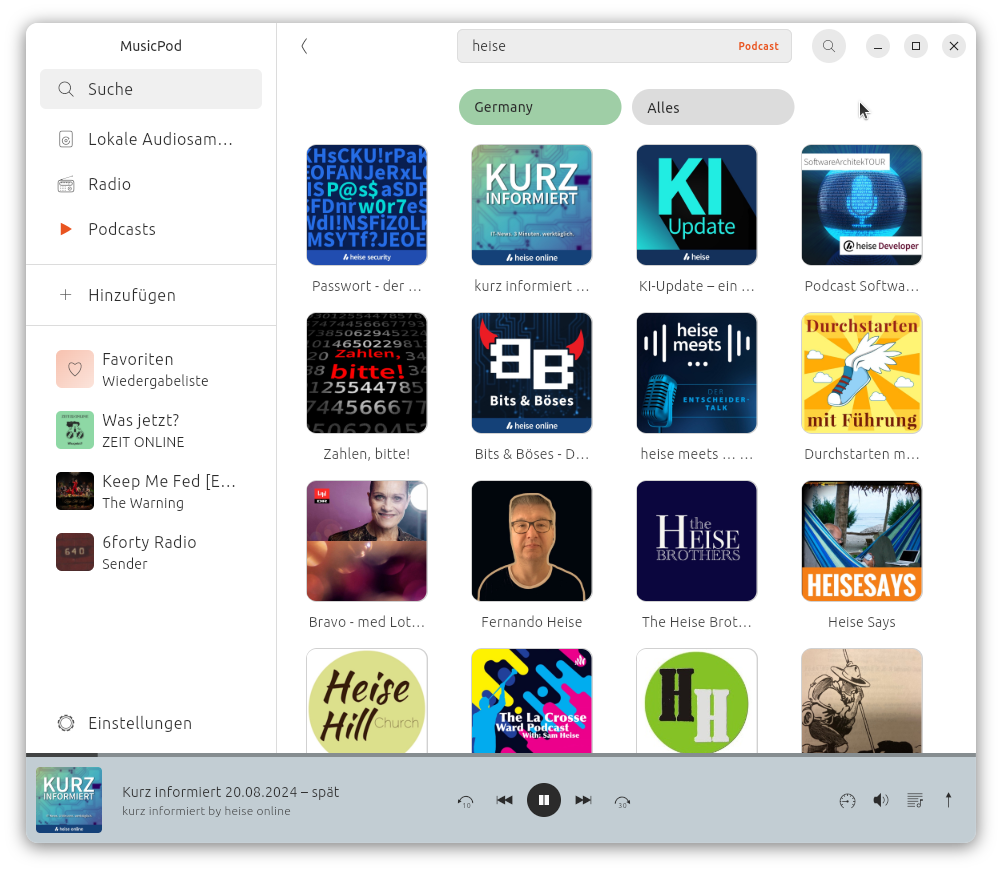 | 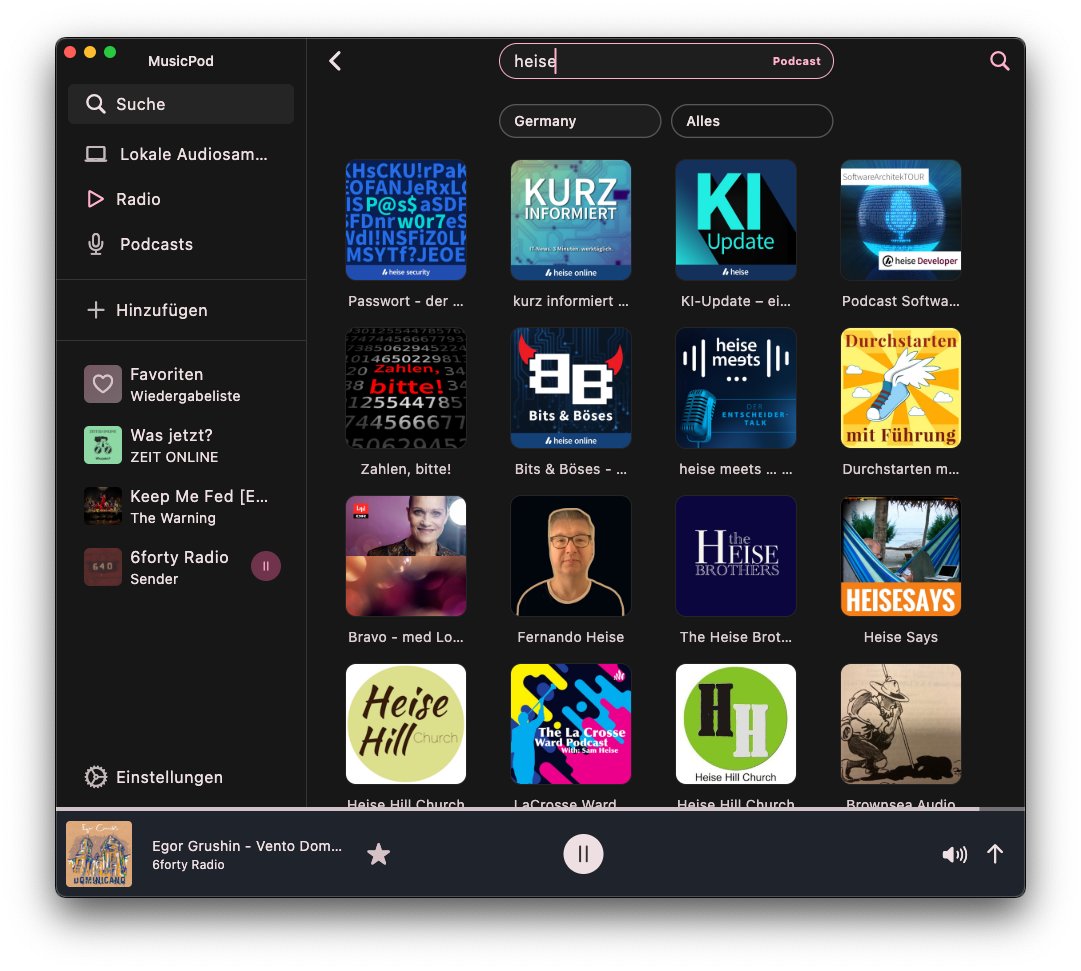 | 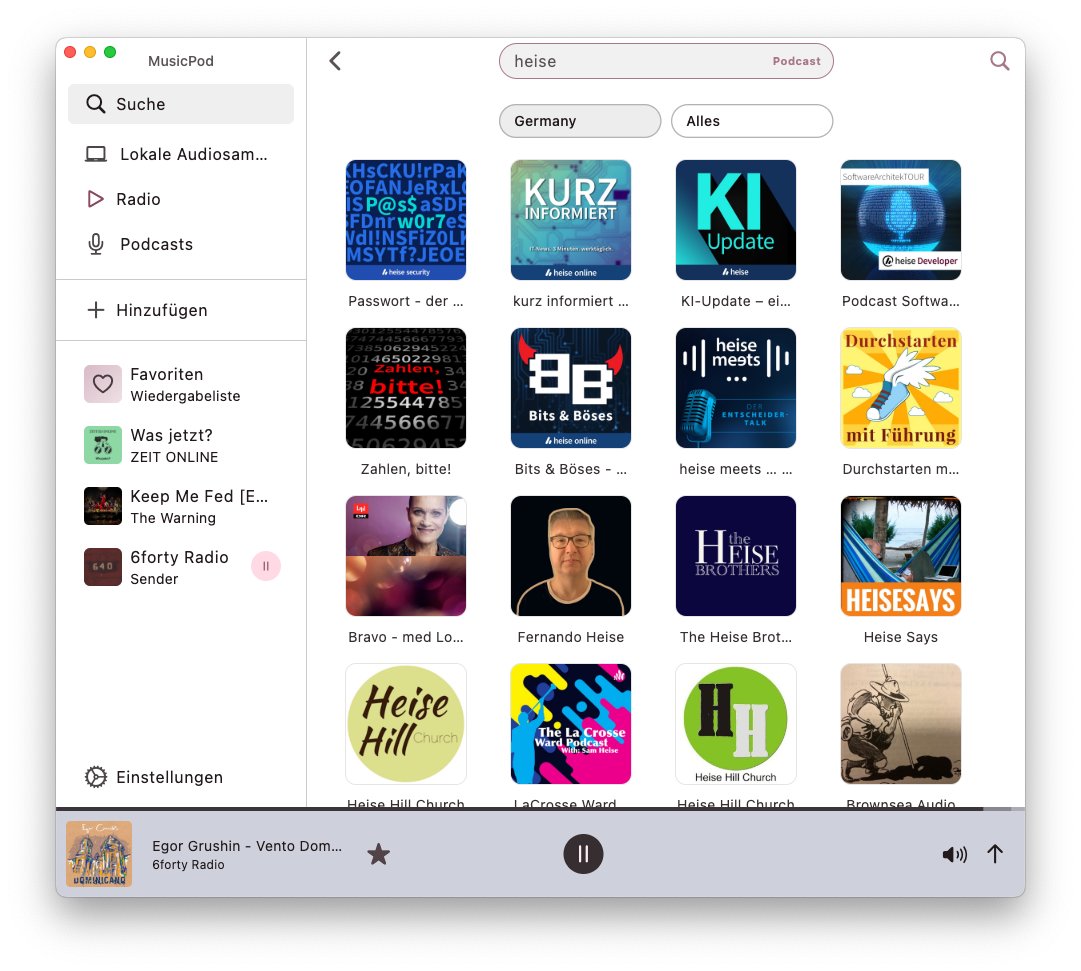 |
| Discover radio stations, filtered as you like | 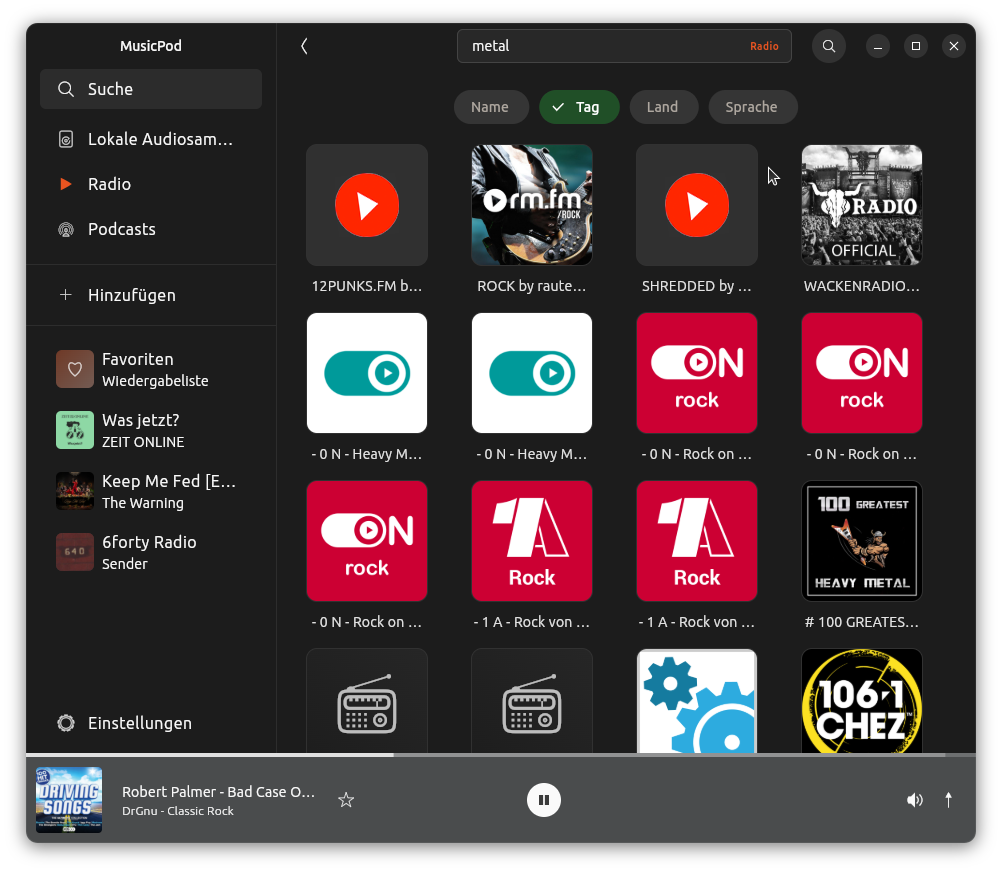 | 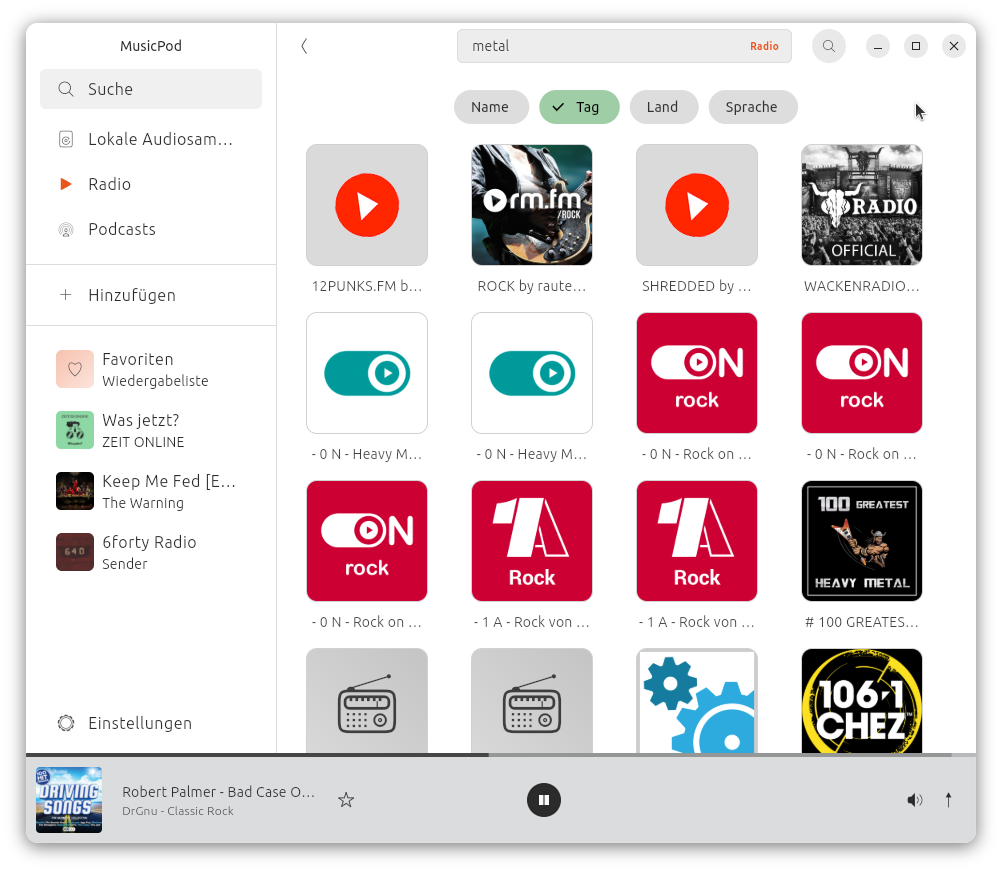 | 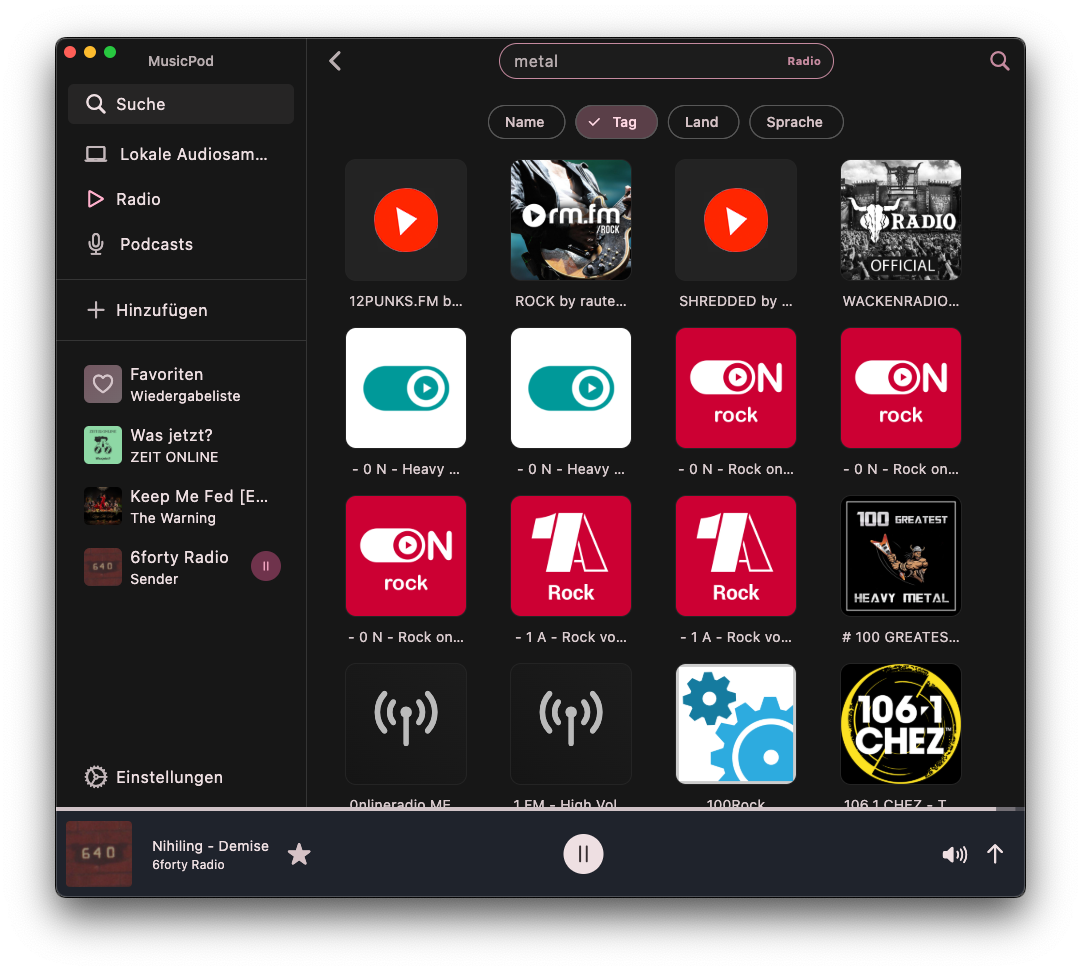 | 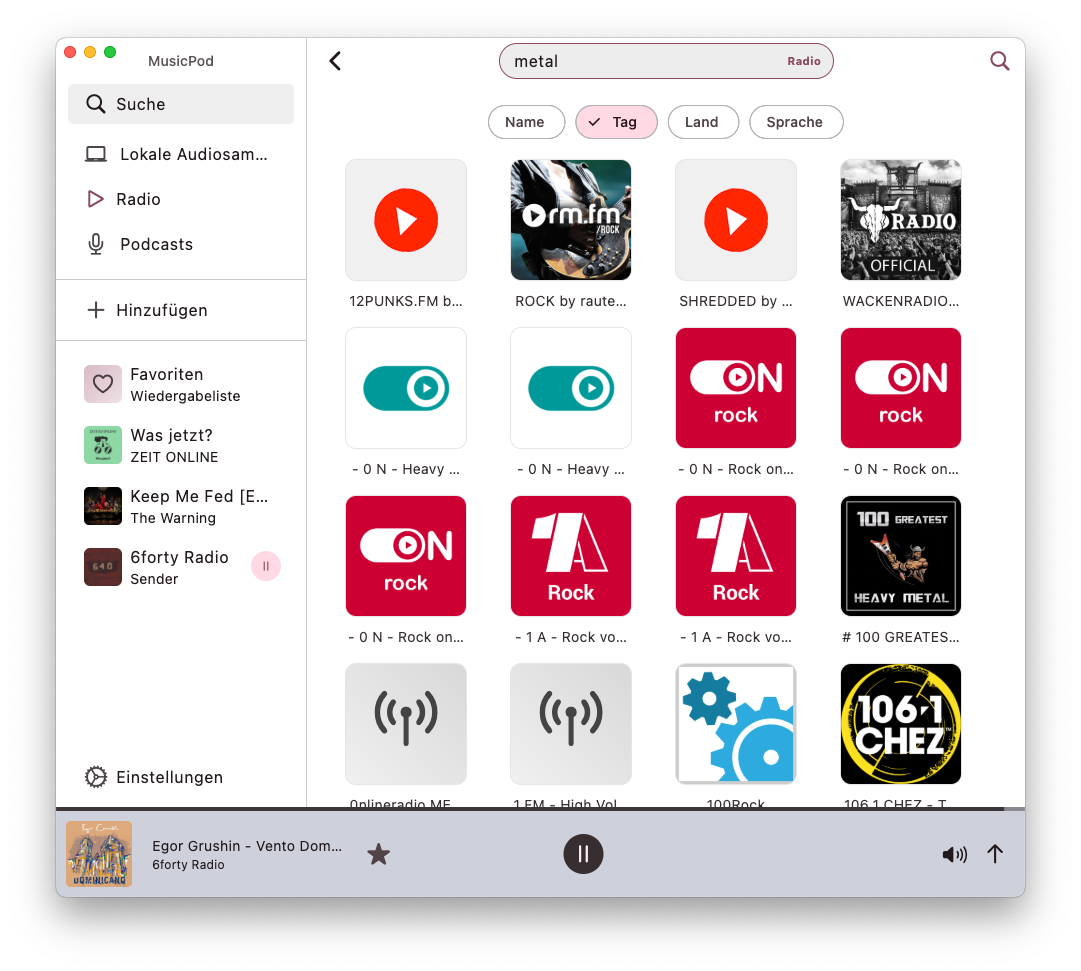 |
| Different view modes | 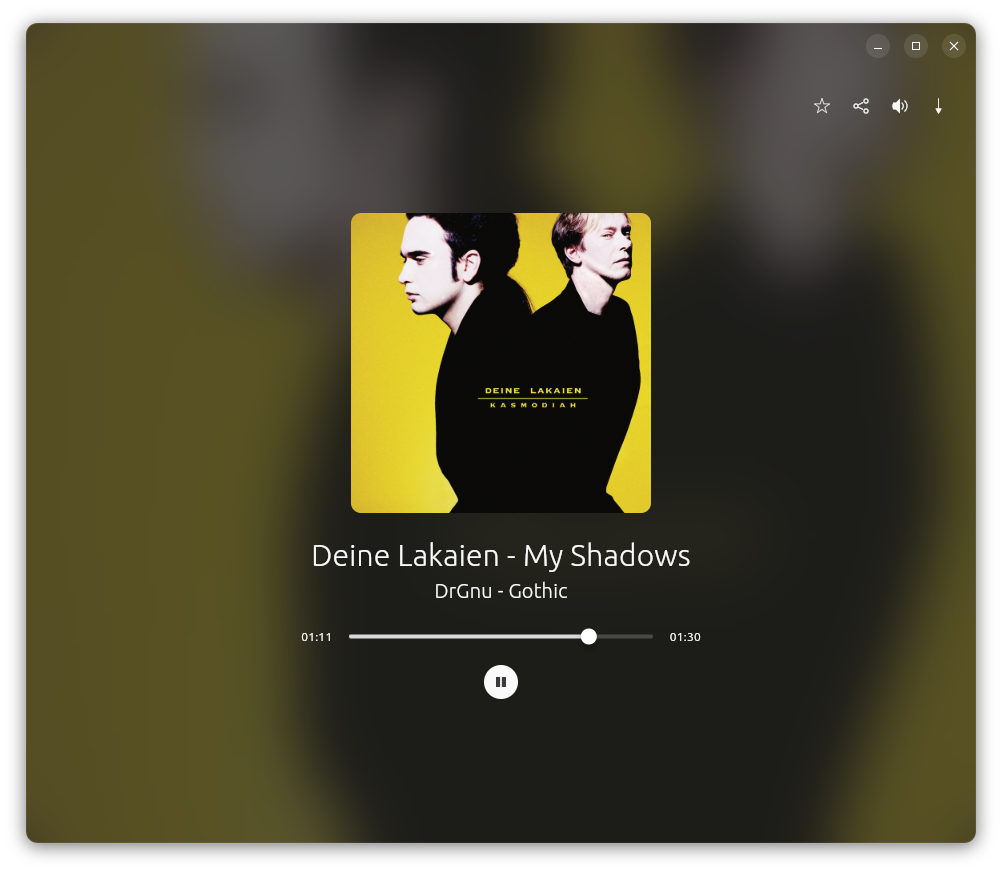 | 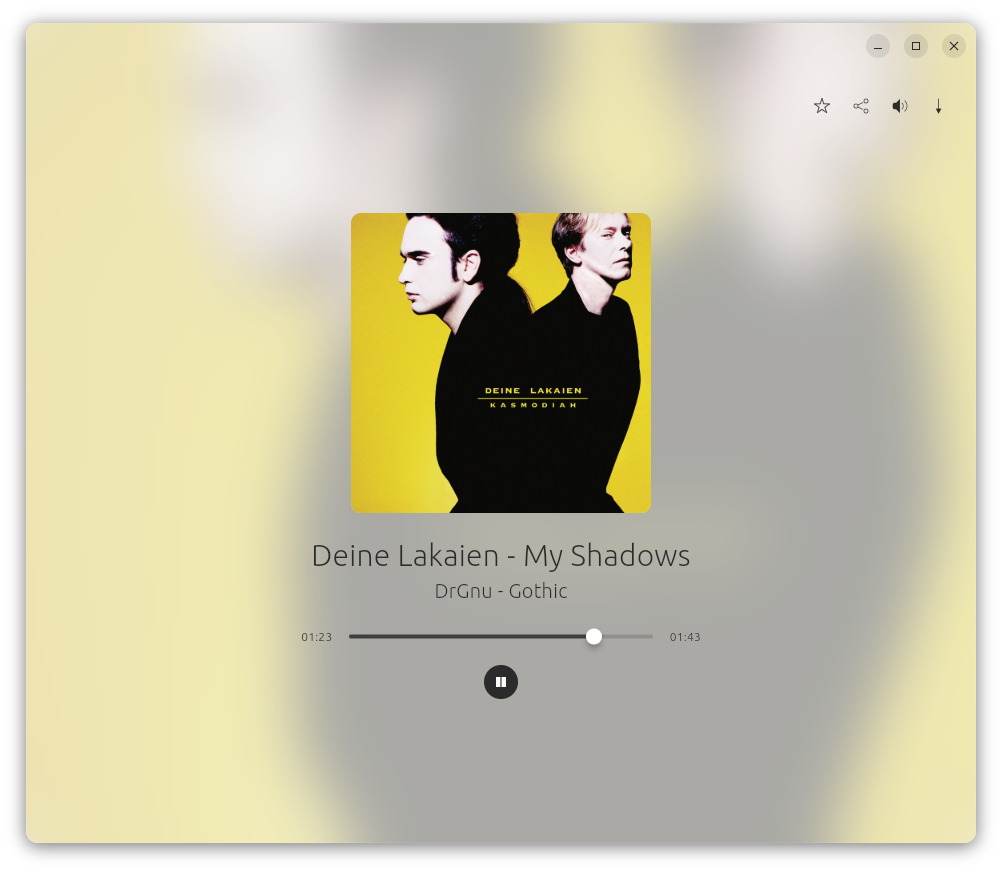 | 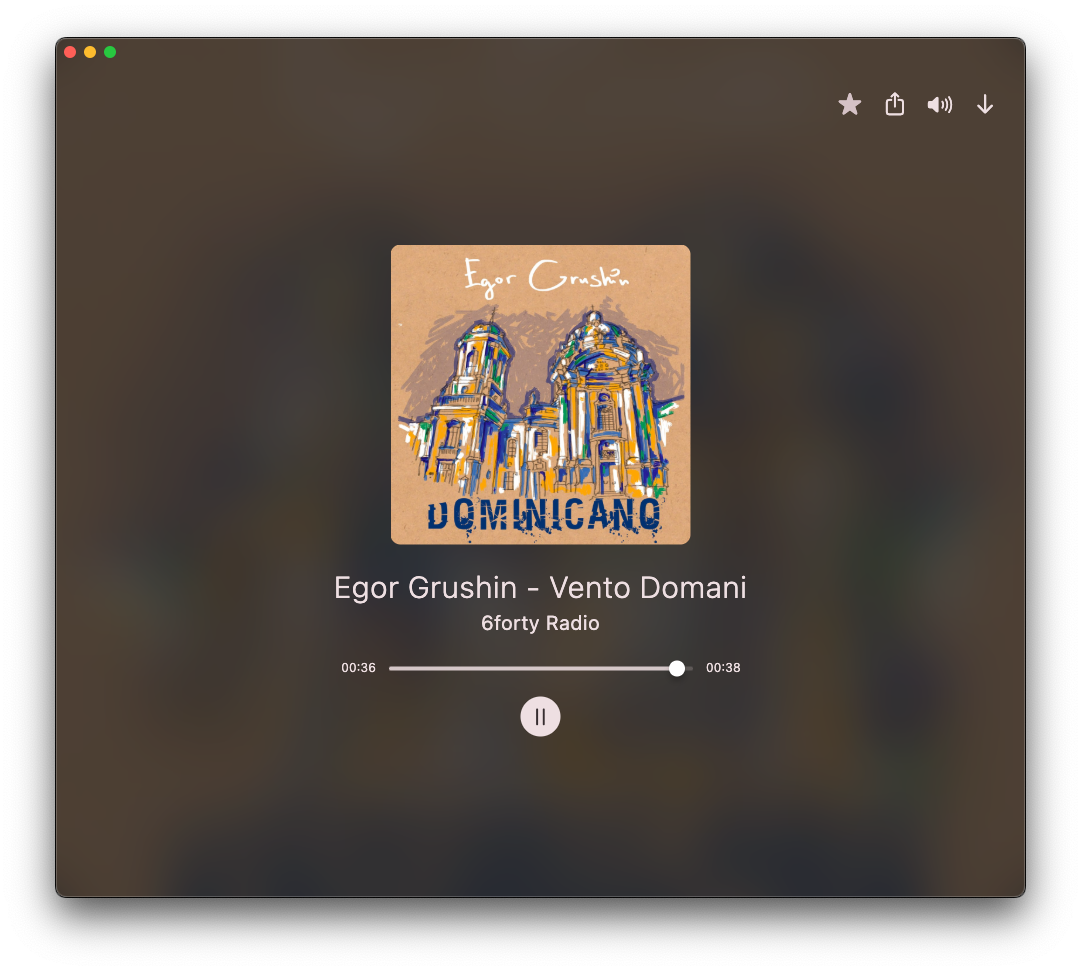 | 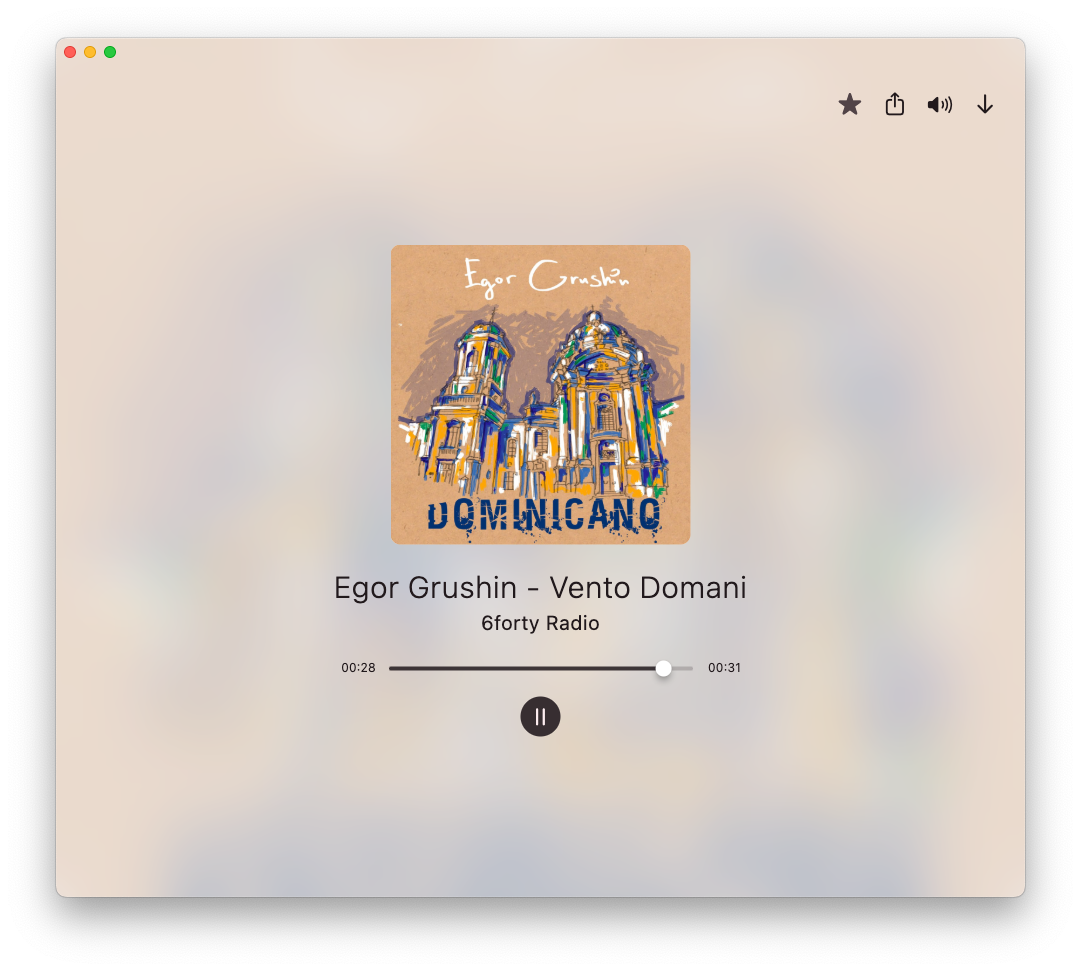 |
Credits
AppIcon
The app icon has been made by Stuart Jaggers, thank you very much Stuart!
Flatpak
Thanks TheShadowOfHassen for packaging MusicPod as a Flatpak!
Libraries used
Thanks to all the MPV contributors!
Thank you @amugofjava for creating the very easy to use and reliable podcast_search!
Thanks @alexmercerind for the super performant Mediakit library and mpris_service dart implementation!
Thank you @KRTirtho for the very easy to use smtc_windows package and Flutter Discord RPC
Thank you @tomassasovsky for the dart implementation of radiobrowser-api!
Thank you @ClementBeal for the super fast, pure dart Audio Metadata Reader!
Thank you @escamoteur for creating get_it, watch_it, command_it and listen_it, which made my application faster and the source code cleaner!
Contributing
Contributions are highly welcome. Especially translations.
Translations
The help of translators is highly appreciated!
For translations MusiPod is now on Weblate thanks to @keunes:
https://hosted.weblate.org/projects/musicpod/app
<a href="https://hosted.weblate.org/engage/musicpod/"> <img src="https://hosted.weblate.org/widget/musicpod/app/multi-auto.svg" alt="Translation status" /> </a>Code contributions
If you find any error please feel free to report it as an issue and describe it as good as you can.
If you want to contribute code, please create an issue first, then proceed as follows:
Please fork MusicPod to your GitHub namespace, clone it to your computer, create a branch named by yourself, commit your changes to your local branch, push them to your fork and then make a pull request from your fork to this repository.
I recommend the vscode extension GitHub Pull Requests especially for people new to Git and GitHub.
Build
Prerequisites
- for Linux desktop builds:
sudo apt install libglib2.0-dev libgtk-3-dev curl git unzip xz-utils zip libglu1-mesa libmpv-dev mpv libnotify-dev - for macos, windows and android please check the official instructions for your target platform!
- install flutter
- I suggest to install the flutter sdk with FVM (this does not replace the native dependencies ofc!)
- required for android builds: install android-studio
- required for macos builds: install xcode
- as a good IDE for all builds: install vcode
Generate some code
The dependencies and test mocks are generated with build_runner. You need to run the build_runner command in order to re-generate dependencies, in case you changed the signatures of service methods, like this:
dart pub run build_runner build --force-jit
or if you use fvm:
fvm dart pub run build_runner build --force-jit
Run
Now you can run the app with flutter run or fvm flutter run in the project directory. If not, please open an issue if I maybe have forgotten a step which I had locally, but not in the README.md.
Release
The release please bot automatically creates a pull request when new changes after the last release are made with conventional commits.
It force pushes those to its branch and updates the version string in pubspec.yaml and the changelog file.
When the release please pull request is merged the version and changelog will be updated in main.
Linux
The linux snap packages are always build when a new commit lands in main.
When a new release is made go to https://snapcraft.io/musicpod/releases and promote the latest snap from edge to stable.
MacOs
fvm flutter build macos --release- open the macos directory in xcode
- in xcode go to "Product" -> "Archive"
- create archive
- validate
- distribute
- notarize
- export app
- install create-dmg
- open the location you exported the app to
create-dmg --idenfity=XXXXXXXX musicpod.app(XXXXXXXX is your apple dev ID which needs to be with your certificate in your mac...)
Windows
Currently inno setup is needed. This hopefully changes some day when https://github.com/ubuntu-flutter-community/musicpod/issues/964 is merged.
- fvm flutter build windows --release
- copy the following files from C:\Program Files (x86)\Microsoft Visual Studio\2022\Community\VC
Redist\MSVC\14.34.31931\x64\Microsoft.VC143.CRT\ into your windows build
msvcp140.dll
msvcp140_1.dll
msvcp140_2.dll
vcruntime140.dll
vcruntime140_1.dll
- run .../musicpod/windows/inno.iss
Testing
Test mocks are generated with Mockito. You need to run the build_runner command in order to re-generate mocks, in case you changed the signatures of service methods.
dart run build_runner build
Boring developer things
Under the flutter hood
MusicPod is basically a fancy front-end for MPV! Without it it would still look nice, but it wouldn't play any media :D!
Architecture
WIP - I need to update this section of the readme.
Dependency choices, service locator and state management
Regarding the packages to implement this architecture I've had quite a journey from provider to riverpod.
I found my personal favorite solution with get_it plus watch_it plus command_it and listen_it because this fits the need of this application and the best and I can write reactive code without the need of a lot of boilerplate code, while still keeping the layers of the application clearly separated and easy to re-implement.
(all four packages can be obtained with flutter_it which is a meta package for all of them.)
Performance
Reading the local covers and fetching remote covers for radio data happens inside additional second dart isolates. When idle MusiPod's CPU power consumption is 0%. For a 10 years old intel dual core, the CPU usage is about 2% while playing music, since only the parts are redrawn which need to be, thanks to watch_it.
Persistence
Preferences are stored with shared_preferences, the rest is stored within drift in a local sqlite database.
Contributors
Showing top 12 contributors by commit count.


![github-actions[bot]](https://avatars.githubusercontent.com/in/15368?v=4)
![renovate[bot]](https://avatars.githubusercontent.com/in/2740?v=4)


Related Repositories

flutter/flutter
Flutter makes it easy and fast to build beautiful apps for mobile and beyond

Genymobile/scrcpy
Display and control your Android device

react/react-native
A framework for building native applications using React

justjavac/free-programming-books-zh_CN
:books: 免费的计算机编程类中文书籍,欢迎投稿

rustdesk/rustdesk
An open-source remote desktop application designed for self-hosting, as an alternative to TeamViewer.

Hack-with-Github/Awesome-Hacking
A collection of various awesome lists for hackers, pentesters and security researchers