

Quiver
A modern commutative diagram editor for the web.
**quiver** is a modern, graphical editor for [commutative] and [pasting diagrams], capable of rendering high-quality diagrams for screen viewing, and exporting to [LaTeX] via [tikz-cd] or [Typst] via [fletcher]. The project is written primarily in JavaScript, distributed under the MIT License license, first published in 2018. It has gained significant community traction with 3,574 stars and 119 forks on GitHub. Key topics include: category-theory, commutative, commutative-diagrams, diagram, editor.
quiver: a modern commutative diagram editor
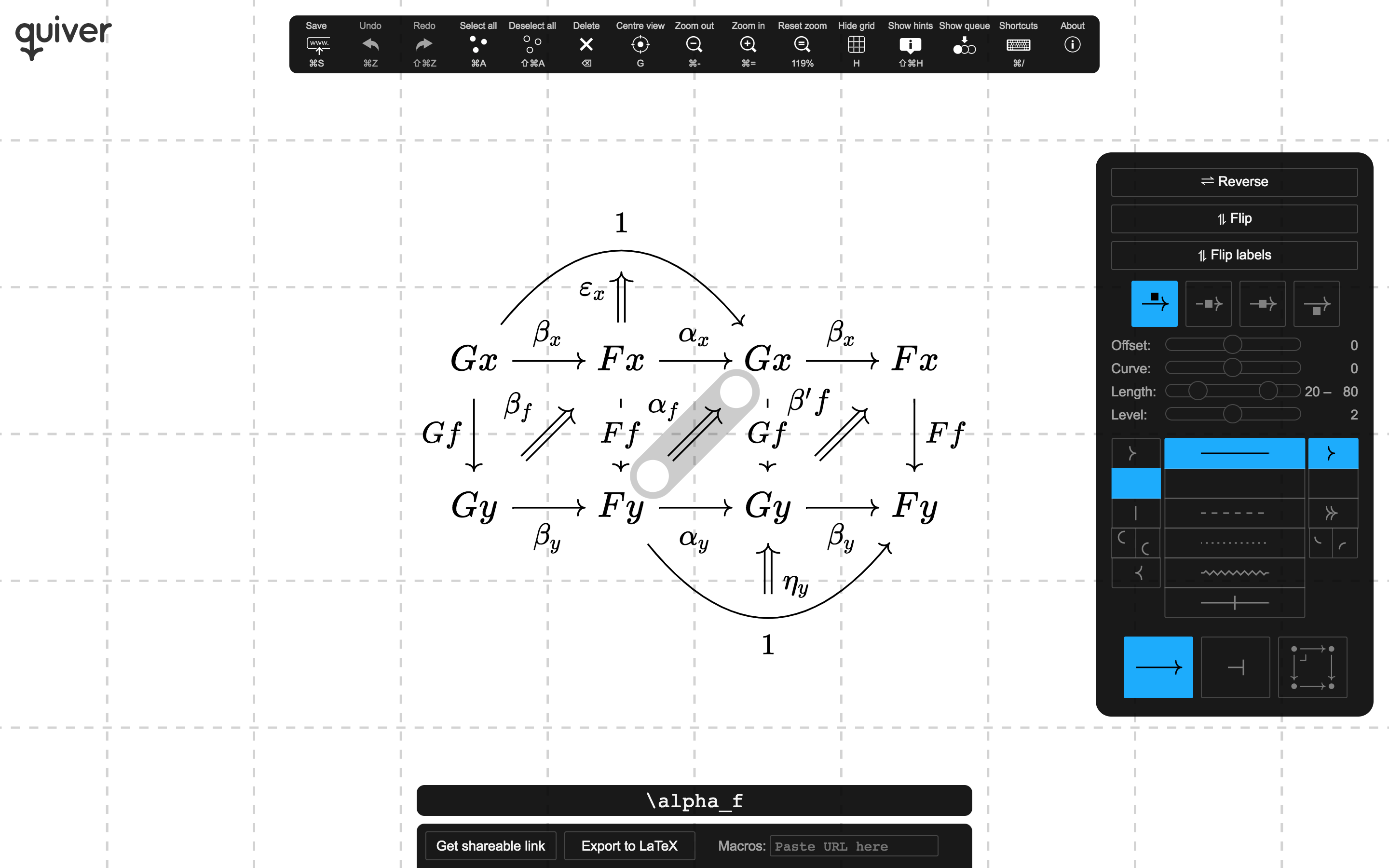
quiver is a modern, graphical editor for commutative and pasting diagrams, capable of
rendering high-quality diagrams for screen viewing, and exporting to LaTeX via tikz-cd or
Typst via fletcher.
Creating and modifying diagrams with quiver is orders of magnitude faster than writing the
equivalent LaTeX or Typst by hand and, with a little experience, competes with pen-and-paper. To
learn how to use quiver efficiently, see the tutorial.
Try quiver out: q.uiver.app
For tips on using quiver (including how to create and modify diagrams entirely using the
keyboard), see the quiver tutorial.
Features & screenshots
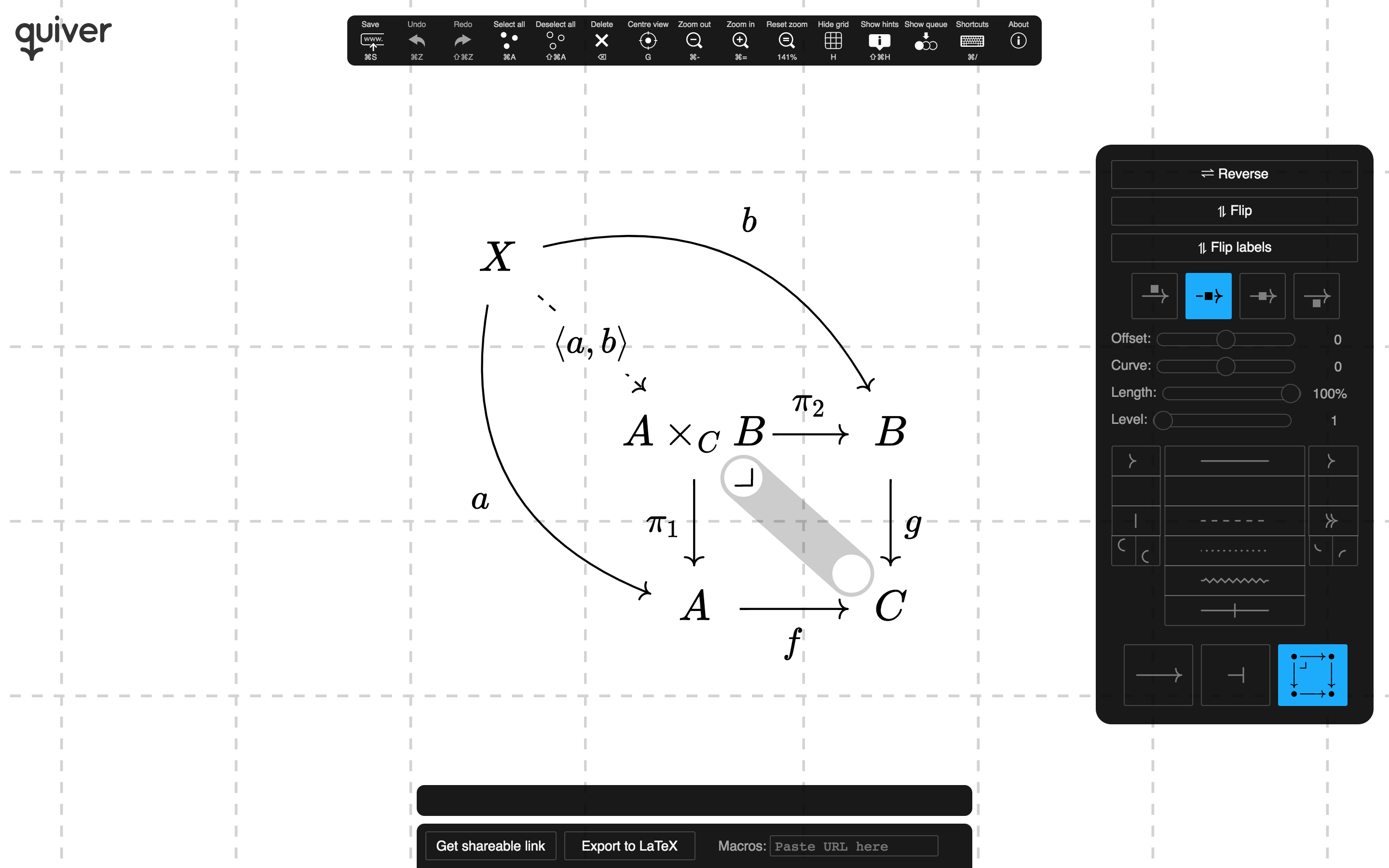
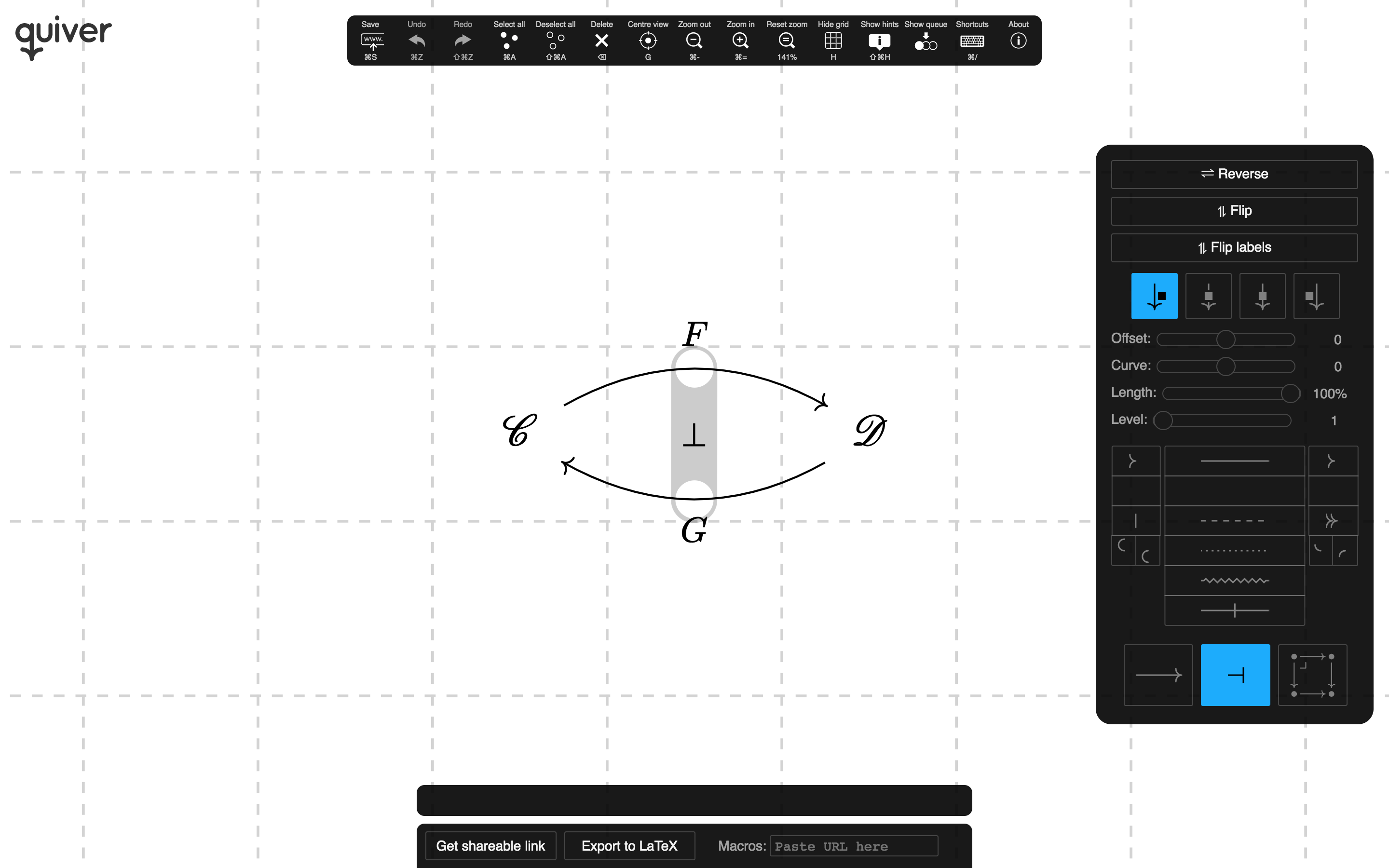
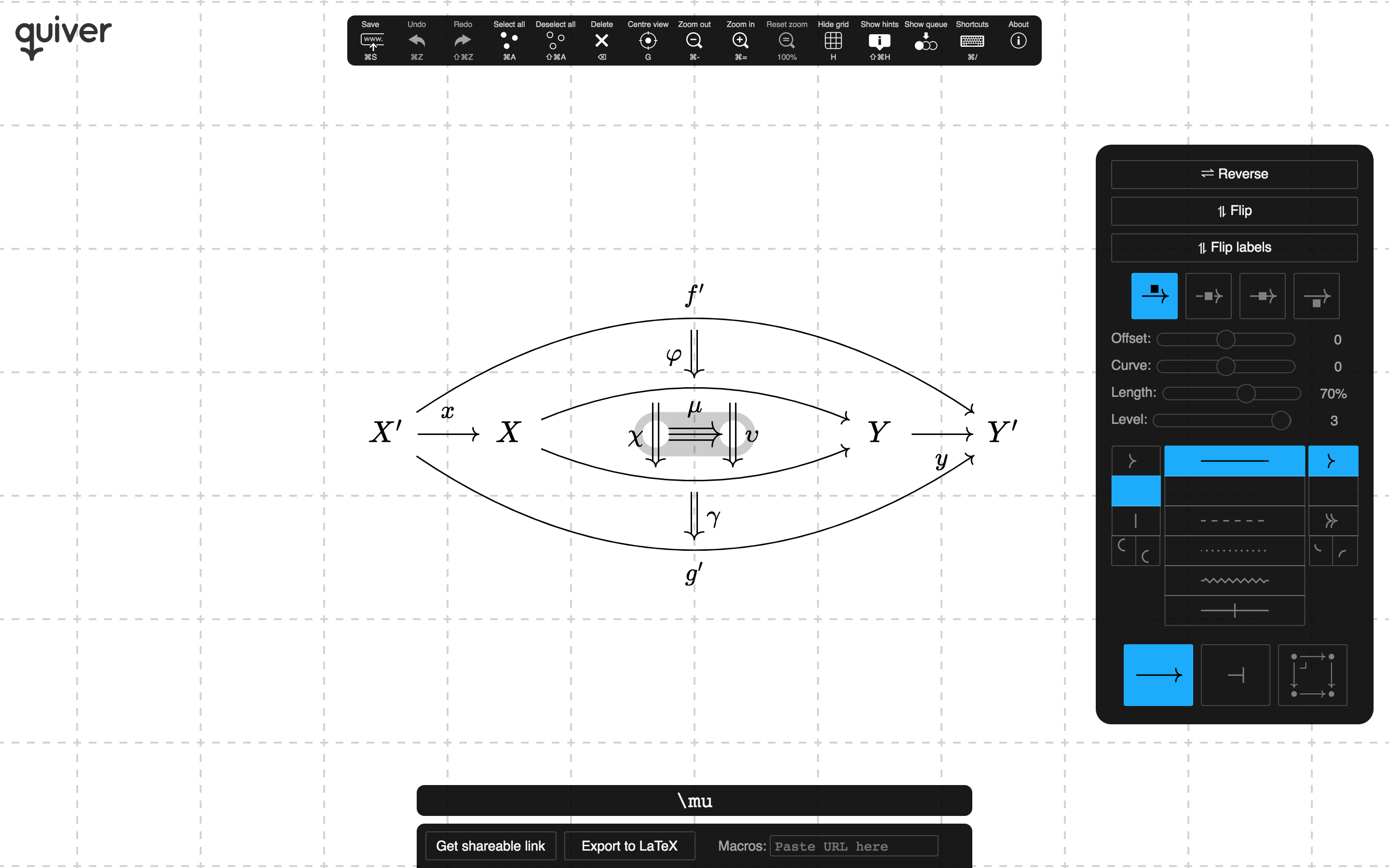
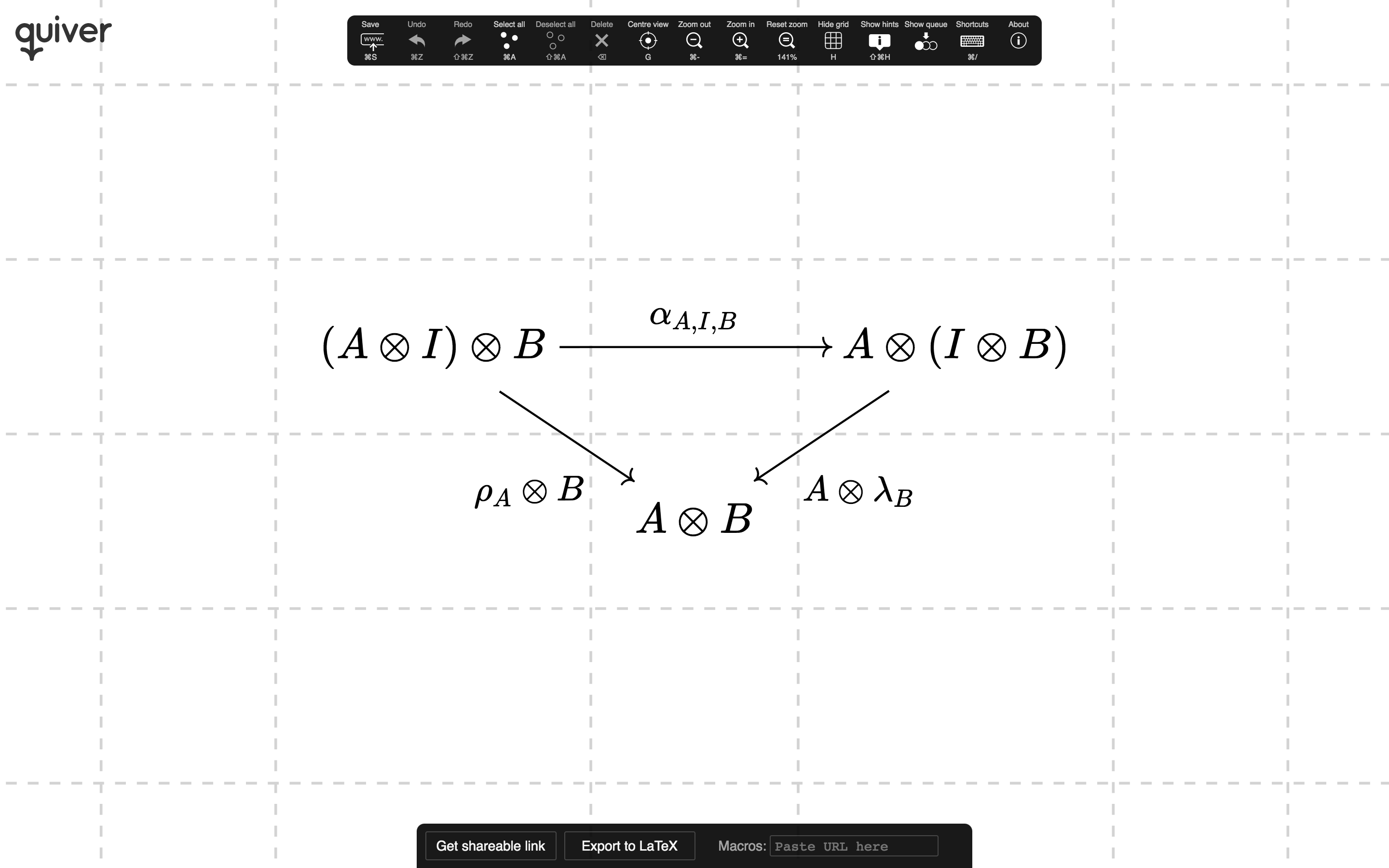
quiver features an efficient, intuitive interface for creating complex commutative diagrams and
pasting diagrams. It's easy to draw diagrams involving pullbacks and pushouts,
adjunctions,
and higher cells.
Object placement is based on a flexible grid that resizes according to the size of the labels.
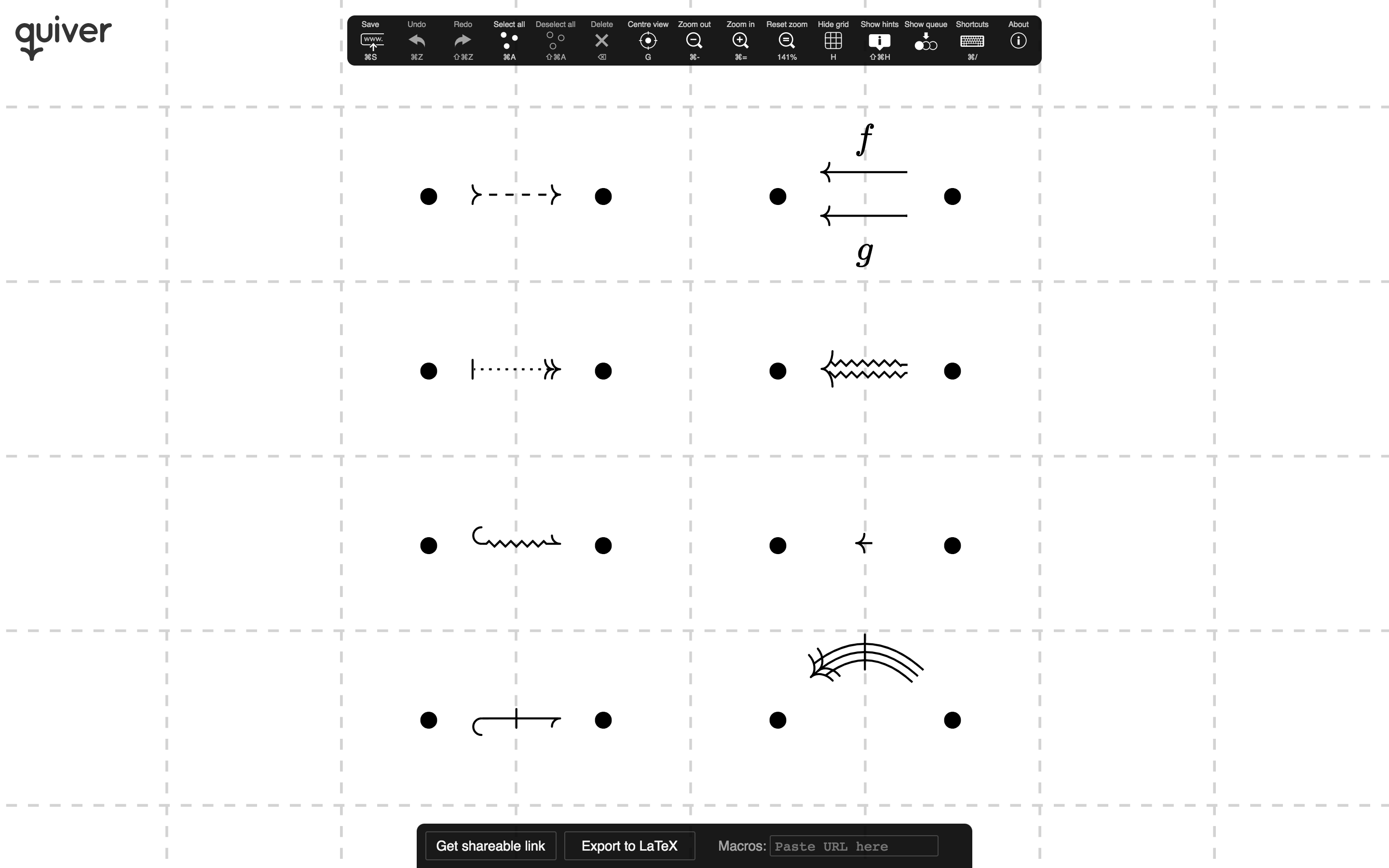
There is a wide range of composable arrow styles.
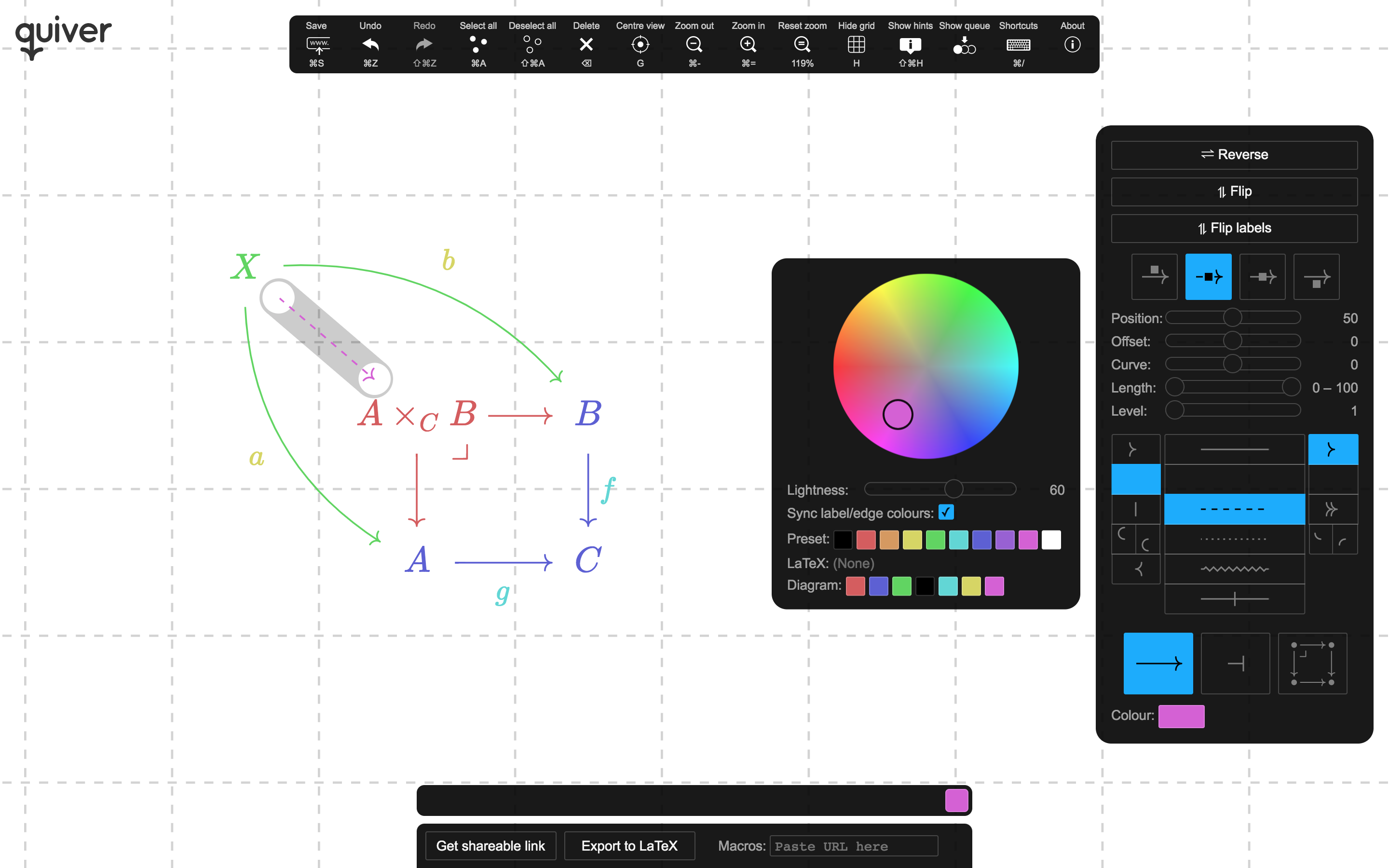
And full use of colour for labels and arrows.
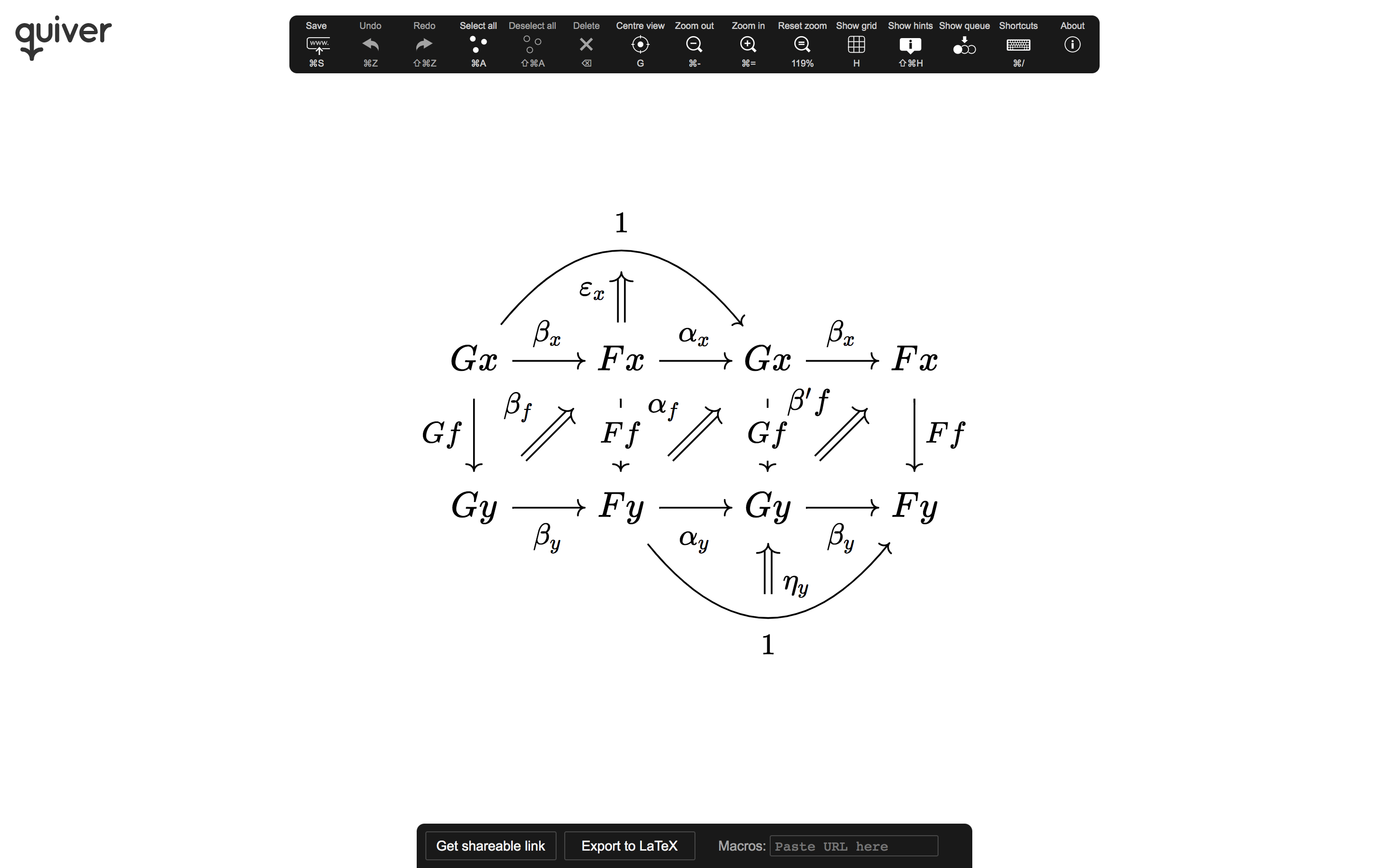
quiver is intended to look good for screenshots, as well as to export LaTeX and Typst that looks
as close as possible to the original diagram.
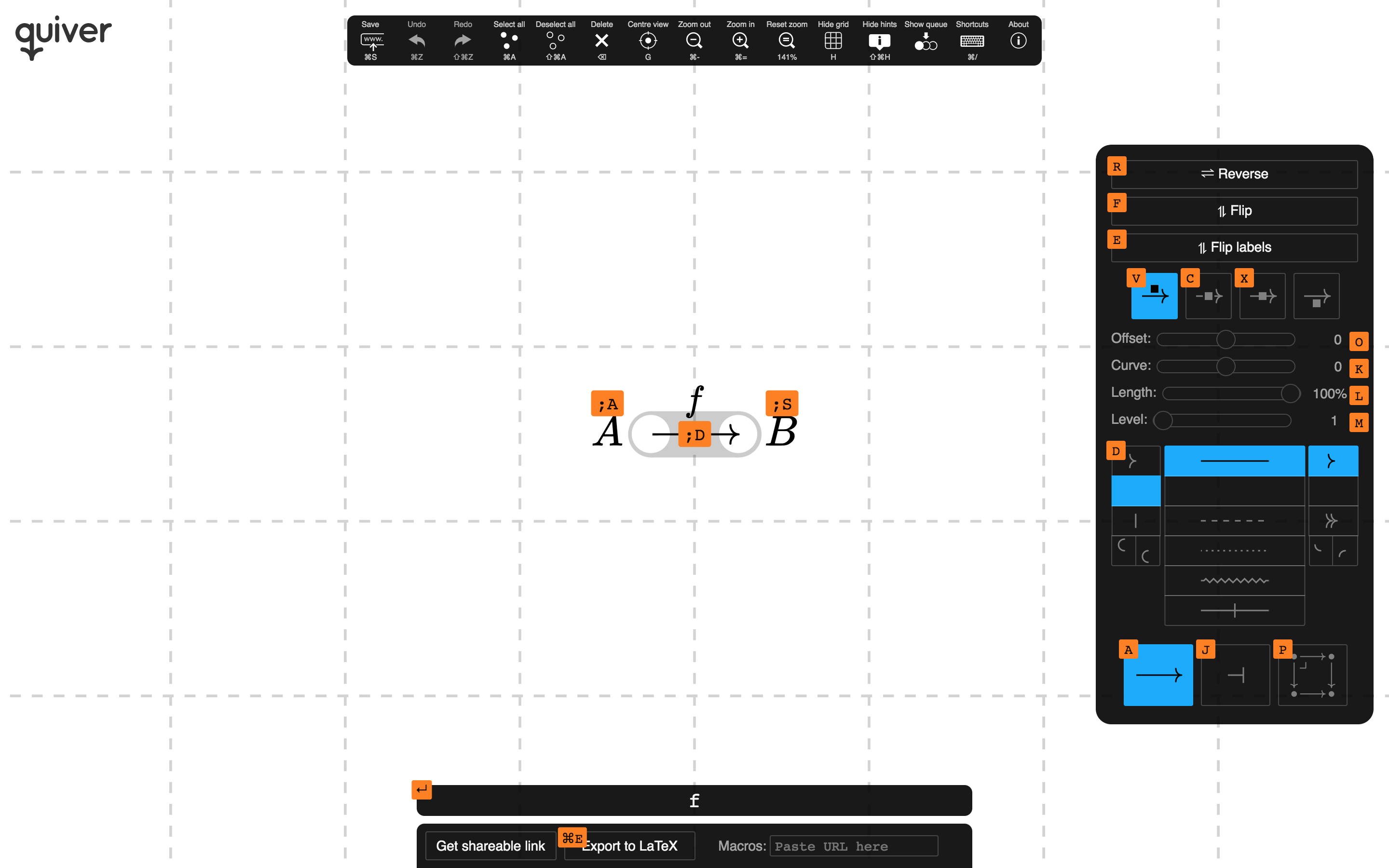
Diagrams may be created and modified using either the mouse, by clicking and dragging, or using the keyboard, with a complete set of keyboard shortcuts for performing any action.
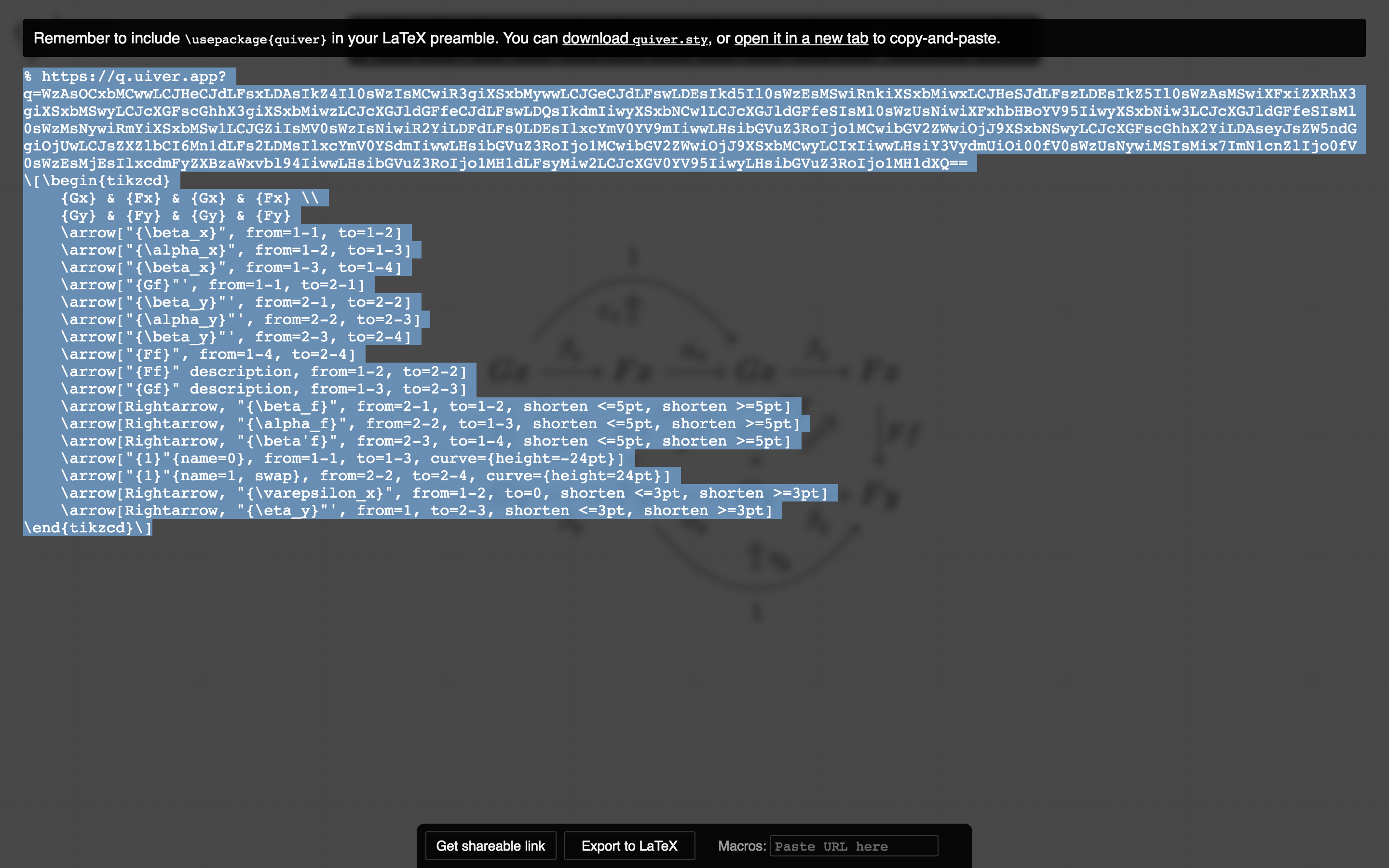
When you export diagrams to LaTeX or Typst, quiver will embed a link to the diagram, which will allow you
to return to it later if you decide it needs to be modified, or to share it with others.
Other features
- Multiple selection, making mass changes easy and fast.
- A history system, allowing you to undo/redo actions.
- Support for custom macro definitions: simply paste a URL corresponding to the file containing your
\newcommands. - Export embeddable diagrams to HTML.
- Panning and zooming, for large diagrams.
- Smart label alignment and edge offset.
Editor integration
See Editor integration on the quiver
wiki.
Building
Run make from the command line, and then open src/index.html in your favourite web browser.
If this fails, you might be using an incompatible version of Make or Bash. In this case, you can
manually download the latest release of KaTeX and place
it under src/ as src/KaTeX/. If KaTeX has not been given the correct path, you will get an
error telling you that KaTeX failed to load.
quiver must be run through localhost. If you have Python installed, an easy solution is to
run:
make serve
in the quiver directory and then open localhost:8000 in browser.
If you have any other problems building quiver, open an
issue detailing the problem and I'll try to help.
Thanks to
- S. C. Steenkamp, for helpful discussions regarding the
aesthetic rendering of arrows. - AndréC, for the custom TikZ style for
curves of a fixed height. - Andrew Stacey, for the custom TikZ style
for shortened curves. - Théophile Cailliau, for implementing Typst support.
- Nathan Corbyn, for adding the ability to export embeddable diagrams
to HTML. - Paolo Brasolin, for adding offline support.
- Carl Davidson, for discussing and prototyping loop rendering.
- Everyone who has improved quiver by submitting pull requests, reporting issues or suggesting
improvements.
Contributors
Showing top 9 contributors by commit count.


![dependabot[bot]](https://avatars.githubusercontent.com/in/29110?v=4)
Related Repositories

hmemcpy/milewski-ctfp-pdf
Bartosz Milewski's 'Category Theory for Programmers' unofficial PDF and LaTeX source

steshaw/plt
Programming Language Theory λΠ

yishn/tikzcd-editor
A simple visual editor for creating commutative diagrams.

bgavran/Category_Theory_Machine_Learning
List of papers studying machine learning through the lens of category theory

JasonShin/fp-core.rs
A library for functional programming in Rust

thma/LtuPatternFactory
Lambda the ultimate Pattern Factory: FP, Haskell, Typeclassopedia vs Software Design Patterns