Serve
Static file serving and directory listing
`serve` helps you serve a static site, single page application or just a static file (no matter if on your device or on the local network). It also provides a neat interface for listing the directory's contents: The project is written primarily in TypeScript, distributed under the MIT License license, first published in 2016. It has gained significant community traction with 9,872 stars and 701 forks on GitHub. Key topics include: cli, command, http, node.

serve helps you serve a static site, single page application or just a static file (no matter if on your device or on the local network). It also provides a neat interface for listing the directory's contents:
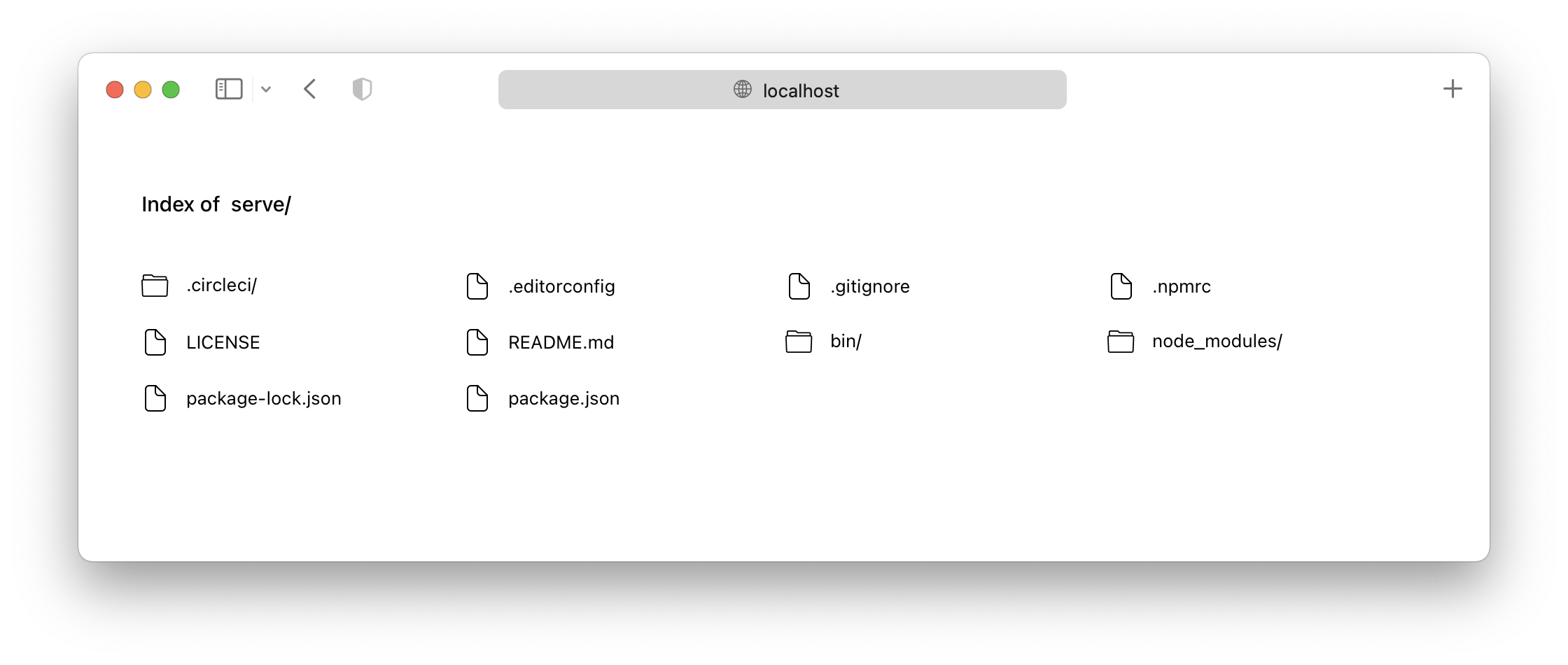
Once it's time to push your site to production, we recommend using Vercel.
Usage
servev14 onwards requires Node v14 to run. Please useservev13 if you cannot upgrade to Node v14.
The quickest way to get started is to just run npx serve in your project's directory.
If you prefer, you can also install the package globally (you'll need at least Node LTS):
bash> npm install --global serve
Once that's done, you can run this command inside your project's directory...
bash> serve
...or specify which folder you want to serve:
bash> serve folder-name/
Finally, run this command to see a list of all available options:
bash> serve --help
Now you understand how the package works! :tada:
Configuration
To customize serve's behavior, create a serve.json file in the public folder and insert any of these properties.
API
The core of serve is serve-handler, which can be used as middleware in existing HTTP servers:
jsconst handler = require('serve-handler'); const http = require('http'); const server = http.createServer((request, response) => { // You pass two more arguments for config and middleware // More details here: https://github.com/vercel/serve-handler#options return handler(request, response); }); server.listen(3000, () => { console.log('Running at http://localhost:3000'); });
You can also replace
http.createServerwithmicro.
Issues and Contributing
If you want a feature to be added, or wish to report a bug, please open an issue here.
If you wish to contribute to the project, please read the contributing guide first.
Credits
This project used to be called list and micro-list. But thanks to TJ Holowaychuk handing us the new name, it's now called serve (which is much more definite).
Author
Leo Lamprecht (@leo)
Contributors
Showing top 12 contributors by commit count.

![greenkeeper[bot]](https://avatars.githubusercontent.com/in/505?v=4)


![dependabot[bot]](https://avatars.githubusercontent.com/in/29110?v=4)