

Mapkit android demo
MapKit Android demo
Yandex MapKit and NaviKit are cross-platform libraries that let you use the capabilities of Yandex Maps in mobile applications for iOS and Android. Learn more about the MapKit and NaviKit SDKs on the [documentation](https://yandex.ru/dev/mapkit/doc/en/?from=github-demo) page. The project is written primarily in Kotlin, distributed under the Other license, first published in 2018. Key topics include: android, mapkit, mapkit-android-demo, maps, yandex.
Yandex MapKit and NaviKit Demo Apps
Yandex MapKit and NaviKit are cross-platform libraries that let you use the capabilities of Yandex Maps in mobile applications for iOS and Android. Learn more about the MapKit and NaviKit SDKs on the documentation page.
For a quick start development with the MapKit and NaviKit SDKs visit the following pages:
The current repository contains sample code for how to use the MapKit and NaviKit SDKs for Android applications.
Project structures
There are three Android projects in the repository:
-
mapkit-samples: Contains several Android applications with sample code in Kotlin, all of which are demonstrated in the MapKit SDK Tutorials documentation.-
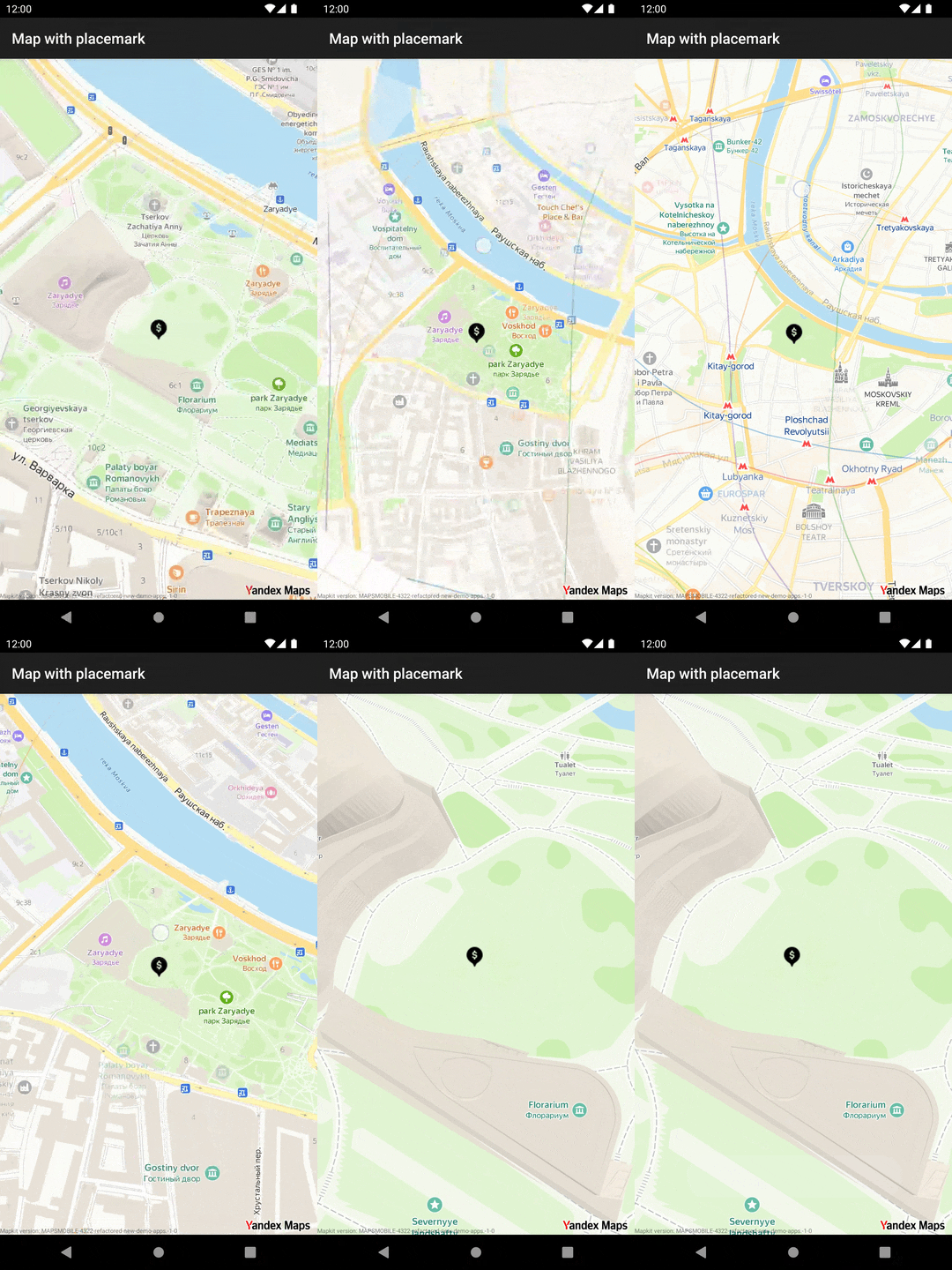
map-with-placemark: A simple MapKit SDK application with Getting started with MapKit for Android information. -
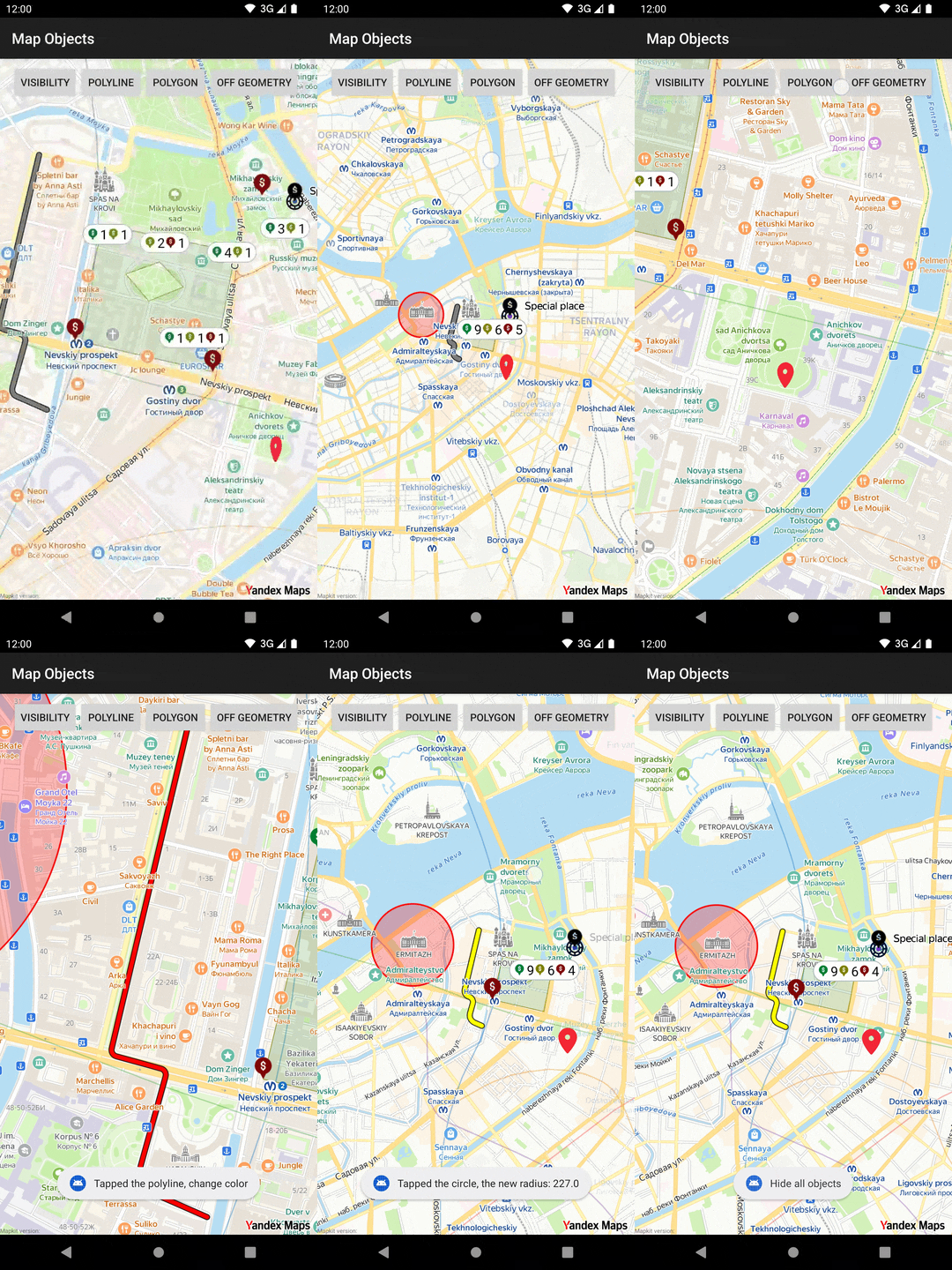
map-objects: Using the Map Objects API to add objects to the map. -
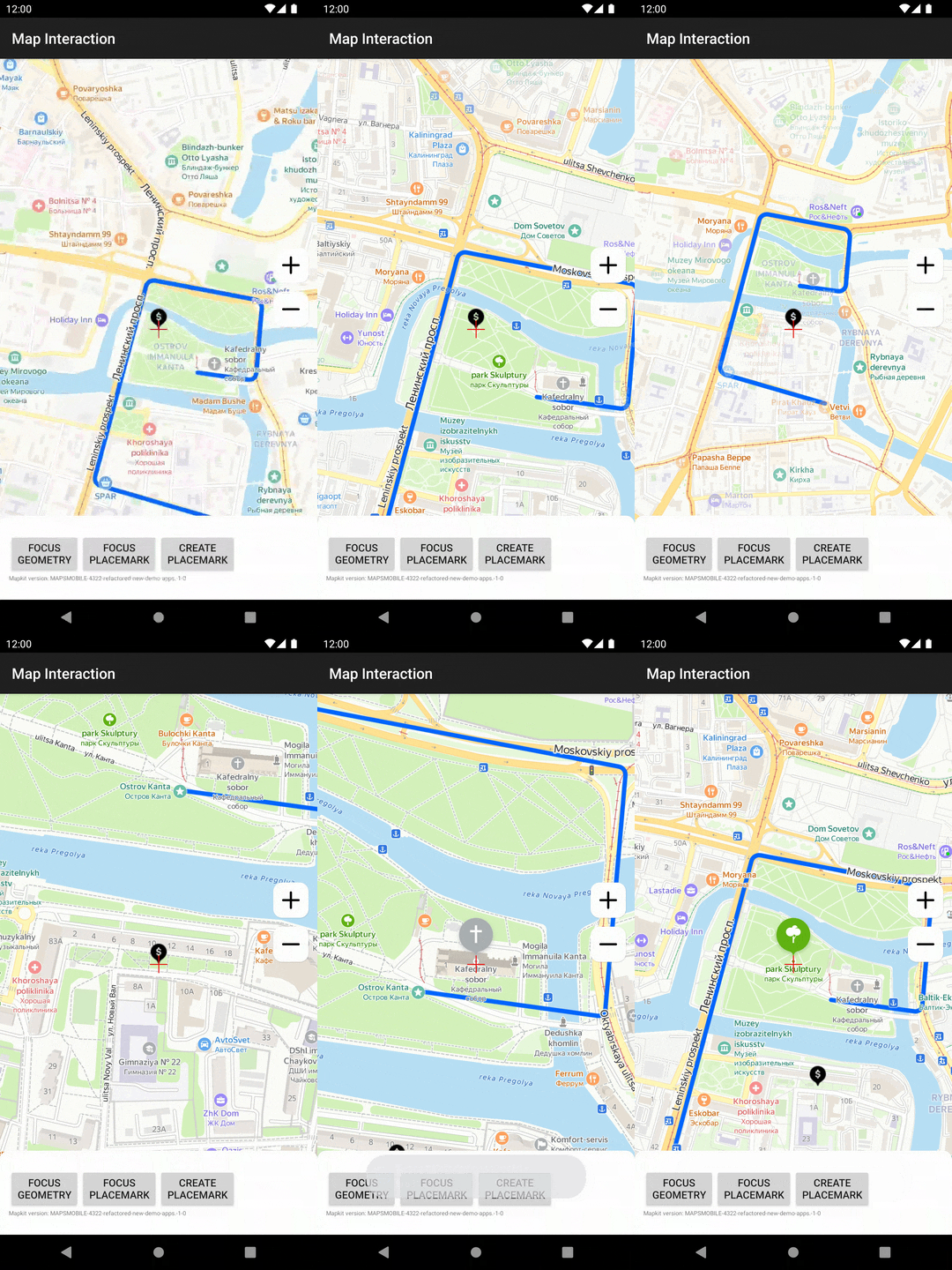
map-interaction: Examples from the Map Interaction tutorial. -
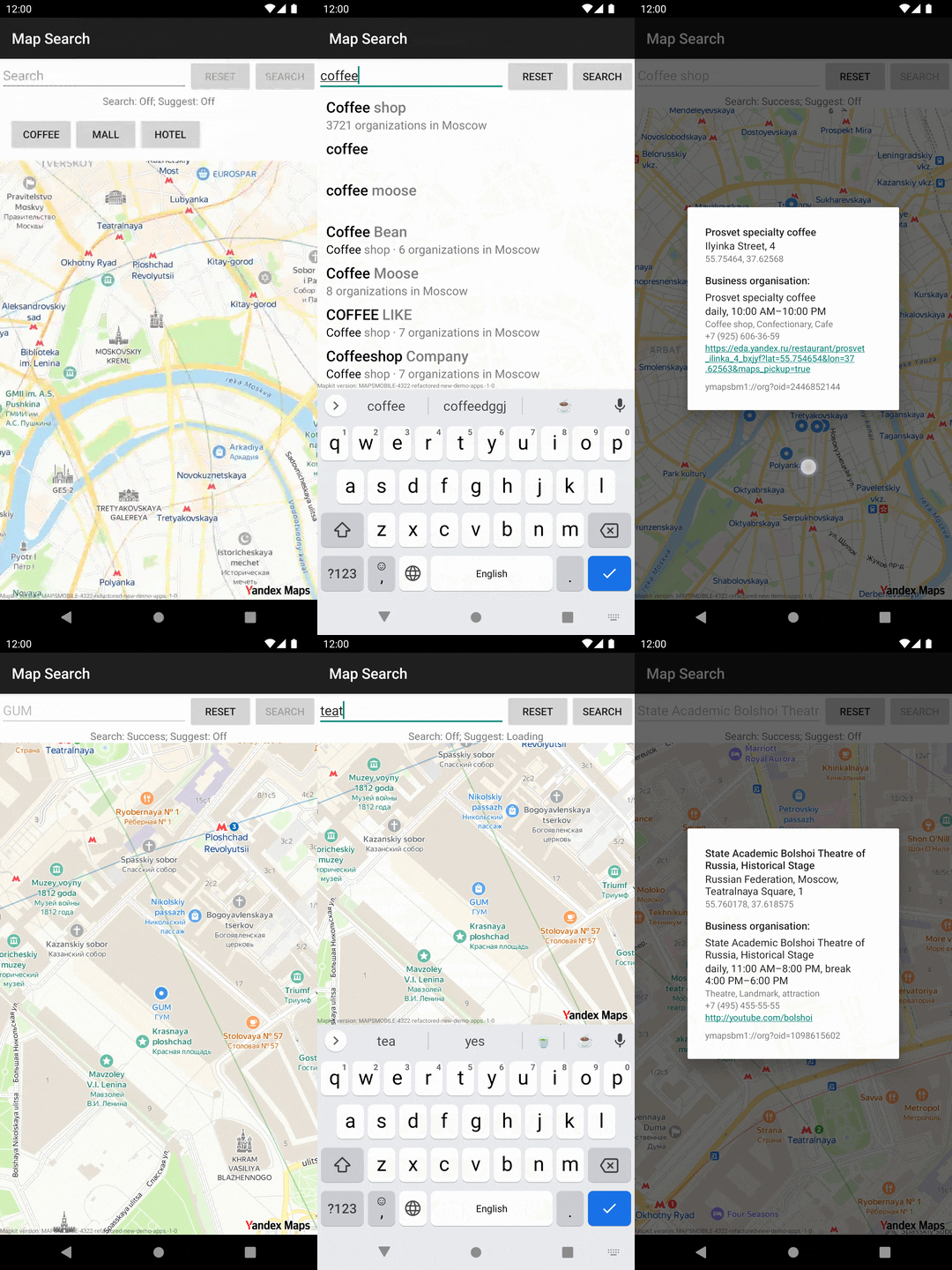
map-search: Examples of how to use the Search and Geosuggest functionality. -
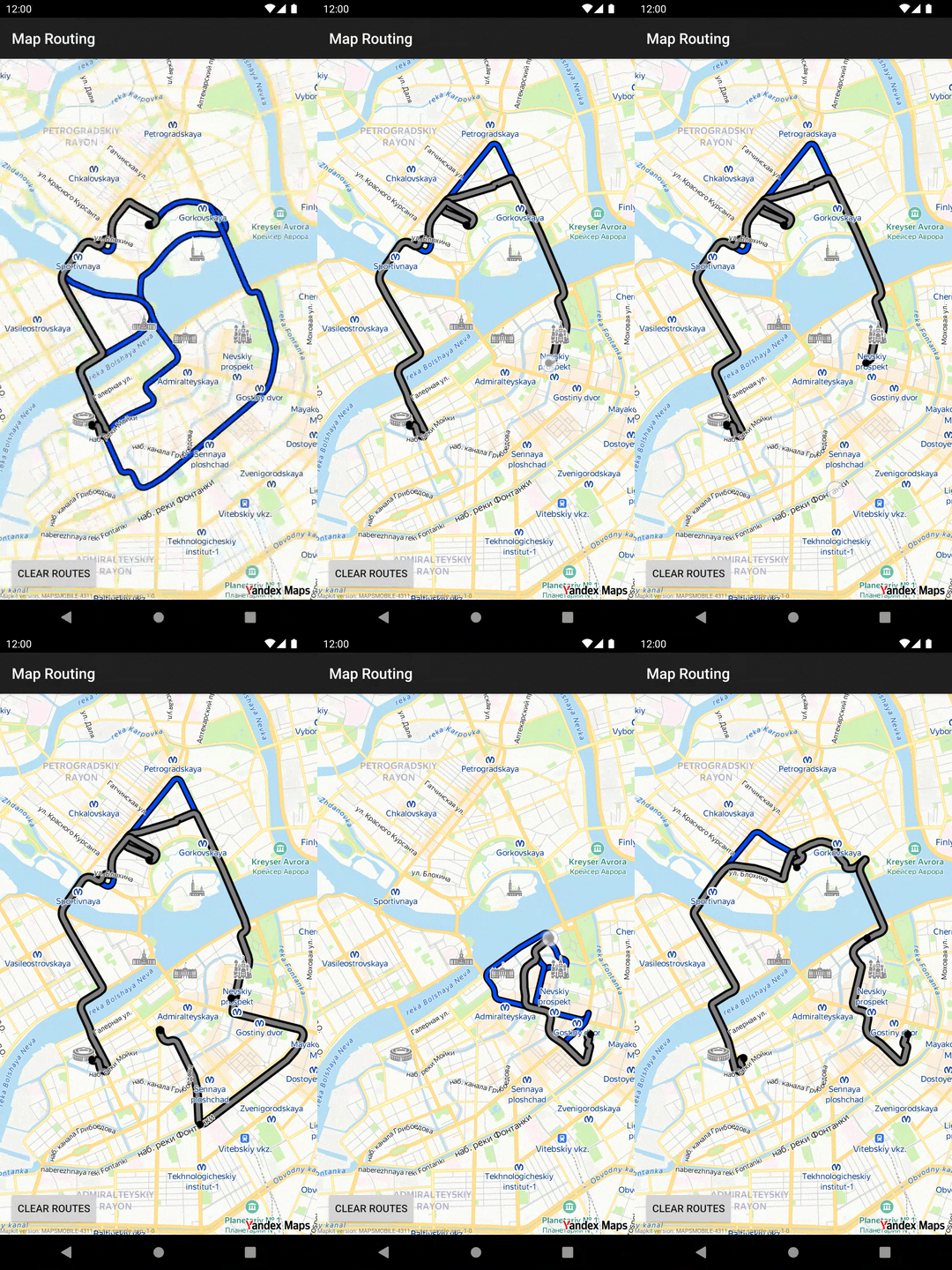
map-routing: About the Routes and Routing API. -
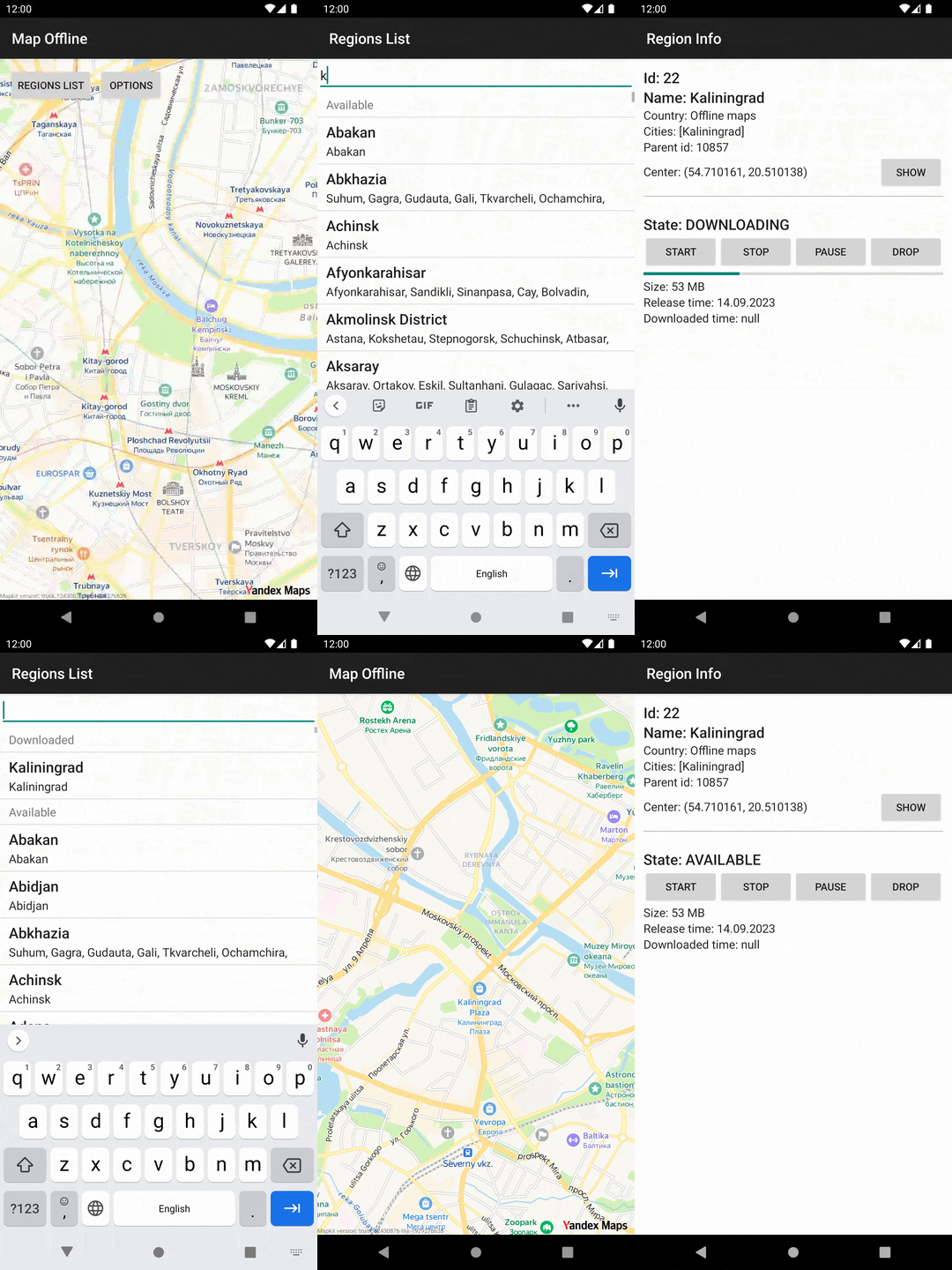
map-offline: Examples of using the Offline Maps API for working with MapKit's maps without the internet.
-
-
mapkit-demo: A demo application in Java that contains the basic functionality of the lite and full MapKit SDK versions. It is not supported with Tutorials documentation, unlike themapkit-samplesproject. -
navikit-demo: A demo application showcasing the basic navigation features you can implement with NaviKit SDK.
Build locally
-
Clone the repository:
shgit clone https://github.com/yandex/mapkit-android-demo.git -
MapKit SDK demo application and samples require API key. You can get a free MapKit API key in the Get the MapKit API Key documentation. The instruction on how to obtain NaviKit API key is described in the [documentation] (https://yandex.ru/dev/mapkit/doc/en/android/generated/navigation/getting_started#get-key).
-
Depending on the project you want to build, follow the steps in the following sections.
mapkit-samples
-
Open or create the project's
local.propertiesfile. Add the following property with your API key value in place of theYOUR_API_KEYplaceholder:propertiesMAPKIT_API_KEY=YOUR_API_KEY -
Choose a target in Android Studio for build, or use a CLI build with gradle wrapper:
sh./gradlew :map-with-placemark:assembleRelease
mapkit-demo
-
Open the
MainApplication.javaand edit theMAPKIT_API_KEYfield, setting its value with your API key in place of theyour_api_keyplaceholder:javaprivate final String MAPKIT_API_KEY = "your_api_key"; -
Run the mapkit-demo target in Android Studio or use the CLI build with gradle wrapper:
sh./gradlew assembleLiteRelease # Lite MapKit samples only ./gradlew assembleFullRelease # Lite and full
navikit-demo
-
Open or create the project's
local.propertiesfile. Add the following property with your API key value in place of theYOUR_API_KEYplaceholder:propertiesMAPKIT_API_KEY=YOUR_API_KEY -
Run the app target in Android Studio or use the CLI build with gradle wrapper:
sh./gradlew assembleRelease
Support
If you have problems or suggestions while using MapKit or NaviKit SDK, visit the contact page.
Sample overview
| map-with-placemark <br>Demonstrates how to create a MapKit map, move<br>it, and display custom tappable placemarks. | map-objects <br>How to display different objects on the map, including:<br>images, geometries, and clusterized collections. |
|---|---|
 |  |
| map-interaction<br> About interacting with the MapKit map using <br>camera movements, tap actions, focus rect <br> and focus point, and interactions with POIs. | map-search <br>Shows how to use Search and Geosuggest <br>functionality in the full MapKit SDK. |
|---|---|
 |  |
| map-routing<br> Building routes using requested map points. | map-offline <br> How to download offline maps to use<br> them without the internet. |
|---|---|
 |  |
Contributors
Showing top 11 contributors by commit count.


Related Repositories

flutter/flutter
Flutter makes it easy and fast to build beautiful apps for mobile and beyond

Genymobile/scrcpy
Display and control your Android device

react/react-native
A framework for building native applications using React

justjavac/free-programming-books-zh_CN
:books: 免费的计算机编程类中文书籍,欢迎投稿

rustdesk/rustdesk
An open-source remote desktop application designed for self-hosting, as an alternative to TeamViewer.

Hack-with-Github/Awesome-Hacking
A collection of various awesome lists for hackers, pentesters and security researchers