

Cronomix
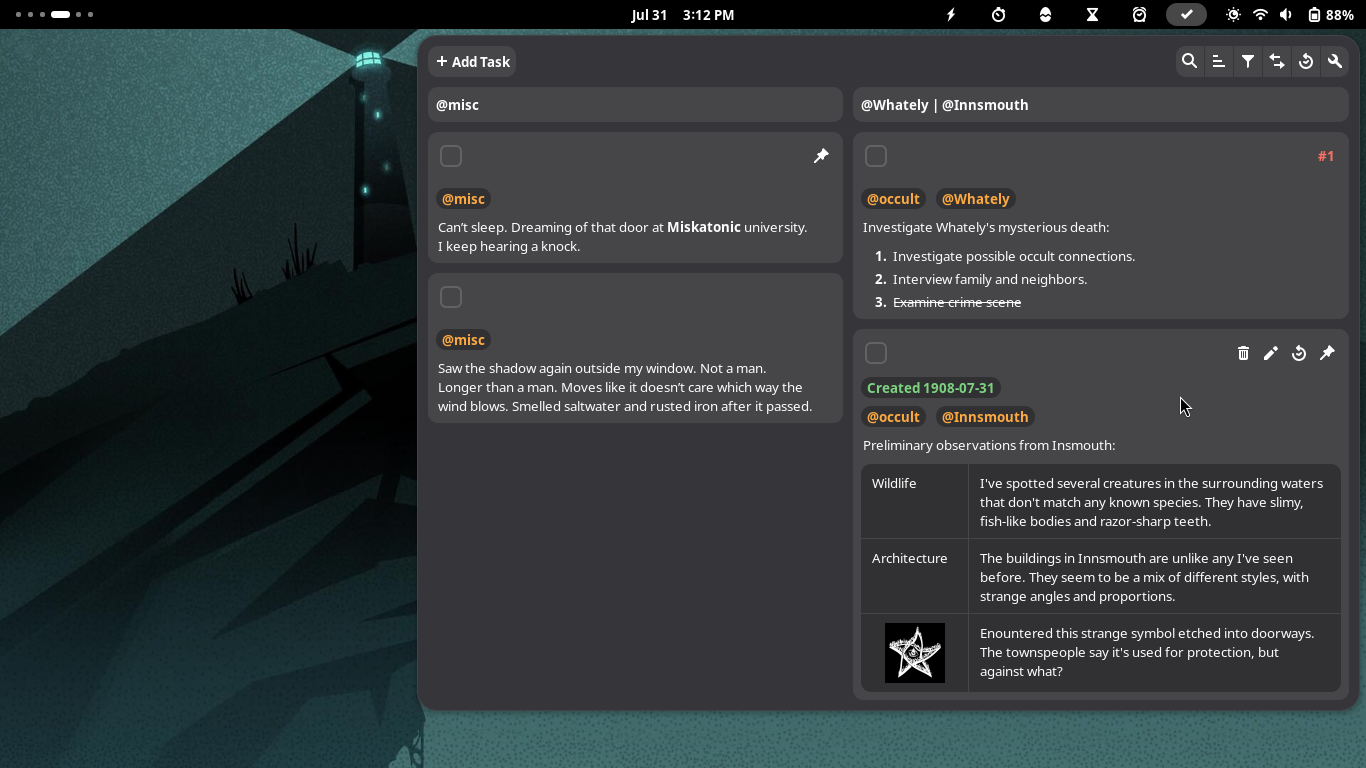
All-in-one timer, stopwatch, pomodoro, alarm, todo, time tracker and flashcards gnome-shell extension
**All-in-one timer, stopwatch, pomodoro, alarm, todo, time tracker and flashcards gnome-shell extension.** The project is written primarily in TypeScript, distributed under the MIT License license, first published in 2017. Key topics include: alarm, flashcards, gnome-shell-extension, stopwatch, time-tracker.
Cronomix
All-in-one timer, stopwatch, pomodoro, alarm, todo, time tracker and flashcards gnome-shell extension.

Installation
- The latest version supports gnome-shell 49 and 50.
- The latest and older versions of the extension can be installed from
the gnome website. - The latest version can also be installed manually:
- Download the extension.
- Extract into
~/.local/share/gnome-shell/extensions/. - Restart gnome-shell by logging out/in.
- Enable the extension via an extensions app.
Contributing
- Please avoid making feature requests.
- Before reporting a bug, check you have the right gnome-shell version.
- If you want to build the project, read the comment in
scripts/build.
Desktop App
Check out the desktop app at: https://github.com/zagortenay333/chronomi
Contributors
Showing top 12 contributors by commit count.


Related Repositories

keephq/keep
The open-source AIOps and alert management platform

nielsfaber/alarmo
Easy to use alarm system integration for Home Assistant

vicolo-dev/chrono
A modern and powerful clock, alarms, timer and stopwatch app for Android!

dgreif/ring
Unofficial packages for Ring Doorbells, Cameras, Alarm System, and Smart Lighting

AutohomeCorp/frostmourne
Frostmourne(霜之哀伤监控平台)是基于Elasticsearch, Prometheus, SkyWalking, InfluxDB,Mysql/TiDB,ClickHouse, SqlServer, IoTDB数据的分布式监控报警系统. Monitor & alert & alarm for Elasticsearch,Prometheus data。主要使用springboot2 + vue-element-admin

martinrusev/amon
Amon is a modern server monitoring platform.