

Pinit
Pin portable apps to the launcher
Pin shortcuts for portable apps like raw executable files, AppImage files, etc. to the app launcher on your desktop. The project is written primarily in Vala, distributed under the GNU General Public License v3.0 license, first published in 2021. Key topics include: dock, flathub, flatpak, gnome, gtk.
Pin It!
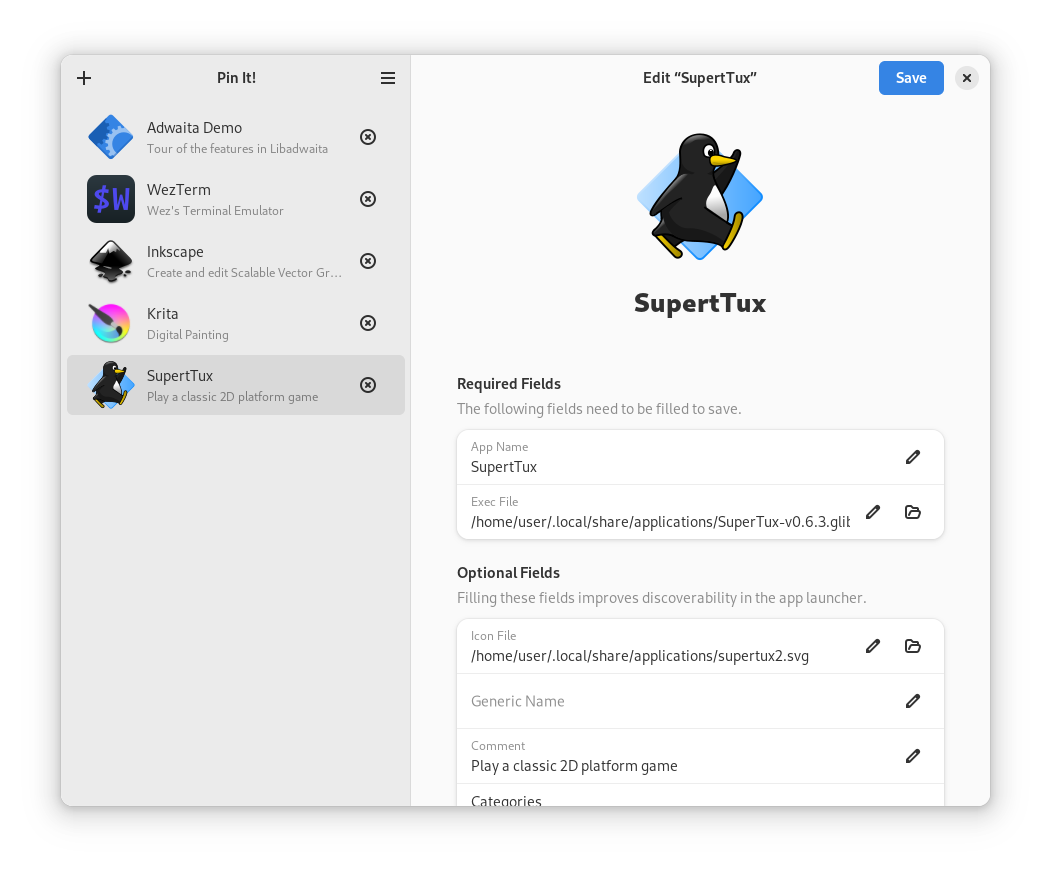
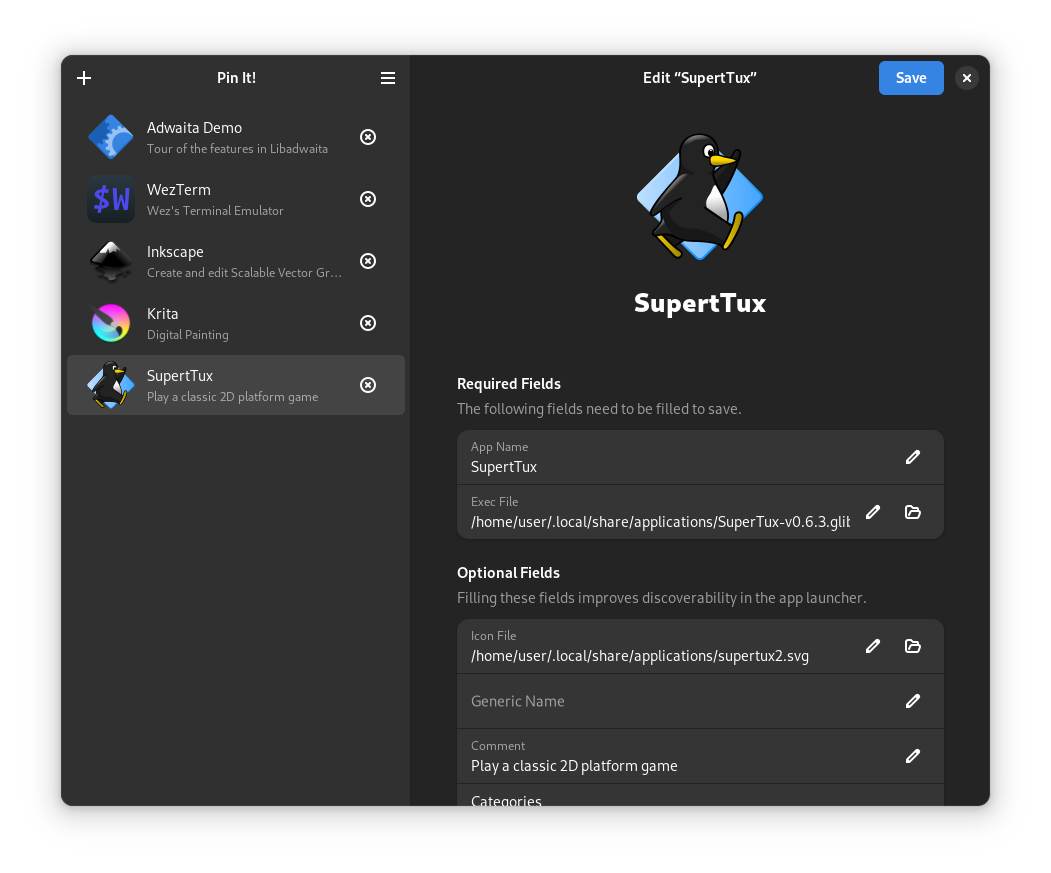
Pin shortcuts for portable apps like raw executable files, AppImage files, etc. to the app launcher on your desktop.
Other features include:
- Edit or delete created app entries without opening the file manager
- Automatically add execution permission to the file you select
Installation
From Flathub or AppCenter (Recommended)
You can install Pin It! from Flathub:
You should install Pin It! from AppCenter if you're on elementary OS. This build is optimized for elementary OS:

From Source Code (Flatpak)
You'll need flatpak and flatpak-builder commands installed on your system.
Run flatpak remote-add to add Flathub remote for dependencies:
flatpak remote-add --user --if-not-exists flathub https://dl.flathub.org/repo/flathub.flatpakrepo
To build and install, use flatpak-builder, then execute with flatpak run:
flatpak-builder builddir --user --install --force-clean --install-deps-from=flathub build-aux/flathub/com.github.ryonakano.pinit.Devel.yml
flatpak run com.github.ryonakano.pinit.Devel
From Source Code (Native)
You'll need the following dependencies to build:
- blueprint-compiler
- libadwaita-1-dev (>= 1.5.0)
- libgee-0.8-dev
- libglib2.0-dev (>= 2.74)
- libgranite-7-dev (>= 7.2.0, required only when you build with
granitefeature enabled) - libgtk-4-dev (>= 4.10)
- meson (>= 1.5.0)
- valac
Run meson setup to configure the build environment and run meson compile to build:
bashmeson setup builddir --prefix=/usr meson compile -C builddir
To install, use meson install, then execute with com.github.ryonakano.pinit:
bashmeson install -C builddir com.github.ryonakano.pinit
Contributing
Please refer to the contribution guideline if you would like to:
- submit bug reports / feature requests
- propose coding changes
- translate the project
Get Support
Need help in use of the app? Refer to the discussions page to search for existing discussions or start a new discussion if none is relevant.
History
The original idea of the app is inspired from Desktopius by Alex K.
Contributors
Showing top 12 contributors by commit count.





![dependabot[bot]](https://avatars.githubusercontent.com/in/29110?v=4)

Related Repositories

eythaann/Seelen-UI
The Fully Customizable Desktop Environment for Windows 10/11.

pock/pock
Widgets manager for MacBook Touch Bar

micheleg/dash-to-dock
A dock for the Gnome Shell. This extension moves the dash out of the overview transforming it in a dock for an easier launching of applications and a faster switching between windows and desktops.

Toxblh/MTMR
🌟 [My TouchBar My rules]. The Touch Bar Customisation App for your MacBook Pro

mathuo/dockview
Zero dependency docking layout manager supporting tabs, groups, grids and splitviews. Supports React, Vue, Angular, and vanilla TypeScript.

glzr-io/zebar
Zebar is a tool for creating customizable and cross-platform taskbars, desktop widgets, and popups.